App Store Age Ratings 2026: Ship Before Jan 31
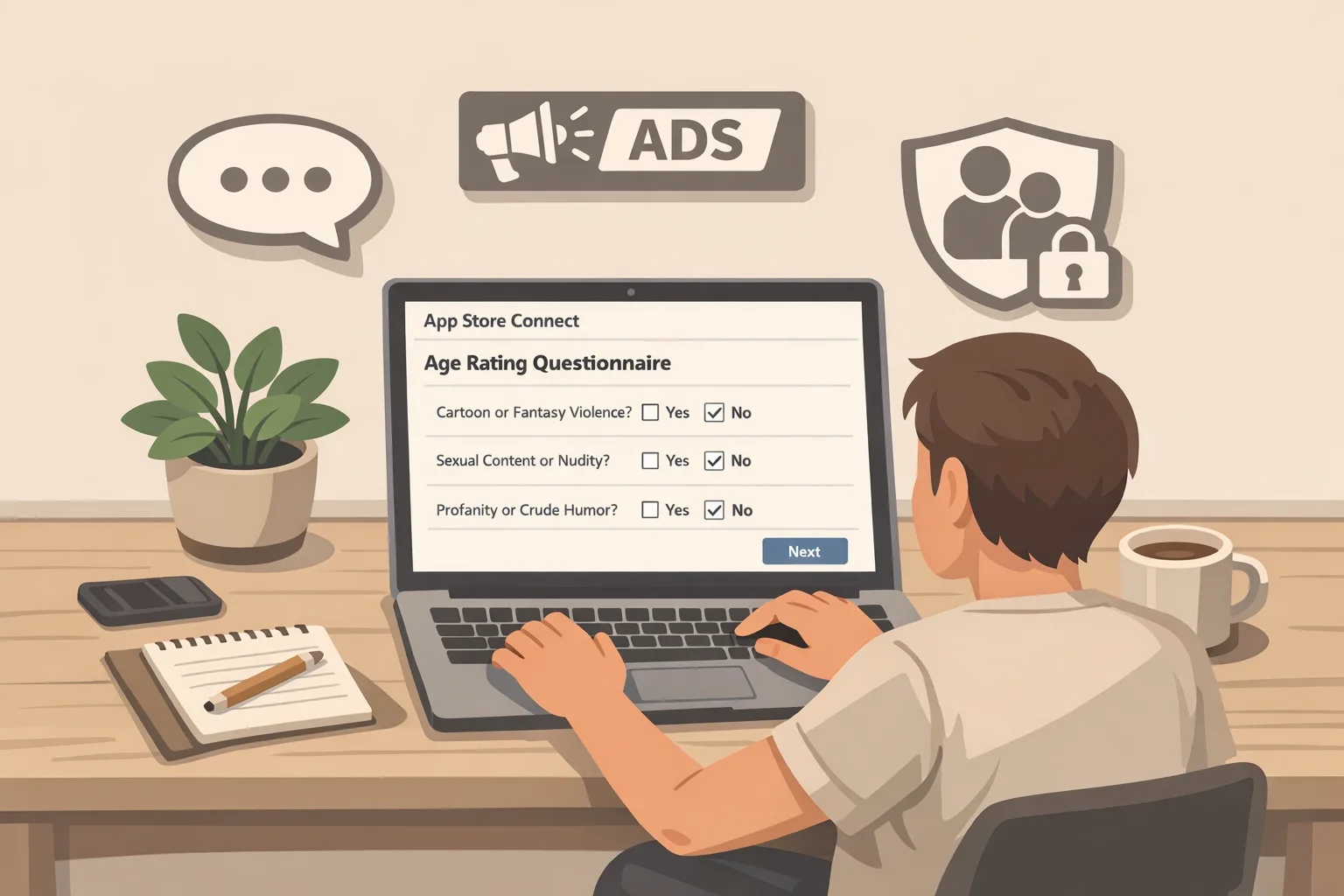
Apple’s new age ratings framework is here, and the deadline is real. To keep shipping after January 31, 2026, every developer must answer an updated set of questions in App Store Connect. If you skip it, submissions get blocked. For most teams the work is straightforward, but the edge cases—AI assistants, user‑generated content, live streams, and regional variations—can trip you up. This piece breaks down what changed, how to answer accurately, and the release tactics we use with clients to avoid surprises. We’ll also note the January 28 Google Play milestone so you can align both platforms without chaos.
What changed—and by when?
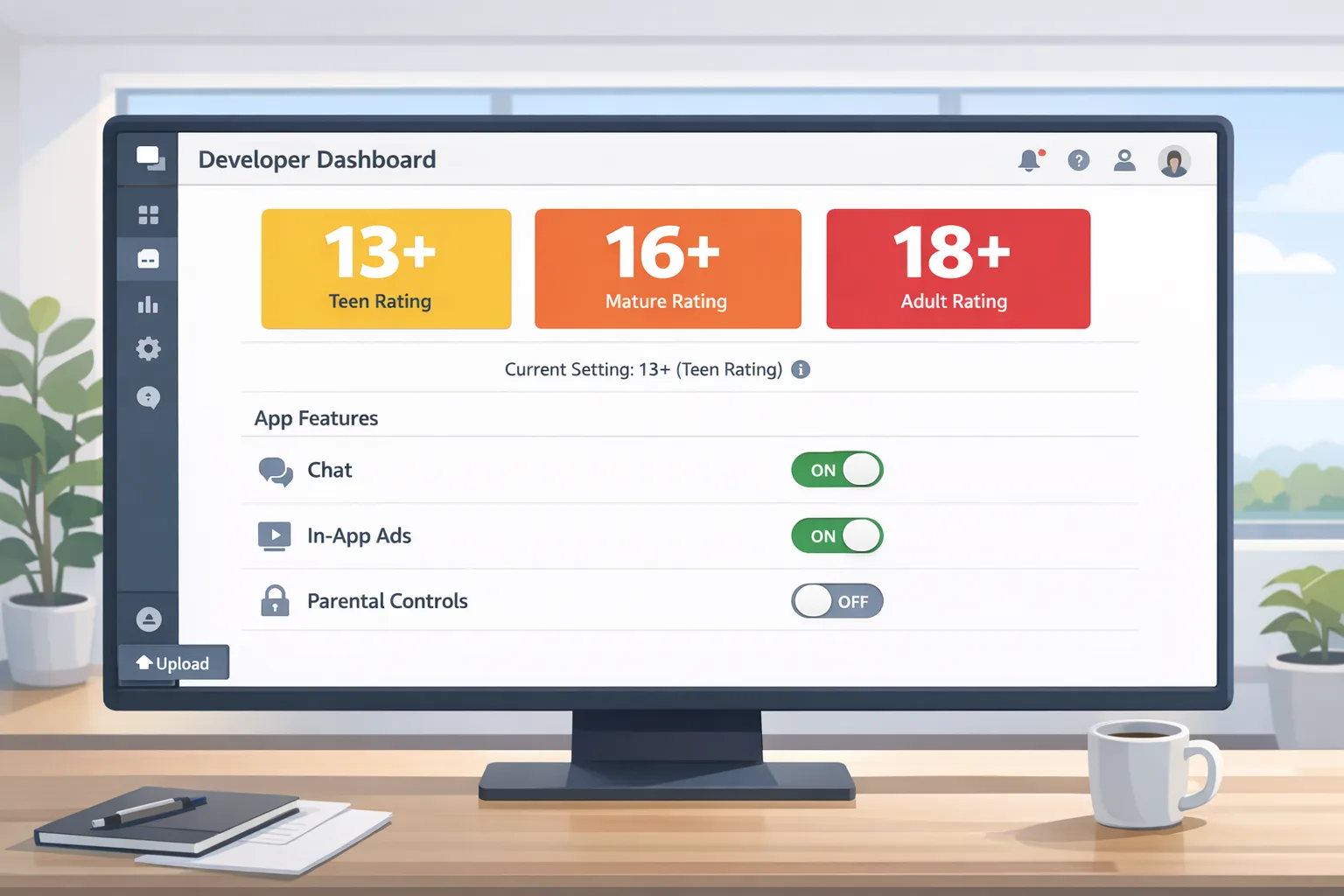
Apple expanded App Store age ratings to include three adolescent tiers—13+, 16+, and 18+—alongside existing younger tiers. The company also rewrote the App Store Connect questionnaire. The deadline that matters for your release train is January 31, 2026: if you haven’t answered the new questions by then, you won’t be able to submit app updates in App Store Connect. Practically, that means bug fixes, hot patches, and planned features will sit on the runway until you complete the form.
These ratings are integrated across Apple platforms and surface in parental controls and system UX. That’s not just policy; it affects discoverability and eligibility in family devices, Screen Time rules, and editorial placement. Treat the new labels as product requirements, not paperwork.
“App Store age ratings 2026” in plain English
Let’s translate Apple’s policy into operational checkboxes. The updated questionnaire asks about:
• In‑app controls: Can users filter, mute, block, or report content? Are parental gates available?
• Capabilities: Messaging, livestreaming, location sharing, webviews, external links, or account creation that could expose users to strangers or sensitive content.
• Medical and wellness content: Claims, assessments, mood tracking, or content that could be interpreted as guidance.
• Violent, sexual, or mature themes: Frequency and intensity, including in ads and user‑generated content (UGC).
• Monetization signals: Loot boxes, simulated gambling, and references in store listings and screenshots.
Two implementation signals frequently missed: (1) whether AI features can produce unmoderated text, images, or links; and (2) whether your app includes UGC via SDKs (comments in a community widget, chat in a support plug‑in, or an embedded forum). If the feature exists—even behind a feature flag—it must be accounted for in your answers.
How to answer the App Store Connect questionnaire without getting stuck
Here’s the process we run in audits. Do it once, document it, and you’ll reuse it for future major updates.
1) Inventory the surfaces
Walk the app from onboarding to “hard edges”: search, sharing, profile, messaging, webview flows, and any commerce steps. For each surface, note three things: who can see it (everyone, signed‑in, verified adults), what users can publish, and what you moderate automatically versus manually.
2) Tag your content sources
Break content into: first‑party static (you wrote it), first‑party dynamic (your CMS or model generates it), third‑party SDK content (ads, comments, embeds), and UGC. Ads count. If your ad stack can render mature creatives, that’s a content source and must be moderated or constrained.
3) Document controls and enforcement
For each risky surface, list available controls: block/mute/report, word filters, image classifiers, rate limits, and any parental gates. If you lack a control, either add it quickly or answer conservatively. Apple’s reviewers respond far better to a slightly stricter rating with clear controls than to optimistic answers and vague moderation.
4) Choose the stricter interpretation when unsure
Apple allows you to choose a stricter rating than the minimum your answers imply. Use that. It’s cheap insurance against intermittent issues like an ad network serving borderline creatives at 2 a.m. or an AI feature generating edgy content under load.
5) Localize the risk
Some regions expect tighter settings for the same features. Your rating applies globally, but your moderation and UI can adapt by market. If you rely on age‑gating or restricted visibility in certain countries, capture that in your reviewer notes and in your help center.
The fast path to green: a seven‑step engineering checklist
For teams sprinting toward January 31, this is the minimum we expect to ship:
• Add a profanity and unsafe‑content filter that covers text and images, tunable by region.
• Implement block/mute/report on all UGC surfaces; store reports server‑side with timestamps and content hashes.
• Gate risky features (open chat, public profiles, links) behind a server flag so you can disable quickly if review feedback arrives.
• Log moderation actions and reviewer outcomes to a dedicated table; expose a weekly audit report to product and legal.
• If you surface AI output, add a “why am I seeing this?” link and a one‑tap report button next to generations.
• Clamp down ads: restrict categories, enable “family safe” modes, and upload your content exclusions to each ad network.
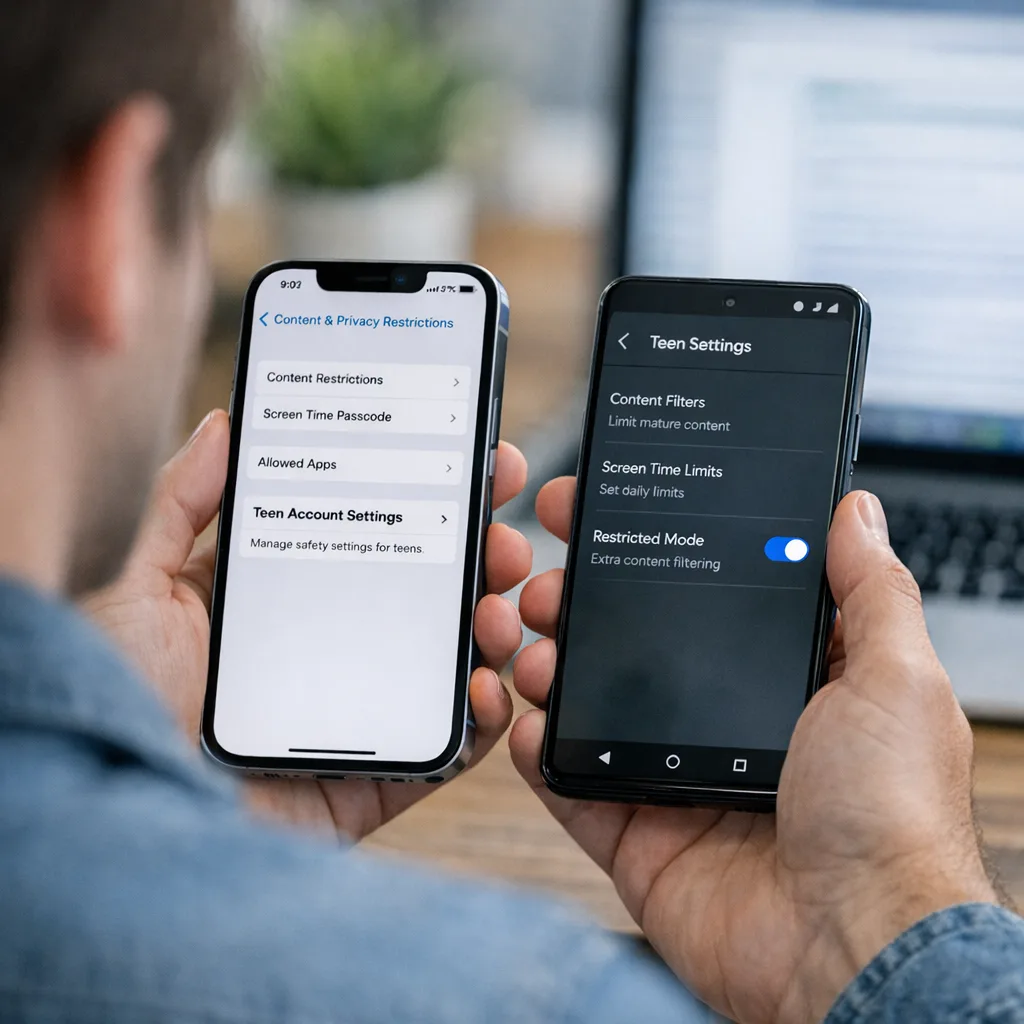
• Update your on‑device support flow so parents can find content settings in under three taps; tie into Screen Time where applicable.
Do this and your App Store Connect answers become simple statements of fact. Reviewers usually verify the presence of controls and the absence of obvious gaps, not your philosophical intent.
Product and legal: what to rewrite this week
Ratings aren’t just in the binary—they sit in your copy and screenshots. Before you press Submit:
• Store listing: Remove suggestive or violent imagery from the first two screenshots if you’re targeting younger teens.
• Descriptions: Avoid phrases implying unlimited chat with strangers unless you have strict age gating and moderation.
• Support pages: Publish a public safety page that centralizes reporting, blocking, and parental controls.
• Privacy policy: Add a short section on age‑related data practices (what you collect, how you use age signals).
• Terms: If you enforce age‑based features, say so plainly and link to an appeals path.
If your team wants deeper guidance on wording and UX, we’ve documented patterns that reduce review churn in our practical playbook on shipping without blockers on the new age ratings.
People also ask: Will the new rating block my update?
If you don’t answer the questionnaire by January 31, 2026, App Store Connect blocks app update submissions. That’s the enforcement lever that matters to engineering managers. Your current live version doesn’t vanish, but your ability to push fixes or features pauses until you comply. If your answers understate risk and review finds mismatches later, you may be required to increase the rating or add controls before a future update goes out.
People also ask: Do AI chatbots change my rating?
Often, yes. An AI assistant that can generate unmoderated content should be treated like a UGC surface. If you provide filters, disclaimers, and reporting—and you limit who can interact with whom—your app can fit within teen‑appropriate tiers. If outputs can include mature themes and you can’t reliably suppress them, you’re likely in 16+ or 18+ territory. Don’t bury AI features behind vague labels; reviewers will find and test them.
People also ask: What about ads and sponsored content?
Ads are content. If you use programmatic networks, opt into the strictest brand‑safety filters you can tolerate and keep a blocklist ready. If you accept native sponsored posts, route them through the same moderation that applies to UGC. When in doubt, set a stricter rating until you have analytics proving your filters work.
Cross‑platform reality: line up your Android train
January is a two‑front month. Google’s U.S. programs for external content links and alternative billing require enrollment and integration, with late‑January compliance milestones. If your Android app plans to link users to external purchases or downloads, you’ll be integrating Play Billing Library 8.2.1+ (external links) or 8.3+ (alternative billing), registering links in Play Console, and reporting qualifying external transactions via tokens generated at click time. Align iOS and Android release branches, and don’t ship a surprise Android policy UI if your iOS rating discussion is still in flight. For deeper Android specifics, see our fees and APIs guide to Play external links in 2026 and the field guide with implementation steps.
A practical scoring framework your team can use today
Apple doesn’t publish a points system, but you still need a fast way to get cross‑functional alignment. Use this “Content × Controls” matrix to choose a rating and to justify it in your reviewer notes.
Step A: Score content intensity (0–6)
Start at 0 for “none.” Add points: +1 for occasional mild references (cartoon violence, light suggestive humor), +2 for frequent references, +1 if real‑world depiction (not stylized), +1 if interactive/live, +1 if algorithmically generated (AI) with imperfect filters. Ads count toward frequency.
Step B: Score audience exposure (0–5)
Start at 0 for “no exposure.” Add points: +1 if content is visible to anonymous users, +1 if visible to any signed‑in user, +1 for open messaging or public profiles, +1 for link‑out surfaces that can show uncurated web content, +1 if minors are encouraged to publish.
Step C: Subtract for controls (-0 to -4)
Subtract -1 each for effective pre‑moderation, real‑time filtering, robust user reporting/blocking, and parental/age gates tied to system settings.
Map the result
• 0–2: Generally safe for 9+; verify copy and screenshots.
• 3–4: Likely 13+ if controls are strong.
• 5–6: Lean 16+ unless you can reduce exposure.
• 7+: You’re in 18+ or need feature restrictions before you submit.
This isn’t canonical, but it forces a tangible conversation. If your PM argues for 13+, ask which controls reduce the score. If the answer is “we’ll moderate manually,” raise the rating or cut scope.
Gotchas we’ve seen in real submissions
• Translations: A perfectly clean English UI can become suggestive in another language if your community slang filters are weak. Localize your blocklists.
• Webviews: Embedded browsers can display uncurated content; if a user can open arbitrary links, treat it as exposure.
• SDK creep: A chat SDK added for support becomes a general chat. Lock it down to tickets only.
• AI prompts: Harmless prompts can lead to unsafe completions when users push them. Constrain system prompts and add guardrails for images.
• Live: “Temporary” livestream trials still count. If the feature flag exists in production, reviewers may encounter it.
• Ads after midnight: Many ad networks loosen targeting in low‑fill hours. Configure 24/7 brand‑safety, not daytime‑only.
Testing: the four scenarios reviewers actually try
Before you submit, run these flows on a fresh device:
1) Minor account on a supervised device: Can the user access risky surfaces? Are content filters active by default?
2) Anonymous user: What can they see or post before sign‑in? Can they message or follow anyone?
3) Link‑out flow: If you open a webview or external browser, is inappropriate content reachable in two taps?
4) AI output: Try adversarial prompts. Can the model generate content that conflicts with your target rating?
Team workflow: how to keep this from becoming a fire drill next quarter
Build a two‑page “Age & Safety” doc in your repo. Page one: current rating, controls table, and known gaps. Page two: reviewer notes templated per release. Assign a single owner in product plus a backup in engineering. During backlog grooming, tag any ticket that affects exposure or content with “rating-impact.” If legal is short on time, use the doc to focus their review on real risk, not hypotheticals.
What to do next
For developers:
• Complete the App Store Connect questionnaire now; prepare reviewer notes and screenshots that highlight controls.
• Audit UGC and AI surfaces; add block/mute/report, filters, and a kill‑switch flag.
• Lock ad networks to strict categories; publish your exclusions list internally.
• Run the four reviewer scenarios; fix anything that fails.
• If you’re also shipping Android policy changes this month, coordinate with the team implementing external links so your UX and copy are consistent. Use our hands‑on Play external links field guide as a checklist.
For founders and product leaders:
• Commit to a target rating and the KPIs it implies (install conversion, CPMs, and parental friction).
• Empower moderation: budget for tooling and a weekly audit review across product, growth, and legal.
• Publish a public safety page; it reduces support load and helps in review escalations.
• Timebox January releases: iOS questionnaire first, then your Android policy work, then feature releases. No heroics on January 30.
Want a second set of eyes on your flows? Our team ships this work every week. See what we do for mobile teams, skim our portfolio of shipped apps, or just reach out. If you’re already deep into implementation, our quick reference on age signals to ship now can save a sprint.





Comments
Be the first to comment.