
Xcode 26 Requirement: Ship by April 28 With This Plan
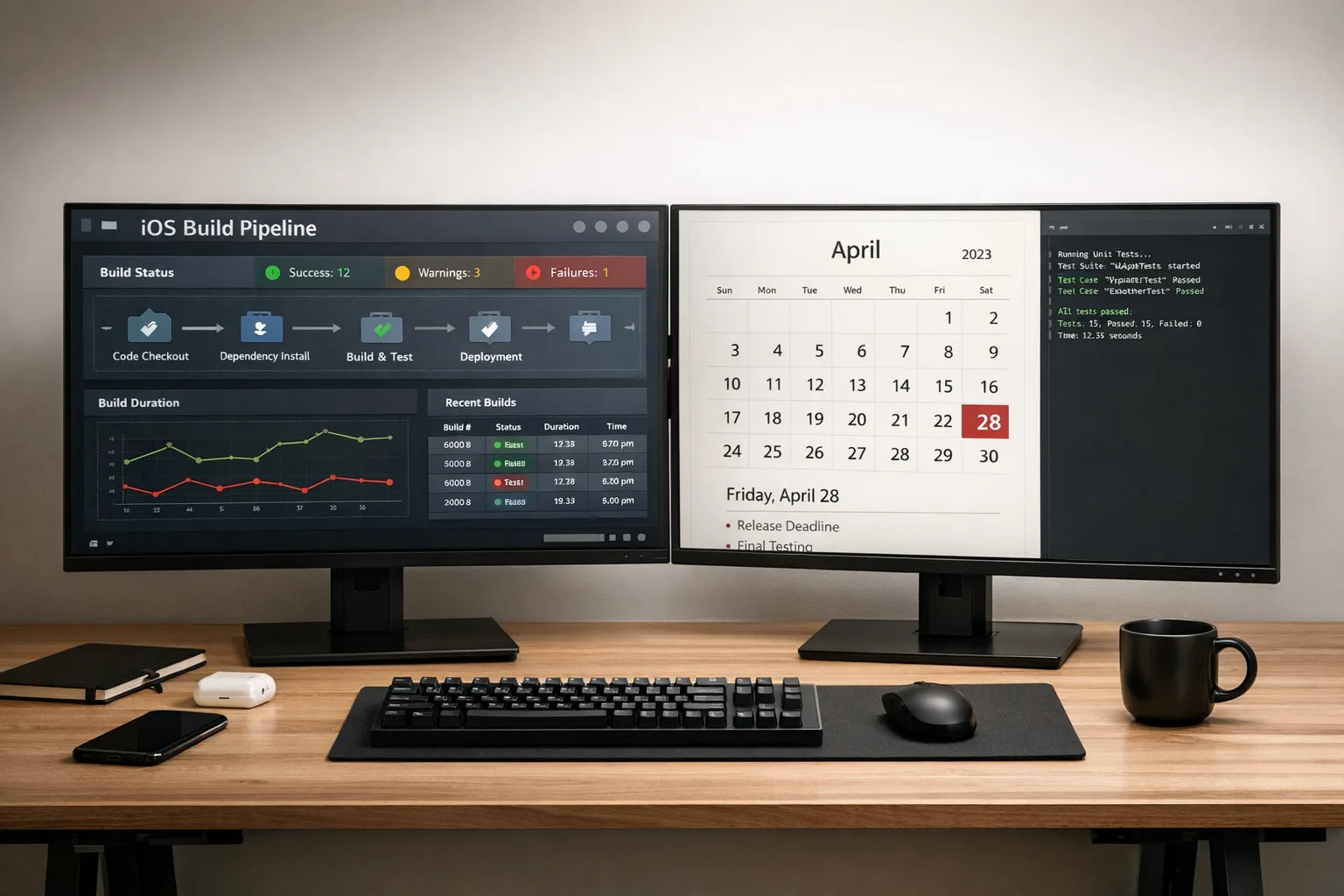
Apple has set a hard date. Beginning April 28, 2026, new apps and updates uploaded to App Store Connect must be built with Xcode 26 using the iOS 26 (and sibling platform) SDKs. If you’ve been heads‑down on features, now’s the moment to pivot. The Xcode 26 requirement isn’t paperwork—it’s a build‑time gate that will block your release train if you treat it like an afterthought. (developer.apple.com)

What actually changed—and the dates that matter
Here’s the thing: this isn’t one change, it’s a cluster of policy and tooling shifts that collide in Q1–Q2 2026. Nail these dates to your wall.
• April 28, 2026: App Store submissions must use Xcode 26 and SDKs for iOS/iPadOS 26, tvOS 26, watchOS 26, and visionOS 26. Older toolchains will be rejected by App Store Connect. (developer.apple.com)
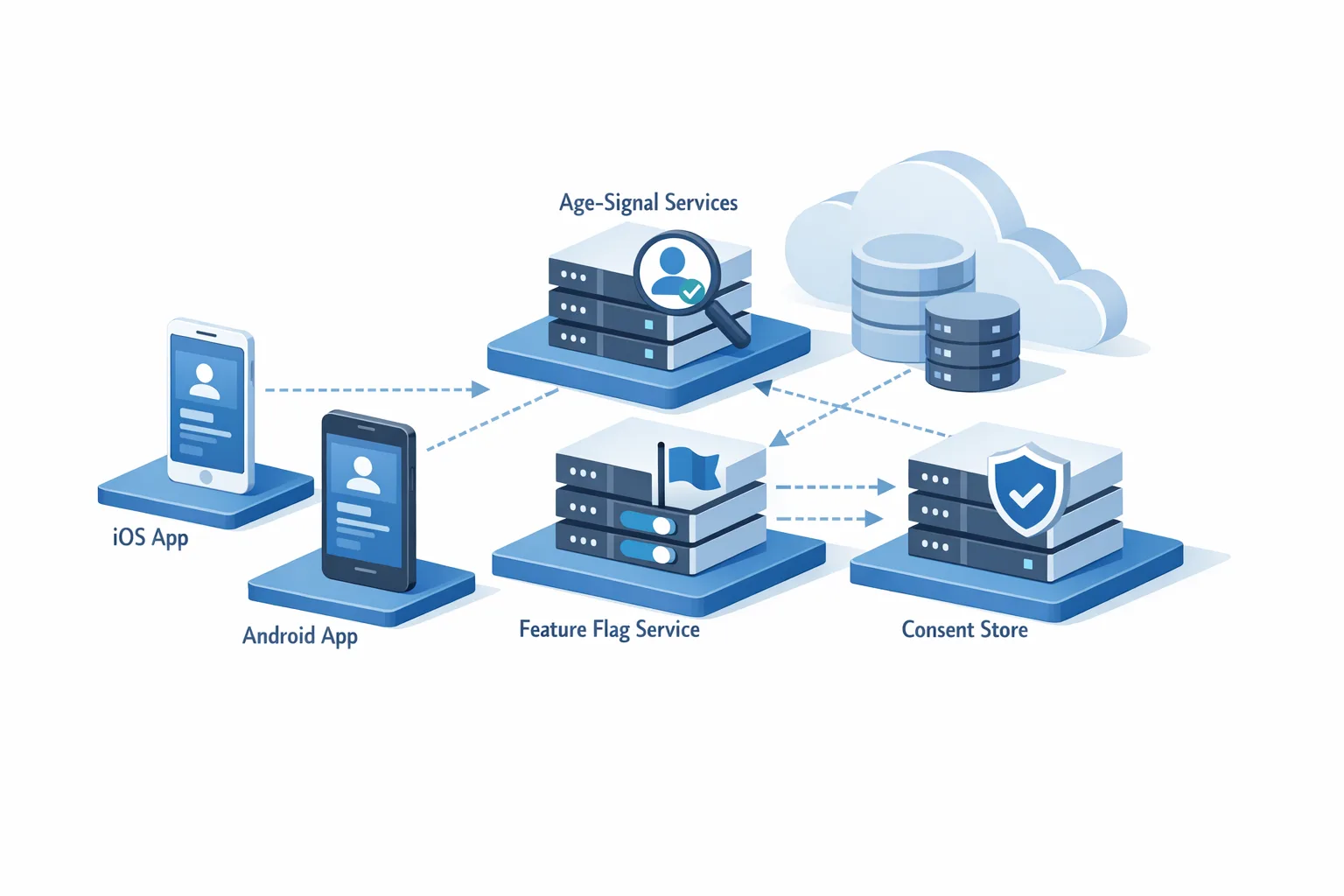
• January 31, 2026: Apple’s updated age rating system took effect, adding 13+, 16+, and 18+ categories. If you didn’t answer the new questions in App Store Connect, you’ll hit submission interruptions. (developer.apple.com)
• February 3, 2026: Xcode 26.3 Release Candidate landed, bringing native “agentic coding” hooks and MCP support—useful for migrations if you know how to box them in. RC 2 followed on February 20. (developer.apple.com)
Xcode 26 requirement: what Apple will enforce
On and after April 28, App Store Connect checks your binary’s toolchain. If you built with anything older than Xcode 26 against pre‑26 SDKs, the upload will fail. TestFlight builds are subject to the same gate because they go through the same backend. No, existing apps don’t vanish; they just can’t ship new updates until you comply. Think of this as a continuous compliance bar, not a one‑time migration. (developer.apple.com)
The fast, safe 60‑day plan (use it as written)
This plan assumes today is February 24, 2026. Adjust the calendar if you’re reading later, but keep the sequence. Timeboxing is your friend.
Week 1–2 (Feb 24–Mar 7): Baseline and unblock
• Install Xcode 26.3 RC on a clean CI runner and at least one developer machine. Keep your current stable Xcode in parallel. Flip a feature flag to route a canary pipeline through 26.3 so you see real failures without blocking day‑to‑day builds. (developer.apple.com)
• Compile your app and all internal frameworks. Log every warning. Treat deprecations introduced in iOS 26 as P1 if they affect user flows, and P2 otherwise. SDK‑level shifts like transitions from device‑wide APIs to scene‑based APIs tend to surface here. Third‑party SDKs that touched `UIScreen.main` or older text interaction APIs may need updates—their maintainers are already shipping patches. (developer.zendesk.com)
• Complete Apple’s updated age‑rating questionnaire if you somehow missed it. Don’t wait; it’s a blocking dependency for submission. (developer.apple.com)
Week 3–4 (Mar 8–Mar 21): Stabilize the build and tests
• Migrate your CI to the Xcode 26 image for mainline builds once the canary is green. Securely pin the 26.3 RC build number to avoid surprise toolchain drift mid‑sprint. (developer.apple.com)
• Update minimum OS targets only if required by dependencies. Don’t turn a toolchain upgrade into a platform support debate unless you must.
• Audit your Privacy Manifest and “approved reasons for APIs.” If your app (or any SDK) calls APIs Apple flags as sensitive, document the allowed reason. This policy predates iOS 26 but it still trips teams every season. (developer.apple.com)
Week 5–6 (Mar 22–Apr 4): Exercise the release path
• Cut a TestFlight build from 26.3. Run a real staged rollout to internal groups. Use production config with masked data where possible, and enable all background modes and on‑device ML features that differ from debug. (developer.apple.com)
• Measure cold start, memory, and crash signals on the 26 SDK since compiler/codegen and UIKit behaviors can shift subtly between majors. Put thresholds in CI so regressions fail PRs automatically.
• Tighten your store metadata and age ratings to match product reality (UGC? links out? payments?). Misalignment here delays review when the clock is ticking. (developer.apple.com)
Week 7 (Apr 5–Apr 11): Lock scope and pay down risk
• Freeze new features. Merge only bug fixes or copy updates needed to pass review. Your only goal is a releasable, compliant build.
• Re‑verify entitlements (push, background tasks, HealthKit, Sign in with Apple) after the toolchain swap. Gate them behind integration tests so a missing capability can’t slip into a Friday build.
Week 8 (Apr 12–Apr 18): Dress rehearsal
• Submit a full TestFlight release candidate built with Xcode 26.3 RC. Treat it like GA: changelog, screenshots, and review notes. If you hit a reviewer question pattern, write a template answer now.
• If your release process involves any AI‑generated code or scripts, sandbox them. Vercel’s Sandboxes now support egress allow‑listing by SNI and CIDR—handy if you run analysis or doc‑scraping jobs as part of pre‑ship checks. Keep agents away from secrets and production networks. (vercel.com)
Week 9 (Apr 19–Apr 27): Final cut
• Rebuild with the latest 26.3 RC (or final, if Apple ships it before your cutoff). Verify the build number and SDK set in the archive. Run your “wet glass” tests—network loss, low storage, locale switches, and permission timeouts.
• Submit no later than April 26 if you want breathing room. Apple doesn’t owe anyone an expedited review because engineering started late. (developer.apple.com)
Blockers I’m seeing—and the fixes that stick
• Deprecated device‑wide APIs: Teams still using legacy screen or window APIs see subtle UI regressions under iOS 26. The fix is to adopt Scene APIs and modern text interaction delegates; surface breakages with UI snapshot tests so you can review differences, not chase reports. Vendors like Zendesk have already patched their iOS SDKs for 26 deprecations—pull the updates. (developer.zendesk.com)
• Privacy Manifest and API reasons: If an SDK calls a “restricted” API, Apple expects a declared, approved reason. Audit third‑party bundles in your archive; if the SDK owner hasn’t declared reasons, raise it. You can’t hand‑wave this in review. (developer.apple.com)
• Flaky UI tests after the toolchain swap: Compiler and simulator updates can shift timing. Stabilize with explicit waits, turn on network request stubbing, and record fresh baselines under 26 simulators.
• Inconsistent CI images: Teams that build dev on 26 but ship from an older runner get hard‑to‑reproduce crashes. Pin Xcode and the simulator runtimes in CI. Export and version your xcodebuild arguments in the repo so rebuilds are identical.
• “Works on my machine” agent setups: Xcode 26.3’s agentic features can modify project settings and files. Great power, great guardrails: require PRs for agent changes, run smoke tests on a sandboxed runner with egress blocked except for Apple docs and your own repos, and sign‑off changes like you would a dependency bump. (apple.com)
Should you lean on Xcode 26.3’s agentic coding to finish faster?
Used well, yes. The new integrations let agents like Claude and Codex refactor modules, run tests, and cross‑reference Apple docs without leaving Xcode. That’s perfect for mechanical upgrades—API renames, delegate modernizations, project‑wide linting—while humans own architectural calls. Keep agents off production secrets, and route their network traffic through a deny‑by‑default sandbox so they can’t reach random endpoints. (techradar.com)
What about cost and drift? Pin model versions (or snapshots) per repo and add a pre‑commit hook that blocks unreviewed agent edits to project files like .xcodeproj and entitlements. Aim agents at small, reviewable diffs; don’t ask them to “fix everything.”
People also ask
Will my existing app be removed if I miss April 28?
No. Your live app remains on the store. You just can’t upload new builds until you meet the Xcode 26 requirement. Plan your maintenance windows accordingly. (developer.apple.com)
Can I ship with Xcode 26.2 if everything compiles?
Not after the deadline. Apple’s gate checks for Xcode 26 and the 26 SDKs; treat 26.3 RC (or later) as your baseline for confidence in tooling stability. (developer.apple.com)
Do I need to raise my minimum iOS version?
Not necessarily. The requirement is about the toolchain and SDK you build against. You can often keep supporting older OS versions, but verify third‑party SDK minimums and test on the oldest device you claim. (developer.apple.com)
A lightweight, CI‑ready checklist
- Pin Xcode 26.3 RC build number in CI; archive app with the iOS 26 SDK.
- Run static analysis and snapshot tests under iOS 26 simulators.
- Verify Privacy Manifest and “approved reasons for APIs” across all embedded frameworks. (developer.apple.com)
- Update third‑party SDKs with 26‑ready releases; retest key screens. (developer.zendesk.com)
- Cut a TestFlight RC from the 26 toolchain; test background modes and notifications.
- Reconfirm age ratings in App Store Connect against the new categories. (developer.apple.com)
- Lock scope two weeks before ship; fixes only.
- Sandbox any AI/agent workflows; restrict egress to approved hosts. (vercel.com)
Where this leaves your roadmap
Zooming out, Apple’s annual toolchain floor is a predictable tax. Good teams budget for it, treat it like compliance work, and ship on time. The surprising upside this cycle is that some of the “boring” migration tasks are exactly the kind of structured refactors that Xcode 26.3’s agentic tools do well—provided you keep them fenced and reviewed. (techradar.com)
Want deeper playbooks and templates?
If you’re assembling a war room, start with our April 28 upgrade playbook and the hands‑on ship checklist. If you’re also standing up safer pre‑ship automation, our breakdown of feature flags and sandbox egress controls will help you stage changes without risking production. And if you need implementation help, here’s what our team delivers during crunch migrations.
What to do next (this week)
• Install Xcode 26.3 RC alongside your current IDE, and run a canary CI build with it. (developer.apple.com)
• Compile your app and frameworks, list deprecations, and upgrade any SDKs already shipping 26 fixes. (developer.zendesk.com)
• Submit/reconfirm your age rating answers in App Store Connect so submissions aren’t blocked later. (developer.apple.com)
• Decide now whether you’ll use agentic coding for mechanical refactors—and, if yes, run it in a sandbox with egress restrictions and PR review. (vercel.com)
April 28 will arrive right on schedule. If you treat the Xcode 26 requirement like an engineering project—with a calendar, a guardrailed toolchain, and the courage to cut scope—you’ll ship cleanly and keep your stakeholders calm. That’s the job.


Comments
Be the first to comment.