Android Developer Verification: Your 2026 Playbook
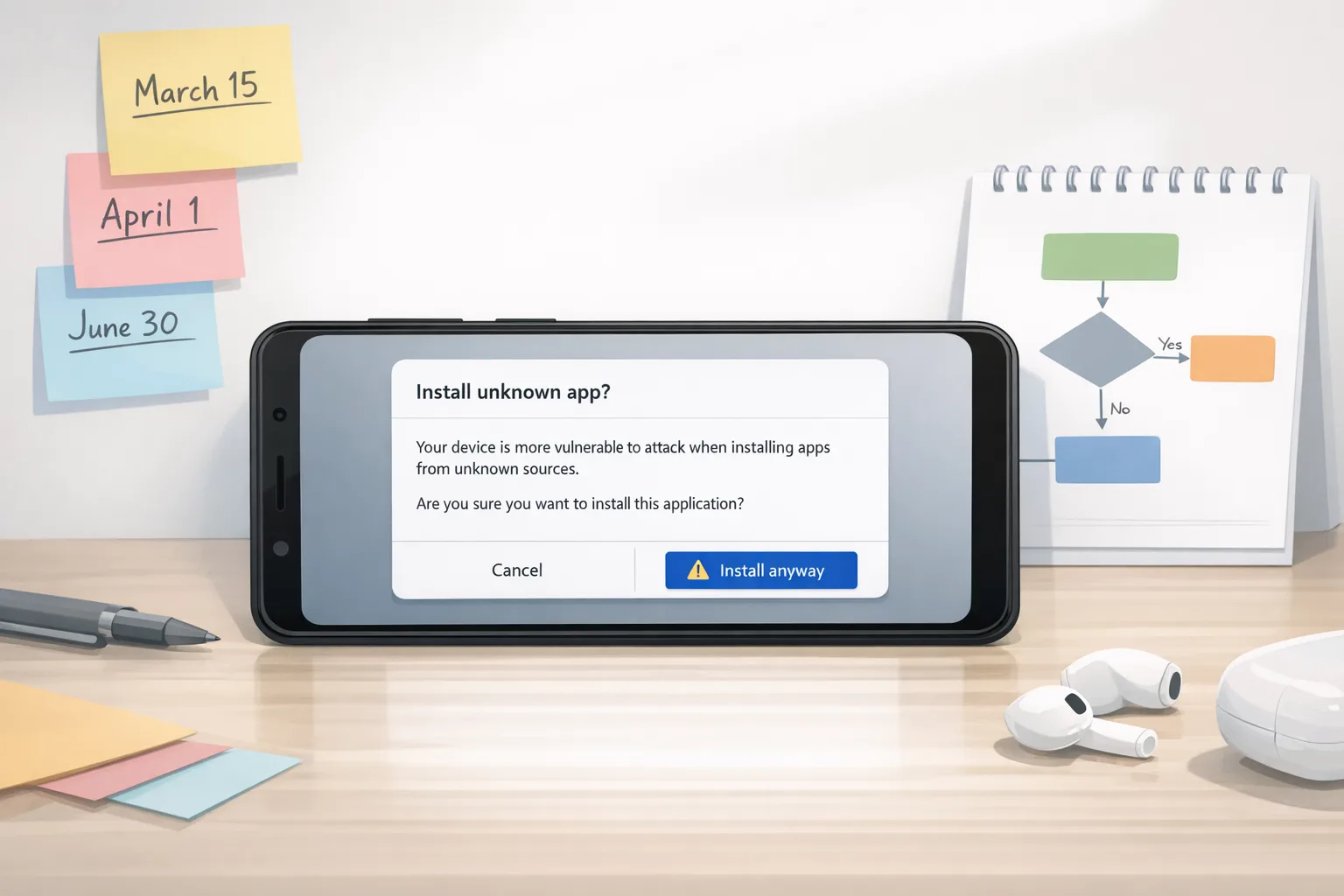
Android developer verification is coming, and it’s not optional. By September 2026 in the first enforcement wave, certified Android devices will only install apps from verified developers—even when those apps are sideloaded or come from alternative stores. If your business distributes outside Google Play (B2B, OEM preload, enterprise, partner channels, or community downloads), you’ll need to register your identity and your app package names and signing keys with Google. (developer.android.com)
What exactly changed—and when?
Google is extending identity checks beyond Play Console to cover apps installed outside the Play Store. Early access opened in late 2025, with a broader launch slated for March 2026. Enforcement begins in September 2026 for Brazil, Indonesia, Singapore, and Thailand, with global expansion to follow in 2027. Practically, that means you’ll register identity details, confirm control of your packages and keys, and manage this via a new Android Developer Console (for non‑Play distribution) or within Play Console if you also publish on Play. (developer.android.com)
Why is Google doing this? The company points to abuse and malware from anonymous publishers—its analysis shows internet‑sideloaded apps carry far more risk than Play‑distributed software—while positioning verification as an identity check, not a content review. You’ll still be able to sideload; you’ll just need a verified developer identity behind the package. (androidpolice.com)
Does this kill sideloading?
No. Sideloading remains, but certified Android devices (the overwhelming majority with Google Mobile Services) will block installs from unverified developers once enforcement starts. Non‑GMS builds aren’t affected—but they represent a tiny slice of the ecosystem outside China. Expect some community friction, but functionally, users can still install APKs and use third‑party stores provided the publisher is verified. (androidauthority.com)
Who needs to care right now?
If you distribute through Play only, you’re already verified. But if any portion of your install base comes from direct APKs, private or partner app stores, MDM/EMM channels, device OEM preload, kiosks, or field‑service tablets, plan on enrolling. Open‑source maintainers who share release APKs, fintechs and wallets that sideload to speed hotfixes, and vendors with white‑label forks should all assume they’re in scope. (developer.android.com)
How Android developer verification works on devices
Think of verification like an airport ID check: Android validates the identity behind a package and its signing key before allowing installation on certified devices. There’s no app content review; Google Play Protect continues scanning apps for malware regardless of source. The new gate is identity + package/key registration, which raises the cost for bad actors who rely on throwaway identities and mismatched signatures. (androidauthority.com)
Key implications you should plan for
1) Signing key governance becomes a compliance program
Registration ties your packages to verified signing keys. That increases the blast radius of poor key hygiene. If your keys live on individual laptops, or your CI signs with outdated v1/v2 schemes without a chain of custody, fix it. Use hardware‑backed keystores or HSM/KMS, enforce signer rotation policies, and document provenance in your pipeline.
2) Forks, flavors, and white‑labels need clean identities
If you ship multiple branded flavors or white‑labels from the same codebase, you’ll need to register the distinct package names and their keys under a verified entity (or set of entities). Decide now whether subsidiaries or partners get separate verified accounts—and how you’ll handle transfer or sub‑delegation of package control.
3) OSS maintainers face new workflows
Publishing a GitHub release APK will require a verified identity for installs on certified devices. If you maintain a community app, consider: do you verify as an individual or form a legal entity? How do you publish contact information without exposing personal data? And how will downstream forks handle identity if they ship their own binaries? (techradar.com)
4) Enterprise and B2B sideloading stays viable—but audited
MDM‑based deployment and direct distribution continue to work once your organization is verified and your packages/keys are registered. Expect procurement and security teams to add verification checks to vendor onboarding, the same way SOC 2 or pen‑test reports are requested today.
Timeline: the dates that matter
Here’s the concise schedule as of March 1, 2026. Early access opened in October/November 2025 (Android Developer Console and Play Console, respectively). The verification program is broadly live in March 2026. Enforcement begins September 2026 in Brazil, Indonesia, Singapore, and Thailand, with broader regions following in 2027. Budget for a multi‑quarter rollout, regional exceptions, and potential policy clarifications along the way. (developer.android.com)
People also ask: practical FAQs
Will users in my current markets be blocked on day one?
Only in the first wave regions starting September 2026. But because device ecosystems are global and teams repackage apps frequently, treat September 2026 as your internal deadline regardless of geography. It’s cheaper to standardize once than to manage regional exceptions. (theverge.com)
Does this affect F‑Droid and other alternative stores?
Alternative stores can continue to operate, but they’ll need publishers to be verified and to register packages and keys. Some community stores argue this centralizes control; whether they adapt depends on how they handle publisher identity and key registration workflows. (cybernews.com)
Will my hobby/student projects be locked out?
Google has indicated lighter‑weight paths for hobbyists and students, including separate console options and limits. If you’re serious about long‑term distribution, consider forming an LLC to keep personal data out of public records and consolidate ownership. (techcrunch.com)
Is this related to Android 17?
Indirectly. Android 17 is on a rapid beta cadence with changes that affect app adaptability and media/camera APIs. Use the same test discipline: keep a pixel on the beta track, monitor behavior changes, and test resizing/large‑screen readiness so you’re not caught by surprise during your verification rollout. (developer.android.com)
The Verification‑Ready Pipeline: a practical framework
Here’s a lean, implement‑today framework for an org that distributes outside Play.
Phase A: Inventory and policy (1–2 weeks)
- Inventory every sideloaded distribution path: direct APK links, partner stores, OEMs, MDMs, GitHub releases, enterprise portals.
- Map package names to signing keys. Confirm which keys are used in CI for each flavor/brand/white‑label.
- Decide your verified identity strategy: single global entity, regional subsidiaries, or partner‑owned identities (with contractual controls).
- Designate key custodians. Require multiple maintainers and dual‑control for key operations.
Phase B: Secure your keys (2–3 weeks)
- Move signing keys into a secure, centralized keystore (Cloud KMS + HSM or Android App Signing‑compatible flows where appropriate).
- Enable strong signer v4 signing in build pipelines; ensure reproducible builds and provenance notes in CI logs.
- Document rotation and incident response: how you revoke, reissue, and communicate if a key is suspected compromised.
Phase C: Register and validate (2–3 weeks)
- Create or update your Play Console org and/or Android Developer Console account. Complete Android developer verification with a business identity.
- Register all current and planned package names and associated signing keys. Use non‑production test packages to validate console workflows before touching production apps.
- Run device‑level install tests on certified devices to confirm behavior with verified packages vs. intentionally unverified ones.
Phase D: Operationalize (ongoing)
- Add “package registered + key on file” gates to CI before producing a release artifact.
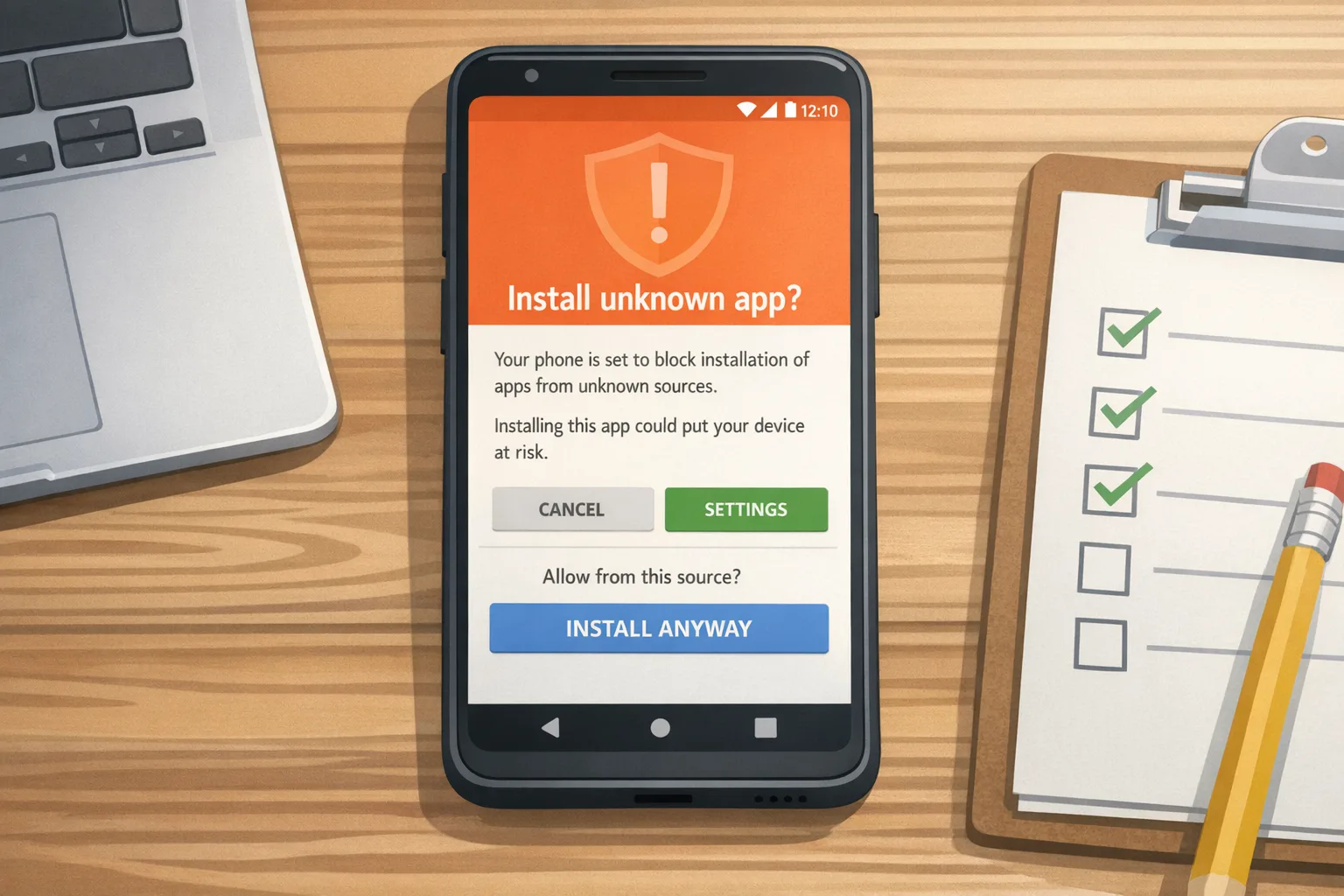
- Train support and partner teams to recognize device‑level block messages and the steps to resolve (e.g., install from a verified publisher or update to a verified build).
- Capture evidence (screenshots, console exports) for procurement and enterprise customers who request verification proof.
Risk radar: where teams slip
Two predictable failure modes: first, key sprawl—older flavors signed with unknown keys nobody can find; second, unmanaged forks—partners or clients re‑signing and distributing without registering their own identity, leading to install blocks later. Both are solvable with early audits and written handoffs that include key fingerprints, package lists, and registration status.
Privacy is another flashpoint. Verification may require publishing contact info tied to the developer identity. Use a business entity, a role inbox, and a registered address—don’t expose personal info. If you maintain open‑source apps, set contributor expectations: binaries that ship to users will need a verified publisher or they won’t install on most devices.
Data points that matter to executives
Why fund this now? Three reasons. One, install friction is revenue friction; a blocked sideload on a certified device is a lost conversion. Two, identity requirements are expanding regionally across 2026–2027; treating this as a one‑off will create rework. Three, Google’s published rationale is security: internet‑sideloaded apps have been observed to carry far higher malware risk than Play apps—verification makes anonymous abuse harder and raises accountability. (androidpolice.com)
Cross‑platform reality check
Mobile teams rarely operate in a vacuum. On iOS, your near‑term constraint is Apple’s April 28, 2026 requirement: submissions must be built with Xcode 26+ against the 26‑series SDKs. If you’re building a 2026 roadmap, align verification work on Android with your Xcode and SDK upgrade windows so QA cycles overlap and you minimize duplicated regression testing. (developer.apple.com)
If you need a primer on hard‑deadlines and playbooks, our guides on Apple’s toolchain and age rating shifts are a helpful reference for planning and stakeholder comms: see Xcode 26: ship confident by April 28 and App Store age verification: a 2026 dev playbook.
Testing on today’s builds
Install current Android 17 betas on a test device and validate your install flows from all channels—Play, direct APK, and any alternative store you support. You’re not testing verification yet; you’re ensuring your app behaves on modern platform builds and that your signing and packaging are deterministic. If you’re catching resizing, media, or background audio surprises, fix them now while the beta is still moving. For deeper context on the beta program cadence, see Google’s release notes and our breakdown of the Android 17 beta risks and plans. (developer.android.com)
And if your team wants a structured walkthrough of Android beta risks and mitigation, we’ve published field notes here: Android 17 Beta: The Rules, Risks, and a Plan and The Canary Era: fix it now.
30/60/90‑day plan you can run this quarter
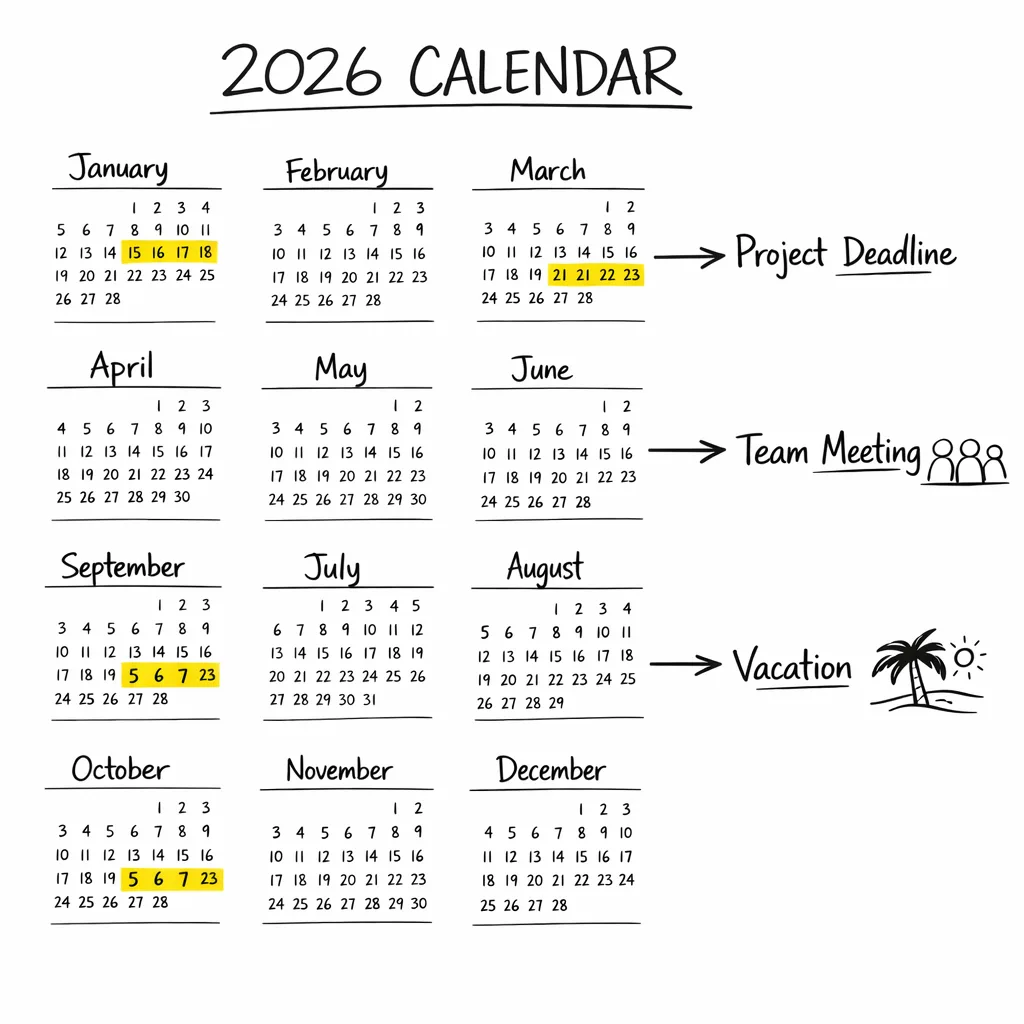
Day 0–30: Get verified and centralize keys
- Create or confirm your organization’s verified developer account (Play Console if you’re on Play; Android Developer Console if you distribute outside Play only). Use a business identity, role emails, and a registered address.
- Move signing keys into an HSM/KMS and lock down access. Document fingerprints and where each key is used.
- Register all active package names and map them to keys. Add a CI preflight that fails builds when a package/key isn’t registered.
Day 31–60: Fix packaging debt and fork risks
- Consolidate duplicate packages and retire legacy flavors. Align version codes/names across channels.
- Amend partner contracts to require verified publisher status and registered packages/keys. Provide a handoff checklist for white‑labels.
- Run device‑level install tests across at least three certified devices (Pixel, Samsung, Motorola) using verified and intentionally unverified builds to confirm enforcement behavior.
Day 61–90: Operationalize and report up
- Teach support/playbooks: what users see when installs are blocked and how to recover.
- Publish an internal runbook covering key rotation, incident response, and how to add a new package to the registry.
- Report to executives: current coverage (% packages registered, % keys inventoried), risk exceptions, and budget asks for any tooling gaps.
What to do next
- Book a working session with security and release engineering to migrate keys into HSM/KMS and document owners.
- Start registration for all current and planned packages; bake a registration check into CI.
- Align Android work with your iOS Xcode 26 upgrade window to share QA cycles and ship with confidence.
- If you need a partner to accelerate audits or CI upgrades, explore our mobile services or reach out via Bybowu contacts.
Here’s the thing: Android developer verification isn’t a philosophical debate for most teams—it’s a release blocker with a date on it. Treat it like any other compliance milestone. Do the unglamorous work now—keys, packages, policies—and you’ll avoid frantic patches later. Ship smart.










Comments
Be the first to comment.