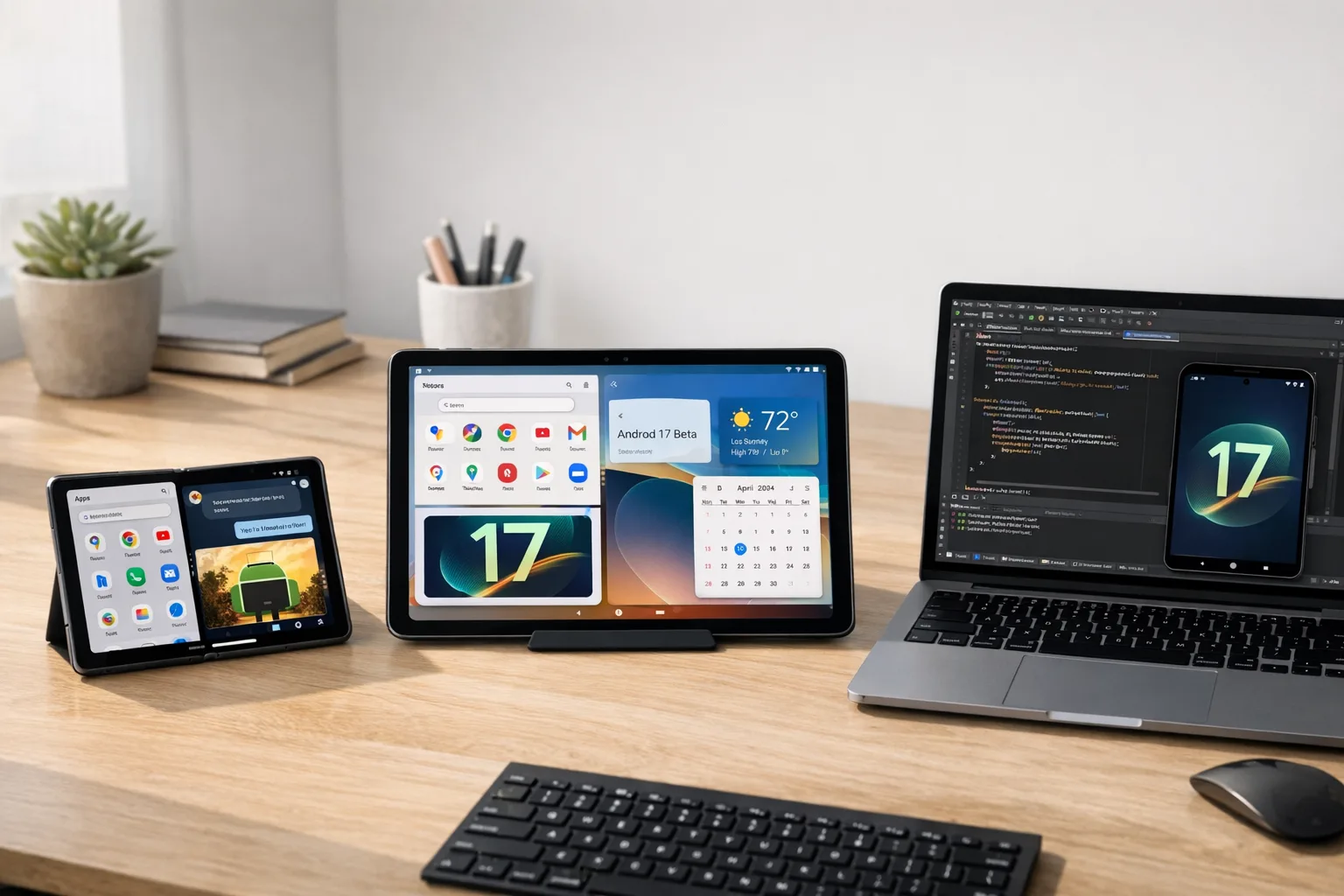
Android 17 Beta: The Rules, Risks, and a Plan
Android 17 Beta is live, and it’s not a paint job. It tightens large‑screen behavior, changes activity recreation defaults, hardens audio in the background, and lands tangible runtime wins. Pair that with a new Canary track that drips features faster, and teams suddenly have less guesswork—and less time. If “Android 17 Beta” hasn’t made your sprint board yet, it should. Here’s what actually changed, what might break, and a pragmatic plan to get your app from curiosity to compliant before timelines harden in March 2026.
What’s inside Android 17 (API level 37) that affects real apps
Let’s get practical. These are the shifts you’ll feel as soon as you aim your build at API level 37 or even run under compatibility toggles on 16/17 devices.
1) Orientation and resizability rules go from guidance to guardrails
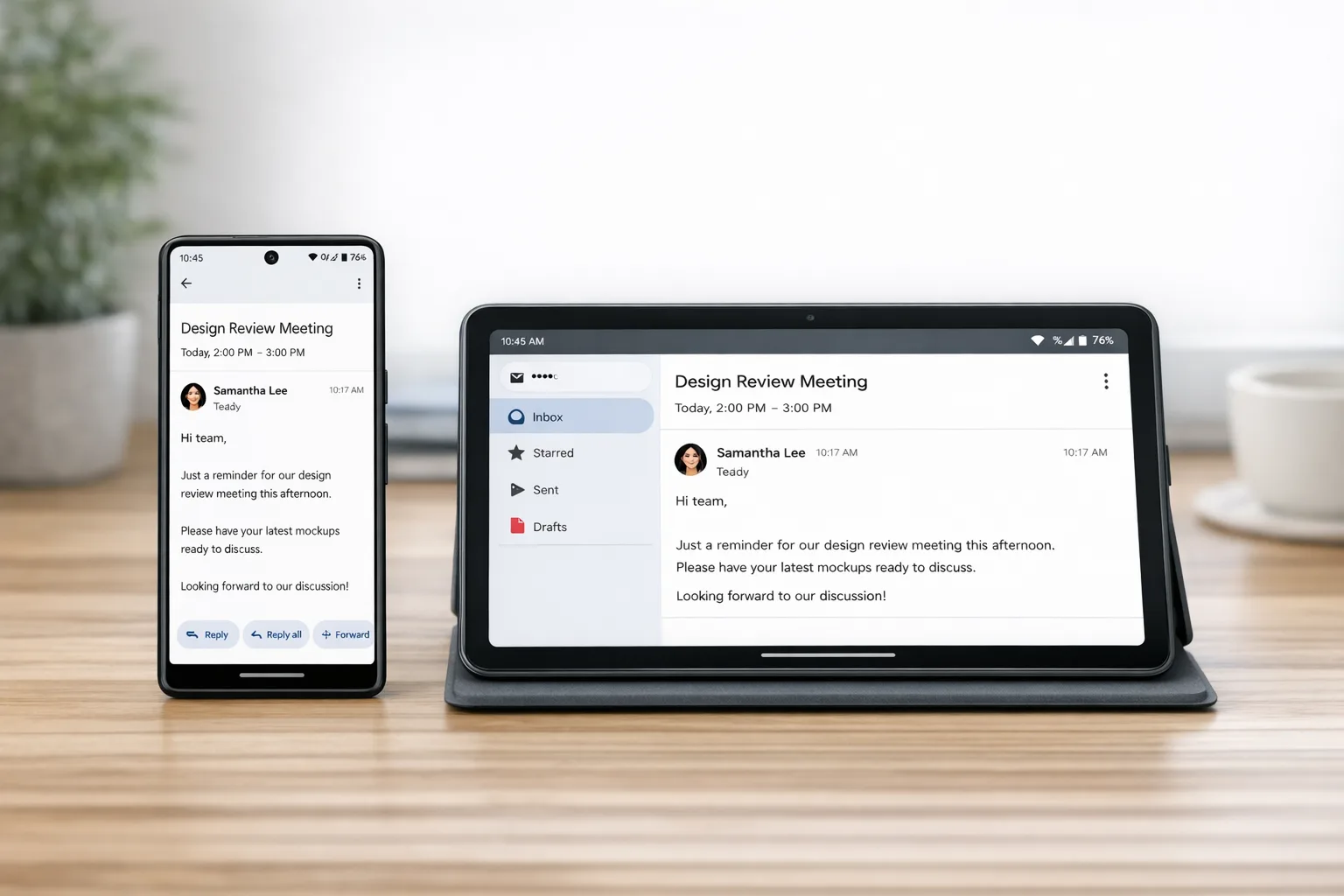
Android 17 Beta advances Google’s adaptive‑app roadmap by removing the opt‑out for orientation and resizability on large screens (think tablets, foldables, and desktop windowing with smallest width ≥ 600dp). If your manifest or runtime code forces portrait/landscape, assume it’ll be ignored on those devices when you target 37. Apps are expected to render correctly in both orientations and across a much wider range of aspect ratios. Games are carved out; traditional phone slates under sw600dp aren’t in scope for this rule. Everyone else: the training wheels are off.
Translation for PMs: any workflow that depended on a single locked orientation or a narrow aspect ratio needs a responsive layout and posture‑aware UI state now. Translation for engineers: clean up setRequestedOrientation calls, audit android:screenOrientation and resizeableActivity, and make sure your layout system genuinely adapts instead of bailing behind a fixed min/max ratio.
2) Configuration changes no longer nuke your Activity by default
Android 17 tweaks lifecycle behavior so common configuration changes—like keyboard visibility or certain UI mode shifts—won’t automatically recreate your Activity. You’ll now receive onConfigurationChanged for a wider set by default, and you can explicitly opt back into recreation using a new manifest attribute that names the exact config keys. This cuts accidental jank and state loss, but it will expose code paths that quietly depended on a full restart to reload resources.
3) Runtime performance: less lock contention, smarter GC
Under the hood, apps targeting 37 get a lock‑free MessageQueue implementation aimed at reducing missed frames on the main thread. ART also introduces generational garbage collection for the concurrent mark‑compact collector. Expect shorter, more frequent young‑gen GCs and fewer long stalls, especially in allocation‑heavy screens. One caveat: reflective shenanigans around static final fields are over—modifying them via reflection or JNI is blocked, which may surface issues in older libraries or homegrown plugin systems.
4) Media and camera upgrades your users will feel
Camera apps can now update capture session outputs dynamically, enabling smoother transitions (for example, switching lenses or jumping from preview to still capture) without tearing down and rebuilding sessions. Video adds VVC (H.266) support on capable hardware and a constant‑quality mode in MediaRecorder for more predictable results than crude bitrate targeting. Audio frameworks tighten background controls to reduce surprise volume or playback changes when your app isn’t in a valid lifecycle state.
5) Privacy, security, and connectivity details that matter later
Cleartext traffic allowances keep tightening; plan to manage HTTP allowances via Network Security Config rather than a single manifest switch. On the crypto front, HPKE support lands via a provider API. Connectivity gets smarter with Wi‑Fi ranging and proximity improvements and better secure peer discovery, which will matter for device‑to‑device experiences and enterprise scenarios. Companion device profiles expand, letting medical and fitness devices request saner permission bundles with clearer UX.
Timeline: what happens when—and why your window is short
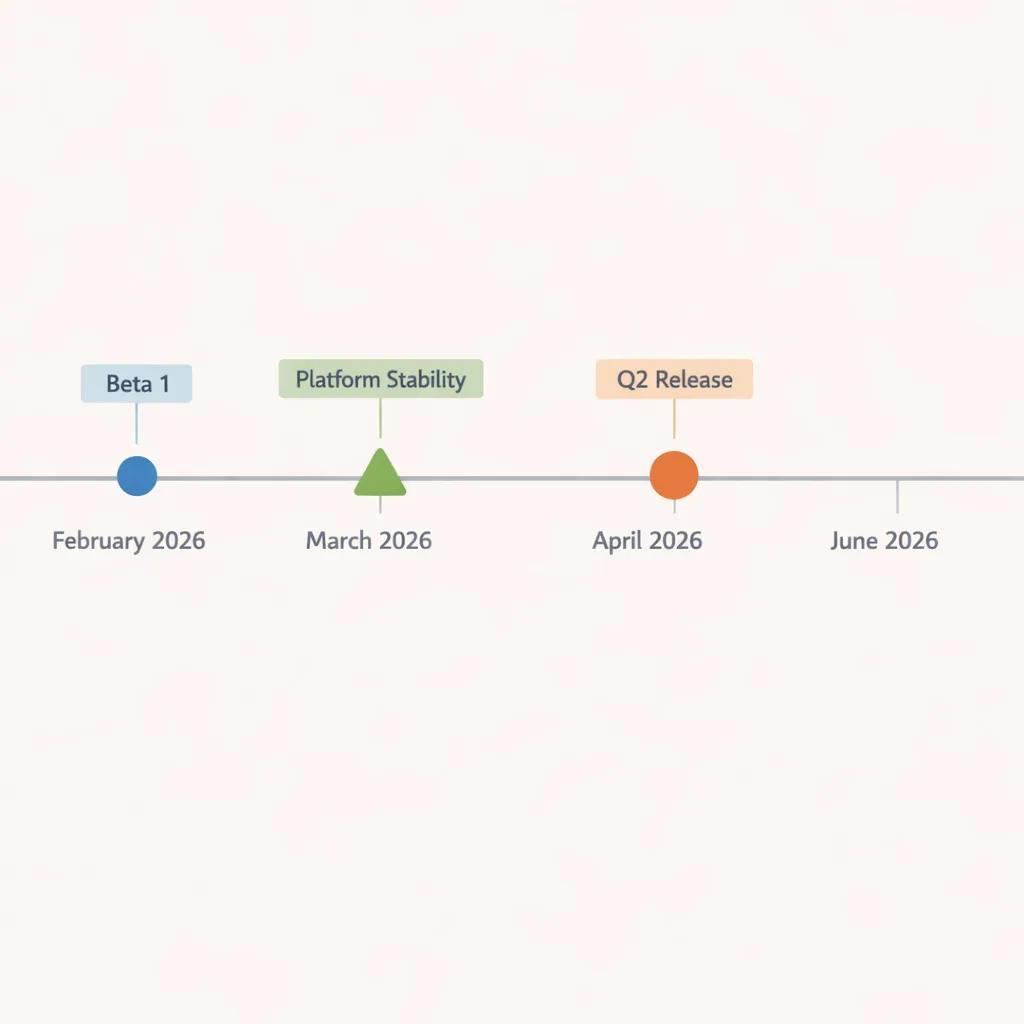
Beta 1 dropped mid‑February 2026. Google is targeting Platform Stability in March, with final SDK/NDK APIs and “mostly‑final” behaviors. Beta 2 is expected around that milestone with the final API surface. The full Android 17 release is planned for Q2 2026, followed by a minor SDK drop later in the year. If you want to hit day‑one compatibility or even earn a Play feature slot, your real deadline isn’t “some time in summer”—it’s when Platform Stability lands. That’s the moment to finish API decisions, not start them.
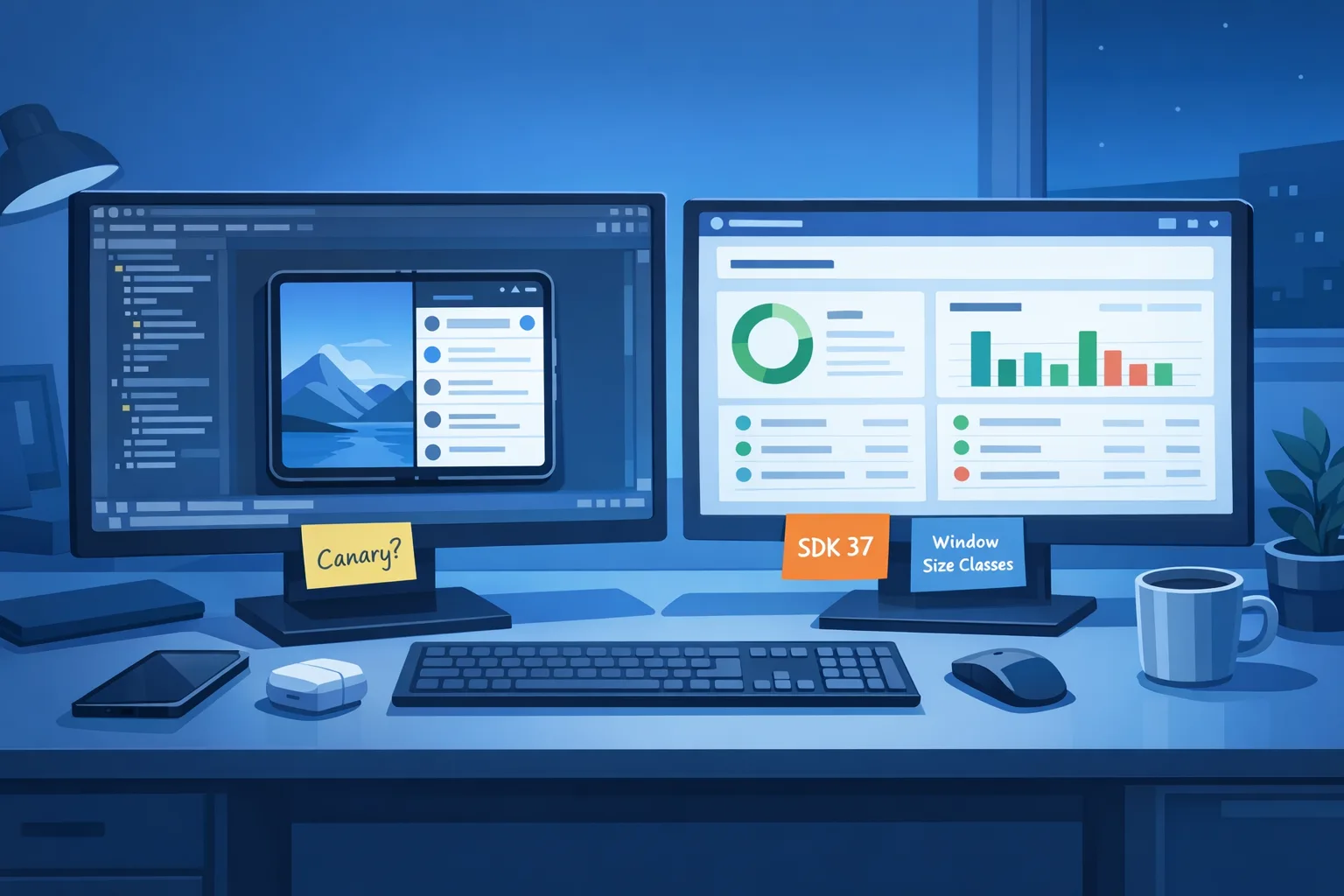
Pro tip: the new Canary channel means changes can arrive continuously instead of bunching up in a labeled “Developer Preview.” Subscribe in CI and watch for breakage the way you monitor Chrome Canary for web regressions. You’ll get earlier signal, which is priceless when you maintain a big codebase.
Android 17 Beta Readiness Plan (7 steps you can run this week)
Here’s a lean plan we’ve used with client apps to de‑risk major Android updates without pausing feature work.
Step 1 — Create a clean “target 37” branch
Pin your baseline (CI + release build) and cut a branch that bumps compileSdk to 37 and sets targetSdk to 37 for at least one module. Keep minSdk unchanged. If you ship multiple flavors, start with your smallest surface area (e.g., internal tools) to learn the edges fast.
Step 2 — Turn on large‑screen testing everywhere
Spin up tablet and foldable emulators with sw≥600dp and varied aspect ratios. In QA, make resizability mandatory: freeform windows, split‑screen, and both orientations. Add an automated smoke test that resizes the main activity repeatedly and validates no crashes or clipped UI. If your design system doesn’t have tokens for breakpoints and posture, you’ll feel it now.
Step 3 — Kill forced orientation at the source
Search for setRequestedOrientation, android:screenOrientation, and resizeableActivity. Replace with responsive layouts and posture‑aware fragments. If a screen truly needs a fixed aspect (e.g., camera preview), contain it inside a layout that adapts around the fixed area, not the whole Activity.
Step 4 — Own configuration changes explicitly
Adopt the new manifest attribute to specify which config changes should recreate activities. Everywhere else, handle onConfigurationChanged predictably: commit or discard in‑flight form state, recalc columns or paddings, and persist ephemeral UI state. Run a long‑lived session (think 30‑minute playback or chat) while toggling keyboard, desk‑mode, and navigation settings to catch rare edge conditions.
Step 5 — Profile with real triggers
Use the new profiling triggers to capture cold starts and out‑of‑memory events. Compare frame pacing before/after the lock‑free MessageQueue and log GC durations as you scroll your heaviest feeds. If you see reflection on static final fields in stack traces, fix or replace the offending lib—don’t suppress.
Step 6 — Modernize networking and audio
Move lingering cleartext escapes into a Network Security Config with domain‑scoped rules, and add tests to block accidental HTTP regressions. For audio apps, validate that background audio focus and volume changes are initiated from valid lifecycle states; fail safely with toasts or deferred actions instead of silently doing nothing.
Step 7 — Camera and video fit‑checks
If you manage multiple camera outputs, prototype with dynamic session updates. For video, test constant‑quality encoding across mid‑tier and flagship devices and decide whether to expose CQ in user settings. Gate VVC usage behind a capability probe; fall back to AV1/HEVC gracefully.
Large‑screen compliance checklist (finish this week)
Use this as a working doc with engineering and design. If you can’t check a box, create an owner and a date.
- All top‑10 flows render in both orientations on sw≥600dp without clipped UI or “letterboxed” content.
- No Activity or Fragment calls
setRequestedOrientationon large screens; manifest orientation is default/unspecified. - Root layouts prefer constraints/grids over nested weights; typography and spacing scale from tokens, not raw dp.
- Posture events (fold open/closed) adjust navigation and hit targets; edge gestures remain reachable in split‑screen.
- Media players survive window resize without losing sync or dropping audio focus.
- Custom notifications respect new view size limits; content scales without tiny tap targets.
- Crash‑free under repeated freeform resizes (automated test proves it).
People also ask: quick answers for leads and PMs
Do we have to target Android 17 Beta now?
No. But you should prototype and fix large‑screen issues immediately. When Platform Stability lands in March, the API surface is effectively final; teams that start then often ship late. Treat Beta 1 as your discovery sprint and lock scope before Beta 2.
Will the new resizability rules affect small phones?
The strict enforcement applies to large screens (sw≥600dp). That said, responsive layouts inevitably improve small‑phone UX too—especially in landscape and split‑screen.
Are games exempt?
Yes, games are exempt from the new resizability enforcement when categorized correctly. If your app is not a game, plan to comply.
Can we sit on Android 16 QPR builds and skip the pain?
You can stay on stable 16 for users, but your dev and CI environments should still exercise 17 behaviors via emulators or compatibility flags. The delta only grows with time.
Does VVC work on every device?
No. VVC requires hardware support and proper drivers. Detect capability at runtime and fall back to HEVC or AV1.
What breaks—and how to fix it fast
Three hotspots we’ve already seen across production apps: orientation locks ignored on tablets/foldables, reflection into static final fields throwing hard errors, and oversized custom notifications silently clamped. The first is a design‑system refactor. The second needs a dependency update or code change (often a legacy DI or bytecode hack). The third is a UI audit with new guardrails in CI. None are week‑long projects if you start now—but all are risky if discovered during your release candidate.
Team strategy: who moves first, and how we avoid thrash
Here’s the sequencing we recommend to clients. Platform owners create the target‑37 branch and CI lanes on day one. Design reviews happen in parallel with a dedicated large‑screen pass on the top‑10 flows. Feature squads continue roadmap work, but allocate 10–20% capacity for Android 17 tasks with a daily cap—avoid context‑switch chaos. Infra adds a Canary device to the smoke rack and pins emulator images in version control so everyone is testing the same build. By Platform Stability in March, your critical flows should be compliant, with any remaining refinements scheduled before the Q2 public release.
Why the Android 17 Beta matters for product and growth
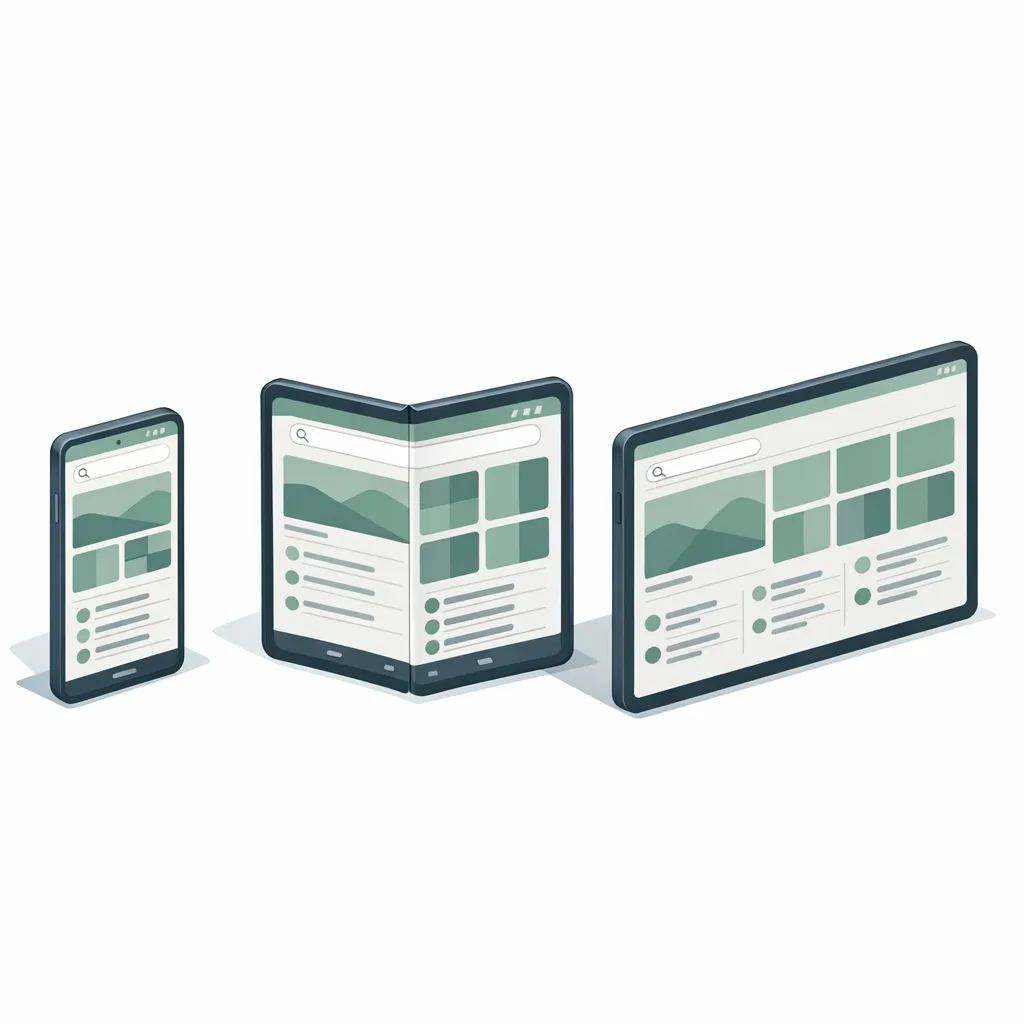
Large‑screen polish is no longer optional. Tablet and foldable engagement keeps climbing, and Google is leaning into multi‑window and desktop modes. If your app looks like a stretched phone, your churn and ratings will tell the story. Conversely, teams that meet the new rules early tend to win placements in Google Play features and OEM app recommendations around launch windows—free distribution you can’t buy. Performance wins from the runtime changes also reduce the invisible tax of jank and GC pauses that drag on retention.
What to do next
- Stand up a “target 37” CI lane and a large‑screen emulator matrix today.
- Audit and remove all forced orientation and non‑resizable flags.
- Add lifecycle tests for configuration changes and background audio behaviors.
- Probe camera session updates and decide on VVC/CQ guardrails.
- Move HTTP allowances to Network Security Config; add a static‑final reflection lint rule.
- Book a 60‑minute joint review between design and engineering on your top‑10 flows across tablet/foldable.
If you want a second set of eyes, our team publishes hands‑on field notes as we adapt client apps. Start with our write‑ups on large‑screen rules and breakage patterns, then grab time with us for a focused audit.
Further reading on our site:
- How to interpret the new large‑screen constraints: The Large‑Screen Rules That Stick
- Early wins and pitfalls we’re tracking: What Changed, What Breaks, What Wins
- A field checklist to triage regressions: What Changed, What Breaks
- Need help prioritizing? See our mobile engineering services or reach out via contact.
Ship the boring fixes now—responsive layouts, lifecycle sanity, reflection cleanup—so you can spend your Q2 cycles on the features users will actually notice. That’s how you turn the Android 17 Beta from a risk into a release accelerant.


Comments
Be the first to comment.