
Xcode 26 Requirement: Your April 28 Ship Playbook
Apple’s xcode 26 requirement becomes real on Tuesday, April 28, 2026. From that date, every new iOS, iPadOS, tvOS, visionOS, and watchOS upload must be built with Xcode 26 using the 26‑series SDKs. If you lead a mobile roadmap, this isn’t a cosmetic bump—it touches CI, SDK upgrades, privacy declarations, content ratings, and review risk. The good news: with the right plan, you can get there without freezing feature delivery.
What changed—and when
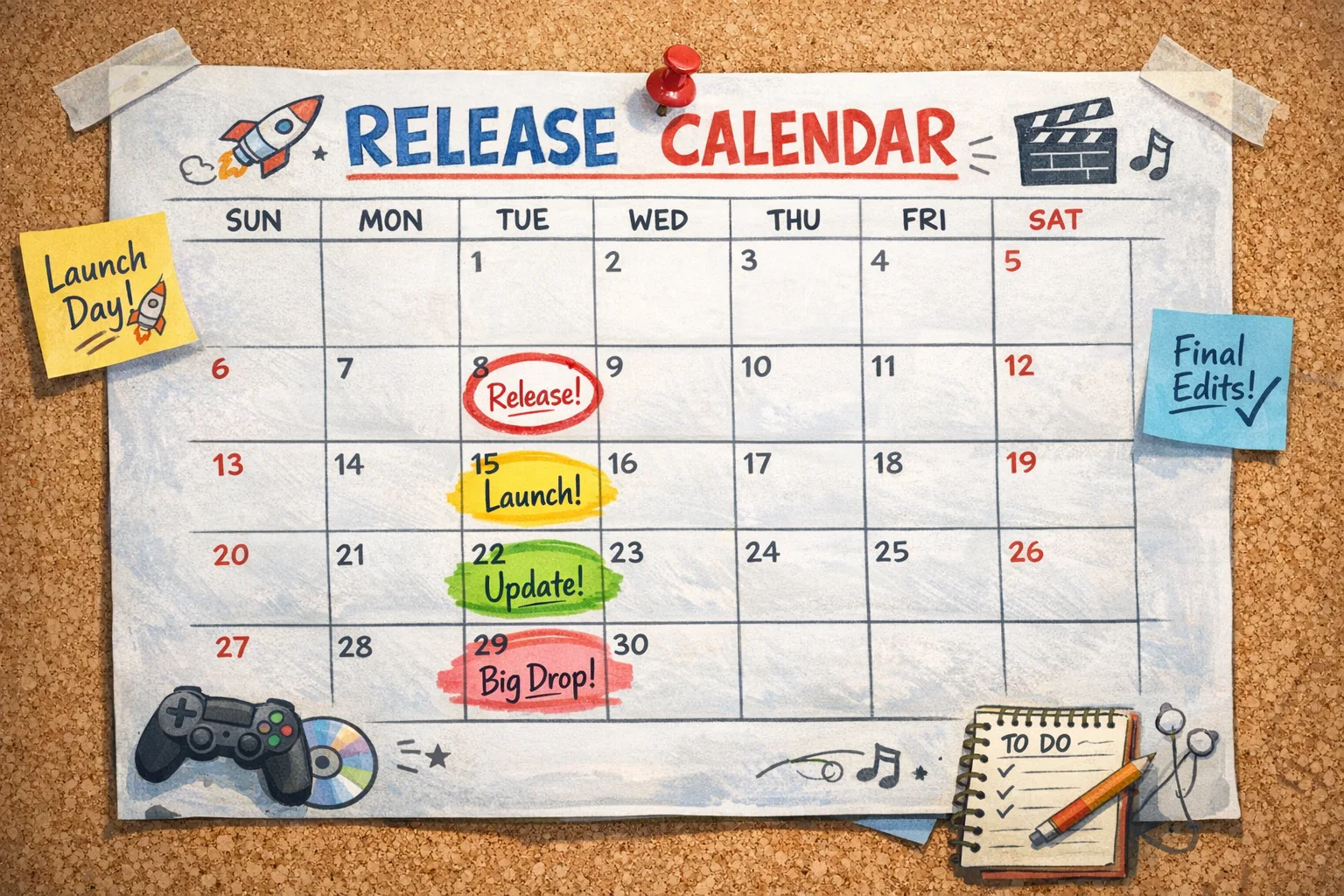
Let’s anchor the dates so your team and stakeholders share the same clock:
• January 31, 2026: App Store age ratings were auto‑updated and new questionnaire responses became mandatory before you can submit updates.
• April 28, 2026: New uploads to App Store Connect must be built with Xcode 26 and the iOS/iPadOS/tvOS/watchOS/visionOS 26 SDKs.
• February 10, 2026: Xcode Cloud’s egress IP ranges changed, which can silently break artifact uploads or webhook deliveries if your allowlists are stale.
Those three dates explain why teams feel squeezed right now. You’re dealing with a tooling jump, a policy gate, and a CI networking change—inside the same quarter.
Why the xcode 26 requirement matters beyond “update Xcode”
Here’s the thing: you’re not just toggling a version. You’re absorbing compiler and linker differences, new SDK behaviors, and stricter checks around APIs and privacy disclosures. You’ll also revisit storyboards or SwiftUI stacks where system UI changed just enough to expose spacing or layout assumptions on devices you don’t carry every day. Add dependency churn (ad networks, analytics, crash reporters, sign‑in) and you’ve got the recipe for late‑cycle regressions if you wing it.
Teams that treat the cutover as a rebuild pass are the ones who get stuck in review purgatory end of April. Treat it like a release train with clear gates and owners.
Fast path: a 10‑step migration checklist
Use this as your working doc. I’ve run this plan with client apps that ship weekly and monthly on Apple platforms.
1) Lock scope and branch
Create a dedicated 26‑upgrade branch today. Limit it to build, SDK, and policy work; don’t mix in features. Backport critical security fixes into both main and 26‑upgrade until cutover.
2) Pin the toolchain
Install Xcode 26 across dev machines and CI images. In CI, make the version explicit in runners, not “latest”. Confirm the exact build number in logs so you can debug environment drift later.
3) Update third‑party SDKs
Inventory all pods/spm/binaries. Prioritize: payments, sign‑in, ads, analytics, crash, deep links. Pull 26‑compatible releases and record min versions in a shared dependency matrix. Watch for breaking changes in initialization, required Info.plist keys, and Swift concurrency impacts.
4) Re‑evaluate entitlements and Info.plist
Audit permissions: camera, microphone, photos, location, Bluetooth, local network, critical alerts. Confirm descriptions are specific, consistent with use, and match any new OS prompts. If you expose extensions or widgets, review their targets for new capability flags.
5) Validate “approved reasons” and privacy manifests
Apple still expects accurate reasons for certain sensitive API uses. Ensure you’ve included approved reasons where required and that your privacy manifest reflects current SDKs, not last year’s. This is a quiet rejection vector when teams swap libraries late.
6) Fix the obvious layout landmines
Run through common device classes: compact width iPhone, iPad split view, and any large‑screen/Stage Manager flows. Expect tweaks around safe areas, toolbars, and sheet presentations. Budget half a day for polish; it pays back in App Store screenshots and review speed.
7) Modernize your test matrix
Stand up parallel UI and snapshot tests on iOS 26 simulators while retaining coverage for your minimum supported OS. Make it visible in PRs which OS failed. Resist the temptation to drop older OS support this sprint unless you’ve messaged it to users.
8) Refresh signing, certificates, and Notary flows
Rotate any aging certificates now to avoid last‑minute signing failures. If you notarize Mac components or shared frameworks, verify the tool versions and that your CI keychain setup still works under the 26 runner image.
9) Prepare the App Store Connect age rating responses
Open App Information → Age Rating and walk through the new questions. The four areas that trip teams: in‑app controls, capabilities (especially AI/UGC), medical/wellness claims, and violent themes in ads or gameplay. Have legal and product marketing skim your answers—once—so you don’t create a ping‑pong loop later.
10) Run a full dress rehearsal build
Create a release candidate from the 26‑upgrade branch, upload to TestFlight, and gate it behind the age rating updates. Verify symbols ingestion, crash reporting, push notifications, universal links, and purchase flows end‑to‑end on iOS 26 hardware.
PAA: Do current apps stop working after April 28?
No. Live apps remain live. The xcode 26 requirement applies to new uploads starting April 28, 2026. That said, if you plan to ship any hotfixes or compliance updates after that date, you’ll need the 26 toolchain in place.
PAA: How risky is it to rely on a compatibility flag?
Compatibility flags can buy time for specific rendering or behavior changes, but they’re not a substitute for testing with the 26 SDK. Flags tend to be temporary, and reviewers won’t accept “we used a flag” as a reason for broken UI or permissions prompts.
PAA: What about Texas, Utah, and Louisiana age rules?
Apple’s age protections and developer APIs are evolving to meet state laws. For product teams, the practical impact is simple: answer the age rating questions accurately, avoid dark patterns in teen experiences, and be ready to request or re‑request parental consent where applicable.
Don’t forget CI: Xcode Cloud IPs and firewall rules
If your pipelines talk to artifact stores, self‑hosted webhooks, or vendor endpoints behind allowlists, update them to include the new Xcode Cloud egress IP ranges rolled out on February 10, 2026. This change blindsides teams: builds pass, but uploads or callbacks time out. Put a task in your sprint to validate connectivity and smoke‑test notarization, dSYMs upload, and webhook deliveries from CI.
Need a deeper dive? We broke down the network updates and verification steps in our guide on the Xcode Cloud IP ranges update.
A pragmatic 10‑week schedule from today to April 28
You’ve got roughly 10 weeks from Monday, February 16, 2026, to Tuesday, April 28, 2026. Here’s a cadence that preserves delivery while absorbing the upgrade:
• Week 1 (Feb 16–21): Branch, pin Xcode 26, update CI images, dependency inventory.
• Week 2 (Feb 22–28): Upgrade core SDKs, fix build breakers, sign‑in/payments/ads smoke tests.
• Week 3 (Mar 1–7): Layout and safe‑area polish; update Info.plist and entitlements; privacy/approved‑reasons audit.
• Week 4 (Mar 8–14): Test matrix modernization; expand UI tests on iOS 26; fix flakiness.
• Week 5 (Mar 15–21): Age rating questionnaire draft; legal/PM review; lock responses.
• Week 6 (Mar 22–28): Dress rehearsal RC; TestFlight distribution; exercise push, deep links, purchases.
• Week 7 (Mar 29–Apr 4): Performance passes (startup time/symbol size); patch hot paths; app size budget.
• Week 8 (Apr 5–11): Resolve analytics/ad SDK edge cases; check SKAdNetwork/postbacks; finalize release notes.
• Week 9 (Apr 12–18): Reviewer‑ready build hardening; accessibility checks; screenshots and metadata refresh.
• Week 10 (Apr 19–27): Freeze. Submit final build under Xcode 26 with completed age ratings. Keep one hotfix slot.
Teams with strict change control can stretch this plan by one sprint, but don’t slip past April 28. If you must juggle, keep compliance and CI tasks above the line; defer polish or feature toggles below it.
Common failure points we’re seeing in April‑bound teams
• Stale ad/analytics SDKs that add new permissions silently and trip review.
• Missing or generic permission copy (“App would like access to…”). Reviewers hate this.
• UI regressions on iPad multi‑window or Stage Manager because no one tested it.
• Background mode or Bluetooth entitlements not re‑granted after capability changes.
• Inconsistent age rating answers versus App Store screenshots and marketing claims.
• CI artifacts blocked by outdated IP allowlists; dSYMs never land in crash tools.
• Privacy manifest warnings ignored until Review returns a rejection note.
“But we’re mid‑feature—how do we avoid a freeze?”
Run a bifurcated train. Merge feature work to main; cherry‑pick only risk‑free fixes into the 26‑upgrade branch. At the end of Week 9, when your RC is reviewer‑ready, create a short‑lived code freeze on user‑facing changes and ship. If you must ship a feature in April, deliver it behind a remotely configurable flag that defaults off until the 26 build clears review.
Security and privacy: small moves with big impact
Two quick wins that reduce rejection and churn: first, map every capability to a visible setting or help article. Reviewers often verify you give users agency over sensors, data sharing, and notifications. Second, keep your data‑use summaries in sync with reality. If you swapped an analytics SDK in March, your privacy manifest and App Store data types must reflect it by the time you submit.
Reference playbooks and deeper dives
If you want a more granular cutover plan with owners and acceptance criteria, start with our April 28 ship plan and the tactical guide to ship without firefighting. For App Store policy and portal changes, keep our App Store Connect 2026 playbook handy. They’re designed to plug into the 10‑week schedule above.
Implementation framework: the 4×3 Upgrade Grid
I use a simple dashboard to keep leadership, product, and engineering in sync. Build a 4×3 grid with owners and due dates.
• Tools: Xcode 26 rollout, simulator coverage, CI version pinning.
• Code: dependency upgrades, API/permission diffs, layout adjustments.
• Compliance: age rating answers, privacy/approved reasons, screenshots/metadata.
• Delivery: TestFlight cohorts, crash/analytics verification, reviewer submission.
Across each column, track Status (Green/Yellow/Red), Risk (short text), and Next Action. Review it twice a week. If any “Compliance” cell turns Yellow after Week 6, reallocate immediately—policy misses sink timelines more than code bugs do.
Data‑backed reality check
Mark your calendar with these specifics: January 31, 2026 is already behind us, which means App Store Connect will block new submissions until your updated age rating responses are saved. On April 28, 2026, binaries not built with Xcode 26 and the 26‑series SDKs won’t upload. And as of February 10, 2026, you need the new Xcode Cloud egress IPs in your firewalls or you’ll hit flaky uploads and broken callbacks. Those are hard edges, not suggestions.
What to do next (today and this week)
• Today: Create the 26‑upgrade branch, install Xcode 26, and cut a CI image with the exact build number pinned.
• Today: Open App Information → Age Rating and complete all new questions with legal/PM eyes on it.
• Tomorrow: Update allowlists with the latest Xcode Cloud IP ranges and run connectivity smoke tests from CI.
• This week: Upgrade core third‑party SDKs; confirm Info.plist keys and entitlements; push a TestFlight build to a 50–100 user cohort on iOS 26 hardware.
Leaders: budget and comms
Expect one focused sprint (40–60 hours) across platform, QA, and DevOps to execute the plan for a medium‑complexity app. Reserve contingency for SDK surprises. Communicate externally: if you’re deferring a feature to clear compliance, say so in release notes and social. Internally, hold a weekly 20‑minute risk stand‑up focused only on April 28 blockers—no roadmapping, no new ideas, just the list.
Final thought
April 28 isn’t a curveball; it’s Apple doing what Apple does—moving the platform forward on a schedule. Teams that treat this as an engineering project with clear owners and tests will ship calmly. Teams that treat it like a calendar reminder will be triaging reviewer notes at 2 a.m. Choose the first path.
If you want hands‑on help aligning your repo, CI, and compliance gates, check our mobile engineering services and recent launches and migrations. We’ve done this before, and the window is short.






Comments
Be the first to comment.