Xcode 26 Requirement: Your 4‑Week Survival Guide
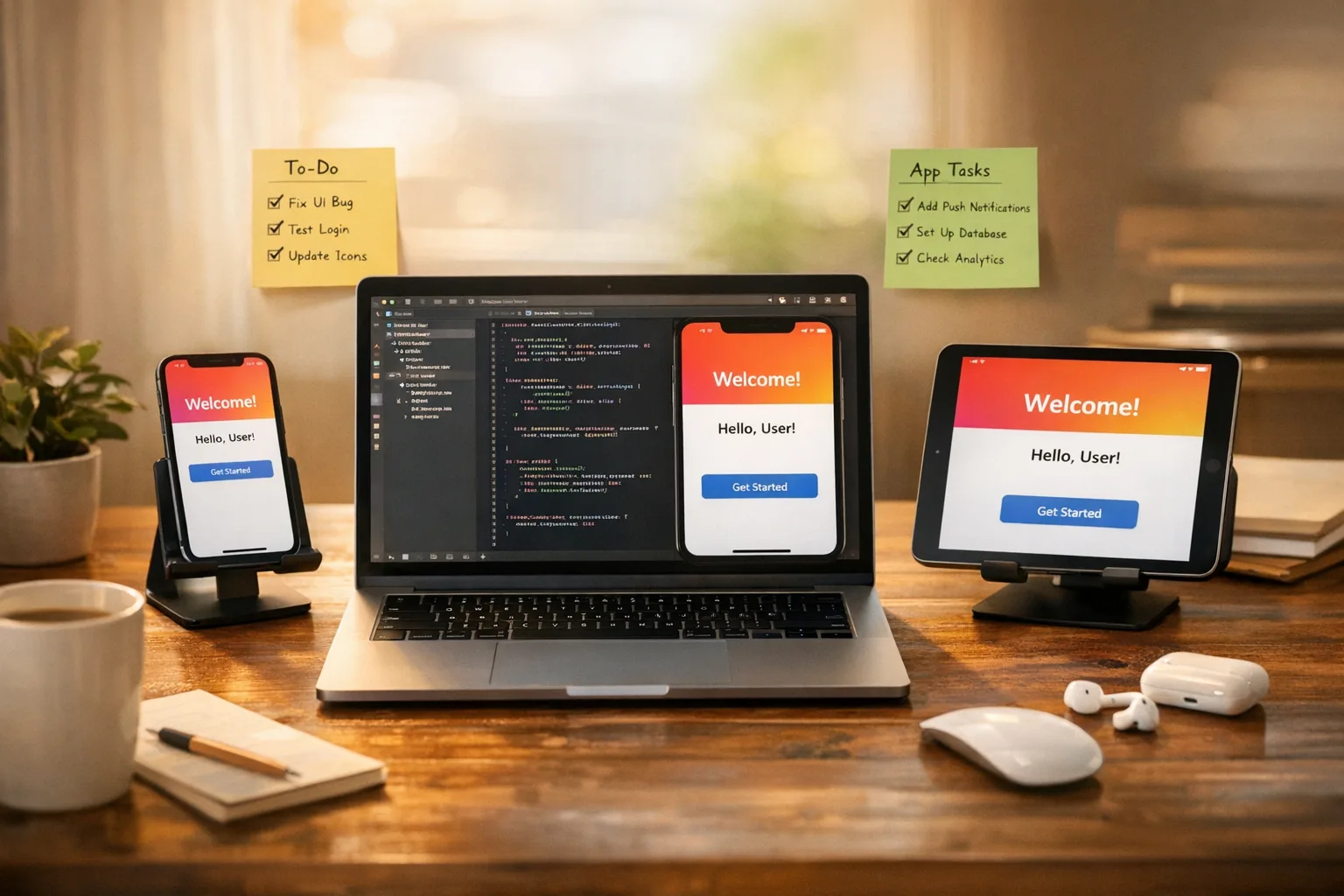
As of February 20, 2026, the Xcode 26 requirement is staring every iOS team in the face: ship on the new toolchain by April 28 or expect pain. If you’re not there yet, don’t panic—but do get surgical. This guide condenses what we run with clients into a pragmatic 4‑week plan that defuses last‑mile risk and makes App Store Connect submissions boring again.
What changed—and why timing is everything
Platform cutovers feel routine until they’re not. Small deltas—compiler tweaks, signing behavior, privacy checks—stack up and stall builds, often the week you try to tag. The Xcode 26 requirement compresses that risk into a single date, and that’s why process, not heroics, decides who ships on time.
Here’s the thing: with about two months left, you can still finish strong if you reduce variables. Fewer moving parts means fewer surprises in App Store processing, fewer flaky tests, and fewer last‑minute code signing mysteries. The rest of this article is exactly how to do that.
A ship‑ready blueprint (works even if you’re late)
I use a three‑phase blueprint with teams of all sizes. Think of it as a funnel: stabilize, validate, then submit.
Phase 1: Stabilize the toolchain (Days 1–5)
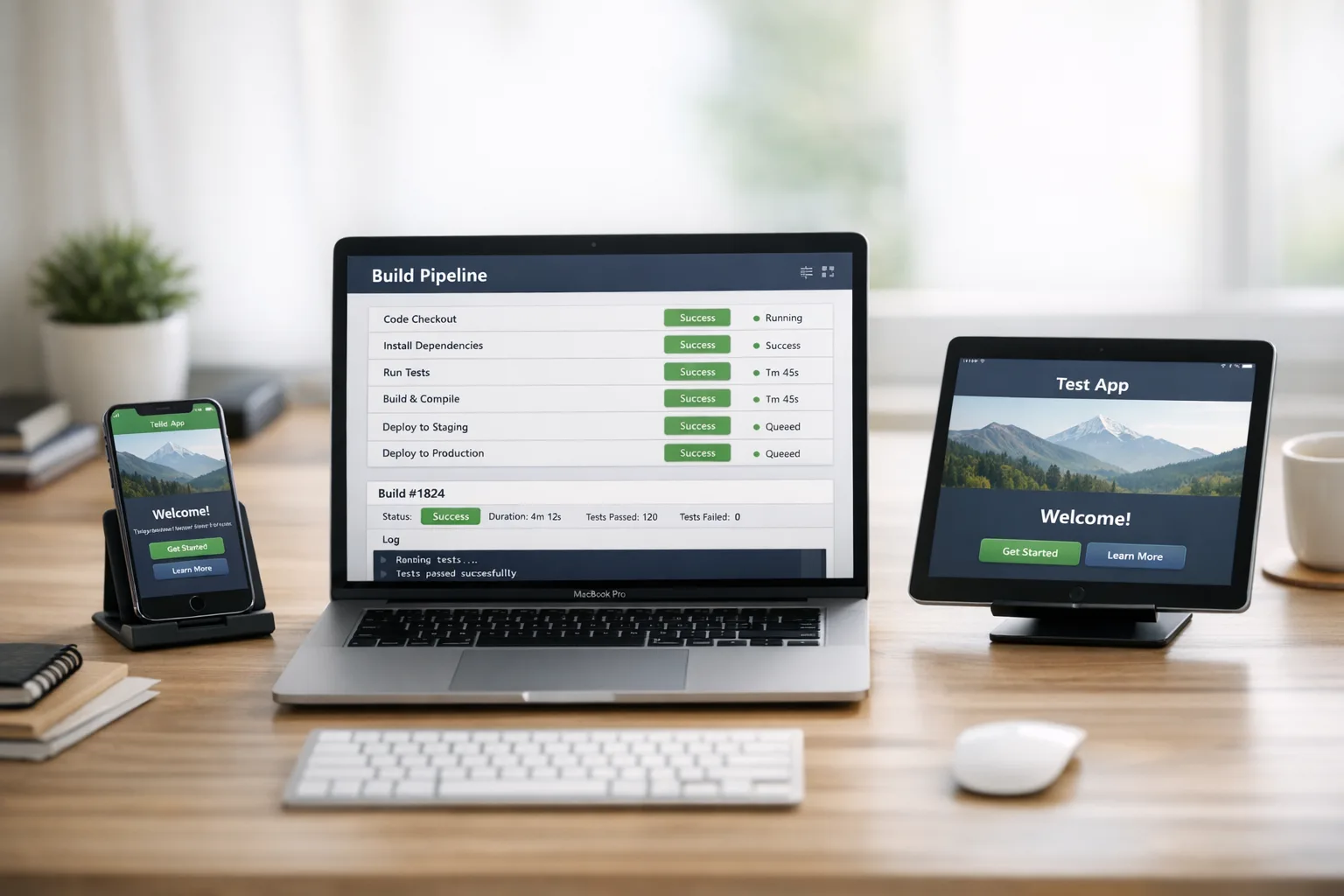
Pin everything. Install Xcode 26 cleanly on at least two fresh machines or runners. Snapshot your current working state so you can roll back quickly. In CI/CD, bump the macOS image to what your runners will use on release day and archive the exact versions of simulators, Ruby gems, CocoaPods/SwiftPM, and Fastlane.
Run a full build without any code changes. Capture all warnings as a baseline. If warnings spike or you see new linker behavior, freeze feature work and create a short‑lived “migration” branch to stage fixes while main stays green.
Phase 2: Validate in layers (Days 6–14)
Layer 1 is compile‑time: make warnings fail locally but not yet in CI, so developers feel the pain first. Layer 2 is runtime: build a matrix—latest iOS, N‑1, and the lowest version you still support—then run smoke tests on each. Layer 3 is integration: refresh entitlements, push certificates, and ensure push/device flows still work in staging.
Surface area sneaks up via third‑party SDKs. Pull the latest minor updates for analytics, payments, login, and MMPs if they’ve published Xcode 26 compatibility notes. If one critical SDK lags, sandbox it behind a feature flag and prepare a temporary fallback path (server‑side events, deferred deep links, or an older API that’s still approved).
Phase 3: Submit with guardrails (Days 15–28)
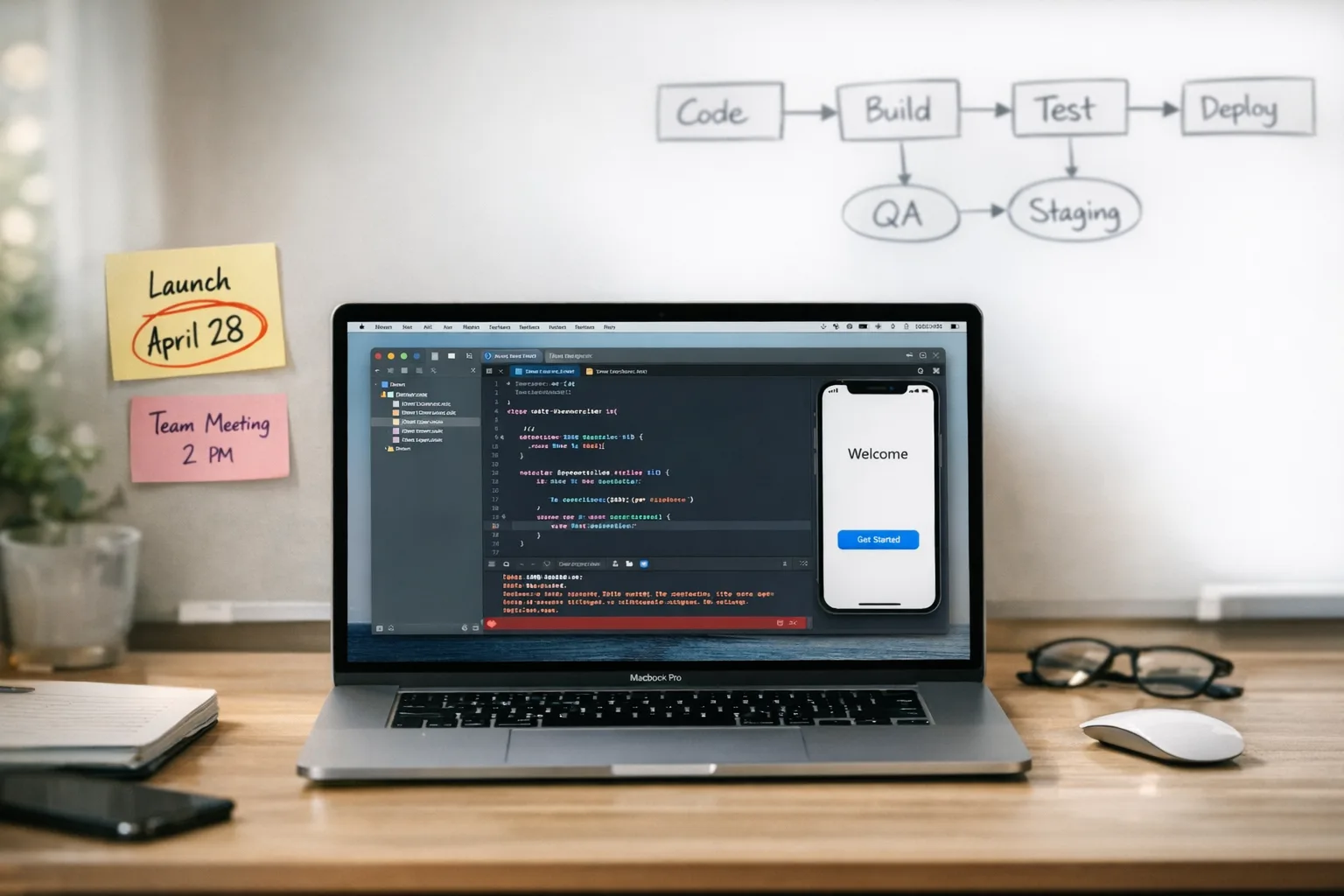
Cut a release branch and lock dependency versions. Require that the branch builds cleanly on your production runners with Xcode 26 and that smoke tests pass on physical devices—not just simulators. Schedule a submission rehearsal mid‑week to flush out App Store Connect quirks early, then target your real submission no later than five business days before April 28.
Where teams lose time on the Xcode 26 requirement
Common traps haven’t changed much—but they bite harder on deadline:
- Dependency drag: a single transitively pinned SDK forces an outdated compiler setting. Fix by running a minimal sample app that only includes the offending SDK; confirm it builds on Xcode 26, then update your main repo.
- Test flakiness: flaky UI tests triple under toolchain shifts. Quarantine known‑flaky tests and track their count. Your goal for the next month is fewer than five quarantined tests, or they’ll block green builds.
- Signing drift: developer machines sign with different keychains than CI. Export and import the exact .p12 and profiles into CI, and document the expected Team ID and bundle IDs in the repo README.
- Release notes debt: vague notes trigger slower reviews. Draft your metadata now and run it through copy and compliance review before the build is ready.
If you need a deeper, end‑to‑end plan, we’ve published a longer cutover playbook that pairs well with this guide—start with this 10‑week ship plan, then compress where necessary.
Let’s get practical: a 4‑week calendar you can run Monday
This is the fast‑track variant I hand to PMs when the calendar’s already red. Use it as a checklist in standups.
Week 1: Lock the toolchain
Outcomes: Xcode 26 compiles your app; CI runners match developer machines; dependency tree is audited.
- Pin Xcode 26 and document the exact build number in the repo.
- Upgrade CI images; cache simulators and large tool downloads.
- Run a dependency audit; bump minor versions for SDKs with known compatibility notes.
- Turn on compiler warnings as errors locally; track new warnings in a shared doc.
Week 2: Prove runtime health
Outcomes: your app runs clean on N, N‑1, and your min‑supported OS; smoke tests pass; P0 crashes are addressed.
- Run a smoke test matrix on physical devices (fresh installs and upgrades).
- Validate push notifications, purchases, sign‑in, and deep linking.
- Instrument crash reporting to break out issues by device and OS version.
Week 3: Dress rehearsal in App Store Connect
Outcomes: a build uploads, processes, and passes initial checks; metadata is ready; screenshots updated if UI shifted.
- Upload a rehearsal build during business hours to observe processing time.
- Verify app privacy responses and capability entitlements still align.
- Prepare release notes and localizations; run a quick content review.
Week 4: Cut, freeze, and ship early
Outcomes: release branch is frozen; green CI; submission leaves a buffer before April 28.
- Cut the release branch and freeze dependencies.
- Quarantine remaining flaky tests to unblock green builds.
- Submit no later than five business days before the deadline; monitor review and be ready with a hotfix branch.
CI/CD upgrade path without breaking everything
The most reliable move is creating a parallel lane rather than upgrading in place. Stand up a new pipeline called “xcode26” that mirrors your production lane, then toggle teams onto it once it’s stable. This isolates risk and gives you a safe rollback path during the deadline week.
If your runners sit behind restrictive firewalls, re‑validate any allowlists for Apple services and code signing servers. Teams using hosted CI should also confirm that the macOS images include the Xcode 26 build number you pinned locally. A mismatch here is the fastest way to burn a day.
Running Xcode Cloud? Confirm your project roles and parallelization config still map to your current scheme names and test targets. We covered IP allowlist considerations and integration pitfalls in our note on infrastructure changes—see what to update now if you haven’t already.
App Store Connect workflow tweaks that save hours
App Store Connect shifts in small, consequential ways—metadata prompts, role permissions, and transport behavior. Do a live walkthrough with a non‑admin test account to confirm the right people can actually submit, respond to review, and schedule phased release. That single exercise catches permission gaps before they waste a day.
If you’re looking for a soup‑to‑nuts walkthrough of the 2026 screens and checklists, start with our ship‑ready playbook. It pairs well with a deadline buffer strategy: upload earlier, learn how your app processes now, and you’ll avoid last‑day surprises.
People also ask
Do I need to rebuild the entire app to meet the Xcode 26 requirement?
No. You need to produce a build compiled with Xcode 26 and pass App Store validation. That often means tightening compiler flags, updating a few SDKs, and verifying runtime behavior. Resist refactors that aren’t tied to the cutover; keep the scope ruthlessly small.
What if a key SDK isn’t ready?
Escalate to the vendor for a supported ETA, then add a fallback plan. In practice, that looks like feature flagging the dependency, using a simpler supported flow for a couple of releases, or swapping libraries temporarily. Document the rollback step now in case review feedback forces it.
Can I keep building locally on the older Xcode?
You can for dev work, but it’s risky. Standardize on Xcode 26 for the release branch so your build artifacts match what you’ll ship. Divergent toolchains multiply “works on my machine” bugs right when you can’t afford them.
A pragmatic test strategy for the next month
Perfect test suites are a luxury. You need a suite that prevents disasters. Aim for a slim gate: smoke tests for login, purchase, onboarding, deep linking, and your top two critical flows. Everything else can run nightly until you stabilize.
Use physical devices for at least one device per OS tier. Simulator coverage is fine for broad checks, but push flows, camera, and background tasks behave differently on metal. If you lack devices, borrow from the team and rotate by OS version; treat it like an equipment pool.
Risk map: the five failure modes to plan around
After dozens of deadline audits, these five patterns account for most misses. Print this and tape it near your standup board:
- Processing stalls: upload earlier in the week; keep an alternate build number ready to resubmit if processing hiccups.
- Entitlement mismatches: compare your provisioning profiles and entitlements.plist line by line; align them before you burn a day in review.
- Device‑only crashes: run smoke tests on at least one older device; JIT issues and memory spikes show up there first.
- Localization regressions: a new toolchain often tweaks string extraction; spot‑check your top locales early.
- SDK telemetry gaps: analytics often lag after compiler changes; verify event volumes and schema in your dashboards post‑install.
The RAIL framework for deadline shipping
When the calendar is tight, I use RAIL—a simple framework teams remember under pressure:
Readiness
Pin Xcode 26; match CI to dev machines; freeze the dependency DAG. Create a visible checklist so the team knows exactly which toggles are set.
Automation
Stand up a dedicated “xcode26” CI lane. Add a preflight job that checks warnings, signing, and entitlements before any expensive test runs. Fast feedback beats hero debugging.
Integration
Run a daily smoke matrix on physical devices across OS tiers. Keep hotfix branches ready for the release line. For vendors, get written confirmation of support if you’re escalating.
Launch
Submit early with complete metadata. Monitor review and be ready to push a metadata‑only update or rollback non‑critical features via remote config if the first build hits turbulence.
What success looks like (and how to measure it)
Define success with numbers you can track weekly:
- Warning delta: aim for zero new compiler warnings under Xcode 26 by end of Week 2.
- Test stability: fewer than five quarantined tests and green CI on release branch by Week 3.
- Processing predictability: a rehearsal build that processes within your expected window, recorded in a runbook.
- Submission buffer: at least five business days between first submission and April 28.
When those four are true, teams almost always clear the deadline calmly.
Where to get help and go deeper
If you want experts who’ve run this exact drill, start a conversation with us about a focused upgrade engagement—our services outline the workflows we bring to tight deadlines, and our portfolio shows how we execute when the calendar’s not friendly. For a broader release‑ops perspective, scan the latest articles on our blog, including deep dives on App Store Connect changes.
Zooming out: why discipline beats heroics
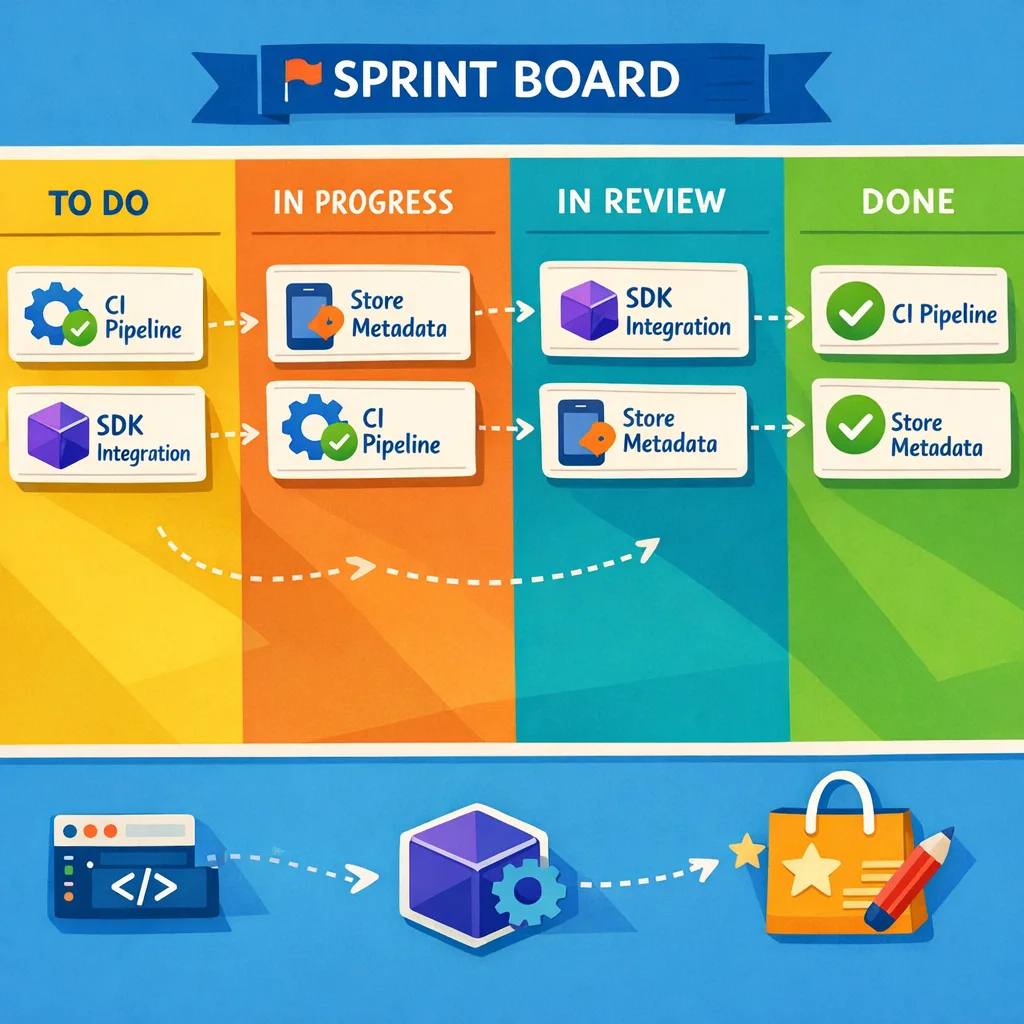
Deadlines are less about talent and more about reducing entropy. The teams that “get lucky” are the ones that pin versions early, own their test flakiness, and lock scope. If you do those three things, the Xcode 26 requirement is a speed bump, not a crisis.
What to do next
For developers:
- Install and pin Xcode 26 today; record the build number in your repo.
- Stand up a dedicated CI lane that mirrors production runners.
- Run a device smoke matrix and quarantine any flaky tests by end of week.
- Upload a rehearsal build to App Store Connect next business day.
For leads and founders:
- Freeze scope on the release branch; defer refactors and new features.
- Set a submission deadline at least five business days before April 28.
- Kick off a daily 15‑minute cutover standup tracking warnings, test stability, and processing times.
- If needed, line up a short engagement with a partner who has done this before—here’s how we work: what we do.
Make the next four weeks boring and procedural. That’s the surest way to ship on time, sleep at night, and give your users the release they’re waiting for.



Comments
Be the first to comment.