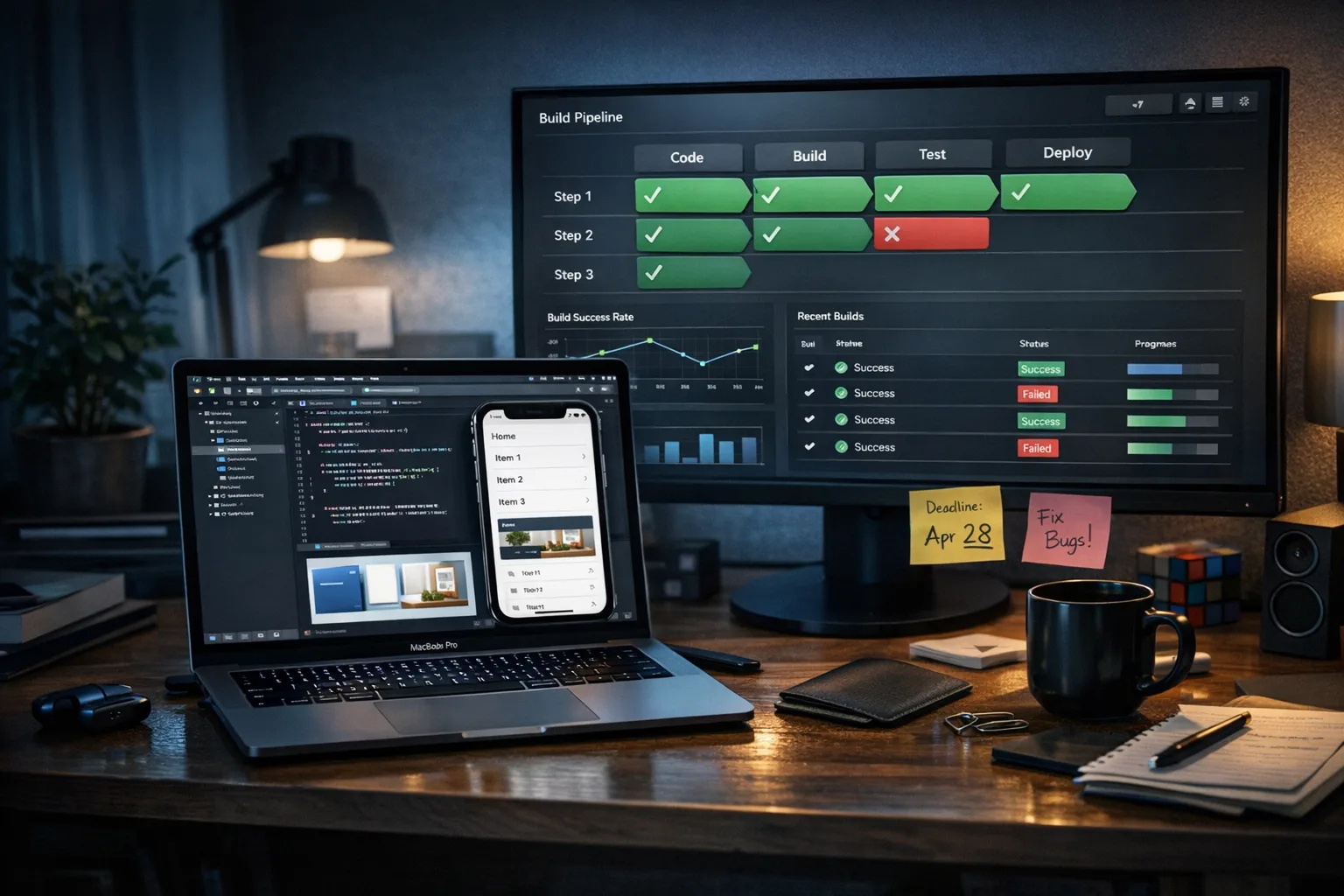
Xcode 26 Requirement: A No‑Drama Migration Playbook
The Xcode 26 requirement kicks in on April 28, 2026. From that date, new apps and updates uploaded to App Store Connect must be built with Xcode 26 (or later) using the 26‑series SDKs across iOS, iPadOS, watchOS, tvOS, and visionOS. If you’re still running production builds on older toolchains, you’re one sprint away from friction: rejected binaries, delayed promos, and hotfixes under pressure. Here’s a practical, battle‑tested approach to ship on time with your sanity intact.
What exactly changes on April 28, 2026?
Two things matter operationally: the toolchain and the review gate. The toolchain change means your shipping builds must compile on Xcode 26+ against the 26‑series SDKs. The review gate means App Store Connect will block or reject builds that don’t meet that bar. This is a build‑time requirement—not a mandate to drop older iOS runtime support. You can still support earlier OS versions, but you must verify behavior under the new SDK defaults and any migrated APIs or permissions.
There’s also a policy backdrop to keep in view. Apple’s age rating updates took effect January 31, 2026, and developers had to answer the new questions inside App Store Connect. If you skipped that housekeeping, expect submission friction during the cutoff window. Handle it now rather than while you’re chasing a release candidate.
Do I have to drop older iOS versions to meet the Xcode 26 requirement?
No. You can keep your minimum deployment target where business needs it. The risk is not runtime compatibility per se; it’s subtle changes caused by compiling with the 26 SDK. Expect new default behaviors in permission prompts, UI layout metrics, or tightened privacy enforcement. Test broadly on your lowest supported OS to catch regressions early.
Use this 10‑day triage if you’re late
Heads‑up: this is the “get me over the line” track. It optimizes for the minimum change set to produce a shippable build, not for long‑term code health. Document every deferred item in a follow‑up backlog.
- Freeze scope for ten days. No new features unless they’re release‑blocking. Announce the change to stakeholders and sales so you’re not fighting scope creep and a toolchain cutover at once.
- Clone production and branch a migration RC. Lock dependencies and create a clean CI job dedicated to Xcode 26 to avoid contaminating your stable lane.
- Upgrade the toolchain and reindex. Install Xcode 26 locally and on CI. Clear DerivedData. Validate command‑line tools and ensure the correct Xcode is selected in CI. On GitHub Actions or self‑hosted runners, explicitly set DEVELOPER_DIR.
- Pin third‑party SDKs. Update analytics, ads, payments, and auth SDKs first—these are the usual breakpoints. Prefer vendor versions explicitly marked compatible with the 26 SDKs.
- Fix compile‑time breaks fast. Prioritize exact compiler errors and deprecations that became hard failures. For warnings, only address those tied to behavior changes or privacy rules.
- Audit privacy manifests and required reason APIs. Ensure your PrivacyInfo files and API justifications are present and accurate, including any included via third‑party SDKs. A missing or conflicting declaration can block upload.
- Run a permission and UI sanity suite. Smoke test notifications, camera, photos, location, Bluetooth, microphone, and in‑app purchases on at least three devices: your minimum supported OS, a mid‑range recent OS, and the latest release.
- Rebuild marketing assets if needed. New SDK defaults can shift safe areas and typography. Check screenshots and promo videos for layout drift before your submission.
- Dry‑run to App Store Connect. Upload a TestFlight build early. Resolve any upload‑time errors now—certificate trust issues, missing entitlements, or manifest problems are cheaper to fix before QA’s full run.
- Time‑box App Review cadence. In cutoff weeks, review times can wobble. Ship a maintenance update early to gauge current throughput, then schedule your main RC with a buffer.
Xcode 26 requirement, the right way: a 6‑week plan
When you have a little runway, do it once and do it right. This path reduces rework, stabilizes CI, and shrinks your future upgrade tax.
Week 1: Baseline and branching strategy
Establish a cutover branch and freeze feature scope. Capture your current CI image, Xcode version, and dependency graph. Produce a risk register that lists high‑blast‑radius SDKs (payments, auth, deep linking, push), and tag owners. If you use Xcode Cloud or managed CI, review IP allowlists and runners in case you need to update network rules; our Xcode Cloud IP ranges guide has a quick checklist.
Week 2: Tooling and dependency upgrades
Install Xcode 26 locally and on CI. On shared runners, pin the version explicitly and cache dependency artifacts to keep build times predictable. Upgrade third‑party SDKs, preferring those with explicit 26‑series support notes. If a critical SDK lags, sandbox a vendor‑isolation wrapper so you can hot‑swap when they ship a fix.
Week 3: Privacy and policy hardening
Reconcile privacy manifests across your project and its packages. Remove any unused but declared permissions. Revisit required reason APIs and align justifications with current behavior. Do a full entitlement audit—Push, Sign in with Apple, Associated Domains, App Groups, Background Modes—to confirm nothing fell out during the Xcode upgrade.
Week 4: Functional and UX verification
Run regression suites on your minimum supported OS and the latest OS. Validate onboarding, subscriptions, restoration flows, and any critical navigation funnels. Look for safe area and text scaling changes, especially in tab bars, sheets, and camera overlays. Retune haptics and animations if timing shifted under the new SDK.
Week 5: Performance and stability
Profile cold start and resume times on two device classes (low‑memory and flagship). Compare crash signatures between the pre‑upgrade baseline and the 26 build. If you use Swift Concurrency heavily, sample for lock contention and main‑thread hops; compiler and runtime changes between toolchains can surface latent issues. Trim dead code revealed by stricter linking and re‑enable warnings you suppressed during triage.
Week 6: Release orchestration
Upload a TestFlight candidate, run phased rollout rehearsals, and prep marketing assets. Put App Store Connect metadata diffs under review a week early. Communicate the schedule with marketing and support so they can hold campaigns or FAQs if review extends. Keep a pre‑approved hotfix branch ready in case you get an unexpected rejection detail.
12 pitfalls we keep seeing in Xcode 26 upgrades
You can dodge most downtime by checking these before you hit “Upload.”
- Mismatched Xcode/CLI tools on CI. DEVELOPER_DIR points to the wrong app bundle, leading to subtle SDK mismatches. Pin it explicitly in each job.
- Outdated CocoaPods/SwiftPM lockfiles. CI resolves different versions than local. Commit lockfiles and turn on deterministic resolution.
- Missing or conflicting privacy manifests. Two SDKs declare overlapping reasons for the same sensitive API with different rationales. Harmonize or replace the offender.
- Assumed permission flows. Copy that relied on older prompt strings now misleads users. Sync UX text with current system dialogs.
- Entitlement drift. The build upgrades but a capability gets dropped, breaking Sign in with Apple or push on a subset of devices. Re‑export provisioning profiles after the upgrade.
- Localization regressions. Base strings change in size; long translations clip in navigation bars or sheets. Re‑run dynamic type and right‑to‑left checks.
- Snapshot tests failing on new metrics. Pixel‑perfect snapshots break due to font or rendering changes. Update baselines with reviewed diffs.
- Analytics and ads SDK lag. Vendors ship late. Create adapter layers so you can ship with a minimal feature set and re‑enable advanced tracking when compliant.
- Push notification auth changes. Token formats and authorization options have evolved; revalidate silent push, VoIP, and time‑sensitive notifications.
- Widget and extension targets ignored. Teams update the main app target but forget extensions, leading to upload errors. Treat every target as first‑class.
- Broken deep links. Associated Domains or universal link parsing can shift. Test cold and warm starts from URLs and Spotlight.
- Asset catalog issues. Redesigned safe areas expose transparent edges or mismatched status bar styles. Audit dark mode and HDR assets.
CI/CD reality check: getting Xcode 26 stable in pipelines
Production iOS teams fail or fly on pipeline discipline. A green local build means little if CI flakes. Here’s how we keep pipelines boring—in the best way.
- Pin everything. Xcode version, macOS image, Ruby and Bundler, CocoaPods, SwiftPM resolver behavior, and even your Fastlane version. Flakiness hides in moving parts.
- Split jobs by concern. Lint/static analysis, unit tests, UI tests, and packaging shouldn’t share caches or intermediate artifacts. Scope caches narrowly and purge on toolchain changes.
- Use ephemeral runners for secrets. It reduces long‑lived keychain weirdness after Xcode upgrades. Export and re‑import signing assets intentionally.
- Track build time budgets. The first 26‑series build often regresses by 10–20%. Record a baseline, then chip away: module caching, parallel tests, and fewer resource compilations.
- rehearse App Store uploads. Automate transporter uploads to a non‑production lane so you catch App Store Connect changes early.
If you’re on Xcode Cloud or a hybrid setup, sanity‑check network allowlists and runners. We keep a living checklist in our note on updating Xcode Cloud IP ranges. For a broader operational backdrop around this cycle’s platform changes, skim our ship‑ready App Store Connect playbook.
People also ask
Will Apple reject builds compiled with older Xcode after April 28, 2026?
Yes. App Store Connect enforces the minimum toolchain. Even if your app runs perfectly on device, the upload will fail or the binary will be rejected if it’s built with an older Xcode and SDK.
Can I keep my current minimum iOS version?
Usually yes. The requirement is about the compiler and SDK you build against. Keep supporting older OS versions if that’s your business model—but test them thoroughly because SDK defaults can shift behavior.
How long does App Review take near cutoff dates?
Timelines compress and stretch. Across recent cycles, we’ve seen anything from a few hours to multiple days. Submit a small maintenance build a week before your RC to learn the current cadence, then plan a buffer.
What about TestFlight?
TestFlight also follows the toolchain rules on upload, but its review is typically faster. Use it to validate uploads and catch entitlement or manifest issues before your production submission.
A practical readiness scorecard
Use this to get a quick read on whether you’ll make the date:
- Tooling pinned: Xcode 26 on local and CI, DEVELOPER_DIR set, CLI tools matched.
- Dependencies updated: All critical SDKs confirmed compatible; fallbacks or shims prepared for laggards.
- Privacy compliant: Manifests reconciled; required reason APIs declared; entitlements re‑exported.
- Device matrix green: Minimum supported OS, mid‑tier, and latest OS smoke‑tested.
- Upload rehearsed: TestFlight binary uploaded successfully; screenshots and metadata reviewed.
- Rollback ready: Pre‑approved hotfix branch with scoped changes and owners on call.
Let’s get practical: what to do next
If you’re inside two weeks of April 28, run the 10‑day triage and ship. If you have more time, take the 6‑week path and pay down upgrade debt as you go. Either way, treat this as a repeatable motion: the teams that glide through these cycles are the ones that automate the boring parts and keep their pipelines honest.
- Schedule a one‑hour cutover review with engineering, QA, and release management this week.
- Create or update a dedicated CI lane pinned to Xcode 26; cache dependencies deterministically.
- Run a privacy and entitlement audit; fix any manifest drift before QA invests in regressions.
- Upload a TestFlight build now, not later; resolve App Store Connect flags while you still have room.
- Decide your feature freeze window and publish it to stakeholders to avoid thrash.
If you need a partner to run an accelerated audit, we’ve packaged this into a fixed‑scope engagement that gets you to a clean upload and a predictable release calendar. See how we work on our services page and browse mobile results in our portfolio. For deeper planning around this exact cycle, our 10‑week ship plan maps risk‑reduction plays week by week.
Zooming out
This isn’t just another box to tick. Apple uses these yearly toolchain shifts to tighten privacy enforcement, move the UI forward, and retire outdated behaviors. The teams that treat upgrades as a living practice—not a scramble—compound speed every quarter. Put another way: the best time to finish your Xcode 26 migration was last month; the second‑best time is to start today with a clear, boring plan and a single source of truth in CI.
Ship well, and see you on the other side of April 28.





Comments
Be the first to comment.