Ship App Store Age Ratings 2026 Now
Developers don’t need more panic—they need a plan. The new App Store age ratings 2026 model adds 13+, 16+, and 18+ tiers, and Apple is enforcing an updated App Store Connect questionnaire with a hard stop on updates if you don’t comply by January 31, 2026. Meanwhile, on Android, Google Play’s Age Signals API has been returning live data since January 1, and state rules in the U.S. are pushing real-world age assurance. If your app has user-generated content, messaging, communities, ads, or payments, this is not a “set it later” item. Ship it now, and ship it right.
App Store age ratings 2026: what actually changed
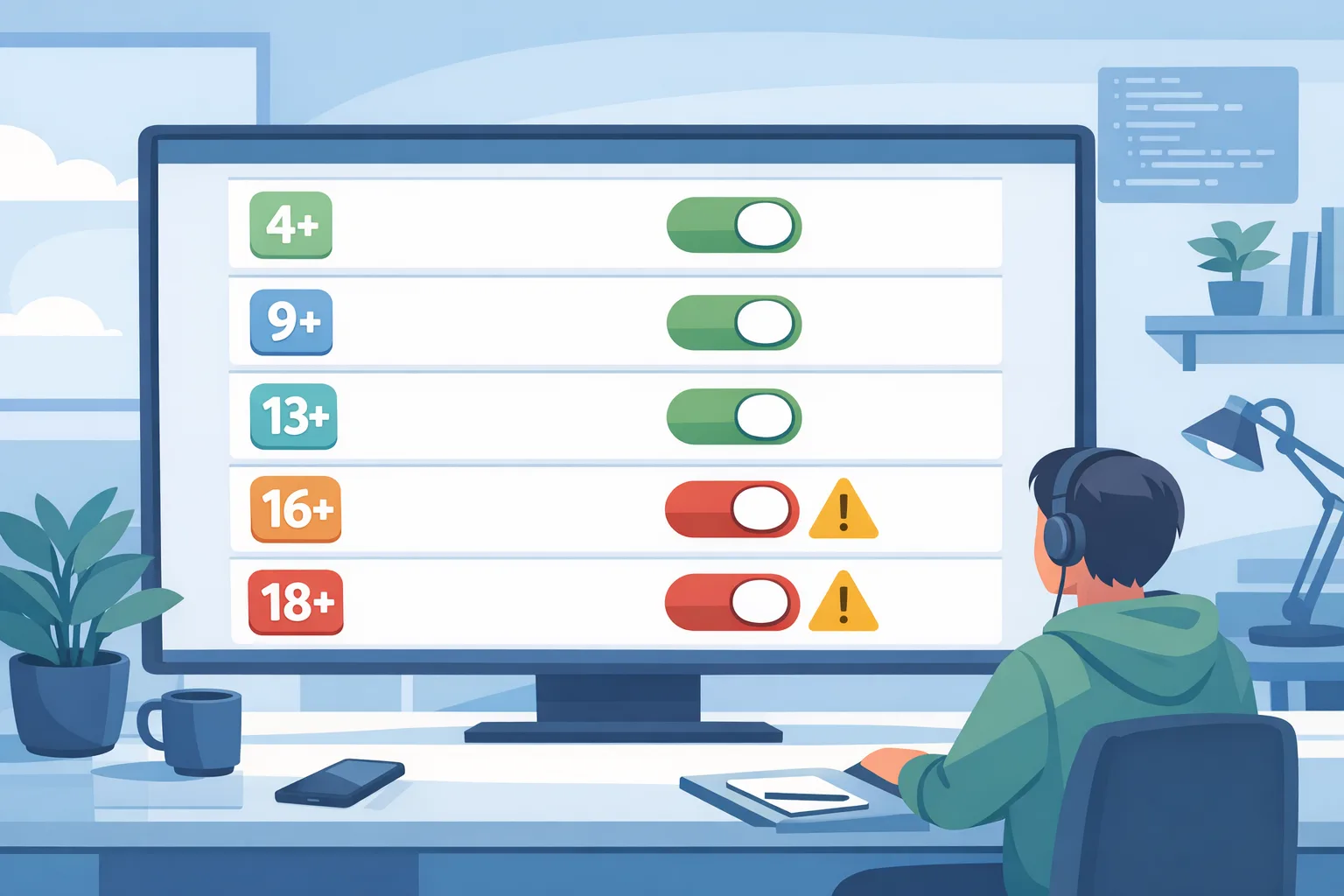
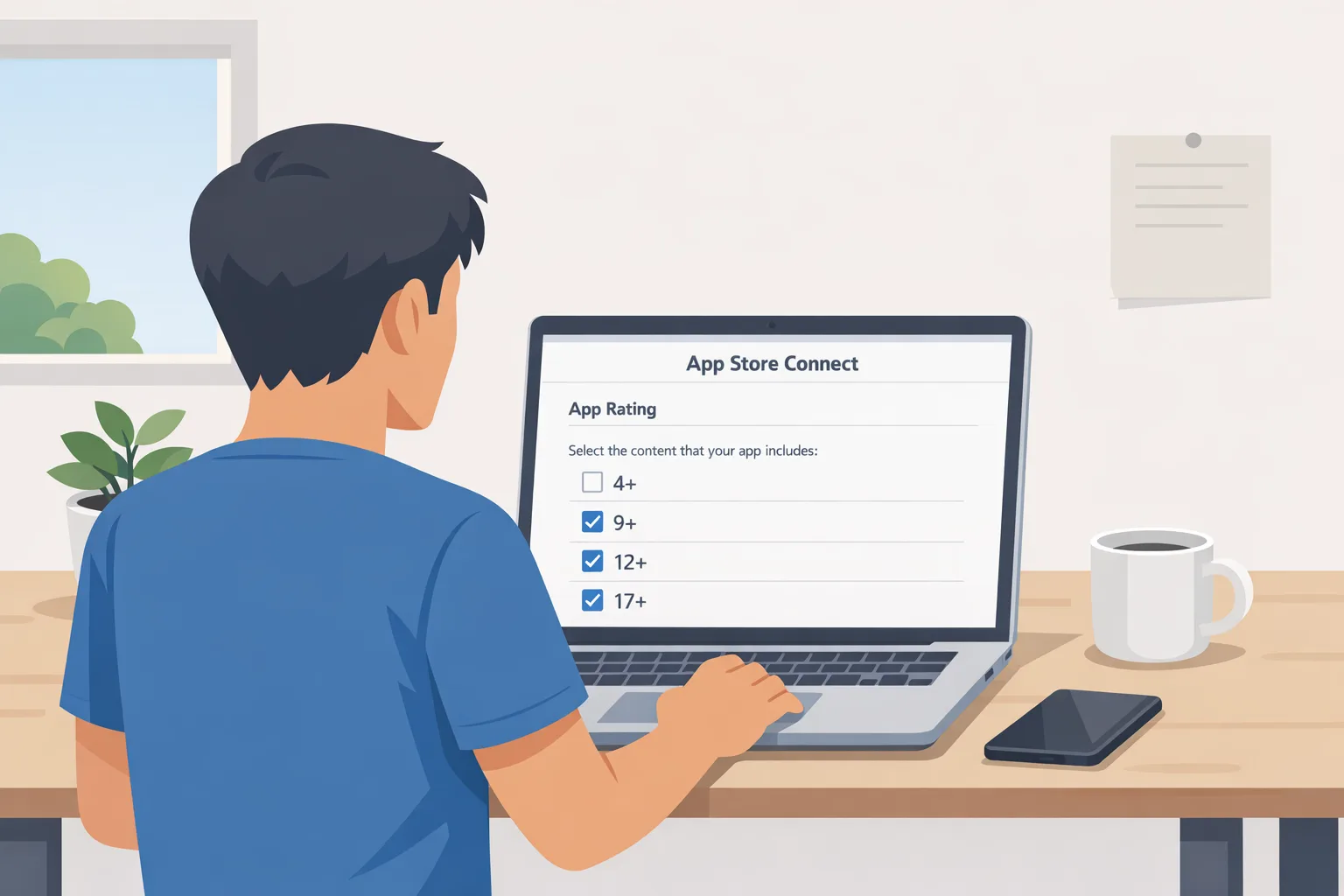
Apple has split adolescent audiences into 13+, 16+, and 18+, keeping 4+ and 9+ and retiring the 12+ and 17+ buckets. That alone forces many apps to rethink where features sit: discovery surfaces, chats/DMs, creator tools, marketplaces, and any mature themes. The updated App Store Connect age-rating questionnaire now asks about in‑app controls, capabilities, medical or wellness content, violent themes, and similar sensitive areas. If your previous answers were borderline or you’ve shipped new features (AI assistants, image generators, avatar editors, adult themes, gambling simulations), expect the rating to move.
Here’s the thing: Apple will block new updates if you haven’t answered the new questions by January 31, 2026. Teams that punt this to “the next release” tend to discover the lockout the day they need to hotfix. Don’t be that team.
What Apple will enforce—and when
Two dates matter. January 31, 2026: App Store Connect requires the updated questionnaire for every app; failure means no new submissions or updates. January 1, 2026: U.S. state laws start biting in places like Texas, pushing age verification and parental oversight at the account and store level. Practically, that means your app will increasingly encounter platform-enforced age ranges, family settings, and purchase restrictions at install or first run. Your product needs to respect those signals dynamically, not just during sign‑up.
Also watch for Apple’s privacy‑first flows that let parents share a teen’s age range with apps without exposing a birthdate (think under‑13, 13–15, 16–17, 18+ signals). If you build for age ranges, not exact ages, you’ll both satisfy policy and reduce your data risk surface.
Android reality: Play Age Signals API goes live
On Android, the Play Age Signals API provides a lightweight response your app can consume at runtime. You’ll see statuses like VERIFIED (18+), SUPERVISED (parent-managed teen account), pending or denied approvals, plus an age range and a most recent parental approval date for significant changes. From January 1, 2026 onward, the API is meant to inform age-appropriate experiences; you’re not allowed to use this data for ads targeting, profiling, or analytics. If your product has different experiences or gates for 13+, 16+, and 18+, you can implement the same policy map you use on iOS with minimal branching logic.
Android’s nuance is operational: signals may be absent (userStatus null) outside applicable jurisdictions. Design your defaults accordingly. If you can’t get a signal, treat the experience as adult-neutral but keep risky features behind your own server-side verification or capability checks.
Architecture that works across iOS and Android
I’ve shipped this twice in production now. The winning approach is a dual‑rail architecture—client-side gating informed by platform signals, plus server-side policy enforcement that can override when needed. Don’t rely on a single side to do all the work.
1) Normalize signals into a shared model
On iOS, call the age-range request flow and cache a signed token with the declared range. On Android, fetch Play Age Signals at app start and after account changes. Normalize both into a single internal enum: CHILD (<13), TEEN_13_15, TEEN_16_17, ADULT_18_PLUS, UNKNOWN. Persist it locally, and mirror the effective range server-side for policy checks.
2) Map features to gates, not pages
Create a capabilities registry that maps features (create_room, send_dm, join_public_group, view_ads_personalized, tip_creator, buy_lootbox, generate_nsfw) to minimum audiences. Store these in config (JSON, YAML, or a feature flag system). At runtime, the UI asks the gate: can the current user perform X? That gate evaluates the normalized age, account type (supervised, verified), jurisdiction, and your business rules.
3) Respect parental flows “at the edge”
If a supervised teen attempts a significant change (turning on public profile, initiating DMs, enabling third‑party links), trigger the platform’s parental approval flow if available, or your own server-mediated approval request. Store the mostRecentApprovalDate (Android) or the corresponding iOS approval outcome for audit.
4) Keep enforcement server-side for sensitive actions
Even if the client hides a button, the server must re-check. Gate content uploads, public joins, purchases, payouts, and ad personalization server-side. Log denials with reason codes so product can review false positives and legal can audit decisions.
5) Design escapes and fallbacks
Signals can be missing or revoked. Build a clear “restricted mode” that still lets teens complete safe actions (browse curated lists, follow with approvals, consume age-appropriate content) while you surface a parent-approval path or a “verify in store” prompt.
Checklist: a two‑week sprint to compliance
If you have two weeks, this is how to get from zero to shippable without derailing your roadmap.
- Product audit: List all features that change discoverability, communication, spending, or mature content. Tag each with a minimum audience: 13+, 16+, or 18+.
- Policy file: Codify the gates in a single JSON checked into your repo and mirrored server-side. Add a unit test suite that asserts your intended defaults.
- Signal adapters: Implement iOS age‑range request and Android Play Age Signals consumption. Normalize both to your internal enum with timestamps.
- Server enforcement: Add middleware that re‑checks gates for sensitive endpoints. Return structured 403s with reason codes and localized copy keys.
- UI/UX: Replace hard blocks with guided flows: explain why an action is limited and offer a parental approval route where possible.
- Observability: Emit metrics for gate denials by feature and audience. Create dashboards for legal and PMs.
- QA scenarios: Build fixtures for each audience and jurisdiction. On Android, simulate verified, supervised, pending, and denied states. On iOS, test without an age range and with parental sharing toggled off.
- App Store Connect: Complete the updated questionnaire for every app now—not the night of January 31. Capture screenshots for your release checklist.
- Play Console hygiene: Review your store listing for claims about audience and disclosures. Ensure your data safety and advertising setups don’t contradict your gates.
- Run a brownout: In staging, flip the policy file to 18+ for risky features and watch what breaks. Fix those call sites.
People also ask
Do I need different UI for 13+, 16+, and 18+?
Not necessarily. You need different capabilities. Keep layouts consistent but hide or disable certain controls, swap data sources to safer feeds, and tone down recommendations for younger ranges. Feature parity is less important than safe defaults and clear explanations.
Can we rely on self‑declared ages instead of platform signals?
No. Self‑declaration alone won’t meet the bar in jurisdictions mandating verification or parental supervision. Use platform signals when present; otherwise route to parental approval or your own verification flow for sensitive actions.
What actually breaks if we do nothing?
On iOS, you risk being blocked from shipping updates after January 31, 2026. On Android, you risk misusing Play Age Signals (if you ingest them) or exposing restricted features to supervised teens and verified minors, which is a policy and trust problem that can lead to takedowns.
How do ads and UGC intersect with these ratings?
Personalized ads and open UGC features are the two biggest tripwires. If you show user posts or comments without strong filters and reporting, you’re likely above 13+. If you support creator tipping, lotteries, adult themes, or dating features, you’re in 16+ or 18+ territory fast. Document your mapping and keep it defensible.
Data‑backed timeline you can show your execs
January 1, 2026: Google Play’s Age Signals API begins returning live responses in applicable jurisdictions; you’re expected to use signals only to provide age‑appropriate experiences. January 31, 2026: Apple requires completed responses to the expanded age‑rating questionnaire in App Store Connect for every app; app updates are blocked until you do. Through 2026: several U.S. states phase in additional age‑assurance and parental oversight rules for app stores and OS accounts, which increases how often your app will encounter verified age ranges and supervised accounts at the platform level. Plan for signals to grow more common, not less.
Edge cases you need to test
Cross‑device drift: A teen moves from a supervised Android tablet to an iPhone where parents haven’t shared the age range. Your server must fail safe. Offline mode: If your client can’t fetch signals, don’t silently elevate privileges. Jurisdictional toggles: Signals appear in one country and vanish in another. Ensure your policy file scopes to region and falls back safely. Account merges: An adult verifies after using the app as a supervised teen; you must re‑hydrate capabilities and remove restrictions that no longer apply—without un-hiding historical content they weren’t allowed to see before.
Support and appeals: Parents will ask why a feature is blocked. Bake an appeal URL into every denial dialog, and wire it to a help center entry that references your gates. If you operate customer support, expose the normalized age and policy version in the ticket so agents can troubleshoot without guessing.
Let’s get practical: shipping without hurting growth
Teams worry about conversion hits from additional friction. Use progressive disclosure. For ADULT‑only features, gate late (when intent is high) and communicate benefits of verifying or requesting approval. For TEEN ranges, default to safe content feeds and one‑tap approval requests for risky transitions (for example, moving from private to public posting). Invest in empty states that delight—curated educator picks, starter challenges, or teen‑safe creators—so the experience feels intentional, not broken.
Governance that scales
Make your policy file and gate tests part of your definition of done. Every PR that introduces a new capability must declare a minimum audience. Security reviews should include a “teen audit” pass: what content does this expose, who can message whom, and how do users report or block? Set a quarterly review with product and legal to re‑score features as norms and rules shift. Compliance becomes a habit, not a scramble.
Where to go deeper
If you want a feature‑level breakdown of App Store Connect’s latest changes, start with our App Store Connect update breakdown. For Android specifics, our Play Age Signals API compliance playbook covers statuses, testing, and pitfall fixes. If you need hands‑on help, see our mobile app compliance engineering services and what engagement models look like. And if your app straddles regulated AI features and youth audiences, bookmark our EU AI Act last‑mile playbook—the operational mindset translates well here.
What to do next
- Today: Complete the updated App Store Connect questionnaire for each app. Screenshot the result and add it to your release checklist.
- This week: Implement the iOS age-range flow and Play Age Signals adapter; normalize to a shared enum; land unit tests for your policy file.
- Next week: Gate the top five risky actions server-side and ship UI guidance with parental approval hooks. Run a brownout test in staging.
- Ongoing: Add policy checks to code review and automate dashboards for denials and appeals. Revisit mappings quarterly.
No drama required. The platforms have handed you reliable inputs; your job is to operationalize them. Build once with clean abstractions and you’ll handle App Store age ratings 2026 and the Android side without whiplash. Do it right, and you’ll ship faster, safer features—and sleep fine when the next enforcement email lands.





Comments
Be the first to comment.