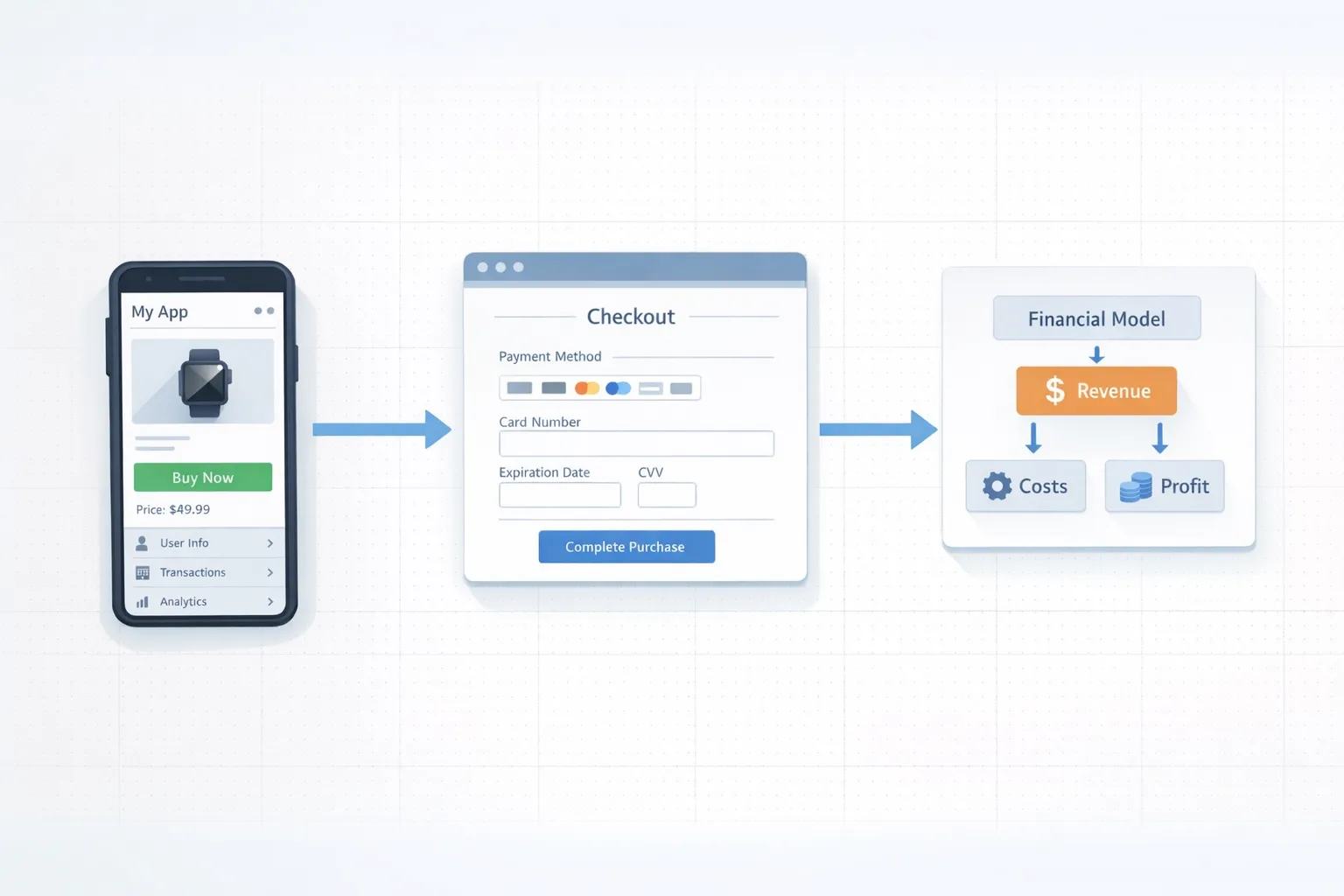
Google Play External Links in the U.S.: Ship by Jan 28
Google Play external links are finally real in the United States—and the compliance clock runs out on January 28, 2026. If you plan to steer users to web checkout or to download an app outside Play, you must enroll in Google’s programs, update your client code, and prepare to pay new fees. This article breaks down the moving pieces: what external links are, how fees actually work, which APIs to implement, and a practical plan to ship this week without tripping policy wires.
What changed—and when
Two programs now matter for U.S. developers:
• External content links: you can link users from your Play‑distributed app to external web pages to buy digital content or to download apps outside the Play Store.
• Alternative billing (external payments): inside your app, you can offer a developer‑provided billing option in addition to or instead of Google Play Billing in the U.S., using defined APIs and UX requirements.
The public milestones are straightforward. Google posted the U.S. policy update on December 9, 2025. Play Billing Library 8.2.x added external links and reporting APIs on December 9, and 8.3.0 added dedicated external payments APIs on December 23. The compliance target for continuing to link externally or offer alternative billing is January 28, 2026. A court hearing scheduled for January 22, 2026 will review aspects of Google’s implementation and fee design, but your engineering work can’t wait for the outcome.
Google Play external links: the definition developers actually need
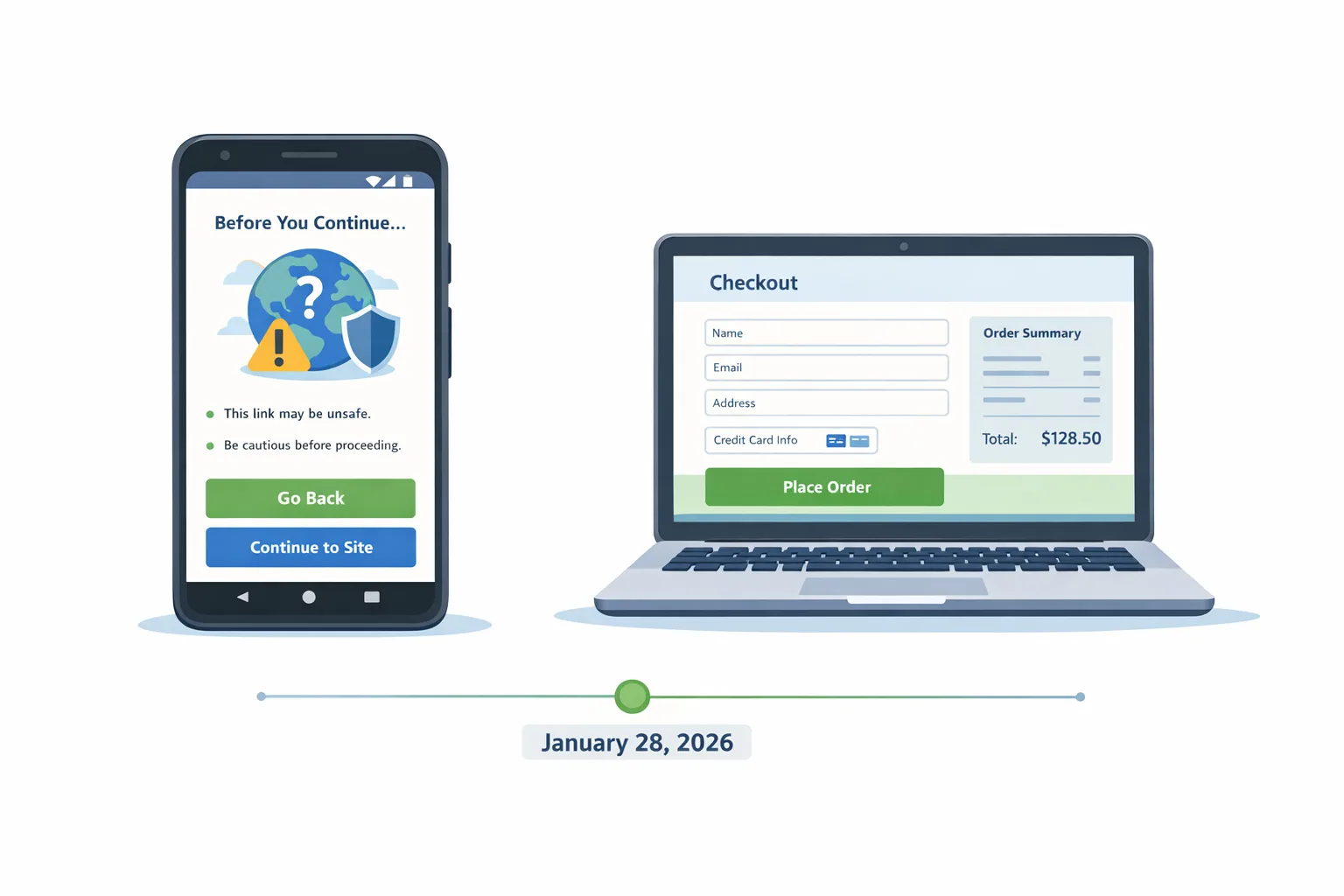
“External links” are a specific, whitelisted flow. You register outbound links and app download destinations in Play Console. Your app must show a Google‑provided information screen before handing off to the browser. Each outbound transaction or app download that qualifies as an “external transaction” must be reported back to Google using a token your app obtains from the Play Billing Library immediately before you launch the link.
Why this matters: your compliance hinges on creating the external transaction token per attempt, passing it through your checkout, and reporting the result. Caching tokens across sessions or skipping the info screen is a policy failure, not a clever optimization.
Fees, plainly translated
The fee structure for Google Play external links has three parts you need in your spreadsheet:
1) Initial Acquisition Fee: 3% applied to qualifying off‑Play transactions that occur within six months of a Play‑managed install. After month six, this component drops to 0%.
2) Ongoing Service Fee (Tier 1, required): 10% on qualifying off‑Play transactions while your app continues to receive Play services (security scanning, parental controls, fraud protections). Some categories and flows present an optional higher tier (for added capabilities) that increases the percentage for one‑time purchases or adds 3% for subscriptions.
3) Per‑install fee for external downloads: if a user taps your in‑app link and installs your app outside Play within a short window, you owe a fixed charge. Google publishes country rate cards in some regions; U.S. reporting has referenced planning figures of roughly $2.85 per app install and $3.65 per game install when the install occurs within 24 hours of the click. Treat these as modeling numbers until the final U.S. rate card lands.
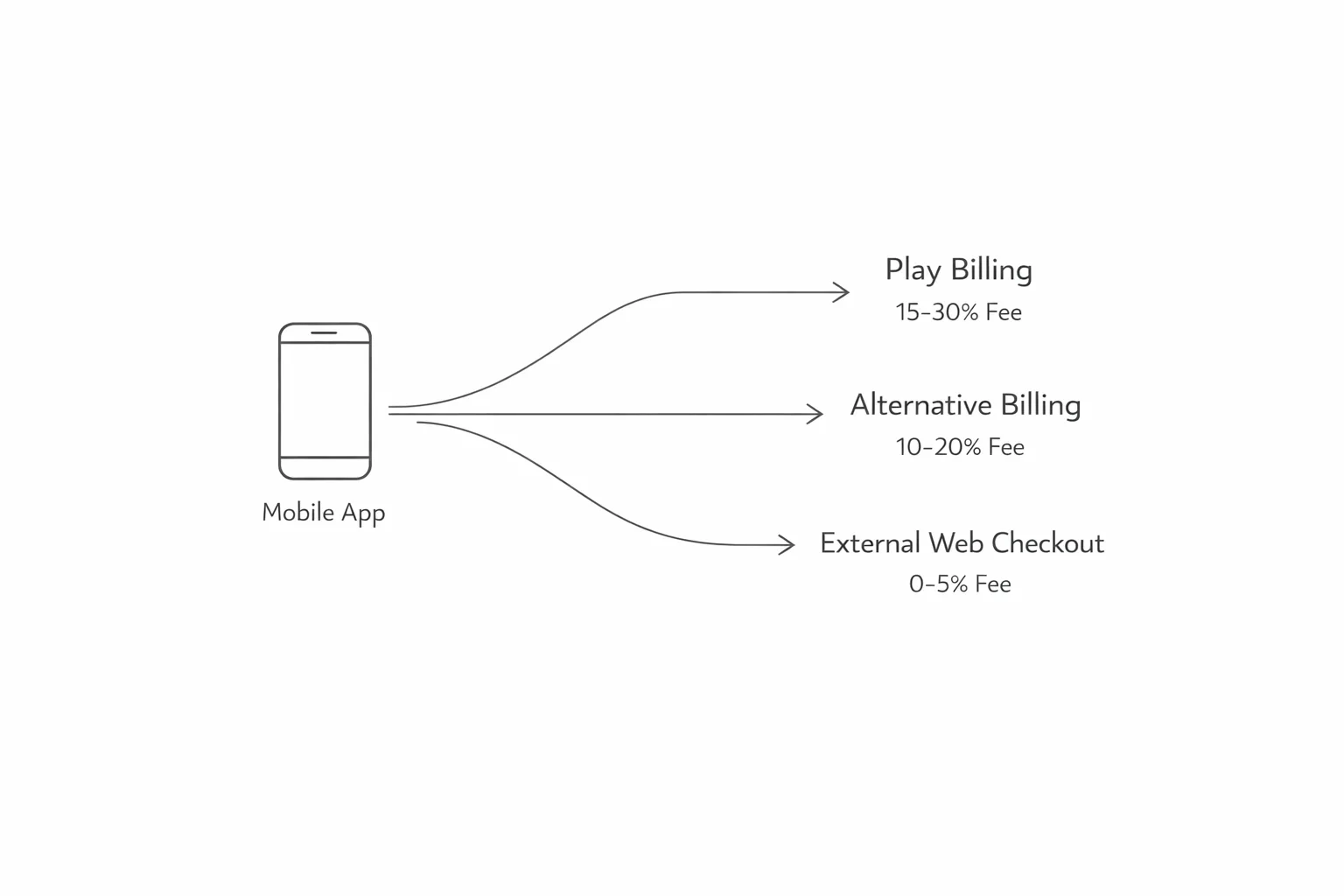
How about alternative billing inside your app? Expect a smaller discount off your prevailing Play service fee rather than a wholesale exemption. In practice, many developers will see around a 5% reduction compared to standard in‑app rates for one‑time purchases, with subscription math following Play’s existing subscription tiers. For external links to purchases (that go out to the browser), press summaries have cited an effective 20% for most one‑time digital purchases and 10% for auto‑renewing subscriptions. Again, model those numbers now; final tweaks may follow the court’s review.
Where the money goes: a concrete $10 example
Imagine a $10 one‑time digital purchase driven by an external link within six months of a Play install. Your external link economics could look like this: 3% Initial Acquisition ($0.30) + 10% Ongoing Service ($1.00) = $1.30 to Google. Add your payment processor’s take, say 2.9% + $0.30 (~$0.59), and your aggregate platform cost is about $1.89—roughly 18.9% effective. With alternative billing inside the app, many devs will see ~25% to Google plus PSP fees, often landing in the high‑20s. Keep in mind the numbers vary by product mix, geography, and whether you’re past the six‑month window.
The twist is external app downloads. If your link drives an out‑of‑Play install within the measurement window, plan for a per‑install fee. That can wreck CAC if your install‑to‑payer conversion is weak—especially for games with large funnels and modest payer rates. Run those cohorts before you flip the switch.
Required SDKs and the exact APIs to use
You need Play Billing Library 8.2.1+ for external content links and 8.3.0+ for external payments. If you’re only linking to a web checkout or an app download, 8.2.1 is sufficient; if you’ll offer a developer‑provided payment option inside the app, move to 8.3.0. The modern surface area replaces older external‑offer APIs and introduces a consistent pattern:
• Enable the billing program at startup (external links or external payments).
• Check availability per user (geo, eligibility).
• Immediately before launching a link, request a reporting token via createBillingProgramReportingDetailsAsync.
• Launch the Google‑mediated information screen, then the browser (launchExternalLink).
• Report the resulting transaction using the token on your server.
In code terms, you’ll touch BillingProgram.EXTERNAL_OFFER for link‑outs and BillingProgram.EXTERNAL_PAYMENTS for in‑app developer billing, Build‑time dependency bumps are non‑trivial in many apps, so plan regression testing around purchase entry points and deep link routing.
Compliance guardrails most teams miss
• Token discipline: generate the external transaction token immediately before each external attempt; don’t reuse. Tokens are single‑use and time‑sensitive.
• Link registration: outbound destinations—both purchase pages and app download pages—must be registered and approved in Play Console before use. Ad‑hoc links to new URLs will be rejected.
• The info screen: your app must display the Play information screen before leaving the app. Attempting to replicate it yourself is a policy violation.
• Reporting completeness: report all qualifying external transactions, including free trials that convert later if the program terms require it. Build idempotency into your webhook/ack path.
• U.S. scope: the external links program described here is U.S.‑specific. Gate the feature by country and Play availability checks.
People also ask: quick answers
Do I still owe Google if I link out?
Yes. Expect an Initial Acquisition Fee on qualifying early‑life transactions, an ongoing service fee while you benefit from Play services, and—if you’re linking to app downloads—a per‑install charge when the install happens shortly after the click.
Is the per‑install fee charged for updates?
No. The fee targets new installs that occur within the defined window after a Play‑originating link‑out, not updates to an app already on the device.
Can I link to my own app store or website APK?
You can, provided the link and landing page are registered and approved. The program governs the disclosure screen, tracking, and reporting, and you’ll owe the applicable fees if the install is attributed to the Play‑originating link.
What’s the cheapest option: external links or alternative billing?
It depends on your mix. External links can be materially lower than alternative billing for one‑time purchases after month six, especially for high‑value carts and strong web conversion. But per‑install fees can erase gains if you send a lot of non‑converting traffic to external downloads. Model by cohort, not averages.
The decision framework I use with revenue teams
1) Segment by product and funnel: subscriptions vs consumables vs unlocks; game vs non‑game; U.S. users only. Pull payer rate, ARPDAU/ARPPU, and six‑month retention.
2) Simulate three routes per cohort:
• Baseline Play Billing (status quo).
• Alternative billing inside the app (assume a ~5% discount vs your prevailing rate).
• External links to web checkout (apply 3% for the first six months, then 0%, plus 10% ongoing service; add your PSP fees; include per‑install fees for app download flows).
3) Add operational friction: the info screen adds clicks; web forms may drop conversion 5–20% depending on UX. For developer billing, count KYC, fraud tooling, chargeback handling, and reconciliation time.
4) Make the call by cohort: it’s common to pick external links for high‑value non‑game subscriptions and stay native for low‑price, impulse purchases where one extra tap kills conversion.
A one‑week ship plan (works for most apps)
Day 1: Enroll programs in Play Console; register outbound link domains and, if applicable, external download destinations. Create feature flags for external links and external payments.
Day 2: Upgrade to Play Billing Library 8.2.1 (external links) and plan a parallel branch to 8.3.0 if you’re doing developer billing. Wire stubs: enable billing program, availability checks, reporting token creation.
Day 3: Implement the link‑out flow with the information screen and launchExternalLink. On the server, accept and store the external transaction token, correlate it to your user/session, and emit a durable event to your payments service.
Day 4: Build reporting and idempotency. Postbacks should tolerate retries; create a dead‑letter queue and dashboards for “reported vs settled” reconciliation. Add experiments for button placement and copy on the pre‑link page to recover the click you pay for.
Day 5: QA scenarios: offline errors before token creation, token timeouts, cancel before checkout, success/fail/chargeback, multiple tabs, and users with restricted profiles. Validate that links to downloads open in an external browser or appropriate app per policy.
Day 6: Finance modeling. Update CAC/LTV sheets: include 3% initial acquisition (first six months), 10% ongoing service, PSP fees, and a per‑install line for external downloads based on a 24‑hour attribution window. Add sensitivity analysis: ±20% web conversion, ±50% payer rate on download cohorts.
Day 7: Launch to 10% of eligible U.S. traffic. Monitor conversion, error rates, and reporting latency. Roll forward if healthy.
Gotchas from real integrations
• Deep links and SSO: when you launch to the browser, keep the user authenticated. Use App Links, same‑site cookies, and short‑lived magic links to avoid re‑authentication churn.
• Trials and grace periods: if you run web trials, make sure your reporting logic accounts for zero‑dollar starts and later conversions when program terms require reporting.
• Browser hand‑off on low‑end devices: some OEM browsers mangle return URIs. Provide a generic return to app button and email receipts with a deep link as a fallback.
• Games with large funnels: test the economics before you link users to an external installer page. If your external install‑to‑payer conversion is sub‑1%, the per‑install charge can overshoot any fee savings.
• U13/teen experiences: your external flow must still respect minor safety and parental controls. If you’re building for teens, check Apple’s updated age rating questionnaire deadline on January 31, 2026 to avoid cross‑platform delays.
How this intersects with platform housekeeping
If you’re already lining up compliance work, bundle two quick wins. First, confirm your Android developer verification is current; policy holds are the worst form of downtime. Second, align your iOS releases with Apple’s revised age rating questionnaire due January 31, 2026—your app updates will be blocked if you ignore it. If you need primers, we’ve published practical guides:
• See our field guide to external links for a step‑by‑step walkthrough of fees and flows: field guide to Google Play external links.
• If you’re assembling the UX and backend this week, start with our shipping checklist: the 2026 external links playbook.
• Ensure your Play Console paperwork won’t hold you up: Android developer verification: pass and ship.
• On iOS, update your metadata and submissions flow for Apple’s new tiers: App Store age ratings 2026: ship without blockers.

Risks and limits (read this twice)
• Court oversight: fee details in the U.S. are under judicial review. Google’s structure is published; certain dollar amounts remain planning numbers until final rate cards are posted. Ship the APIs and reporting now; keep the economics behind a remote config you can revise without a client update.
• Reporting liability: if you link out but don’t report qualifying transactions, you’re inviting enforcement. Treat external transaction reporting as Tier‑1 reliability, not a best effort.
• Fraud and chargebacks: moving to web checkout can shift fraud patterns from Google‑mediated flows to your PSP. Budget for a fraud tool, 3‑D Secure where appropriate, and chargeback ops.
What to do next
• Enroll in external links and, if relevant, alternative billing in Play Console today.
• Upgrade to Play Billing Library 8.2.1+ (external links) and 8.3.0+ (external payments). Add availability checks and token creation to your purchase entry points.
• Register outbound URLs and app download pages; gate the feature to U.S. users only.
• Build server‑side reporting with idempotent retries and dashboards for reconciliation.
• Model your fees by cohort—including per‑install charges for external downloads—and set guardrails in your feature flag to turn off the route if unit economics slip.
• For iOS teams: complete Apple’s updated age rating questionnaire before January 31, 2026 to avoid submission blocks.
Zooming out
The headline is freedom with accountability. You can steer Android users to web checkout and even help them install apps outside Play. But that freedom comes with fees, attribution rules, and reporting obligations. Teams that engineer clean flows, keep the info screen frictions minimal, and stay disciplined on data will bank real savings on certain cohorts—especially high‑value subscriptions after the six‑month mark. Teams that guess instead of modeling will pay for clicks and installs they don’t convert.
Give yourself options. Ship compliant external links now. Keep alternative billing behind a flag. Iterate on UX and conversion. And, crucially, wire your finance telemetry so when fees or court‑mandated terms shift, your roadmap doesn’t.





Comments
Be the first to comment.