Google Play External Links 2026: Ship Without Surprises
Linking outside the Play Store is finally possible at scale, but it’s not a free‑for‑all. If your app uses Google Play external links in 2026—whether to send users to a web checkout, a content site, or an app download—you’ve got a real deadline, real APIs, and real fees to consider. The U.S. compliance date is January 28, 2026, and Google’s program requirements mean you can’t just toss a URL into a button and call it a day.
What changed, who it affects, and why it matters
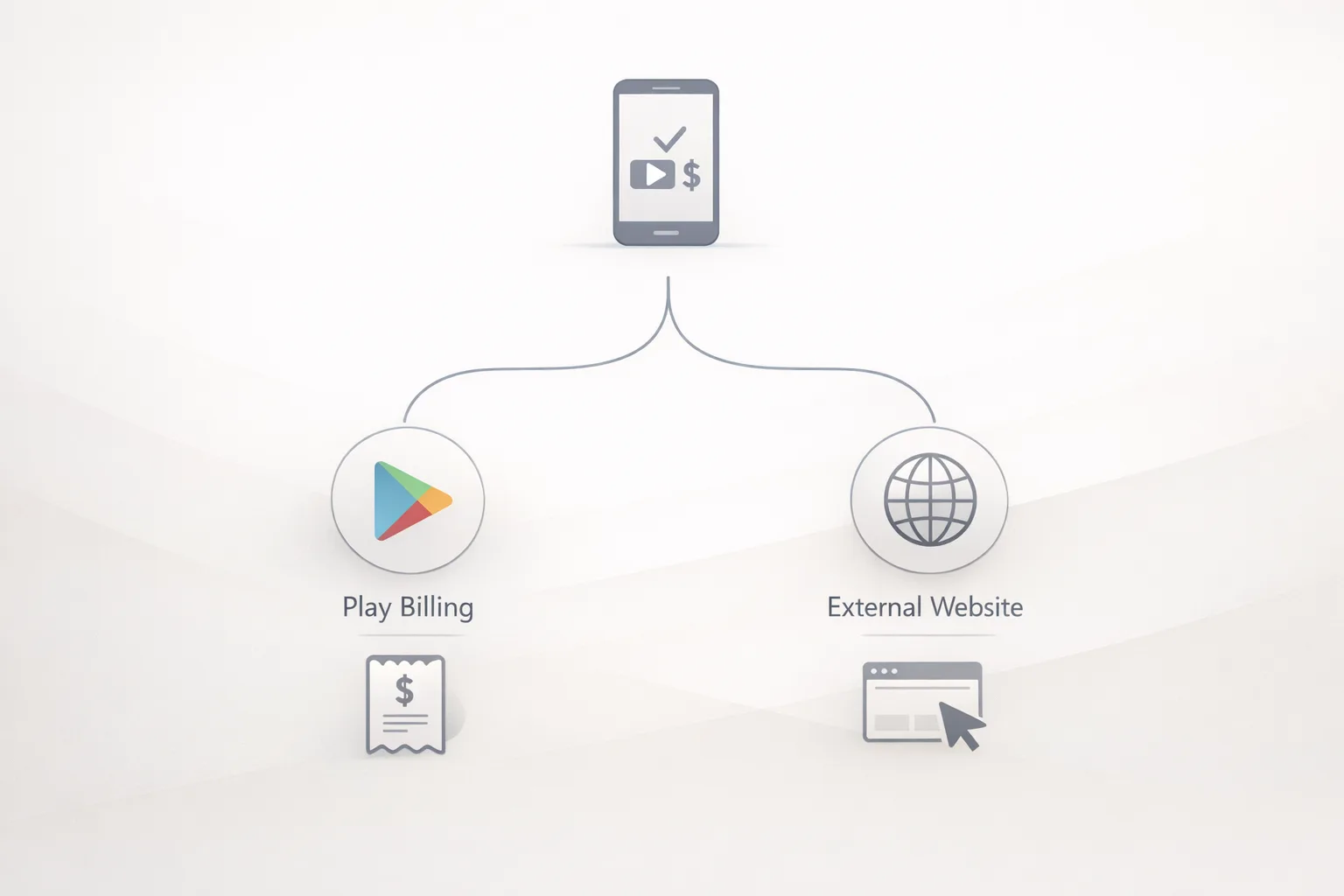
There are three related programs here, and each covers a slightly different scenario:
• External content links: link users outside your app to digital content or an app download, with required disclosures and reporting tokens.
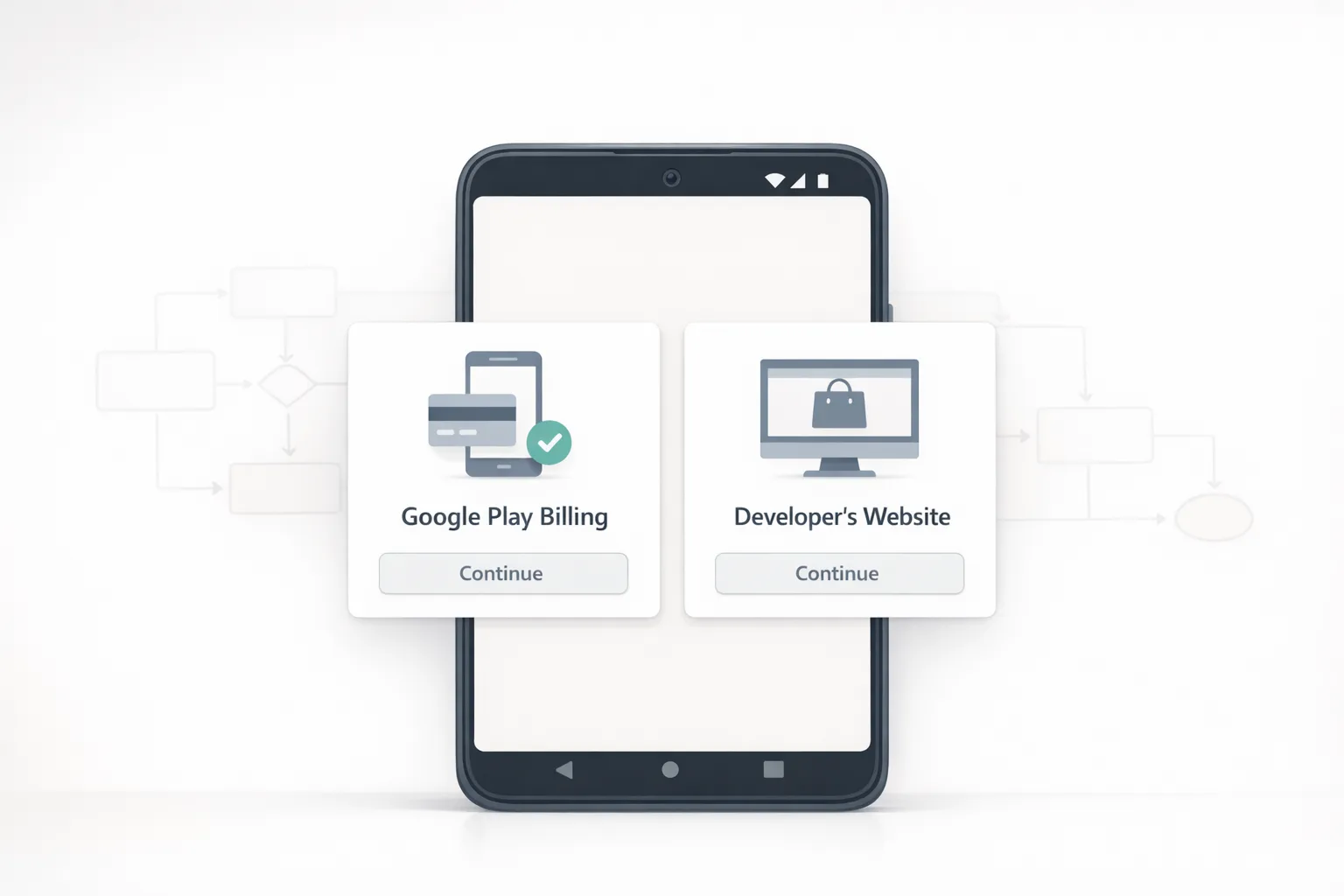
• External payments: offer a choice between your billing system and Google Play’s, inside the app, using Play‑rendered user‑choice screens.
• Alternative billing: similar goal (developer billing), but with a different enrollment and economics model than external content links.
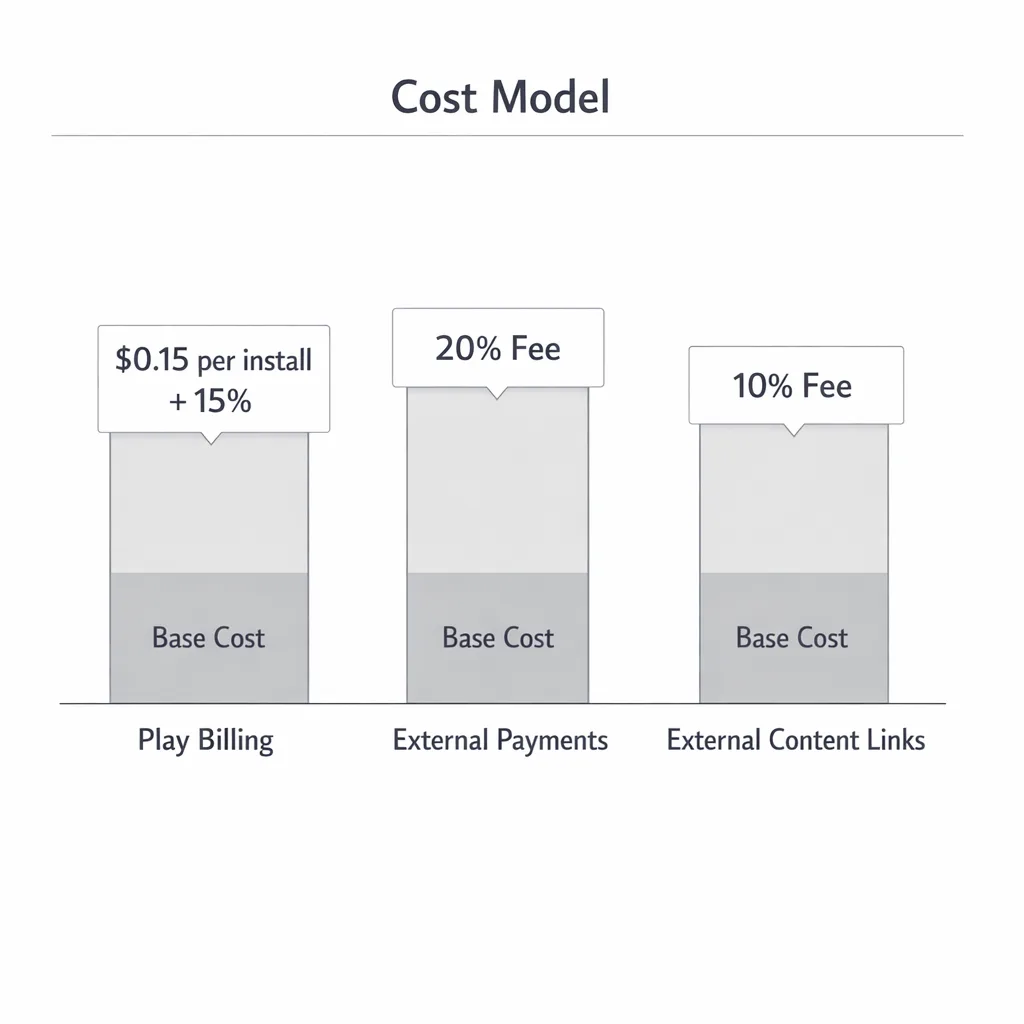
For U.S. apps, Google set a compliance date of January 28, 2026 to keep linking or alternative billing features active. Practically, that means you need to enroll in the correct program in Play Console, integrate the newest Play Billing Library (PBL) APIs, and implement reporting tokens before you ship. Reported economics also matter: news coverage details fixed per‑install charges for off‑Play app or game installs initiated from your in‑app link (quoted figures of roughly $2.85 for apps and $3.65 for games within a short window) and ongoing percentages on external transactions (commonly described as 20% for purchases and 10% for subscriptions). Final U.S. rate cards and timing sit under active judicial oversight as of mid‑January, so treat those figures as directional and feature‑flag your assumptions.
If you want a deeper primer on scoping, enrollment, and the pros/cons of each path, we’ve published a full field guide to Google Play external links and a practical shipping playbook for 2026. This article focuses on what you should build this sprint and how to budget it.
The 2026 integration path: versions, tokens, and UX you must ship
Here’s the thing: the policy text is the easy part. The code changes and console configuration are where teams stumble. Google’s PBL releases in December 2025 added the exact classes and methods you need, but you must pick the right version for your program.
Which Play Billing Library version do you need?
• External content links and external offers: PBL 8.2.1 or higher.
• External payments (true in‑app choice with Play‑rendered screens): PBL 8.3.0 or higher.
Version 8.2.x introduced the generic “billing program” setup and the ability to generate a reporting token right before you deep‑link a user out. Version 8.3.0 added explicit external payments classes and support for Play’s user‑choice screens. If you’re unsure, default to 8.3.0+ to keep your options open.
Tokens: the single biggest implementation gotcha
Every qualifying off‑Play transaction that originates from your app’s link must be attributable with a fresh external transaction token. The rules are strict: generate the token immediately before you launch the link or billing flow, do not cache tokens across transactions, and pass that token back to Google Play when the purchase completes.
For external content links, you’ll request program reporting details with the EXTERNAL_CONTENT_LINK flag; for external payments, you’ll use EXTERNAL_PAYMENTS. The pattern is similar across both: initialize the billing client, check eligibility, generate reporting details (which include the token), then launch the link or the choice screen. Build a test harness that simulates intermittent network failures—token creation must be retried safely, and you don’t want to strand a user or mis‑attribute a purchase.
Designing the user‑choice screen assets
External payments requires a Play‑rendered choice UI with your payment method image strip. That strip has specific dimensions and style guidelines (single PNG, multiple small payment cards, no text). Prep these assets now so your designers aren’t sprint‑blocking engineering. Include at least the methods a U.S. buyer expects—major cards, PayPal, and a local wallet if you offer one—and keep it real: don’t advertise methods you won’t honor during checkout.
People also ask: quick answers your PMs keep Slacking you
Do we owe Google fees if we link out?
Yes, plan on it. Reporting indicates fixed per‑install charges for external app or game installs initiated from your in‑app link within a defined window, plus ongoing percentages on off‑Play transactions while your app still benefits from Play services. The exact U.S. rate cards may change, but you should model sensitivity bands today.
What happens if we don’t enroll by January 28, 2026?
Your app risks rejection or policy enforcement if you continue external linking or offer developer billing without the correct program enrollment and integration. Put the date on the team’s wall and treat it as a ship‑blocker.
Can we just use a WebView and bypass the APIs?
No. The programs require you to integrate the Play Billing Library flows and generate reporting tokens. A raw WebView or hard‑coded URL won’t satisfy eligibility, disclosures, or reporting requirements—and it will get flagged in review.
A practical decision tree for product and engineering
If you’re starting from scratch, use this simple path to decide what to build:
1) What are you linking to?
• An external web checkout for digital content → External payments (in‑app choice), or external content links + web checkout.
• A separate app or store page → External content links with app download flow.
2) Do you need an in‑app choice between Play Billing and your billing?
• Yes → External payments (PBL 8.3.0+).
• No → External content links (PBL 8.2.1+).
3) Do you have the console enrollment and disclosures ready?
• Configure the program in Play Console, upload payment method image assets (for external payments), and ensure your store listing, age ratings, and content disclosures are consistent.
4) Are you prepared for reporting?
• Implement token generation per click/flow and wire your payment backend to send completion notices with the token. Build idempotent webhooks so retries don’t double‑count.
5) Are you prepared for fees and audits?
• Model per‑install and percentage‑based costs based on public numbers; keep a feature flag to update economics without a client release. Keep logs of token creation and transaction reporting to defend against disputes.
Model the new fees: realistic math for 2026
You need numbers to make decisions, so let’s run a scenario. Assume your U.S. app links users out to purchase a $50 digital item and, separately, you also link to a companion app download on your website. You see 50,000 monthly clicks to web checkout and 10,000 users who click to install the companion app. Based on widely reported figures, you might model:
• Ongoing service fee on off‑Play transactions: 10% on subscriptions; for one‑time purchases, reporting suggests 20% on external web purchases.
• External download fee: a fixed charge per install completed within a window after the click (reported ~$2.85 for apps, ~$3.65 for games). Use conservative, upper‑bound estimates until U.S. rate cards are finalized.
Now apply sensitivity. If 8% of your 50,000 clicks convert, that’s 4,000 purchases x $50 = $200,000 GMV. At 20%, you’d budget $40,000 to Google for that month’s off‑Play purchases. If 20% of the 10,000 app‑download clicks complete within the measurement window, and your app category maps to ~$2.85 per install, budget 2,000 x $2.85 = $5,700 for the external download component. The total monthly ‘Google tax’ in this scenario would be ~$45,700.
Two cautions: first, the court could alter timing or economics; keep a switch so you can update rates server‑side. Second, calculate your blended rate against what you’d pay using Play Billing directly for that same revenue. If you already qualify for lower Play tiers for subscriptions, the external route might only make sense for specific SKUs, upsells with better conversion, or bundles that benefit from your web merchandising.
Engineering checklist: what to build this sprint
Here’s the checklist I hand my teams before we open a PR:
• Upgrade to PBL 8.2.1+ (external content links) or 8.3.0+ (external payments).
• Add feature flags for: program type, token generation strategy, and economic assumptions (rates, windows).
• Implement token creation immediately before link or choice launch; forbid caching across sessions.
• Build idempotent server endpoints to accept purchase confirmations and attach the Play token.
• Create a transaction log with user ID (or hashed ID), token, timestamp, SKU, price, currency, and outcome (success, canceled, timeout). Retain per your privacy policy.
• For external payments, prepare the payment‑methods image asset at the specified dimensions and make it configurable per region.
• Add analytics to measure conversion, abandonment at the Play choice screen, and downstream refunds or chargebacks.
• Write Play Store disclosure text and confirm it matches the in‑app experience—reviewers compare them.
Policy and privacy alignment you shouldn’t ignore
External linking changes how you collect and process data. Update your privacy policy, make sure your web checkout is PCI‑compliant, and align consent flows if you pass user identifiers between app and web. If you’re in teen or family categories, expect stricter scrutiny: ensure your age ratings and disclosures line up across stores. If you need a refresher on storefront ratings mechanics, our write‑up on age ratings and blockers in 2026 covers common pitfalls.
Edge cases and gotchas (hard‑won lessons)
• Multi‑region builds: U.S. rules aren’t EU rules. Feature‑flag program enrollment by region and keep a rate table per country and app category.
• Token lifecycle: users jump apps, tabs, and networks. Time‑bound your token validity server‑side and design retries that don’t create duplicates.
• Deferred deep links: if your external link eventually lands in an app store page, your measurement window starts from the click, not your backend event. Keep click timestamps.
• Review friction: inconsistent language between your Play listing and in‑app copy is the number‑one reason I’ve seen for rejections. Get legal/PM to own one source of truth.
• Subscription migrations: if you move existing subscribers off Play Billing, expect customer support load and refund logic you didn’t need before. Budget it.
Upcoming Android developer verification: don’t get caught flat‑footed
Separate from fees, Android is rolling out developer verification that links real‑world entities to the apps they distribute—on Play and outside of it. Early access began in late 2025; general registration opens in March 2026 with phased enforcement later in the year. If you ship APKs from your site or partner stores, you’ll need to verify your identity and register package names so installs on certified devices continue to work smoothly when enforcement kicks in.
Action item: assign someone now to gather identity docs, align your official website in Search Console, and list every package name you own. We detail the steps in Android Developer Verification 2026: Pass and Ship.
How this plays with your broader store strategy
Zooming out, external links should serve a business goal: higher LTV cohorts on web, bundles you can’t sell cleanly in Play Billing, or price testing across channels. For many teams, a hybrid approach wins—keep low‑friction subscriptions on Play for users who prefer it, and use external payments for enterprise sales or bundles with complex tax handling. If you’re a game studio, model those per‑install external download fees carefully; they add up fast at scale.
If you want hands‑on help integrating, our team implements and audits production‑grade flows across Android stacks; see our services for mobile commerce and compliance and bring us in before you submit for review. We also keep a running library of implementation notes on the ByBowu blog.
What to do next (this week)
Let’s get practical. Here’s a one‑week sprint plan that’s worked for my clients:
Day 1–2: Enroll in the right program in Play Console, confirm disclosures, and upgrade your Android app to PBL 8.3.0 if you might use external payments (8.2.1+ if you only need external content links). Wire a feature flag to select program type and set provisional economic rates server‑side.
Day 3: Implement token creation immediately before launching the external link or choice screen. Build idempotent backend endpoints to receive payment confirmations that include the Play token. Log every token issuance and completion.
Day 4: Create the payment‑methods image strip for the user‑choice screen. QA across densities and dark mode. Add analytics to measure choice acceptance, checkout conversion, and post‑purchase refunds.
Day 5: Run a policy pass. Align in‑app disclosures with your Play listing. Update your privacy policy to describe off‑Play transactions and data sharing. Prepare a reviewer note with a concise flow description, sample accounts, and test cards.
FAQ for legal and finance partners
• Can we change rates without an app update? Yes—store your economic assumptions server‑side and pull them at runtime.
• How do we avoid double‑paying fees? Track which purchases started from a Play‑originating token versus pure web traffic and integrate deduplication logic in your revenue reporting.
• Are the U.S. rates final? As of January 18, 2026, specifics may still move through court review. Ship with toggles and plan quarterly audits.
Final thought: treat external links as a product, not a loophole
The fastest teams I’ve worked with treat external linking as a real product line: owned UX, crisp measurement, sane economics, and an explicit policy strategy. If you try to “sneak it in,” you’ll spend those hours anyway—just later, under duress. Build it right now, ship on time, and keep your options open for whatever the court and Google formalize next.
Want a second set of eyes on your implementation? Share your current flow and we’ll suggest concrete improvements; our team has shipped this at scale across fintech, education, and gaming. Start here: contact ByBowu.





Comments
Be the first to comment.