Google Play External Links in 2026: Fees, APIs, Plan
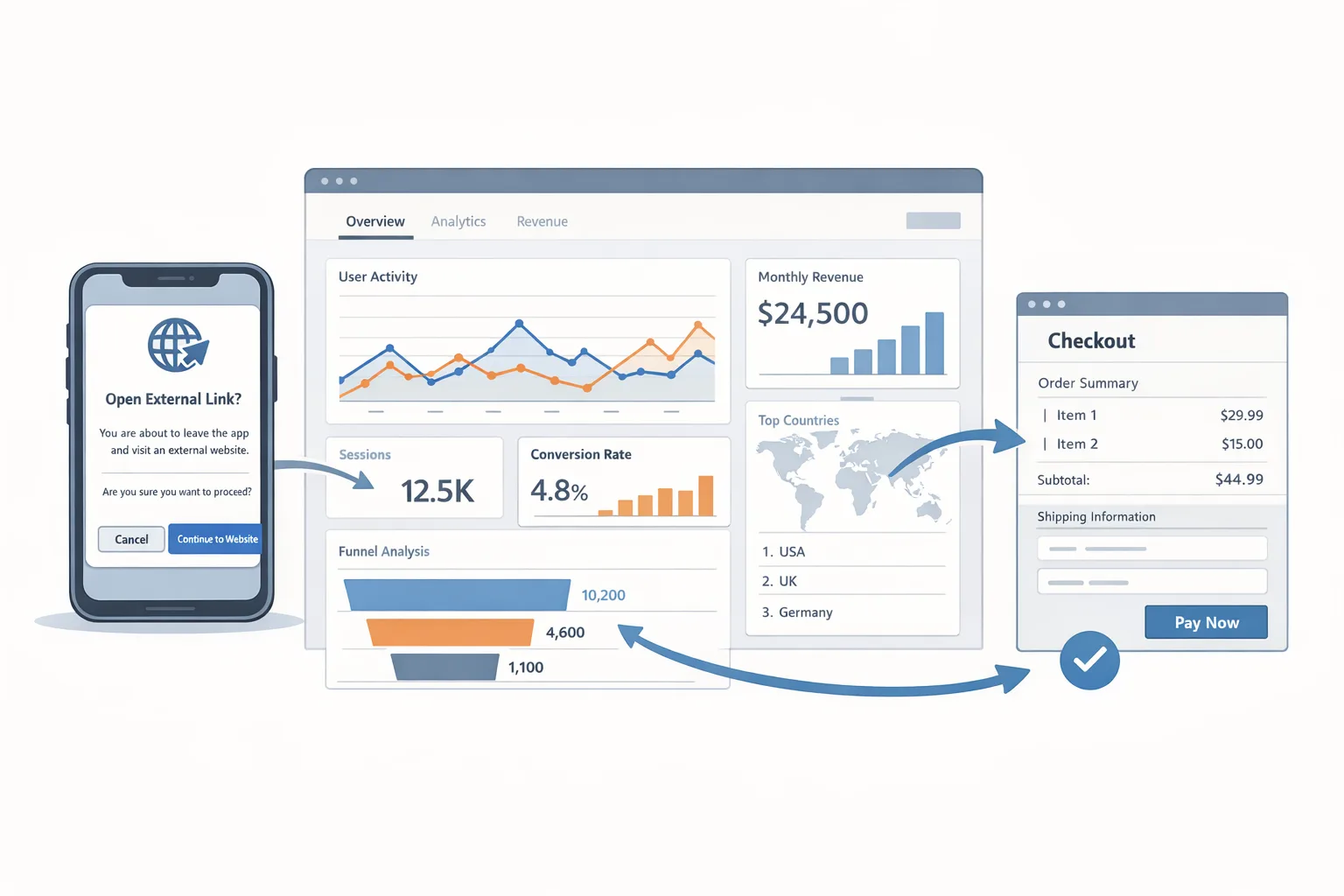
Google Play external links are no longer a thought experiment—they’re a U.S. program with a firm compliance date, defined APIs, and published (future) fees. If you plan to route users from your Play-distributed app to a web checkout or to an external app download, you’ve got work to do before January 28, 2026. Let’s cut through the noise and ship the flow, without accidentally taxing your margins or failing review.
What changed—and the dates that matter
Google formally announced U.S. program changes on December 9, 2025, introducing External Content Links and expanding alternative billing, with a compliance date of January 28, 2026 for developers who want to keep linking users out or offering non‑Play billing. (support.google.com)
The APIs are real, not theory. Play Billing Library (PBL) 8.2.1+ is required for external links; PBL 8.3.0 (released December 23, 2025) adds explicit classes and methods for billing programs, eligibility checks, token creation, and link launches. If you’re starting now, target 8.3.0. (developer.android.com)
Fees for the U.S. program are published: Google intends to charge 20% on most external‑link digital purchases, 10% for auto‑renewing subscriptions, and a fixed fee per external install within 24 hours of the user clicking your in‑app link: $2.85 for apps and $3.65 for games. Google isn’t assessing these fees yet—and while that’s the current state, the company has made clear it intends to apply them. (support.google.com)
Context matters: these changes stem from litigation, and Google’s U.S. flexibility is currently time‑boxed through November 1, 2027. Plan like this will evolve and keep your flows behind feature flags. (androidpolice.com)
Google Play external links: the fee math you need now
Here’s the thing: most teams under-model the true cost of linking out. Even if Google isn’t charging today, you should model as if fees begin tomorrow. Why? Because reversing price tests or UX after fees start hurts trust, support, and growth velocity.
For external purchases via your link, model: 20% for one‑off digital items and 10% for auto‑renewing subscriptions, with a 10% rate on the first $1M of annual developer earnings if you’re eligible. For external installs (user clicks from your app and installs within 24 hours), model a fixed cost per install: $2.85 for apps, $3.65 for games. (support.google.com)
What about the famous “initial acquisition fee” and layered service fees you’ve seen in EEA documentation? Those are spelled out for Europe, including a 3% initial acquisition fee and fixed per‑install charges by country group for external downloads. Don’t blindly port EEA math to the U.S. stack; use the U.S. fee table above for now. (support.google.com)
APIs you must ship (and the gotchas that cost teams time)
You’ll integrate three critical steps in PBL 8.2.1+ (recommend 8.3.0):
1) Check eligibility. Call isBillingProgramAvailableAsync(BillingProgram.EXTERNAL_CONTENT_LINK) right after your BillingClient connects. Treat a non‑OK code as “no link option”—show your default in‑app flow instead. (developer.android.com)
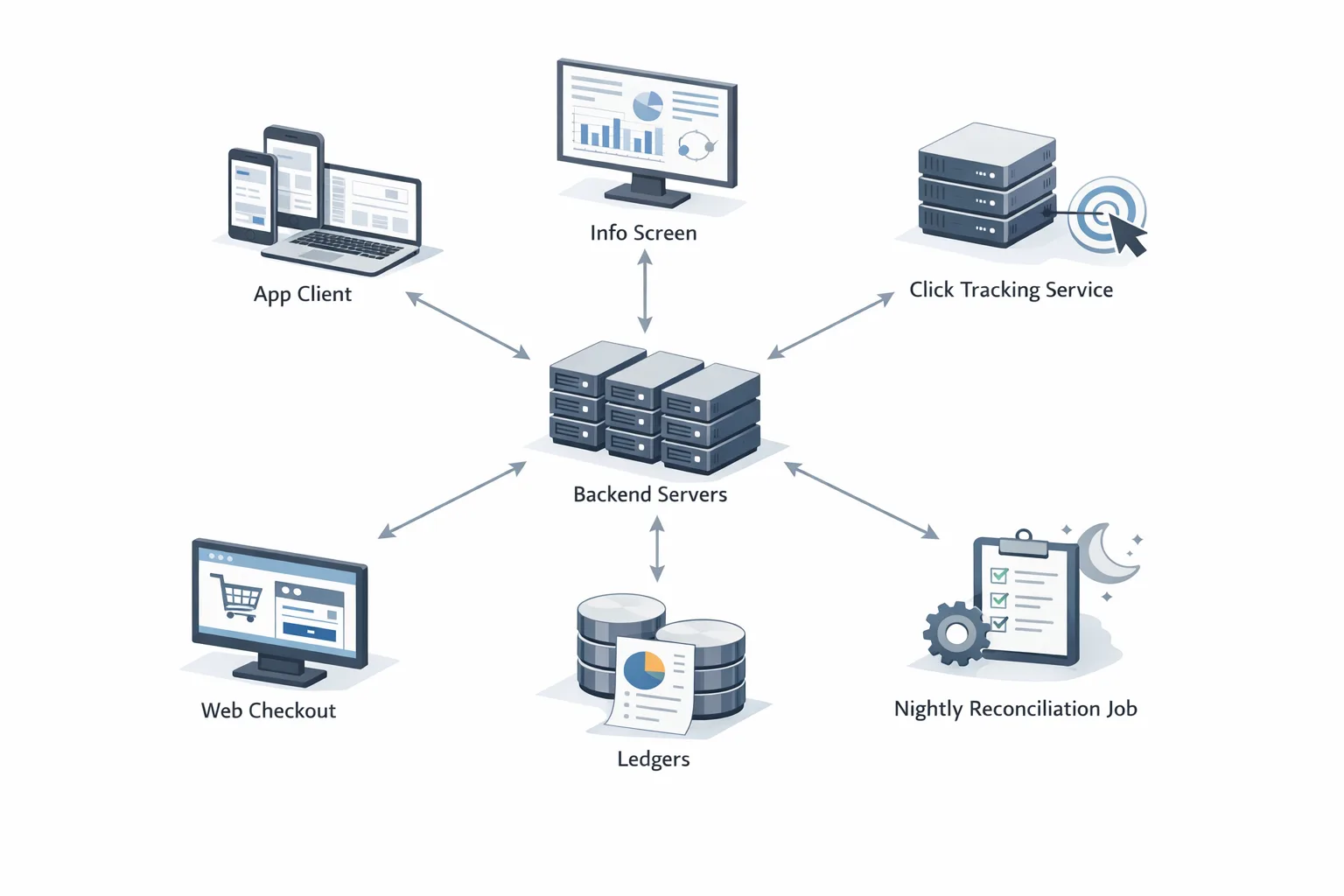
2) Create a fresh external transaction token. Right before you send the user out, generate a new token via createBillingProgramReportingDetailsAsync. Do not cache tokens; generate a new one per link‑out. Pass it along server‑side so you can tie the eventual purchase or install back if/when reporting or fees kick in. (developer.android.com)
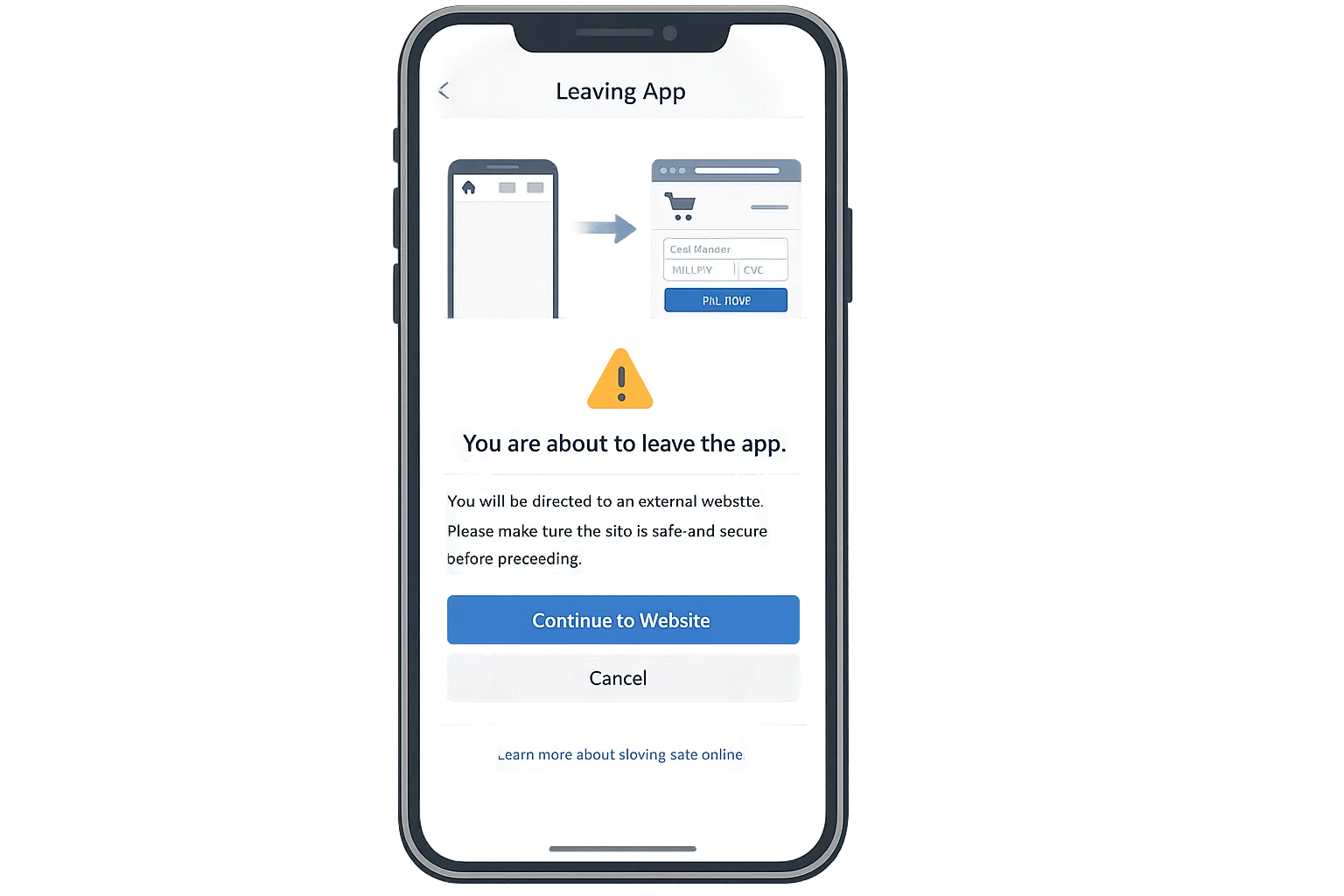
3) Launch the external link via the library. Use launchExternalLink with the right params. Play may render information/choice screens depending on the user. Don’t roll your own interstitial; if you bypass the official dialog, you’ll fail review. (developer.android.com)
Pro tip: upgrading straight to PBL 8.3.0 gives you the newer program abstractions (BillingProgram, EnableBillingProgramParams, etc.), which cleanly support evolving reporting and billing programs (including alternative billing). That’s future‑proofing you’ll appreciate in Q2. (developer.android.com)
Designing a flow that passes review and converts
Make the information screen feel expected, not jarring. Treat it like an intermediate step in your funnel—copy on your CTA should set the expectation: “Checkout on our secure site,” not “Continue.” Keep the context: product name, price, and what happens after purchase. When linking to an external download, your landing page must clearly present app details (name, icon, version, size, developer info) and only install the app with explicit, visible user action. If your page auto‑installs or buries details, you’re risking a takedown. (support.google.com)
For games, test a two‑step landing (explainer + install) to absorb the cost of the information dialog and keep intent high. Then measure where users drop: at dialog, at page open, or on install.
The practical checklist (what we ship with clients)
- Decide your entry points. Name the exact screens and moments where external links make business sense (trial expired, high‑intent SKU, enterprise invite). Don’t sprinkle links everywhere.
- Update to PBL 8.3.0. Lock the dependency and run full regression on your GPB flows first so you don’t trade one revenue stream for another. (developer.android.com)
- Check eligibility on connect. Implement a simple
FeatureGate.ExternalLinksEligibleand log the outcome for A/B analysis. (developer.android.com) - Generate tokens just‑in‑time. One token per outbound click; never cache. Pass to your web layer via a signed query param; persist a short‑lived mapping server‑side for reconciliation. (developer.android.com)
- Register destinations in Play Console. Whitelist purchase URLs and any app download landing pages; if you list multiple apps on the page, those packages must be approved too. (support.google.com)
- Build the kill switch. Ship a remote config flag that cleanly disables links by market and surface. You’ll want it when fees change or a court order lands.
- Instrument your funnel. Create events:
ExternalInfoDialogShown,ExternalLinkLaunched,ExternalInstallIntent, and a back‑prop from web checkout success. - Run copy/tests. A/B the CTA label and context text. Aim for clarity over persuasion—confusion amplifies dialog drop‑off.
- QA child accounts + work profiles. Eligibility and dialogs can differ; don’t assume parity with your main profile. (developer.android.com)
- Create your margin model. See the next section. Bake the fee assumptions into your pricing experiments now, not later. (support.google.com)
Model the economics before you turn this on
Start with three worksheets: Purchases, Installs, Blended Margin.
Purchases sheet. Inputs: SKU price, average discount, share of purchases via external link, subscription vs one‑time mix. Apply 20% to non‑subscription items and 10% to auto‑renewing subscriptions for external‑link conversions. Include your payment processor cost on the web, fraud/chargeback reserve, and a “Play fee change” sensitivity (-5 to +5 points). (support.google.com)
Installs sheet. Model a 24‑hour attribution window from click to install. Use $2.85 per external app install and $3.65 per game install—then sanity‑check with your baseline CPI and retention. If your LTV@D60 falls under the fixed fee + onboarding costs, keep installs on Play for that segment. (support.google.com)
Blended margin sheet. Combine the two, weighted by user journeys. Many teams find it best to keep high‑ticket, non‑subscription items on web checkout (despite 20%) and leave impulse, low‑ticket items inside GPB to reduce friction. The point isn’t dogma; it’s precision.
Quick answers (the questions teams keep asking)
Do we have to report external transactions today?
Not in the U.S. program at the moment. Google states it intends to apply fees in the future; until then, it isn’t assessing those fees and isn’t requiring reporting for those transactions or downloads. Build token handling now so you can flip on reporting when needed. (support.google.com)
What’s the minimum Play Billing Library version for external links?
Use PBL 8.2.1 or higher. In practice, teams should standardize on 8.3.0 because it adds dedicated program APIs you’ll need as this evolves. (developer.android.com)
Can I link to an external app download from my Play app?
Yes, if you meet the program’s U.S. requirements: explicit user action to install, a landing page that clearly shows app details (name, icon, version, size, developer), and compliance with local laws. Register and get approval for destinations in Play Console. (support.google.com)
Edge cases and risks (read this before rollout)
Eligibility drift. Your flow must gracefully fall back when isBillingProgramAvailableAsync returns non‑OK (network hiccups, account type, region). Build a fallback GPB path and track the deltas. (developer.android.com)
Dialog fatigue. Users see an information screen before leaving your app. Don’t stack your own modal on top—trigger the official dialog from the library, then deep‑link users precisely to the product page or install CTA to minimize cognitive load. (developer.android.com)
Attribution alignment. Generate the external transaction token immediately before the link, never earlier. Tokens should be single‑use and short‑lived; cache them and you’ll invite mismatches later. (developer.android.com)
Legal copy and support. Your landing page must make support and refund ownership obvious. If you’re offering both GPB and external checkout (e.g., via alternative billing in eligible contexts), train support and finance on two distinct refund paths.
Timeline volatility. The U.S. posture is litigation‑driven and subject to hearings; your economics should ship behind feature flags so you can change fee assumptions without a new binary. (androidpolice.com)
Alternative billing vs. external links: when to use which?
Alternative billing keeps users in‑app and offers a side‑by‑side choice with GPB; external links move them to web or an external download. In the U.S., Google communicates a 25%/10% service fee for alternative billing (non‑subscription/subscriptions) in reporting elsewhere and media coverage, versus 20%/10% for external links plus fixed install fees for downloads. Many teams pick external links for high‑intent web purchasers and use GPB for friction‑sensitive items to protect conversion. Keep in mind: the economics and policy mechanics may continue to refine under court oversight—use flags. (theverge.com)
What to do next (this week and next)
Let’s get practical. If you’ve got two sprints before January 28, 2026, this is enough time to ship a safe, measurable MVP.
- This week: Upgrade to PBL 8.3.0; wire eligibility check; scaffold token creation and link launch; register all external purchase and download destinations in Play Console; add the kill switch. (developer.android.com)
- Next week: QA info dialogs and landing page clarity; implement analytics for dialog shown/accept; build v1 of your fee model with 20%/10% and $2.85/$3.65; run a 10% staged rollout. (support.google.com)
Want deeper models and example copy? See our detailed breakdown of the fee mechanics and ship sequence in our fee and planning guide for external links, the “ship the flow, model fees” walkthrough, and the Jan 28 shipping checklist. If you’d like hands‑on help, our services team ships this flow end‑to‑end, from API integration to landing page UX.

Zooming out
External links are a pressure valve—and a test. You’ll get more commercial flexibility and real ownership of your web funnel, but you’ll also own more risk. Treat the new APIs like you treat payments in production: instrumented, reversible, and priced with eyes open.
If you’ve already built payments on web, your edge is speed: hook in the library calls, tune the landing page, and run. If not, start small with a single SKU or a single external download path, gather real data, and expand deliberately.
Ship thoughtfully, and this can be a net positive for ARPU and control. Ship sloppily, and you’ll pay twice—once in conversion, and again when fees turn on.





Comments
Be the first to comment.