
App Store Age Ratings 2026: What to Ship Now
Apple’s App Store age ratings 2026 update is live as of January 31, 2026. You’ll see new 13+, 16+, and 18+ tiers, automatic reassignments for existing apps, and an expanded age rating questionnaire in App Store Connect. If you haven’t responded to the new questions, your next submission can stall. On Android, Google’s Play Age Signals policy tightened on January 1, 2026, limiting how age data can be used. Here’s how to translate the policy into a concrete build list that keeps releases moving without last‑minute fire drills.
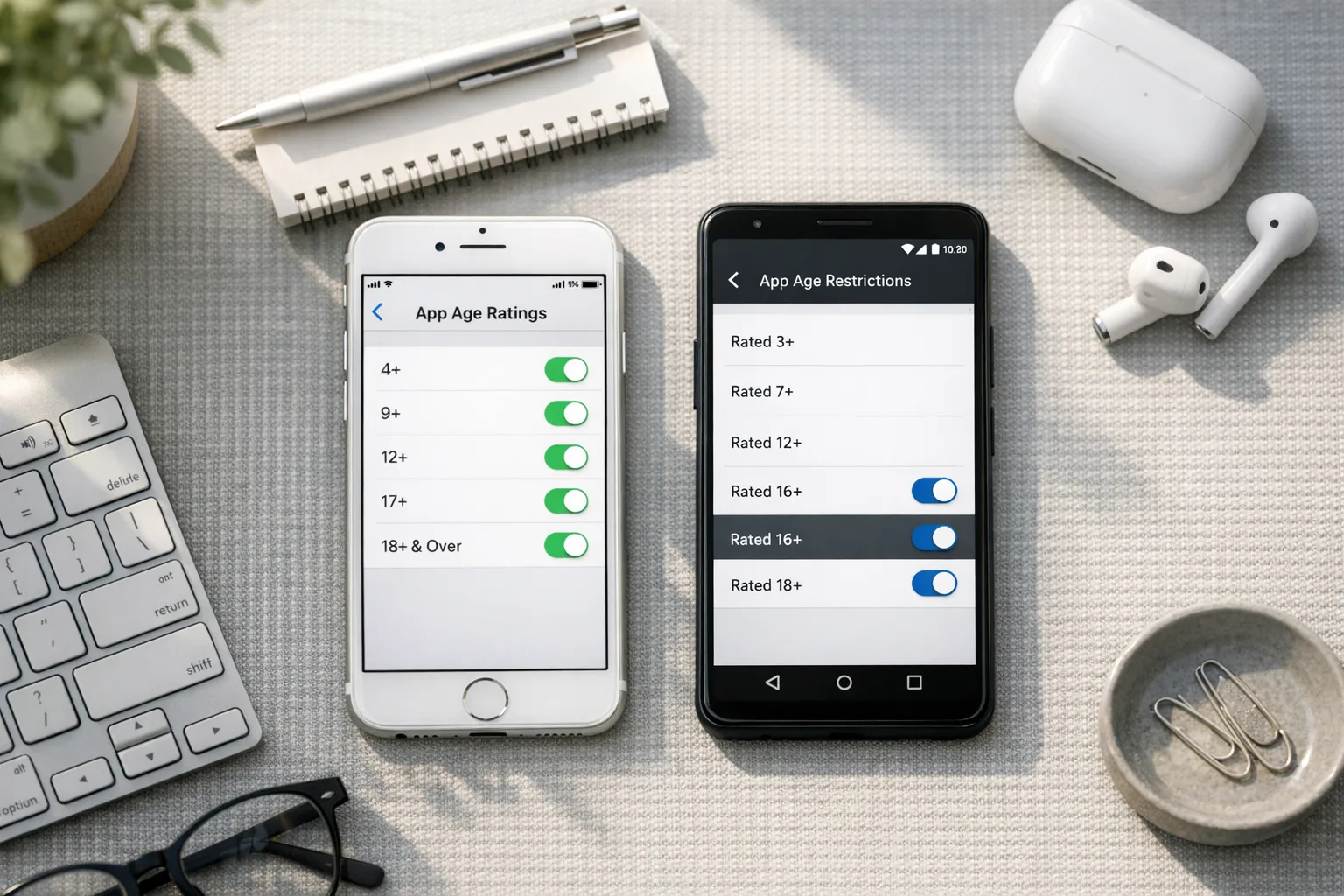
App Store Age Ratings 2026: the facts
Apple added three new tiers—13+, 16+, and 18+—alongside 4+ and 9+, and removed the old 12+ and 17+. Ratings for all existing apps were automatically updated based on prior questionnaire responses. These changes surface across the OS family this cycle, including iOS 26, iPadOS 26, macOS (Tahoe) 26, tvOS 26, visionOS 26, and watchOS 26.
Two operational implications matter most for teams that ship weekly: first, the questionnaire now reaches beyond content descriptors into controls and capabilities; second, the updated rating can make your app invisible to some users depending on device settings and parental controls, even if they’ve seen it before. If the automatic reassignment doesn’t match your intent, you need to update your answers and potentially adjust features or defaults.
What changed in App Store Connect (and why you care)
Apple’s updated questionnaire now explicitly asks about in‑app controls (like content filters or parental controls), app capabilities such as UGC or messaging, medical/wellness topics, and violent themes. It expects answers that reflect the whole product—including AI assistants or chat features you added recently. The practical takeaway: the rating no longer hinges solely on content labels; it also considers the safety rails you put in front of that content and how transparently you present them.
Here’s the thing: those questions are not just compliance trivia. They’re a blueprint for the experience you should ship. If you disclose parental controls, reviewers will expect to find them—discoverable, defaulted sensibly, and enforced consistently. If you say you moderate UGC, you’ll need real in‑app reporting, rate limiting, and a visible path to block or mute.
How this impacts release trains
If your team skipped the questionnaire update before January 31, 2026, App Store Connect can block new builds or metadata updates until you answer. That’s a preventable disruption. Treat the questionnaire as a gate on your CI/CD: one owner, one checklist, one screenshot set proving each control is live. Build this into your release calendar so PMs don’t backload risk into a Friday cut.
Plan for post‑release impacts too. With more granular ratings, parental controls can hide or downrank your app where kids browse. If you run paid UA or rely on featuring, your funnel might shift. Watch impressions per territory and platform section; if you see a sudden drop after your rating changes, check whether your on‑by‑default content controls could safely lower intensity without kneecapping your product.
What about Google Play? Read the Play Age Signals rule
As of January 1, 2026, Google requires that if you consume age signals, you must use them solely to provide age‑appropriate experiences in the same app receiving the data. In practice: no sharing age data across apps, no repurposing for ad targeting beyond what’s permitted, and no building a shadow profile. If you use both stores’ age features, make sure your data handling chart separates iOS Declared Age Range usage from Play’s Age Signals and documents minimal retention.
Device and account controls work differently across the ecosystems, but your job is the same: gate experiences, not just installs. If your Android build offers 13+ and 18+ paths, your iOS build should mirror the behavior and vice versa—so product analytics, fraud models, and customer support don’t bifurcate.
Let’s get practical: a 90‑minute compliance sprint
If you’re a week behind and you ship on Mondays, run this sprint today. Grab a PM, a designer, and a senior engineer. Timebox each phase and cut scope ruthlessly.
0–15 minutes: inventory and intent
Export your current rating and descriptor answers from App Store Connect. List features that could move you across 13+/16+/18+ boundaries: UGC with media, chat, payments/gifts, simulated gambling, medical or sexual content, realistic violence, and any AI assistant that can fetch or generate sensitive material. Circle what you can gate or default differently without breaking your value prop.
Decide your intended rating. If you’re a broad consumer app, 13+ or 16+ often makes sense with conservative defaults. If your community skews adult or features intense themes, own the 18+ rating and tighten onboarding and discovery accordingly.
15–45 minutes: implement gating and defaults
Ship flips, not rewrites. For each sensitive feature, add a single source of truth: isAllowedForAgeRange. On iOS, plan for the Declared Age Range API when appropriate; on Android, wire acceptance of Play’s signal to the same gate. If age is unknown, treat the user as the youngest plausible audience for your target tier. Prefer opt‑in with in‑context education over burying settings in a submenu.
Make controls discoverable. Add a top‑level “Safety & Controls” entry in Settings. If you already have parental controls, surface them earlier in onboarding when the app detects a managed child account or presents an app‑level age prompt permissible under platform rules.
45–75 minutes: instrumentation and proof
Add analytics for every decision point: when gating hides a feature, when a user turns a control on/off, when a parental override is requested, and when in‑app reporting is used. Keep an immutable audit log of moderation actions and abuse reports. Capture screenshots and short clips of each control and path; you’ll attach these during review questions. This is also where you verify that feature flags and remote config won’t let ops accidentally expose 18+ functionality to a 13+ audience in production.
75–90 minutes: test matrix
Test four personas: unknown age, 13+, 16+, and 18+. For each, run through onboarding, discovery surfaces, UGC creation, search, sharing, and purchases. Confirm that parental or content controls are legible, defaults are conservative for younger ranges, and that disabling a control never silently re‑enables sensitive features. Save captures per persona; keep them in your release folder.
Design patterns that ship
Keep your implementation humble. Reviewers don’t need theatrical prompts; they need controls that work and align with your answers.
Good patterns I’ve seen pass quickly:
- In‑context warnings with a clear reason (“This area may contain user posts that are 16+.”) and a one‑tap control link.
- Granular filters that stick (e.g., “Hide explicit images,” “Blur previews by default,” “Block unsolicited DMs”).
- High‑signal reporting that’s easy to find on every UGC object, with confirmation and follow‑up in the user’s support inbox.
Patterns that draw scrutiny:
- Global “I am 18+” toggles with no verification path or parental affordance in a family environment.
- Shadow settings tied to feature flags with no user‑visible controls.
- Age prompts that double as marketing opt‑ins or that preselect permissive defaults.
Edge cases and risk traps
AI assistants and generative features. If your bot can produce or retrieve sensitive content, you must treat its prompts and outputs like UGC: safety filters, rate limits, and a hard gate for younger ranges. “But it’s just a helper” won’t fly if it can surface adult themes on request.
WebViews and deep links. If you load off‑domain content, your in‑app controls still apply. Consider blocking navigation to known adult or unmoderated domains for sub‑18 personas or blurring previews until tapped by an adult account. Don’t assume “it’s the web” is a defense.
Payments and gifts. Virtual gifting, loot boxes, and simulated gambling can push a rating up. If those are core, present clear odds, spending caps, cool‑down timers, and per‑persona switches. If they’re auxiliary, make them off by default for 13+/16+ buckets.
Region variation. Ratings are assigned per country or region and may vary by local standards. Maintain a simple region policy table and pin it to releases; don’t hardcode assumptions. If your moderation vendor applies different filters per market, test that your UI reflects those differences.
Account migration. When your rating changes, existing users may lose access to areas they previously reached. Show a polite heads‑up, offer to export data where applicable, and provide a path to request a review if you’ve mis‑bucketed someone’s experience.
How to handle existing users after a rating change
Step one is messaging. On next launch, display a short banner: “We updated our age rating and safety controls.” Link to a page that explains what changed and how to adjust settings. If you’re tightening access, stage a sunset: blur old content, enable read‑only, then disable posting a week later. Don’t hard‑fail in the middle of a session.
Step two is data continuity. If you need to hide content for a younger bucket, don’t delete it unless policy requires it. Mark items with an access predicate that can be reevaluated if the user later qualifies or a parent approves. If you strip access to purchases in a younger bucket, surface a refund or credit pathway.
Step three is support training. Create macros for “why is my feed blurred?” and “how do I request parental approval?” Rehearse escalation for edge content categories like medical/educational material that might be permitted under 13+ with context.
People also ask
Do I need age verification inside my app?
Not necessarily. Apple’s system focuses on your declared rating and in‑app controls; on iOS you shouldn’t build invasive ID checks without a clear legal requirement. Use the platform’s privacy‑preserving signals and keep your gating logic conservative when age is unknown.
Can I keep one build that serves both 13+ and 18+ users?
Yes, if your gating is robust. Many teams ship a single binary with feature predicates and defaults that adapt to the age range. The work is in making those controls discoverable and auditable, not in maintaining two codebases.
Will Apple reject for missing gating if my content is mostly mild?
If your app includes UGC, chat, or discovery surfaces where sensitive material can appear, assume reviewers will expect to see controls even if you believe the typical experience is mild. Answering the questionnaire “yes” to UGC or messaging commits you to real controls.
A pragmatic cross‑platform blueprint
Keep parity between iOS and Android so policy doesn’t fork your product. Use one policy object for age gates that ingests platform signals and returns a single Allowed/Blocked/Blurred decision per feature. Log the decision and the inputs (age range known vs unknown, user control state). Mirror copy, icons, and placement across both platforms so your support docs and QA scripts don’t split.
If your team needs a deeper dive on the iOS side, our detailed blueprint covers migration paths and UI examples in 2026 App Store Age Ratings: Developer Blueprint. For a platform comparison, see App Store Age Rating 2026 vs. Play Age Signals. And if your product touches legal age checks, our implementation notes in App Store Age Verification 2026: Build It Right walk through privacy‑preserving flows.
Checklist: what reviewers look for (and how to show it)
Use this before you hit “Submit for Review.”
- Controls visible: A “Safety & Controls” section in Settings, plus in‑context toggles near sensitive features.
- Conservative defaults: Blur or hide sensitive UGC by default for 13+/16+; make opt‑ins explicit.
- Reporting and moderation: Every UGC object has “Report” with a minimal, clear form. Show follow‑up.
- Parental affordances: If you claim parental controls, prove where they are and how they override.
- Documentation: A one‑pager in your support site explaining the rating and controls, linked in‑app.
- Audit trail: Analytics events and logs for decisions, so you can answer review questions quickly.
What to do next
Don’t wait for a rejection. Run the 90‑minute sprint, answer the questionnaire truthfully, and ship conservative defaults. Then plan a fast‑follow that makes controls more elegant without weakening them.
- Assign one owner for the App Store Connect questionnaire and one for the Play Console policy page.
- Create one policy object for age decisions across platforms and document its inputs and outputs.
- Add in‑context controls, not just a settings page. Capture fresh screenshots for review.
- Set up dashboards to watch impressions and conversion by territory post‑rating change.
- Schedule a post‑mortem after your next release to review reviewer feedback and iterate.
If you’d like help stress‑testing your flows or want a hands‑on implementation partner, our team ships this work routinely. Explore our services and drop us a note via contacts. If you’re mid‑release and need a quick triage, we can align your answers, controls, and submission assets in a single working session.
Zooming out
The rating system is moving from broad labels to enforceable experience design. That’s good news for well‑run teams: clear controls make your product safer, reduce support churn, and build trust with parents without turning your app into a walled garden. The teams that will struggle are the ones relying on implied intent and undiscoverable settings. Don’t be that team. Treat age gating like you treat authentication or payments—core infrastructure with real monitoring and clear ownership.
Ship now, iterate next week, and keep your pipeline moving.





Comments
Be the first to comment.