App Store age rating 2026: what to do after Jan 31
On January 31, 2026, Apple’s updated system for App Store age rating 2026 went live. Ratings now map to five bands—4+, 9+, 13+, 16+, and 18+—and Apple auto‑migrated existing apps based on your prior questionnaire. That shift isn’t the whole story: Apple also introduced a privacy‑preserving way for parents to share a child’s age range with apps (not a birthdate), and product pages now surface whether your app has UGC, messaging, ads, or in‑app content controls. On Android, Google’s Play Age Signals API begins returning age signals only in jurisdictions that mandate it. Here’s the reality check and the plan.
What actually changed on Apple’s side as of January 31, 2026
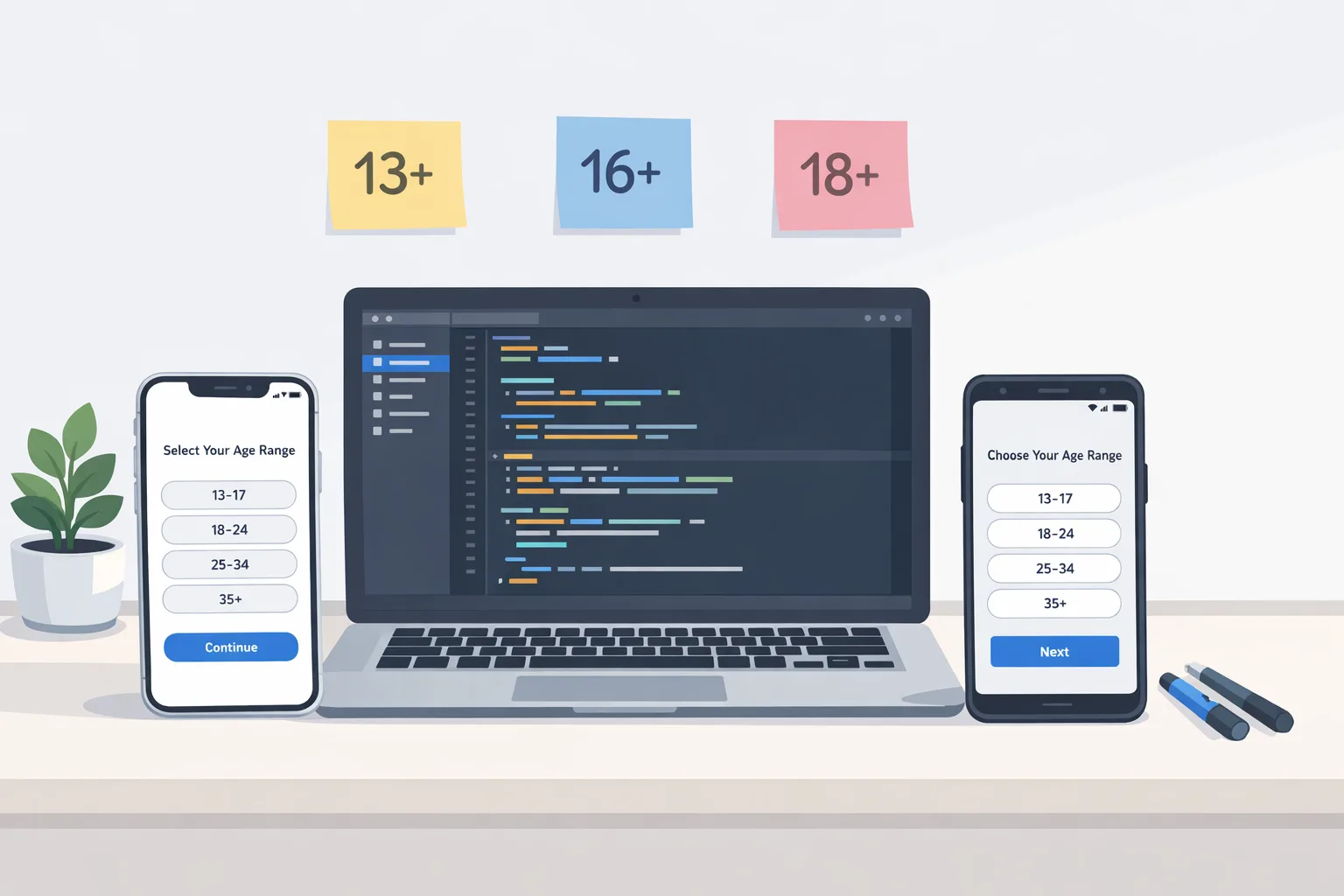
First, the ratings. Apple consolidated the old teen buckets into three clearer tiers—13+, 16+, and 18+—and removed 12+ and 17+. If you answered Apple’s new questionnaire in App Store Connect, your app’s rating reflects those answers. If you didn’t, Apple still auto‑mapped your existing descriptors. Either way, your product page and device‑level controls (Screen Time, Ask to Buy, and content restrictions) now interpret your rating with finer granularity.
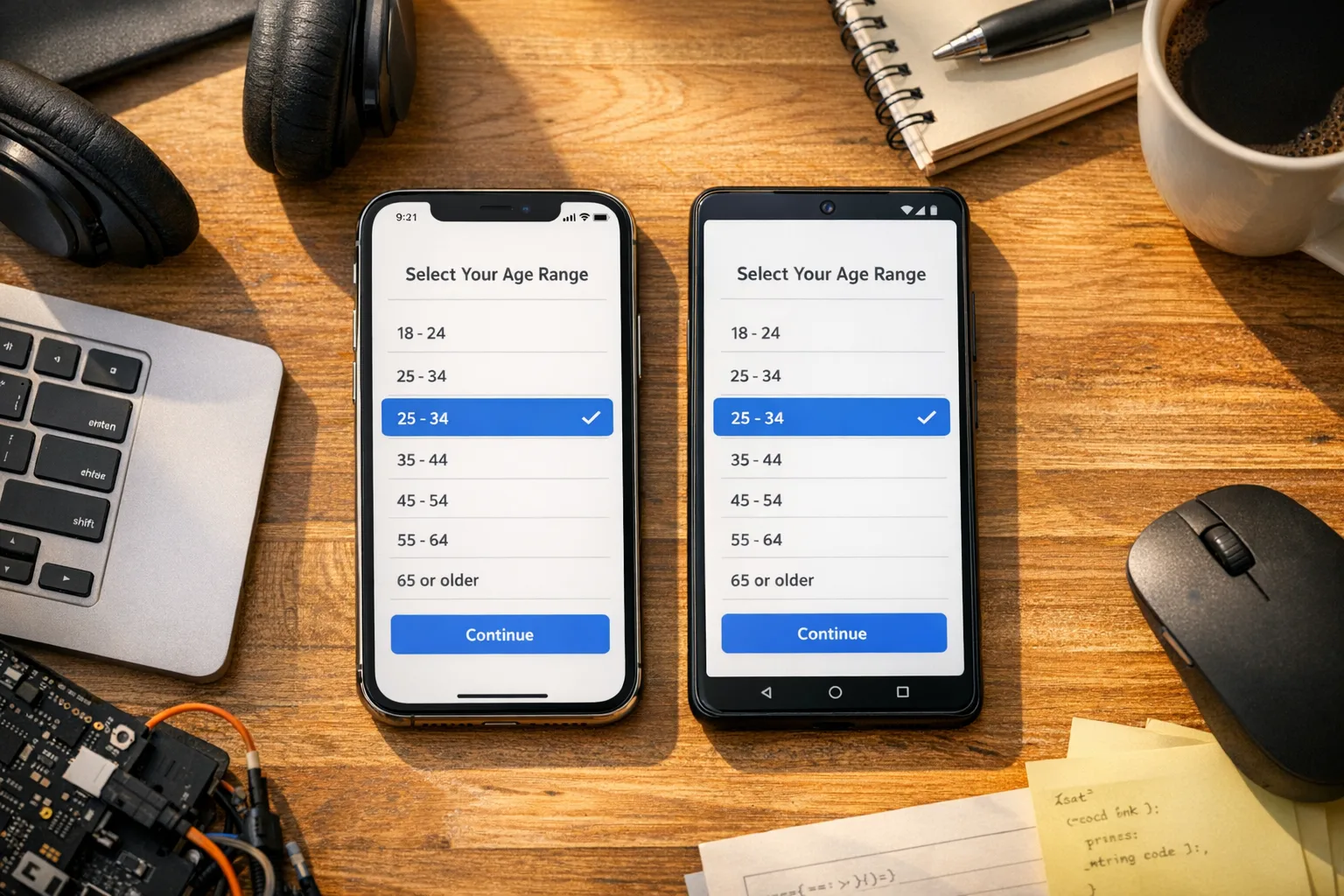
Second, the Declared Age Range capability. On iOS 26, iPadOS 26, macOS Tahoe 26, tvOS 26, watchOS 26, and visionOS 26, you can request a user’s age range through a system UI that lets parents choose whether to share. Your app receives a lower and upper bound (for example, 13–15) and a declaration type (self‑declared or guardian‑declared). You never see a birthdate, and parents can set sharing to Always, Ask First, or Never. If sharing is disabled, you design a safe default.
Third, product‑page disclosures. Apple surfaces whether your app includes UGC, messaging, and ad capabilities, plus whether you ship in‑app controls. Expect this metadata to influence editorial placement and to interact with parental controls—for example, limiting visibility of higher‑rated apps in Today, Games, and Apps tabs for child accounts.
If you publish in Apple’s ecosystem and haven’t touched your age questionnaire since mid‑2025, you’re behind. Treat the new questionnaire and capability as a product requirement, not paperwork.
Play Age Signals: where it works and what it returns
Google’s Play Age Signals API provides an age category response at runtime when—and only when—local law compels Play to share it. By default, you’ll see one of a few states: verified adult (18+); supervised minor with an age band (0–12, 13–15, 16–17); pending or denied parental approvals for significant changes; or unknown (user must resolve in Play). The library supports Android 6.0+ and includes a testing manager so you can simulate responses without live store data.
A useful detail: Play ties significant change approvals to its signals. If you submit a significant change in Play Console (for example, enabling DMs or turning on targeted ads), parents of supervised users in applicable regions will see an approval prompt. Your app can query whether that change is approved, pending, or denied and must gate features accordingly. That’s a crucial design consideration for social, commerce, and content apps that evolve frequently.
Practically, this means you should code for four happy paths: adult verified; supervised and approved; supervised with approval pending; supervised with approval denied. Anything else routes to a fallback (graceful limitations, explainers, support contact).
App Store age rating 2026: does my team need to re‑submit now?
Probably not for the rating itself, but you do need to confirm your App Store Connect answers reflect your app today—especially if you added UGC, messaging, or new monetization since your last submission. If your app’s content or controls changed, update the questionnaire before your next release. If your audience or features push you into 13+, 16+, or 18+ territory, align your UX and parental controls accordingly.
On Android, the switch isn’t a one‑time resubmission—it’s runtime logic plus Play Console configuration. Integrate Play Age Signals now, test with the fake manager, and be ready to honor live signals as regions come online.
How Apple’s Declared Age Range works in the real world
From an engineering standpoint, Declared Age Range is a capability plus a system prompt. You add the entitlement, call the API from a view controller or window, pass your age gates (for example, 13, 16, 18), and await a response: shared range, or declined. If the user shares, you can tailor FTUE: disable friend requests and public posting for 13–15; keep DMs request‑only for 16–17; show stricter content filters by default.
There are catches. Responses are cached across the user’s devices, so your app shouldn’t spam the prompt; design idempotent flows. Parents can revoke sharing later, so implement a graceful downgrade path that preserves core utility. And because the OS may override behavior based on region or policy, never rely solely on app logic for compliance—assume device‑level limits apply and inform the user.
Privacy‑wise, Apple keeps you out of the PII business, which reduces risk and friction. But it also means you can’t rely on exact ages or IDs; your UX must work with ranges and sometimes no data at all.
Where the law stands today (and why it matters)
Why is everything gated by region on Android? Because several U.S. states adopted “App Store Accountability” laws in 2025–2026. One state’s law slated for January 1, 2026 was paused by a federal court on December 23, 2025 with a preliminary injunction; other states have compliance dates in mid‑2026. That’s why Play returns live signals only where legally required—and why you’ll see staged enforcement across the year. The upshot: build the integrations now, then turn on jurisdiction‑based behaviors as they flip live.
Zooming out, platform changes (not just laws) are here to stay. Apple’s new rating bands and parental tools are global OS features tied to iOS 26 and friends. Even if you never target a state with an app‑store law, your App Store rating already affects distribution and parental controls. In short: compliance isn’t a niche feature—it’s part of growth.
People also ask: do I need in‑app age verification if my rating is 18+?
Usually no. On Apple, your rating and declared age range support age‑appropriate defaults and parental controls. Apple’s approach is deliberate: no birthdates or IDs flow to apps. If your content is strictly adult and you operate in markets or categories that mandate stronger checks (for example, real‑money gambling), follow the platform’s approved flows and your local regulator’s rules. Avoid bolting on third‑party age‑verification SDKs unless your legal counsel and store policies explicitly require them.
People also ask: what if a parent denies sharing age range?
You still have to ship a safe experience. Treat “no data” like the most restrictive applicable case for risky features: public posting, DMs from strangers, open joins, or high‑risk purchases. Provide an in‑app explainer and a clear path to enable sharing (Settings → Family or device Settings). Don’t lock out core utility like reading content or browsing non‑social features unless the law or store policy compels it.
People also ask: my app is productivity. Do I still care?
Yes. Even simple note‑taking or weather apps can trip new disclosures (ads, UGC modules, messaging). Your App Store Connect answers drive your rating; your Play Console setup influences signals and significant‑change prompts. If teens use your app in school‑issued devices, you’ll be judged on defaults and safety affordances, not just intent.
Let’s get practical: a one‑week AGE‑READY plan
Here’s a tight, seven‑day plan we’ve used with teams to meet the bar without derailing roadmaps.
Day 1: Inventory and risk map
List features that touch social graphs, UGC, sharing, purchases, location, camera/mic, and notifications. Flag anything that could be harmful for 13–15 or 16–17. Note third‑party SDKs (ads, analytics, attribution) and how they behave under restricted modes.
Day 2: Update your App Store Connect questionnaire
Re‑answer the age rating questions based on reality today, not launch day. If your rating shifts to 13+, 16+, or 18+, document which features need gating. On Android, open Play Console’s Age Signals page and capture your current configuration.
Day 3: Add platform hooks
iOS: add the Declared Age Range entitlement and request age range in a controlled moment (post‑FTUE welcome, not cold start). Android: integrate Play Age Signals and the test manager; build a thin service to normalize responses into three modes: child/young teen, older teen, adult.
Day 4: Gate risky features
Attach feature flags to your three modes. Examples: disable public comments under 16; keep DMs request‑only for 16–17; default to stricter content filters under 18; require guardian‑approved purchases where applicable. Ensure purchase flows reflect parental approvals when signals indicate a supervised account.
Day 5: Copy and UX for transparency
Write short, plain‑English explainers: what’s limited and why; how to change sharing settings; how to contact support. Keep prompts rare; cache decisions; never block critical paths without a clear reason and recovery.
Day 6: QA by persona and region
Use the test APIs to simulate 13–15, 16–17, and 18+. Test approved, pending, and denied significant‑change states on Android. Verify that toggling sharing or parental settings produces correct downgrades without crashes or data loss.
Day 7: Ship, monitor, iterate
Ship a minor release with flags off by default. Roll out feature gates gradually. Add observability on the gating service (opt‑in metrics only). Prepare a fast‑follow if your rating update or an age‑signal rollout changes your funnel.
A data‑backed checklist you can copy
Dates to anchor your plan:
• July 2025: Apple announces more granular 13+, 16+, 18+ ratings and product‑page disclosures.
• Fall 2025: OS updates with parental tools and Declared Age Range roll out on supported devices.
• December 23, 2025: a federal court issues a preliminary injunction pausing one state’s app‑store law slated for January 1, 2026.
• January 31, 2026: Apple’s new ratings go live across the App Store; developer questionnaire updates required for submissions.
• Mid‑2026: additional state‑level compliance dates arrive; Google Play starts returning age signals where laws are effective.
Technical anchors:
• Declared Age Range requires iOS 26+ (your app can still target lower deployment versions—handle unsupported gracefully).
• Play Age Signals supports Android 6.0+ and ships a fake manager for tests.
• Default Play age bands: 0–12, 13–15, 16–17, 18+ (jurisdictional variants apply).
• Play’s “significant change” flow can mark approvals as approved, pending, or denied—gate features accordingly.
Pitfalls we keep seeing (and how to avoid them)
• Prompt spam. Don’t ask for age range at cold start or every session. Cache and respect OS cadence. Build a single “Eligibility Service” that other features subscribe to.
• Over‑collection. Resist the temptation to ask for IDs inside your app when the platform already provides a privacy‑preserving signal. If legal counsel requires stronger checks for a narrow category (e.g., real‑money gambling), isolate those flows and delete verification data promptly.
• One‑size gating. Teens aren’t a monolith. The 13–15 band should look different from 16–17. Treat comment posting, follows, and DMs separately. Provide explainers and safe paths to participation (e.g., pre‑moderated comments).
• Ignoring third‑party SDKs. Ads and analytics can quietly break your promises. Ensure SDKs respect limited profiles (no personalized ads under 18, reduced identifiers, limited data collection). Document your behavior in the App Store’s data disclosures and Play’s Data safety section.
• Forgetting significant changes. On Android, if you enable new UGC or social features, log a significant change in Play Console so supervised users’ parents can approve. Your app should gracefully restrict the new feature until approval lands.
What to do next
• Confirm your rating and update App Store Connect answers today.
• Integrate Declared Age Range (iOS) and Play Age Signals (Android) with test stubs and feature flags.
• Gate high‑risk features by 13–15, 16–17, 18+; write transparent UX copy.
• Track jurisdiction‑based toggles for when Android signals go live in your markets.
• Plan a compliance review every release until the dust settles.
If you want a hands‑on partner, we’ve been shipping age‑aware UX at scale. See how we approach safety‑critical rollouts in our compliant UX guide, learn how to triage and sequence work in the post‑deadline playbook, and dig into cross‑platform design in build age‑aware apps. When you’re ready to move, our services team can help you ship safely—fast.
Final thought
The platforms are aligning around privacy‑first age assurance: ranges, not IDs; parental approvals for meaningful changes; and store‑level signals that apps must honor. Treat it as a product opportunity. The teams that build age‑aware defaults today will avoid policy fires tomorrow—and earn trust with families who decide what stays on the home screen.





Comments
Be the first to comment.