
App Store Age Rating 2026: The Real-World Playbook
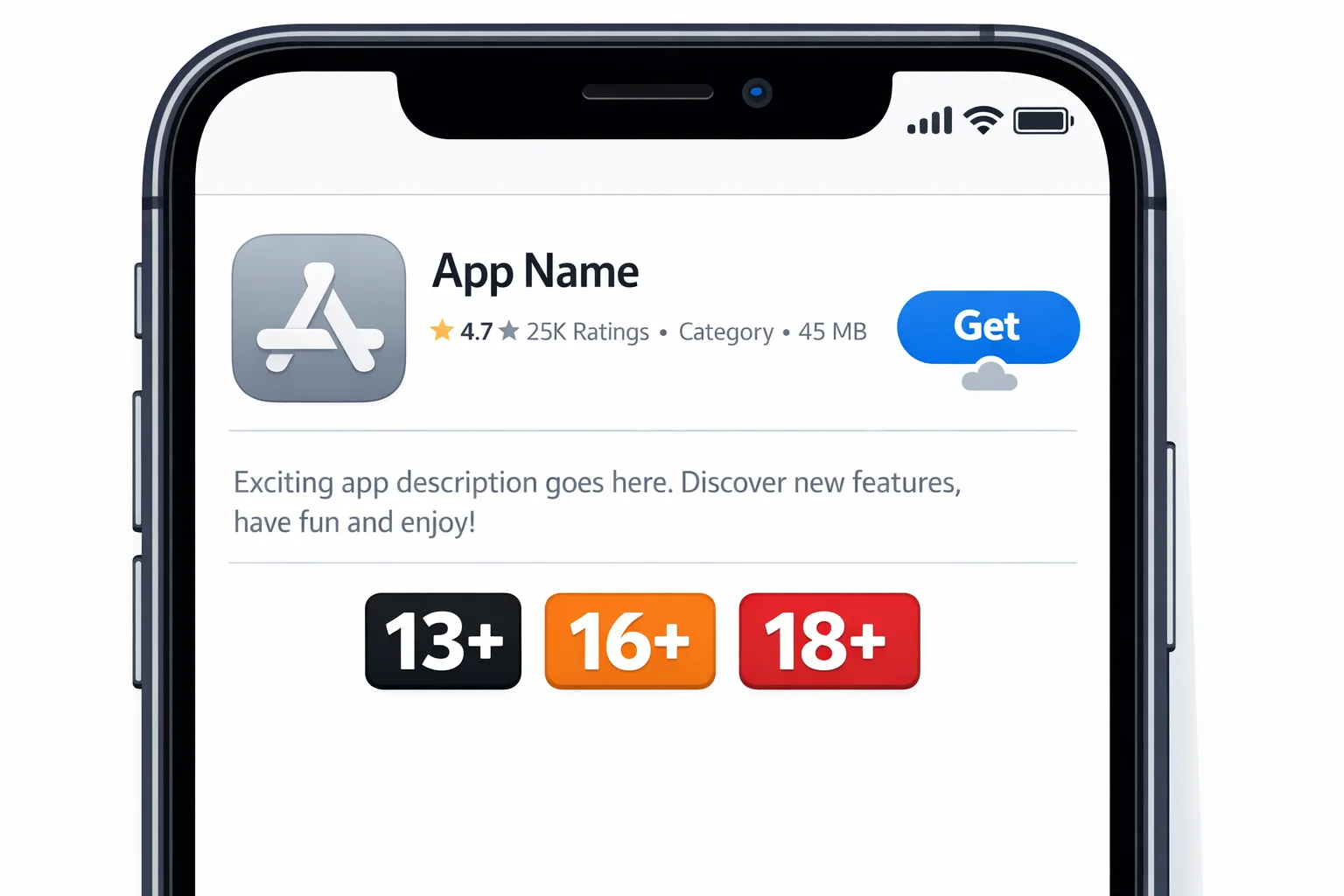
The App Store age rating 2026 update is more than a new label. Apple added granular tiers (now including 13+, 16+, and 18+), refreshed the App Store Connect questionnaire, and set a hard requirement: answer the new questions or your updates won’t go through. If you run a mobile business—whether that’s a subscription app, a game with UGC, or a wellness tool with community—you need a product-ready plan that aligns policy, UX, and release engineering.
Why this change matters now
Apple’s updated age tiers give families clearer signal and give developers less wiggle room. The old 12+/17+ buckets created gray areas—especially for apps with ads, user-generated content, or AI chat. With 13+, 16+, and 18+ on the table, Apple expects your rating to reflect real in-app experiences, not idealized intent. Miss the mark and you’ll hit review friction, discovery limits, or parental-gate exclusions that dent growth.
There’s also an operational angle. When Apple refreshes the questionnaire, you must re-affirm how your app handles sensitive content, UGC, medical/wellness topics, and violent themes. If you haven’t answered the new questions, submission is blocked until you do. That makes age rating a release dependency, not an afterthought.
Primary question: What changed in the App Store age rating 2026 system?
The headline is the new tiers: 13+, 16+, and 18+. Apple reassessed apps automatically using your prior answers, but you’re responsible for correcting the rating if your features have evolved. The questionnaire is stricter on disclosures like UGC, messaging, advertising, simulated gambling, references to alcohol/tobacco, and medical or mental health content. Apple also surfaces whether you provide in-app controls (for example, content filters or parental controls) on your product page.
Translation: labels are now performance-critical metadata. Your growth, search visibility, and eligibility under family controls hinge on consistent, truthful answers across releases.
How the new tiers map to real features
Here’s how we coach teams to think about the new breakpoints, with practical examples to avoid accidental 18+ ratings.
4+ and 9+: Safe by design
These tiers are achievable for utility apps, early-learning titles, or offline tools. Common pitfalls include SDKs that surface unpredictable ad creatives, embedded webviews with unfiltered link-outs, or “mild humor” that occasionally crosses into mature territory. If you rely on ads, use curated networks with strict category controls and pre-approve creative.
13+: The new mainstream for social-lite and community features
If your app supports UGC (profiles, comments, image uploads) or messaging, 13+ is often the realistic baseline—provided you implement moderation, filters, and user controls. AI chat assistants also push apps toward 13+ when they can generate or relay sensitive topics. The key is to adopt in-app content controls (block lists, safe mode, reporting) and make them visible to parents and reviewers.
16+: Mature themes, stronger controls
Apps discussing intense topics—serious mental health content, realistic violence in games, or content that frequently skirts mature themes—often land at 16+. If you serve teens, build a dual-experience: show safer defaults for younger users and unlock features only when appropriate. That means age-aware UX and server-side feature flags.
18+: Explicit or high-risk content
Gambling simulation with monetization hooks, sexual content, alcohol or tobacco promotion, or communities prone to explicit media will push you to 18+. If you’re truly 18+, own the choice: implement robust age assurance, strict content moderation, and clear storefront messaging to prevent accidental installs.
People also ask: Do I need an age gate if I’m rated 4+ or 9+?
Usually no. Age gates add friction and can hurt conversion if you don’t need them. Focus on eliminating accidental exposure paths: strip external links that jump to unmoderated content, disable unsafe iOS share extensions, and audit ad networks for category leakage. If you’re 13+ or higher, an age gate or age-aware experience may be justified—especially for UGC or AI chat.
People also ask: What happens if I miss the 2026 questionnaire deadline?
Your updates can be blocked in App Store Connect until you complete the new questions. For live apps this becomes a security risk because it delays urgent fixes. Tie age rating questions to your release checklist so a hotfix isn’t stranded waiting on policy paperwork. If you need a shipping checklist, our guide on orchestrating secure releases lays out a robust cadence you can adapt to mobile pipelines—see our security release playbook.
The practical framework: RATINGS Sprint (2–5 days)
We run a short, cross-functional sprint with product, legal, and engineering. It’s fast, focused, and easy to repeat before each major release.
R — Review the current rating
Pull your live age rating and the most recent questionnaire answers. Note any new features since the last submission: UGC, AI/chat, communities, embedded browsers, external links, and new ad partners.
A — Audit features and content flows
Walk through top tasks on a clean device: first-run, onboarding, search, share, ad clicks, and report flows. Screenshot anything that could influence rating (e.g., a community feed that occasionally displays mature memes). Don’t forget push notifications—teaser text can carry content tone.
T — Tag sensitive surfaces
Label code modules or screens that drive rating risk: in-app browsers, media uploaders, chat, AI responses, and ad placements. Create a simple risk register (Low/Med/High) and add owners.
I — Implement in-app controls
Add toggles that matter: safe mode for feeds, media filters, report/block tools, profanity filters, and parent-only switches for DMs. Expose controls in Settings and document them for reviewers. If you support families, integrate with platform parental control APIs where feasible.
N — Normalize the storefront
Update App Store metadata to reflect these controls. If you’ve added parental switches or content filters, call them out in the description and screenshots. Ensure your privacy labels, age rating, and website help docs say the same thing.
G — Gate experiences by age
Use an age-aware UX to provide safer defaults for younger users. Gate high-risk features (unrestricted DMs, external links, NSFW communities) behind age checks. Do it server-side so it applies across devices and can be tuned quickly.
S — Submit and simulate
Complete the refreshed questionnaire and ship. Then simulate store behavior by testing on a child account or devices with content restrictions turned on to verify discoverability, tabs, and editorial surfaces match your intended audience.
What about Google Play? Age Signals vs. Apple’s ratings
Google Play’s Age Signals asks you to declare audience and content signals, and—critically—to notify Play when you ship a “significant change” that affects age suitability. You can schedule effective-from dates and communicate changes to parents. While Apple’s approach centers on ratings and disclosures, Play’s model encourages ongoing declarations with a timeline.
If you’re cross-platform, unify policy in your design system: one internal checklist that outputs to both the App Store questionnaire and Play Age Signals. Keep release notes and in-app change logs consistent with what you declare in the consoles.
Data and deadlines you should know
Developers were notified that Apple would automatically reassign age ratings under the new tiers, based on existing questionnaire answers, and that completing the updated questions is required for future submissions. The most common new question buckets we’ve seen referenced include in-app controls, app capabilities, medical/wellness content, and violent themes. If your app’s rating was reassigned and you disagree, you can correct it in App Store Connect before your next release. Treat this as a live contract: each feature change can impact your rating and your ability to reach certain age groups.
Product decisions that quietly change your rating
Small tweaks can add up. Here’s what moves the needle—and how to mitigate.
- Switching ad networks: if your new network allows suggestive creatives, your 9+ dream is over. Use brand-safe categories, pre-approve creatives, and test on a child account.
- Enabling DMs or friend requests: this typically shifts you to 13+ unless controls are robust. Consider “request-only” messaging for minors and visible parental toggles.
- AI assistants: large language models can surface sensitive topics. Add safety filters, block explicit prompts, and expose a “safer mode” for younger users.
- UGC images and videos: add upload warnings, hash-matching for known bad content where appropriate, and fast takedown workflows.
- Health and wellness content: if you present medical claims, be conservative in copy and disclosures. Link to credible resources and avoid diagnostic language.
People also ask: How do I explain my rating to parents?
Make it easy. Add a “For Families” section under Settings summarizing your rating, controls (what they do), and a one-tap link to your help center. Use plain language. Parents decide what installs—and they look for confidence signals: visible filters, reporting tools, and clear defaults.
A compliance checklist you can copy
Use this before every major release.
- Confirm the App Store age rating 2026 tier reflects current features.
- Re-run the App Store Connect questionnaire after feature changes that touch UGC, messaging, AI, ads, or medical themes.
- Verify ad network category blocks on a physical device with content restrictions enabled.
- Enable in-app content controls and document them in the storefront.
- Gate high-risk features by age; test on teen and child accounts.
- Align release notes, help docs, and website language with your declarations.
- On Android, schedule any significant changes in Play Age Signals with effective-from dates.
Comparing disclosure models: Apple vs. Play
Think of Apple’s rating plus disclosure model as a snapshot in time that must be refreshed on change, while Play’s Age Signals expects an explicit “significant change” notification. Both reward honesty and consistency. Both penalize wishful thinking. If you manage multiple apps, build a living spreadsheet with columns for: platform, rating/signals, UGC present, DMs present, ad categories allowed, AI present, medical content present, feature gates applied, and last review date.
Edge cases and how to handle them
Embedded webviews and external links
If users can navigate to unmoderated content within your app, the stricter content controls apply. Use allowlists, strip URL schemes that open adult sites, or move risky flows to the system browser after an age check.
Regional differences
Ratings and suitability standards vary by country/region. Keep a region column in your internal matrix so you can disable or adjust features where required. Localize parental guidance pages and clarify moderation expectations.
Live events and seasonality
Promotions or seasonal events (e.g., horror-themed updates) can temporarily change your rating profile. Document these in your release notes and double-check your disclosures before shipping the event.
Teen-only communities
If your community is explicitly for teens, apply stricter defaults: no public DMs by default, stronger language filters, and photo review queues. Have clear escalation paths and human moderation coverage for peak hours.
Let’s get practical: Implementation patterns that work
We’ve shipped and audited apps that had to move from 12+/17+ to the new tiers without losing growth. These are the tactics that made the difference.
- Age-aware configuration: store an age range server-side (not full DOB) and fetch policy at session start. This lets you change gates without a binary update.
- Feature flags per age: allow-lists are safer than block-lists; explicitly enumerate which features are available to each age band.
- Progressive disclosure: if a feature is risky, don’t advertise it to younger users. Hide entry points in menus and search.
- Moderation UX: put “Report” and “Block” within thumb’s reach (two taps). Auto-hide reported content pending review in teen contexts.
- Ad slots with provenance: log the source creative ID and category for every impression. If a bad creative leaks, you’ll know exactly where it came from and can block it.
What to do next (this week)
- Run the RATINGS sprint. It’s two to five days and pays for itself the next time you submit.
- Update your App Store Connect answers today. Don’t wait for a hotfix to expose the gap.
- On Android, set up Play Age Signals and practice scheduling a change with an effective date.
- Add a “For Families” help article and link it from Settings.
- Instrument server-side age policies. You’ll thank yourself the next time policy shifts.
Need a second set of eyes?
If you want help implementing age-aware UX, moderating UGC without killing engagement, or translating policy into product requirements, our team does this weekly. See what we do, browse selected builds in our portfolio, and reach out if you need an expedited review. If you’re specifically working through age assurance flows, our deep dive on building it well is a good start—read build age verification right. For a platform-level comparison with Android, we also break down the differences here: App Store vs. Play Age Signals. Or just talk to us and we’ll map a plan in under an hour.
Zooming out: policy as product quality
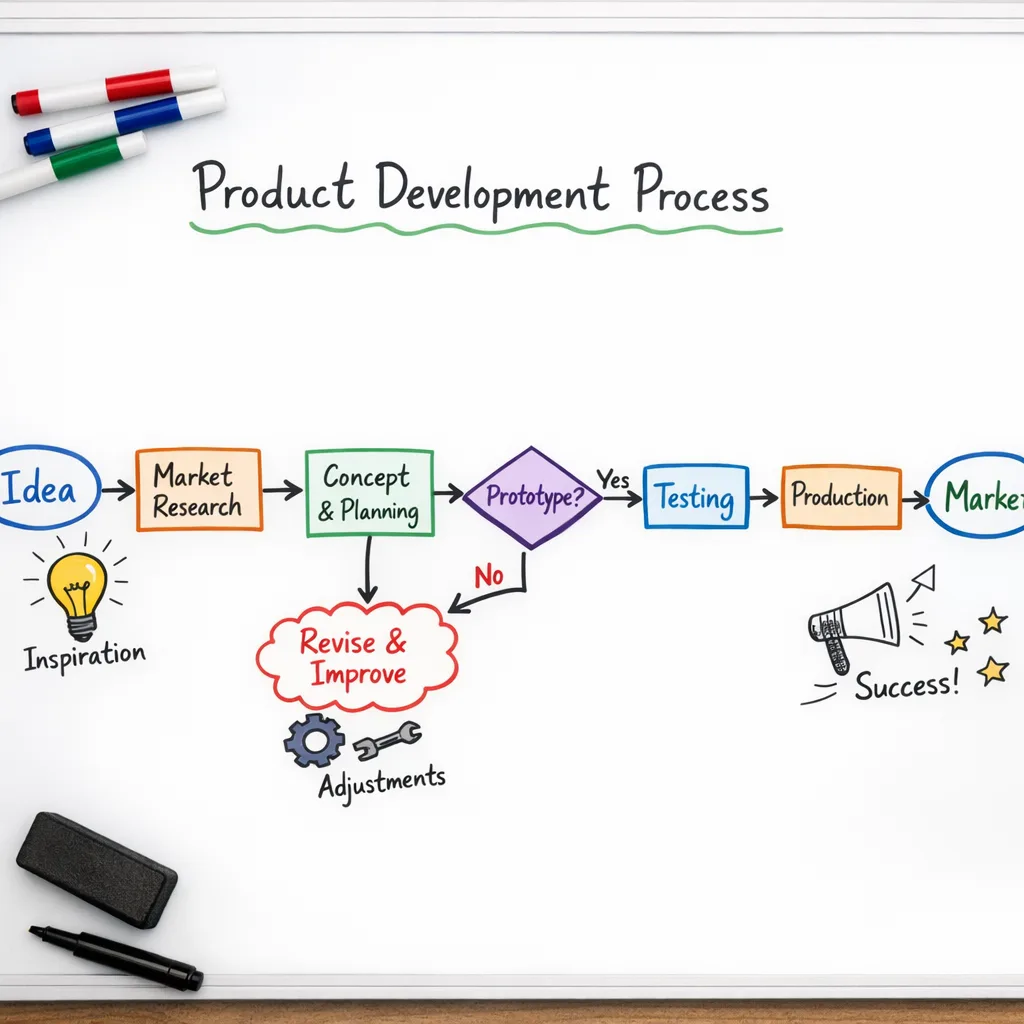
Age ratings used to sit in legal. In 2026, they live in product quality. The strongest teams treat ratings as a living spec that informs architecture, community guidelines, ad stack choices, and the default state of feature flags. That mindset keeps you compliant, yes—but it also makes your app easier to recommend in households where parents are the gatekeepers.
When policy changes again—and it will—you want the work to be a config tweak, not a quarter-long rebuild. If you invest in age-aware foundations now, you’ll move faster when the next requirement lands.





Comments
Be the first to comment.