App Store Age Rating 2026: Ship‑Ready Playbook
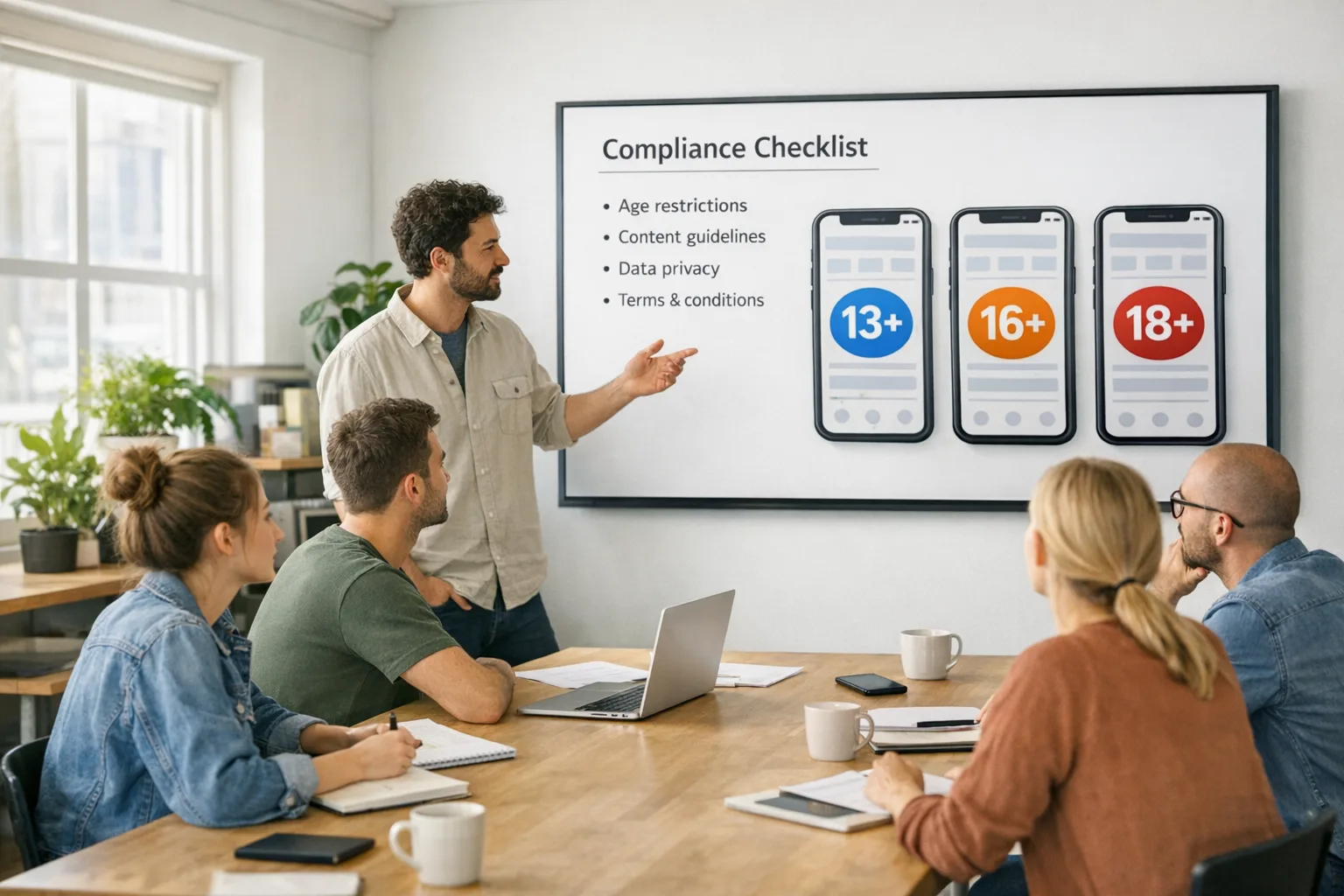
The App Store age rating overhaul is here, and the clock is ticking. Apple now uses 13+, 16+, and 18+ tiers (alongside 4+ and 9+), and you must complete the updated App Store age rating questionnaire in App Store Connect by January 31, 2026. Miss it and your updates get blocked. This playbook gives you the practical engineering steps to ship on time without breaking UX, analytics, or compliance.
What actually changed in 2026 (and what didn’t)
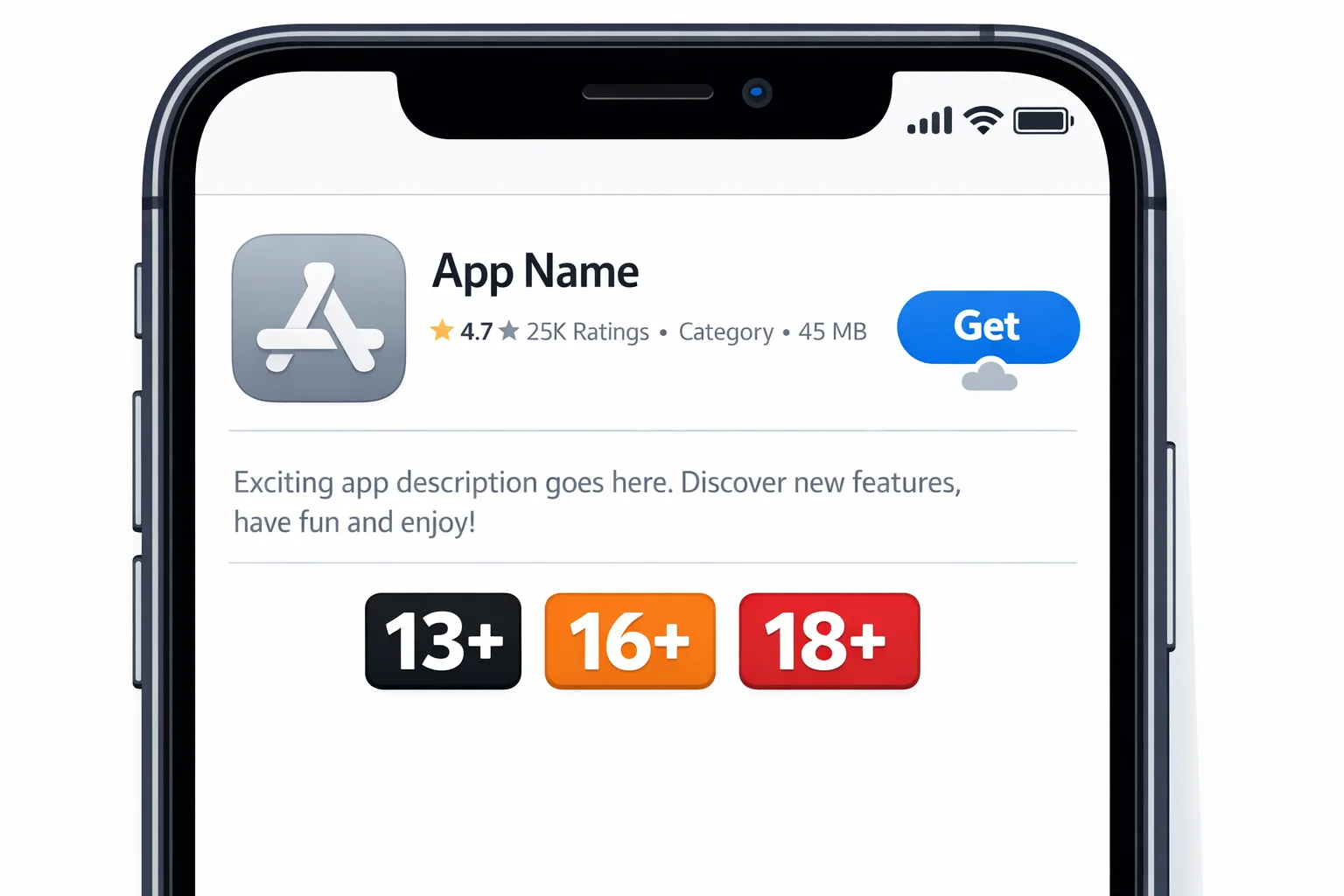
Apple expanded the rating tiers to introduce adolescence-specific bands: 13+, 16+, and 18+. Existing apps were auto-reassigned based on your previous answers, but the responsibility sits with you to confirm the new values by completing the updated questionnaire. Apple also tied ratings more tightly to parental controls across iOS 26, iPadOS 26, macOS Tahoe 26, tvOS 26, visionOS 26, and watchOS 26. On current OS releases, the ratings appear as usual; on 26-series platforms they integrate deeper with family features and content filters.
Two more critical changes matter for builders. First, the questionnaire itself evolved: it now asks more precise questions about in-app controls, capabilities (including AI/chat), wellness or medical claims, and violent themes. Second, Apple has shipped and is expanding privacy-respecting mechanisms for age-aware experiences, including the Declared Age Range API and a Significant Change consent flow for minors via PermissionKit. We’ll use both below.
Why you can’t ignore this
Three reasons. One: operational risk. If you haven’t answered the new questions by January 31, 2026, App Store Connect will block app updates until you do. Two: experience risk. If your Store rating under-states real content (think: UGC, realistic violence, AI chat exposing sensitive topics), you’ll field avoidable rejections and poor trust signals. Three: regulatory drift. Even though a Texas age-assurance law was paused in late December 2025, Apple has shipped the tooling to handle parental consent and consent revocation events. Similar pressures will resurface; you’re better off being age-aware now than scrambling later.
Timeline and facts dev teams should pin
Key dates to anchor your plan:
- July 2025: Apple announces the age rating overhaul, adding 13+, 16+, 18+ tiers and removing 12+ and 17+ categories.
- Fall 2025: New ratings surface across 26-series OS betas; deeper integrations land through the 26.x cycle.
- November–December 2025: Apple details developer tooling (Declared Age Range, Significant Change, consent revocation via server notifications) and opens sandbox testing.
- December 23, 2025: A federal judge pauses Texas’ app store age law. Apple keeps the APIs available for testing and adoption.
- January 31, 2026: Deadline to complete the updated App Store Connect age rating questionnaire to avoid update interruptions.
Primary job: complete the App Store age rating questionnaire
This sounds trivial, but most teams underestimate the analysis needed to answer precisely and consistently across binaries, locales, and feature flags. Treat it like a mini privacy assessment. Inventory what the app can show or do—not just what it shows most of the time. That includes AI assistants and chat, UGC, community or marketplace modules, web content rendered in-app, medical or wellness claims, and any violent or suggestive themes in gameplay.
Make conservative choices. If a feature can expose users to content that likely bumps the rating, assume it will eventually do so in the wild. You can always tighten feature access later with gating, but reversing a store rejection burns calendar you don’t have.
How to implement age-aware UX without creeping users out
Here’s the thing: your app shouldn’t ask for birthdays, and it doesn’t need to. Apple’s Declared Age Range provides a coarse age band to the app so you can adapt content without handling sensitive personal data. Where local rules require it, you’ll also receive a signal about the method used to assure age (for example, a credit card or government ID) and whether parental consent is required after a significant change.
Design your app to behave well when no signal is available. Default to a safe baseline experience, reveal or hide modules via feature flags, and communicate constraints clearly. For instance, if AI chat is limited for teens, show a short, plain-language explainer rather than an error wall.
Engineering plan: 7 steps to ship by January 31
Use this as your sprint plan. Assign clear owners and instrument review checklists.
- Audit content and capabilities. Start with a two-column table: “What we render or enable” and “What could appear.” Include AI outputs, external web views, UGC submission and display, live chat, creator monetization, loot boxes, graphic effects, and clinical or wellness copy. Map each to the questionnaire topics.
- Complete the App Store Connect questionnaire for each SKU. Don’t defer to marketing; have engineering review every answer for technical accuracy. Document rationale and screenshots so the knowledge survives personnel shifts.
- Adopt Declared Age Range API where available. Wrap age-aware decisions behind a single platform adapter so product logic reads like AgeGate.allow(Feature.AI_CHAT) rather than platform calls scattered across the app. Persist the band only as a derived capability (e.g., isTeen) to avoid logging sensitive data.
- Prepare for “Significant Change” consent. If your app’s content or age rating increases, teens may need re-consent. Build a calm, interruptible flow that queues pending consent and gracefully disables affected modules until approval arrives. Use PermissionKit’s Significant Change hooks to trigger requests and log outcomes.
- Handle consent revocation. Wire App Store Server Notifications to a minimal webhook that flags the user account as consent_revoked and disables affected surfaces at launch. Keep the kill path simple and test it with mocked events.
- QA in sandbox with 26.x. Test with child and teen profiles (13–15 and 16–17), confirm default behaviors when no age signal is present, and verify that consent prompts trigger only on truly significant changes. Validate copy and localization on empty states you rarely see.
- Ship with observability. Log only what you need: feature flag decisions, consent request outcomes (approved/denied/pending), and fallbacks. Avoid storing raw age categories unless required by law in a region. Anonymize or bucket metrics to reduce risk.
Where does the App Store age rating show up for users?
On the product page as usual, and increasingly inside family and device controls on 26-series platforms. Parents can align allowed downloads with the rating tiers, so your store rating will directly gate discoverability for a big part of the audience. That’s another reason to be precise—over-rating can crater conversion, under-rating can block updates and trigger consent flows later.
People also ask: quick answers
What happens if I miss the January 31, 2026 deadline?
You won’t be able to submit app updates until you complete the new questionnaire. New binaries, bug fixes, and hot patches all wait. If you’re mid-release, prioritize the questionnaire first, then resume your submission pipeline.
Do I need to resubmit my app if the auto-assigned tier looks right?
You still need to answer the updated questions. Apple auto-updated displayed ratings, but your confirmation is now part of the submission process. If your answers change the computed rating, Apple updates what users see.
Do AI features count toward the App Store age rating?
Yes. AI assistants and chatbots can surface sensitive content even without intent. Reflect that potential in your answers and gate risky prompts for teens. If you’re using external models, add a content policy check before rendering outputs, not after.
Do I need parental consent worldwide?
Consent expectations vary by region and may change over time. Apple’s APIs help implement region-respecting flows (including consent revocation via server notifications). Build once with feature flags; enable where required.
Design patterns that make age-aware apps feel natural
Your best lever is progressive disclosure. Show the full navigation, but label locked modules with a friendly explanation. Offer alternative learning content or community areas for teens instead of a hard block. When an adult unlocks a module, store a minimal, revocable capability flag on the server (feature: trading_unlocked) rather than raw age or consent IDs.
Use tasteful language. Replace “You’re too young for this feature” with “This feature is limited on your account today.” Invite curiosity and route users to learn more. The goal is dignity, not paperwork.
Android parity: match your iOS plan on Play
If you ship cross‑platform, don’t make iOS the only age‑aware build. Google introduced age signals for developers and is tightening under‑18 protections. Your product and policy answers should be consistent across stores, even if the exact APIs differ. For a practical Android implementation, use our focused primer on the Google Play Age Signals API and align copy, gating, and telemetry.
Testing checklist you can run this week
Run these tests on 26.x simulators and real devices if you have them, then repeat on older OS versions to ensure graceful degradation.
- Create three personas: teen 13–15, teen 16–17, adult 18+.
- Verify the app’s modules appear or hide correctly for each persona, with helpful empty states.
- Trigger a “significant change” (for example, enable a new social module or increase the age rating), confirm teens see a consent prompt, and ensure the app behaves safely while consent is pending.
- Send a consent revocation event to your webhook; confirm the app disables affected modules on next launch with a clear message and support link.
- Check locales. Rating labels and messages should be short, consistent, and culturally neutral.
- Review analytics payloads. Ensure you’re not logging raw age categories or identifiers you don’t need.
Red flags we’ve seen in real audits
Two common failure modes: hidden content paths and optimistic gating. Hidden paths happen when a marketing webview or seasonal event bypasses your normal content filters. Optimistic gating assumes a feature is safe unless age signals arrive; in practice, signals can be missing or revoked, so ship with conservative defaults and escalate safely when you have confirmation.
Another pattern: AI summaries or recommendations that surface links to content the app itself wouldn’t otherwise show. If your LLM or retrieval pipeline can pull from a broad index, treat its outputs as UGC for rating purposes and apply the stricter of the two rules.
What product owners and execs should track
Measure three things: conversion impact by rating tier, consent request completion rates for teens, and the rate of consent revocations over time. Tie these to release notes so you can correlate changes with features and copy updates. Assign a single leader—typically the PM for compliance or a privacy lead—to own the age rating across stores and releases, and review it quarterly.
Practical architecture for privacy‑aware compliance
Keep age handling at the edge of your system. On device, ask platform APIs for age capability and transform that into feature flags. Server-side, store only the derived, revocable capabilities, with short TTLs and a background job to refresh. Avoid persisting raw age bands unless a region’s rules explicitly require it, and even then isolate storage behind a service boundary with a deletion endpoint.
Document the mapping in code: ageBand → capabilities → feature flags → UI states. That single table becomes your living spec during audits. Treat it like a migration: every change gets a PR, reviewers, and a rollout plan with metrics and kill switches.
Cross‑reading and deeper dives
For a zoomed‑out policy view and adjacent deadlines, see our builder’s brief on 2026 App Store policy changes. If you need a crisp, deadline‑only reminder focused on the form itself, our age rating update deadline brief keeps it tight. If your team needs hands‑on help to implement gating, consent flows, and server notifications, our mobile services team can get you over the line.
What to do next (this week)
Let’s get practical:
- App Store Connect: complete the age questionnaire for every app by January 31, 2026. Double‑check AI/UGC answers.
- Implement Declared Age Range and PermissionKit Significant Change handling; wire consent revocation server notifications.
- Ship conservative defaults and user‑friendly empty states; don’t block teens with dead ends.
- Run the sandbox test plan across 26.x and older OS versions; fix gaps fast.
- Mirror answers and gating logic on Android; keep parity to reduce confusion.
- Set a quarterly review of your App Store age rating and gating map; treat it like a living spec.
Zooming out
Age awareness is joining privacy as table stakes. You don’t need invasive data to do this well. You need a reliable flow, plain language, and the humility to ship safe defaults. Teams that treat the App Store age rating as a product decision—not a form to fill—will move faster, get fewer surprises, and keep trust with families and regulators alike.
If you want a second set of eyes on your plan, reach out—our team ships these flows for startups and enterprises. You can see how we approach shipping-critical deadlines across app stores in our recent posts on policy changes and platform requirements over on the bybowu blog.

Need help executing fast? Talk to us. We’ll get you production-ready without drama.





Comments
Be the first to comment.