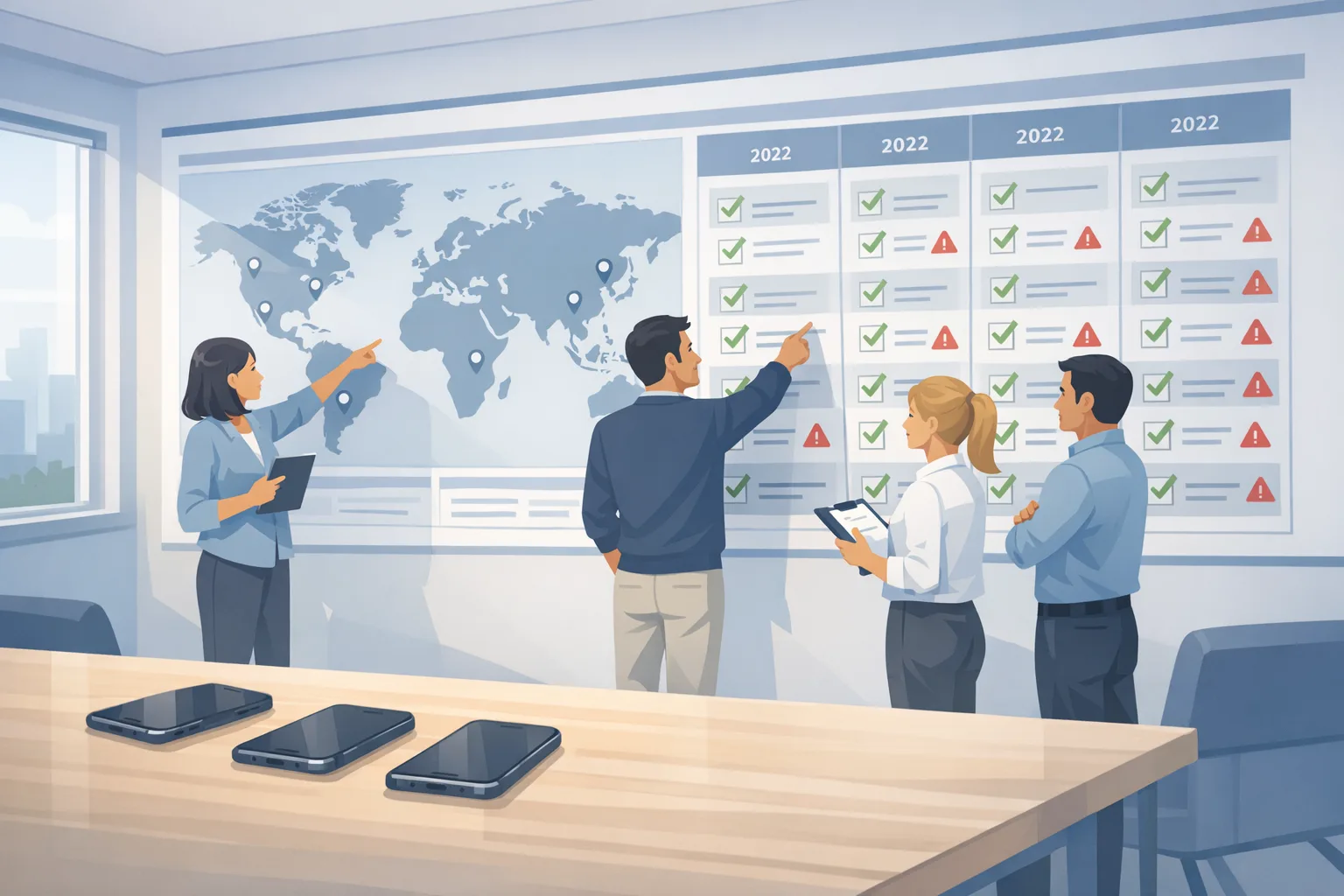
App Store age verification: the 30‑day plan
App Store age verification just got real. Apple is now blocking 18+ app downloads in selected countries and exposing stronger compliance signals to developers. With state‑level requirements starting in the U.S. this spring, you can’t “wait and see.” This guide gives you a no‑nonsense, 30‑day plan to implement the App Store age verification flows, wire up the Declared Age Range API, and handle parental consent for significant updates—without tanking your metrics or shipping risk.
What changed on February 24—and what’s next?
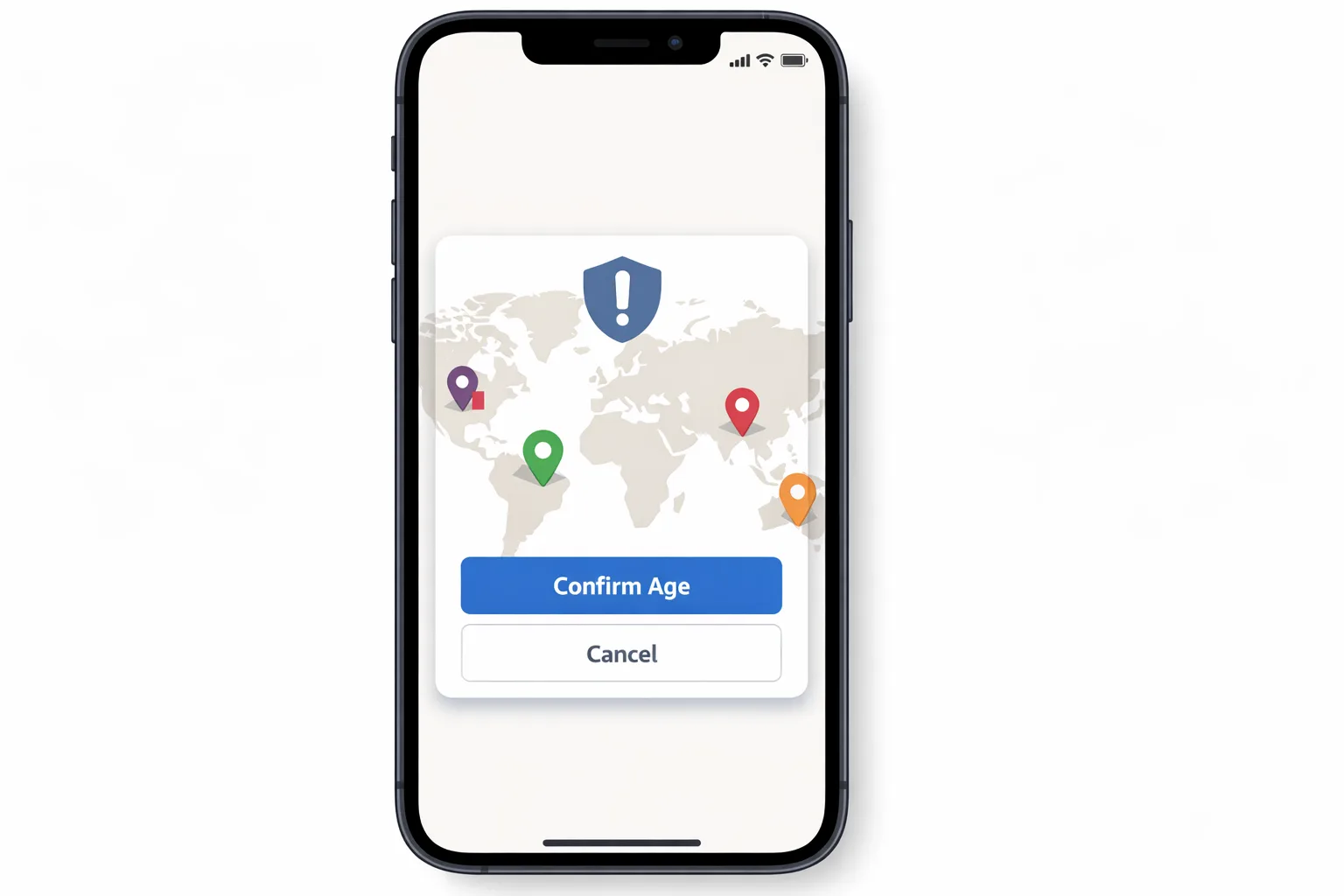
Here’s the thing: this isn’t hypothetical policy talk anymore. Apple has begun enforcing platform‑level checks and added developer‑visible signals to help teams meet regional laws. The practical takeaways you need on your roadmap today:
• 18+ downloads are now blocked in Australia, Brazil, and Singapore unless a user’s age is confirmed through acceptable methods. The App Store can perform this automatically, but some apps still have to verify age independently.
• Developers can receive age categories, via user opt‑in or where law requires, through the updated Declared Age Range API. New signals indicate whether regulatory features apply and, in some regions, how age was assured.
• U.S. state timelines matter: Utah’s requirement starts May 6, 2026, and Louisiana follows July 1, 2026, initially for new Apple Accounts. If you operate social, UGC, games with chance mechanics, or mature content, expect concrete obligations.
• “Significant updates” for apps used by children may require parental acknowledgement before access continues. You’ll need a flow to pause access and re‑enable it only after consent is recorded.
One more date to circle: Apple’s Xcode 26 SDK requirement on April 28, 2026 for App Store submissions. If you’re adding new APIs or prompts, you’ll be building and submitting with that toolchain anyway.
Want a broader policy backdrop? We’ve covered the earlier shift and why it was inevitable in our 2026 App Store age‑verification playbook. This article focuses on the newest enforcement and how to implement it now.
How App Store age verification actually works
Let’s get practical. There are three moving parts you have to understand and reflect in your app’s flows and telemetry.
1) Storefront checks and ratings
Your App Store age rating and region‑specific modifiers determine whether a user can even download the app. Apple’s updated rating questionnaire feeds these storefront decisions. For Brazil, for instance, apps with paid randomized rewards can be treated as 18+ in the local storefront. You can’t “paper over” a rating with a custom gate inside the app; the store decision happens first.
2) Declared Age Range API (DAR)
Inside the app, DAR lets you ask for a user’s age category via a system UI. You don’t get a birth date—only the range that matters for compliance and UX. In certain regions, the system may provide the category automatically when you call the API (because law requires it). Elsewhere, adults and teens can choose whether to share; parents control sharing for child accounts. New signals tell you if regulatory features apply and, when available, whether assurance was done through a payment method, ID, or a guardian‑mediated method.
Design notes: present the request at a natural moment (onboarding or before restricted features), and cache only what policy allows. Show people exactly what they share and why. If they decline, gracefully degrade.
3) Parental consent for “significant updates”
Some regional rules require a guardian to acknowledge when an app a child already uses adds substantial new capabilities. Apple provides system flows to request and record this acknowledgement. Your job is to: detect when a significant‑update trigger is required; surface the system sheet; pause feature access until approval; and persist the result for the account.
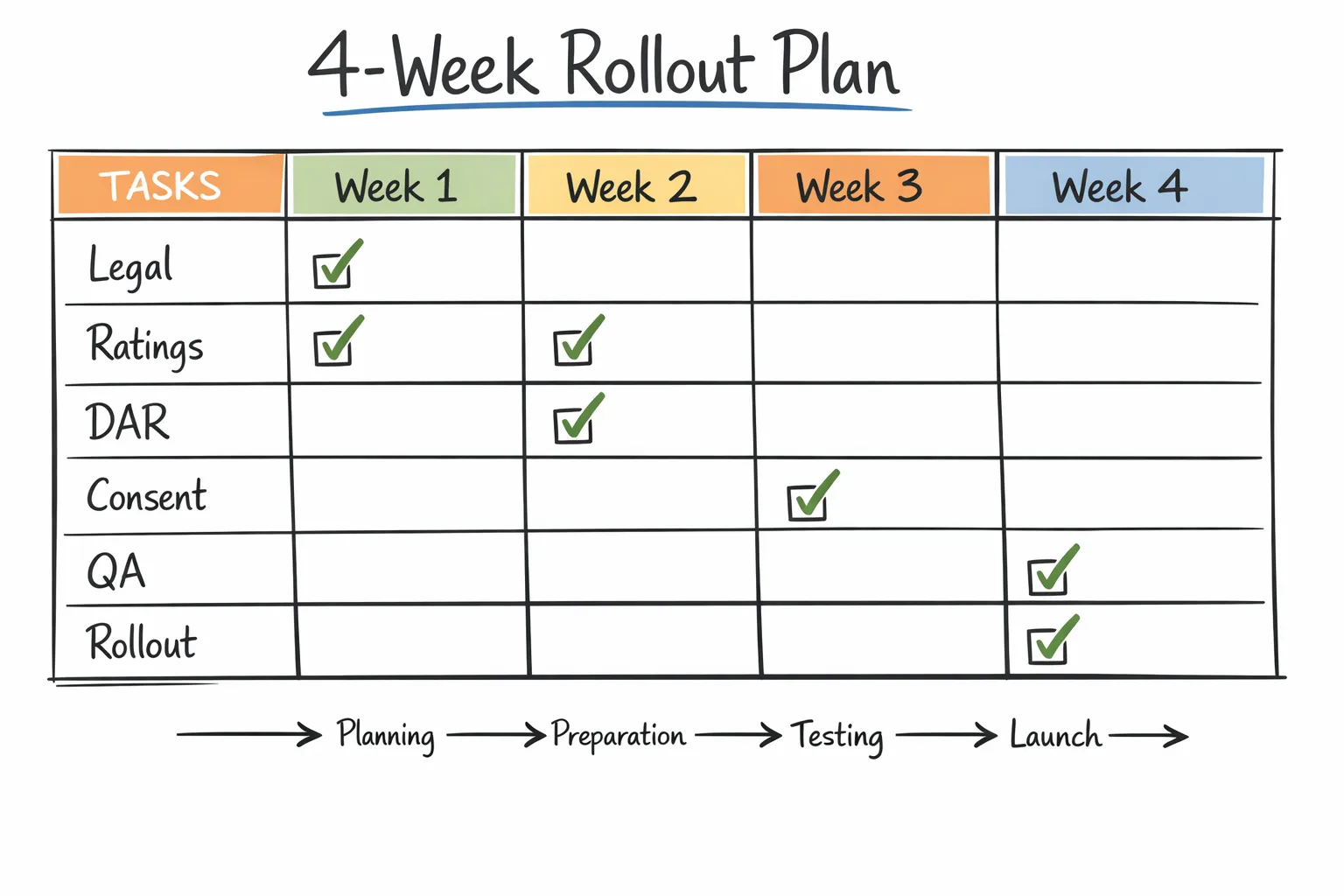
30‑day shipping plan (with roles, flows, and checkpoints)
You can ship a compliant, robust experience in four sprints. Here’s the plan we run with clients.
Week 1: Legal alignment, app rating, and data design
• Confirm scope: markets you serve; product areas likely to trigger extra duties (UGC, messaging, payments, loot boxes, explicit content). Align on a region‑by‑region table of obligations.
• Update the App Store rating questionnaire and region flags. If your Brazil storefront could drift to 18+ based on chance mechanics, decide now whether to restrict features locally or accept the rating shift and the smaller funnel.
• Data model: create a UserCompliance profile with fields like ageCategory, lastDARCheck, regulatoryFeatures, significantUpdateStatus, and guardianConsentReceipt. Keep raw signals minimal—store only what you need.
• UX copy: write concise, plain‑English strings. Avoid legalese. Adults should see a short “why we ask” and a clear option to share or not share. Parents should get a one‑screen summary and a link to your policy page.
Week 2: DAR integration and feature gating
• Call the system UI from a view controller you control (typical: post‑signup, pre‑feature screen). Respect the returned category and the “declined” path. Cache the category with an expiry.
• Feature guards: add a single ageGuard(feature) function that checks category plus regional rules. Centralize logic, don’t scatter if statements. Wire analytics to log allow/deny with reason codes (no personal data).
• Edge cases: unauthenticated flows, multi‑device households, and account switching. Make sure your guard runs on app open and feature entry, not just at first run.
Week 3: Significant‑update flows and review hooks
• Define what your org considers “significant.” New social graph? Private messaging? Live audio rooms? Paid randomized rewards? Document the triggers and add an internal config flag you can flip with a server rollout.
• Implement the parental acknowledgement sheet and the post‑approval resume path. Block access until you receive the system’s acknowledgement. Don’t attempt a custom workaround—respect the system state.
• Add an “Update Summary” screen for guardians that lists the changed capabilities in plain language. Pair with a prominent link to your policy page.
• App Review: add a demo path and credentials so reviewers can trigger the flow easily. Include test notes with steps, regions covered, and what happens when consent is revoked later.
Week 4: QA matrix, regional smoke tests, and rollout
• Build a test matrix that covers: adult, teen, and child accounts; opted‑in sharing vs. declined; regions with required sharing vs. optional; new vs. existing Apple IDs; and at least one downgrade path (guardian revokes consent).
• Run storefront checks using regional storefronts on test devices. Confirm that install eligibility reflects your rating configuration.
• Instrumentation: confirm you’re logging category arrivals, guard decisions, and consent outcomes—without logging any IDs or raw age data. Ship with dashboards that alert on unexpected deny spikes.
• Roll out in two phases: 10% for one region first, then expand globally after 48–72 hours of clean metrics.
People also ask: fast answers for teams
Do we need DAR if our app is already 18+?
Often, yes. In regions where age checks are mandated, you’re responsible for verifying the user’s category within your app, regardless of the storefront rating. Use DAR to confirm eligibility before unlocking restricted features.
Will this break our sign‑in funnel?
It doesn’t have to. Don’t front‑load prompts. Let users complete account creation, then ask for sharing right before a gated feature. If they decline, provide a clearly labeled preview mode instead of a hard stop on day one.
What if a parent revokes consent later?
Your app must respect revocation. Store the consent status and check it at launch and before sensitive features. If consent is pulled, show a humane lock screen with guidance, not a crashy error. Keep the user’s data safe; don’t delete accounts unless legally required.
How do loot boxes in Brazil affect us?
If your monetization includes paid randomized rewards, expect 18+ treatment in Brazil’s storefront. That changes who can install. Consider isolating the mechanic behind a separate SKU or disabling it regionally if your addressable market shrinks too far.
What OS and tooling do we need?
Plan on iOS 26.x APIs and Xcode 26.x for full feature support. If you’re still on older SDKs, schedule that upgrade now—Apple’s April 28, 2026 submission floor means you’ll be there soon anyway. For help aligning schedules, see our Xcode 26 practical April 28 plan.
Designing prompts that don’t tank conversion
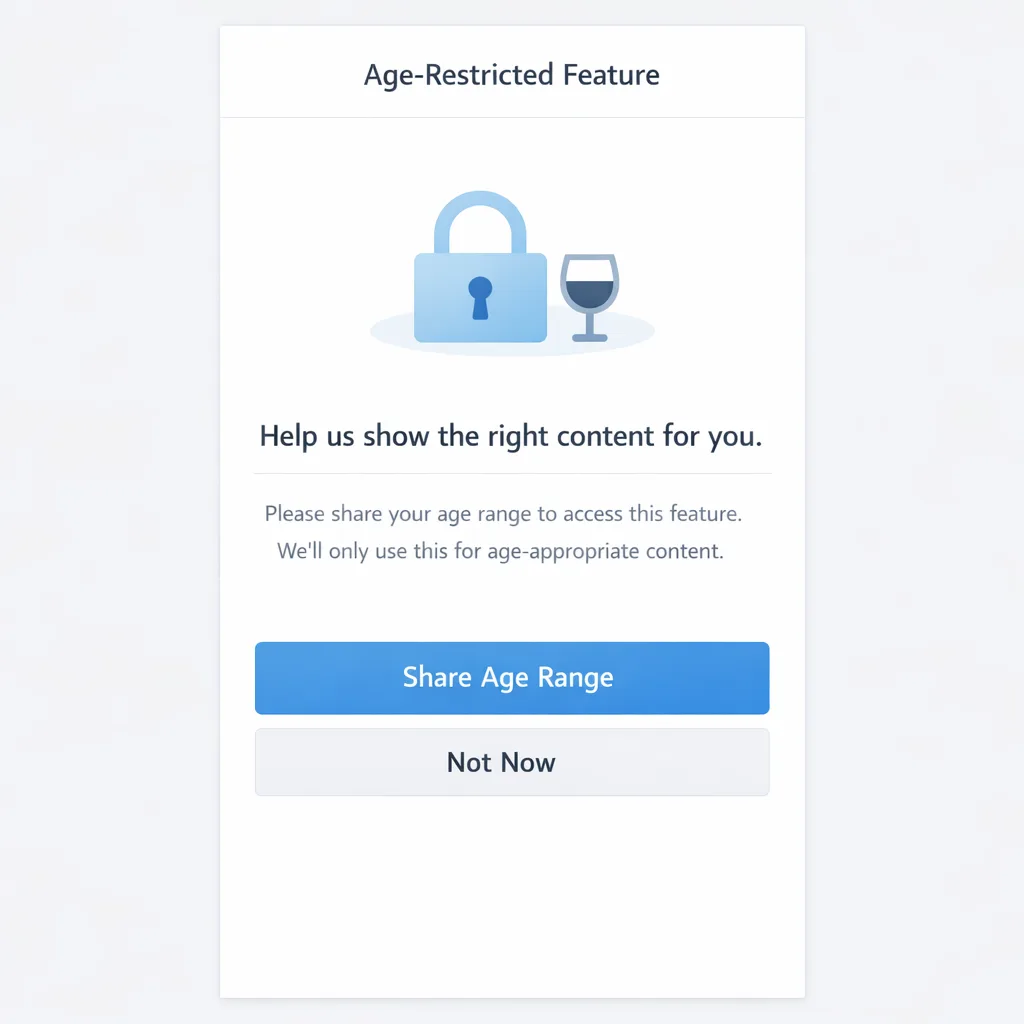
• Context first: “We use your age range to personalize content and comply with local law.” Keep it under 20 words and avoid scary terms.
• Single decision: one primary action to share age range, one secondary to skip. Don’t bury the opt‑out.
• Promise restraint: clearly state that you don’t store a birth date and won’t use age range for ads targeting.
• Progressive disclosure: tap targets for “Learn more” should open a short help sheet, not a webview maze.
• Accessibility: verify that screen readers announce the purpose and the consequences of each option.
A lightweight compliance framework you can copy
Use this five‑part model to keep implementation sane across products:
1) Declare: Define your app’s sensitive capabilities (UGC, messaging, randomized rewards, explicit content). Tie each to an internal compliance tag.
2) Detect: On first access to a tagged capability, call DAR and evaluate the returned category, required regulatory features, and consent state.
3) Decide: Centralize allow/deny with a single policy function that maps (region, category, capability) to an outcome and a user‑friendly reason.
4) Deliver: If allowed, continue. If denied, offer an alternative (preview, read‑only) and an explainer that’s short and polite.
5) Document: Log policy decisions by reason code and region (no personal data). Keep a living runbook for support and legal.
QA checklist: don’t skip these edge cases
• New Apple Account vs. long‑standing accounts (the state rules initially hit new accounts first in certain places).
• Child account traveling across borders (device locale vs. storefront vs. IP)—ensure your logic keys off the correct signal.
• Guardians approving on a different device—make sure your state refresh handles eventual consistency.
• Revocation after an app “significant update”—verify the app cleanly pauses access and resumes when approval arrives.
• Sync on multi‑device setups—cache bust on foreground so you don’t show stale access decisions.
Telemetry that respects privacy
Yes, measure—but don’t over‑collect. Useful, low‑risk metrics include: prompt show rate, accept vs. decline rate by region, feature deny reasons, and time‑to‑consent for guardians. Avoid storing raw age data or any method‑of‑assurance identifiers beyond what the law requires you to act on. Aggregate and purge regularly.
Governance: keep legal in the loop without slowing delivery
Set a weekly 20‑minute legal check‑in during rollout. Share your region‑by‑region policy map, the strings you ship, and screenshots of the flows. Give counsel a toggle to simulate “significant update required” so they can validate language without needing test builds every time.
Common pitfalls I see (and how to avoid them)
• Treating the storefront rating as sufficient. It isn’t. Call DAR for in‑app eligibility where required.
• Prompting too early. Ask right before users hit a restricted feature—not at app launch.
• Scattering policy logic across the codebase. Centralize into one guard and one policy map.
• Ignoring decline paths. Build a preview mode and explain the next step in one sentence.
• Forgetting support and trust. Publish a plain‑language FAQ and train your agents. You’ll cut tickets in half.
Where this intersects your 2026 platform work
Timeline pressure is real. Apple’s April 28, 2026 SDK floor means most teams will upgrade toolchains while shipping these flows. If you’re sequencing work, implement the policy guard first, then wire in the system UI. Our Ship confident by April 28 guide breaks down the sequencing so you don’t burn time on rework.
Need help assessing the blast radius across multiple apps? See what we deliver on platform upgrades and compliance transformations on our What We Do page, and browse relevant case studies in the portfolio.
What to do next (this week)
• Re-run the App Store rating questionnaire and document the Brazil storefront impact if you have randomized rewards.
• Add a central policy guard and stub in calls to the age‑range system UI. Ship it behind a feature flag.
• Write the one‑screen rationale and the guardian “significant update” explainer—no more than 70 words each.
• Build a tiny, anonymized metrics panel: prompt shows, accept/decline, deny reasons.
• Schedule your Xcode 26 submission rehearsal. You’ll need it.
Zooming out
The direction of travel is obvious: platform operators are moving age assurance into system and storefront layers and asking developers to enforce the last mile. If you centralize policy, keep prompts humane, and log only what you need, you’ll not only comply—you’ll ship a product adults and parents trust. That trust is a growth moat you can’t A/B into existence.
If you want a deeper technical tear‑down of how we compose these flows with design patterns and code structure, start with our earlier dev playbook for App Store age verification, then reach out via our contact page if you need an implementation partner.









Comments
Be the first to comment.