
Android 17 Beta 2: What to Fix Before Freeze
Android 17 Beta 2 landed on February 26, 2026 with build CP21.260206.011. It’s the release that forces decisions: update your app for new windowing behavior, privacy permissions, and cross‑device APIs now, or triage production bugs later. With Platform Stability targeted for March and the stable Android 17 scheduled for Q2 2026, this is your last comfortable lap before the track narrows.
Why this beta matters more than most
Here’s the thing: Android 17 is the only major SDK release this year where Google plans platform behavior changes that can break apps. Platform Stability in March will freeze app‑facing APIs and behaviors, giving you a few months to test at targetSdk 37 before GA in Q2. Google also shifted early platform testing into an Android Canary channel, so the public Betas arrive a little more settled—and closer to what you’ll ship against.
Translation for teams: if you don’t validate windowing, privacy, and runtime assumptions this week, you’ll be compressing a month of changes into the week your PM asks, “Can we make the launch window?”
Android 17 Beta 2 features that impact apps
Plenty of polish landed across the platform, but five areas drive real engineering work for app teams.
1) Bubbles as a true windowing mode
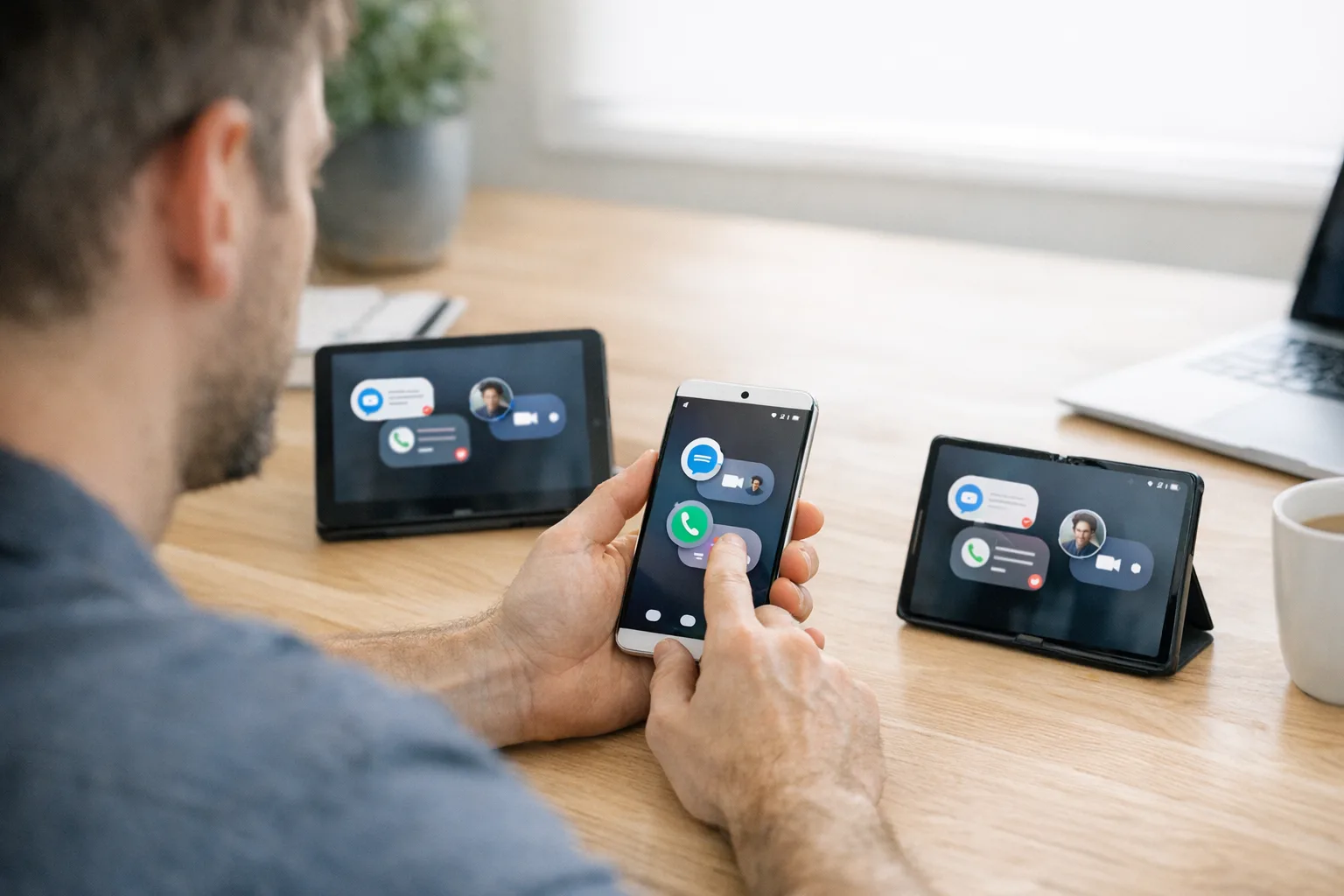
Users can long‑press a launcher icon to “bubble” your app into a floating, resizable surface. On large screens, a new bubble bar sits in the taskbar for organization and movement. This isn’t the old messaging bubbles API—think lightweight multi‑window, everywhere.
What to check right now:
- Layout elasticity: verify that key surfaces reflow correctly at small widths/heights and unusual aspect ratios.
- Focus and input: ensure keyboard, pointer capture, and drag‑and‑drop behave when your activity becomes a small floating window.
- Picture‑in‑Picture vs. bubbles: confirm the right surface is invoked for your use case; PiP may still be better for passive media.
2) Cross‑device handoff APIs
Android 17 adds first‑class handoff so users can start an activity on one device and continue on another, with web fallbacks if the destination app isn’t installed. If your product spans phone, tablet, foldable, or even the Pixel Tablet dock experience, you should wire this up.
What to check right now:
- Session handoff fidelity: serialize enough state to resume meaningfully without introducing privacy leaks in the payload.
- Install fallback: confirm deep links and web routes render as intended when the second device lacks your app.
- Auth continuity: refresh tokens and re‑authentication UX must be bulletproof or users will abandon the flow.
3) Local network access now gated
Android 17 introduces ACCESS_LOCAL_NETWORK under the NEARBY_DEVICES group to protect LAN communications. If you discover printers, cameras, or IoT bridges, you’ll need a user‑granted runtime permission—your current “it just works on Wi‑Fi” assumption probably breaks when you update targetSdk.
What to check right now:
- Feature gating: hide local‑network features until permission is granted; offer an offline demo or explainer for first‑run.
- Picker‑first UX: if the system provides a device/service picker, prefer it to reduce permission prompts and confusion.
- Telemetry: log distinct events for “permission denied” vs. “no device found”—they drive different support flows.
4) EyeDropper API and safer pickers
Beta 2 ships a system EyeDropper API that lets apps sample screen colors without screen‑capture privileges, and a new contacts picker intent that grants scoped, session‑based access to selected fields rather than full READ_CONTACTS. Both are security wins—adopt them to reduce review friction and permissions bloat.
5) Runtime and media changes you’ll feel
Android 17 continues performance work with a lock‑free MessageQueue implementation and generational GC improvements at the ART level, plus background audio hardening that clamps down on off‑lifecycle playback and volume changes. Media adds VVC (H.266) support when hardware allows and a constant‑quality option for video recording. These sound invisible—until your reflection hacks break or a legacy background audio shortcut stops doing anything.
The practical test plan: 12 scenarios to run this week
If you only have a few afternoons to de‑risk your app on Android 17 Beta 2, run these scenarios end to end. Do it on a large screen (tablet or foldable) and a phone.
- Bubble mode sanity: launch as a bubble, resize aggressively, rotate, then dismiss and relaunch into full window. Validate navigation, back stack, and modal surfaces.
- Keyboard and pointer capture: confirm text focus, IME visibility, and mouse/trackpad behavior match user intent in bubble and split‑screen modes.
- Cross‑device handoff: begin a purchase, composition, or media session on device A; resume on device B. Validate auth, deeplinks, and UX continuity.
- Offline handoff: try handoff when destination lacks your app; confirm web fallback preserves core context.
- Local network permission: gate discovery behind
ACCESS_LOCAL_NETWORK; capture permission‑deny analytics and explainers. - Contact picker: replace any raw
READ_CONTACTSpathway with the new intent and re‑test onboarding. - Color selection: migrate custom pickers that used screen capture to EyeDropper; confirm color accuracy on HDR displays.
- Background audio: trigger audio actions while your app is backgrounded and out of a valid lifecycle; make sure you handle the new failures gracefully.
- Media playback: test VVC playback where hardware supports it, and fall back cleanly when it doesn’t; validate loudness consistency.
- MessageQueue assumptions: search for reflection on
android.os.MessageQueue; remove it. Run jank traces to verify frame pacing improvements, not regressions. - Time‑zone shift: simulate the new
ACTION_TIMEZONE_OFFSET_CHANGEDbroadcast and watch for stale schedules or cache drift. - NPU access: if you hit the device NPU directly, declare the hardware feature and implement a CPU/GPU fallback path.
People also ask: do I really have to support bubbles?
No one’s forcing you to design a bespoke “bubble UI,” but users can bubble your app anyway. Treat it like any multi‑window mode: keep core tasks usable at small sizes, avoid layout thrash, and don’t hide critical actions behind hover‑only affordances. If you already support split‑screen and resizable activities well, you’re close.
When is Platform Stability, and what does it mean for me?
Google’s stated target for Platform Stability is March 2026. That’s the point where SDK/NDK APIs and app‑facing behaviors freeze. From then until GA in Q2, your job is to test at targetSdk 37 and publish pre‑release builds to catch real‑world issues. Shipping features that depend on non‑final APIs before Stability is gambling with your runway.
Will Android 17 break my background audio player?
If your app triggers playback or volume changes outside a valid lifecycle state, Android 17 can now ignore those calls (and in some cases return an explicit failure). Audit any background service that pokes audio APIs; you may need foreground user intent or a different UX path.
A 30‑60‑90 plan to hit Q2 without panic
Days 0–30: Baseline and blockers
Target SDK 37 in a branch. Enable all new toggles/flags. Run the 12‑scenario test plan with design, QA, and an engineer who can instrument traces on the spot. Open defects with owner and perceived severity; label anything “user‑visible regression.” Decide whether cross‑device handoff ships in this cycle—if not, document the deferral and expose a deep link or web fallback.
Days 31–60: Hardening and UX polish
Replace any raw contact or screen‑capture patterns with the new pickers and EyeDropper. Finalize the permission model for local network features with clear education and retry flows. Do a large‑screen pass to fix bubble and resize edge cases; test with a keyboard and mouse. Add analytics for “permission denied,” “handoff fallback,” and “bubble mode sessions” to validate assumptions after GA.
Days 61–90: Release train and guardrails
Ship a public beta to your canary channel once Platform Stability lands. Monitor crash‑free sessions, frame pacing, and ANR deltas vs. Android 16. Turn on strict mode checks for background audio and lifecycle misuse in your CI and espresso tests. If you rely on vendor codecs or device NPUs, gate features by capability, not OS version.
Risk radar: edge cases we keep seeing
These are the subtle ones that create late‑stage drama.
- Invisible modals: a full‑screen dialog looks fine in portrait but clips in a small bubble; confirm bottom sheets and snackbars stay in view.
- Auth popovers: providers that open external activities (or custom tabs) break state when you bounce between devices mid‑flow. Store minimal, encrypted state and be ready to re‑request scopes.
- LAN discovery loops: repeated permission declines can leave your discovery coroutine hot‑looping. Back off and surface a single, clear CTA.
- Reflection on platform internals: any hack that peeks at private fields in
MessageQueueor other core classes will betray you now. Rip them out.
Let’s get practical: adoption blueprint
Use this as a working document in your tracker. It’s the minimum viable plan to qualify Android 17 support without boiling the ocean.
- Inventory: list activities needing resize/bubble fixes; list features touching LAN, contacts, color pickers, audio, camera, or NPUs.
- Decisions: choose your handoff MVP (what state, which routes, what fallbacks). Decide whether to add VVC playback now or defer.
- Perms and pickers: enforce
ACCESS_LOCAL_NETWORKbehind an explainer; migrate to the contacts picker; adopt EyeDropper where relevant. - Runtime cleanup: remove reflection on internal platform APIs; verify no lifecycle‑violating audio calls remain.
- Large‑screen QA: run golden‑path journeys in split‑screen and bubble mode on a tablet and a foldable with keyboard/mouse attached.
- Telemetries: ship analytics events for bubble sessions, permission denials, handoff success/failure, and VVC fallback. Wire alerts for spikes post‑GA.
- Release gates: require passing the 12 scenarios on Beta 2 and the Stability build; block merges that reintroduce forbidden patterns.
What about Play policy timelines?
Nothing announced ties your listing immediately to Android 17 features, but user expectations on large screens and cross‑device flows rise with each cycle. If you wait for a future targetSdk bump to force your hand, you’ll be refactoring under duress.
“We don’t have time.” Here’s the smallest set that moves the needle
If you must cut scope, do these three and sleep better when GA hits:
- Fix layouts for bubbles and snap‑resize on large screens.
- Gate LAN features with
ACCESS_LOCAL_NETWORKand migrate contacts to the system picker. - Remove any reflection on
MessageQueueand validate background audio flows.
Related playbooks and help
If your app talks to tools or agents outside your perimeter, consider network egress guardrails; our guide on egress firewalls for AI agents shows how to box in external calls with allow‑lists and observability. For a broader Android 17 readiness strategy, see our take on the rules, risks, and a plan for Android 17 and how the Android Canary era changes your release engineering. Need hands‑on help? Explore our Android app modernization services or get in touch via a quick consult.
What to do next
- Spin a targetSdk 37 branch and run the 12 scenarios on Beta 2.
- Prioritize bubble/resize issues, local network permission gating, and background audio compliance.
- Decide your cross‑device handoff MVP and wire the fallback path.
- Replace legacy contacts and color‑capture patterns with the new pickers/EyeDropper.
- Ship a canary build at Platform Stability and watch your analytics like a hawk.
Zooming out
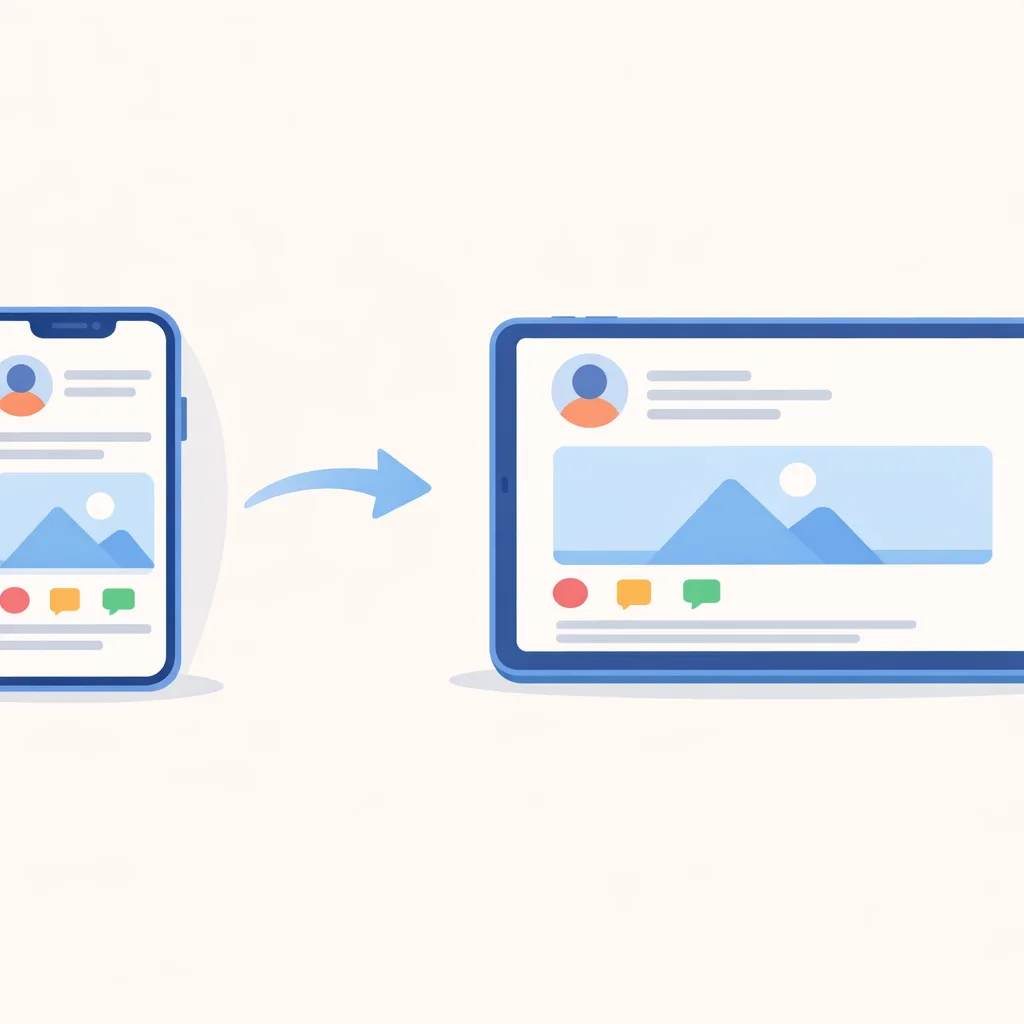
Android 17 Beta 2 isn’t a flashy rethink of the OS. It’s a set of assertive nudges toward better multi‑device UX, safer local networking, and quieter runtime performance gains that compound. If you invest a few focused sprints now—before Platform Stability—you won’t just “support Android 17.” You’ll ship a product that feels at home on every screen your users touch this year.









Comments
Be the first to comment.