
Android 17 Beta 2: The Practical Dev Playbook
Android 17 Beta 2 is out, and it’s not a cosmetic drop. We’ve got a real bubbles windowing mode, a system contact picker, the new EyeDropper API, and cross‑device app handoff that finally feels ready to build on. Platform Stability is targeted for March 2026 with final SDK/NDK APIs and targetSdk 37 publishing enabled, which means the clock’s ticking if you want to land upgrades without a fire drill later.
I’ve been helping teams ship across Android phones, tablets, and foldables for years, and Beta cycles usually tempt people to wait. Don’t. Android 17 Beta 2 gives you enough concrete surface area to prototype, validate, and harden the changes that will stick—especially around large screens and privacy.

What actually shipped in Android 17 Beta 2
Here’s the short list we’re prioritizing with clients.
Bubbles as windowing: Users can bubble any app from the launcher. On tablets and foldables, a taskbar bubble bar anchors and organizes bubbles. Apps that behave poorly in multi‑window will expose layout cracks instantly. If your app assumes full‑screen or a fixed orientation, treat this as a production bug, not a beta oddity.
System Contact Picker: Instead of asking for broad contact permissions, apps can invoke the platform picker to grant temporary, field‑scoped access. This shrinks privacy risk and improves consent UX. If your onboarding currently hard‑fails without READ_CONTACTS, switch to the picker and let permissions become a performance optimization rather than a hard requirement.
EyeDropper API: You can now sample on‑screen colors without screen‑capture permissions. That’s a nice win for design tools, theming, and accessibility features (think contrast helpers) without tripping privacy prompts.
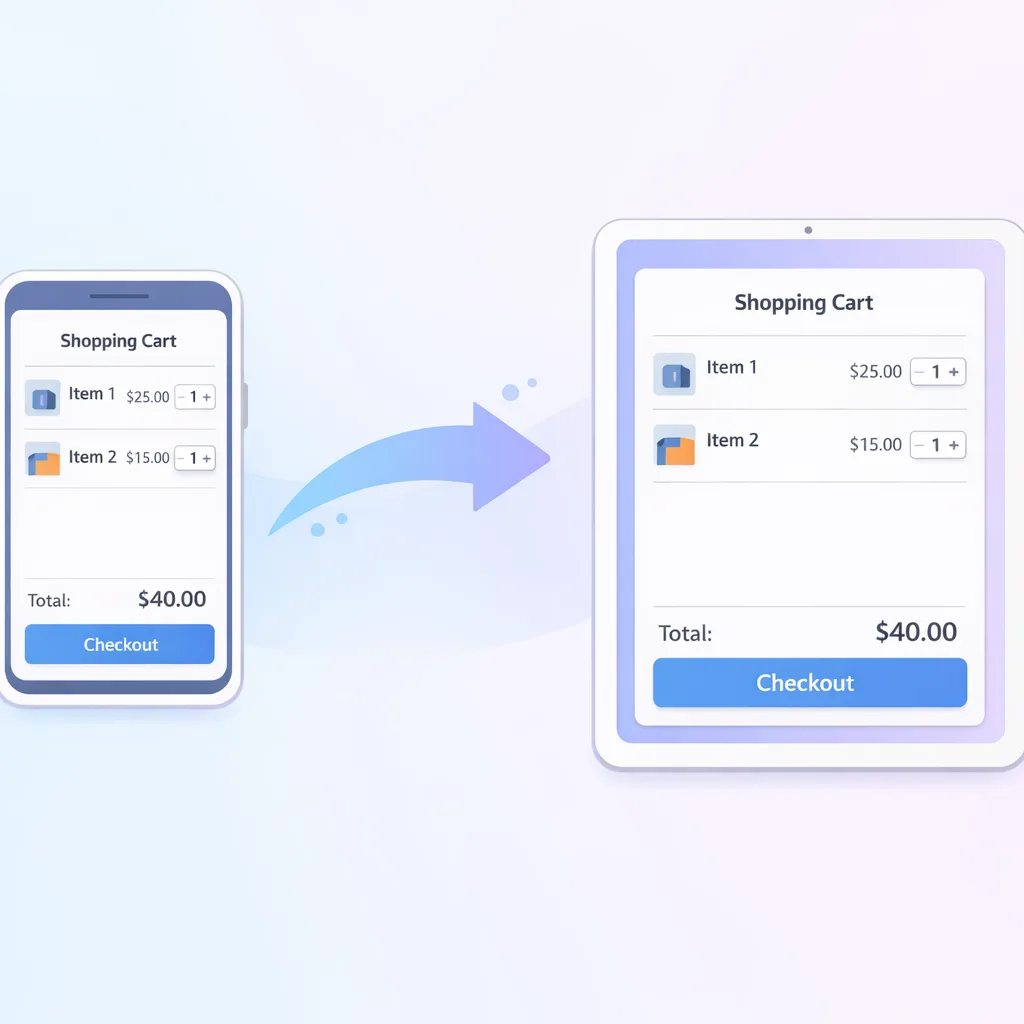
Cross‑device app handoff: Start an activity on one device and continue it on another—natively, or with a web fallback when the target device doesn’t have your app. This is where Android is catching up to the continuity users expect. If you have notes, media, shopping carts, or documents, this is the feature to put on the roadmap now.
Android 17 Beta 2: dates and versions you can plan around
Beta 2 dropped on February 26, 2026 with build CP21.260206.011 and a February 5, 2026 patch level. Beta 1 landed on February 13, 2026. Platform Stability is targeted for March 2026, and general availability is planned for Q2 2026, with a smaller SDK update later in the year. The working API level is 37. Taken together, that’s enough runway to validate changes this month and lock scope for Q2 delivery.
Translation: if you kick the can to April, your team will be testing against final APIs under time pressure. Move now and you can both reduce regressions and ship a feature or two that marketing can talk about.
Will Android 17 break my UI on tablets and foldables?
Here’s the thing: Android 17 pushes apps toward resizable, multi‑window‑friendly behavior. You can’t rely on orientation forcing or narrow assumptions about width classes. If your layouts stretch, clip, or hide critical actions when windowed, users will find it fast via bubbles on large screens.
What to do this week: audit window size classes, ensure list–detail flows handle side‑by‑side panes, and verify input targets remain touchpad‑friendly (Chromebooks and keyboard users matter more than you think). Compose makes a lot of this easier, but even XML projects can adopt a mobile/medium/expanded layout strategy cleanly.
Cross‑device handoff: ship it while it’s still a differentiator
Handoff lets people continue what they were doing—reading, editing, checking out—on another device. Under the hood, the Cross‑Device SDK’s Sessions model is a good fit: define the user activity, capture the minimal state needed to resume, and hand it off with a privacy‑respecting device discovery flow. If the target device doesn’t have your app, fall back to a deep‑linked web experience so progress never feels lost.
Why this matters commercially: continuity lifts engagement. If you sell subscriptions or run a marketplace, every resumed session is a recovered intent. You’ll also shrink support tickets from “I lost my place switching devices.”
A practical handoff checklist (works with Beta 2)
Use this as a two‑afternoon spike to derisk the approach:
1) Map the candidate journeys. Favor tasks that benefit from switching posture—reading, shopping carts, drafts, checkout, playlists, camera edits. Keep payloads small and serializable.
2) Define a session schema. Include identity, activity type, and a compact state (IDs and timestamps, not megabyte‑scale blobs). Attach version info so you can evolve formats safely.
3) Build the receiver first. Handoff fails if the target app can’t hydrate state instantly. Start with a cold‑start resume path; optimize later for warm resumes.
4) Implement reliable web fallback. Deep link into an authenticated web session when native isn’t available. If you don’t have parity on the web, pick one resume action (read, pay, or continue) and make it flawless.
5) Add analytics you’ll trust. Track offer, accept, and complete. Instrument drop‑offs by device class so you can fix the real blocker (permissions, auth, or windowing).
6) Security pass. Encrypt tokens, time‑limit sessions, and scrub PII from payloads. Treat any handoff that crosses accounts as an explicit re‑auth moment.
7) Dogfood across your fleet. Test on a phone–tablet pair and at least one Chromebook or desktop Android environment; verify network‑constrained scenarios.
Privacy changes you can’t ignore in March
Local network restrictions are graduating. Apps that quietly talk to LAN devices will increasingly need a user‑granted permission or must use system‑mediated device pickers. If your app does casting, discovery, or local device control, plan for an explicit consent path. The old assumption that INTERNET access implied quiet LAN reach is fading.
Meanwhile, the new system Contact Picker greatly reduces the need for broad contact access. Replace “permission‑blocked” dead ends with a picker‑first flow that still works for privacy‑sensitive customers. And if you read OTPs programmatically, re‑test with Android’s SMS verification APIs; don’t assume your legacy approach will remain frictionless as protections tighten.
People also ask: should I target API level 37 today?
If you’re building a daily‑active consumer app or anything running on tablets and foldables, create a short‑lived feature branch that compiles against API 37 and runs on Android 17 Beta 2. Your goal isn’t to ship it to Play yet; it’s to flush out crashes, windowing gaps, and permission prompts while there’s time to react. Once Platform Stability lands in March, you can finalize dependencies and move that branch toward release safely.
What about performance and input changes?
Beta 2’s input refinements improve touchpad pointer capture so gestures behave more like a mouse by default. If your app supports drawing, gaming, or precision input, verify you’re not assuming legacy absolute coordinates. Pair that with a quick pass on animations and recomposition: large‑screen jank often hides in unnecessary recomposes or heavyweight lists doing work off‑screen.
A QA matrix that saves real time
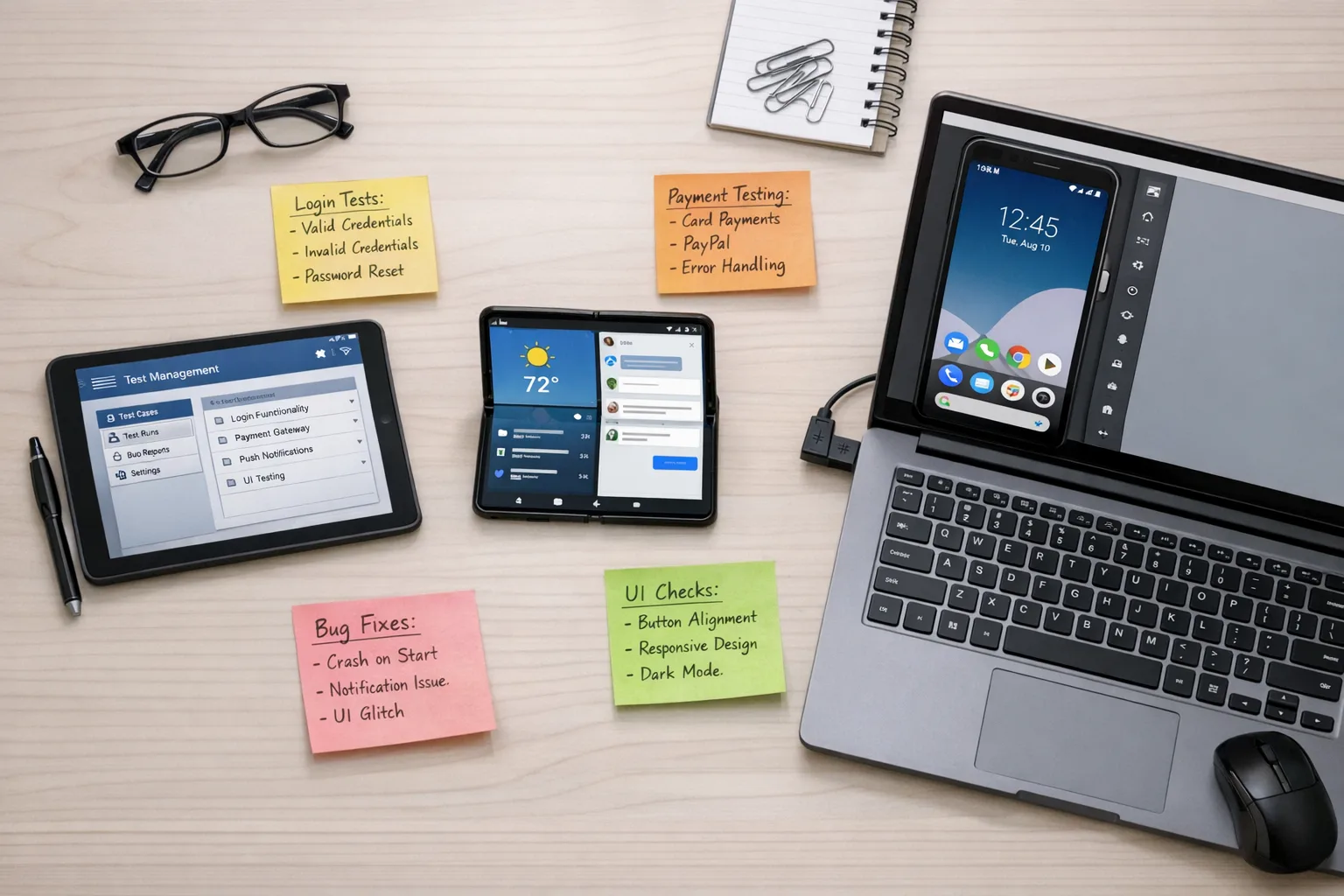
Create four golden devices and refuse to ship without green checks on each scenario:
• Small phone in portrait and split‑screen.
• Large phone or compact foldable in bubble mode with the bubble bar present.
• Tablet in landscape with external keyboard and touchpad.
• Emulator image pinned to Android 17 Beta 2 for CI regression runs.
Add network conditions (offline, metered, captive portal) and verify your handoff, picker, and permission flows degrade gracefully. If you need help wiring reliable emulator runs, our self‑hosted runner primer for CI lays out the moving parts—see the GitHub Actions self‑hosted runner plan.
Designing for bubbles and multi‑window without hating life
Think in panes and priorities. When windowed, users need the primary task, not the whole chrome. Collapse or defer secondary panels, persist the current step prominently, and make back/close affordances obvious. If you’re on Compose, WindowSizeClass with Navigation Suite templates helps. For XML, a simple two‑pane layout with breakpoints at ~600dp and ~840dp gets you 80% there.
Android 17 Beta 2 gotchas we’ve already tripped
• Orientation assumptions: a few apps still hard‑coded sensorPortrait and paid for it when bubbled. Remove it unless it’s truly essential (e.g., camera capture) and document exceptions.
• Contact denial loops: older flows keep reopening a permission sheet the platform doesn’t need anymore. Detect picker support and skip the nag.
• LAN discovery timeouts: once gated behind permission, discovery fails quietly. Surface a device picker and explain why it’s needed with one sentence in human language.
A two‑sprint plan to be ready by Platform Stability
Here’s a concrete schedule you can drop into Jira today.
Sprint 1 (this week):
1) Create an Android 17 Beta 2 integration branch and wire a CI job running an emulator on every PR.
2) Add a bubbles/multi‑window test plan; fix the top three layout gaps on tablets/foldables.
3) Replace READ_CONTACTS flows with the system Contact Picker.
4) Spike the EyeDropper API in your design or accessibility surface; keep code behind a feature flag.
5) Instrument analytics for handoff trials (offer/accept/complete).
Sprint 2 (next week):
1) Build a minimal cross‑device handoff for one high‑value journey with web fallback.
2) Implement local network permission handling or route discovery via system pickers.
3) Verify pointer capture behavior for drawing, map, or game surfaces.
4) Run a usability pass in windowed/bubble mode with non‑engineers and capture feedback.
5) Prep your targetSdk 37 branch to flip on at Platform Stability; pin toolchains and libraries.
How this ties to your roadmap (and budget)
You don’t have to refactor your entire app to win here. Ship one continuity feature. Remove one risky permission. Fix the top two multi‑window pain points. Each is independently valuable and cheap to maintain. If your team is stretched, we can help you scoping and delivery—our work spans upgrades, UX, and CI hardening. See a sampling in our recent portfolio and how we package mobile engagements on our services page.
People also ask: do I need to rebuild my permissions model?
No, but you should modernize two hotspots. First, replace broad contact access with the picker for non‑core needs. Second, inventory any local network calls and decide whether to request permission (with clear user value) or route through system pickers. Everything else—camera, media, notifications—should already follow best practices you’ve likely implemented.
Implementation notes for teams on Compose vs. XML
Compose teams: verify that your slot APIs and NavHost transitions survive window resizing without tearing. Migrate any custom pointer input handling to align with the updated pointer capture semantics. XML teams: centralize breakpoints in a single dimens resource set, and test bubble mode early to ensure action bars don’t crowd or truncate at narrow widths. In both worlds, prefetch fewer items in lists when windowed; bubble modes make aggressive prefetching wasteful.
Security and compliance angles for Android 17
The privacy shifts aren’t red tape—they’re operational risk reduction. The system Contact Picker and LAN permission gating reduce your blast radius and cut down on sensitive data flows. If you’re under SOC 2 or ISO 27001, logging permission decisions and system‑picker usage can bolster your access control story. Tie this to your CI: generate emulator runs that assert the absence of forbidden permissions in release builds. If you need a blueprint, our egress controls playbook shows how we think about minimizing data exfil paths—even though it targets AI agents, the principle applies here.
What to do next
• Stand up an Android 17 Beta 2 emulator in CI and run smoke tests on every PR.
• Replace at least one permission‑gated flow with the system Contact Picker.
• Implement a minimal cross‑device handoff for a single high‑value activity with web fallback.
• Fix your top two large‑screen layout issues and verify bubble mode usability.
• Prepare a targetSdk 37 branch that you’ll flip on at Platform Stability in March.
If you’d like help scoping that two‑sprint plan or need a partner to land it on time, reach out—our contact page is the fastest path, and you can learn how we operate on what we do. For context on why moving during preview cycles pays off, see our earlier take on the Android 17 Canary era.
Android 17 Beta 2 is the rare drop where you can improve UX, reduce permissions risk, and introduce a visible feature customers will actually notice. Use the next two weeks to make pragmatic moves. When Platform Stability lands in March, you’ll be ready to lock versions and ship with confidence.









Comments
Be the first to comment.