
Xcode 26 Requirement: Your April 2026 Ship Plan
The Xcode 26 requirement just turned from rumor to roadmap. Apple’s Developer News page confirms that, starting April 28, 2026, all new uploads to App Store Connect must be built with Xcode 26 using the iOS 26 (and sibling) SDKs. Pair that with the App Store age rating updates that took effect on January 31, 2026, and you’ve got two deadlines converging on your release train. Here’s the thing: this isn’t just a recompile. Treat it like a cutover, or you’ll spend May chasing regressions and rejections.

What changed and the dates that matter
Let’s anchor the facts so planning is concrete, not wishful: on January 31, 2026, Apple auto‑updated age ratings for all apps under its new system, and developers must answer the new questions in App Store Connect before the next submission. On April 28, 2026, Apple will enforce uploads built with Xcode 26 and the 26‑series SDKs across iOS, iPadOS, tvOS, visionOS, and watchOS. If your CI is still pinned to an older Xcode image or your frameworks aren’t 26‑ready, you’ll hit a wall on that date.
Zooming out, Apple’s recent guideline tweaks around data sharing—especially disclosure for so‑called “third‑party AI”—also raise the bar. If you forward user content or telemetry to external AI services, you need explicit permission and plain‑English disclosures. Don’t wait for an App Review nudge; update your flows and copy now.
Why the Xcode 26 requirement matters beyond a rebuild
Shipping with a new major SDK often flips defaults you’ve quietly depended on. Expect ripple effects in three areas. First, security and privacy: new SDKs often enforce tighter permission prompts and entitlement checks. Second, UI and system behavior: navigation, sheet presentation, and background task scheduling can shift in subtle ways that break your edge cases. Third, toolchain shape: Xcode 26 modernizes compilers and linkers, which can expose undefined behavior in older code or third‑party SDKs. The net: a straight recompile is not risk‑free—it’s where risky behavior finally becomes visible.
There’s a business angle too. Apple’s review queue tends to swell around hard cutoffs. If you gamble on a late‑April submission, a single metadata rejection can push you into May. Build buffer into the schedule and aim to be “green” two weeks early.
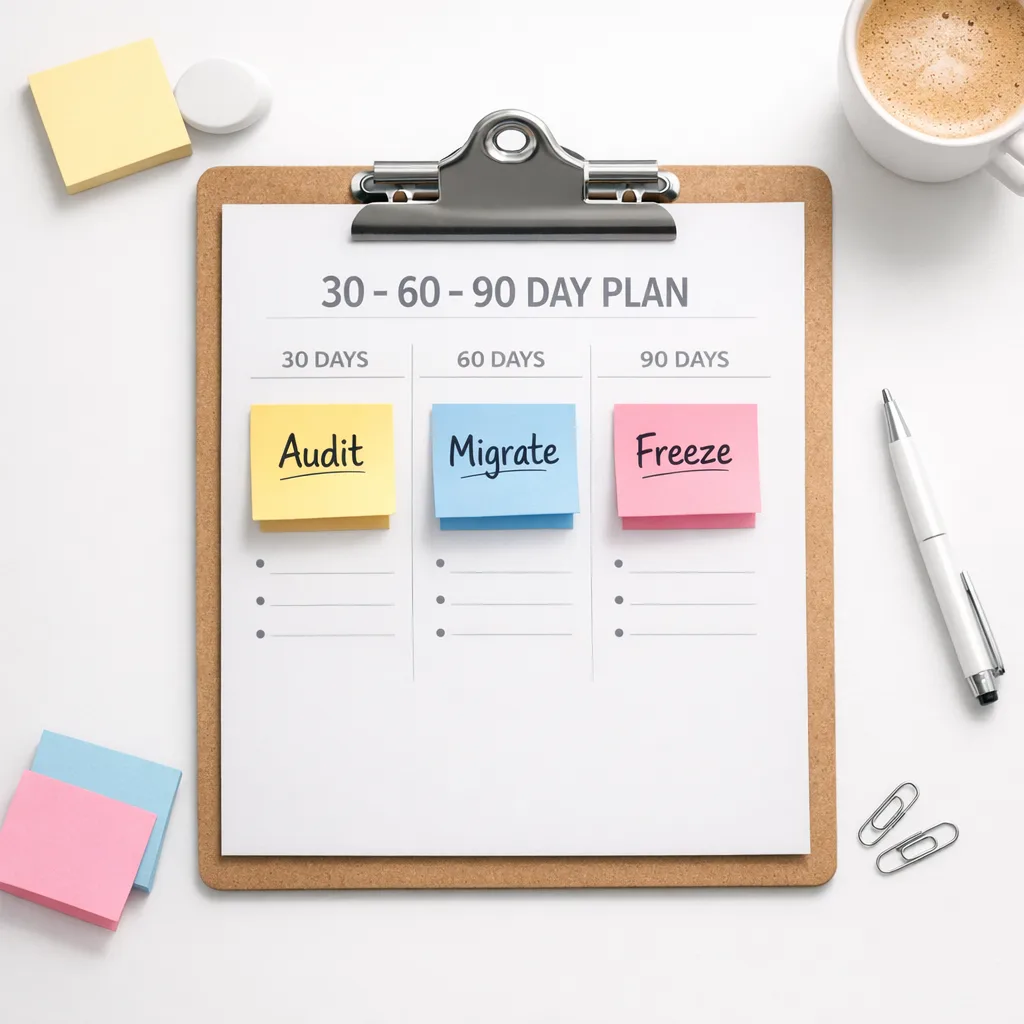
The Xcode 26 requirement, in practice: a 30–60–90 day cutover plan
Let’s get practical. Here’s a runbook you can drop into your sprint board today. It assumes you’re reading this in early February 2026 and want to be safely compliant ahead of April 28.
Day 0–30: Audit and unblock
- Pin CI to Xcode 26 on a staging lane. Keep production on your current Xcode until tests pass.
- Inventory SDKs and plugins: analytics, crash reporters, A/B testing, payments, maps, auth, AI clients. Confirm 26‑series compatibility or upgrade paths.
- Resolve signing and provisioning early. New Xcode majors can invalidate cached signing assets on CI. Regenerate if needed.
- Turn on all compiler warnings as errors in a branch. Surface deprecated APIs and UB hot spots now, not during release week.
- Add a privacy and AI data‑flow review to your Definition of Done. If any feature ships data to third‑party AI, stage the consent UX and copy updates.
Day 31–60: Migrate and harden
- Raise your build SDK to iOS 26 (and siblings) in all targets. Keep your minimum deployment target as‑is until QA finishes baseline tests.
- Replace deprecated APIs with supported equivalents. Where replacements don’t exist, feature‑gate and document the risk.
- Re‑record flaky UI tests—modal presentation and animation timing commonly shift across majors.
- Run extended soak tests on mid‑tier devices and weak networks. You’re hunting for “works on my phone” bugs.
- Update Store listing copy, screenshots if UI changed materially, and all permission strings to match behavior.
Day 61–90: Freeze and ship
- Switch production CI to Xcode 26. Keep a hotfix lane ready for a small‑surface rollback.
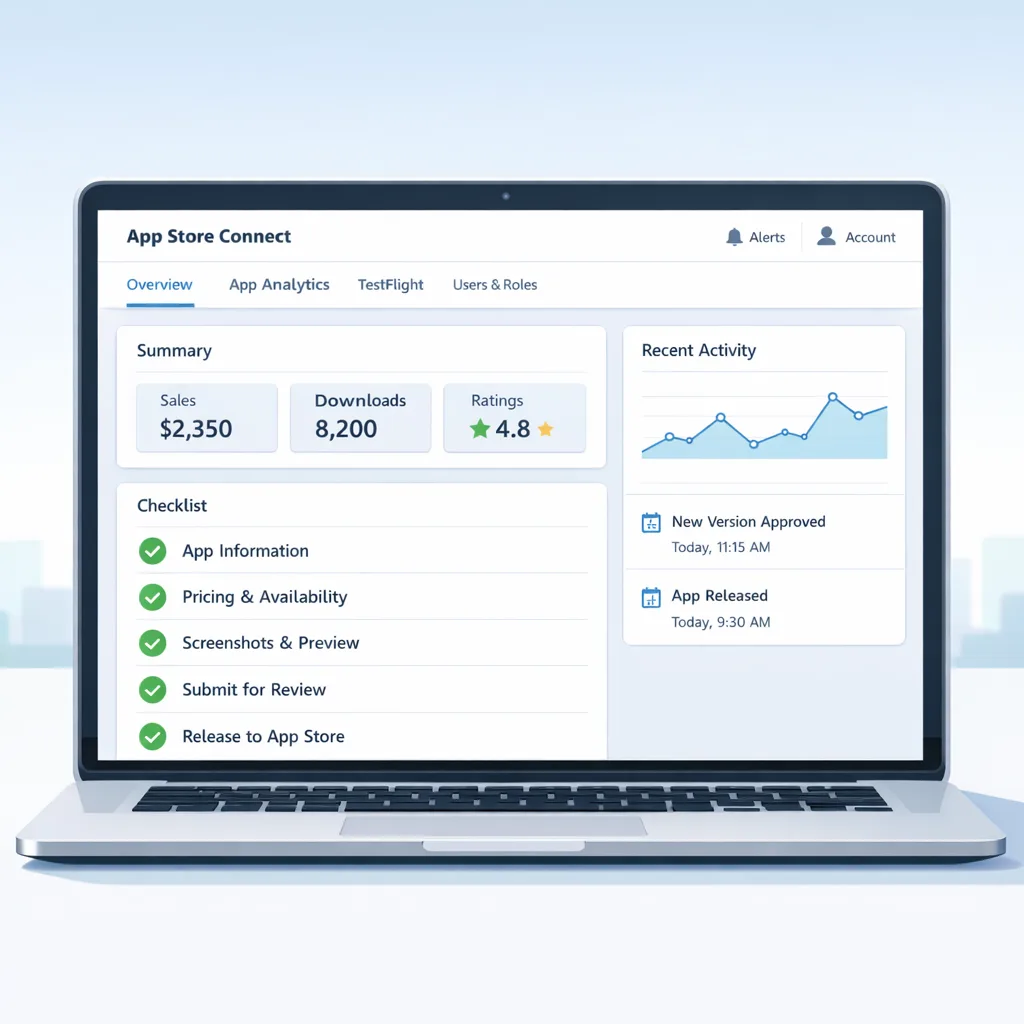
- Complete the new App Store age rating questionnaire in App Information. Cross‑check with legal and community guidelines.
- Pre‑submit: draft the Review Notes calling out any reviewer‑sensitive flows (account sign‑in, purchase trials, AI processing).
- Soft launch: release to 5–10% of your audience (or a geo cohort) to validate live traffic before a global ramp.
- Post‑launch: monitor crash‑free sessions, permission denial rates, and paywall conversion for regressions.
People also ask: can I avoid raising my minimum iOS version?
Usually, yes. Apple’s “build with latest, deploy broadly” model means you compile with the iOS 26 SDK while still supporting older OS versions within reason. The traps are runtime‑only APIs and assumptions about new permission flows. Use availability checks, guard new behavior carefully, and keep automated smoke tests on your oldest supported OS to catch surprises.
People also ask: will my CI/CD break on April 28?
If your CI image isn’t on Xcode 26 by then, your uploads will fail. That’s binary: the requirement is enforced at App Store Connect. Migrate a staging lane now, fix codesigning and keychain prompts, and cache the new simulator runtimes to avoid hour‑long cold starts on every job.
People also ask: can I slip the deadline?
No. There’s no carve‑out for “we’re almost there.” If you truly can’t make it, plan a post‑deadline play: pause feature work, reduce blast radius, and ship a compatibility update that meets the Xcode 26 requirement first—then resume your roadmap. We’ve outlined post‑deadline triage tactics in our post‑deadline plan if you need a fallback.
Age ratings 2026: what to change in your metadata
As of January 31, 2026, Apple applied new age rating definitions across the catalog. Before your next submission, you must answer the updated questions in App Store Connect. Treat this as more than a formality. Update your in‑app content filters to match the declared rating, review links to external content (including user‑generated media and community servers), and verify that parental gates, if any, still function with your latest onboarding. Misaligned metadata is a common rejection trigger.
If you need a deep dive on the new definitions and edge cases, our breakdown in App Store Age Ratings 2026: What Changed and What to Ship covers wording, examples, and how to map features to the right rating without over‑ or under‑declaring.
App Review tripwires to fix before you submit
Some review issues spike after major SDK changes because they expose seams you’ve papered over. Here are the repeat offenders I see in audits:
- Third‑party AI processing: if you send text, images, or telemetry to external AI, disclose it clearly, obtain explicit permission, and add a settings off‑switch. Reflect the practice in your privacy policy.
- Sign‑in friction: auto‑displaying sign‑in walls on first launch without explaining value can delay approval. If you require accounts, show a preview and justify the sign‑in in your Review Notes.
- Permission prompts: camera, microphone, photo library, health data—ensure strings are specific and match real flows. Remove dead‑code prompts triggered by legacy libraries.
- Payment flows: verify that prices, trial terms, and cancellation instructions are clear in purchase UI and descriptions. Test cancellation links on device, not only in staging.
- Web views and external links: re‑check anti‑steering rules in your region and avoid ambiguous language around off‑platform purchases.
Want a thorough checklist? We maintain one internally for client launches; a public version lives in our Blog and we’ll keep it synced with Apple’s 2026 guidance.
Tech to‑dos by stack (native, cross‑platform, games)
Every stack has its gotchas in a major Xcode jump. Here’s how I coach teams to approach it:
Native Swift/Objective‑C
- Lock your Swift toolchain to the version bundled in Xcode 26. Resolve warnings under “treat as errors.”
- Swap deprecated APIs with modern equivalents. Where behavior changed, add unit tests that encode the new expectation.
- Audit Info.plist and entitlements. New keys or stricter validation often appear with new SDKs; align naming and types exactly.
- Harden background tasks. Verify BGTaskScheduler identifiers and timeouts under the updated system rules.
Flutter, React Native, Kotlin Multiplatform
- Upgrade to a release that explicitly declares Xcode 26 support in its notes. Rebuild native plugins; mismatched headers/defines commonly break at link time.
- If you vendor iOS frameworks for plugins, recompile them with the 26 SDK. Fat binaries built years ago tend to fail strict validation.
- Expect subtle UI layout shifts. Re‑record golden screenshots for golden‑test suites and heavily exercised screens.
Unity and game engines
- Export with the engine version certified against Xcode 26. Pay attention to Metal shader compilation changes.
- Retest IAP restore flows. Game UIs often bury restore in custom menus; review requires easy access.
- Re‑profile startup time. New compiler/linker combos can change cold‑start characteristics on older devices.
Governance: align privacy, policy, and engineering
Shipping on a deadline without governance is where teams get burned. Stand up a weekly triad between engineering, product, and legal through May. Track three KPIs: build stability (crash‑free sessions), compliance readiness (age rating + privacy policy parity), and review throughput (approval time, rejection reasons). Publish a single‑page status so no one is guessing.
If you operate in regulated markets or handle sensitive categories (health, finance, education), map your new SDK build to your risk register. When your app forwards any data to external models, sync with your legal team on disclosures and data retention. We covered a pragmatic approach in EU AI Act 2026: The Last‑Mile Compliance Playbook—it’s relevant even if you’re not in the EU, because the patterns are sound.
Performance and release engineering notes
Major Xcode jumps are a great excuse to pay down long‑ignored debt. Clean up pre‑Swift‑concurrency shims, retire zombie feature flags, and move transient config from code into remote settings where appropriate. On CI, cache derived data and simulator runtimes for Xcode 26, and consider splitting your pipeline: one job to build and unit‑test, another to run UI tests on a smaller device matrix daily and a broader matrix nightly. That will keep feedback tight while covering the weird devices weekly.
Finally, rehearse a zero‑downtime rollback. Keep your prior, non‑SDK‑bumping build ready for re‑release, and document exactly what conditions justify a rollback (e.g., >0.5% crash‑free drop or >10% permission denial spike in 24 hours). Pre‑write the store description hotfix notes so you’re not composing them under pressure.
Framework: the 7R review for an April 2026‑ready build
I use a simple 7R framing with teams before big cutovers. It’s boring—and it works.
- Readiness: Do we have Xcode 26 builds green on staging?
- Risk: What are our top three unknowns? Who owns each?
- Runtime: Which OS/device combos are our canaries?
- Review: Are Review Notes clear on sign‑in, purchases, and AI data flows?
- Ratings: Are the new age rating answers complete and internally consistent?
- Resilience: What’s our rollback plan and metric triggers?
- Runbook: Is every step above documented in the repo?
What to do next (this week)
- Install Xcode 26 locally and on a non‑production CI lane; ship a canary build to internal testers.
- Create an SDK inventory spreadsheet and mark 26‑readiness for each dependency.
- Book a one‑hour workshop with your legal/PMs to finalize age rating answers and privacy copy.
- Update your privacy policy and settings screen to reflect any third‑party AI processing.
- Draft App Review Notes. Call out anything reviewers often ask about.
- Pick a soft‑launch cohort and pre‑configure staged rollout in App Store Connect.
- If you need help, scope an engagement on our Mobile Compliance & Release service—we’ve done this migration for teams your size.
Need a deeper partner for the cutover?
We’ve led dozens of “new Xcode + new rules” transitions. If you want a second set of eyes on your SDK inventory, App Review risk areas, or rollout strategy, reach out through our contact form. If you’re still weighing scope, browse our portfolio to see how we structure migrations under fixed timelines, and skim our latest App Store Connect February 2026 update briefing for tips that save hours during submission week.
Final thought
April 28, 2026 isn’t a suggestion. Treat the Xcode 26 requirement like a managed cutover, not a last‑minute recompile. If you invest in the audit, hardening, and governance now, you’ll glide through review while competitors scramble. That’s how you turn a policy deadline into a product advantage.





Comments
Be the first to comment.