Ship Google Play External Links by Jan 28 (U.S.)
If your Android app serves U.S. users, you now have a real path to link outside the Play Store—to your web checkout or even to an app download not managed by Google Play. The catch: you must enroll in Google’s program, integrate the new APIs, and be compliant by January 28, 2026. Developers call this the Google Play external links update; Google calls it the external content links program. Whatever you call it, you’ve got three weeks to make it work—and you can, with a crisp plan.
I’ve shipped this kind of change with product teams before. The winner isn’t the loudest press release; it’s whoever lands a compliant UX, clean tracking, and a revenue model that doesn’t explode CAC. Let’s break down what changed, what Google expects you to build, what it may cost, and the exact steps to ship in time.
What changed—and why January 28, 2026 matters
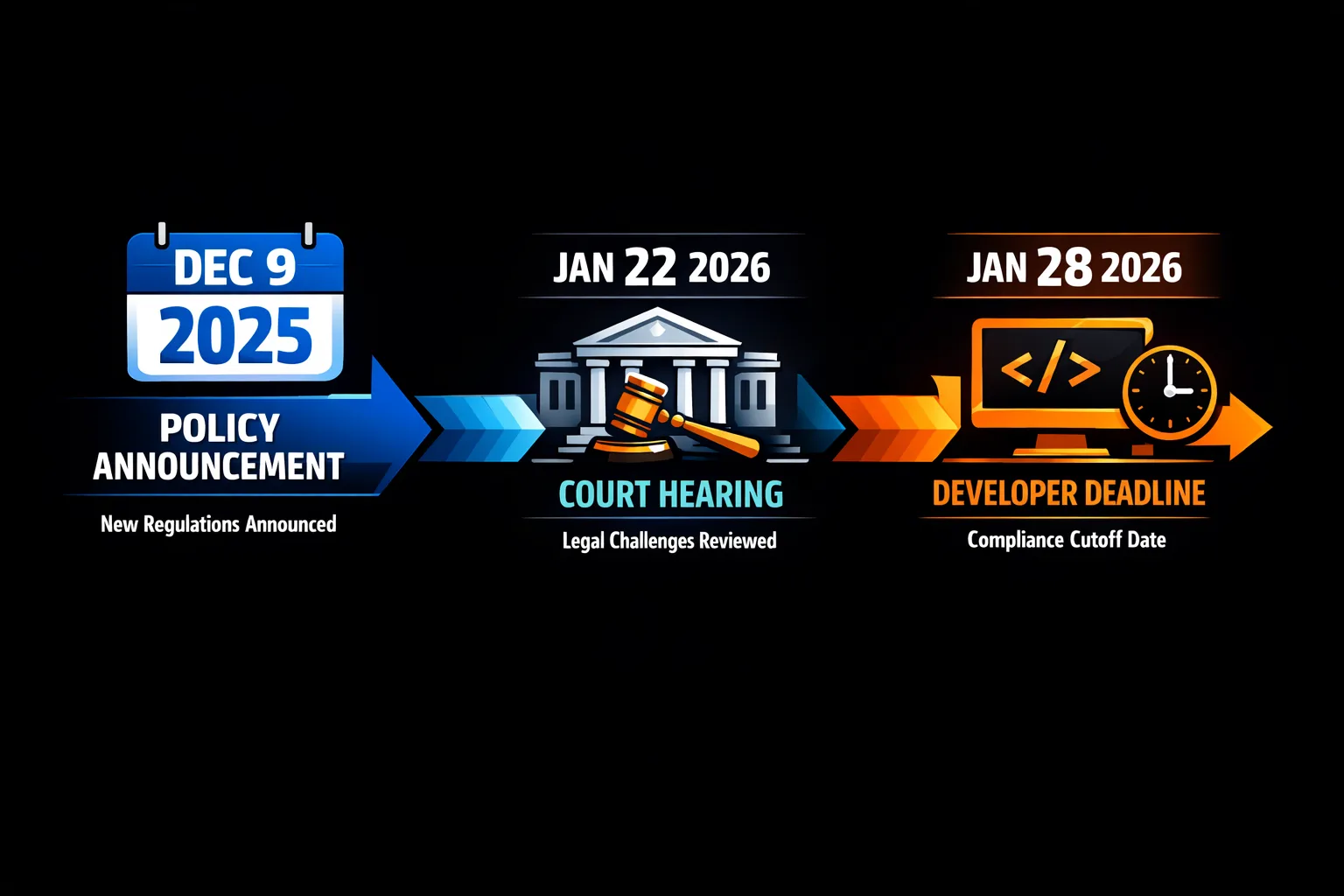
On December 9, 2025, Google published an official policy update that explicitly opens two U.S. programs: expanded alternative billing and a new external content links program. The policy sets a clear compliance date: January 28, 2026 for apps that want to keep linking out or offering non‑Play billing in the U.S.
This isn’t just a permission slip. You must enroll the app, integrate the APIs, show Google’s information screen before linking out, and—crucially—report qualifying external transactions promptly. If you skip the steps, your links or billing flows won’t meet policy and can be rejected in review.
Google Play external links: how the program works
Google’s “external content links” program lets your Play‑distributed app do two things for U.S. users:
• Link to an external purchase experience for digital items (like a web shop).
• Link to download an app that’s not managed by Google Play (after registering those external apps).
High level responsibilities:
• Enroll the Play app in the program via Play Console.
• Register any external apps you’ll link to for download so they can be reviewed and approved.
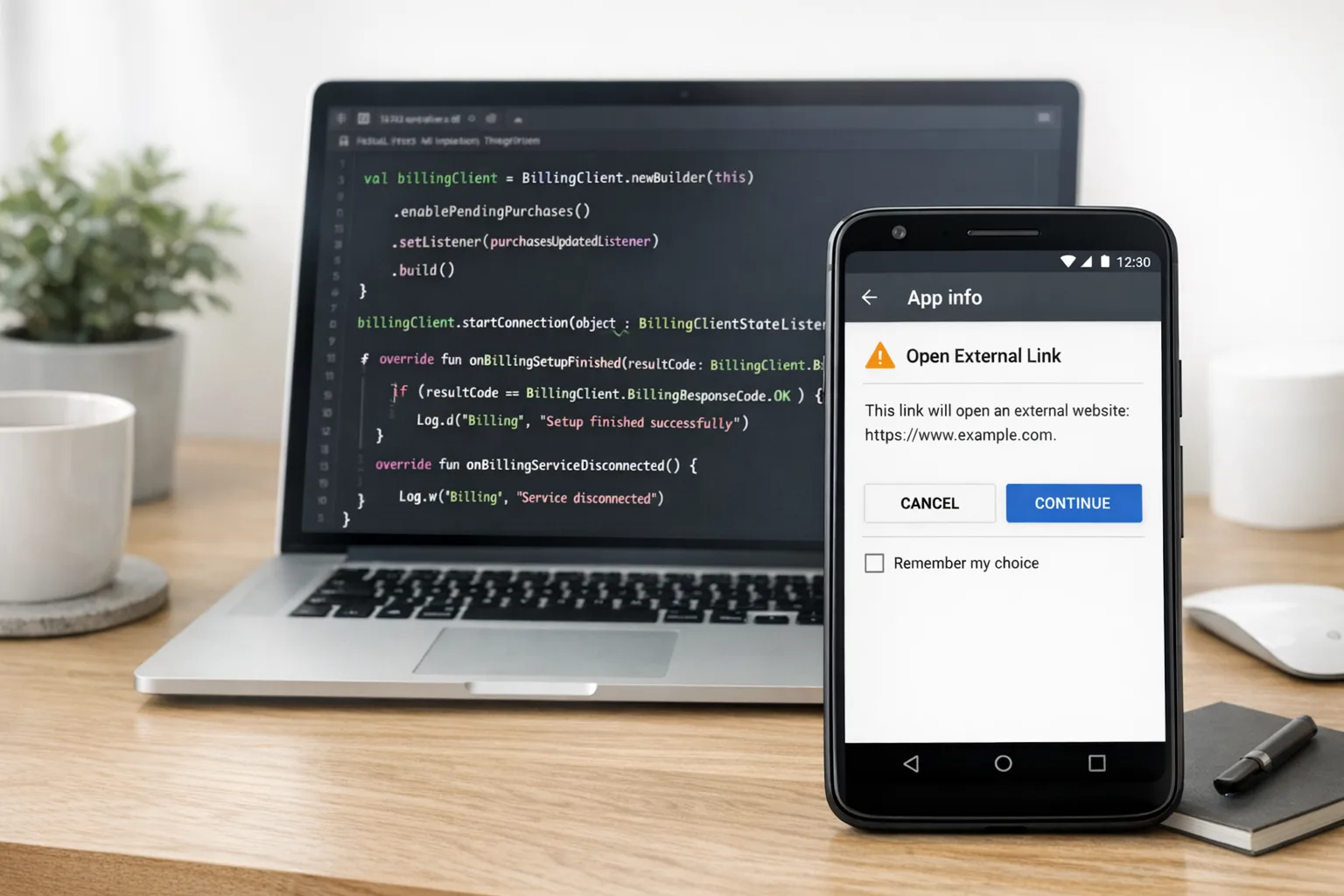
• Integrate Play Billing Library (PBL) 8.2.1+ and the external links APIs to trigger the mandated information screen and create reporting tokens.
• Report authorized external transactions to Google within the required window (Google calls this out explicitly; treat it as 24 hours to be safe and operationally sound).
• Offer support and refunds for users who complete purchases through your external flow.
The mandatory information screen
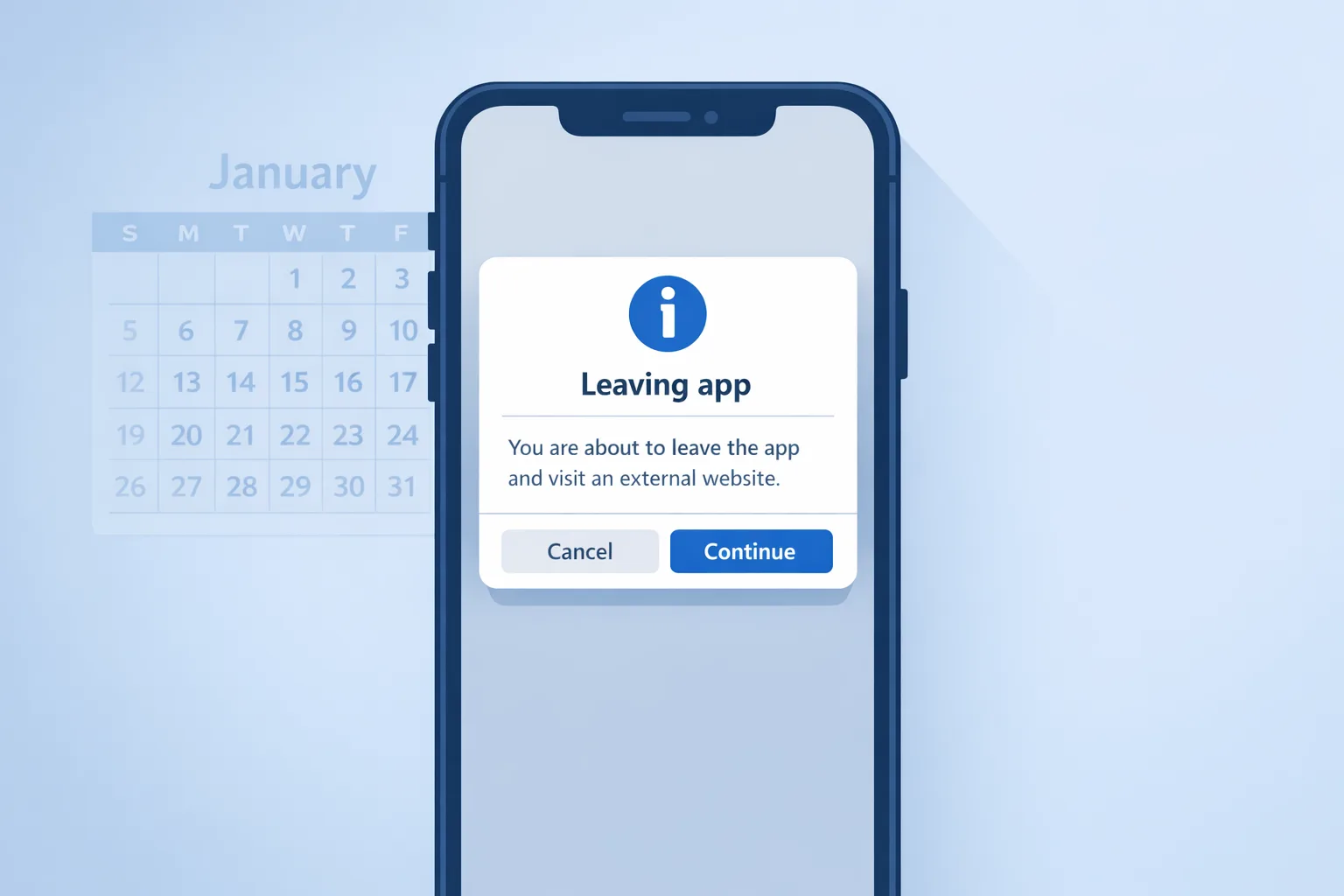
Before your app can open a browser or another app to complete a purchase or a download, users see a Google‑provided information screen. You don’t design it; you trigger it through the client API. Expect the text to clarify they’re leaving Play and that the transaction or download won’t be managed by Google.
Play Billing Library 8.2.1 (or higher)
PBL 8.2.1 delivers new methods for eligibility checks, creating an external transaction token, and launching the external link flow. If you’re still on Billing 5.x–7.x, plan a small migration first: upgrade dependencies, fix any deprecations, and validate basic billing paths in staging. Only then wire in external content link APIs.
Register external apps before you link to downloads
If you plan to link users to download an app outside of Play, every external app (and version) must be registered and approved in Play Console. That includes the landing URLs and the actual downloadable APK endpoints. Think of this as “pre‑clearance” to keep users safe and to give Google visibility into what you’re distributing.
Reporting external transactions
When a user completes an external purchase or installs an app after your link, you use the token from PBL to report the transaction back to Google. Build this as a reliable, idempotent server call. If you miss reports, you risk non‑compliance and billing disputes later.
Fees: what Google has proposed, and how to model it
Two buckets matter:
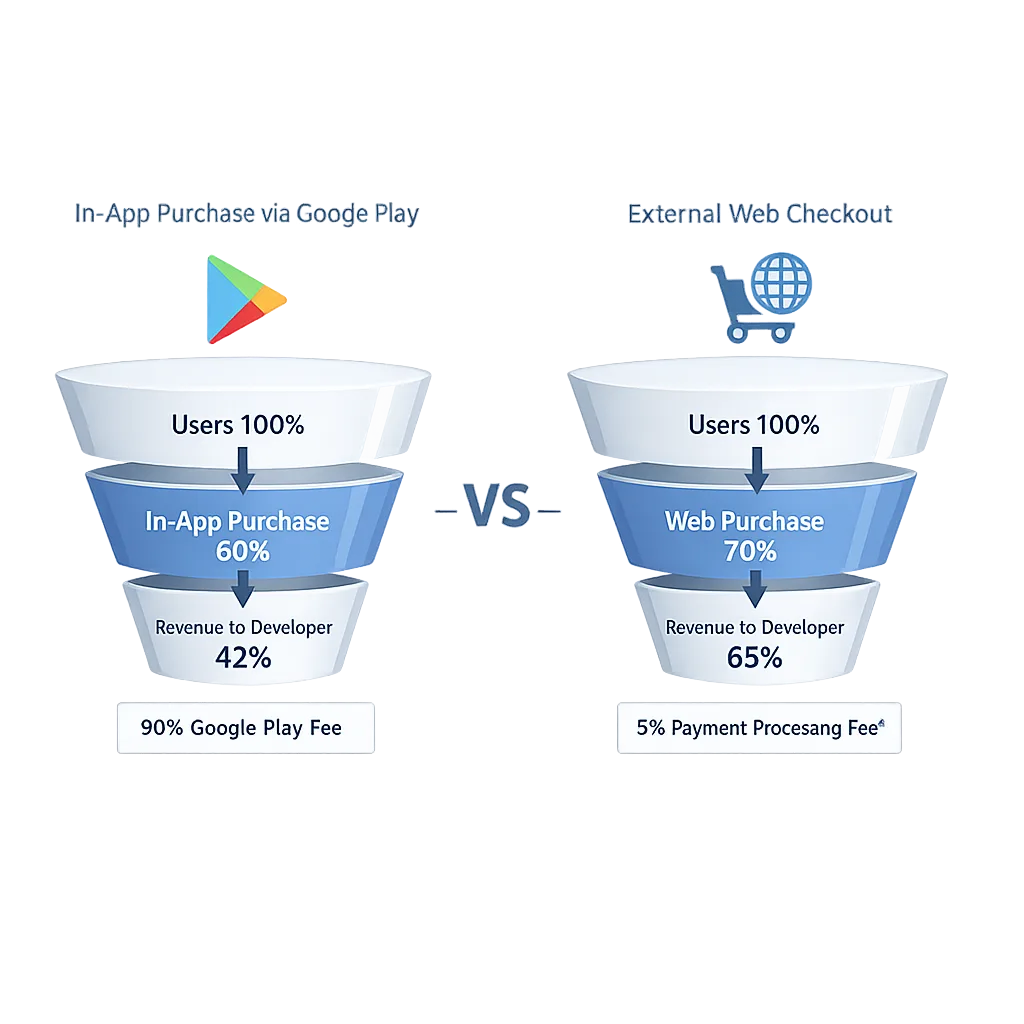
• External purchases (via links): Google has outlined service fees of roughly 10% for auto‑renewing subscriptions and 20% for other in‑app digital purchases when completed outside Play. These mirror the alternative billing figures many teams saw in 2025 and align to public settlement summaries.
• External app installs (via links): Google has publicly proposed a fixed per‑install fee in the U.S. if the install happens within a short window after the click. The current proposal is $2.85 per app install and $3.65 per game install. As of January 5, 2026, these are proposed numbers tied to ongoing remedies; they could be adjusted after the court hearing later in January. Plan conservatively.
Example math: Say your game’s Play listing links to your web shop and to an external APK download page. If 10,000 users click and 2,000 install within the window, your install fees could be about 2,000 × $3.65 = $7,300. If 1,000 of those new players buy a $9.99 starter pack on the web, at a 20% fee that’s about $1,998 owed to Google. That may still beat traditional 30% store economics, but your acquisition math must account for both the web processor fee and Google’s service fee.
Practical takeaway: build a simple unit economics sheet now—by country, by SKU, by funnel (Play IAP vs external). Then A/B traffic allocation. External linking pays when conversion and LTV gains offset the new service fees and your payment provider’s take.
Alternative Billing vs External Content Links: which should you choose?
You have three viable funnels in the U.S. now:
• Google Play Billing: Best for instant, low‑friction purchases inside Play. Still necessary for some categories and for users who prefer saved Play payment methods.
• Alternative Billing (in‑app, user choice): Offers your own processor inside the app next to Play Billing. Good for subscription businesses with high renewal rates and strong support flows. Requires enrollment and the alternative billing APIs.
• External Content Links: Sends users to your web shop or to external app downloads. Good for merchandising, bundles, promotional pricing, and cross‑app catalogs. Requires PBL 8.2.1+ and meticulous reporting.
Most teams will mix: keep Play Billing as the default for convenience, add alternative billing for recurring subs, and selectively use external links for specific offers and for app distribution experiments where your brand has strong trust.
Implementation checklist: 10 steps to ship by January 28
Use this to run your sprint planning today:
1) Decide scope: Which SKUs or flows will link out? Will you link to downloads, purchases, or both?
2) Upgrade to PBL 8.2.1+: Land the dependency and regression‑test current purchases.
3) Enroll in programs: In Play Console, enroll the app in external content links (and alternative billing if you’ll offer in‑app choice).
4) Register external apps: If you’ll link to downloads, register those package names, versions, landing pages, and APK endpoints for review.
5) Wire the client: Implement eligibility checks, invoke the information screen, launch external links, and capture the reporting token.
6) Back‑end reporting: Build a durable job to report external transactions quickly and retry on failure. Log token, transaction ID, timestamps, and amounts.
7) UX & copy: Keep the pre‑link UI clean. Make it obvious what’s on the other side (price, login, platform). Don’t fight the mandated info screen—design around it.
8) Payments: If using a processor (Stripe, Adyen, Xsolla, etc.), ensure PSD2/3DS flows, tax settings, and refund automation are crisp.
9) QA scenarios: New user on cold start, existing subscriber, parental controls, underage accounts, deep links, offline, and cancellations.
10) Submit & monitor: Plan for review time, then watch crash, churn, dispute, and conversion dashboards daily for the first two weeks.
Design patterns that convert—and pass review
Here’s what works in practice:
• Two‑tap exit: Tap offer → Google info screen → external page. Avoid extra interstitials that tank conversion or look evasive.
• Price parity or better: If you link out, show a clear value prop (bundle, bonus, loyalty pricing). Don’t bait‑and‑switch.
• Trust signals on the web: Branded domain, TLS, recognizable logo marks for payment methods, and an obvious way back to the app.
• Skip web if unnecessary: If your goal is an external app download, land users directly on a compliant page with the exact app details and download button—no detours.
We’ve helped clients structure compliant flows that still feel first‑class. If you need a deeper review of your funnel, our team can help—see our mobile product services and recent case studies.
Edge cases and gotchas
• Children’s apps: Apps targeting only children aren’t eligible for external offers.
• Unregistered downloads: Linking to an APK that isn’t registered and approved will fail review.
• Reporting misses: Treat reporting like tax filings—late or missing entries create risk. Add observability and alerts.
• Discount leakage: If you underprice externally, expect savvy users to arbitrage. Use controlled cohorts and promo codes per channel.
• Identity and chargebacks: When you become the merchant of record, your support volume and fraud exposure increase. Budget for it.
People also ask: quick answers
Do I have to pay Google even if the user buys on my website?
Under the external content links program, Google has outlined service fees for qualifying external purchases and proposed fixed per‑install fees for downloads within a defined window. Expect to owe Google when your external flows convert. Model it now so you aren’t surprised later.
What’s the difference between external links and alternative billing?
Alternative billing happens inside your app alongside Play Billing; external links move the user outside your app to the web or another store. Both require enrollment and API integration; external links additionally require registering downloadable apps.
Which Play Billing Library version should we target?
For external content links, use 8.2.1 or higher. It unlocks the eligibility checks, info screen, external link launch, and reporting token APIs you need for U.S. compliance.
How this impacts acquisition and retention economics
External links change where you spend and where you save. You can run deeper bundles on the web, collect first‑party data, and experiment with more granular pricing. But you’ll also shoulder payment ops and support, and you’ll pay Google’s service fees when those external flows convert. Net‑net, it’s a margin management problem. High‑LTV cohorts and strong cross‑sell mechanics benefit; thin‑margin utilities may prefer alternative billing or even stay on Play Billing for most users.
One more strategic note: Google’s proposed per‑install fee for external downloads is a de facto CAC tax if you use your Play listing as the top of funnel to route people to sideloading. That doesn’t make sideloading a bad idea, but it does change the math. Put these installs in their own CAC row and compare against pure Play acquisition and pure web acquisition.
A 2‑week sprint plan (if you’re starting late)
Week 1: Upgrade to PBL 8.2.1, enroll in programs, and finish client integration of the info screen + external link launch. In parallel, register external apps and prepare landing pages with clear app details, support links, and privacy disclosures. Stand up the reporting service with retries and dashboards.
Week 2: Payments QA (3DS, refunds), copy polish, and analytics wiring (event taxonomy for clicks, info screen impressions, exits, conversions, disputes). Submit for review mid‑week, hold a freeze window for hotfixes, and brief support on new refund flows. Go live with staged rollout and monitor daily.
Related resources to go deeper
We’ve been tracking the moving pieces closely. If you want extra context and playbooks, these will help:
• Read our tactical guide: Google Play External Links: The Jan 28 Playbook.
• If you need a shorter briefing for execs: Your Jan 28 Plan.
• Planning across stores? See App Store Policy Changes 2026: Your 60‑Day Plan.
• Want help shipping this? Talk to us via Bybowu contacts.
What to do next (today)
• Confirm eligibility and enroll in the external content links program for your U.S. audience.
• Upgrade to PBL 8.2.1+ and land the API wiring for info screen → external link → reporting.
• Register external apps if you’ll link to downloads and get those pages approved.
• Run a fee model for your top SKUs with proposed rates and your processor’s costs.
• Draft support & refunds playbooks for web purchases and external installs.
• Plan a staged rollout with KPIs and kill‑switches.
Here’s the thing: you don’t have to overhaul your whole monetization stack. You just need one compliant, high‑signal flow you can measure and scale. Ship that, learn, and iterate. If your team’s stretched, our delivery team can pair with you to land the integration, design the funnel, and tune the numbers.





Comments
Be the first to comment.