Google Play External Links: Ship the 2026 Checklist
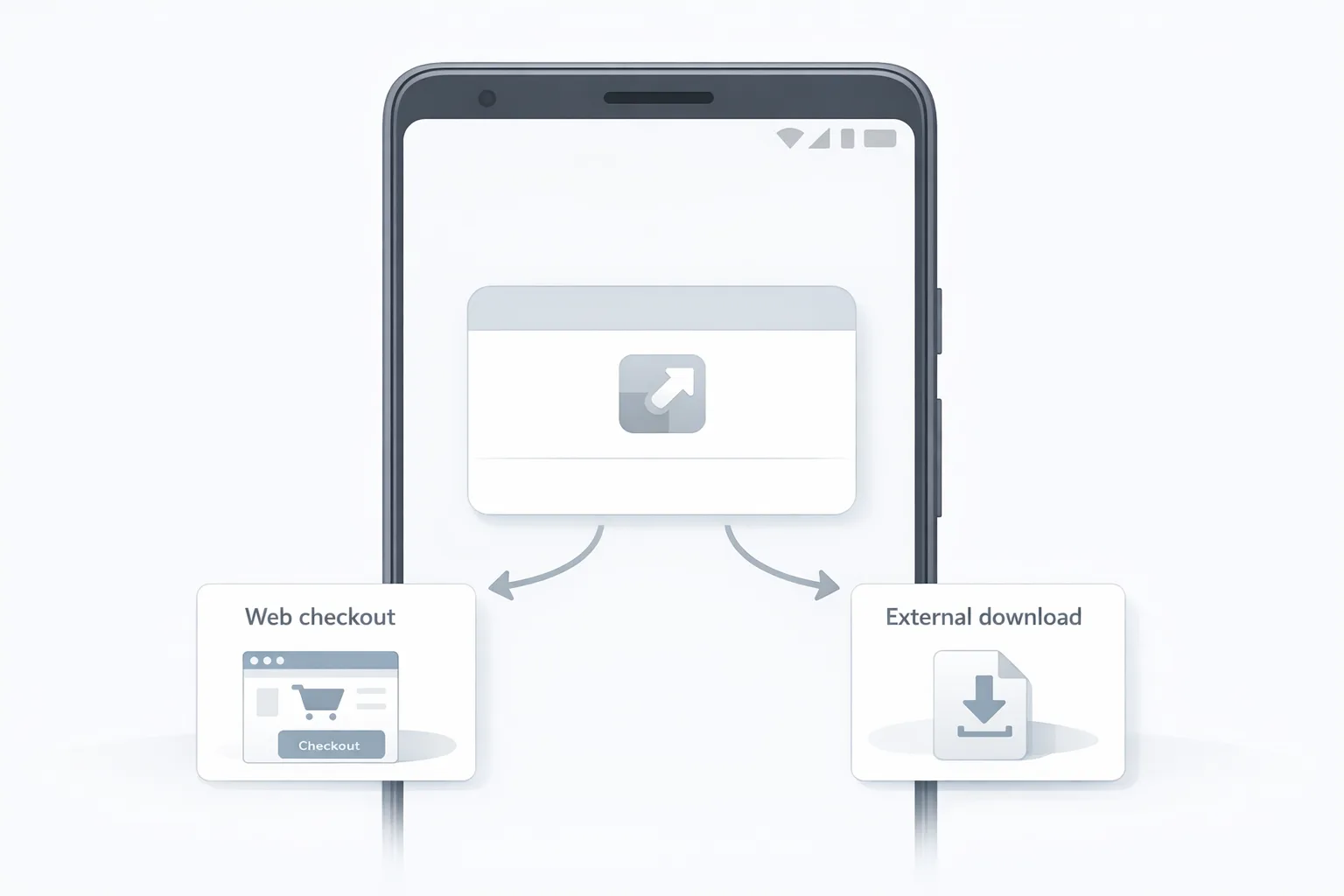
Google Play external links are finally real in the U.S.—and they’re not a free-for-all. If you want to send users from your app to a web checkout or even to an external app download, you must enroll, integrate new APIs, and model new fees. The compliance date on everyone’s calendar is January 28, 2026. Here’s the pragmatic, ship-ready plan I’m using with teams this month.
What changed (and when) for Google Play external links?
Three dates matter for release planning in Q1:
• December 9, 2025: Google published the U.S. policy update launching the External Content Links program and expanded alternative billing. The docs set out enrollment steps, required information screens, link declarations, and 24‑hour reporting on qualifying transactions.
• December 9–23, 2025: Play Billing Library updates landed. PBL 8.2.0 introduced the APIs for external links and external offers (fixed in 8.2.1), and PBL 8.3.0 added hooks for alternative payments flows.
• January 28, 2026: Compliance date to keep linking externally or keep using alternative payments in U.S. apps. Treat that as non‑negotiable unless a court order or direct developer comms from Google say otherwise.
Translation: if you plan to link out, your app needs to be on PBL 8.2.1+ for external links, or 8.3.0 if you’re also enabling alternative billing options. You’ll also need to enroll in the new programs and show Google’s information screen before directing users away from your app.
Google Play external links: the fee model in plain English
This is where most teams misstep—because the economics aren’t obvious. With external links, you may still owe Google on qualified off‑Play transactions and, if you link to an external download, on installs completed shortly after the click.
Think in layers:
• Initial Acquisition Fee: 3% on qualifying transactions that occur within six months of the user’s last Play‑managed install of your app. After six months, this drops to 0%.
• Ongoing Service Fee: Typically 10% on qualifying off‑Play transactions while your Play listing continues to benefit from Play services (safety scanning, device protections, parental controls, discovery, and so on). There’s also an optional higher service tier in some docs that increases the rate on transactions or subscriptions in exchange for added services.
• Fixed per‑install fee (external downloads): If a user taps your in‑app link and installs an app outside Play within a short window, Google models a fixed fee per install by country and category. In public reporting for the U.S., figures under discussion are approximately $2.85 per app install and $3.65 per game install when the install occurs within 24 hours. Treat those numbers as planning inputs until the final U.S. rate card is published.
For purchases linked out to the web, Google has signaled intent to assess around 20% on most one‑time digital purchases and 10% on subscriptions via external links in the U.S., with alternative billing (inside the app) modeled at ~25% for non‑subscription purchases and ~10% for auto‑renewing subscriptions. Those percentages can co‑exist with the 3% initial acquisition and 10% ongoing service layers depending on how Google finalizes U.S. terms. Keep your fee stack feature‑flagged—then adjust the math when Google (or the court) locks it.
Do I still owe Google if I link out?
Yes—plan for it. A common misconception is that an external link means zero Google fees. In reality, external links and alternative billing shift where the transaction occurs and how you report it, not whether Google expects compensation for Play’s ongoing services and user protections. That’s why your model should track cohort age (to drop the 3% after six months), destination type (purchase vs. download), and payment paths (external link vs. alternative billing in‑app).
What versions of Play Billing do I actually need?
• External links to purchases and downloads: Play Billing Library 8.2.1 or higher. That’s the track with the information dialog, eligibility check, external transaction token, and launchExternalLink.
• Alternative payments inside the app: Play Billing Library 8.3.0. This adds programmatic support to register external payments and present the developer billing option.
If you’re running a multi‑module Android app, audit transitive dependencies so a stale module doesn’t pin you on an older BillingClient. I’ve seen teams update the main app and forget the billing‑enabled feature module that still drags 8.0.0.
How the flow actually works (developer‑level)
Here’s the “happy path” for external content links:
1) Initialize BillingClient with the external program enabled. 2) Check availability for the current user. 3) Generate an external transaction token immediately before you send the user out. 4) Launch the external link—Play will show the information screen. 5) When the user completes the transaction off‑Play, report it back to Google within 24 hours using the token. 6) Reconcile in your back end for disputes and refunds.
Gotchas I’ve seen in testing:
• Caching the token across sessions. Don’t. Generate it right before you launch the link.
• Launching in a webview for downloads. External downloads must open in an external browser or eligible app store path per program rules.
• Not declaring or registering all destinations in Play Console. Your link must match registered destinations for review and tracking.
People also ask: What if I link to an external APK or another store?
You can, with conditions. You must register the external app, declare its landing pages and download URLs in Play Console, pass review, and maintain customer support and refund processes. Expect a fixed per‑install fee if the user installs within the defined window after tapping your in‑app link. If your business relies on sideloading at scale, also plan for Android’s broader developer verification requirements and provenance signals to keep distribution healthy.
People also ask: Is this worth it for subscriptions?
Often, yes. If your subscription retention is solid, a 10% ongoing service fee for off‑Play renewals can pencil out favorably against the 15% or 30% you might pay on‑Play, especially once the 3% acquisition component ages off after six months. The calculus is tighter for high‑AOV one‑time purchases if Google assesses 20% on the link‑out path; in those cases, I prioritize conversion rate gains and payment method mix before deciding.
The LINKS shipping checklist (print this)
When we run January sprints, we use this five‑part checklist to hit compliance without derailing roadmaps:
L — Library versions. Upgrade to Play Billing Library 8.2.1+ for external links and 8.3.0 if enabling alternative payments. Update transitive dependencies and CI cache rules. Audit feature modules.
I — Information screen & integration. Implement the external offers/content links APIs. Show the Play information dialog, handle user cancel/error states, and adhere to the program’s browser launch requirements for downloads.
N — Navigation & declarations. In Play Console, enroll the app, declare every external link destination, and—if linking to an external download—register the external app and each download URL. Keep review lead times in your release plan.
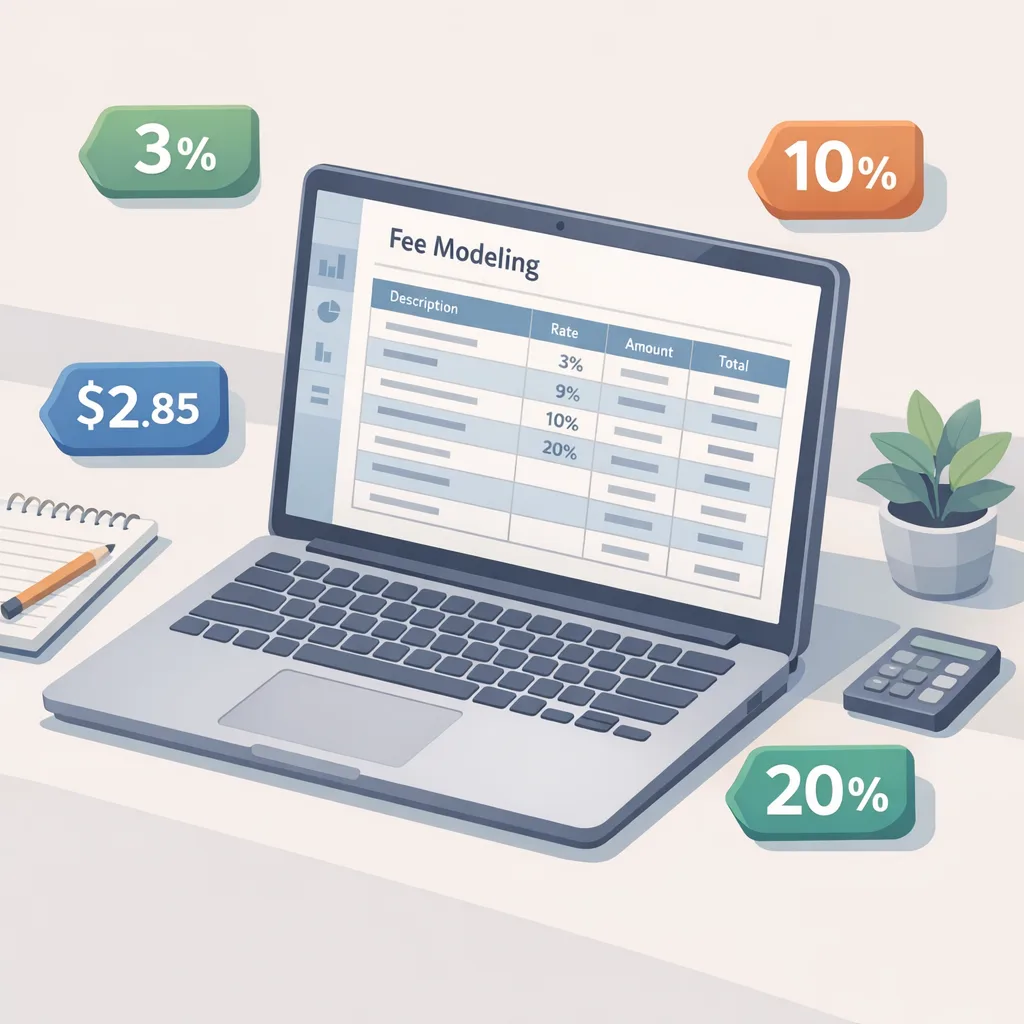
K — KPIs & fee modeling. Build unit‑economics tabs that include the 3% initial acquisition window by cohort, the 10% ongoing service ladder, potential 20%/10% external link purchase rates, and fixed per‑install fees where applicable ($2.85/$3.65 as directional U.S. planning numbers). Layer your processor rates and fraud tooling costs. Make sure BI can separate on‑Play, alternative billing, and link‑out conversions.
S — Support, refunds, and settlement watch. Ensure your support and refunds cover off‑Play transactions and external installs. Wire up dispute flows. Assign someone to monitor policy updates and court milestones; keep fees and reporting behind a server‑controlled feature flag to pivot fast.
Model before you code: two scenarios
Scenario A: a $50 non‑subscription purchase triggered from a link in the first six months after a Play install. Budget 3% initial acquisition + 10% ongoing service = 13% to Google, plus your processor (~3%). If Google activates ~20% for external link purchases, your stack becomes 33% to Google before processor. That can still work if your link‑out conversion jumps materially and fraud losses drop, but don’t assume it’s free margin.
Scenario B: a $9.99 monthly subscription purchased via your web checkout. Expect 10% ongoing service for off‑Play renewals; the 3% falls away after six months. Add processor costs and you’re usually in the 12–15% band, which is attractive if churn is under control and chargebacks are low.
Where teams get blocked—and how to avoid it
• Mixing programs. External links and alternative billing are distinct. Use 8.2.1+ and launchExternalLink for link‑outs; use 8.3.0 and the external payments hooks for in‑app alternative billing. Don’t blend them in a single flow.
• Missing the 24‑hour reporting window. Bake reporting into your checkout completion webhooks. If your payment processor supports event retries, map retries to token validity rules on your server.
• Kids and families. Apps targeting only children aren’t eligible for the external links program. If you have mixed‑audience flows, validate your policy posture before shipping.
• Inaccurate attribution windows. That 3% initial acquisition fee is tied to the last Play‑managed install date. Store this timestamp per user and update your fee modeling as cohorts age out.
Engineering blueprint you can ship this week
• Client: Update to PBL 8.2.1+ (and 8.3.0 if needed). Implement enableBillingProgram, isBillingProgramAvailableAsync, createBillingProgramReportingDetailsAsync, and launchExternalLink. Log all response codes and surface UX for user‑canceled states.
• Back end: Create an external‑transaction service that stores the Play token, your own transaction ID, user ID, country, cohort age, link type, and product metadata. On checkout success, report to Play within 24 hours and persist the outcome. Build reconciliation jobs to detect late or failed reports.
• Console ops: Enroll, select service tier, declare all destination URLs, and—if offering external downloads—register the external app and keep versions in lockstep with your releases. Document review lead times for PMs.
• Analytics: Add dimensions for payment path (Play, alt billing, link‑out), fee stack (initial acquisition window yes/no, ongoing service yes/no, external‑install fee yes/no), and campaign source. Your CFO will ask for P&L by path.
Compliance and policy hygiene
Before you flip the switch, do a content pass on your Play listing and your in‑app copy. Program materials prohibit confusing users with mentions of apps not distributed by Play in your Play listing itself. Your information screen must be shown, your destination pages can’t be deceptive, and URLs must avoid PII leakage. Refunds and customer support are on you for off‑Play transactions—write the playbook and train support now.
How this plays with discovery and CAC
Here’s the thing: your marketing team will ask if external downloads can replace Play distribution. Don’t try to beat the store at its own game. Treat external downloads as a surgical tool (for power users, enterprise builds, or geographies where alternative stores are strong), not as your primary acquisition funnel. Those fixed per‑install fees—plus the friction of the information dialog—mean you still want the core Play flywheel working for you.
Useful resources to go deeper
If you want an end‑to‑end view of the decisions, flows, and numbers, start with our field guide to Google Play external links and the detailed 2026 shipping playbook for external links. If you’re evaluating external payments inside the app, pair that with your compliance and verification work—see Android developer verification: pass and ship for the identity and distribution side. If you need help getting the integration over the line, our team can own the implementation and hand back a clean, tested flow—start at what we do.
Risk checklist for legal and finance
• Fees are additive in some configurations. Document exactly when initial acquisition and ongoing service apply alongside any external‑link purchase rates in the U.S.
• Reporting is not optional. Build controls for the 24‑hour report window; log and alert on failures.
• Chargebacks and taxes. Off‑Play transactions mean your processor contracts, fraud tools, and sales tax/VAT registrations carry the load. Model processor swaps and method surcharges (cards vs. wallets) by cohort.
• Program scope. Verify that your app is eligible (for example, apps that target only children aren’t). Confirm customer support and refund obligations are documented and staffed.
What to do next (10‑day plan)
Day 1–2: Decide your path. External links only, alternative billing, or both? Lock the scope for January.
Day 2–4: Upgrade to PBL 8.2.1+ (and 8.3.0 if needed). Wire the information dialog and link launch. Create the token generation call and stub the reporting endpoint.
Day 3–5: Enroll in the program, declare all destinations, register external apps (if applicable). Book review buffers.
Day 4–7: Implement back‑end reporting and reconciliation. Add BI dimensions and fee flags. Build dashboards that show conversion and fee impact by path.
Day 6–8: Run user journeys on low‑risk cohorts. Validate cancel/error states, browser launch rules, and 24‑hour reporting.
Day 9–10: Ship the feature‑flagged flow. Monitor conversion, fraud, and support tickets. Be ready to adjust fee flags as terms finalize.
Zooming out
Whether you love or hate the new economics, external links give you something you didn’t have at scale in the U.S.: freedom to tune pricing and payment methods on your own checkout. Use that leverage wisely. Optimize for conversion (fewer steps, the right local methods, cleaner SCA prompts), invest in fraud and refunds, and keep your fee math current. If you’re smart about where you link out—and where you don’t—2026 can be the year you improve margins without sacrificing growth.






Comments
Be the first to comment.