
App Store Connect Update: 2026 Deadlines and Actions
Apple’s latest App Store Connect update turns vague guidance into hard dates. Two changes bite first: the minimum SDK rule that starts on April 28, 2026, and the sunsetting of promo codes for in‑app purchases on March 26, 2026. Layer on the new age‑rating tiers (13+, 16+, 18+) and the updated questionnaire Apple required by January 31, 2026, and you’ve got a release train that needs discipline now, not later.
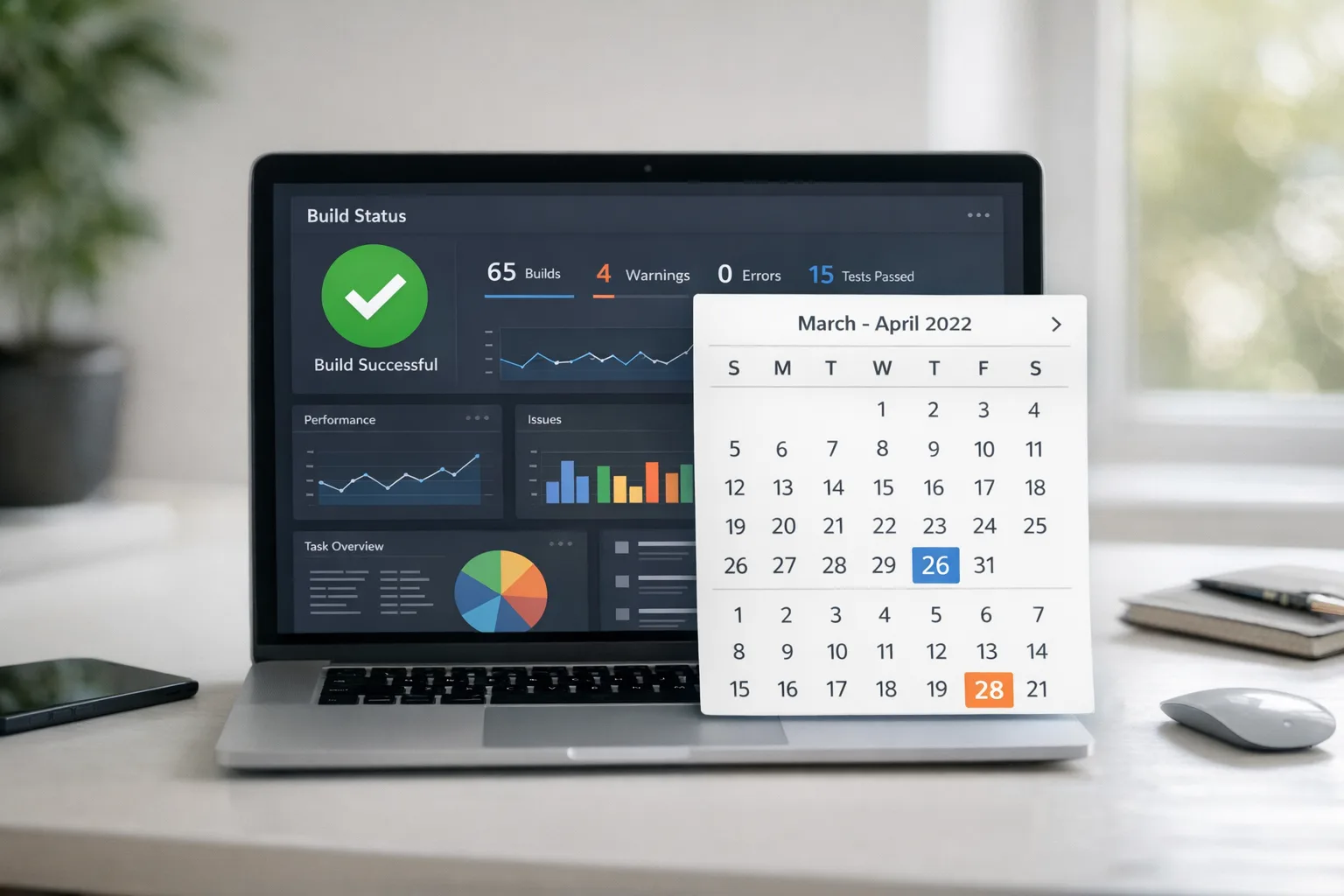
What changed in the February 2026 App Store Connect update?
Here’s the thing: these aren’t cosmetic tweaks. They reset assumptions about tooling, marketing operations, and compliance. If you manage release cadence, user acquisition, or in‑app monetization, you’ll feel all three.
1) Minimum SDKs required starting April 28, 2026
Beginning April 28, new builds uploaded to App Store Connect must be compiled with the 26‑series SDKs (iOS/iPadOS 26, watchOS 26, tvOS 26, visionOS 26). Practically, this means adopting Xcode 26+ for shipping builds. Your runtime OS support can still remain broad—this is a build‑time requirement, not a mandate to drop older iOS versions. But you’ll need to test for subtle behavior changes that come with the 26 SDK defaults, including UI updates and permission dialogs.
Expect small but real regressions if you’ve been deferring API migrations. Network stack edge cases, push notifications with advanced authorization options, and changes in privacy‑sensitive API prompts are usual suspects. Plan time for QA on older devices even if you’re building with the latest SDK.
2) Promo codes for IAPs retire on March 26, 2026
Offer codes now cover consumables, non‑consumables, non‑renewing subs, and certain non‑auto‑renewing promos. After March 26, you can’t create new promo codes for in‑app purchases. Existing IAP promo codes will keep working until they expire; app download promo codes are unaffected. If you run influencer or B2B sampling with IAP promo codes, migrate campaigns to offer codes and update your CRM links and redemption instructions.
3) Up to 70 custom product pages—with keywords
Apple doubled down on custom product pages and let you assign keywords to each page. Translation: you can match a search query to a tailored page—feature screenshots, seasonal creatives, and promo copy for that exact intent. If you’ve been funneling everyone to a single listing, you’re leaving discovery on the table. Build a small taxonomy (top features × top geos × top audiences) and cut pages that actually convert.
4) Parallel submissions that keep trains moving
You can now submit in‑app events, Game Center changes, and critical bug‑fix updates even if a binary is stuck in review. For teams that ship weekly, this is a gift. Use it to decouple time‑sensitive promotions from bigger code pushes—and keep retention mechanics alive while a core update works through review questions.
The age‑rating shake‑up: 13+, 16+, 18+ and the new questionnaire
Apple added the 13+, 16+, and 18+ tiers and required developers to complete an updated age‑rating questionnaire by January 31, 2026. If you missed it, App Store Connect can block updates until you answer. The questionnaire goes deeper on in‑app controls, AI or chat features, medical/wellness content, realistic or intense violence, gambling, and the presence of user‑generated content (UGC), messaging, or advertising.
Why this matters beyond a badge on your product page: ratings integrate with Screen Time and Ask to Buy. If your app inadvertently drifts into a higher tier, your TAM among families shrinks, your editorial placement changes, and you may disappear from certain tabs for teen accounts. That impacts top‑of‑funnel traffic immediately.
Gotchas we’ve seen while helping teams ship
First, UGC isn’t just public feeds. Private DMs, ephemeral comments, or community features behind a paywall are still UGC. Second, ads aren’t only banners. Embedded native content, influencer placements, or rewarded videos can trigger “advertising” disclosures. Third, if you’ve added an AI assistant, audit how it responds to sensitive prompts. Reviewers have asked for proof of content filters, keyword blocking, and user controls.
Finally, your product page now reflects whether you provide in‑app content controls. If you have parental toggles, session limits, or report/mute tools, surface them. It can influence rating outcomes and help with trust in family accounts.
Regulatory weather: what’s actually changing in 2026?
Two threads matter right now: state‑level age‑assurance laws in the U.S. and the EU AI Act timeline.
In Texas, the App Store Accountability Act (SB 2420) was blocked by a federal judge on December 23, 2025, pausing changes that would have required platform‑level age verification and parental consent flows for every minor. The state is appealing. For developers, this means you shouldn’t build bespoke, state‑specific identity checks unless you must. Instead, lean on Apple’s system‑level features—Family Sharing, the Declared Age Range API, and consent re‑request APIs—as they stabilize. They keep you aligned with Apple review and reduce your liability surface.
Across the Atlantic, the EU AI Act entered into force in 2024 and its major obligations begin hitting product teams on August 2, 2026. If your app ships AI features in the EU, expect transparency obligations (for example, labeling AI interactions) and extra documentation for high‑risk uses. For most consumer apps, the immediate lift is disclosure, data governance, and user‑facing clarity—not a full compliance overhaul. But if you’re embedding credit scoring, biometric identification, or safety‑critical logic, you’re in high‑risk territory; treat August 2 like a real deadline.
App Store Connect update: how to respond this week
Let’s get practical. Below is the 10‑step playbook we’re running with clients to stay fast and safe.
Freeze your Xcode matrix. Adopt Xcode 26+ on a branch, lock a reproducible toolchain with your CI, and cut a canary build. Smoke test permissions, notifications, and sign‑in flows on iOS 16–26. Document any 26‑SDK visual changes you’ll accept now versus explicitly opt out of.
Map your runtime support policy. Decide the oldest iOS version you’ll test on for each device class. Build with SDK 26; run on older iOS where business requires. Publish the matrix so support and PMs stop guessing.
Migrate IAP promo codes to offer codes. Inventory active campaigns and swap landing pages, user comms, and CRM automation by March 26. Update influencer kits and B2B redemption flows. Add analytics to compare conversion deltas between promo and offer code cohorts.
Exploit custom product pages. Start with 6–10 pages: top features × top countries. Assign keywords that match user intent (e.g., “offline maps,” “family tracker”). Localize first screen captures and promo text. Set up A/B reach tests.
Answer (or re‑answer) the age‑rating questionnaire. Do a fresh pass with PM, legal, and trust & safety in the room. Confirm UGC, messaging, ads, AI features, and any medical content. Save evidence of in‑app controls for reviewer questions.
Harden content controls. Add keyword filters for chat/UGC, rate limits for abuse, obvious report/mute, and session caps for teen accounts. Document how these reduce exposure to sensitive content. Link them on your product page.
Decouple releases with parallel submissions. Split marketing items (events, creatives) from big binaries. Keep a “hotfix lane” ready for crash regressions. This reduces revenue risk while features queue in review.
Pre‑flight privacy and data safety. If you’re tempted to add third‑party age verification, stop and run a DPIA‑style review. Prefer system‑level signals (Family Sharing, declared age range) over collecting IDs you’ll then have to secure.
EU AI Act prep (if applicable). Label AI interactions, log training data lineage for any on‑device models you ship, and create a short model card in your Help/FAQ. If you’re near high‑risk, start a conformity assessment track now.
Rehearse the April 28 gate. Do a mock “SDK‑26 only” submission by end of March. Treat any failed test as a stopper and fix ahead of the real cutoff.
People also ask
Do we have to drop support for older iOS to meet the SDK rule?
No. Building with the iOS 26 SDK doesn’t force you to require iOS 26 at runtime. You can still set a lower deployment target. But you must test for subtle behavior changes, especially around permissions and UI defaults introduced by the 26 SDK.
What if we missed the January 31 age‑rating questionnaire deadline?
App Store Connect may block submissions until you complete it. Don’t guess. Sit with product and trust & safety, answer precisely, and update your product page to reflect in‑app controls. If you changed features after your last submission (e.g., added chat), re‑answer now.
Are offer codes worse for marketing than promo codes?
They’re different. Offer codes give you better configuration and eligibility targeting, and they work across more IAP types. The friction is mostly in updating flows and retraining teams. Track conversion after migration; many apps see neutral to positive results once comms are clear.
Will state age‑assurance laws force ID checks inside my app?
Right now, no general requirement is in force for iOS apps in Texas due to the December 23, 2025 injunction. Laws remain fluid. Build to Apple’s system features first so you can adapt with less technical debt if rules resume.
Data points and dates you should pin
March 26, 2026: You can no longer create IAP promo codes; migrate to offer codes.
April 28, 2026: Minimum SDK enforcement; builds must use the 26‑series SDKs (Xcode 26+).
January 31, 2026: Age‑rating questionnaire deadline (past); overdue apps risk blocked updates.
August 2, 2026: EU AI Act’s broad obligations begin applying; high‑risk systems have further timelines.
Implementation notes from the field
Two migration traps keep showing up. First, CI pipelines quietly pin an older Xcode image. Your local machine compiles fine; CI reverts to Xcode 25.x and your submission fails late. Fix by explicitly declaring the Xcode version in your CI config and caching the toolchain.
Second, offer code redemption UX. Users who expect promo‑code flows often try to paste codes in the wrong place. Add a short, visual guide to your help center and post‑purchase emails. We’ve seen 10–20% lift in successful redemptions just by clarifying the steps.
Also, if you use custom UI theming, the 26 SDK’s updated component styles can subtly alter hit targets and contrast. Run automated accessibility checks and manual tap‑tests on smaller devices. Small papercuts drive support tickets and churn.
A lightweight framework to steer this quarter
Use the 3R model—Rebase, Re‑declare, Re‑market.
Rebase: Move your build chain to Xcode 26, fix failing tests, and lock the toolchain. Cut a canary to 5–10% of users, watching crash‑free sessions and permission acceptance rates.
Re‑declare: Revisit the age‑rating answers and product page controls. If you have chat, UGC, or AI responses, implement filters, rate limits, and clear user controls—and document them for reviewers.
Re‑market: Expand custom product pages tied to intent keywords and audience segments. Migrate promo‑code campaigns to offer codes and update lifecycle comms. Validate conversion per page, not just overall.
Need a deeper blueprint? Our breakdown of Apple’s Connect changes and compliance patterns is a good companion read: how to ship smarter after the February update. If your app touches teens or high‑risk AI features, pair it with our EU AI Act last‑mile playbook and this guide on what devs must change for the new age ratings.
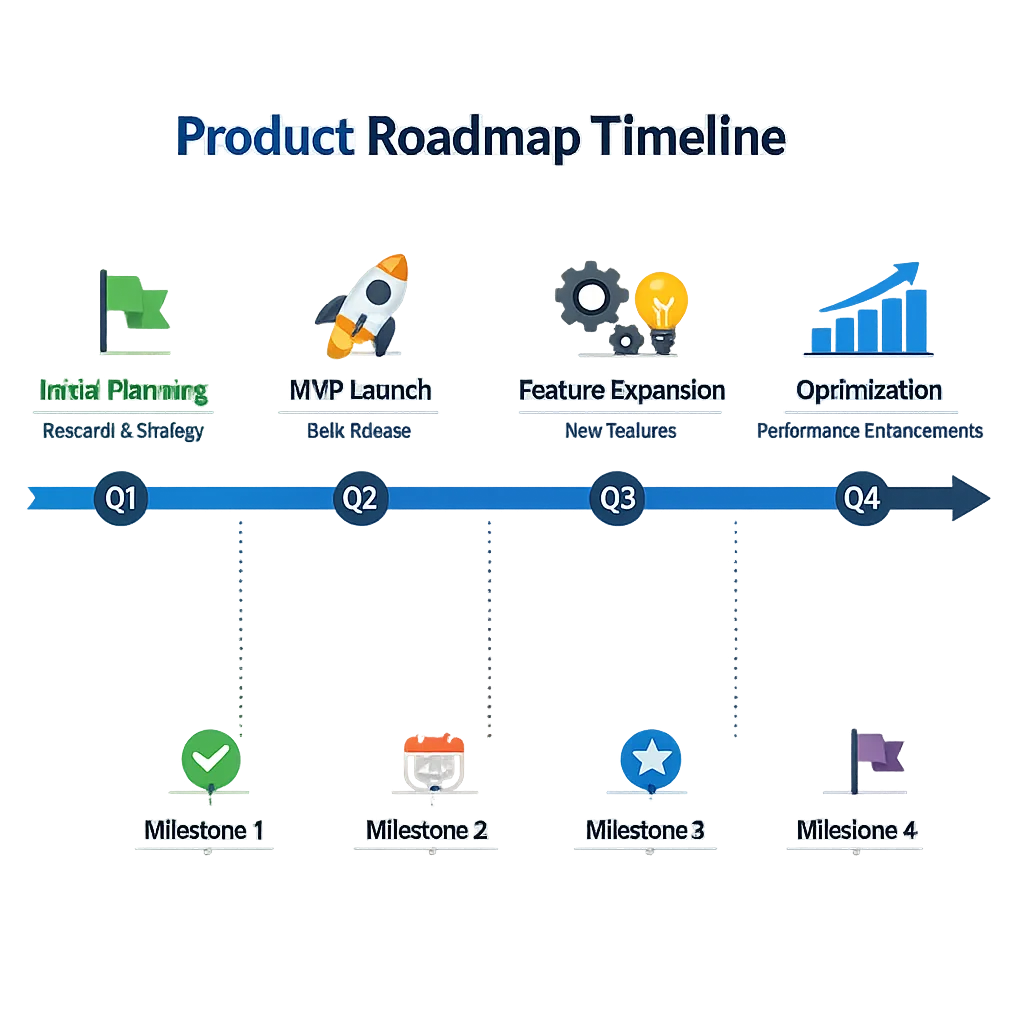
What to do next
Book a half‑day SDK‑26 migration audit with engineering, QA, and release management.
Migrate at least one live campaign to offer codes this week; track conversion deltas.
Create 6–10 custom product pages aligned to your top keywords and audiences.
Re‑answer the age‑rating questionnaire with trust & safety; publish your in‑app controls.
Draft a one‑page AI disclosure for EU users if you ship AI features.
Stand up a “hotfix lane” using parallel submissions so marketing isn’t blocked by code.
If you want hands‑on help, our team builds and ships on these rails every week. See how we approach product, compliance, and growth in one plan on our what we do page, browse relevant work in the portfolio, or drop us a line via contacts. We can usually turn around a migration plan and risk register within five business days.

Zooming out
The App Store Connect update is a forcing function. It nudges teams toward modern SDKs, clearer disclosures, and sharper merchandising. Used well, it can make your app faster to iterate, easier to discover, and safer for younger users—without creating red tape inside your codebase. The teams that win this year will treat these dates like sprint goals, not compliance homework. Tie them to metrics, ship incrementally, and keep the trains moving.





Comments
Be the first to comment.