
App Store Age Verification: Ship by Jan 31, 2026
Apple’s App Store age verification and revamped age ratings take effect January 31, 2026. That means new questions in App Store Connect, more granular ratings (think 13+, 16+, 18+), and tighter expectations for how you gate mature features. At the same time, Google Play’s external links and alternative billing programs for U.S. users carry a January 28, 2026 compliance date. Here’s exactly what changed—and a pragmatic plan to ship updates without lighting up support or losing conversion.
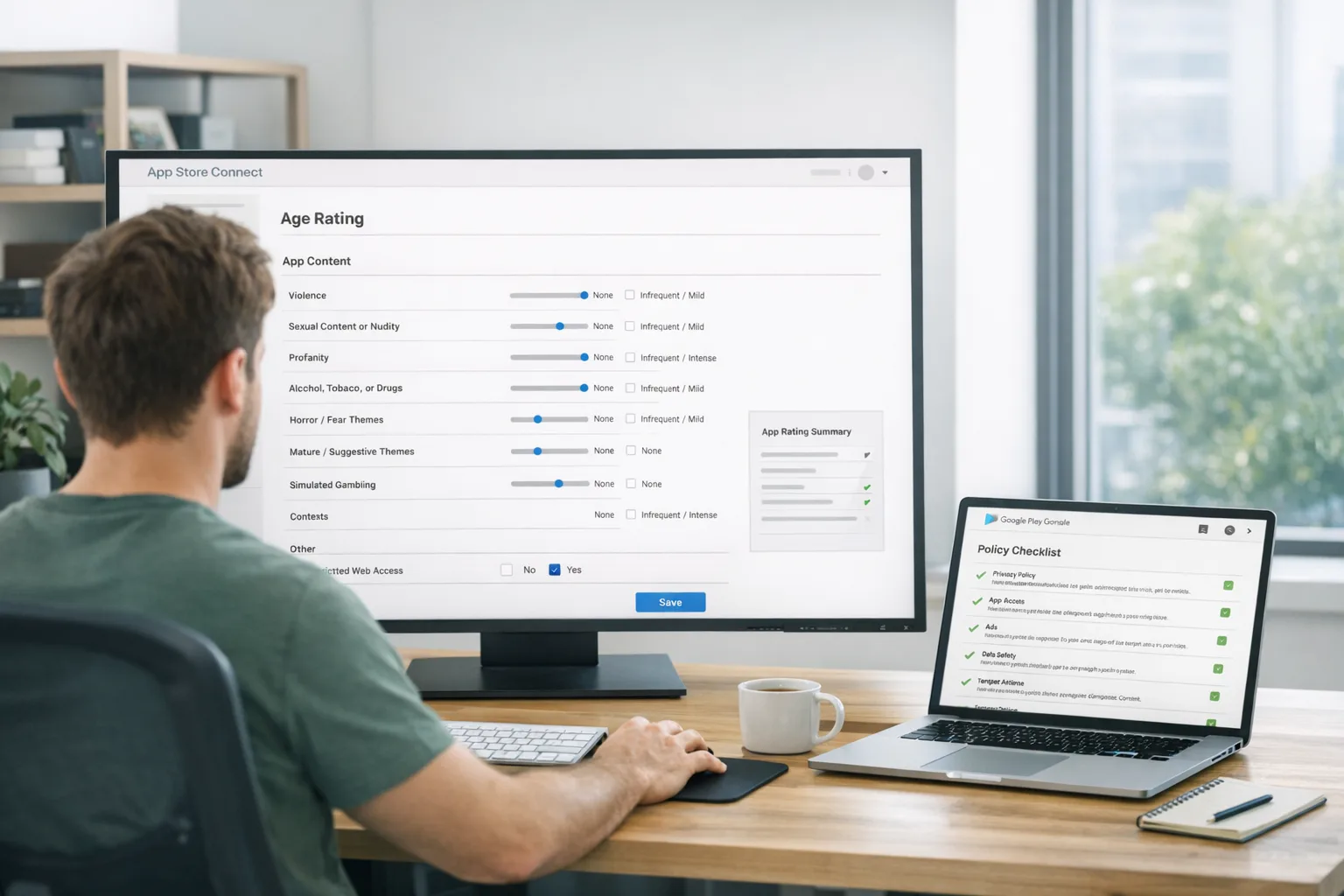
What changed in App Store age verification?
Apple has updated the age rating system and added new developer disclosures tied to age assurance. Developers must answer the new rating questions and confirm how the app handles sensitive content, user‑generated content (UGC), ads, and parental controls. Apple’s communication is clear on timing: respond by January 31, 2026, or your next submission can be interrupted until you do.
There are two practical implications for teams:
First, the rating bands are more precise. Many apps that previously sat at 12+ or 17+ will map to 13+, 16+, or 18+ under the new model. That affects visibility in Family Sharing and what users see in editorial placements. If you rely on teen audiences, expect review questions about moderation, reporting, and parental controls, even if your core content hasn’t changed.
Second, your app page and product experience need to agree. If your listing says 13+, but your app shows unrestricted public chat to newly created accounts without any guardrails, prepare for a back‑and‑forth in review. Apple won’t tell you exactly how to design your gate, but they will evaluate whether the claim and the experience line up.
How the Google Play deadlines intersect (Jan 28, 2026)
Google has expanded alternative billing options for eligible U.S. developers and formalized an external content links program. If you direct U.S. users from your app to external content or payment experiences, you need to enroll and comply by January 28, 2026. This won’t replace Play’s own policies on kids and teens, but it does change your flows and disclosures. The near‑term task: align your deep links, disclosures, and in‑app copy so there’s no confusion when users step outside the app’s perimeter.
Combined with Apple’s changes, the bottom line is simple: the stores want accurate disclosures, consistent experiences, and predictable protections for minors. If your app has UGC, ads targeting teens, or off‑store purchase links, you’re in the review spotlight this week.
Your 2‑day shipping checklist (copy, paste, execute)
Use this as a working doc. If you do nothing else, complete the first three steps today.
-
Update App Store Connect. Answer the new age rating questions for each app and SKU. Double‑check the declared presence of UGC, chat, live streams, creator marketplaces, mature themes, simulated gambling, and ad types. Ensure your Privacy Nutrition Labels match real data flows.
-
Implement server‑driven age gating. Introduce a configuration gate (feature flag or remote config) that enforces restricted features for under‑age accounts: public posting, DMs, live video, creator tipping, and ad personalization. Start with deny‑by‑default and selectively open up once you pass verification or parental consent where required.
-
Tune onboarding copy. Your first‑run experience must reflect the rating and gating. If an account declares an age below your threshold, show a clear path: limited mode, parental consent flow, or an on‑device block that respects system settings.
-
Review Play Store external links. Audit every button that opens a browser or external purchase page for U.S. users. Enroll in the program if you use those patterns, add the required disclosures, and verify the link works consistently across devices—no dead ends, no surprise paywalls.
-
QA a teen matrix. Test flows for ages 12, 13, 15, 16, 17, and 18 on multiple devices. Validate default settings, reporting tools, profile visibility, and whether ads change appropriately for a teen profile. Document screenshots for review notes.
-
Lock moderation basics. In‑app reporting, blocking, and content takedown must be accessible in two taps. If you have UGC at any scale, ensure rate limits, word filters where appropriate, and a clear escalation path for urgent reports.
-
Update support and legal copy. Your Help Center should match what you ship: age bands, parental controls, limitations in teen mode, and how to request account changes.
-
Instrument metrics. Track: age‑gated conversion, support tickets tagged “age,” review rejection reasons, and any uplift in refunds or churn after gating. You’ll need this data to iterate without over‑restricting honest users.
Need a deeper dive on Apple’s side? We’ve published a focused walkthrough in App Store Age Verification in 2026: Ship Smart and a time‑boxed plan in Age Ratings 2026: Your 7‑Day Ship Plan.
Engineering patterns that actually work
1) Server‑driven, not hard‑coded
Age gates change. Regulators revise thresholds; app stores tweak wording; your product evolves. Read age policies from a remote config and map them to product toggles. A JSON policy document might control: minimum age for DMs, posting, profile discovery, live streaming, creator payouts, and ad personalization. Ship once; update values remotely.
2) Verify once, remember safely
If you do age checks beyond declared age—say, a lightweight verification or parental consent—store only the minimum you need to enforce gating. You don’t want to hoard IDs or full birthdates. Persist a signed token with the age band (e.g., under‑13, 13–15, 16–17, 18+) and an expiry timestamp. Rotate keys, treat it like auth, and avoid logging raw values.
3) Align identity, login, and caches
Edge case you’ll hit: a user updates their age band or gains parental consent on web, then re‑opens the app offline. Cache the band but refresh on resume; fail closed for risky features. For social logins, remember that identity providers don’t guarantee age disclosure. Don’t infer age from email domain or school; use explicit flows.
4) Consent flows that don’t nuke conversion
If your app legitimately serves teens, build a two‑step consent path: first, enable limited mode with value (read‑only or constrained interactions). Second, offer a parent‑approved upgrade with clear benefits and time estimates. Long, legalistic walls of text crush completion. Use layered disclosure.
5) Ads and analytics reconciliation
When a user is in a teen band, turn off sensitive targeting and retargeting. For analytics, sample rather than track every event, and disable any device fingerprinting. Your ad stack should respect the gate without silently defaulting back in edge cases (e.g., after logout or reinstall). Test this with packet captures—not just screenshots.
Designing a durable policy contract
Think of your rating and disclosures as a contract the stores can test. If you declare 13+, your app should show:
- Default private profiles or limited discovery for new teen accounts.
- Clear reporting and blocking controls near any interaction surface.
- Age‑appropriate ad experiences (or no ads where required).
- Guardrails for UGC (rate limits, filters, moderators for live).
Reviewers aren’t evaluating your brand; they’re checking whether your claims match the lived experience of a new teen user. Place your most defensible defaults behind a single feature flag named something like teen_safety_v1 so you can quickly pivot if review feedback asks for stricter settings.
People also ask
Do we need ID checks for App Store age verification?
Not by default. Apple’s current requirement centers on your disclosures and the experience that follows from your declared rating. Some jurisdictions expect stronger assurance for specific experiences (e.g., mature live video, cash‑out features). If you implement ID checks, minimize collection and outsource verification to a reputable provider with strict retention limits.
Will our app be removed if we miss January 31, 2026?
The immediate risk is review friction: Apple can block submissions until you answer the new questions. If your live experience contradicts your listing, you can see rejections or required changes. Don’t bank on a grace period—treat the date as hard and update your disclosures now.
How do Google Play external links affect growth?
External links can preserve margin, but only if the user journey is honest and smooth. Disclose clearly that the flow leaves the app, keep pricing consistent, and ensure the link policy you enroll in matches your use case. Monitor U.S. traffic specifically; a misconfigured deep link can tank conversion for a significant cohort.
Does changing our rating to 16+ hurt discoverability?
It may shift your eligible audience in editorial placements and parental‑controlled devices, but inconsistency is worse. If you genuinely offer teen‑appropriate features with solid safeguards, your rating plus strong defaults can still perform. Track downstream metrics—install‑to‑activation and 7‑day retention by age band—and iterate.
Review gotchas we see weekly
Shipping dozens of app updates across clients, we keep running into the same traps:
- Unlabeled UGC on first run. If users can post or comment, your rating and disclosures must say so—and the UI must show reporting tools without hunting.
- Age gates that don’t stick after logout or reinstall. Treat age gating like auth state: persist securely and refresh on every resume.
- Teen profiles fully public by default. Make them private until the user explicitly opts in—ideally after education screens.
- Mixed messages on payments. If you link to external content or billing on Android for U.S. users, ensure compliant enrollment, disclosures, and consistent pricing.
- Help Center out of sync. Reviewers read your support pages. If they contradict the app, you’ll get questions.
A simple governance loop so you don’t fight this every quarter
Policies move. Create a quarterly cadence owned by product and legal, with engineering at the table:
- Track store policy pages and release notes in a shared doc.
- Map each change to a product toggle and disclosure update.
- Run a 60‑minute “teen pass” QA on the current build.
- Refresh your Help Center and screenshots with any material changes.
- Archive reviewer feedback and your fixes so the next release is faster.
If you need a plan you can reuse, save our short playbooks: Ship Smart for App Store age verification and Google Play external links: budget and build.
What this means for your roadmap
Short term, you’re aligning disclosures and gating. Medium term, expect more convergence between store policies and regional regulations. That suggests a durable architecture: policy‑driven features, privacy‑preserving verification, and analytics designed to withstand stricter limits. Teams that treat this as a compliance tax will keep scrambling; teams that productize age modes will ship faster with fewer review cycles.
What to do next (today and this week)
- Today: Update App Store Connect answers; enroll and configure Play external links if applicable. Turn on teen‑safe defaults.
- Tomorrow: Ship a build with server‑driven age gating, updated onboarding copy, and Help Center changes. Run a teen QA matrix.
- This week: Measure conversion by age mode; fix the sharp edges that create support tickets. Document reviewer feedback and keep your toggles flexible.
If you’d like a partner to pressure‑test your flows and get a build approved quickly, our team ships this kind of work every week. See what we do for mobile teams and get in touch via contacts. You can also browse our portfolio for recent launches.





Comments
Be the first to comment.