
App Store Age Ratings 2026: The Enforcement Playbook
As of February 9, 2026, the App Store age ratings 2026 update isn’t a rumor—it’s policy. Apple added new teen tiers (13+, 16+, 18+), refreshed the questionnaire in App Store Connect, and tied submission privileges to your answers. If you missed the January 31, 2026 cutoff, your updates are paused until you finish. Here’s a clear, field-tested plan to get unblocked this week, harden your compliance posture, and avoid surprises in your next review.
What actually changed—and what’s enforced now
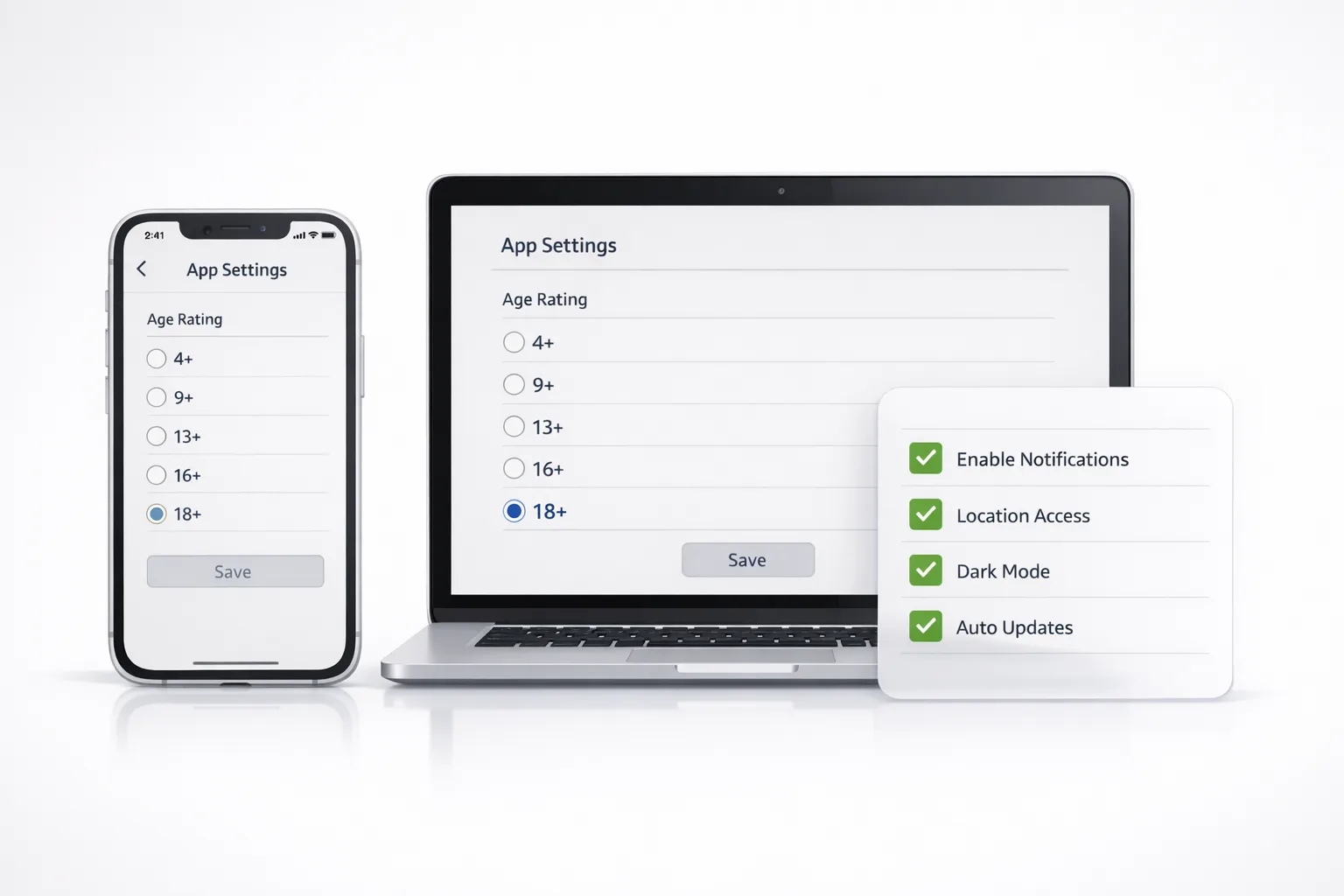
Three things matter on February 9, 2026: the five-tier rating scale (4+, 9+, 13+, 16+, 18+), an expanded age-rating questionnaire in App Store Connect, and stricter surfacing of age-appropriate apps across Apple’s storefronts and parental controls. The questionnaire now probes four areas that drive your rating and storefront treatment: in‑app controls (like parental toggles or age assurance), app capabilities (UGC, messaging, ads), medical or wellness content, and violent themes. Apple reassigned many apps automatically last year; your job is to validate and, if needed, adjust based on today’s features—not the features you planned to ship.
If you didn’t answer the new questions by January 31, 2026, submissions are blocked until you do. That’s why some teams woke up on February 1 to a stalled iOS release train while Android sailed through. Don’t let a metadata task pinch your roadmap—treat this update like a build break and fix it with the same urgency.
App Store age ratings 2026: how the tiers map to real products
Here’s the mental model I give teams. 4+ is basically curated, non-controversial utilities and kids’ experiences. 9+ allows mild humor, minimal fantasy violence, and simple contests. 13+ is where most social, creative, and AI-assisted experiences land—especially if you present UGC or references to mature topics. 16+ covers persistent UGC with looser moderation, realistic violence, or more intense competitive elements. 18+ is for explicit content or experiences where you expect adult-only interactions. If you monetize with ads or display off-platform links, assume the bar moves up a notch unless you tightly control what can appear.
Two practical notes: region-specific suitability can vary, and Apple’s parental controls integrate with these tiers. If your target audience spans families, your growth and featuring can suffer if you overshoot the rating; if you undershoot, reviews will catch it. Your job is to classify accurately and ship controls that justify the classification.
Fast recovery: a 48‑hour triage that restores your release train
If your update is blocked, run this playbook. I’ve used this with consumer, productivity, and creator apps in the past week.
Inventory exposure (2 hours). List every surface where content isn’t fully curated by you: comments, profiles, feeds, DMs, web views, external links, notifications, widgets, previews, and any AI or LLM outputs. Include ads and embedded browsers. Mark each surface by who controls the content (you, a partner, or the user).
Decide the minimal viable rating (1 hour). Using the inventory, choose the tier your current product earns today. Don’t pick aspirationally. If your moderation or filters are still “coming soon,” they don’t count yet.
Strengthen in‑app controls (3 hours). Add or document toggles to hide UGC previews, disable external links, blur sensitive thumbnails, restrict DMs, and switch off ad categories. If you already have them, surface them more prominently and describe them clearly in your App Store listing’s “In‑App Controls.”
Answer the questionnaire (1 hour). In App Store Connect → App Information → Age Rating, respond to the updated questions reflecting the controls you actually ship. Keep a changelog of which toggles back your answers.
Harden review notes (30 minutes). In the Review Notes field, enumerate your controls and moderation pipeline. Add test accounts and steps to reach any age-gated features. Reviewers move faster when they aren’t guessing.
Resubmit and parallelize QA (same day). While the build waits, run targeted smoke tests on your UGC and messaging surfaces and confirm content defaults align with your rating.
Expect this to take a focused day for a simple app. If you have complex UGC and ads, schedule a second day to tighten defaults and documentation.
Implementing the Declared Age Range API without torpedoing UX
Apple now provides a privacy-preserving way for apps to request a user’s age range—without collecting a birthdate. You trigger a system sheet, the user or parent approves, and you receive an age band that you can apply to experiences or content policy. Great on paper, but here’s the thing: treating it like a magic switch is how teams lose a week.
Follow this pragmatic approach:
Gate the request behind intent. Don’t prompt on cold start. Ask when the user tries to access a feature that truly differs by age (publishing, DMs, creator monetization). That keeps conversion high and irritation low.
Create a sane “unknown” path. If the user declines, fall back to the strictest defaults for that surface: read‑only, masked previews, or delayed publishing. Make it functional—just safer and more conservative.
Bundle with an immediate win. When the user shares age range, unlock something they care about right away—longer video uploads, creator tools, or a private sharing mode. Tie the request to value, not bureaucracy.
Log the declaration and controls. Store the declaration type (self, parent, or system) and which control set you applied. If your support team needs to explain “why my account can’t create groups,” this log pays off.
Respect revocation. If the parent or user stops sharing, revert to safe defaults. Don’t wedge users in an error state.
From a roadmap view, this API is a multiplier. Used well, it lets you keep 13+ defaults tight while enabling richer 16+ or 18+ experiences for eligible users—without fragmenting clients by region.

Advertising, UGC, and AI: your rating levers
If you monetize with ads, ask your network for explicit, app-level controls that exclude sensitive categories by default for signed-out or unknown-age users. If that’s not available, move those placements behind an age-aware surface or use house ads until you can target reliably. For UGC, default to preview blurs, link stripping, and rate limits for brand-new accounts; pair that with a visible report action and human escalation path. For AI features that can generate or transform content, your prompts and output filters are part of your content policy—document them and keep your models’ safety configs in version control.
Teams often ask, “Will UGC force 16+?” Not necessarily. If you can demonstrate effective content controls, conservative defaults for unknown age, and rapid remediation, many social and creative apps fit comfortably in 13+. It’s the combination of persistent, minimally moderated UGC plus sensitive ads and off-platform linking that typically nudges you to 16+.
People also ask: quick answers to the recurring gotchas
Can I lower my rating later if I over-classified?
Yes—if your features and controls justify it. Ship the controls first, monitor outcomes, then adjust your rating and explain the change in your next submission’s notes. Treat rating reductions like any product change: measured and evidenced.
Do I need an age gate if my app is 4+ or 9+?
Probably not. The Declared Age Range prompt adds friction, so only request it if your experience materially changes by age. For kids’ apps, your obligations live more in curation, ads policy, and communicating with parents than in bespoke age checks.
What happens to featuring and discovery now?
If parental restrictions are set, the App Store won’t surface age-inappropriate apps in editorial modules for that child’s device. That means discoverability can vary across your audience. Tight metadata and accurate ratings now influence not just eligibility, but also where you appear.
Will my region change my rating?
Ratings can vary based on regional suitability standards. If you localize heavily or integrate region-specific content, review any additional guidance for those markets and be prepared to maintain separate storefront settings where necessary.
Decision framework: classify your app in 15 minutes
When a team is split between 13+ and 16+, a crisp framework ends the debate. Use this checklist and assign points (0–2) per line; 0 is none, 1 is present with strict controls, 2 is present with minimal controls. Sum your score.
UGC exposure: feeds, profiles, DMs, comments.
Ads exposure: third‑party networks, off-platform links.
AI output risk: generative or transformation features.
Moderation maturity: automated + human review, SLAs.
Safety defaults: blurs, link stripping, rate limits, onboarding.
Age-aware paths: controls gated by declared age.
Scores of 0–3 usually align with 13+. Scores of 4–7 suggest 16+. If you hit 8–12, audit your policies; either your controls are too weak for your features, or you should accept a higher rating and lean into it with premium tooling for older users.
Data and dates teams should keep on hand
Anchor your planning with specifics: Apple announced more granular ratings and expanded parental tooling in mid‑2025; developer emails about automatic reassignment and the new questionnaire followed in late July 2025. The developer deadline to complete the updated age-rating questionnaire was January 31, 2026, with submissions paused for apps that missed it. As of today—Monday, February 9, 2026—those policies are enforced across submissions, and age-appropriate surfacing is increasingly visible in Apple’s storefront experiences and family controls.
Quality bar: what reviewers expect to see
Reviewers aren’t looking for perfection; they’re looking for intent backed by actual controls. Make it easy to validate:
Clear defaults. Unknown-age users see the safer path by default.
In‑app control surface. A single place to toggle visibility, DMs, or discovery.
Visible reporting. Prominent report flow with a human escalation lane.
Documented ads policy. Categories excluded by default; steps to override.
Review notes with receipts. Test accounts and a concise map of where content appears.
Engineering considerations that save you sprints later
Design your client to degrade gracefully. If the age range is unknown, fetch a remote config that disables risky surfaces without crashing layouts. Build your moderation hooks as first-class: server flags that can flip a post to hidden instantly, a per-user restricted mode you can apply after abuse reports, and content classifiers that run before a post reaches public feeds. Integrate your age-aware logic at the domain layer so it’s testable; UI-only gates tend to drift.
On the product side, plan incrementalism. You can ship a conservative 13+ default now, then enable richer creation tools for 16+ and 18+ via feature flags as your safety stack matures. That sequence accelerates time-to-compliance while letting your roadmap breathe.

Product copy that prevents reviews from stalling
Your App Store listing now doubles as compliance evidence. In your description and What’s New, mention the in‑app controls that matter: “Hide profile previews,” “Message requests only,” “Report and block tools,” “Sensitive content filters,” and “Age-aware defaults.” Do not promise controls that aren’t live. In Review Notes, link each control to the screen that hosts it and provide a test path. The cleaner your notes, the shorter your review cycles.
What this means for growth and monetization
Expect your acquisition mix to shift if you moved from 12+/17+ to 13+/16+/18+. Family-shared devices and teens under parental restrictions will see fewer of your placements if you lean older. Counter that with a high-quality 13+ onboarding: remove links that don’t serve beginners, pre-filter trending content, and highlight safe creation. On monetization, test a 13+ subscription funnel with simpler value props while keeping your 16+ upsell richer. If ads are a pillar, tighten your network categories until your age-aware path is fully live, then re-expand surgically.
Where this fits with your 2026 delivery plans
This policy change sits next to a larger operational theme: compliance as product infrastructure. If you treat age-awareness, moderation, and parental controls as bolt‑ons, you’ll keep paying a tax every sprint. Bake them into your design system, telemetry, and tooling. Your support team will thank you, your reviews will stabilize, and your roadmap will stop getting ambushed by “minor” policy shifts.
Want a deeper dive or a second pair of hands?
We’ve been helping teams reclassify content, tune controls, and accelerate submissions across consumer, education, and creator apps. If you want a structured partner approach, our app compliance implementation services include architecture reviews, policy mapping, and hands-on build support. For a quick tactical update, start with our February 2026 App Store Connect update roundup and the engineering patterns we recommend in our age-aware architecture guide.
What to do next (this week)
Finish the questionnaire today. Use the inventory-plus-controls method above; submit with tight Review Notes.
Ship conservative defaults. Treat unknown-age users as 13+ with stricter visibility and messaging rules.
Implement the age-range request behind intent. Prompt when value unlocks, not at app launch.
Harden ads and UGC surfaces. Exclude sensitive ad categories; blur previews; add report + escalate flows.
Instrument and log. Track which paths users take and how often the age sheet is accepted or declined.
Plan a follow-up release. In 2–3 weeks, iterate based on review feedback and your telemetry.
If you want a sounding board while you implement, start a conversation with us via our contact page or browse how we’ve shipped similar upgrades in recent client work. And if you’re coordinating across iOS and Android, our Play Age Signals API guide will help you keep parity while respecting each store’s rules.
Policy changes rarely arrive when your backlog is light. The good news: if you do this upgrade right now—honest classification, visible controls, age-aware defaults—you’ll stop fighting ratings and get back to building the product your users love.





Comments
Be the first to comment.