
Android Developer Verification: March 2026 Plan
Android developer verification is moving from “early access” to open registration in March 2026—and it applies even if you distribute apps outside Google Play. Regional enforcement begins September 2026 on certified Android devices in Brazil, Indonesia, Singapore, and Thailand, with global rollout planned for 2027. That means identity checks for developers, plus package name registration tied to your app signing keys. If your install path includes sideloading, private distribution, or third‑party stores, you need a concrete plan now. (developer.android.com)
Here’s the thing: this isn’t a theoretical policy. Google’s stated rationale is security—malware from internet sideloading has been measured at more than 50× the rate of Google Play. Verification and package registration are meant to raise the floor for every install surface on certified devices. Expect your release process and key management to be scrutinized in ways they weren’t before. (technology.org)

What changed—and why it matters now
Until now, verification rigor lived mostly inside Play. Starting this year, Google extends identity checks to all app distribution on certified devices, including APKs installed from your website, EMM catalogs, and alternative stores. Two practical changes follow: developers must prove who they are, and they must prove they own the apps they’re distributing by registering package names against the correct signing keys. (developer.android.com)
If you’re Play‑only, Google says it will auto‑register the vast majority of your apps in March using existing data. If you distribute outside Play, you’ll use the new Android Developer Console (ADC) to verify identity and register packages. Either way, your keys—and who controls them—become the critical path. (developer.android.com)
Android developer verification timeline (2025–2027)
Here are the dates teams should anchor to on their roadmaps:
November 2025: Early access began. Invites rolled out for ADC (for off‑Play distribution) and then Play Console. Early access participants could verify identity and begin registering package names. (developer.android.com)
March 2026: Registration opens to all developers. Play developers can expect automatic registration for most Play apps; outside‑Play apps require manual registration. (developer.android.com)
September 2026: Enforcement begins in Brazil, Indonesia, Singapore, and Thailand. Installs on certified devices in these regions must be from verified developers with registered packages (ADB installs remain permitted for developer scenarios). (developer.android.com)
2027 and beyond: Global enforcement continues in phases. Plan as if this becomes table stakes worldwide. (developer.android.com)
What if you distribute outside Play?
If you ship APKs directly (B2B, B2E, OEM partners, field devices) or via alternative stores, you’ll use the Android Developer Console. Expect to: pay a one‑time registration fee; submit legal name, address, email, and phone; provide organization details including a D‑U‑N‑S number for companies; and verify with government‑issued ID (for individuals) and domain ownership via Search Console. (developer.android.com)
Then you’ll register package names and associate them with public key fingerprints. For existing packages already in the wild, you’ll prove ownership with the signing key. For new packages, you’ll lock the namespace early to prevent brand‑jacking. (developer.android.com)
The two‑key reality: Play App Signing vs. your off‑Play key
Many teams have one key managed by Play App Signing and a separate key for off‑Play distribution. That split often comes from legacy CI/CD or partner demands. In March, Google expects to auto‑register about 98% of Play apps. Anything outside Play—and the small remainder that can’t be auto‑registered—requires you to manually register with the correct key materials. Inventory your keys, confirm which are held by Play, which are held in your HSM/KMS, and who can access each. (developer.android.com)
Here’s a practical pattern we’ve used with client teams: centralize signing under a single KMS with strict role separation, use Play’s upload key where applicable, and enforce attestations in CI to prevent accidental signing with the wrong key. If you must maintain a separate off‑Play key, document rotation procedures, custody, and emergency revocation paths. Don’t discover a mismatch when package registration fails during freeze week.
Quick checklist: be ready by March 2026
Work through this list and you’ll sleep better.
- Decide your console path: Play Console only, or Play + Android Developer Console. Create ADC if you distribute off‑Play.
- Complete identity docs: company D‑U‑N‑S, legal entity name, registered address, website domain ownership; for individuals, prepare government ID and proof of address.
- Map your signing keys: enumerate packages, signing cert SHA‑256 fingerprints, KMS/HSM location, custodians, and rotation schedules.
- Pre‑register package names: lock namespaces for pending launches and partner builds; queue proof of ownership for existing apps.
- Update CI/CD: enforce deterministic signing, block unregistered packages from release branches, and add checks to fail builds that don’t match registered fingerprints.
- Run install tests: on Android 16 QPR2+ devices, simulate verification outcomes using the new adb command to validate UX and fallback flows. (android-developers.googleblog.com)
- Write a customer comms plan: if you ship off‑Play, draft instructions for users and IT admins about what changes at install time in September in the first four regions, plus what’s coming next.
People also ask
Do enterprise and private apps need Android developer verification?
Yes, if they’re installed on certified Android devices by normal means. The requirement covers certified devices regardless of install source. ADB remains available for developer workflows, but that’s not a general distribution channel. (developer.android.com)
What about F‑Droid, Amazon Appstore, or an OEM catalog?
Alternative stores continue to exist, but the developer behind the app still needs to be verified and the package registered for installs on certified devices. This targets developer identity, not the existence of third‑party stores. (developer.android.com)
Can my QA team keep installing unsigned or unregistered builds?
For internal testing on dev devices, ADB installs remain allowed. On user devices in the enforced regions, expect verification to gate user‑initiated installs, so don’t rely on “just email the APK” in production. Use internal testing tracks or MDM solutions with verified packages. (android-developers.googleblog.com)
Intersections you can’t ignore: age signals and iOS checks
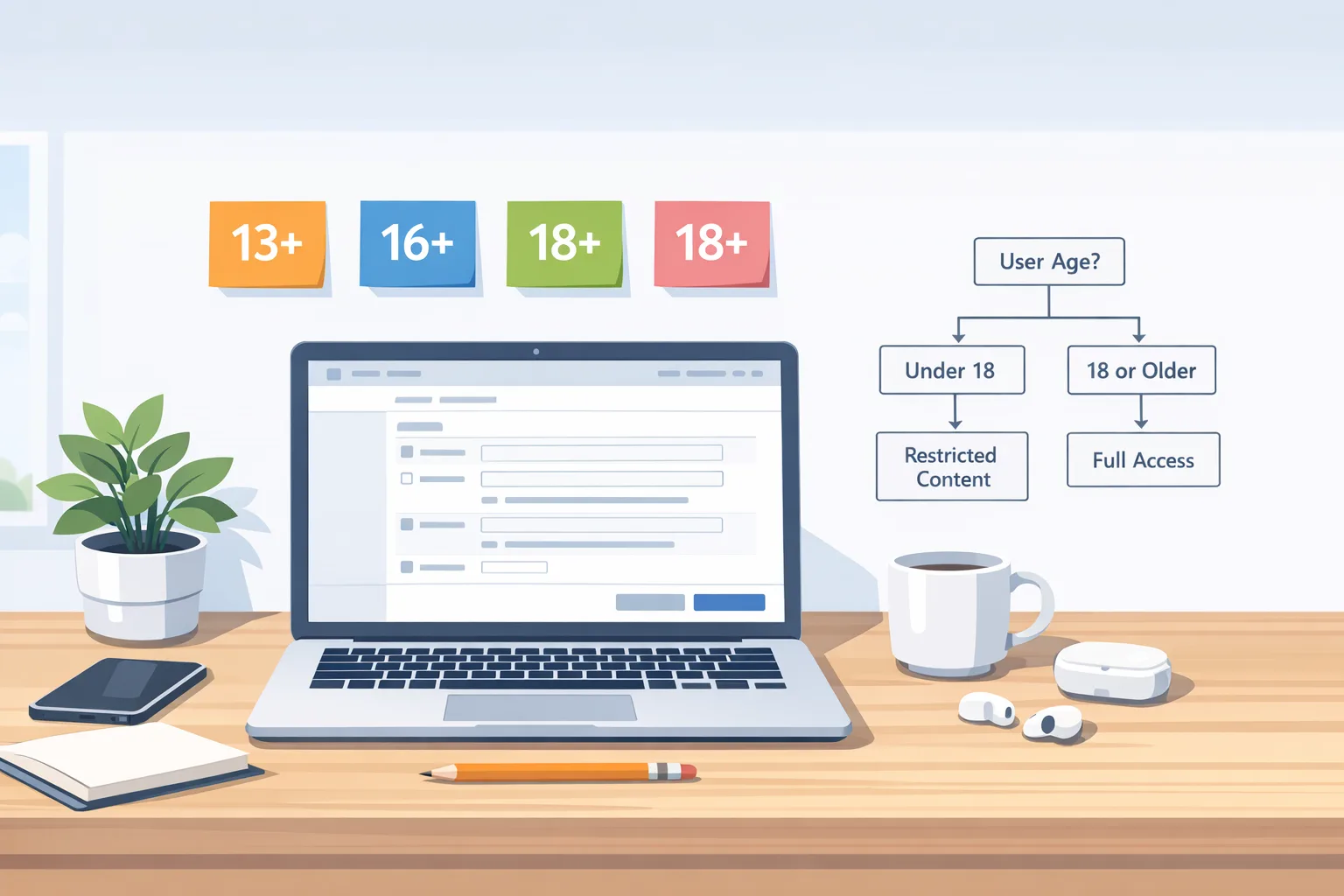
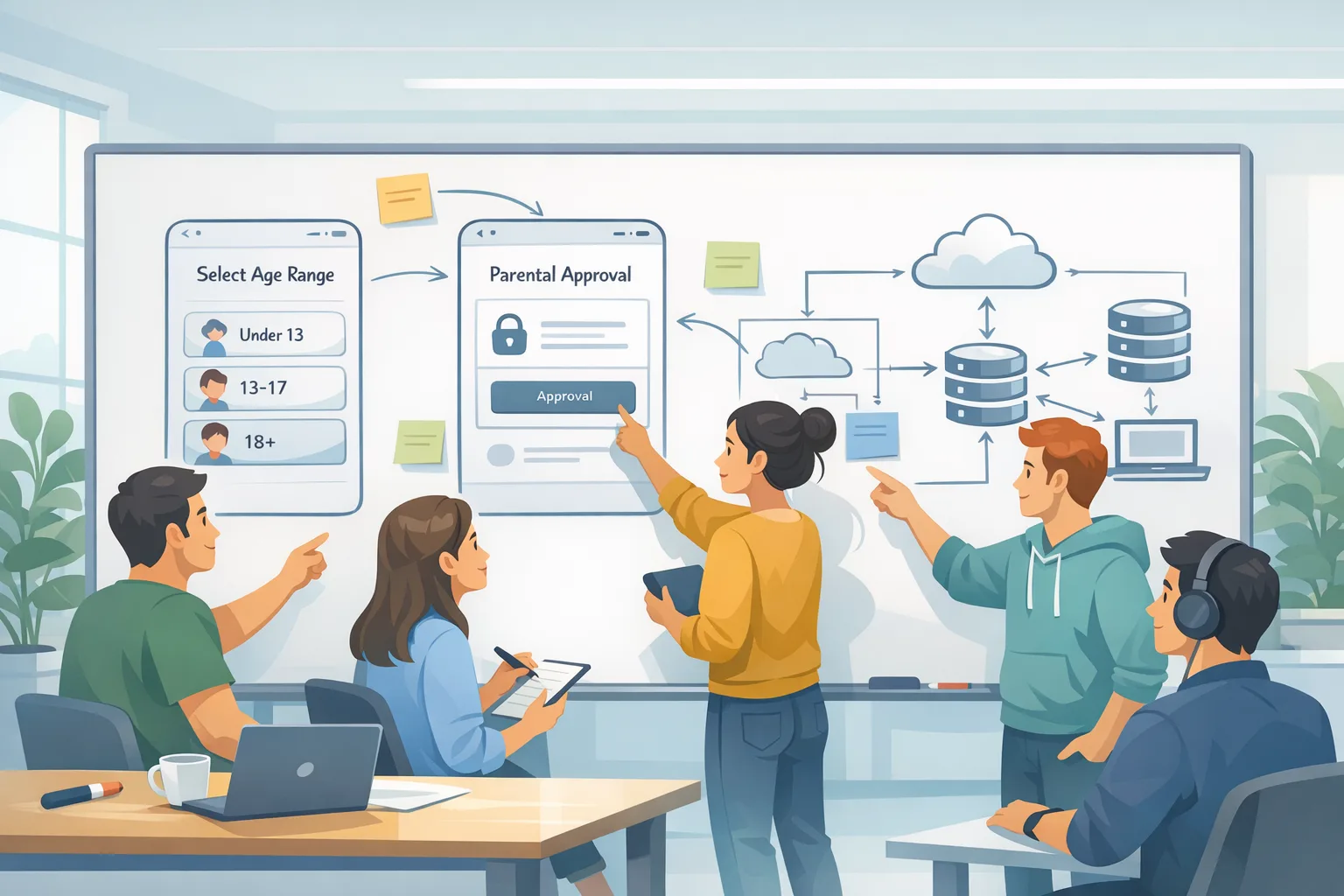
Two adjacent compliance items are converging with this change. First, Google Play’s Age Signals API usage rules tightened on January 1, 2026. If you use Age Signals, it can only inform the in‑app experience for the receiving app; cross‑app profiling is out. Second, Apple’s revamped App Store age ratings (13+, 16+, 18+) and updated questionnaires have a January 31, 2026 deadline for developers to avoid update blocks. Both affect your release calendars, consent flows, and store listings. (developer.android.com)
If your product targets families or teen audiences, make the privacy and safeguards work visible in your store pages and onboarding. For cross‑platform teams, align taxonomy (content categories, parental controls) once, then implement per‑store specifics so you’re not re‑arguing definitions in code reviews every sprint. For more detail on practical compliance rollout, see our guide on shipping Age Signals and App Store ratings without delays.
Risk hotspots and how to defuse them
Namespace squatting: If you teased an off‑Play package name but never shipped it, claim it early. Don’t let a partner or contractor register it first—unwinding that is painful.
Key custody drift: Teams that migrated to Play App Signing sometimes left the off‑Play cert in a developer’s laptop or a legacy Jenkins box. Do a key discovery pass this week and move anything sensitive into your KMS or HSM.
Auto‑registration gaps: Google expects to auto‑register the vast majority of Play apps, but a small percentage will still require manual steps. Track your “exceptions” list and schedule owners—don’t assume your most important SKU is in the carefree bucket. (developer.android.com)
Policy whiplash: If you also ship on iOS, the new age‑rating questionnaire is non‑optional by January 31, 2026. Tighten your governance so your privacy, security, and compliance changes move in lockstep across platforms and stores. (9to5mac.com)
Let’s get practical: a one‑page implementation plan
Use this as your internal memo to unblock engineering and product.
Week 1: Assign an owner; inventory apps, package names, and signing certs; confirm which apps are Play‑only vs. off‑Play; open ADC if needed; start identity paperwork. Create a tracked list of packages to pre‑register.
Week 2: Complete identity verification; pre‑register new packages; stage ownership proofs for existing ones; add CI checks to validate registered fingerprints and block unregistered package builds.
Week 3: Run install tests on Android 16 QPR2 devices; use the adb developer verification command to simulate failure states; draft user/IT comms for September regions; confirm vendor and partner readiness. (android-developers.googleblog.com)
Week 4: Conduct a key rotation fire‑drill; document break‑glass procedures; finalize your “exceptions” list for Play auto‑registration; book a freeze window around your first ADC registrations so you’re not merging risky changes mid‑process. (developer.android.com)

FAQ for engineering managers
What breaks on September 2026 if we do nothing? In the four initial markets, installs on certified devices will be blocked if the app isn’t registered to a verified developer. That includes direct downloads from your site. Existing installs aren’t guaranteed safe either—plan for update paths. (developer.android.com)
Will developer verification slow down releases? The identity step is front‑loaded. After that, package registration is a one‑time task per package/key. Build guardrails into CI to keep day‑to‑day releases smooth.
How do we educate our IT buyers and enterprise admins? Give them a simple matrix: certified devices + region + install source. Provide a signed statement that your packages are registered and verified, with cert fingerprints and a link to your support article.
Where Bybowu can help
We’ve guided teams through app signing migrations, store policy changes, and fast‑moving security requirements across Android and iOS. If you need a partner to audit your keys, register packages, or retool CI/CD, our services team can help. We’ve also published deep dives on related topics: a hands‑on primer to pass Android developer verification and ship, and the realities of Google Play external links, fees, and APIs in 2026. For families/teen‑focused apps, don’t miss our practical guide to App Store age ratings and Play Age Signals.
What to do next
1) Assign an accountable owner and finish identity verification paperwork. 2) Inventory and register package names tied to the correct signing keys. 3) Add CI/CD checks to block unregistered packages and fingerprint mismatches. 4) Test install flows on Android 16 QPR2 with simulated verification outcomes. 5) Publish clear instructions for customers and IT admins in the September enforcement regions—and keep them updated through 2027’s global rollout. (android-developers.googleblog.com)

Shipping software is hard enough without policy roulette. By tackling verification and registration now, you’ll turn September’s deadline into a non‑event—and you’ll come out with cleaner keys, stronger release hygiene, and fewer last‑mile surprises for users.



Comments
Be the first to comment.