Android 17 Beta: What to Fix Before You Ship
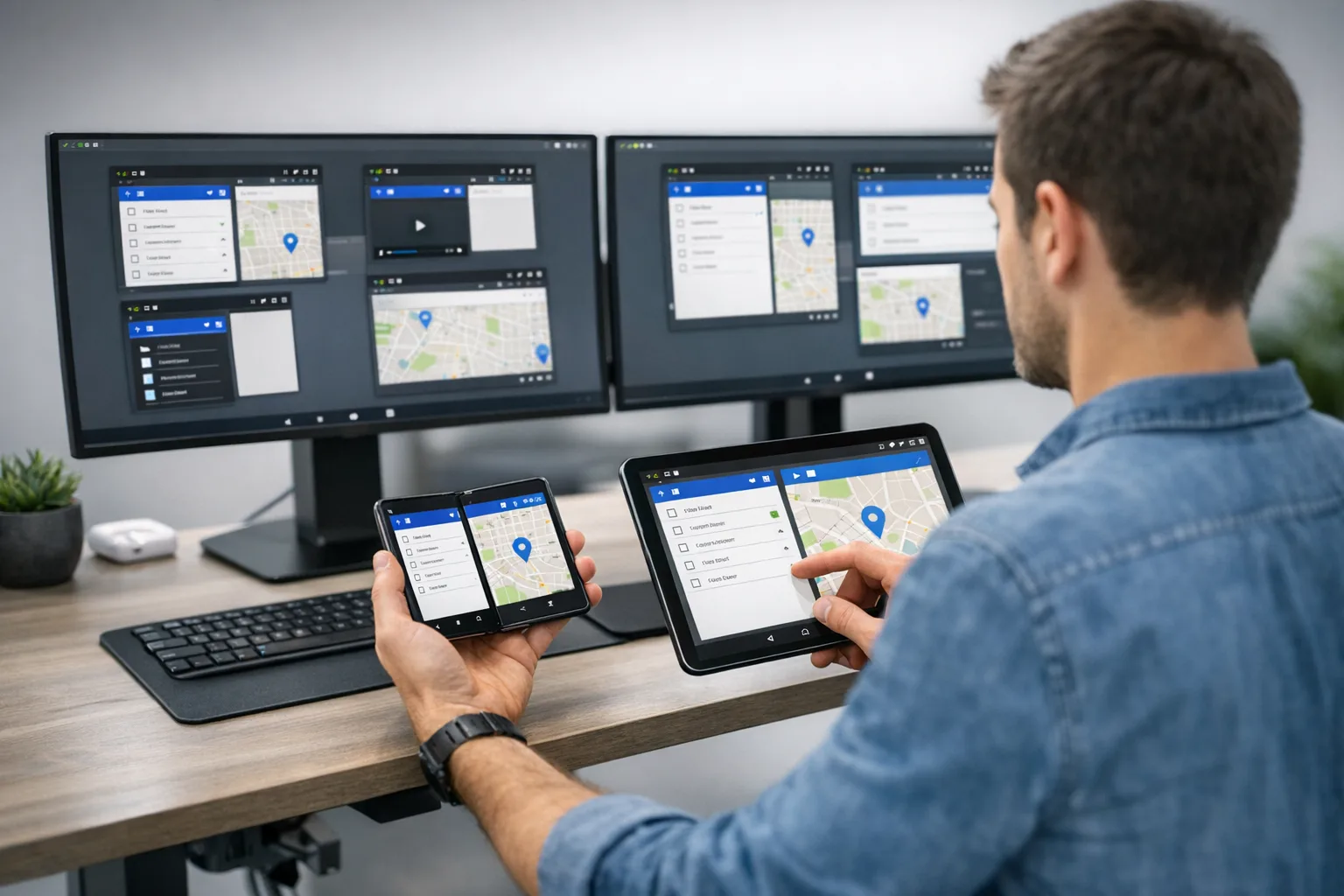
Android 17 Beta arrived on February 13, 2026, and it’s not a “nice to have” preview. Android 17 Beta changes how your app behaves on tablets and foldables, rewires a few performance fundamentals, and tightens media and audio behavior. With platform stability targeted for March and a Q2 release that includes the planned app‑facing changes, the clock is already ticking. If your roadmap touches large screens, camera, playback, or smoothness, start now.
Here’s the thing: the Android 17 Beta cycle also debuts the Canary channel that replaced the old Developer Preview cadence. That means features hit Canary earlier, and what you see in Beta is closer to final. Use that to your advantage—test against Beta for user‑visible behavior, and keep Canary in CI for early warning on API or policy shifts.
Android 17 Beta at a glance
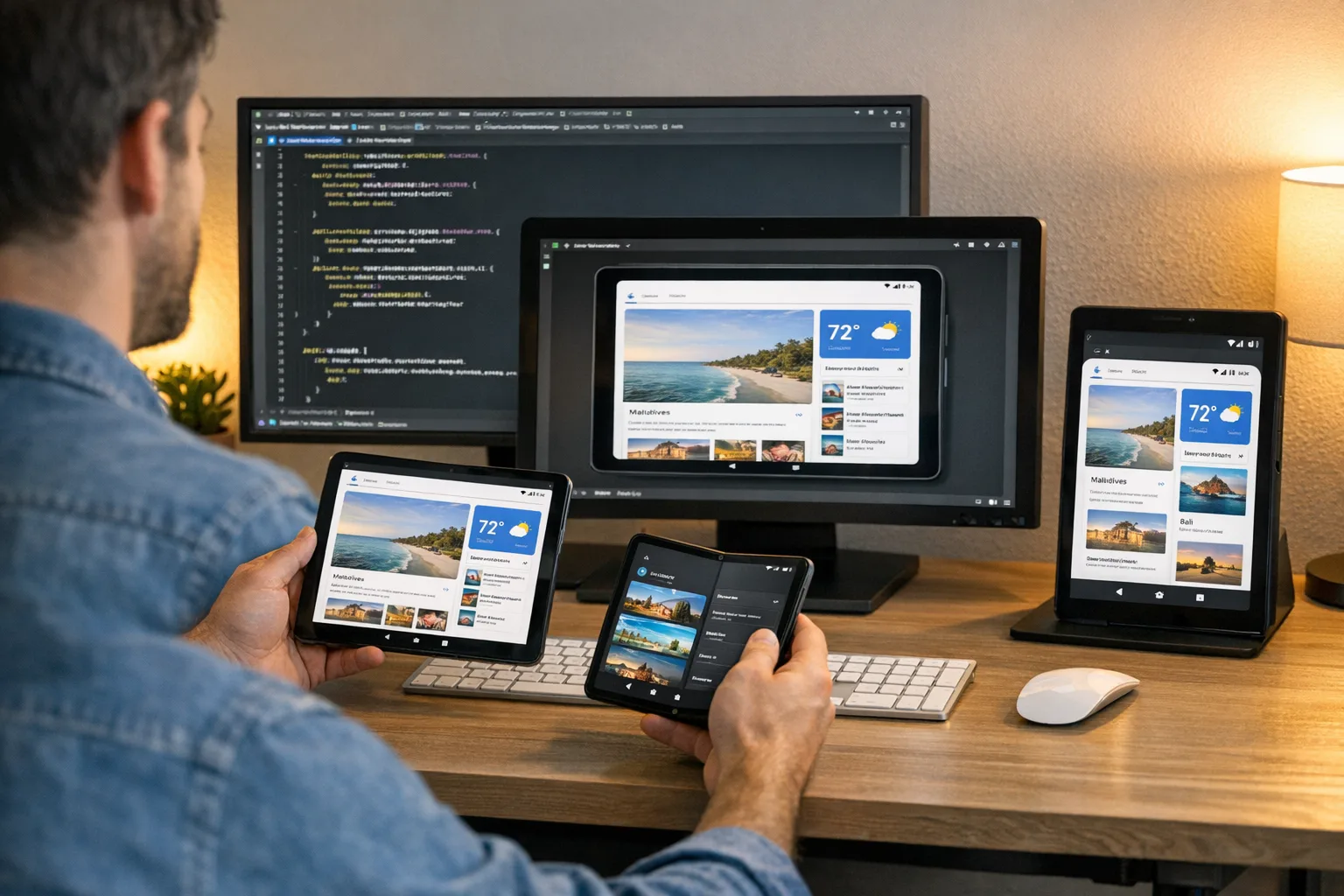
To set expectations, here are the headline shifts you’ll actually feel in the product:
• Large‑screen app rules graduate: targeting Android 17 (API 37) removes your opt‑outs for orientation, aspect ratio, and resizability on displays with a smallest width of 600dp or more.
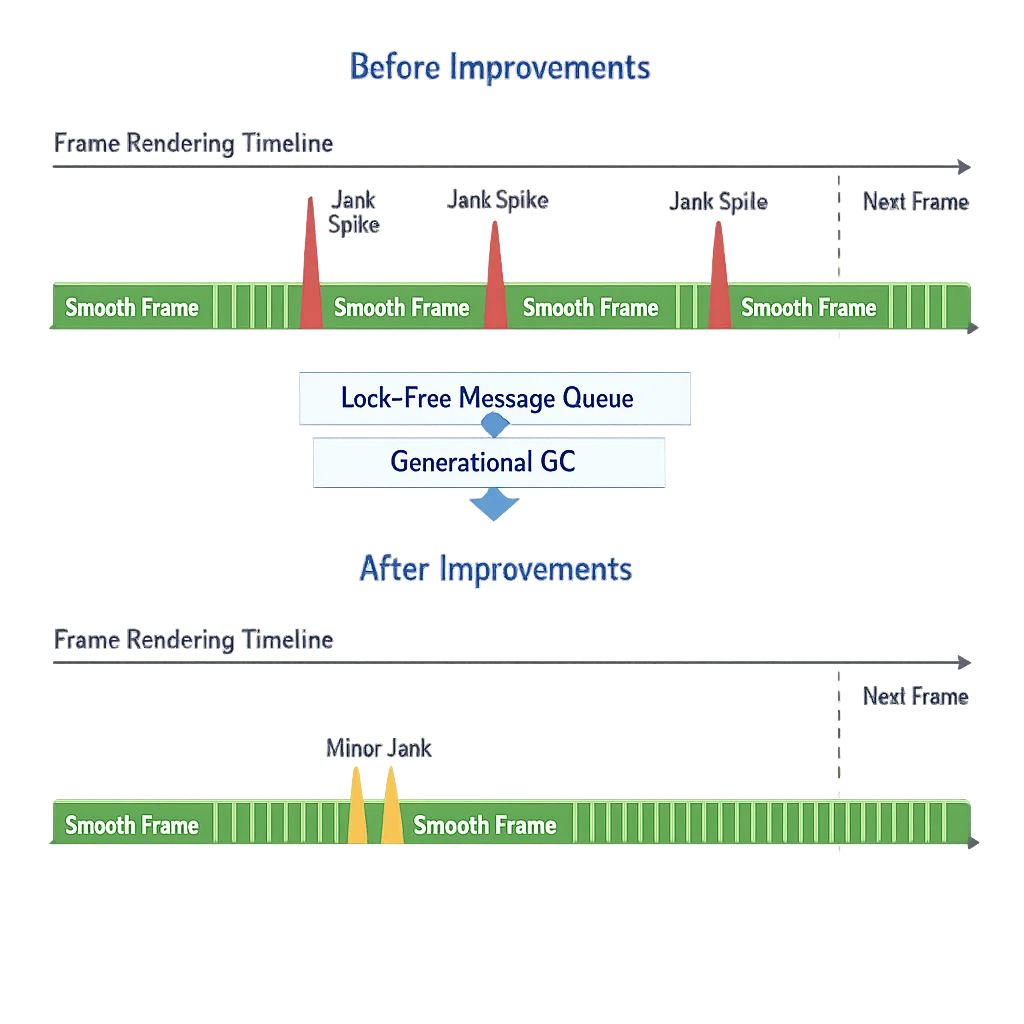
• Performance plumbing gets faster: a lock‑free MessageQueue plus generational garbage collection in ART reduces jank and CPU use.
• Media stack levels up: VVC scaffolding lands, a constant‑quality mode for video recording arrives, and camera sessions can update outputs dynamically for smoother transitions.
• Background audio is hardened: calls to playback, audio focus, and volume APIs made from the wrong lifecycle state will now fail (often silently) instead of “mostly working.”
• Security/privacy posture tightens: cleartext defaults are stricter when you target 17, and new cryptography and connectivity capabilities are in play.
Android 17 Beta: the large‑screen rule you can’t dodge
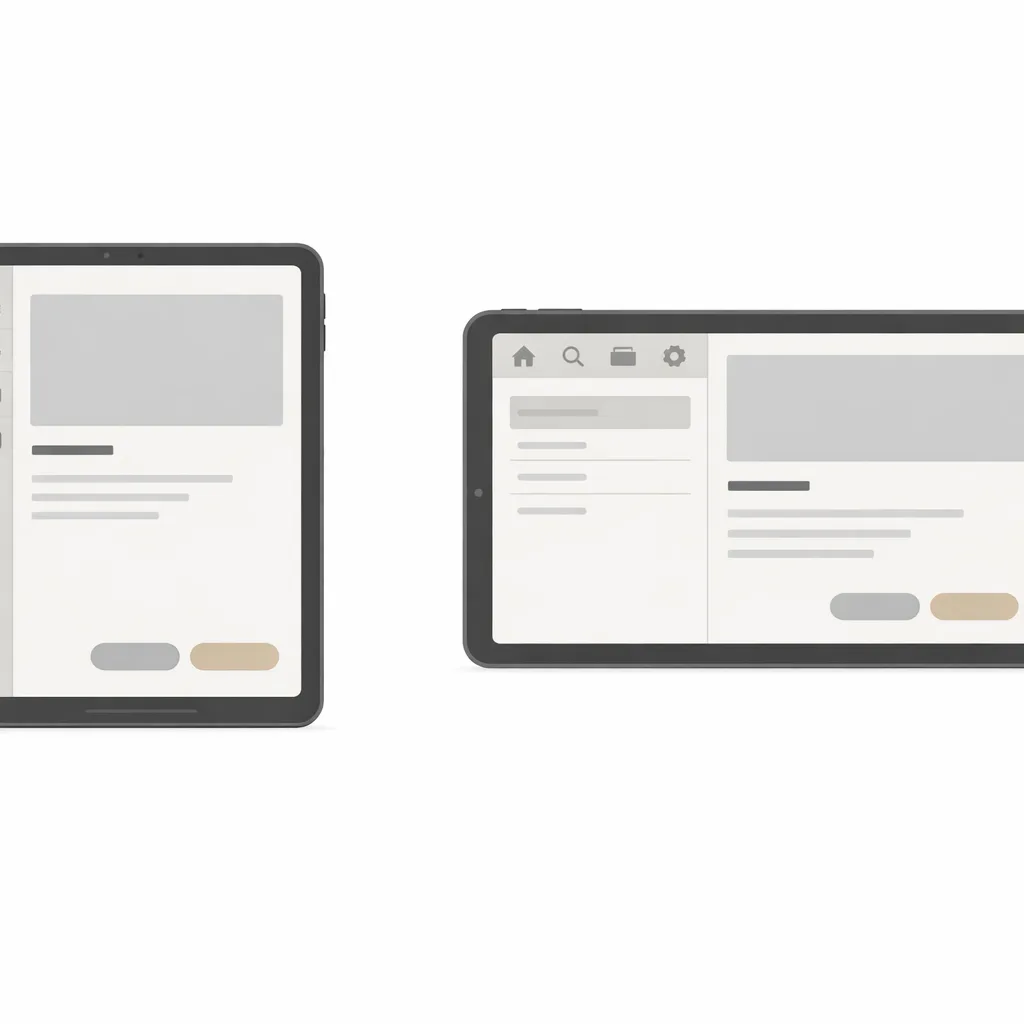
Let’s get practical. On tablets, desktop windowing, and unfolded inner displays, Android 17 enforces adaptive behavior. If you target API 37, Android will ignore your old crutches on sw≥600dp screens: manifest orientation locks, setRequestedOrientation(), aspect‑ratio hacks, and resizeableActivity workarounds. Users expect your UI to fill the window and respect posture; the platform now ensures it.
What’s exempt? Two things. One, phones and smaller canvases below 600dp smallest width keep the previous behavior, so your portrait‑only flows on a typical handset aren’t forcibly flipped. Two, titles categorized as games via the manifest flag are exempt from these overrides on large screens. Everyone else needs a window‑aware UI.
People also ask: Does Android 17 force landscape or portrait on tablets?
Neither. It forces you to adapt to both. Your app can no longer insist on one orientation on large screens. Compose and View‑based UIs must be posture‑aware and handle rotation without letterboxing or stretched layouts.
How do I retrofit an existing app quickly?
Start with window size classes and canonical breakpoints, then target your layout primitives. In Compose, use WindowSizeClass, Modifier.windowInsetsPadding, and responsive containers like NavigationRail and AdaptiveLayoutScaffold. In Views, lean on SlidingPaneLayout, multi‑pane fragments, and resource qualifiers (sw600dp, w960dp) to introduce an additional pane, denser lists, or split detail surfaces. Keep navigation topologies consistent between orientations.
Performance wins you can actually measure
Two platform changes matter on day one of profiling: a lock‑free MessageQueue and generational GC in ART. The lock‑free queue reduces contention on the main thread’s message dispatch, cutting missed frames in busy UIs. If your app uses reflection against MessageQueue internals (risky and rare, but it happens), expect breakage. Remove those hooks now.
Generational GC introduces frequent, cheap young‑gen collections alongside full‑heap cycles, which lowers CPU spikes and tail latencies. The best part is reach: ART improvements ship via Play system updates to a huge slice of devices on Android 12 and up, so you aren’t just optimizing for a future flagship—you’re stabilizing your install base.
People also ask: Will generational GC change my memory budget?
Your budget doesn’t shrink, but the pattern of pauses changes. Shorter, more frequent minor GCs can expose latent allocation hot spots. Use Allocation Tracking and Perfetto to catch churn in lists, image pipelines, and chat timelines. Pool wisely; don’t fight the collector with excessive object reuse that complicates code.
Static finals are truly final
Targeting Android 17 makes “static final” fields immutable at runtime. Reflective writes now throw, and JNI setters will crash. If you’re patching flags for tests or flipping constants in SDKs you don’t own, rework those strategies to use dependency injection or build‑time config.
Media and audio: smoother camera, smarter encoding, stricter background rules
On the camera side, Android 17 lets you update capture session outputs without a full reconfigure. Translation: you can switch modes or lenses with fewer freezes and less memory overhead. Paired with expanded logical multi‑camera metadata, zoom transitions and pro workflows get less fragile.
For video, constant‑quality (CQ) recording gives you a lever beyond bitrate to hold visual quality steady under motion or texture. And while Android 17 adds VVC support in the framework—MIME type, profiles, and extraction—the reality check is that decode depends on OEM hardware and drivers. Treat it as future‑proofing rather than a flip‑the‑switch feature on day one.
Audio is where many apps will get tripped up. Android 17 hardens background audio behavior. Calls to playback, volume, or audio focus from the wrong lifecycle state will fail—often silently. If your player previously “worked” after a background transition thanks to permissive behavior, that’s gone. Update lifecycle guards, foreground service usage, and user‑initiated actions so audio changes happen intentionally.
People also ask: Why did our audio stop after moving the app to background?
Because the framework now rejects that call path unless the user initiated it or your app is in a valid lifecycle state. Add visibility checks, ensure you’re using the right service types, and log failures. If you see AUDIOFOCUS_REQUEST_FAILED, you’re hitting the new rules.
Security and privacy: fewer surprises in review
Behavior and policy enforcement keep tightening. In 2025, Google says it stopped over 1.75 million policy‑violating apps from reaching Play and banned more than 80,000 bad developer accounts. Play Protect now scans hundreds of billions of apps daily and flagged tens of millions of malicious sideloaded APKs last year alone. What does that mean for you? Two things: build compliant patterns into code early, and expect reviews to catch sloppy permission or network decisions.
On the platform, usesCleartextTraffic is deprecated. When you target Android 17 and leave cleartext “on” without a network security config, you should expect a stricter default that blocks plaintext. Ship a networkSecurityConfig for explicit control, pin TLS where it matters, and keep test servers whitelisted via debug‑only configs.
A 10‑day Android 17 Readiness Sprint
You don’t need a rewrite. You need a focused sprint. Here’s a pragmatic sequence my teams use when a platform beta brings real behavior changes.
Day 1–2: Baseline and breakpoints
• Update a trunk branch to target the Android 17 preview SDK in a CI lane. Run smoke tests on a tablet emulator and a foldable in both orientations.
• Adopt window size classes and define your large‑screen breakpoints. Capture the top five “broken” screens with screenshots and notes.
Day 3–4: Navigation and panes
• Decide where a second pane adds value: list–detail, editor–preview, or chat–info. Use Compose’s adaptive patterns or SlidingPaneLayout in Views.
• Replace orientation locks with responsive containers. Remove setRequestedOrientation() calls in UI code paths.
Day 5: Input, insets, and posture
• Verify keyboards, IME insets, and pointing devices across orientations. Make sure focus order and scroll positions persist during rotation.
• On foldables, handle posture changes without popping activities or losing media playback.
Day 6: Media and audio
• For camera apps, prototype dynamic session output updates. Measure resume time after a mode switch and track dropped frames.
• For audio, add lifecycle assertions and user‑intent guards around playback and volume changes. Log and surface failures during QA.
Day 7: Performance profiling
• Profile frame timing on busy surfaces to quantify the lock‑free queue and generational GC gains. Expect fewer long tails but new hotspots in allocation‑heavy recyclers.
• Use the new profiling triggers to capture cold starts and OOM conditions.
Day 8: Networking and policy hygiene
• Add or tighten networkSecurityConfig. Strip stray http URLs and migrate legacy analytics or ad SDKs still attempting cleartext calls.
• Audit permissions. Remove stale declarations and justify any high‑risk ones in code comments and release notes.
Day 9: UX polish on big canvases
• Tune density, hit targets, and typography for desk‑sized windows. Don’t just stretch phone UIs—add information density where it pays off.
• Adopt a NavigationRail or table‑optimized controls where appropriate. Verify that gestures and edge swipes don’t fight with system affordances.
Day 10: Beta channel and rollout plan
• Ship an internal beta via Play and recruit tablet/foldable testers. Track crash clusters related to reflection, JNI writes to finals, or audio focus failures.
• Document what you’ll lock in by the platform stability milestone in March and what can ride the Q2 app‑breaking change window.
Common edge cases you should test this week
• Activity recreation: Android 17 no longer restarts activities for several configuration changes by default. If you depended on an automatic restart to reload resources, opt into the new recreate‑on‑config‑changes behavior for specific keys.
• Custom notification views: size limits are enforced more tightly. If you were sneaking around caps via URIs, expect memory pressure or truncation.
• Reflection on private Android internals: besides MessageQueue, audit any reflection of framework classes; the Beta may already block those assumptions.
Shipping reality: what matters for PMs and founders
Zooming out, why should leadership care? Because Android 17 Beta turns large screens from “best effort” to “user expectation.” Tablets, foldables, and desktop windowing aren’t fringe anymore. If your app looks half‑finished on a tablet in Q3, you’ll bleed reviews and enterprise deals. The performance and media enhancements, while technical, translate to fewer visible jank spikes, cleaner zoom transitions, and steadier recordings—stuff users notice without reading a changelog.
There’s also compliance risk. Play’s review pipeline is catching more violations earlier, and background audio hardening wipes out a class of “it worked on my device” bugs. The cheapest time to fix is during Beta while you still have design runway.
What to do next
• Stand up a large‑screen “fix squad” for two weeks with design and QA in the room.
• Add one Pixel Tablet and one foldable to your device lab; keep a handset for parity checks.
• Create a CI lane that runs Android 17 Beta and Canary instrumentation tests nightly.
• Allocate engineering time to remove orientation locks and replace them with adaptive layouts.
• Schedule a performance pass using Perfetto and the new profiling triggers.
• Review networking and audio code for new defaults and hardened behavior.
Further reading and help
If you want a deeper dive into the large‑screen rules, our breakdown of the new orientation and resizability overrides pairs well with this guide. For a concise checklist you can paste into your sprint board, use our developer‑focused summary. If you’d rather have an expert team execute, we scope and ship these migrations regularly.
• Read our explainer on the new large‑screen rules in Android 17: What the large‑screen rules actually change.
• Grab the practical developer checklist: Android 17 Beta developer checklist.
• Need a partner to accelerate the work? See how we operate: Product engineering and mobile services and get in touch via contact us.
Android 17 Beta isn’t just another preview. It’s the moment Android turns the large‑screen corner while slipping in hardening and performance gains that reduce long‑tail crashes and jank. Make the fixes now, and you’ll feel the difference in user reviews, retention, and support queues later this year.


Comments
Be the first to comment.