App Store Age Verification in 2026: What Changes Now
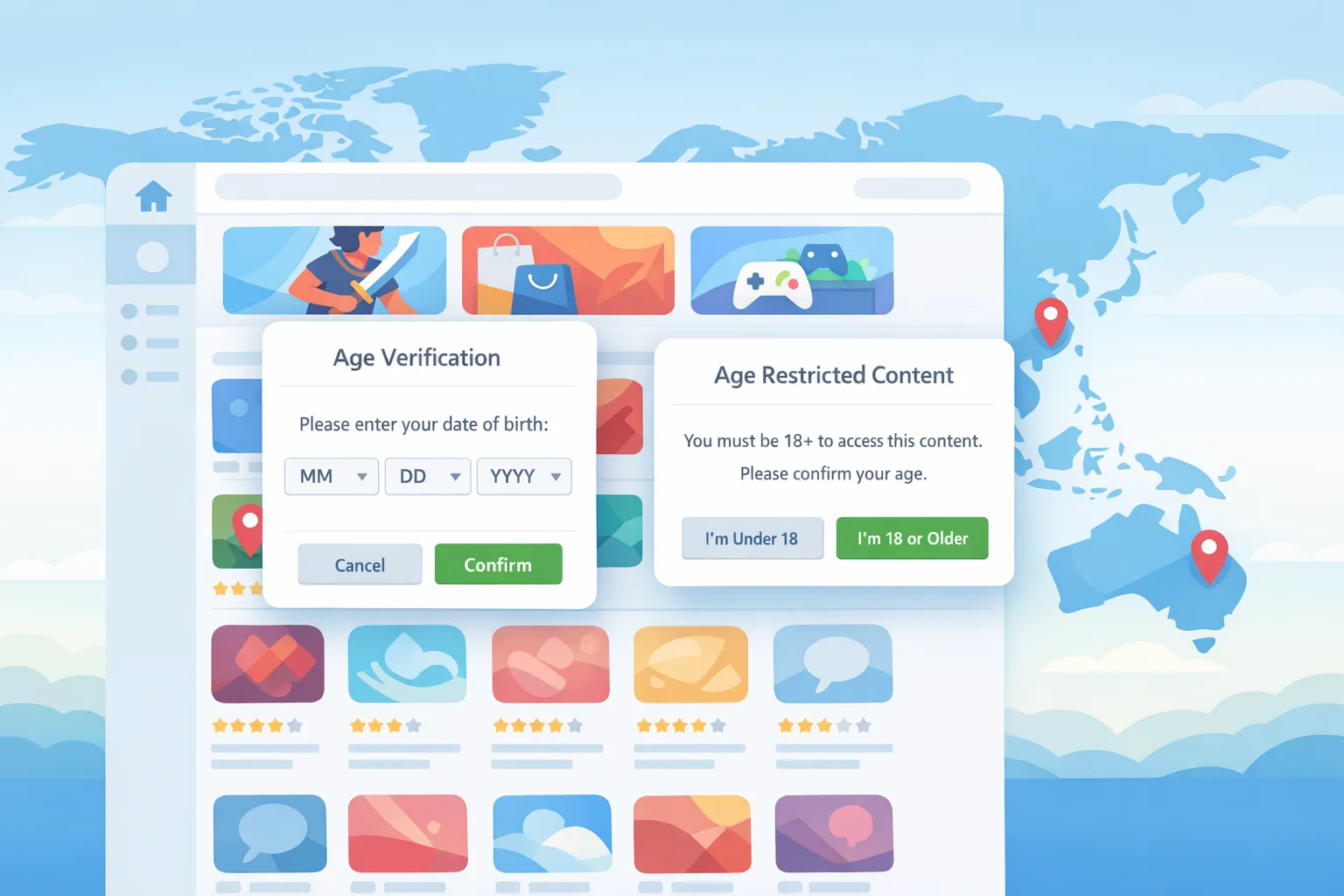
App Store age verification just got real. As of February 24, 2026, Apple is actively blocking 18+ downloads in Australia, Brazil, and Singapore unless the user’s age is confirmed, and it expanded developer-facing signals through the Declared Age Range API. In the U.S., Utah starts sharing age categories for new Apple accounts on May 6, 2026, with Louisiana following on July 1, 2026. If you ship anything with adult‑only features, loot boxes, or teen‑sensitive communities, these changes hit your roadmap this week.
What actually changed on February 24, 2026
Here’s the thing: Apple isn’t waiting for you to build an age gate. It’s now applying regional obligations at the storefront and giving you programmatic signals to finish the job inside your app. The practical effects:
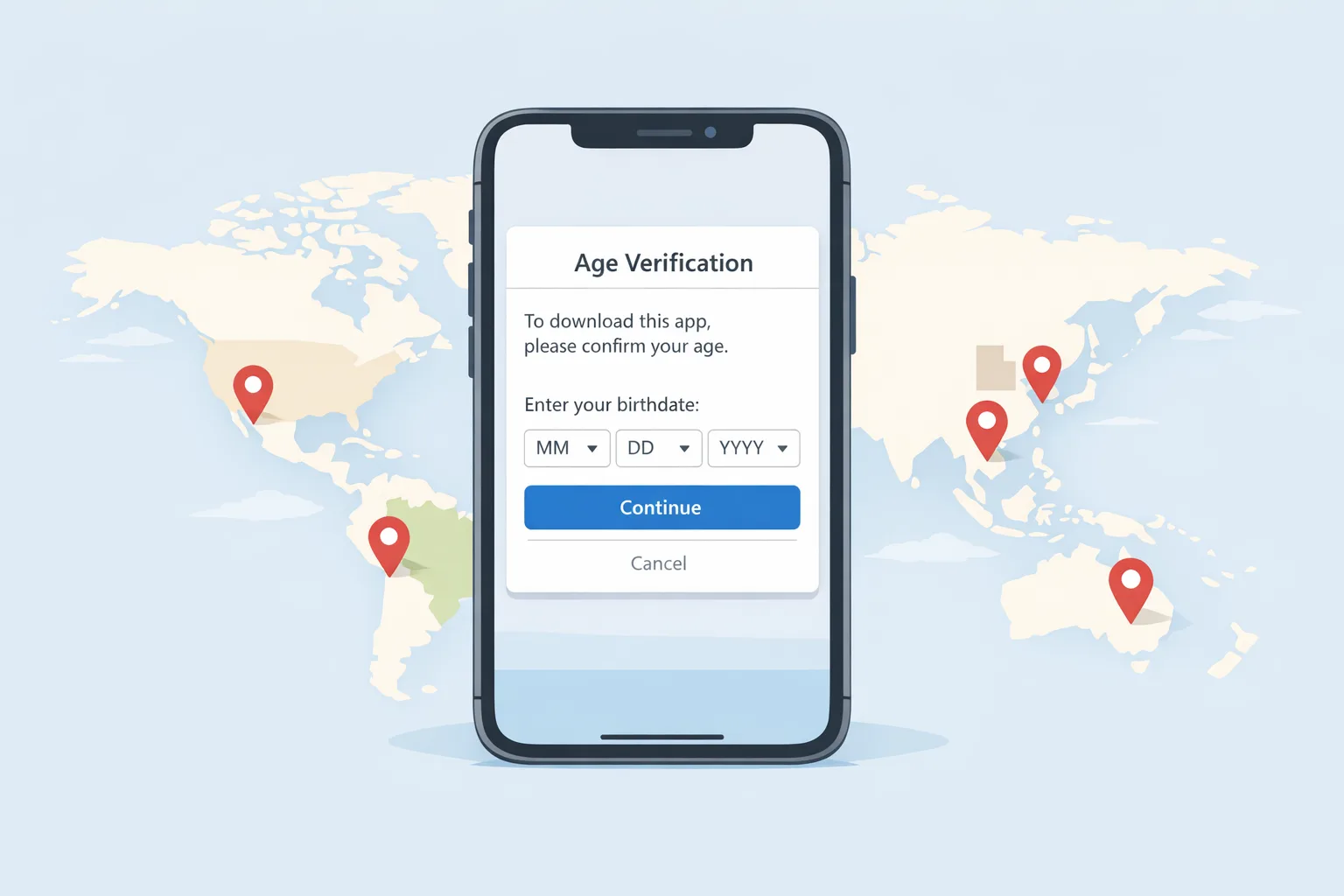
- In Australia, Brazil, and Singapore, 18+ apps require age confirmation before download. Apple can verify automatically; if not, users may be prompted to confirm via reasonable methods.
- In Brazil specifically, apps with loot boxes are treated as 18+. Expect rating updates that affect visibility and acquisition in that storefront.
- Utah (May 6, 2026) and Louisiana (July 1, 2026) will share a user’s age category with your app when requested through the Declared Age Range API for new Apple accounts in those states. You still decide how to gate features.
- The Declared Age Range API now carries more context: whether age‑related regulations apply to the current user, whether parental controls are in play, whether you must block a “significant update” pending parental acknowledgement, and how the age was confirmed.
Translation: onboarding, feature flags, and update flows must branch on these signals. If you maintain one monolithic experience for all regions, this is your cue to modularize.
How App Store age verification works (and what it doesn’t do)
Apple can often confirm a user’s age automatically (for example, via payment and account signals). When it can’t, the user may see a system prompt to confirm adulthood using acceptable methods. That covers download eligibility in certain storefronts. Inside your app, you’re still responsible for honoring regional rules: preventing under‑18 access to restricted features, gating significant updates to kids, and recording parental acknowledgement where required.
Does this mean you can delete every in‑app age prompt? Not quite. Apple’s verification governs access to the app and shares a category or band through the API. Your legal obligations—and your UX—may still require an in‑app check when you enable risky features (e.g., livestreaming, UGC discovery, 1:1 messaging, gambling‑adjacent mechanics).
Do I still need my own age gate if Apple verifies?
In many cases, yes. Apple’s storefront checks and the Declared Age Range API give you authoritative signals, but you still must prevent access to restricted features and handle parental consent for significant updates. Think of Apple as the identity backbone; your app remains the policy enforcement point.
Declared Age Range API: what you get back
The Declared Age Range API doesn’t give you a birthdate. It returns an age band (for child accounts shared by a parent) or an age category (for regions where Apple verifies the account holder’s age and shares a category directly). You can also check:
- Is this user in a region with age‑related obligations?
- Is parental control enabled, and do I need parental acknowledgement for a significant update?
- Was the age category confirmed and by what method class (e.g., Apple‑confirmed adult)?
Critically, these are privacy‑preserving signals. You don’t need to store DOB. You do need to adapt business logic. Typical patterns we’re implementing for clients:
- Feature flags keyed by age category (child, teen 13+, teen 16+, adult/18+), with localizable copy for each rule.
- Server‑enforced entitlements derived from the API result to avoid client tampering.
- “Significant update” intercept: pause access, notify parent/guardian, and resume after acknowledgement.
If you haven’t already, add sandbox tests for edge cases: a user turning 18 mid‑subscription, a parent revoking sharing, and a teen traveling from a non‑obligated region to an obligated one.
The 30‑Day Compliance Plan for 18+ and teen‑sensitive apps
Let’s get practical. Use this accelerated plan to ship with confidence without cutting conversion.
Week 1: Inventory and policy mapping
- Audit features that attract regulation: UGC creation, direct messaging, livestreaming, gambling/loot boxes, explicit communities, or adult content.
- Map regions to rules: Australia/Brazil/Singapore (18+ download restrictions now), Utah (May 6), Louisiana (July 1). Identify whether your current user base or growth markets overlap.
- Decide your gating model. Options: (a) app‑level gate at first run; (b) feature‑level gates triggered contextually; (c) hybrid (recommended).
- Document data flows. You should not store DOB. Plan to retain only the API’s category and the minimal event log necessary to prove compliance.
Week 2: Implementation and flags
- Integrate the Declared Age Range API. Read values at first launch, on resume, and before sensitive features. Cache minimally and re‑check on meaningful events (e.g., app update, region change).
- Add server‑enforced entitlements: grant capabilities based on the category; fail closed on unknowns.
- Build the “significant update” path: if a child uses your app, block gated features, display required copy, send the parental acknowledgement, and resume only on success.
- Localize copy for Brazil’s stricter stance on loot boxes and for storefront‑specific language around 18+ content.
Week 3: QA, sandbox, and analytics
- Test flows for: new adult; new teen 16+; new teen 13+; child with/without parent sharing; returning user aging into adult; user moving regions.
- Create synthetic checklists for App Review: where the API is called, how you respond, and sample screenshots of gating and parental acknowledgement.
- Instrument drop‑off. Tag events for age‑gate impressions, success/failure, and time‑to‑completion to fine‑tune microcopy later without loosening compliance.
Week 4: Rollout and playbooks
- Ship to 5–10% with server‑side kill switches. Verify crash‑free sessions and conversion deltas within pre‑defined bands.
- Prepare support macros explaining the new gates. Train moderators to escalate parental acknowledgement issues quickly.
- Document a triage path: if the API becomes unavailable, fail closed for high‑risk features but allow benign browsing where permitted.
Edge cases and gotchas you’ll hit
Loot boxes in Brazil. If your game includes loot boxes, plan for a storefront age rating of 18+ in Brazil. Expect discoverability changes and marketing placement impacts. You may need to move monetization away from chance‑based mechanics for the Brazilian market or separate SKUs.
Significant updates for kids. Apple’s signals inform when you must block access until a parent acknowledges. Build this path once and re‑use it—copy, logging, and UI should live next to your account‑security and billing flows, not as an afterthought.
New vs. existing accounts in U.S. states. Utah and Louisiana share categories for new Apple accounts starting May 6 and July 1, 2026, respectively. You’ll still see mixed states for existing users. Keep your feature gates consistent regardless of source.
Don’t store what you don’t need. Keep only the category and a timestamped decision record. If you’re tempted to snapshot IDs, reconsider. Data minimization isn’t just good hygiene—it’s now table stakes.
Android parity. On Google Play, you won’t get Apple’s API, but you do have clear policy boundaries. If you maintain feature parity across platforms, implement your own platform‑agnostic age entitlement service so you don’t fork business logic per OS. Our Android readiness guide covers how to stage risky changes through internal testing tracks and policy reviews.
If you’re coordinating iOS pipeline changes with tooling upgrades, our iOS release readiness guide can help align build tooling, signing, and review timelines so compliance work doesn’t collide with your next feature launch.
For deeper tactical guidance, see our focused write‑up on building compliant flows and minimizing conversion loss. We cover copy that reduces abandonment, instrumentation to spot false negatives, and fallback paths.
Data retention and the latest regulatory signal
Two days ago, U.S. regulators signaled they won’t prioritize COPPA enforcement against companies that collect limited data strictly to verify age—provided the data is secured, used only for age checks, deleted promptly, and not shared beyond what’s necessary. That doesn’t give you a free pass; it clarifies the safer lane. If you do any on‑device scanning or third‑party checks, ensure you can prove deletion and scope limitation.
What does this mean alongside Apple’s tools? Prefer the Declared Age Range API over home‑rolled DOB collection. If you must verify independently (for example, to unlock an 18+ feature in a region where Apple doesn’t share a category), pick the least invasive method, keep the raw artifact only as long as required, and purge it automatically. Build periodic audits into your DevOps routines.
People also ask
What does the Declared Age Range API return—an exact age?
No. You’ll receive a band or category plus context (e.g., whether the age was confirmed, whether parental controls apply). Treat it as an entitlement signal, not PII.
Can I rely solely on App Store age verification for 18+ apps?
Not everywhere. Apple may handle download gating in some storefronts, but you still must gate and log access to restricted features and handle parental acknowledgements for kids.
How do loot boxes affect my Brazil rating?
Apps with loot boxes are treated as 18+ in Brazil. Plan to segment monetization or accept reduced reach in that storefront if you keep the mechanic.
What happens when a teen turns 18?
Refresh entitlements at sign‑in and on app resume. If the category upgrades to adult, unlock previously restricted features automatically and log the change for support visibility.
UX patterns that keep conversion intact
Age gates don’t have to wreck onboarding. Use progressive disclosure: collect nothing until the user initiates a restricted action, then present a single, decisive prompt. Pre‑explain why (“local law requires us to confirm you’re an adult to enable X”). Keep the path binary and short—no dead‑ends, no long forms. If you’re requiring parental acknowledgement for a significant update, surface a clear status (“Waiting on a parent’s OK—check back soon”) and provide limited read‑only access where lawful.
Copy matters. “Because we care about your safety” reads like a wall poster. “Local law requires us to confirm your age to enable real‑time chat” is honest and converts better. Measure it.
Engineering checklist (paste into your tracker)
- Add an entitlement service with inputs: region, Declared Age Range result, and parental status. Outputs: allowed features and a reason code.
- Log decisions with a minimal record (category, region, timestamp, feature). Retain per your data policy; auto‑purge anything not required.
- Build the significant‑update intercept UI with localized copy. Simulate parent acknowledgement in sandbox.
- Create kill switches to disable risky features if the API degrades.
- Write an analytics spec for impression, completion, and drop‑off. Set pre‑ and post‑launch thresholds.

Security and ops: don’t make yourself the data breach
Age checks attract attackers because they often involve identity artifacts. If you must capture anything beyond Apple’s signals, isolate it. Use short‑lived storage with envelope encryption and automatic deletion jobs. Vet third‑party vendors against the basics: SOC 2 scope, data residency control, deletion SLAs, breach history, and remediation timelines. Run a tabletop exercise for “vendor breach—ID artifacts exposed” and ensure you can disable verification without locking out legitimate adults.
What to do next
- Adopt the Declared Age Range API this sprint and wire feature flags to its outputs.
- Implement the significant‑update acknowledgement path for kids before your next major release.
- Run a sandbox matrix for adult/teen/child across the affected regions. Include aging and travel scenarios.
- Minimize and purge. Keep only entitlement decisions and timestamps—no DOB, no scans unless unavoidable.
- Prepare support and moderation playbooks; update your privacy notice to reflect age‑entitlement processing.
If you want hands‑on help, our mobile team can design and implement age‑entitlement flows that satisfy policy without killing growth. See how we approach compliance‑heavy launches on our services page, review shipped outcomes in our portfolio, and, for tactical depth, read our earlier guide: App Store Age Verification: A 2026 Dev Playbook. Planning an iOS tooling refresh in parallel? Skim our practical notes in Xcode 26 Requirement: What Teams Must Do Now, then get in touch and we’ll blueprint your rollout.
Zooming out
The direction of travel is obvious: more jurisdictions, more obligations, and more platform‑level signals. Treat App Store age verification as a durable capability, not a one‑off patch. The teams that win will be the ones that turned compliance into a product discipline—instrumented, localized, tested, and quietly reliable.









Comments
Be the first to comment.