
Xcode 26 Requirement: Your 73‑Day Ship Blueprint
On April 28, 2026, Apple’s Xcode 26 requirement goes live: new uploads to App Store Connect must be built with Xcode 26 (or later) against the iOS 26/iPadOS 26/tvOS 26/visionOS 26/watchOS 26 SDKs. That’s 73 days from today (February 14, 2026). Here’s the thing—if you leave migration to the final sprint, you’ll collide with Swift 6 changes, dependency drift, and store policy gates that block submission. This article gives you a practical, opinionated plan to get across the line without torching your roadmap.
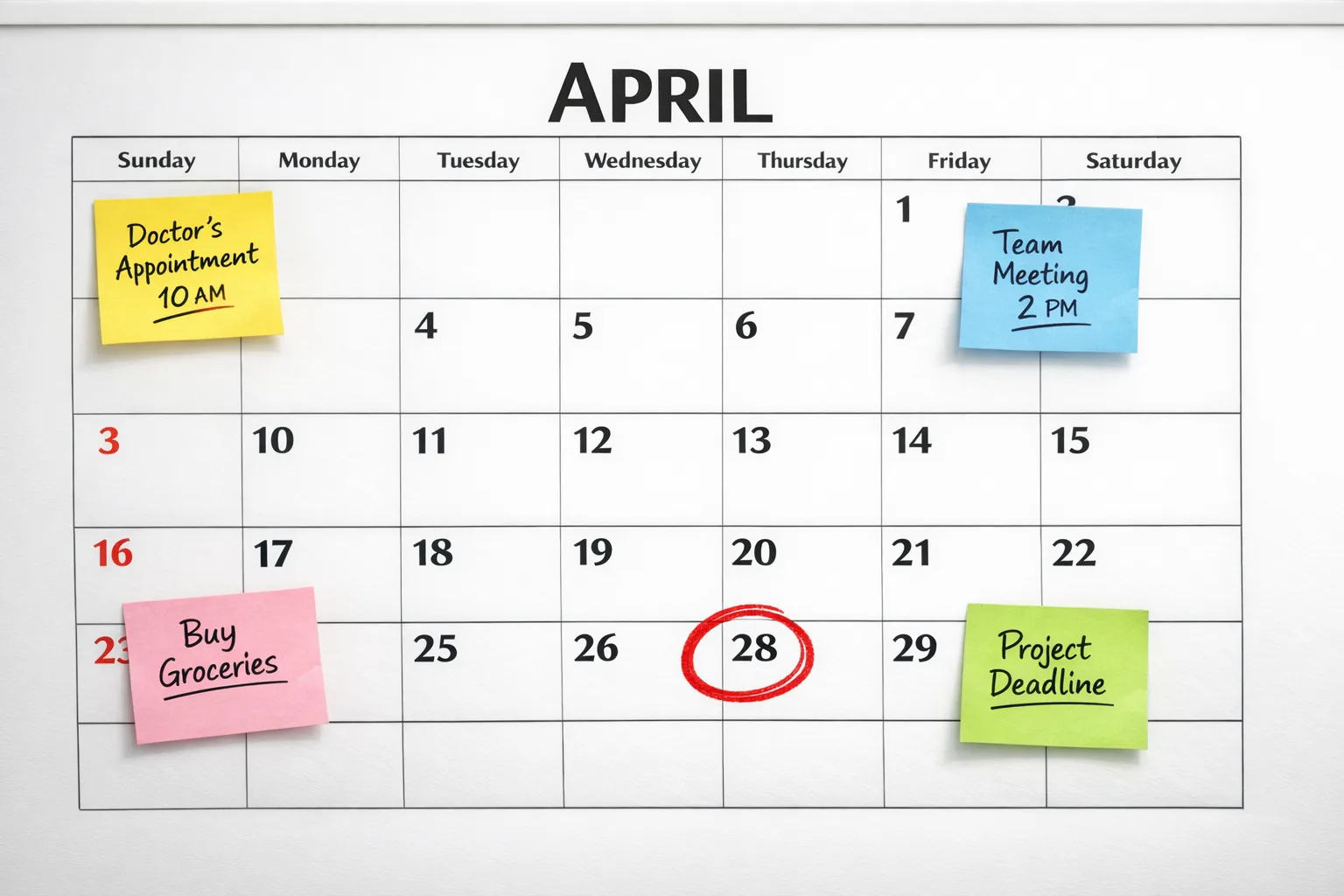
What the Xcode 26 requirement actually means
Starting April 28, 2026, Apple will enforce minimum SDKs for new uploads. Practically, that means your binary must be compiled in Xcode 26+ using the 26‑series SDKs for your platforms. You can usually keep older deployment targets to support legacy OS users, but you compile with the latest SDKs so Apple gets the newest runtime contracts, privacy disclosures, and platform behaviors.
Two adjacent realities now matter as much as the compiler switch: Apple’s updated age‑rating system (live since January 31, 2026) can block submissions if you haven’t answered the new questions; and Xcode Cloud just updated IP egress ranges (February 10, 2026), which can silently break CI in firewalled environments. We’ll hit both below.
The 73‑day ship plan for Xcode 26
I’ve run this playbook with teams ranging from two‑person indies to regulated enterprises. It’s built for shipping while you keep mainline features moving.
Week 1–2: Inventory and unblock the build
Get a clean Xcode 26 build on a branch—don’t chase warnings yet. Your goal is a green compile and a booting app on a device running the latest iOS 26 family.
- Pin toolchains: adopt Xcode 26.2 (or current stable) across the team and CI. Clear DerivedData, update command‑line tools, and ensure the same build number everywhere.
- Audit dependencies: update Swift Package Manager, CocoaPods, or Carthage pins to 26‑compatible versions. Replace unmaintained libs now rather than patching later.
- Kill deprecated APIs that fail to link under the 26 SDKs. Focus on blockers (networking, auth, photos, push, StoreKit, Health, and entitlements).
- Stand up nightly CI against Xcode 26 and the new SDKs; keep Xcode 25 CI for your current release until you cut over.
Week 3–4: Swift 6 without the drama
Swift 6 tightened concurrency and surfaced warnings you could ignore before. The trick is phasing it in rather than flipping all checks at once.
- Scope your concurrency hot spots: background data stores, network layers, and any shared mutable state.
- Adopt “main‑actor first” for UI by annotating view models and controllers. This delivers big stability wins with the least refactoring.
- Turn on stricter checks gradually at the target level. Fix the highest‑leverage Sendable and actor‑isolation issues; don’t chase every last warning.
- Lean on Swift Testing for flaky logic—migrate a few fragile XCTest cases where you need better async diagnostics.
Week 5: Platform quirks, entitlements, and perf
Every major SDK bump has silent shifts. Catch them early.
- Verify new privacy/entitlement prompts, especially Photos, Bluetooth, Local Network, and Health. Strings that compiled before can present differently now.
- Re‑profile startup and cold launch on iOS 26 class devices. SDKs can nudge link order and binary size; trim symbols and lazy‑load assets.
- Run StoreKit flows end‑to‑end. App Store server notifications and receipt validation often show edge differences after SDK bumps.
Week 6–7: Store readiness
Paperwork time—the boring stuff that blocks releases.
- Complete the updated age‑rating questionnaire for all live apps. If you skipped this before January 31, submissions can be interrupted until you answer.
- Refresh screenshots if UI shifted under the 26 SDKs (notably permission prompts and system UI chrome).
- Run TestFlight with Xcode 26 builds on a broad device set (including older deployment targets) and capture analytics changes.
Week 8–9: Cutover and submit
Lock dependency versions, finalize release notes, and tag. Keep a small hotfix window—late SDK regressions do happen.
- Freeze strings and bump build numbers. Ship the first Xcode 26 build at least 10–14 days before April 28 to avoid queue spikes.
- Have a rollback branch ready on your previous toolchain if a late issue surfaces. Don’t cross‑grade back and forth once you submit.
Swift 6: what to change now (and what to defer)
Swift 6’s concurrency model is the biggest source of surprise during the Xcode 26 requirement migration. Here’s a pragmatic order of operations.
- Main‑actor boundaries: mark view models and UI‑adjacent services with
@MainActor. It clears a swath of warnings without risky refactors. - Sendable where it counts: focus on types you pass across tasks or store in shared caches. Use immutable value types when possible; box mutable state inside actors.
- Adopt typed throws on new or refactored APIs to tighten error contracts where it buys reliability. Don’t churn stable code just to use it.
- Gate stricter flags: introduce project‑level settings gradually rather than flipping global strict modes on day one.
Rule of thumb: fix issues that can cause data races or crashes first; defer stylistic nits until after you’ve shipped the first compliant build.
App Store Connect landmines to clear first
Two operational gotchas are tripping teams right now:
- Age ratings gate: Apple recalculated ratings under its updated system on January 31, 2026. If you haven’t answered the new required questions across your catalog, expect interruptions when submitting updates. Knock this out in Week 6 at the latest.
- Metadata drift: SDK bumps can change how you describe features (e.g., health/wellness, UGC, messaging). Audit your App Information and privacy disclosures so they still match reality.
If you need a deeper primer on this piece, we broke it down with implementation tips in a dedicated age‑gating playbook.
CI/CD reality check: Xcode Cloud and firewalls
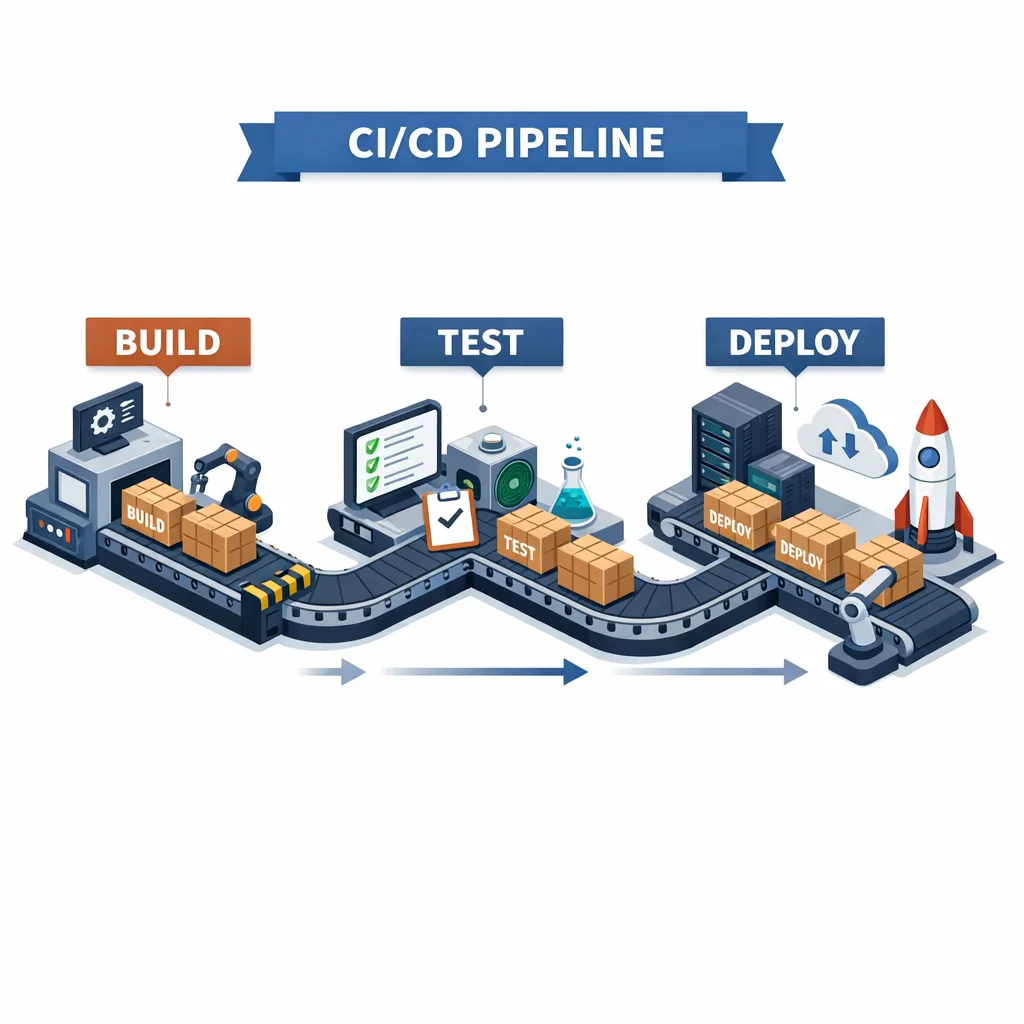
Xcode Cloud recently updated its IP egress ranges (February 10, 2026). If your organization allows outbound traffic by CIDR, add the new ranges before your next pipeline run or you’ll watch builds time out for no obvious reason. Also note that some teams have seen intermittent archive‑export hiccups with specific Xcode 26.x combinations; if you hit that, pin to a known‑good minor version or export locally as a fallback.
Tip: keep a lightweight GitHub Actions (or similar) lane that compiles, runs unit tests, and notarizes as a backup to Xcode Cloud. CI redundancy pays for itself the first time you’re on a deadline.
People also ask
Can I keep building with Xcode 25 after April 28, 2026?
Not for new uploads. The Xcode 26 requirement is an upload gate, not a runtime requirement. Your installed app continues to run, but new binaries must be compiled in Xcode 26 with the 26‑series SDKs.
Do I have to raise my minimum deployment target?
Usually no. You can compile with the latest SDK while keeping deployment targets that match your user base. Test carefully on those older OSes because new SDKs sometimes surface behavioral differences.
Will review times spike near the deadline?
Historically, yes—submission volume concentrates around platform cutovers. Plan to submit 10–14 days before April 28 to avoid sitting in a queue while your marketing campaign burns daylight.
Which teams are most at risk of sliding past the date?
Apps with brittle concurrency code, heavy third‑party SDKs that lag 26‑compatibility, or complex entitlement stacks (Health, Nearby, CarPlay) take the longest to stabilize.
A pragmatic technical checklist
Run this once when you branch, and again before you submit:
- Every target builds on Xcode 26 with warnings curated to what you’ll fix before ship.
- SPM/CocoaPods pins are updated and reproducible in CI; no floating branches.
- Crash‑prone concurrency zones reviewed; main‑actor boundaries applied to UI tiers.
- Entitlement prompts verified on device; privacy strings audited for clarity.
- StoreKit purchase/restore flows pass on clean installs and upgrades.
- Age‑rating questionnaire completed; metadata aligned with new categories.
- Xcode Cloud runners use the approved minor; updated IP ranges allowlisted.
- Cold launch and memory regressions checked on low‑RAM devices.
What changed for ASO and growth teams?
Two subtle effects are worth flagging. First, new permission dialogues and sheet layouts under the 26 SDKs can shift early‑session conversion. Recut your screenshots and rethink copy where system chrome changed. Second, Apple’s updated rating categories may adjust your audience filters and visibility in parental controls—monitor impressions and conversion on your first post‑cutover release and be ready with creative variants.
Strategy: don’t boil the ocean
Migration is a forcing function, not a blank check for rewrites. Measure success by a stable, compliant build in reviewers’ hands well ahead of April 28. If you find yourself deep in a refactor, step back: protect the core loop and ship the minimum set of changes to pass the Xcode 26 requirement. You can harden the rest once you’re through the gate.
Helpful resources to go deeper
We’ve been tracking this cycle closely for clients. If you want a deeper dive on the mechanics of the deadline itself, read our take on the April 28 SDK cutover. For a time‑boxed plan tailored to smaller teams, we also published a focused 60‑day approach in this guide. And if you need hands‑on help, our mobile engineering services can slot in alongside your team.
What to do next (today)
- Create a cutover branch and get a green Xcode 26 build on a device by Friday.
- Stand up nightly Xcode 26 CI and pin dependencies.
- Annotate main‑actor boundaries in UI tiers and fix the worst Sendable violations.
- Complete the age‑rating questionnaire across your catalog.
- Update firewall rules for the latest Xcode Cloud IP ranges; verify a pipeline run.
- Book your submission window—target no later than April 14, 2026.
Zooming out
Cutovers feel like speed bumps, but they’re leverage points. Teams that lean into modern SDKs and a saner concurrency posture tend to see fewer crash loops, faster iteration, and cleaner CI. Ship the least risky path to compliance now, then use the breathing room to explore the fun stuff—new SDK APIs, typed errors where they simplify contracts, and targeted performance wins guided by fresh profiles.
You’ve got 73 days. Run the plan, protect the release window, and turn this deadline into a quieter quarter for your team.





Comments
Be the first to comment.