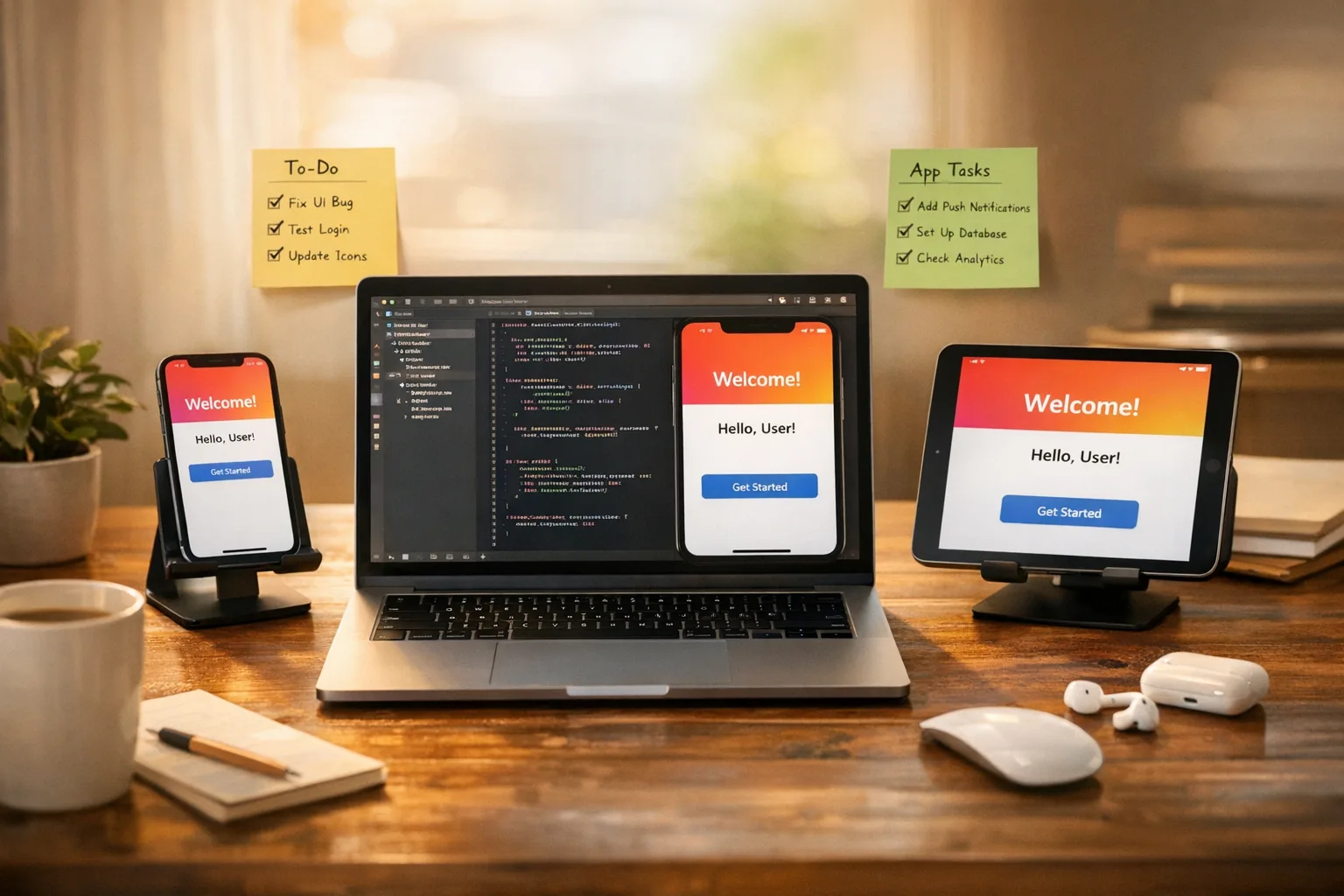
Xcode 26 Requirement: The 60‑Day Ship Plan
The Xcode 26 requirement is now on a clock: beginning April 28, 2026, App Store submissions must be built with Xcode 26 and the iOS/iPadOS/tvOS/watchOS/visionOS 26 SDKs. That’s not a “nice to have.” If your app isn’t compiled with the new toolchain, App Store Connect won’t accept your build. The good news: you can still target older OS versions—this is about the build SDK, not your minimum deployment target. The bad news: waiting until the last week practically guarantees broken pipelines, layout regressions, and late nights.
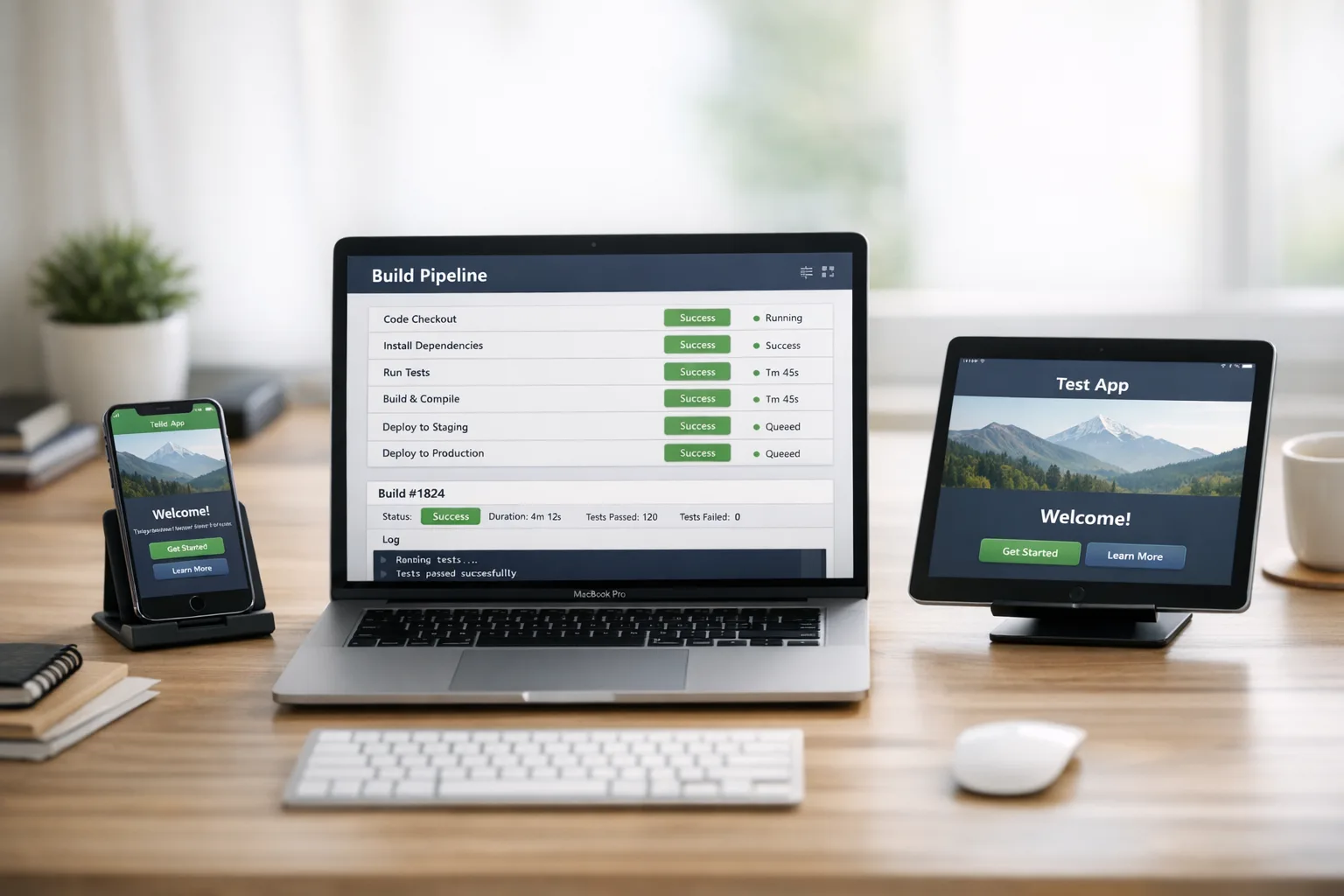
Key dates, clarified
Two dates matter if you’re shipping on Apple platforms this quarter. First, January 31, 2026: Apple’s updated age‑rating model took effect and developers are expected to have completed the new questionnaire in App Store Connect. If you haven’t answered those new questions, you risk submission interruptions. Second, April 28, 2026: uploads must be built with Xcode 26 using the platform 26 SDKs. Practically, that means upgrading local dev machines, CI runners, fastlane tooling, and any custom build scripts or plugins that assume older SDK paths.
Here’s the thing: many teams treat SDK cutovers like a one‑day Xcode upgrade. In reality you’re upgrading compilers, linkers, system frameworks, default UI behaviors, permissions prompts, and sometimes code signing tooling. You also inherit security and privacy changes that silently flip defaults. Treat it like a mini‑migration with crisp scope, owners, and exit criteria.
“Do I have to support iOS 26 to pass review?”
No. The new rule governs how you build, not what OS versions you support. You can keep your minimum deployment target where it is and still pass review—as long as you compile with the 26 SDK in Xcode 26. This distinction is why the upgrade is both urgent and manageable.
Age ratings changed on January 31: don’t let compliance block your release
Apple overhauled age ratings and made the updated questionnaire mandatory. The system now exposes more granular adolescent tiers and asks about messaging, user‑generated content, advertising, parental controls, and certain safety features. If you punted this to “later,” your April schedule may be upended by an avoidable rejection or a submission that stalls in App Store Connect. For practical guidance on the new questions and enforcement behaviors, see our breakdown in what devs must change now for App Store age ratings and our scenario‑based enforcement playbook.
Xcode 26 requirement: a 60‑day shipping plan
If you start today, you have enough time to upgrade with control. Use this week‑by‑week plan; adjust durations for app size and team capacity.
Week 1: Inventory and freeze points
Start with a crisp baseline.
- Lock the current main branch and tag the last known‑good release. Establish a “26‑upgrade” branch.
- Inventory Swift, SwiftPM, CocoaPods, Carthage, and binary dependencies. Mark those that require vendor updates for SDK 26.
- List build scripts that reference Xcode paths, SDK names, or simulator runtimes. Flag hard‑coded locations.
- Audit entitlements, Info.plist keys, privacy usage strings, and push notification configs. Note any deprecated keys in Xcode 26 release notes.
Week 2: Tooling and CI unblockers
Get the machinery ready before you touch app code.
- Install Xcode 26 side‑by‑side on a canary dev Mac and at least one CI runner. Avoid an org‑wide switch until smoke tests pass.
- Update fastlane, xcpretty, xcodebuild flags, and any custom actions that parse build logs.
- Refresh signing identities and provisioning profiles if you haven’t in a while; subtle certificate issues tend to surface on toolchain jumps.
- Warm a clean DerivedData and simulator cache on CI to shake out runtime issues earlier.
Week 3: Compile clean and unit tests green
Now flip the project to the 26 SDK and resolve breakages.
- Address compiler errors and deprecations; don’t paper over with availability checks unless you’ve validated behavior on older OS targets.
- Fix resource warnings: asset catalogs, PDFs, and vector symbols may render differently under updated defaults.
- Get unit tests fully green in Xcode 26. Fail fast on flaky tests—flakiness today is a production fire tomorrow.
Week 4: UI/UX deltas and permission flows
Visual and behavioral changes land here.
- Review screens that rely on system components that changed styling in iOS 26. Confirm margins, touch targets, and dynamic type scales.
- Re‑exercise first‑run and permission prompts (camera, photos, notifications, health, location). Some copy, icons, or one‑time dialogs may have changed. Capture updated screenshots if you localize them.
- Re‑validate push and background refresh behavior after the toolchain swap. Watch battery, crash rates, and memory on older devices.
Week 5: Performance, crashers, and E2E
Hunt the slow stuff and the weird stuff.
- Profile cold start and first interaction. SDK shifts can add milliseconds that snowball into churn.
- Run end‑to‑end tests on your top two device classes and top three OS versions you support. Prioritize “happy path” commerce, login, and sync.
- Dogfood with TestFlight internal testers across roles (PM, support, marketing). Ask them to try edge cases your automation misses.
Week 6: Release prep and rollback plan
Now you’re aiming for a calm release.
- Generate release notes that explain visible changes and call out any one‑time migration steps.
- Decide on staged rollout vs. full release. For high‑traffic apps, prefer a 5–10% phased rollout with metrics gates.
- Document the rollback plan: which tag to hotfix from and how to revert CI runners if a tooling bug bites.
What usually breaks when you move to SDK 26
A pattern I’ve seen across multiple upgrades: the code usually compiles by mid‑week, then the real work starts. Here are the top trouble spots to test intentionally.
- Navigation and toolbar spacing: default insets and typography sometimes shift, nudging buttons out of tap‑safe zones. Verify with a11y overlays on compact and regular size classes.
- Sheet and popover presentation: adaptive behaviors can change; what was a modal might now be a pageSheet by default.
- Text rendering: if you mix UITextView/UILabel with custom kerning or truncation logic, re‑validate multiline labels on small screens.
- URLSession and ATS: stricter defaults can surface TLS or redirect quirks in legacy endpoints. Monitor 3xx and certificate pinning.
- Photos and camera permissions: payloads and returned metadata evolve; confirm you still get expected EXIF fields and file types.
- Push tokens and notification categories: test token refresh on upgrade and deep‑link routing on interactive notifications.
- Widget and Live Activity layouts: timeline refresh and rendering differences can clip content at new safe areas.
- Health, motion, or background sensors: entitlement or privacy string changes often trip QA late; review every permission path.
- StoreKit: verify purchase restoration and refund flows—especially on sandbox where environment mismatches masquerade as app bugs.
- Binary dependencies: old XCFrameworks compiled with pre‑26 toolchains can throw linker errors or runtime crashes; re‑pull vendor builds.
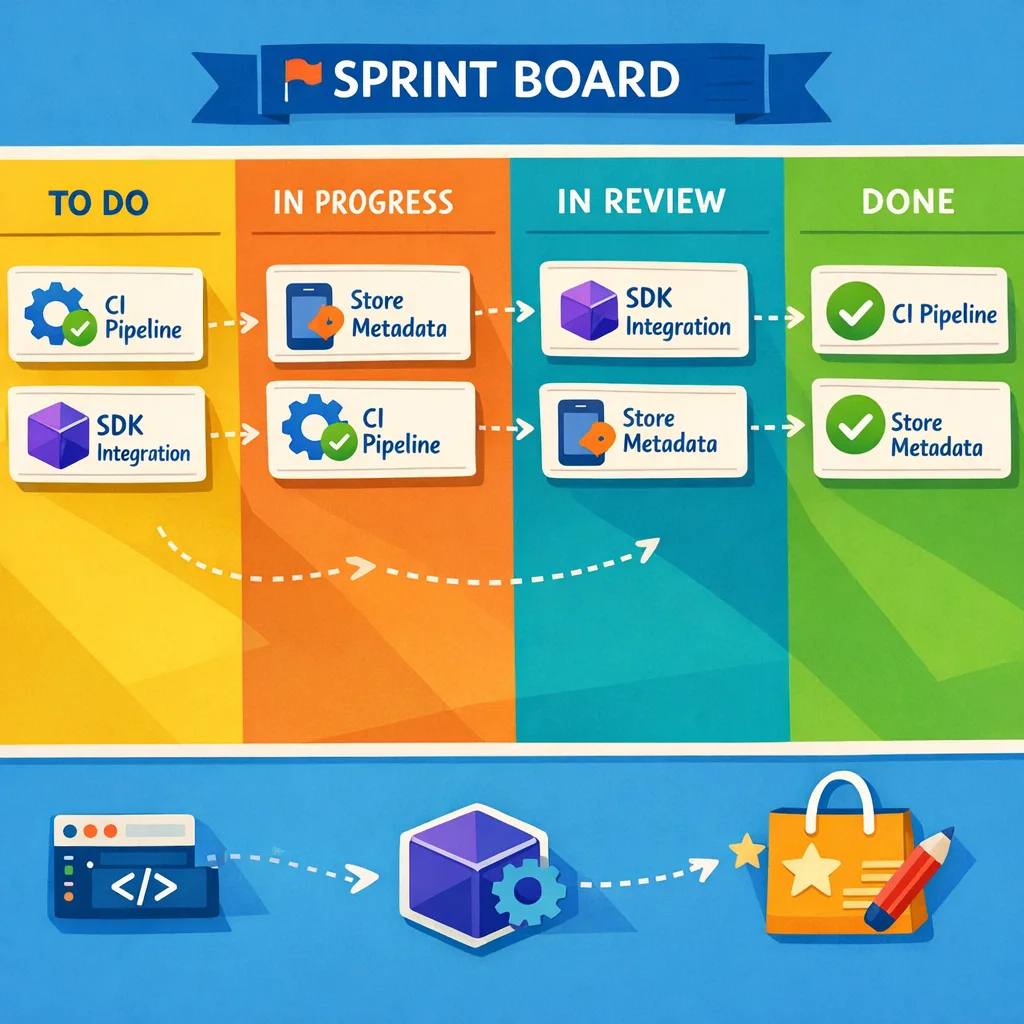
CI/CD migration checklist for the Xcode 26 requirement
This is the boring part that saves releases. Run this list top to bottom and mark owners for each line item.
- Install Xcode 26 on all macOS runners; pin the exact version in your CI config so a stray auto‑update doesn’t rock production builds.
- Update Xcode path selection (xcode‑select, fastlane
xcversion, or your MDM policy). Verify the active developer directory in CI logs. - Refresh Homebrew formulas and Ruby gems for build tooling. Old fastlane + new Xcode is a classic pairing that causes archive failures.
- Cache SwiftPM dependencies per Xcode version; clear and re‑resolve to avoid ABI mismatches.
- Update Simulator runtimes to iOS 26 for UI tests; purge orphaned device types that make tests silently skip.
- Re‑sign and export: confirm your
ExportOptions.plistworks with Xcode 26 for App Store and Ad Hoc profiles. - Validate notarization for macOS apps if you ship cross‑platform. New toolchains sometimes tweak hardened runtime flags.
- Add a CI job that builds with the previous SDK one last time. If it fails, you’ve uncovered a drift that may bite customers still on older OS versions.
People also ask
Will my existing app be removed if I don’t upgrade by April 28?
No. Existing binaries remain live. You simply won’t be able to upload new builds until you compile with Xcode 26 and the 26 SDK. That creates operational risk (you can’t hotfix), which is why you want the migration done before you need an urgent patch.
Can I target iOS 15/16/17 and still meet the Xcode 26 requirement?
Yes. Build with SDK 26 while keeping your deployment target lower. You’ll still need to test thoroughly on those older OS versions because subtle behavior changes come from the new SDK, not just the runtime.
Do I need to redo screenshots or app listing assets?
If UI chrome shifts under SDK 26—buttons spacing, navigation bars, or sheets—you may need to update screenshots for accuracy. Also, the age‑rating changes mean some app listing disclosures are more visible; make sure your App Information lines up with the new questionnaire.
What if I’m still not ready at the deadline?
You won’t be able to upload new builds until you switch. If you anticipate being late, read our take on navigating the immediate aftermath in App Store Connect’s post‑deadline shipping guidance. It covers practical options to reduce downtime while you finish the upgrade.
A pragmatic testing matrix for SDK 26
Don’t try to test everything; test the right things. Use this minimal matrix that’s kept our releases calm across client engagements:
- Devices: one modern flagship, one mid‑tier, one older device still common in your analytics.
- OS: the oldest you support, the modal version in production, and the latest stable.
- Scenarios: first‑run + onboarding, auth + SSO, purchase + restore, media capture + share, offline + sync, background push + deep‑link.
- Non‑functional: cold start, memory spikes on image‑heavy screens, and one chaos scenario (kill + relaunch mid‑transaction).
Engineering guardrails you’ll thank yourself for
Upgrades are easier with the right guardrails in place before crunch time.
- Feature flags: wrap any UI compatibility behavior behind remote flags so you can tune post‑release without a resubmission.
- Typed permissions: centralize permission requests (camera, photos, health) in one module; it’s where most late regressions hide.
- Dependency health: pin versions with comments explaining why; future you won’t remember why a library is stuck at 3.1.2.
- Release levers: keep phased release and the ability to pause a rollout readily available in your runbooks.
Don’t trip on the age‑rating questionnaire
Teams get caught on seemingly simple questions. A few tips from recent submissions:
- If your app allows messaging or UGC in any form—even comments seen by a subset of users—flag it appropriately. Under‑reporting triggers rejections.
- If you run ads, be specific about networks and whether users under certain ages see them. Tie this to your internal content filters.
- Note any in‑app parental controls or safety features clearly. They’re not just good practice; they minimize review back‑and‑forth.
If you want a deeper architectural angle—feature flags, content filters, and configuration keys that make compliance sustainable—our write‑up on age‑rating architecture that works walks through patterns we’ve shipped.
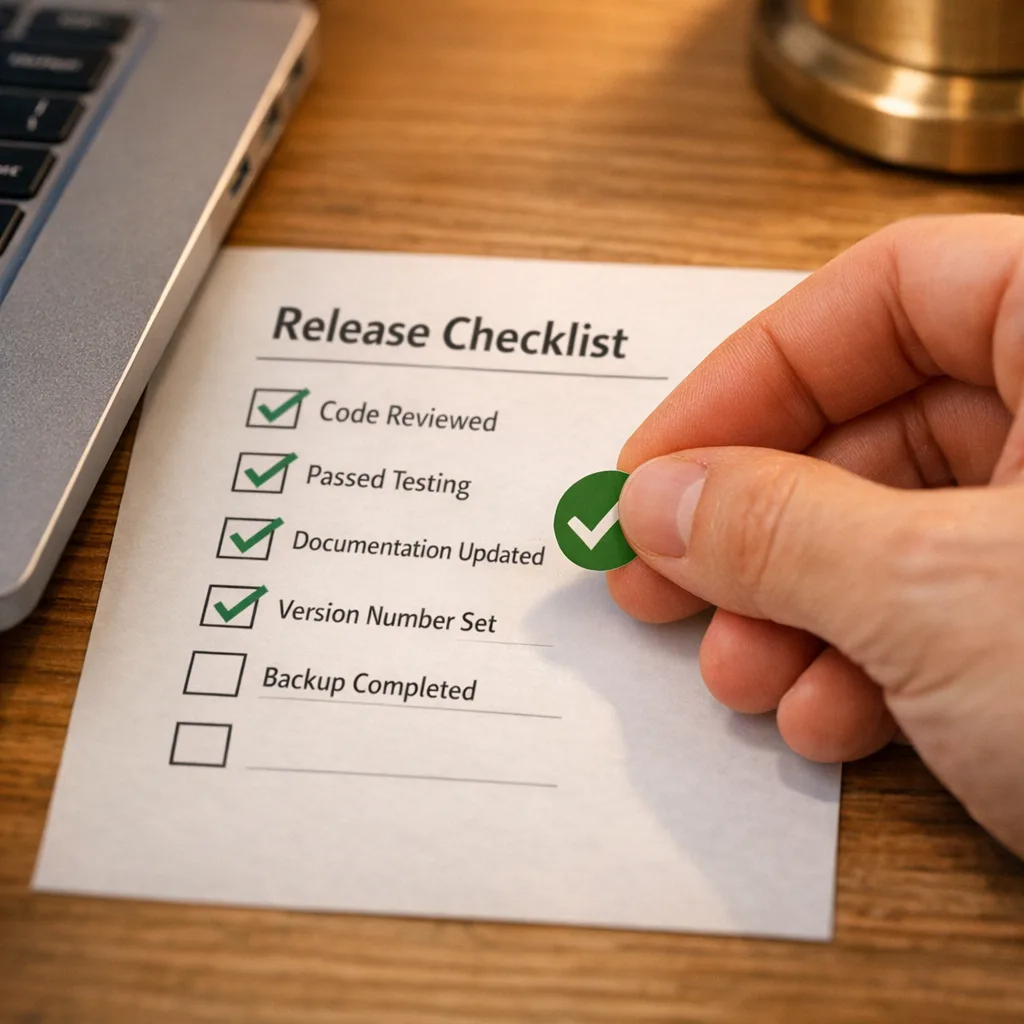
Release management: how to ship without drama
Think in gates and telemetry.
- Gate 1: internal TestFlight for 24–48 hours with engineering + support. Crash‑free sessions ≥ 99.7% before proceeding.
- Gate 2: external TestFlight to your advocate users. Watch ANR, crash rate, and top 5 actions’ success rates.
- Gate 3: phased rollout 5% → 25% → 50% → 100% with auto‑pause if crash rate exceeds your SLO or funnel conversion dips more than 2 p.p.
Marketing can still run their launch moment—just tie it to the 50% phase, not 5%. And publish a clear rollback note so support isn’t guessing if you pause.
What to do next
- Today: create the upgrade branch and install Xcode 26 on a canary Mac + one CI runner.
- This week: complete the App Store age‑rating questionnaire for every active app. Don’t wait for the release day to find out it’s blocking you.
- Next week: compile with SDK 26, fix deprecations, and run unit tests until green.
- Within 30 days: finish UI/permission reviews and E2E tests on your minimal matrix. Set staged rollout gates.
- Within 60 days: submit the Xcode 26 build, ship via phased release, and keep your rollback plan handy.
If you want a deeper calendarized plan with owner checklists and QA templates, our full guide in Xcode 26 requirement: your April 2026 ship plan has worksheets you can copy into your tracker.
Need a second set of eyes?
We’ve done this migration dance across startups and public companies. If you’d like us to review your upgrade branch, tune your CI, or design a safety‑first rollout, take a look at what we do for mobile teams and reach out via our contact page. We’re happy to play the “bad cop” in a pre‑flight review so your launch day is boring—in the best way.





Comments
Be the first to comment.