Google Play External Content Links: Ship by Jan 28, 2026
Google Play external content links are officially coming to the US—and if your app relies on direct-to-consumer monetization, January 28, 2026 is the date circled in red. The program lets you link users from your Play-distributed app to an external purchase page or even an external app download, provided you enroll, implement Google’s new APIs, and pass review. There’s strategic upside here, but also friction and proposed fees that can punish sloppy execution. Let’s make a plan that ships on time and keeps your margins intact.
What changed—and why it matters now
Following a US court order, Google opened two US programs in late 2025: external content links and expanded alternative billing. Together, they allow eligible Android apps to communicate off-Play pricing, link to web checkouts, and link to downloads outside Play. Developers must enroll and comply by January 28, 2026 if they intend to keep linking or start linking. That’s the non-negotiable date driving product and legal teams right now.
Here’s the thing: Google has also outlined new business terms for these capabilities. As of mid-December 2025, Google stated it intends to charge a fixed per-install fee when a user clicks an external link from your Play app and installs within a defined window (reported examples: $2.85 for non-game apps and $3.65 for games, per US install within 24 hours of the click). For transactions completed off-Play, Google has said it will apply a service fee in the range of 10% for auto-renewing subscriptions and around 20% on other digital purchases. The company also noted a January 22, 2026 hearing could affect the specifics. Translation: build to the rules that exist today, but design your model to flex if the numbers shift.
Google Play external content links: the moving pieces
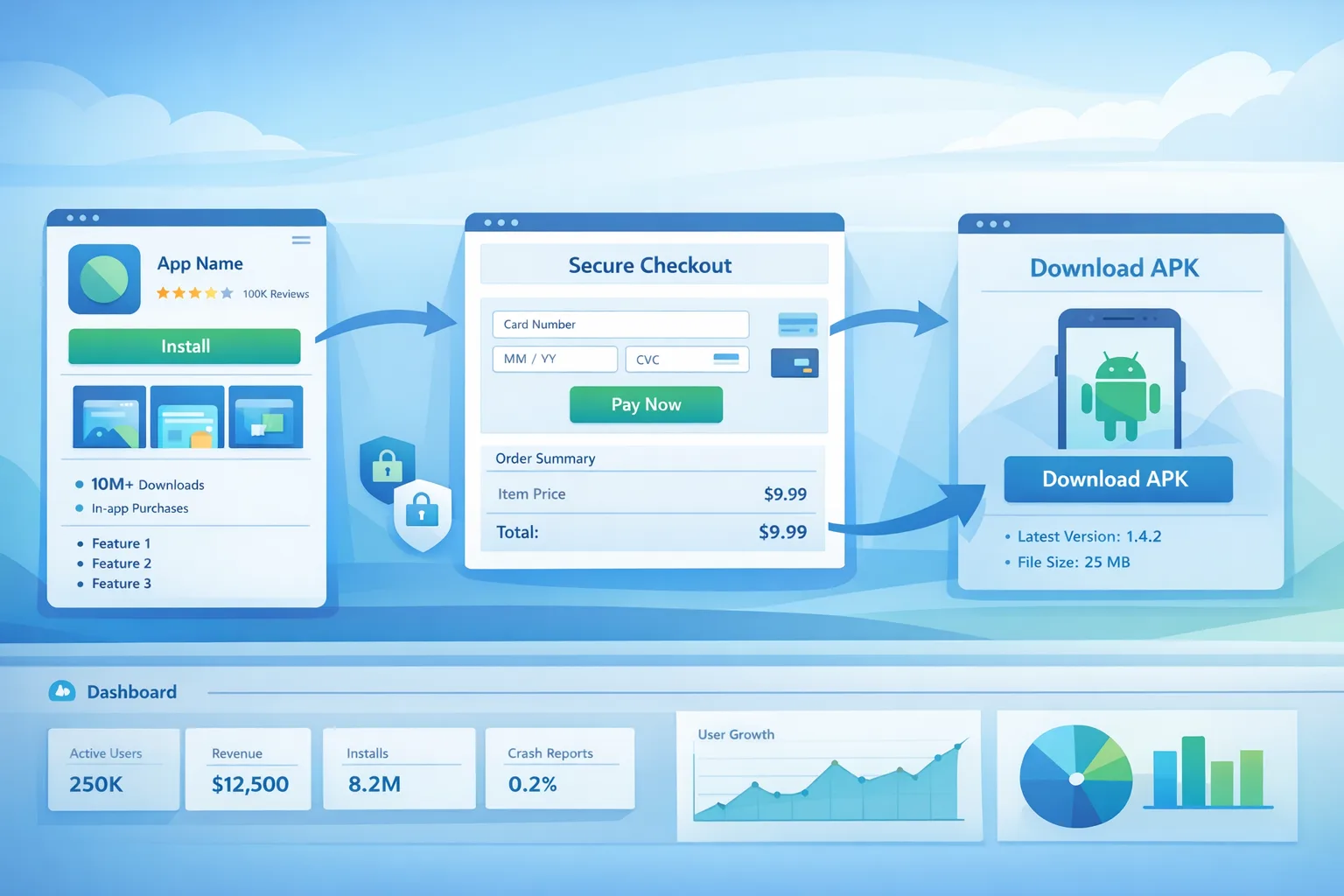
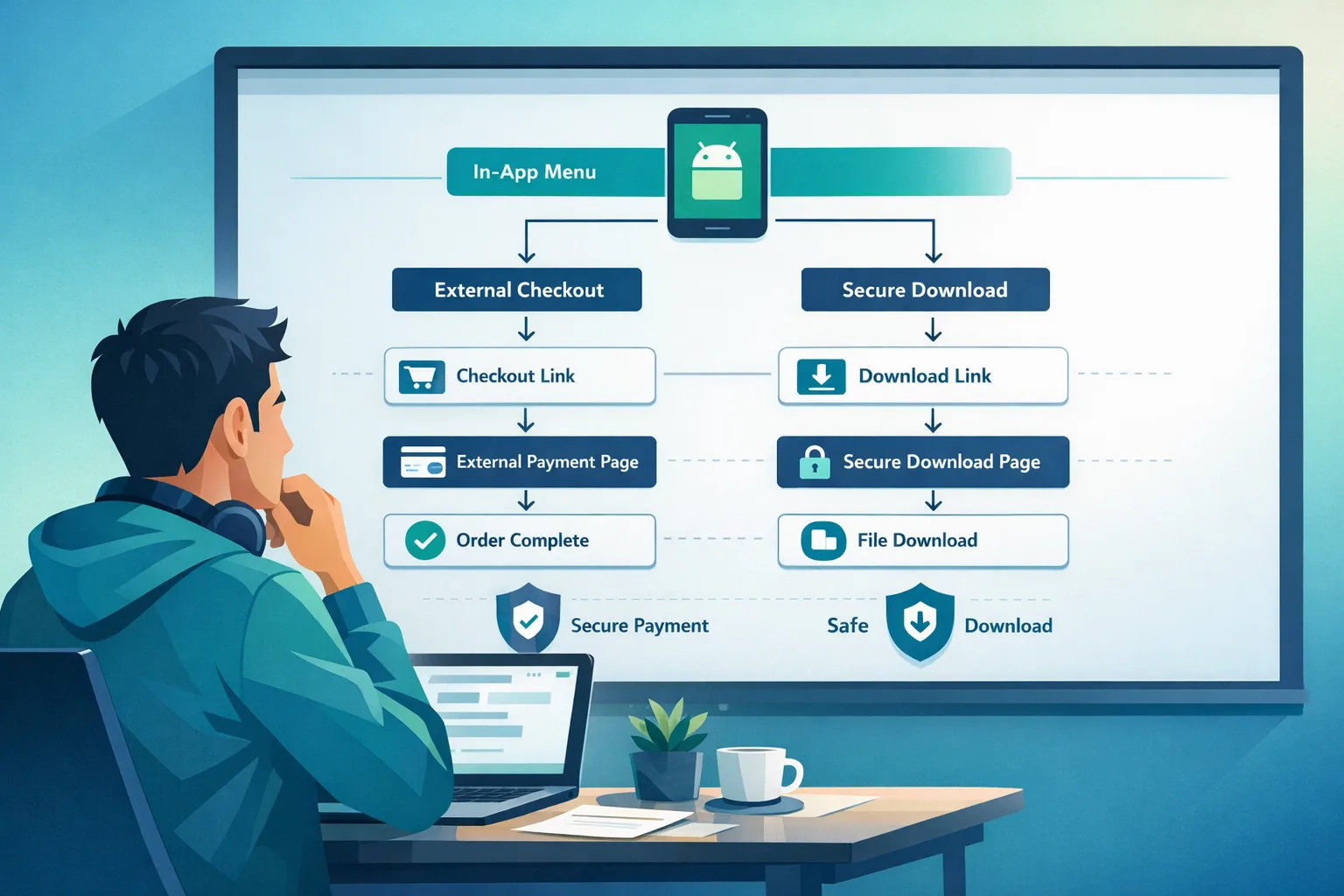
To participate, you’ll need to enroll your app, integrate Google’s external links APIs, and get your destinations reviewed. The flow adds an information screen to notify users they’re heading outside Play. If you link to a download, you’ll register the external app and URLs, and maintain compliance as you update builds. If you link to purchase pages, you’ll support transaction reporting so Google can reconcile your off-Play conversions with your program terms.
On the engineering side, the minimum you should plan for is Play Billing Library 8.2.1 or higher for the external links APIs, an app update that triggers the information screen, and backend plumbing to log link events and map them cleanly to your web checkout or download funnel. On the business side, think in cohorts: users who click and convert within 24 hours via an external link, users who arrive two or three steps later, and users who never convert. Your fee exposure and ROI will look very different for each.
Alternative billing vs. external links: which should you ship first?
Alternative billing keeps the user in your app but swaps out Google Play Billing for your own processor (or a partner). It reduces friction versus a link-out to the browser, but still requires enrollment and compliance—and Google has indicated a service fee that, in most cases, won’t be zero.
External content links, on the other hand, push users to your website or to an external download. It’s more flexible and can simplify finance operations if your web stack is already battle-tested. But you’ll face the information screen hop, potential per-install costs for link-driven downloads, and strict URL registrations. For many teams, the pragmatic order is: 1) stabilize alternative billing for core flows, 2) add external content links for paywalls that benefit from richer web UX or bundles, 3) cautiously test external downloads if your acquisition math still works.
Fees, friction, and the math
Assume your game’s median customer acquisition cost is $2.40 from owned channels, and your day‑0 ARPPU for a linked checkout is $7 on a 3% conversion. If a per-install fee of $3.65 applies when users install within 24 hours after tapping your in-app link, your install economics on that cohort deteriorate fast unless your conversion rate rises or your early revenue improves. For non-game apps with a $2.85 install fee, the breakeven threshold is still tight for low-ARPU categories.
For off-Play transactions, plan for a 20% fee on one-time purchases and 10% on auto-renewing subscriptions, with the caveat that terms could adjust post-hearing. Your margin stack should model: payment processor fee, Google’s service fee, refunds/chargebacks, tax, and fraud loss. If your subscription gross margin falls below 60% after these layers, you’ll need price tests, packaging changes, or more aggressive annual plans to keep LTV/CAC north of 3x.
Implementation checklist: a two‑week sprint that actually lands
Lead time is short. Here’s a practical, role-based plan most teams can execute between now and the deadline.
- Day 1–2 (PM/Legal): Decide scope. Which SKUs pilot external links? Which remain in-app with alternative billing? Document flows that will be live by January 28.
- Day 1–3 (Legal/Compliance): Enroll in the relevant Google programs, accept terms, and confirm eligibility. Prepare your support and refund language for off-Play purchases.
- Day 2–5 (Eng): Upgrade to Play Billing Library 8.2.1+ and integrate the external links APIs. Implement the information screen flow exactly as required. Gate with remote config.
- Day 3–6 (Eng): For external downloads, register URLs and the external app package(s). Build a small admin tool to rotate links and add versions without shipping a new binary.
- Day 3–7 (Backend/Analytics): Add server-side logging to correlate link clicks, session IDs, and web conversions. Ensure your checkout appends the required parameters, and that you can reconcile conversions hit-by-hit.
- Day 4–8 (Design/PM): Trim the link-out friction. Put the CTA where intent is highest. Pre-qualify with a short benefits line. Keep your web page instant-loading, payment-first, with mobile wallets enabled.
- Day 6–9 (QA/Sec): Pen-test the new endpoints. Verify that the external app download page shows version, size, developer identity, and support contact—clear, consistent, and honest.
- Day 8–10 (Finance/RevOps): Update revenue recognition and fee accruals. Create a new sub-ledger for “Play external link” cohorts so you can isolate fee impact and ROI.
- Day 9–12 (Data/PM): Define guardrails: if install-fee cohorts miss ROAS by 20% at day 7, automatically throttle traffic via remote config.
- Day 12–14 (All): Dry runs, policy checklist, and submit the build for review. Keep one controlled flag to turn off link-outs if needed.
People also ask: the fast answers
Do I need to enroll if I only show pricing but don’t link?
If you communicate off-Play pricing or availability inside your Play-distributed app and intend to link users externally (now or soon), you should plan to enroll and comply. If you truly never link or transact outside Play within the app experience, the burden is lower—but most teams end up linking at some point, so be honest about roadmap intent.
Will Google bill me for sideload installs outside a 24‑hour window?
What Google has described publicly focuses on installs occurring within a short window (for example, within 24 hours) after a user clicks your in-app external link. That’s the cohort you should model today. If Google adjusts the window or attribution rules post‑hearing, revisit your projections.
Can I keep Google Play Billing and external billing side‑by‑side?
Yes—under certain programs and flows, you can present alternative billing and still support Play Billing, but the specifics depend on the program you enroll in and the APIs you integrate. Treat this as an explicit UX choice, not an afterthought; ambiguous bill-pay screens invite policy trouble and support headaches.
UX that converts—without tripping policy
That new information screen is a speed bump, so your pre-screen copy has to do more work. Prime the click with concrete benefits: “Save 15% on the annual plan” or “Pay with your corporate card.” Move the call-to-action closer to the highest-intent moments (end of trial, usage milestone, post-win screen in games). On the web, defer nonessential content; lead with checkout and allow guest purchase where possible.
For external downloads, think like a storefront. Publish app name, icon, version, size, developer identity, and clear support channels. Don’t spring unknown APKs on users; verify signatures, use HTTPS everywhere, and present a simple “Download” button that respects user intent. If you can’t deliver a trustworthy page, you don’t deserve the install—or the risks.
Governance: logging, fraud, and audits
Expect scrutiny. You’ll be declaring URLs, registering external apps, and reporting transactions. Build a minimal audit trail now: a server-side table keyed by app instance and link ID; a conversion log with timestamp, amount, product type (subscription vs one-time), and country; and a reconciliation job that ties Google’s monthly statements to your ledger.
Fraud teams should watch for bot traffic hitting your in-app CTA, then bouncing to a web download that never opens the app—yet triggers a per-install fee. Rate-limit the CTA, throttle suspicious IP ranges, and refuse downloads to instrumented devices you can’t verify. Small levers like proof-of-work on download endpoints can deter scripted abuse without harming real customers.
How this compares to Apple—and why it matters
Apple’s EU terms now allow developers to communicate off‑store offers and include actionable links, paired with a revamped fee model and tiered services. It’s not a copy‑paste of Google’s US approach, but the direction rhymes: more pathways, more disclosures, and new fees that require sharper unit economics. If your business spans both ecosystems, align your governance and analytics so product decisions aren’t whiplashed by store rules. We’ve broken down Apple’s current roadmap and timelines in our guide to App Store changes to ship by Q1 2026.
A CFO‑friendly model for decision‑making
Before you ship anything, build a simple matrix that answers one question: where does each SKU make the most money per 1,000 users who see a paywall?
- Column A: Play Billing (status quo). List processor fee, refunds, tax, and expected ARPPU.
- Column B: Alternative billing in-app. Add the service fee Google outlined plus your processor. Estimate lift or drop in conversion from UX friction.
- Column C: External content link to web checkout. Model the information screen drop-off and any service fee on off-Play transactions.
- Column D: External link to download. Add the proposed per-install fee for installs within the window, then apply your activation and monetization rates.
Force this math by SKU and by channel. Some products will thrive on the web; others should stay in-app. The right answer is rarely universal.
Engineering notes from the trenches
Keep your linking logic server-driven. You need the option to disable link-outs on old app versions if policy or economics shift. Use feature flags that key on app version, region, user cohort, and experiment. Instrument dotted-line metrics like time-to-first-checkout and completion rate by payment method; they’ll tell you when the information screen costs too much.
For downloads, sign the APK with the same key as your Play build when possible, and publish a SHA‑256 on the landing page. If your external app updates more frequently than Play, you’ll need a version policy and an updater UX that doesn’t feel sketchy. Finally, confirm your parental controls and age‑screening flows behave the same way off‑Play as on Play; surprises here can block approval.
What to do next
Deadlines create clarity. Here’s your short list:
- Enroll now and accept terms, even if you plan a limited pilot. Waiting invites last‑minute review surprises.
- Ship the minimal integration: Play Billing Library 8.2.1+, information screen, and server-side logging for link IDs and conversions.
- Pick one SKU for external checkout and measure end‑to‑end. Don’t boil the ocean in v1.
- Run margin math with the proposed fees. If unit economics don’t clear your hurdle, stay in‑app or adjust price/packaging.
- Set remote-config kill switches. If post-hearing changes land, you can pivot without an emergency release.
If you want hands-on help, our team ships this kind of work for product-led companies every week. See our mobile monetization and compliance services, skim relevant work in the portfolio, and dive deeper into the fee details in our deep‑dive on Google’s linking fees. On iOS side, our Q1 2026 App Store checklist will de‑risk your EU builds. Need a gut‑check fast? Talk to us and we’ll map a sane, shippable plan.
Zooming out
Whether you love or hate the direction, the takeaway is the same: the stores are loosening some restrictions while introducing new knobs you’ll pay for if you twist them. Teams that treat this as a one-time legal checkbox will bleed margin. Teams that prototype, measure, and iterate will build an advantage that compounds—lower fees per dollar earned, more resilient funnels, and fewer production fires.





Comments
Be the first to comment.