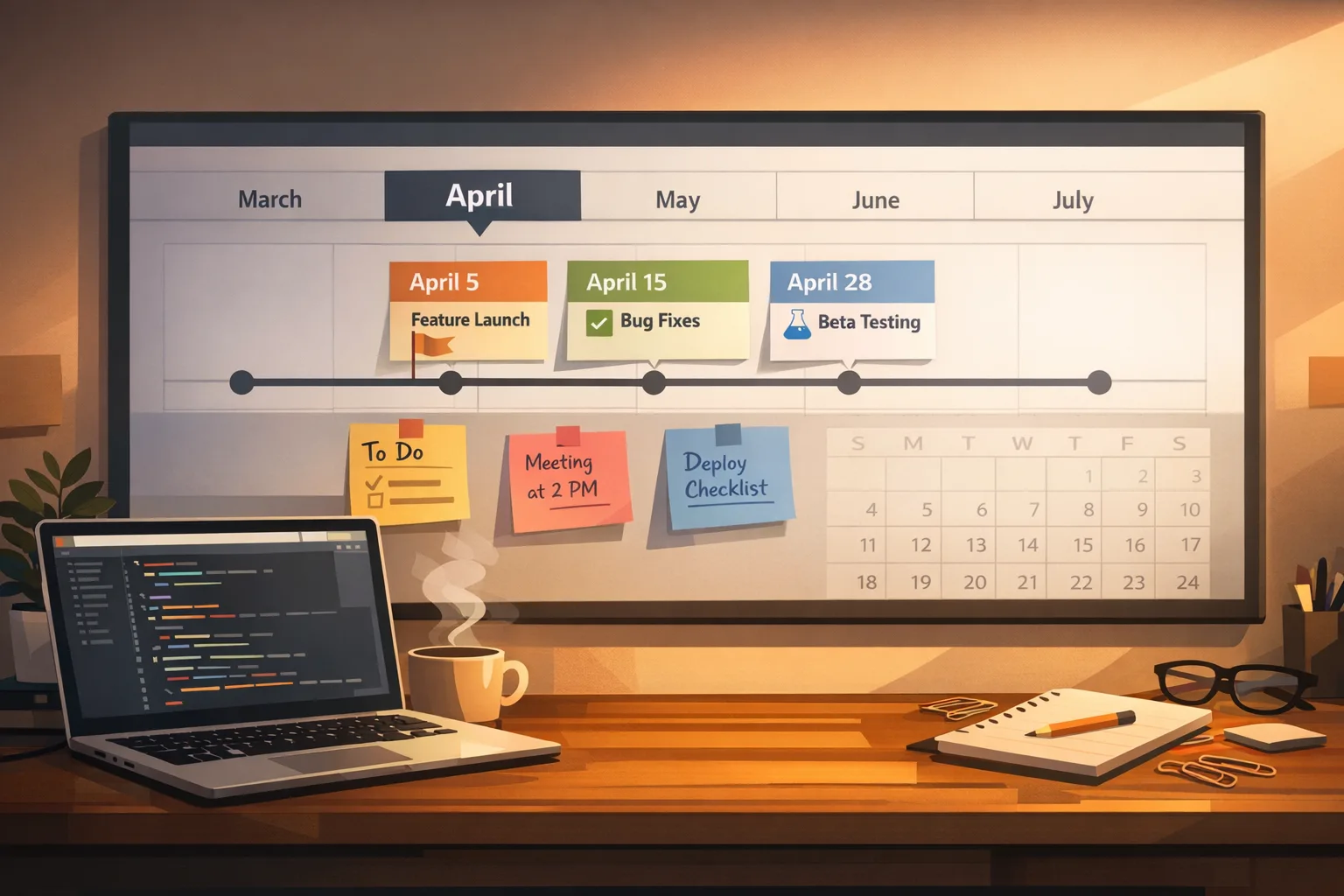
App Store Connect Update 2026: Ship Before Apr 28
If you’ve been heads‑down building, here’s the short version of the App Store Connect update that matters right now: Apple’s next SDK cutover lands on April 28, 2026 and requires Xcode 26 for all new submissions and updates. The Age Rating system already shifted on January 31, 2026, and in the UK the Competition and Markets Authority (CMA) is consulting on commitments from Apple and Google that are slated to take effect April 1. Put together, these dates can bend or break your release train unless you adjust your plan today.
What just changed (and the dates that drive your plan)
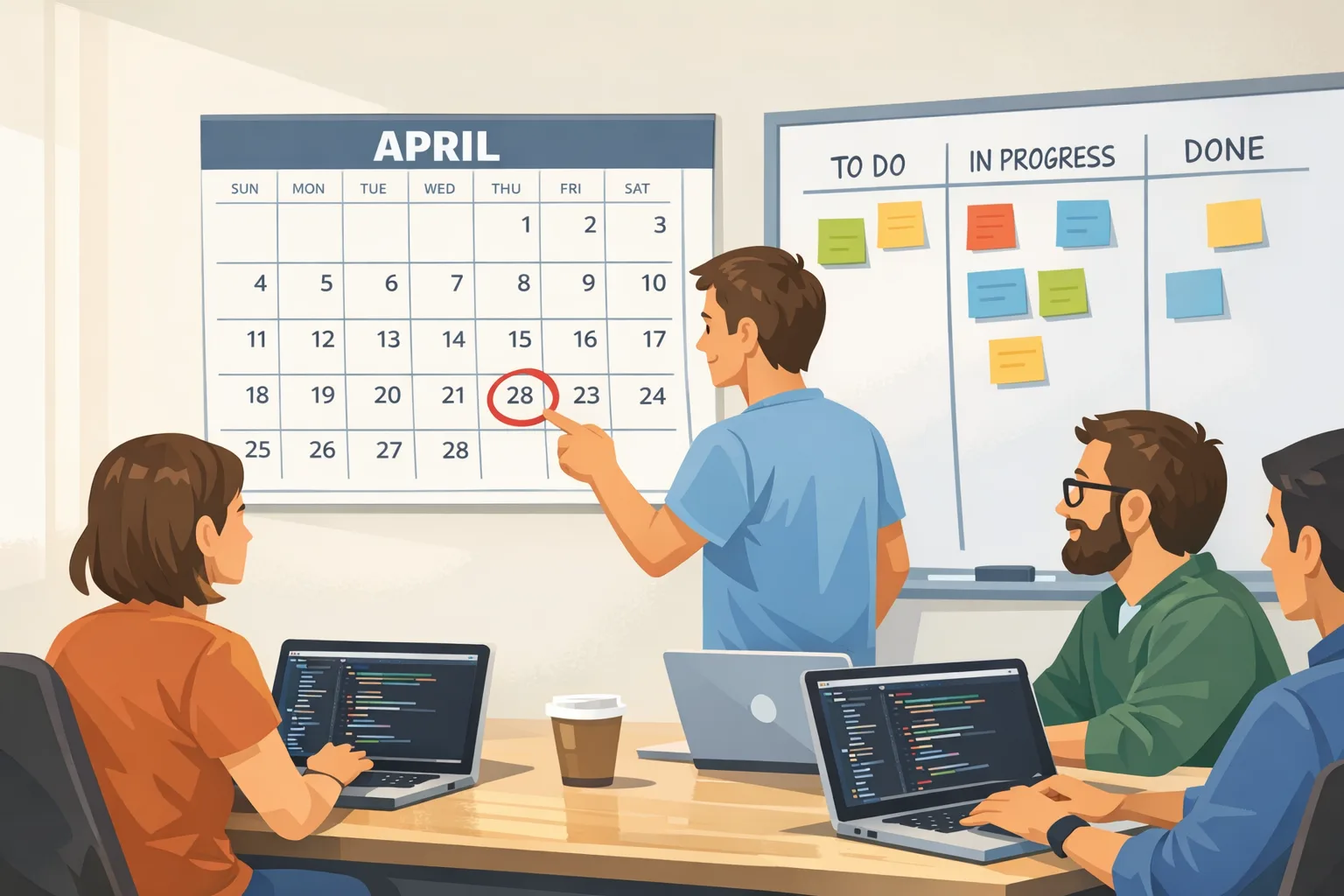
Three timelines are colliding this quarter. First, Apple’s toolchain requirement flips on Tuesday, April 28, 2026: builds uploaded to App Store Connect must use Xcode 26 and the corresponding SDKs (iOS 26, iPadOS 26, tvOS 26, visionOS 26, watchOS 26). Second, Apple’s age rating framework was auto‑updated on January 31, 2026; if you haven’t answered the new questions in App Information, you’ll hit friction the moment you try to submit. Third, developers targeting UK users should expect changes stemming from the CMA’s commitments process, with a consultation window that closes March 3 and a planned start date of April 1, 2026.
Here’s the thing: none of these are theoretical. Toolchain cutovers and rating updates are binary gates. If your build doesn’t meet Apple’s new constraints or your rating responses are incomplete, you’re not shipping. And while the CMA piece is UK‑specific, your customer support, release notes, and compliance posture should reflect what you’ll do if review outcomes or ranking visibility change.
Why this App Store Connect update matters to your roadmap
Cutovers always ripple past engineering. Release marketing, CRM, support docs, and payment flows all take hits if you slip a week. The April 28 requirement is late enough to tempt teams to “squeeze one last Xcode 25 release,” then everything breaks under pressure. The smarter move is to pull migration work forward, lock your QA window, and assume a back‑and‑forth with review during the first week your team flips tools.
On the age rating side, the new questionnaire can surface previously under‑documented features: user‑generated content, simulated gambling, social interactions, AI chat, health‑related claims. If you marked these loosely in the past, expect the new flow to force precise answers—and to require in‑app controls (reporting, blocking, or gating) that you’ll need to surface clearly in your UX.
Key dates, versions, and the blast radius
Make these dates non‑negotiable milestones on your delivery board:
- January 31, 2026: Age ratings auto‑updated; new questions available in App Information. Submissions can be blocked if you haven’t answered.
- March 3, 2026: UK CMA consultation closes. Monitor outcomes if you operate in or market to the UK.
- April 1, 2026: CMA commitments scheduled to begin (subject to consultation). Expect stronger scrutiny around app review and ranking fairness, plus a formal path to request interoperability with iOS features.
- April 28, 2026: SDK cutover; Xcode 26 and the 26‑series SDKs required for App Store Connect uploads.
What’s the blast radius? Plan for CI/CD updates (Xcode image changes), dependency bumps, updated privacy manifests, regenerated screenshots for any UI shifts, age gate UX polish, and a round of regression testing on older device cohorts that customers still use.
The 60‑day ship framework (use this if you’re behind)
I’ve shipped through more of these cutovers than I can count. The teams that win treat the next 60 days like a product of its own. Here’s a battle‑tested structure that maps neatly to April 28:
Week 1–2: Toolchain readiness and scope freeze
Install Xcode 26 locally and on CI. Pin your build images. Compile mainline and the last release branch. Compare app size deltas and startup metrics on two physical devices per OS generation you support. Freeze feature scope for the “cutover” release—no new platforms, no speculative UI work. Update your release checklist and kick off legal/privacy review for any new SDK capabilities you plan to enable.
Week 3–4: Dependency and SDK upgrades
Update first‑party and third‑party packages. Prioritize crash‑prone and low‑maintainer dependencies for replacement or isolation. Validate push notification flows, background tasks, and any on‑device ML models that could regress with a new SDK. Refresh entitlements and regenerate provisioning profiles if team or bundle changes have accumulated.
Week 5: Age rating responses and UX polish
Complete the new age rating questionnaire per app—don’t assume answers are identical across your portfolio. If you have AI chat, UGC, or social features, implement in‑app reporting and content controls that reflect your rating choices. Update the onboarding copy and Settings screen so support doesn’t drown in “Why is this gated?” tickets.
Week 6–7: Pre‑submission review drills
Run a dry‑run submission in your staging environment. Have your release manager walk through every App Store Connect field: privacy details, export compliance, age ratings, screenshots, localized descriptions. Measure review lead times from your past 90 days and add 2–3 working days of buffer; you’ll need it. Prepare a Review Notes paragraph that proactively explains edge cases (login methods, location prompts, hardware dependencies).
Week 8: Submit, monitor, and stage the hotfix
Submit with Xcode 26 by Monday of your target week. Keep a hotfix branch warm. If you get metadata questions or a rejection, respond within business hours in Cupertino and London time. Keep change logs crisp and pre‑draft release notes in all languages you support.
If you want a deeper, tactical walkthrough, our team outlined a day‑by‑day approach in Xcode 26 Requirement: Your 60‑Day Ship Plan and an executive‑level summary in App Store Connect Update 2026: What Matters Now.
Migration gotchas we keep seeing (and how to dodge them)
Every cutover has repeat offenders. These are the issues that quietly chew days off your schedule:
1) CI image mismatch. Local builds pass; CI breaks because the runner still pulls last month’s Xcode image. Fix: pin the image tag explicitly and fail the build if the Xcode version doesn’t match 26.x.
2) Privacy manifests and required reason APIs. If your app touches sensitive APIs—clipboard, camera, location, or device identifiers—double‑check declared reasons and in‑app disclosures. Align prompts with the exact use case; reviewers now scrutinize text and paths where the permission is triggered.
3) Background execution regressions. Audio, VOIP, and location tracking can behave differently under new power policies. Build a 45‑minute “walk test” with a physical device, Airplane Mode toggles, and commuting‑style app switching to catch real‑world suspensions.
4) Third‑party SDKs with slow updates. Ad networks and analytics packages lag. Audit which ones load at startup; lazy‑load where possible. If a vendor isn’t 26‑ready by mid‑March, sandbox them behind a feature flag you can disable without a re‑submit.
5) Age gating friction. If you’ve added gates for content or purchases, expose parental controls and clear error copy. Reviewers expect a straightforward path to compliance for minors and a support contact that actually responds.
What the UK CMA commitments mean for developers
The CMA’s package targets three areas developers feel daily: fairer, more transparent app review; more neutral ranking in search and charts; and a method to request interoperable access to iOS features (think: digital wallets or other system‑level capabilities) with clearer criteria and timelines. The consultation period runs through March 3, 2026, with commitments scheduled to start on April 1.
Practically, expect more consistent review rationales and a better paper trail. If you request deeper access to an OS feature, plan to submit a clear technical justification and a risk‑mitigation plan. Keep a log of review times and outcomes by SKU; if patterns improve, great. If not, that dataset will help your case in any follow‑ups.
Don’t over‑read the tea leaves, though. The CMA process doesn’t directly change Apple’s commission structure today, and it won’t magically open sideloading in the UK this quarter. Calibrate your messaging (especially to finance and BD) accordingly.
Do I need a UK‑only build or storefront?
Probably not. Continue shipping a unified binary unless you have region‑specific features or legal reasons to branch. You may, however, want UK‑specific support macros and publishing notes that reference the commitments if customers or partners ask about review or ranking disputes.
Will alternative payments or external links shift in the UK?
Not immediately under these commitments. If your strategy relies on alternative payments, treat it as a separate initiative and keep watching official policy updates. Keep your purchase flows compliant with what’s currently allowed in your markets.
People also ask
Can I still ship with Xcode 25 in March?
Yes—until the cutover. If you’ve got a revenue‑critical feature, get it out early in March. But use that window to validate your Xcode 26 branch in parallel so you’re not doing a cold migration late in April.
What happens if I miss April 28?
Your upload will be rejected. That means a delay while you migrate, retest, and rebuild marketing timelines. If you’re running a seasonal promotion in May, assume you need Xcode 26 readiness by mid‑April at the latest.
Do small teams need to rewrite anything?
No, not if you’re already on supported APIs. The heavy lifts are dependency updates, permission copy, and age gating polish. Schedule one day for CI upgrades, two days for SDK bumps, and two days for QA on older devices. That’s a realistic small‑team plan.
A lightweight compliance checklist you can copy
Print this, paste it in your issue tracker, and assign owners:
- Pin Xcode 26 on CI and local dev; block merges that compile with older toolchains.
- Run a clean dependency update pass; flag any SDK not yet 26‑ready by March 15.
- Audit privacy manifests and permission prompts; align copy with actual flows.
- Complete the new age rating questionnaire per app and verify in‑app controls match.
- Smoke test payments, sign‑in, push, deep links, and background tasks on two OS generations.
- Prepare Review Notes with known edge cases; add a short screencast link if allowed.
- For UK exposure, set up a simple tracker for review times and outcomes from April 1 onward.
- Draft customer‑facing release notes and support macros explaining any new gating.
Engineering tactics that save a week (learned the hard way)
Stage feature flags, not branches. Keep a single mainline and a small set of flags you can turn off if a dependency breaks under Xcode 26. Nothing burns time like a week spent merging three long‑running branches after a surprise rejection.
Automate screenshots and metadata. The fastest teams regenerate storefront assets with scripts. If UI shifted under the new SDK, your automation pays for itself on the first hotfix.
Instrument startup and cold path. Enable logging around launch, permissions, and the first screen of your critical funnel. SDK migrations can quietly add milliseconds that matter on older devices.
Pre‑write a rejection response. Keep a respectful, factual template that cites your use cases, device requirements, and where a reviewer can find the requested behavior. You’ll reply faster and cut a day off the back‑and‑forth.
For product and business leaders: guard the calendar
Two executive moves protect revenue here. First, lock your marketing date after engineering proves they can upload a valid, review‑ready build with Xcode 26—not before. Second, schedule a 72‑hour hold between approval and phased release so you can turn around a hotfix if metrics wobble. If you sell subscriptions, coordinate renewal messaging in case review pushes your release into a different billing week.
If your org needs hands‑on help, our team ships apps and services for companies that can’t afford to miss these windows. See how we work in our approach to delivery, browse recent portfolio launches, or get in touch via Bybowu contacts.
What to do next (today, this week, this quarter)
Today: Pin Xcode 26 on CI, compile your mainline, and open the age rating questionnaire. Create one ticket per item you need to change in the app to match your answers.
This week: Update dependencies, run the privacy/permissions audit, and do a dry‑run submission. Decide which features you’ll ship pre‑cutover and which you’ll push to the first 26‑based release.
This quarter: If you operate in the UK, assign an owner to track review time data starting April 1 and to prepare any interoperability access requests with clear technical plans.
Zooming out, the teams that treat compliance windows as product work—not chores—ship on time and sleep better. If you want deeper tactics for April 28, we’ve published a focused playbook in App Store Connect Update Feb 2026: Dev Playbook and a checklist‑first approach for age gating in App Store Age Verification 2026: A Dev Playbook.

Ship early, ship small, and ship with Xcode 26 before everyone else. Your future self—and your revenue curve—will thank you.





Comments
Be the first to comment.