MongoDB 8.3 and Native Embeddings: The Build Plan
MongoDB 8.3 arrives with measurable performance gains and, paired with native automated embeddings and a GA long‑term memory store for LangGraph.js, it changes how teams stand up production‑grade AI agents. If you’ve been juggling a database, a separate vector store, and a one‑off memory service, the new stack reduces moving parts without dumbing anything down. This guide covers what shipped this week, why it matters, and exactly how to adopt it—safely and quickly.
What shipped—and what the numbers say
Let’s anchor the timeline. On May 7, 2026, MongoDB announced several capabilities designed for running agents in production: Automated embeddings directly inside Vector Search (public preview), a generally available long‑term memory store for LangGraph.js backed by Atlas, and cross‑region connectivity for AWS PrivateLink. On the server side, MongoDB 8.3 is available with speedups over 8.0—think substantial upticks for reads and writes—plus new aggregation primitives and operational controls aimed at large, busy clusters.
Two details matter for planners. First, release notes for 8.3 started landing May 4, 2026 (8.3.1 patch), so you can expect fresh server artifacts and driver support. Second, the automated embeddings feature ties directly to Voyage models (MongoDB’s embedding/reranker family), eliminating the external ETL you probably wired up to push vectors from your model host into the database.
Why this matters for real workloads
Here’s the thing: reliable AI agents live or die on retrieval and memory. Most teams bolt on a vector store, sync data in batches, and hope their glue code keeps up. Native embeddings in MongoDB Vector Search let you generate and store vectors as documents are written or updated. That means your catalog, knowledge base, or case notes are queryable semantically—immediately—without a separate ingestion pipeline.
The new long‑term memory store for LangGraph.js gives JavaScript and TypeScript teams a first‑class, persistent memory layer on Atlas. Instead of inventing your own checkpoint schema or shuttling context to a sidecar service, you can persist multi‑session agent state in the same platform you already operate, with proper indexing, backups, and IAM.
Finally, cross‑region AWS PrivateLink support closes a common security gap for multi‑region apps. Traffic stays on the AWS backbone between your VPCs and Atlas clusters in different regions, which helps security teams approve global architectures faster. If you’ve ever argued about peering vs. public endpoints for replication or failover, this is the path of least resistance.
What’s new in MongoDB 8.3 (the parts you’ll actually use)
Beyond performance headroom, 8.3 adds several developer‑friendly features that show up in day‑to‑day work:
- Array index access in aggregation: use
arrayIndexAsand the$$IDXvariable inside$map,$filter, and$reduceto simplify transforms you previously hacked with$range. - New expressions:
$hash/$hexHash(MD5, SHA‑256, XXH64),$createObjectId, and EJSON helpers ($serializeEJSON/$deserializeEJSON) that reduce app‑layer glue. - Operational controls: overload‑aware server selection, stricter memory caps for certain text stages, more granular profiler knobs, and better slow‑query logging for in‑progress operations.
- Sharding behaviors: DDL on sharded clusters must run via
mongos;2dsphereIndexVersiondefaults to 4 (note the downgrade caveat); and query‑stats visibility improves formongos‑originated queries. - Security posture: FIPS mode and SCRAM‑SHA‑1 can no longer be combined. If you still have legacy auth configs in regulated environments, plan the cleanup before you flip FIPS on.
None of this is flashy, but together it’s the difference between “works in staging” and “runs 24/7 under load.”
Primary keyword focus: MongoDB 8.3 adoption plan
If you’re on MongoDB 8.0 or 8.2 today, the question isn’t whether to move—it’s how to do it without downtime or regressions. Here’s the practical path we’ve used on client projects.
A. Readiness checks (1–2 days)
Inventory drivers and libraries across services. Align minor versions so retry semantics and connection pooling match server capabilities. If you’re using time‑series collections or geospatial indexes, check for 8.3 changes: time‑series index naming restrictions and the default 2dsphere version bump to 4 can trip downgrade plans. For FIPS environments, confirm you’re on SCRAM‑SHA‑256 only.
Run a targeted load test on your heaviest aggregation pipelines. Pay attention to text search queries sorted by score; 8.3 enforces memory caps and may spill to disk unless allowDiskUse is true. Set profiler thresholds for “slow in‑progress” logging so you can catch pathologies before they freeze a node.
B. Upgrade sequencing (half‑day)
Use the standard path: upgrade secondaries first, step down, then roll the former primary. For sharded clusters, stage config servers, then mongos routers, then shards. Keep feature compatibility version (FCV) pinned until validation is complete. After FCV bump, rebuild any geospatial indexes that rely on pre‑8.2 behaviors.
Tip: if you’re moving an e‑commerce or booking engine, schedule a read‑heavy synthetic test 30–60 minutes post‑cutover. Cache warmup hides issues—I want to see cold‑path performance on 8.3 with your real query mix.
C. Vector Search with automated embeddings (same sprint)
Start with one high‑value collection—product descriptions, knowledge articles, or case notes. Create a vector index with automated embeddings enabled and map the source fields you already store. Then run a backfill job that simply re‑writes each document to trigger embedding generation without standing up a separate ML service. You’ll often go from “no semantic search” to “works in prod” in a day.
Set strict TTLs for transient vectors you don’t intend to keep (e.g., session snippets) and put hard limits on max token length to keep index growth in check. If you’re doing multi‑language content, separate indexes per language so you can swap models cleanly later.
D. LangGraph.js long‑term memory (1 day to wire, 1 week to tune)
Wire the MongoDB‑backed memory store as your default checkpoint and long‑term memory for agents. Then decide what deserves to persist: policies and principles (rarely expire), facts (overwrite on change), and daily logs (short retention, kept only for retrieval). That policy split matters more than schema details. Add compacting jobs that demote ephemeral events into summaries to cap growth.
E. Cross‑region PrivateLink (security win you can ship this week)
Create PrivateLink endpoints in the consumer regions that need low‑latency access to your Atlas cluster and keep the traffic on the AWS backbone. Use separate security groups per environment, and rotate endpoint service names via IaC—not by hand in the console. Your compliance team will love you for closing the public egress story.
Hands‑on: enabling automated embeddings in Atlas
Let’s get practical. You can enable automated embeddings without touching your application code:
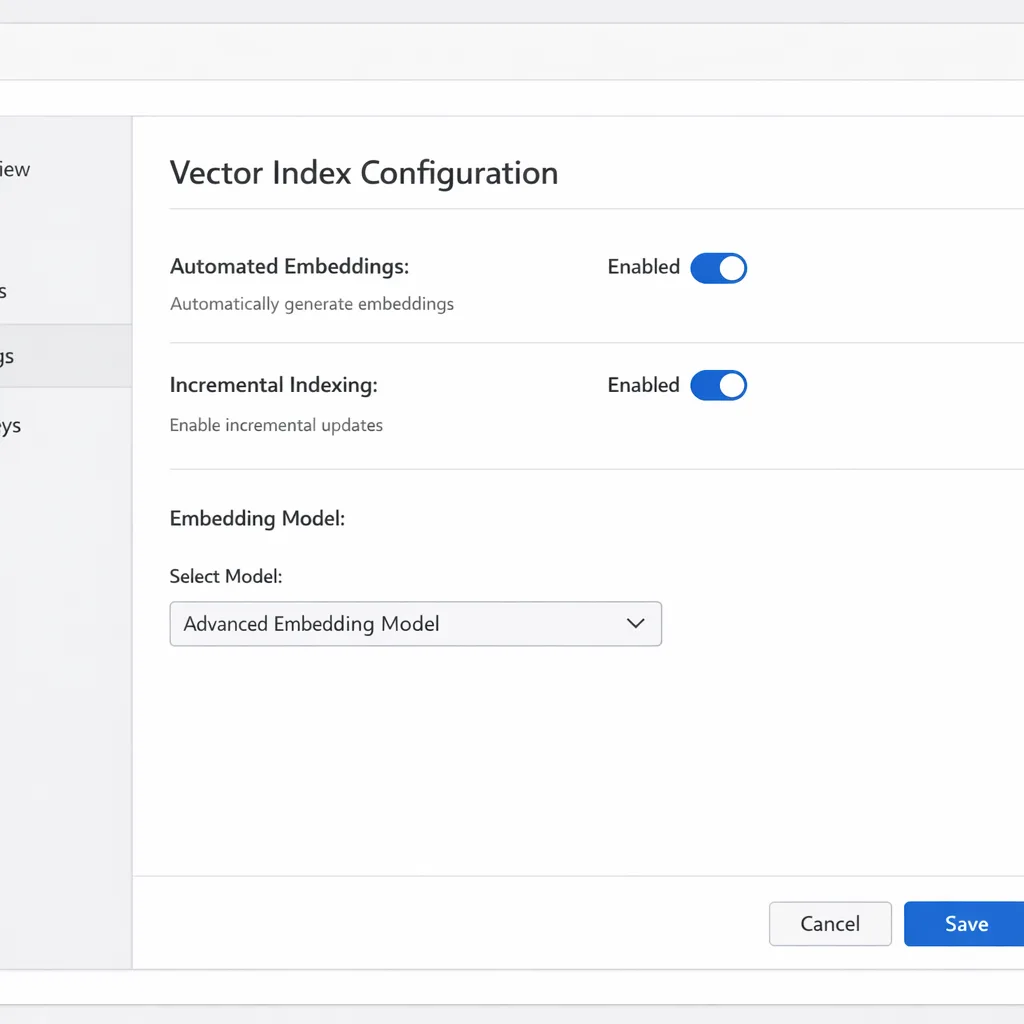
- In Atlas, open your database deployment and go to Indexes → Vector.
- Create a new vector index and choose Automated Embeddings.
- Select the source fields (e.g.,
title,body,tags) and pick the Voyage model family appropriate for your language/domain. - Define the destination vector field (e.g.,
embeddings.v1) and set dimensionality if required by the model preset. - Save and backfill: run a simple migration that updates each document to trigger embedding generation. Monitor index build progress.
From here, RAG is a query away: pass the user query through the same embedding model (Atlas can handle this) and run a vector similarity search scoped by your usual filters. Keep the results tight—rerank if needed—and feed the agent with citations and guardrails.
Performance budgeting with MongoDB 8.3
About those speedups: they’re meaningful, but don’t assume you’ll see the headline numbers out of the box. You’ll get the most from 8.3 when you:
- Right‑size working sets: pin hot collections or fields in RAM where possible; use columnar‑style projections in aggregation to reduce payloads.
- Trim document bloat: archive large blobs (images, PDFs) to object storage and store signed URLs.
- Exploit new expressions: hash once inside the pipeline instead of round‑tripping through your app; generate IDs in aggregation when fan‑out writing.
- Turn on overload‑aware server selection in spiky workloads so retries avoid recently overloaded members.
Bottom line: treat 8.3 as performance headroom you can invest back into better ranking, richer context windows, and stricter safety checks—without adding hardware.
People also ask: do I still need a feature store?
Short answer: maybe—but you don’t have to start there. If you’re shipping agents that rely mostly on unstructured retrieval (docs, chats, product copy), the combination of MongoDB Vector Search and automated embeddings is enough. When you add classic ML features—aggregated counters, time‑window metrics, or cross‑system joins—a feature store helps you version, materialize, and serve those features consistently.
The good news is you don’t need to install another database to get there. MongoDB now integrates with Feast as both an offline and online store, so your features can live alongside operational data and vectors. For many teams, that’s one database, one skill set, fewer pagers at 3 a.m.
Gotchas and trade‑offs to watch
There’s no free lunch. A few edge cases we’ve seen already:
- Index growth surprises: automated embeddings are convenient, but they will grow your cluster faster than keyword search alone. Track vector index size per collection and cap low‑signal fields early.
- Language drift: if your content spans languages or domains, choose model variants deliberately. Mixing legal and casual support text in the same index often hurts retrieval quality.
- Memory policies beat schema: long‑term memory that keeps everything becomes noise. Classify memory into principles, facts, and logs with explicit TTLs and compaction routines.
- Downgrade friction: with
2dsphereIndexVersionat 4 by default in 8.3, dropping back to older FCVs may require index rebuilds. Treat upgrades as one‑way unless you’ve rehearsed the rollback. - Text stage limits: 8.3 caps memory for certain text operations. If you sort by text score across large result sets, expect controlled spills—or rewrite to pre‑filter more aggressively.
A simple blueprint: production AI agents on MongoDB
Use this as your starting architecture:
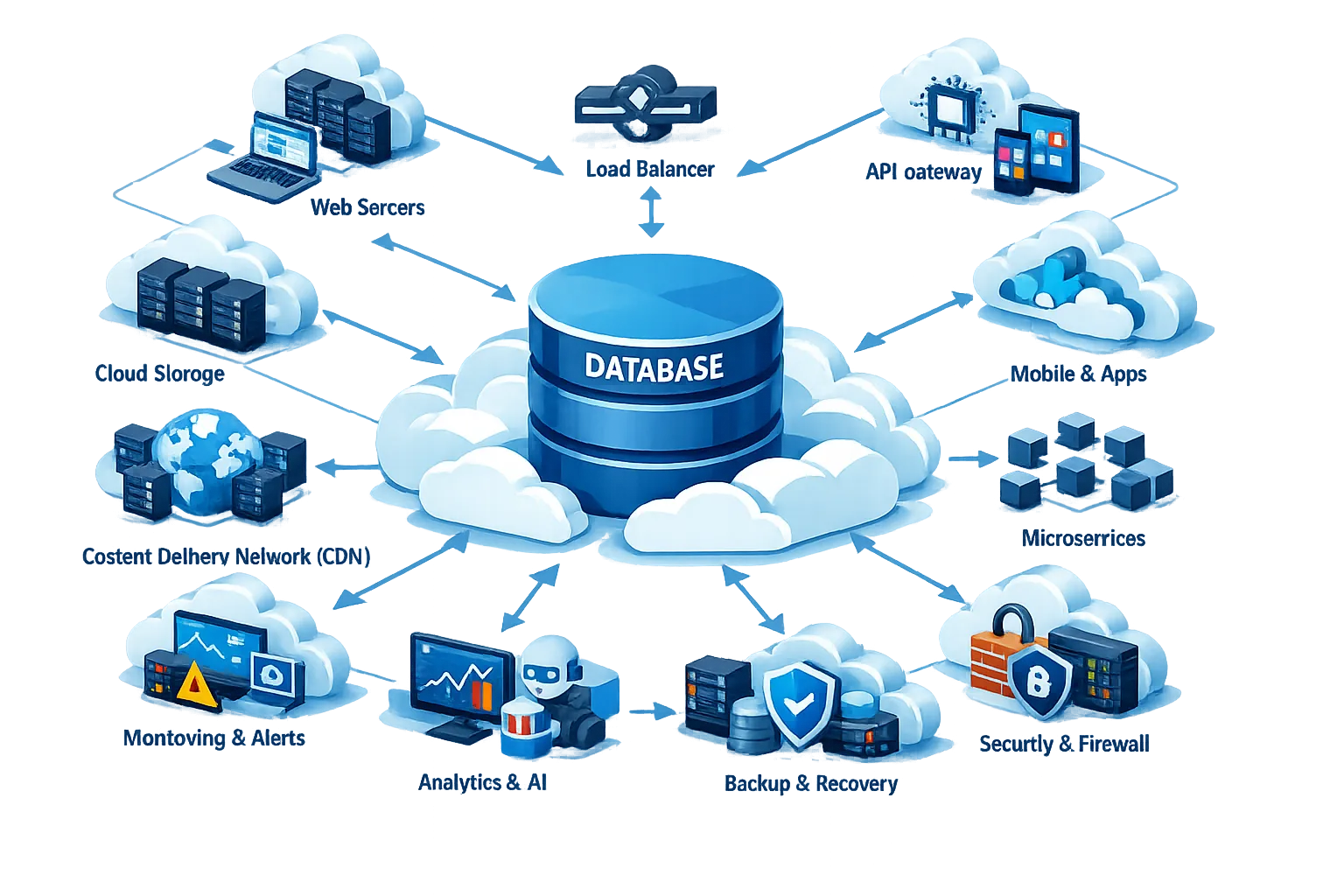
- Operational store: MongoDB 8.3 cluster (Atlas or self‑managed). Collections for content, users, events.
- Vector index: Automated embeddings attached to the content collection; per‑language indexes when applicable.
- Memory: LangGraph.js long‑term memory store on Atlas, with collections split by principle/fact/log and TTLs on logs.
- Retrieval service: A thin service that performs hybrid search (vector + filters), optional reranking, and composes grounded prompts.
- Network: Cross‑region AWS PrivateLink for app→DB traffic; VPC‑only egress for LLM calls where possible.
- Governance: Feature registry (if using Feast), dataset lineage, and secrets management wired through your CI/CD and IaC.

Upgrade checklist you can run this week
Print this and work down the list:
- Confirm driver parity and retry settings across services.
- Stage a canary cluster on MongoDB 8.3 with a copy of production data.
- Enable slow in‑progress query logging and set thresholds.
- Test text‑sorted queries for memory caps and spills.
- Validate geospatial and time‑series behaviors; plan index rebuilds if needed.
- Audit auth mechanisms; remove SCRAM‑SHA‑1 if you run FIPS.
- Create your first automated embedding index on a single collection.
- Backfill by re‑writing documents to trigger embedding generation.
- Wire LangGraph.js memory store; set TTLs and compaction jobs.
- Stand up cross‑region PrivateLink endpoints via IaC and test failover.
How this maps to timelines and budgets
For a mid‑size product team, a safe rollout looks like this: two days of prep and canarying; one day to upgrade production clusters; one sprint to ship semantic search on a single collection; and one sprint to add persistent memory to the most valuable agent workflow. The cost delta usually shows up in storage (vectors + memory) and a moderate uptick in compute for embedding generation. You can offset that through tighter document design and by pruning low‑value fields from embedding sources.
If you’re comparing agencies or debating in‑house vs. partner support, see our take in Web Development Agency vs Freelancer and how we scope projects in Our Web Development Process: From Discovery to Launch. For a real AI build, peek at How We Built ChefAI for the decisions we made around retrieval, ranking, and latency.
Compliance and safety notes (don’t skip)
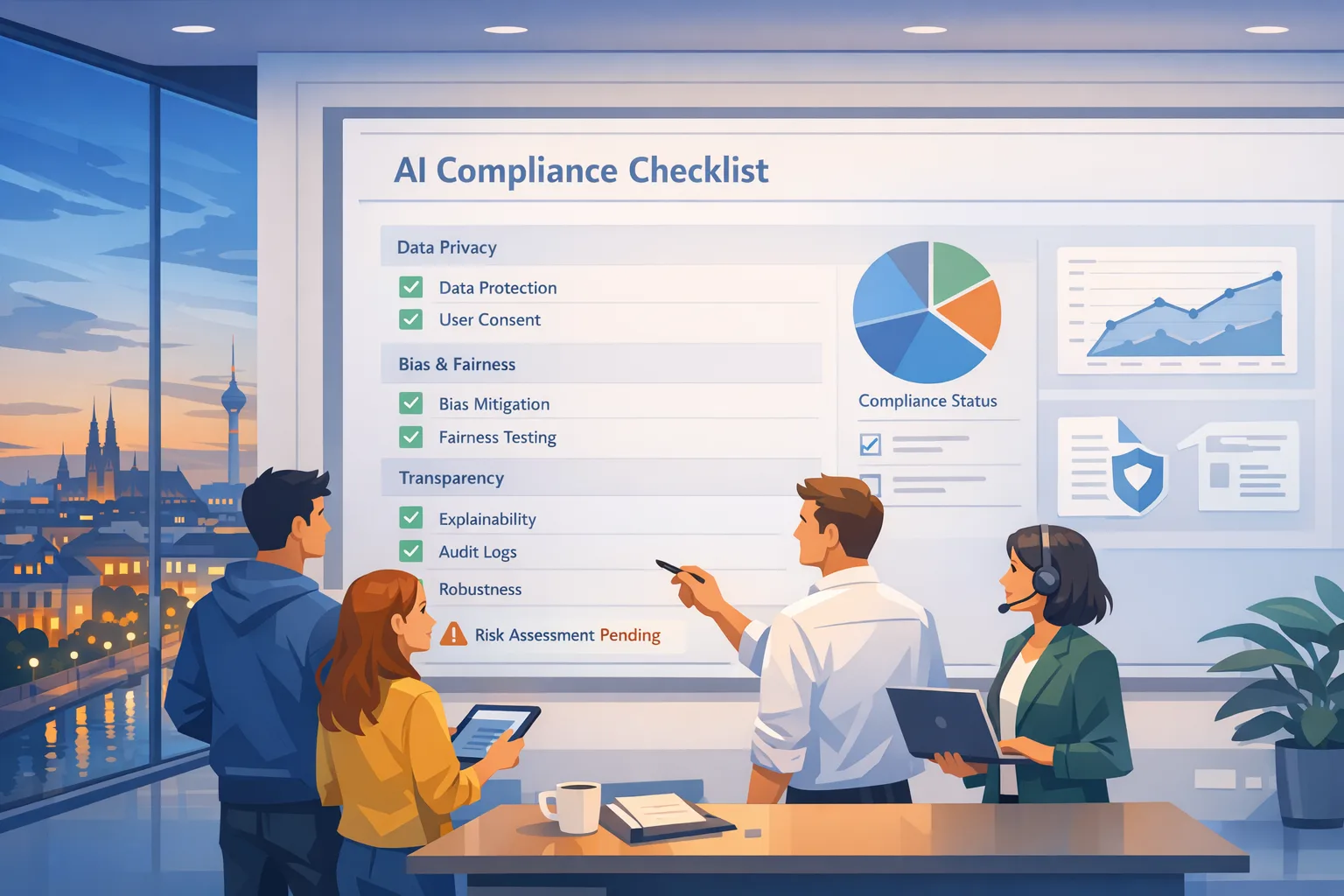
Native embeddings and persistent memory change your data map. Classify what gets embedded to avoid leaking PII into vector space, and prefer per‑tenant indexes when strict access boundaries exist. For regulated teams, PrivateLink plus region‑scoped clusters makes data residency easier to prove. If you’re shipping in the EU, pair this rollout with a gap assessment; our EU AI Act 2026 Last‑Mile Playbook outlines the controls most teams miss (logging, data subject rights, and human‑in‑the‑loop review).
FAQs developers keep asking
Can I replace my standalone vector database now?
In many stacks, yes. If your vectors live next to the source documents and you need transactional updates (write doc → embed → query), keeping everything in MongoDB simplifies consistency and cuts latency. If you rely on exotic ANN indexes or GPU‑backed search operators your team has tuned for months, evaluate side‑by‑side first.
Do I need reranking on top of native embeddings?
Expect better first‑pass recall with automated embeddings, but long‑form answers still benefit from reranking the top‑k with a stronger model. Start with k=20 and measure grounded answer accuracy before you crank it up.
What about cost?
Storage grows with vectors and memory. Keep your embedding sources lean, split indexes per language, and apply TTLs aggressively to ephemeral context. For compute, generate embeddings on write paths you already have—don’t add a second ingestion tier unless you must.
What to do next
- Pick one collection and enable automated embeddings. Ship a scoped semantic search UI to internal users next week.
- Wire LangGraph.js long‑term memory and set retention policies. Measure answer accuracy after a week of real usage.
- Stand up cross‑region PrivateLink and document the architecture for your security review.
- Plan your MongoDB 8.3 upgrade window and rehearse rollback—even if you don’t expect to use it.
- Talk to us if you want a fixed‑scope sprint to deliver this stack; start with our AI & web development services.
Zooming out
MongoDB 8.3, native embeddings, GA memory for LangGraph.js, and PrivateLink everywhere aren’t flashy one‑offs—they’re the boring, necessary pieces that make agent features feel like a product instead of a demo. If your roadmap for Q2 includes better search, smarter assistants, or safer multi‑region footprints, you can move this week with tools your team already knows. That’s the real win.







Comments
Be the first to comment.