Cloudflare Workers AI Deprecations: What to Migrate by May 30
Heads up: Cloudflare Workers AI deprecations arrive on May 30, 2026. If you run prompts, embeddings, or agent workflows on Workers AI, this isn’t a “maybe later” task—several model identifiers will stop resolving, and one popular model will auto-alias to a newer version at a higher price. In this guide, I’ll show you what’s changing, the safest replacements, and a practical migration plan we’ve used for production apps so you can glide through May 30 without outages or surprise cloud bills.
What’s actually changing on May 30, 2026?
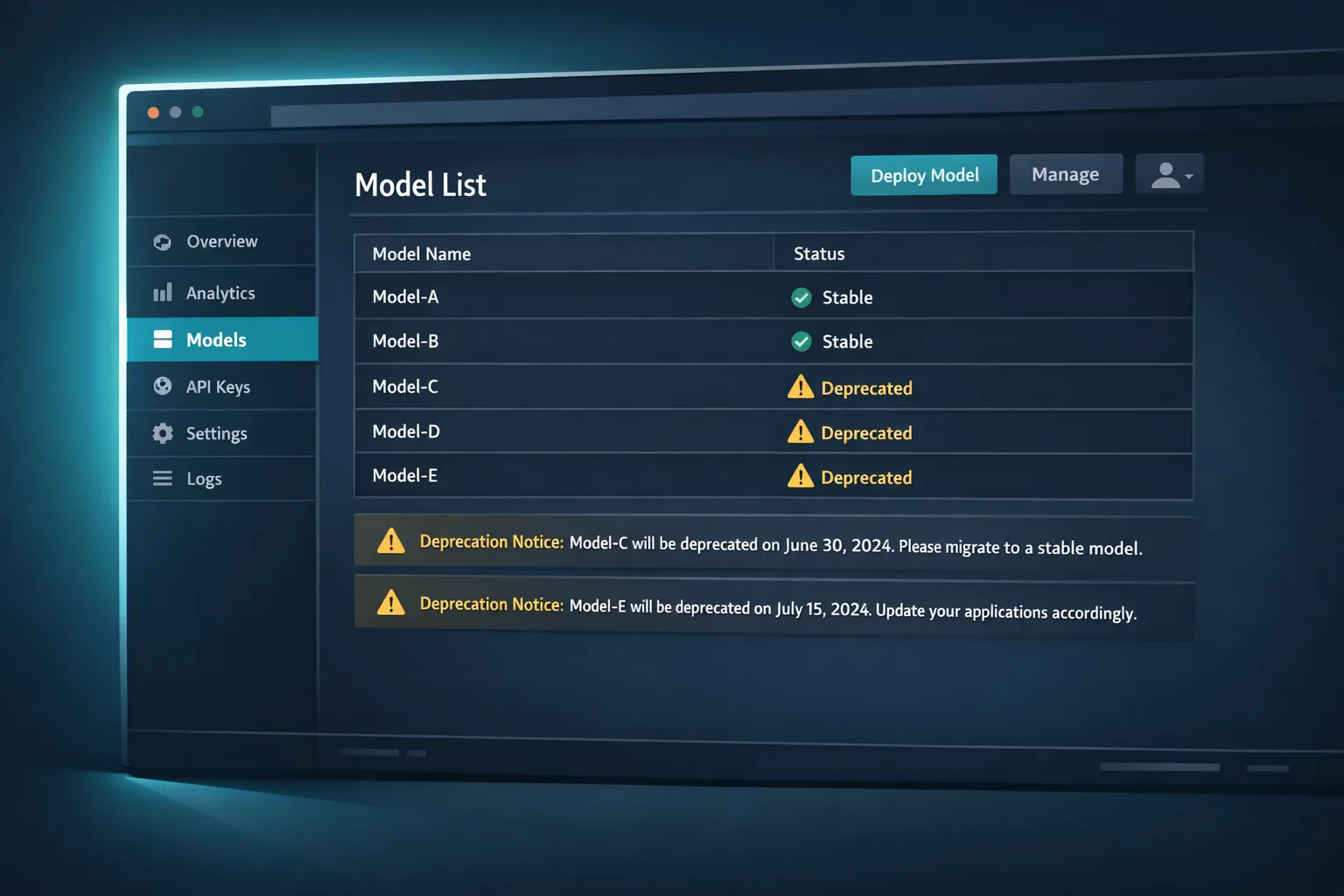
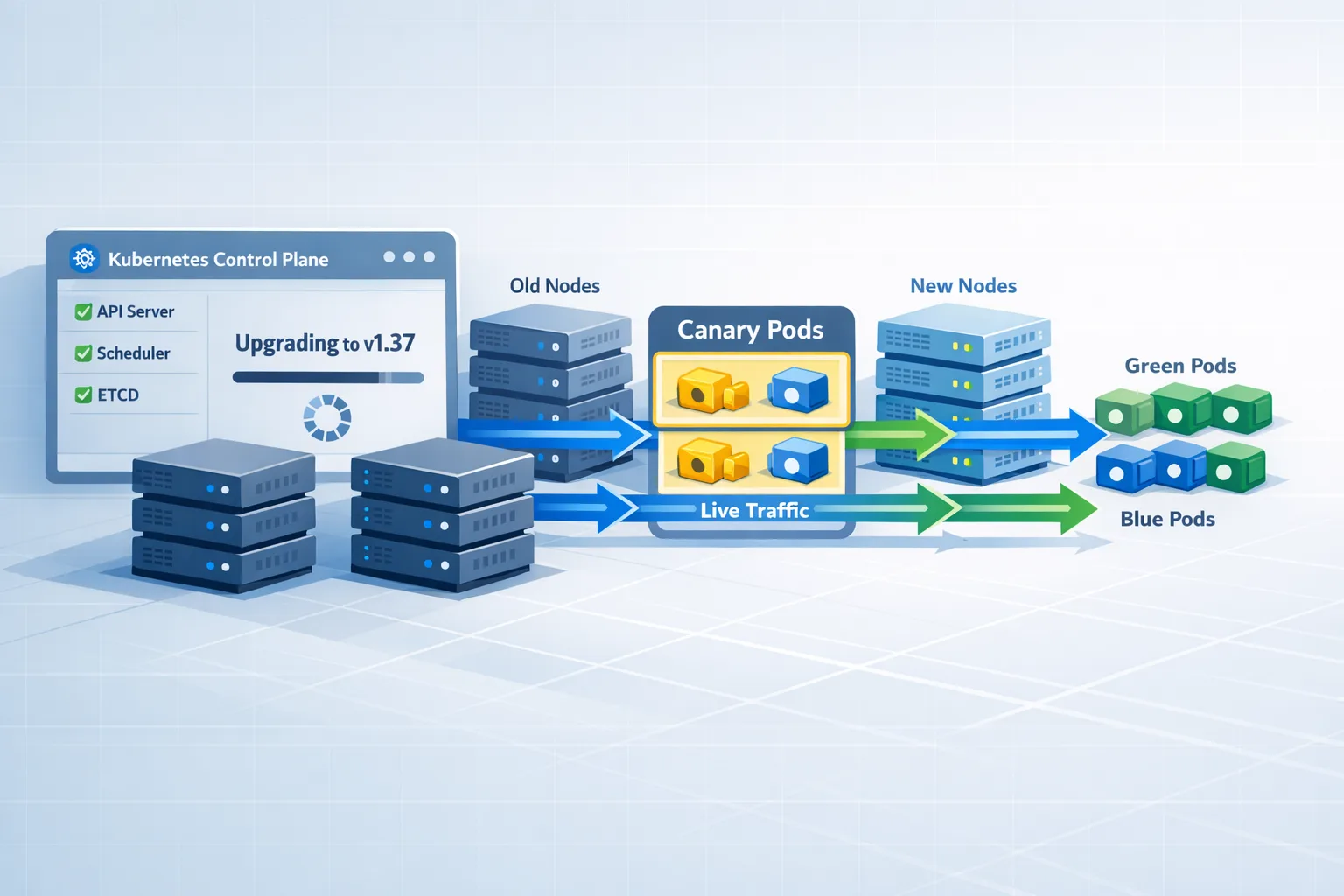
Cloudflare is refreshing the Workers AI catalog and deprecating a batch of older identifiers on May 30, 2026. The headline: @cf/moonshotai/kimi-k2.5 will be removed and automatically aliased to @cf/moonshotai/kimi-k2.6 on that date, and the newer version carries a higher price. Cloudflare also lists modern replacements you should test now: @cf/zai-org/glm-4.7-flash (fast, multilingual, tool calling), @cf/google/gemma-4-26b-a4b-it (efficient with vision + tools), and of course kimi k2.6 for agentic and coding workloads.
Here are the identifiers Cloudflare marks as deprecated on May 30 (showing a representative slice so you can map quickly):
- @cf/moonshotai/kimi-k2.5 → replace with @cf/moonshotai/kimi-k2.6
- @cf/meta/llama-3-8b-instruct, @cf/meta/llama-3.1-8b-instruct, @cf/meta/llama-3.1-70b-instruct
- @cf/meta/llama-2-7b-chat-int8 and -fp16 variants
- @cf/mistral/mistral-7b-instruct-v0.1 and @hf/mistral/mistral-7b-instruct-v0.2
- @cf/google/gemma-3-12b-it and @hf/google/gemma-7b-it
- @cf/microsoft/phi-2, @cf/defog/sqlcoder-7b-2
- @cf/unum/uform-gen2-qwen-500m, @cf/facebook/bart-large-cnn
Variants labeled -fast and many -lora flavors remain for now (Cloudflare signals more LoRA news later), but plan on future changes. If you maintain fine-tunes, export artifacts and keep your training recipes handy.
The risks if you ignore this
Three things bite teams who wait until the deadline:
First, silent cost drift. When kimi k2.5 aliases to k2.6 on May 30, your request succeeds—but the bill can climb. If your alerting keys on 4xx/5xx failures, you won’t catch this until finance asks why the AI line item jumped.
Second, quality drift. Models like older Llama or Mistral instruct variants can behave differently than GLM 4.7 Flash or Gemma 4 26B on code synthesis, multilingual QA, and tool-calling JSON stability. If you rely on specific output shapes, you must re-run evals and adjust system prompts.
Third, production breakage. Any identifier that doesn’t alias will 404 after the cutoff. CI/CD pipelines that lint or smoke-test model reachability will start failing—best case; worst case, a user-facing path errors in the middle of a checkout or support interaction.
Cloudflare Workers AI deprecations: migrate without drama
Let’s get practical. If your Worker binds an AI instance (for example, env.AI) and calls a model by string, migrations are usually a one-liner—provided you also update prompts, output validation, and cost guards.
// before
const result = await env.AI.run('@cf/meta/llama-3.1-8b-instruct', {
  messages: [
    { role: 'system', content: 'You are a helpful assistant.' },
    { role: 'user', content: 'Summarize this article as JSON.' }
  ]
});

// after: try GLM 4.7 Flash for fast multilingual + tool calls
const result = await env.AI.run('@cf/zai-org/glm-4.7-flash', {
  messages: [
    { role: 'system', content: 'Respond with strict JSON per the schema.' },
    { role: 'user', content: 'Summarize this article as JSON.' }
  ],
  response_format: { type: 'json_object' }
});
Prefer replacements that match your workload profile: GLM 4.7 Flash for fast, tool-heavy agents; Gemma 4 26B for stronger reasoning + vision; Kimi k2.6 for agent tool use and code. Yes, you’ll want a short prompt tuning pass—these models are slightly different interlocutors. Lock down response schemas via response_format and unit tests.
Batch heavy jobs? Move to the Asynchronous Batch API
Cloudflare redesigned the Asynchronous Batch API this spring to queue inference when capacity is tight instead of erroring out—perfect for summarization, embeddings, and nightly data refreshes. If you’re still fanning out single requests from a cron Worker, you’re paying with retries and flakiness. Switch to batch and poll for results:
// queue a batch
const { request_id } = await env.AI.batch.create({
  model: '@cf/google/gemma-4-26b-a4b-it',
  inputs: docs.map(d => ({ messages: [{ role: 'user', content: d.text }] }))
});

// later: pull results
const out = await env.AI.batch.get(request_id);
if (out.status === 'completed') save(out.results)
Two quick guardrails: keep payloads under documented size limits, and don’t collapse unrelated jobs into a monster batch—latency tails matter for observability and incident response.
Unify routing and observability with AI Gateway
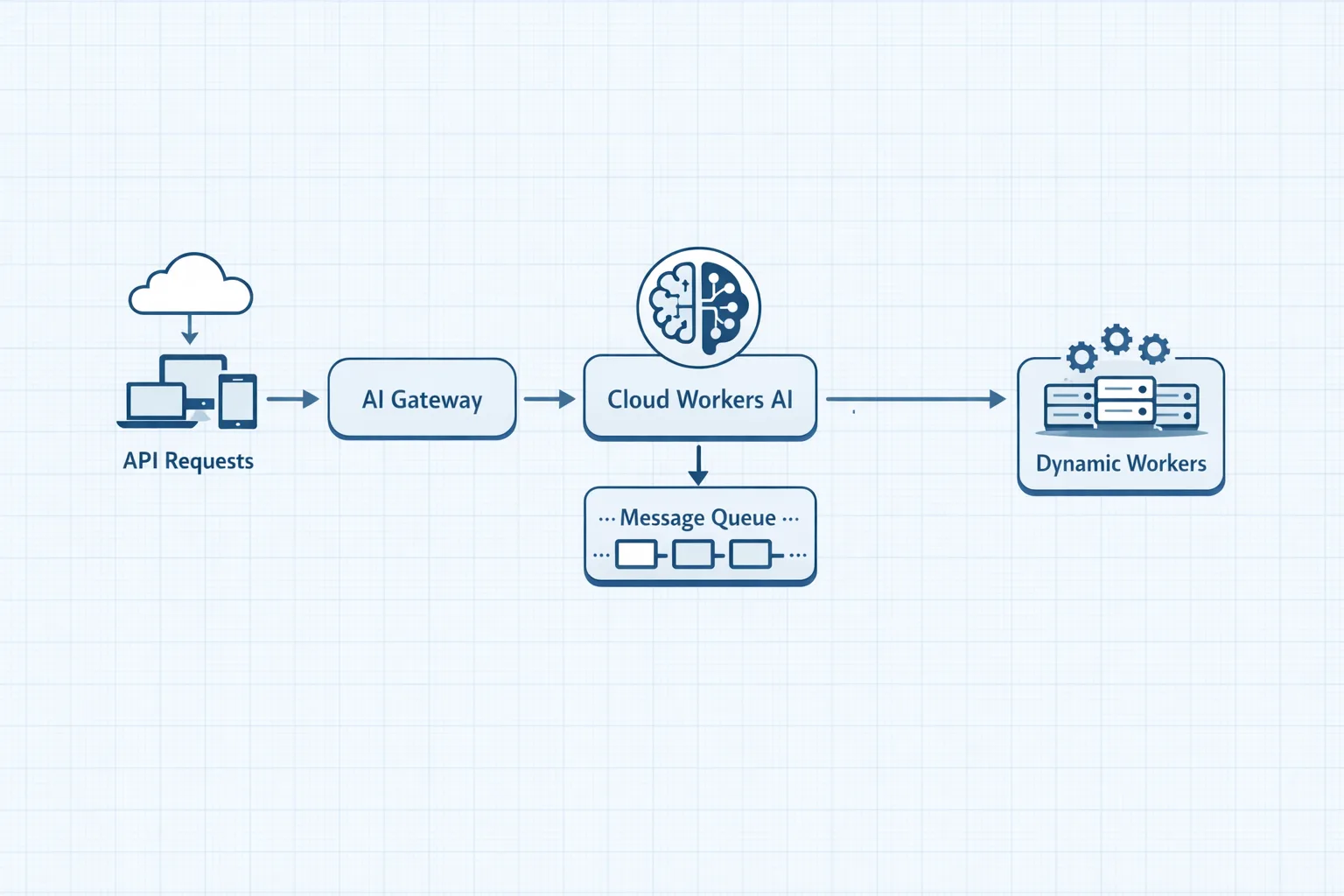
Cloudflare’s AI Gateway now exposes a REST API on api.cloudflare.com so you can call third‑party providers and Workers AI through one endpoint. Use a distinct cf-aig-gateway-id per app to get provider‑agnostic logs, cache, and rate limiting. For migrations, this gives you a safety valve: dual‑route a % of traffic to the new model, compare production‑shaped telemetry, and flip when confidence is high.
Architecture choices if you’re all‑in on Workers
Many teams are leaning into Dynamic Workers (open beta) to execute model‑generated code in isolate sandboxes. That’s useful for agent tasks like spreadsheet transforms, S3/R2 file ops, or calling third‑party APIs with constrained capabilities. Pair it with durable orchestration—either a lightweight workflow in KV/Queues/Durable Objects, or Cloudflare’s emerging workflow helpers—to fence in permissions, bandwidth, and cost.
But there’s a catch: agent freedom can quietly expand surface area. Treat every new tool your agent can call as a product feature with an owner, SLIs, and failure modes. If you don’t have an internal playbook for runtime upgrades, write one now—or borrow ours and adapt it. We published a field-tested runtime upgrade strategy you can apply to Workers AI changes this month.
A 7‑day migration plan (works even if you’re late)
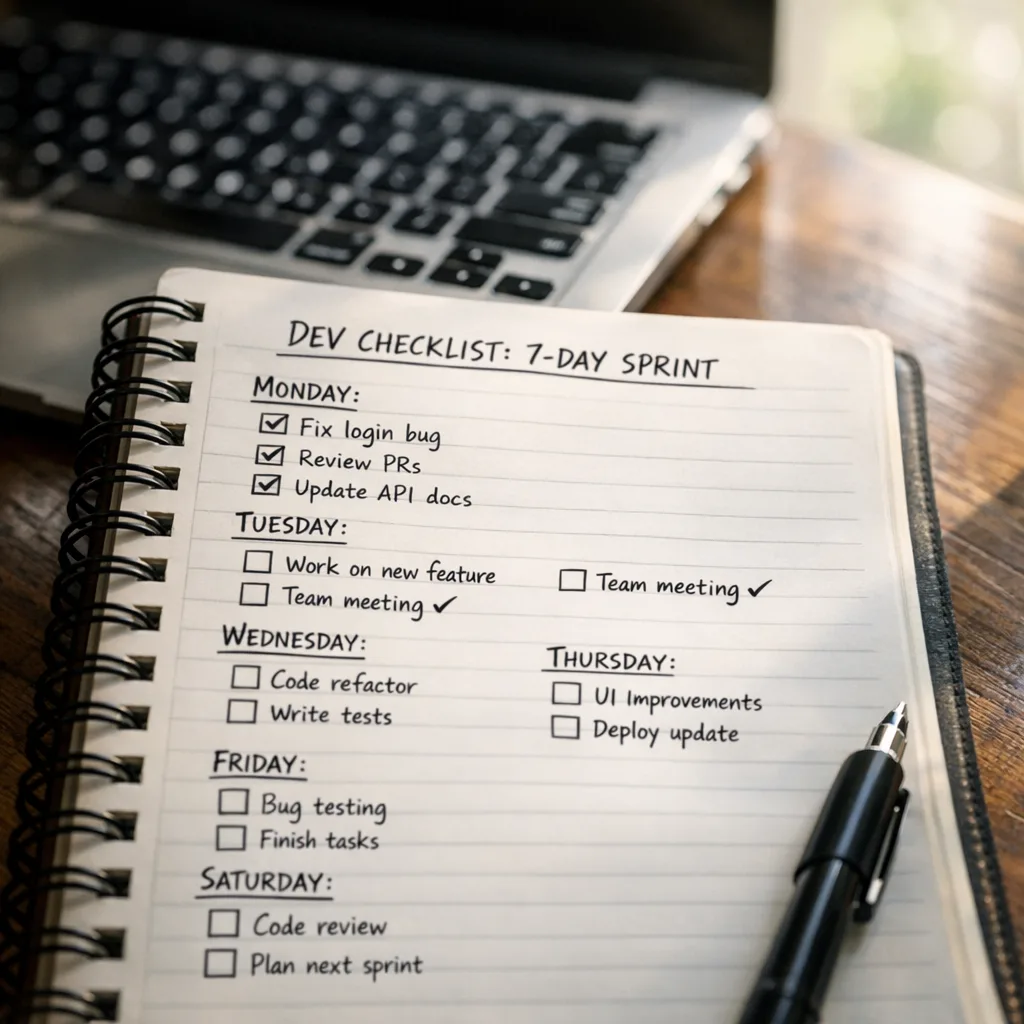
Here’s a crisp plan we use for clients who need to move fast without breaking anything.
- Inventory (Day 1): Search your codebase and config for model strings and OpenAI‑compatible endpoints. Map each to a request volume and business flow. Flag anything on the deprecation list. If you don’t have this in one place, create a model registry doc.
- Pick candidates (Day 1): For each deprecated model, select a primary and a fallback—e.g., GLM 4.7 Flash as primary, Gemma 4 26B as fallback. Note where vision or strict JSON helps.
- Reproduce prompts (Day 2): Freeze prompts for evaluation. Standardize on system messages that make schemas explicit and forbid out‑of‑band chatter. Parameterize temperature and top‑p so you can sweep later.
- Eval set + budget (Day 2): Build a 50–200 case eval set from real traffic. Define pass/fail based on structured output, factuality on known‑answer items, and latency. Cap eval spend with AI Gateway quotas.
- Run A/Bs (Day 3–4): Run evals across old vs. new models. If you use tools, include tool latency and failure injection. Keep a log of schema mismatches and add response guards (JSON schema validation, retries with function‑call hints).
- Shadow prod (Day 5): Route 5–10% via AI Gateway to the new model with identical prompts, compare success/error rates and median/95th latencies. Lock alerts on cost per 1k tokens or per request if the provider bills by request.
- Flip + watch (Day 6–7): Roll out to 100% and monitor for a week. If you rely on nightly jobs, move them to the Asynchronous Batch API so they survive capacity swings.
If you want a partner during this sprint, our team at ByBowu can help crash‑proof the rollout. See our services and the case studies we’ve shipped on similar stacks.
Cost control tips so the invoice doesn’t surprise you
I’ve seen more cost blowups from “works fine” than from obvious errors. Put these guardrails in place:
- Hard rate limits: Use AI Gateway quotas to cap QPS and tokens per minute during the rollout window.
- Session affinity for chat: If you’re running multi‑turn interactions, send the documented session header so context caching actually saves tokens.
- Stop‑sequence tests: When migrating code‑gen or SQL assistants, verify stop sequences and maximum output tokens. Slight defaults can add seconds and dollars.
- Fail closed on cost: If your per‑request estimate exceeds a threshold, return an apologetic fallback instead of chewing through retries.
Compliance and data handling aren’t optional
Model swaps can change where your data flows and which vendors process it. Update your records of processing activities and DPIAs. If you do business in the EU or handle health/financial data, align the change with your AI governance checklist. We’ve detailed last‑mile considerations in our EU AI Act 2026 playbook—use it as a cross‑check when you finalize replacements and providers.
People also ask
What happens if I do nothing by May 30?
Some identifiers will stop resolving and error. Others like kimi k2.5 will alias to k2.6 and can raise cost without breaking. Either path is a bad production story.
Will my existing LoRAs still work?
Many -lora variants remain available today, but Cloudflare hints future changes. Export training configs and be ready to re‑train on newer base models like Gemma 4 26B or Llama 3.3-class families when they appear.
How do I test inference cost changes quickly?
Replay a representative slice of production traffic through AI Gateway with quotas and per‑request logging. Track tokens, latency, and schema validity. This is faster and more honest than lab‑only prompts.
Do I need to change my CI?
Yes—add a reachability test for every model identifier you call. We also add a unit test that validates JSON schemas and enforces deterministic settings in prompts so teammates don’t accidentally undo your migration work.
A lightweight framework for safe model changes
Use this when you or a teammate proposes a new model or a prompt edit:
- Intent: What user pain does this fix? What metric should improve?
- Impact window: Which endpoints, volumes, and peak hours are affected?
- Inputs: Any new data classes? Any policy/PII shifts to document?
- Interfaces: Will outputs change shape or type? Update JSON schemas and downstream parsers.
- Invariants: What must not regress (SLAs, pass@k, tool call rate)?
- Instrumentation: What new logs, dashboards, and alerts ship with this change?
If your organization doesn’t yet have a documented process, adapt our broader delivery process to AI work. The same discovery‑to‑launch discipline applies—just with model evals and cost SLOs added.
Common migration gotchas we’ve seen
JSON looseness: Some replacements are chattier by default. Force JSON mode and validate; reject with a retry prompt if parsing fails.
Tool calling drift: If an agent struggles to pick the right tool, add terse tool descriptions, limit tool count, and prefer arguments-as-JSON contracts.
Vision defaults: Vision‑enabled models can return richer outputs but also longer latencies—cap max_tokens and resize images on the edge before sending them to inference.
Embedding mismatches: If you switch embedding models, re‑index. Cross‑model cosine similarity can look reasonable but tank recall; don’t fake it.
What to do next
- Audit your code for deprecated identifiers and update to GLM 4.7 Flash, Gemma 4 26B, or Kimi k2.6 where appropriate.
- Move nightly jobs to the Asynchronous Batch API to avoid capacity errors.
- Introduce AI Gateway for canary routing and cost caps during the rollout.
- Run a 50–200 case eval harness and lock JSON schemas before flipping 100%.
- Document data flows and update vendor/region notes for compliance.
If you want a steady hand through the change, talk to us. Check what we do, review our portfolio, and reach out on the contact page. We’ll ship a safe migration and leave you with a playbook you can reuse for the next round of deprecations.





Comments
Be the first to comment.