
Ubuntu 26.04 LTS: The Practical Upgrade Guide
Ubuntu 26.04 LTS arrived on April 23, 2026. If you run web apps, APIs, or internal dashboards on Ubuntu, this release changes your baseline. Built on Linux 7.0, with TPM‑backed full‑disk encryption available in the installer, native ROCm and CUDA in repos, and a refreshed web/database stack, Ubuntu 26.04 LTS isn’t just another coat of paint—it’s a meaningful shift for platform teams and product engineering alike.

What’s new in Ubuntu 26.04 LTS that actually affects servers
Here’s the short list most web teams care about, with versions that influence compatibility, performance, and security controls you’ll be audited on:
Kernel and platform: Linux 7.0 ships as the base, with optimizations for newer Intel CPUs (including NPUs) and extended Livepatch coverage to Arm64. Confidential computing support expands across Intel TDX and AMD SEV, which matters if you’re planning verifiably private workloads.
Crypto and TLS: OpenSSL is on the current LTS line (3.5.x). Apache disables TLS 1.0/1.1 by default (per RFC 8996). If you still serve legacy clients, plan remediation—don’t re‑enable weak protocols without a business exception signed by security.
Web stack refresh: PHP 8.5.2, Nginx 1.28.2, Apache 2.4.65, and Django 5.2.9 are in the archive. Expect language/runtime differences (e.g., PHP’s pipe operator and URI extension), and module ABI changes.
Databases: PostgreSQL 18 brings faster I/O, virtual generated columns, and uuidv7(); MySQL 8.4 LTS and MariaDB 11.8.6 are available (mutually exclusive installs). One gotcha: a Linux 7.0 change can hurt Postgres throughput/latency unless you use huge pages—turn them on for production nodes.
Memory‑safe system pieces: Canonical continues “oxidizing” the base: sudo-rs and Rust‑based coreutils variants are included, alongside more Rust in the kernel. Expect small behavior edges; test privileged scripts and tooling that rely on quirky legacy behavior.
Images and identity: Cloud images across AWS, Azure, GCP, IBM Cloud, and Oracle Cloud are optimized. authd is packaged for authenticating devices against Entra ID/Google IAM/OIDC providers without extra infra, and WSL images now integrate cloud‑init and Ubuntu Pro for better fleet management.
Will my apps break on 26.04? The honest risks
Compatibility is good overall, but a few areas trip teams up:
1) TLS hardening: With Apache fully deprecating TLS 1.0/1.1 and OpenSSL on modern defaults, very old scanners, set‑top boxes, or in‑store kiosks may fail handshakes. If those devices matter, plan an exception proxy that terminates modern TLS and speaks legacy TLS internally (limited, cordoned off, and monitored), then sunset it with a firm date.
2) PHP and module ABI drift: Jumping to PHP 8.5.2 can expose strictness around types and attributes. Rebuild extensions, test FPM pool configs, and check your opcache settings. If you’re using PECL modules, verify upstream support for 8.5.
3) PostgreSQL 18 on Linux 7.0: Absent huge pages, you may see throughput regressions under parallel load. Enable huge pages at the OS level and set huge_pages=on in postgresql.conf. Validate using pgbench or your own OLTP replay.
4) Scripting and privilege flows: If you have brittle sudo wrappers or scripts parsing ls/cp output, audit them. The Rust implementations are largely compatible but less forgiving around undefined behavior you might have accidentally depended on.
5) Desktop requirements for dev machines: The desktop now recommends a 2 GHz dual‑core CPU, 6 GB RAM, and 25 GB storage; Wayland is fully embraced with GNOME 50. If your developers run heavy local containers, 16–32 GB is still table stakes—budget accordingly.
Ubuntu 26.04 LTS, by the numbers
– Release date: April 23, 2026
– Support window: standard security updates to April 2031; extendable via Ubuntu Pro’s ESM; some orgs layer Legacy add‑ons beyond that
– Minimum desktop spec: 2 GHz dual‑core, 6 GB RAM, 25 GB storage
– Notable versions: Linux 7.0; OpenSSL 3.5 LTS; Apache 2.4.65; Nginx 1.28.2; PHP 8.5.2; Django 5.2.9; PostgreSQL 18; MySQL 8.4 LTS; MariaDB 11.8.6; GStreamer 1.28
Use this: The R.A.C.C.O.O.N. plan to ship 26.04 safely
A seven‑step checklist we run with client teams. Timebox the first pass to a single afternoon.
R — Readiness audit
Inventory every VM, container base image, and AMI. Classify by business impact and compliance scope. Flag anything that touches payments, PII, or uptime SLOs.
A — App compatibility map
Build a matrix: current runtime → target runtime (e.g., PHP 8.3 → 8.5.2; Postgres 16 → 18; Nginx 1.24 → 1.28.2). Note module rebuilds and required config diffs (TLS ciphers, headers, FPM pool directives).
C — Container and CI updates
Update FROM ubuntu:26.04 in Dockerfiles or switch to minimal “chiseled” images where appropriate. Pin language toolchains (Rust 1.93+, LLVM 21, glibc 2.43) and run a full test pass. Bake in ca-certificates and OpenSSL 3.5 to avoid SSL surprises at runtime.
C — Crypto/TLS review
Harden Nginx/Apache: disable weak ciphers, enforce TLS 1.2/1.3 only, add Strict-Transport-Security, Permissions-Policy, and modern Content-Security-Policy. Validate with automated scanners and your own negative tests.
O — Observability soak
Mirror production traffic to a staging stack on 26.04. Compare p95/p99 latency, TLS handshake times, CPU steal, and GC or query latencies. Set abort thresholds before the test so you don’t rationalize regressions.
O — Optimize databases
For PostgreSQL 18, enable huge pages and re‑run auto_explain with sampling to catch new slow query plans. For MySQL/MariaDB, check SSL defaults and validate replication after minor version bumps.
N — Next‑wave rollout
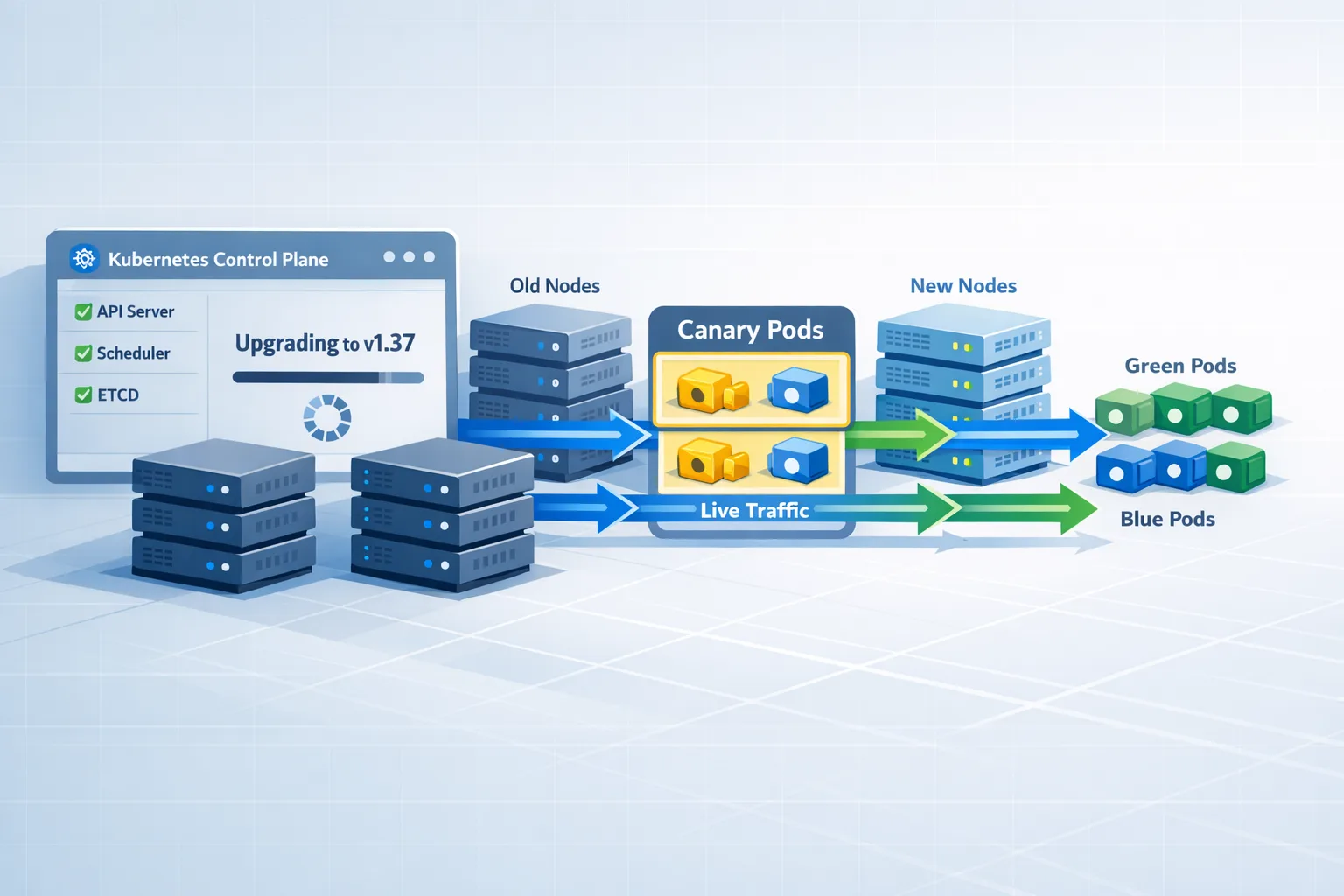
Roll in waves: non‑critical services, internal tools, then public endpoints with a canary. Keep a short rollback path (image snapshots and DB migration steps scripted both directions).

Step‑by‑step: staging your 26.04 rollout
1) Stand up a parallel environment: Use provider‑optimized Ubuntu 26.04 images on your cloud of choice. Enable Livepatch if maintenance windows are tight, and tag nodes distinctly in your service discovery.
2) Bring your CI along: Introduce a parallel job on 26.04 runners. Compile native extensions there first. If you use GitHub Actions or GitLab Runners, pin images explicitly to avoid “it worked on Noble” surprises.
3) Replace base images in containers: Move FROM lines to 26.04. Rebuild Nginx and PHP‑FPM images with matching modules. Keep one linter run on your old base for two sprints to catch accidental reintroductions.
4) Review server configs: For Apache 2.4.65 and Nginx 1.28.2, re‑check TLS blocks, HTTP/2 prioritization, Brotli/Gzip, and proxy_buffering or fastcgi_read_timeout settings. Confirm health‑check endpoints now require modern TLS.
5) Upgrade databases deliberately: Do Postgres 18 in its own maintenance, not bundled with the OS cutover. Enable huge pages; refresh extensions (pg_stat_statements, pgvector, etc.) to versions compatible with 18. For MySQL 8.4 LTS or MariaDB 11.8.6, snapshot replicas and promote after validation.
6) Security baselining: Turn on TPM‑backed full‑disk encryption for new installs where supported. Audit sudo workflows and privileged scripts. Ensure OpenSSL policy aligns with your org’s crypto standard and compliance commitments.
7) Cut traffic gradually: Start with 1–5% canary traffic behind a feature flag or routing rule. Watch error budgets and user‑journey metrics, not just infra graphs. Expand only when KPIs hold.
Performance notes worth acting on
PostgreSQL 18 + Linux 7.0: Turn huge pages on, then validate with your workload. Watch checkpoint behavior and WAL sync times. If you run mixed instance types, test on each—kernel and storage drivers differ.
Nginx 1.28.2: If you terminate TLS at Nginx, revisit ssl_ciphers for a modern suite and verify HTTP/2 prioritization for CSS/JS. For high‑concurrency APIs, measure the impact of reuseport and tune worker_connections alongside net.core.somaxconn.
PHP 8.5.2: Audit third‑party extensions. Re‑enable JIT only after profiling; it doesn’t help every workload. Use a warm‑up phase in autoscaling groups so FPM pools reach steady state before taking traffic.
TLS defaults and scanners: Expect better scores out‑of‑the‑box, but also expect a wave of “client can’t connect” tickets from ancient devices. Decide now whether you’ll accommodate them—and document the exception with a kill date.
People also ask
Is Ubuntu 26.04 LTS stable enough for production?
Yes—treat it like any LTS: stage it, test it with real traffic, and roll out in waves. The kernel, OpenSSL, and core services are current and well‑maintained. The biggest risks are your own app dependencies, not the distro.
What are the minimum system requirements for 26.04?
For desktop installs: a 2 GHz dual‑core CPU, 6 GB RAM, and 25 GB storage. Server requirements depend on your workload; small services can start as low as ~1.5 GB RAM and 4 GB storage, but plan for more in production.
How long will Ubuntu 26.04 LTS be supported?
Standard security updates run through April 2031 (five years). With Ubuntu Pro’s Extended Security Maintenance, you can extend support further for long‑lived systems.
Security and compliance highlights you shouldn’t skip
Full‑disk encryption with TPM: For laptops and sensitive edge nodes, TPM‑sealed FDE raises the bar against offline attacks without user friction. Validate recovery workflows before you need them.
Rust where it counts: With sudo-rs and Rust‑based coreutils in the mix, you inherit more memory safety by default. That’s great, but still run cargo audit or distro advisories against any Rust code you build and ship.
OpenSSL 3.5 LTS baseline: Update any internal libraries or agents that pin old OpenSSL symbols. CI should compile with 3.5 so you don’t discover link errors at deploy time.
How we approach 26.04 upgrades for clients
We treat runtime upgrades as product work. That means discovery, risk mapping, and staged delivery instead of “flip it this weekend and hope.” If you want our deeper playbook, read our runtime upgrade strategy that ships. It walks through inventory, traffic mirroring, and canary design in detail.
If you’re planning a broader rebuild alongside the OS cutover—say, containerizing a legacy PHP app or refactoring an API—our discovery‑to‑launch web development process shows how we de‑risk scope, performance, and cost before you write a line of code. And if you need a partner to execute, here’s what we do and how to engage our team.
Quick config snippets
Nginx TLS block (modern only):
ssl_protocols TLSv1.2 TLSv1.3;\nssl_prefer_server_ciphers on;\nssl_ciphers EECDH+AESGCM:CHACHA20:!aNULL:!MD5:!DSS;\nadd_header Strict-Transport-Security "max-age=63072000; includeSubDomains; preload" always;\n
PostgreSQL 18 (postgresql.conf):
huge_pages = on\nshared_buffers = 25%\nwork_mem = 64MB\nmax_wal_size = 4GB\n
What to do next (this week)
– Spin up a 26.04 staging stack that mirrors production topology.
– Update one CI lane to 26.04 images and run your full test suite.
– Rebuild web images with Nginx 1.28.2 and PHP 8.5.2; test TLS and caching.
– Plan a separate maintenance for Postgres 18; enable huge pages.
– Run a 48‑hour traffic mirror; compare SLOs and error budgets.
– Prepare a canary rollout plan and rollback script; tag the change freeze window.
– If you want help, get in touch—we’ve already shipped this upgrade pattern for multiple stacks.
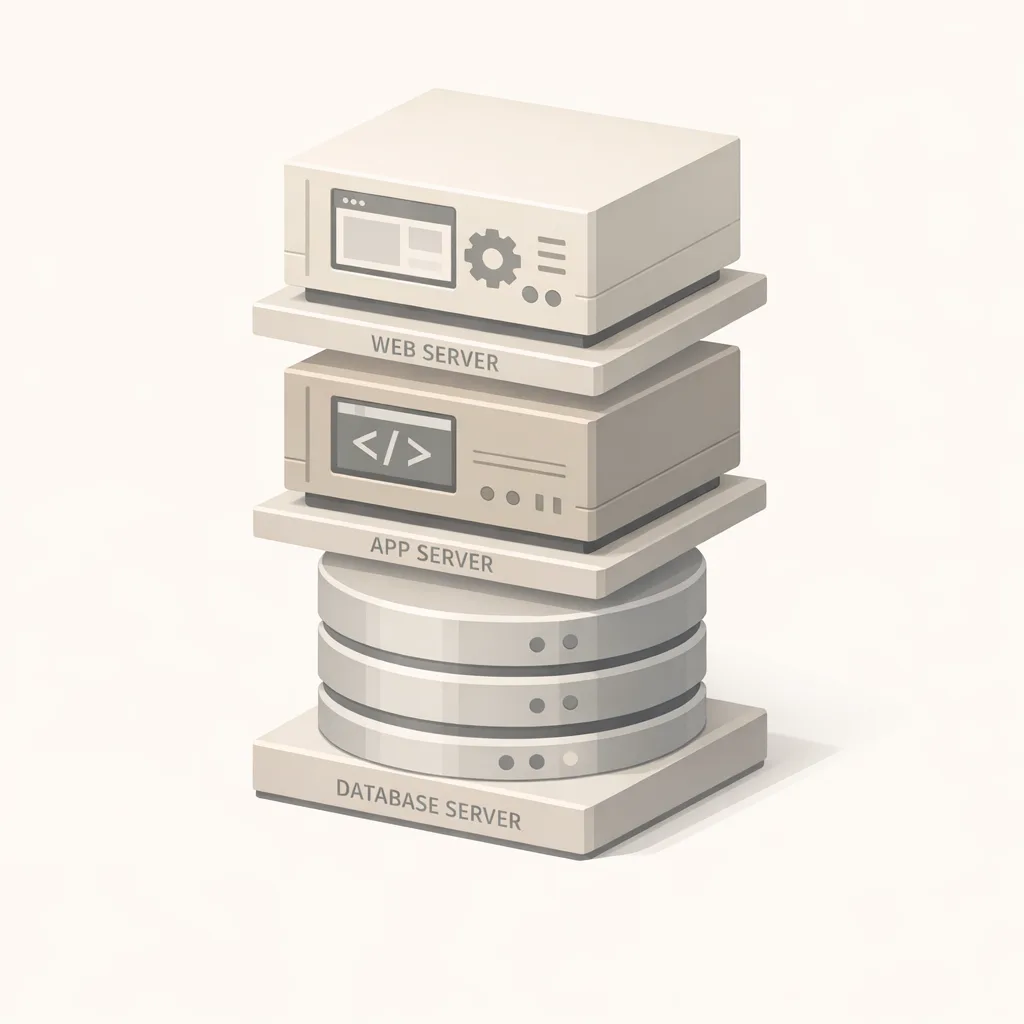
Zooming out
Ubuntu 26.04 LTS pushes the ecosystem toward safer defaults (Rust in critical paths, stronger TLS), current runtimes, and practical features like device‑bound disk encryption and identity that fits how teams run fleets today. If you approach the upgrade with a plan, there’s more upside than churn. The wins—better performance profiles, reduced risk surface, and cleaner supply‑chain stories—compound over the next five years.
Ship it like a feature. Keep the canaries small, the telemetry honest, and the rollback fast. Your future self will thank you.







Comments
Be the first to comment.