Vercel Functions 5GB: What It Changes For Your Stack
Vercel just raised the ceiling: function packages can now reach 5GB and Node.js/Python functions can run up to 30 minutes. If you’ve been wrestling with model files, binary dependencies, or gnarly headless toolchains, this matters. The move reframes what teams can build directly on serverless—and it demands new guardrails. Here’s how to exploit the new Vercel Functions 5GB headroom without waking up to slow boots and ballooning bills.
What exactly changed in Vercel Functions 5GB?
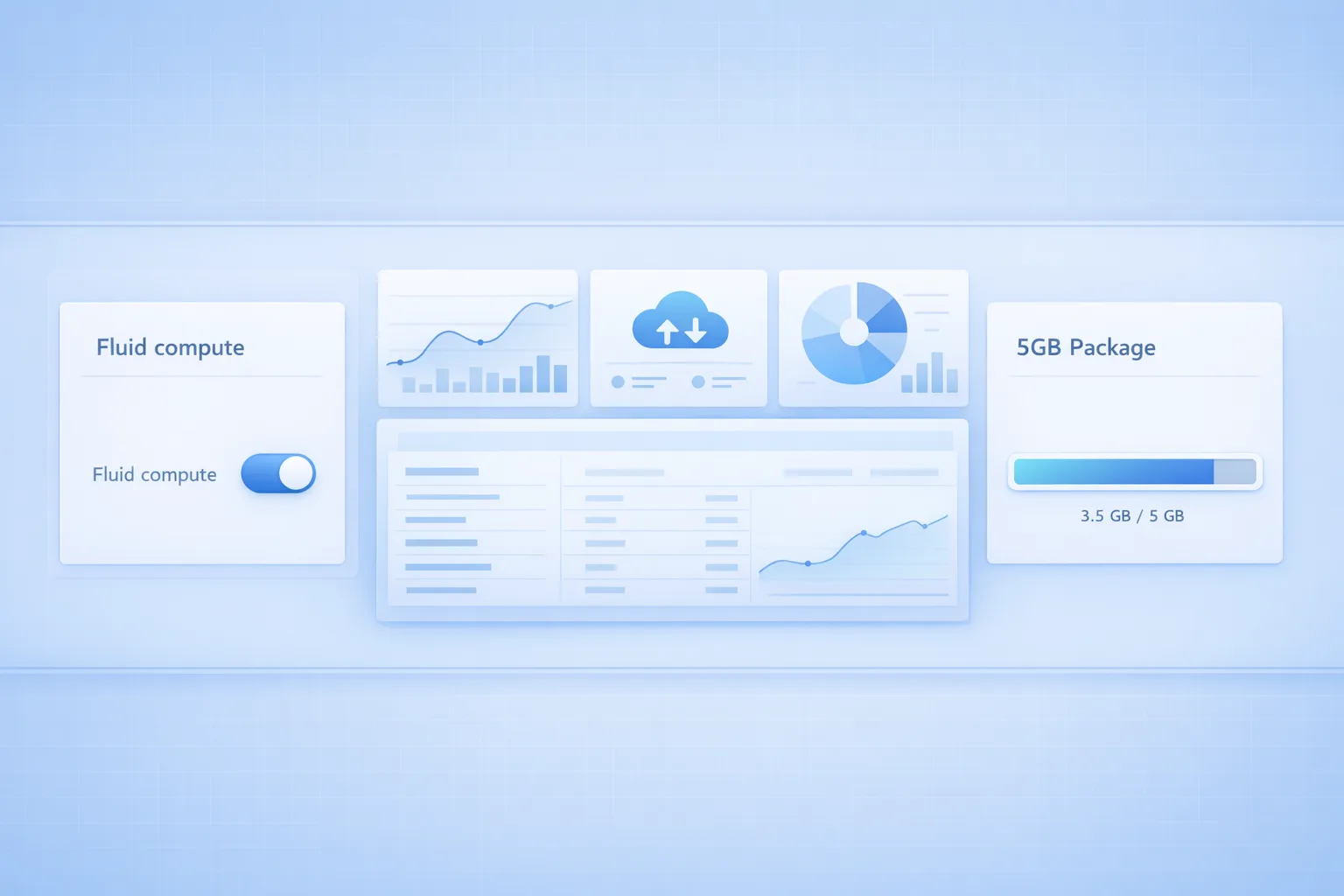
Two concrete updates landed in mid-to-late June 2026. First, functions using Node.js or Python can now run for up to 30 minutes (previously capped well below that in many plans). Second, package size for those runtimes can scale to 5GB—a 20x jump from the long-standing 250MB unzipped ceiling many developers hit during builds. To use the larger bundles, projects need Fluid compute and an opt-in environment variable that unlocks the feature for your deployment.
In practical terms, this blows open categories that used to require sidecars or separate services: local OCR and video transcode steps, on-demand rasterization, heavier LLM toolchains, even complex ETL in API routes. The old pattern was “ship a microservice for anything over 250MB.” Now you can keep more of that work in the same repo and deployment pipeline, if you’re deliberate about design and cost.
Should you use it? Four scenarios where it shines
Not every project needs bulkier functions. But there are clear wins when your workload falls into one of these buckets:
1) AI and data tooling co-located with your app. If your app depends on local tokenizers, embeddings, or lightweight models that tip you past 250MB, bundling them can cut latency and operational complexity. Shipping a 1–2GB toolkit in the same deployment reduces network hops and simplifies rollbacks.
2) Binary-heavy tasks. Think headless Chromium for PDF or screenshot generation, ffmpeg for media transforms, libvips for image processing, or tesseract for OCR. Previously, these assets forced awkward architectures or custom hosting. With 5GB, you can keep them near your code and version them together.
3) Long-running workflows. The 30-minute execution window allows synchronous jobs that were previously impossible without queues and workers. It’s still smart to use queues for bulk throughput, but time-bound tasks like document extraction or third-party export/imports become simpler to implement directly.
4) Transitional migrations. If you’re moving off older infrastructure, the bigger limit can serve as a temporary compatibility bridge—letting you lift heavier code first, then slim down steadily without blocking feature velocity.
But there’s a catch: size, cold starts, and cost
Here’s the thing: just because you can pack 5GB into a function doesn’t mean you should. Larger bundles typically increase startup time. That’s most visible in sudden traffic spikes and low-cache regions. Fluid compute helps by pooling memory and charging primarily for active CPU time, but heavy packages still add overhead. Shipping giant binaries into latency-sensitive routes (auth, checkout, product pages) is a recipe for cart abandonment and angry PMs.
Cost can also surprise you. Bigger functions invite more generous resource settings and longer work per request. If your app skews toward lots of small invocations (for example, Next.js API routes hit by crawlers), a few seconds of extra startup multiplied by thousands of calls adds up fast. And if you stream large responses casually, egress dominates your bill long before compute does.
How to enable 5GB safely (and reversibly)
Let’s get practical. To trial the new capability without chaos, do it behind a controlled flag:
- Enable Fluid compute for a non-critical environment first (staging or a forked production project).
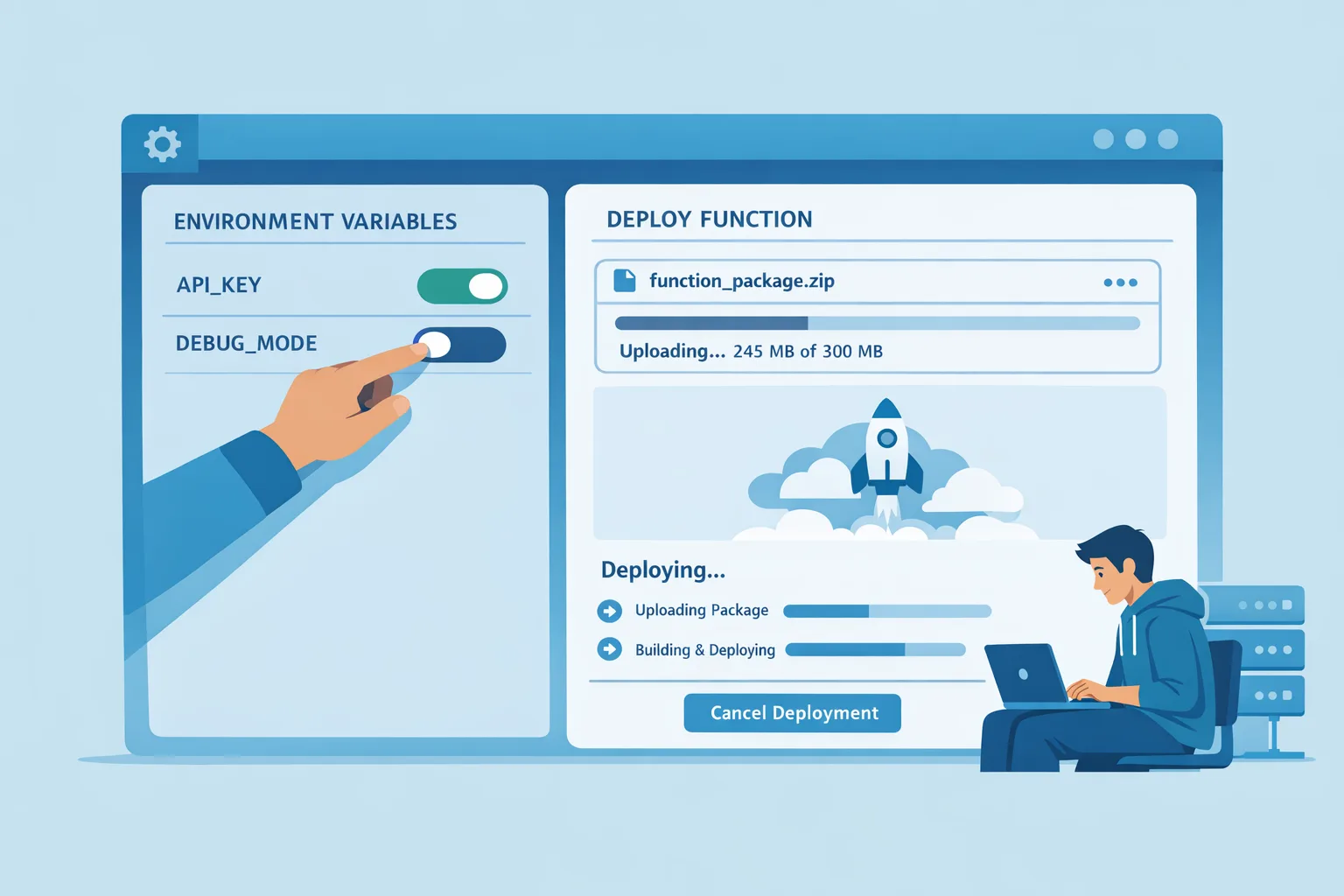
- Add the environment variable that opts you into larger packages (name provided in the official changelog) and redeploy.
- Gate heavy routes with an internal header or feature flag so only synthetic traffic hits them initially.
- In Next.js App Router, set export const maxDuration = 1800; on routes that truly need long execution. Don’t blanket-raise everything in vercel.json.
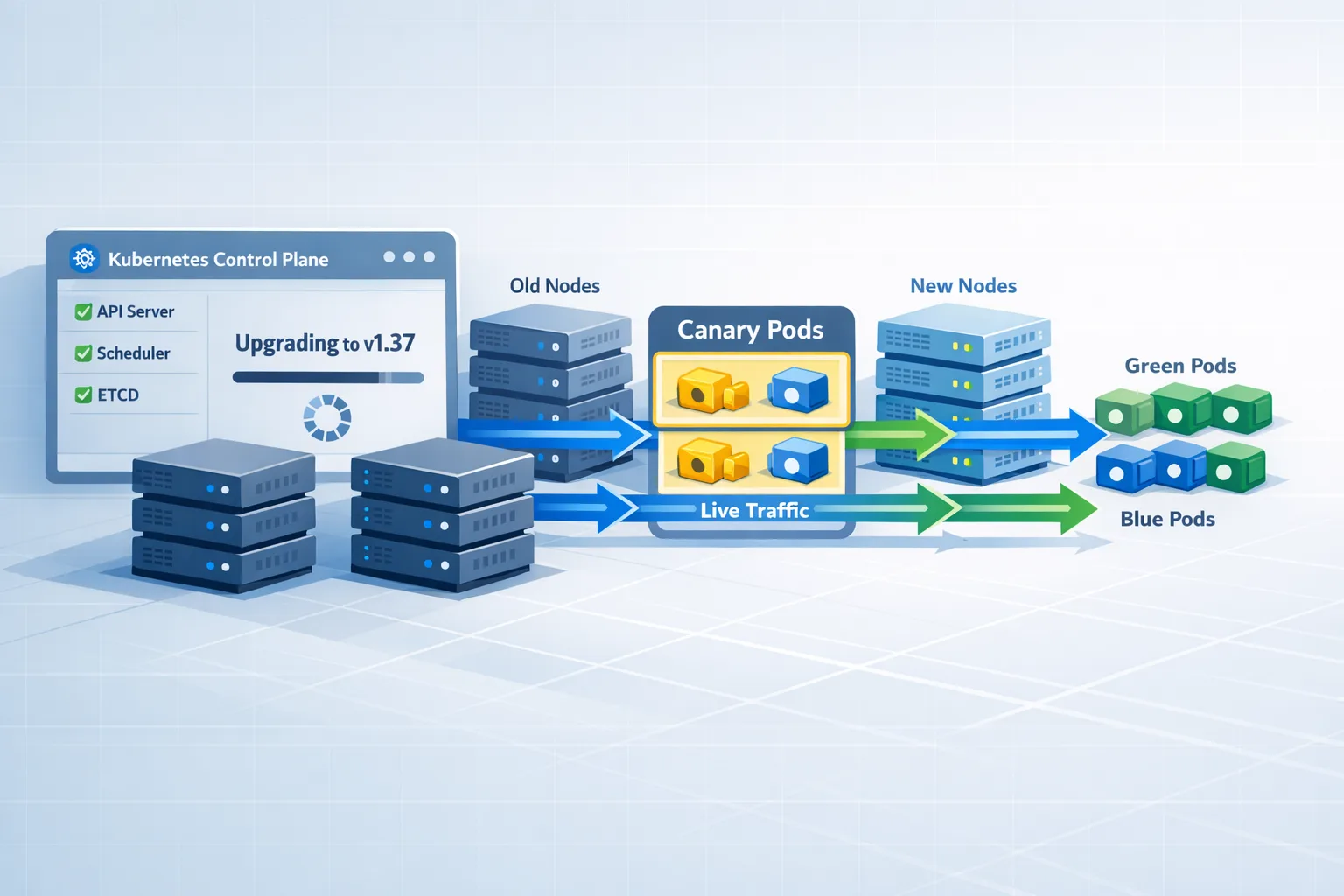
Roll the change out to a narrow geography with canary traffic, then expand once P95-P99 latencies and cold starts stabilize. Expect to tune memory per route and refactor modules that cause outsized boot time. If you don’t see a clear win after a week of measured trials, roll back; it’s not failure, it’s focus.
SLIM-FIT: a bundle discipline you can actually keep
Use this five-part routine before and after you turn on big packages:
S — Scope: Split “big” features into dedicated routes or workers. Don’t let a 1.5GB dependency bleed into auth or catalog endpoints via accidental imports.
L — Lean imports: Prefer dynamic import() for bulky modules (headless browsers, image libs, SDKs). Tree-shake aggressively and avoid top-level requires that drag code into every route.
I — Inspect: Produce a dependency treemap on each CI run and set a size budget per function. Fail the build if a route exceeds its budget by more than, say, 10%.
M — Minimize assets: Strip docs, locales, and examples from packages. Use optionalDependencies wisely and pin versions. Keep only the binaries you need for your target architectures.
F — Fast paths: Add lightweight code paths for common requests so spiky traffic never pays the heavyweight toll unless it absolutely must.
I — Instrument: Turn on detailed function logs and trace spans. Measure startup time, time-to-first-byte, and total duration per route with and without the heavy modules loaded.
T — Test rollback: Practice disabling the env flag and reverting to slim artifacts. Big bundles are an experiment; treat them like one.
What about Edge Functions, body size, and streaming?
Good question. The 5GB headroom doesn’t apply to Edge Functions; their size limits remain intentionally small (compressed footprints measured in megabytes, not hundreds). That’s by design to keep them extremely fast and globally replicable. API routes that need big binaries should run on Node.js/Python functions, not at the edge.
Request body limits for functions are still constrained. If you’re receiving multi‑MB uploads, route them directly to object storage from the client and only pass signed URLs or metadata through your functions. Pair that with streaming responses for long AI calls or large exports. Streaming spreads work over time and keeps clients responsive—even when backends are busy.
Performance tactics that actually move the needle
- Keep a warm pool. If a route is business-critical and cold starts sting, trigger periodic health hits through your observability checks. Do this sparingly and only on endpoints that justified the heavy package in the first place.
- Pin memory with intent. More memory can reduce compute time on CPU-bound tasks and lower cold starts—but it costs more. Benchmark at two or three memory tiers and pick the sweet spot; don’t assume max memory is automatically faster overall.
- Use queues for bursts. The 30-minute window doesn’t replace queues; it gives you breathing room. Feed bursty work from API routes into a queue and drain with a function tuned for throughput. Keep the customer-facing route fast and predictable.
- Cache results and artifacts. If a step deterministically turns input X into output Y, cache Y in object storage and return it next time. With big binaries on the backend, this is the difference between paying once and paying constantly.
How it plays with Next.js App Router and API routes
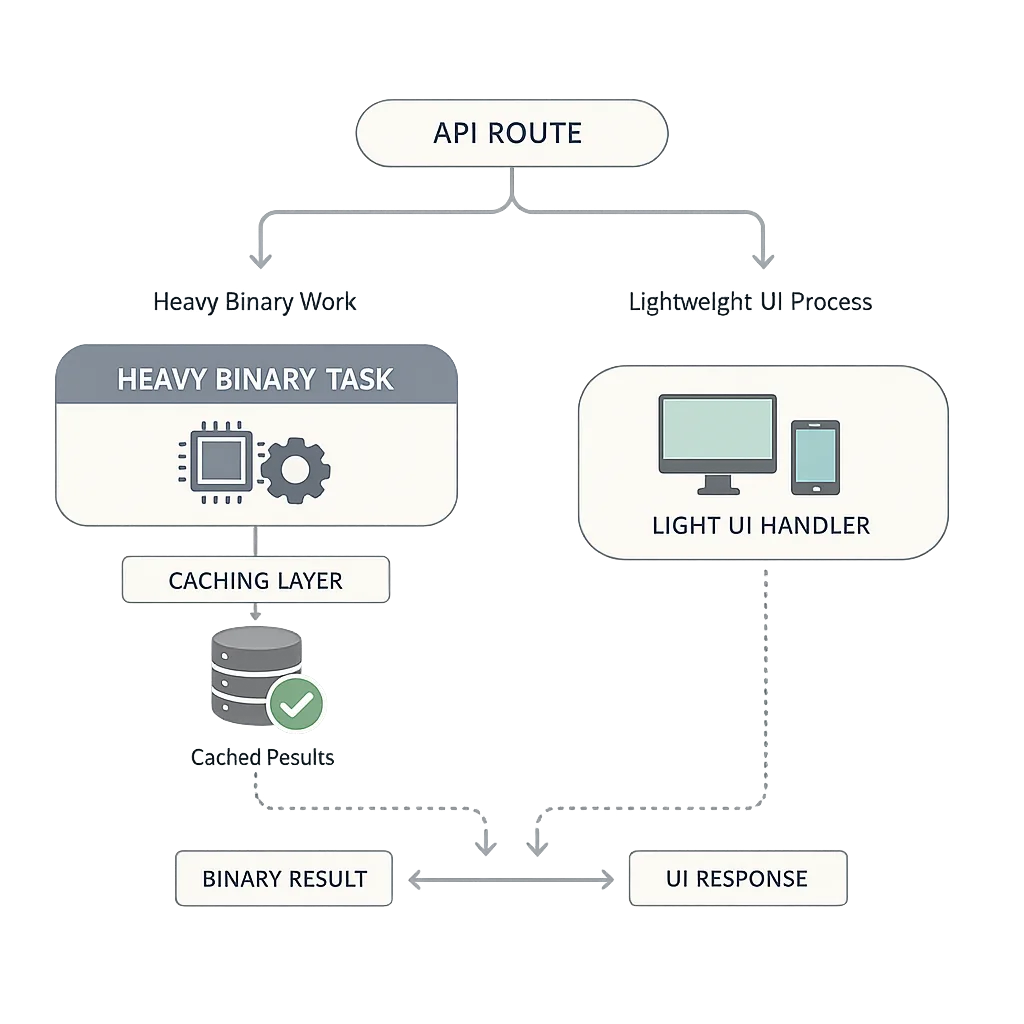
With App Router, keep your UI routes featherweight and push heavy tasks behind /api/* routes or background jobs. Export maxDuration only on the API routes that need it. In middleware, avoid importing heavy code entirely; that path runs on every request and is extremely sensitive to latency. If you must check authorization or flags, hit a fast in-memory or edge-friendly store rather than a heavyweight client inside middleware.
For server actions, treat them like API routes. Don’t pull in big dependencies unless the action absolutely needs them. If you notice a server action silently ballooning the bundle for a page, refactor: create a dedicated API route that owns the heavy import and call it from the action.
Data points, dates, and defaults to anchor your plan
- Late June 2026: Vercel introduced function packages up to 5GB for Node.js/Python with an opt-in flag, expanding beyond the longstanding 250MB unzipped limit many teams hit during builds.
- Mid June 2026: Vercel extended execution up to 30 minutes for Node.js/Python, intended for long-running tasks like OCR, video, and AI tool use.
- Edge Function limits remain small by design, keeping near-instant startups and broad replication. Use Node/Python functions when you need the heavy toolchain.
- Body payload limits for functions still require careful handling. For large uploads, route directly to object storage from the browser and process via signed URLs.
People also ask
Does the Vercel Functions 5GB limit apply to Edge Functions?
No. Edge Functions maintain tight size caps to preserve ultra‑low latency. Treat them as your global control plane for fast logic; push heavy lifting to Node/Python functions.
Do I have to enable Fluid compute to use 5GB bundles?
Yes. The bigger package ceiling and extended durations are designed to run on Fluid compute. Turn it on per project or per deployment, then gate routes and measure before promoting to production.
Will my existing 250MB functions change automatically?
No. You must opt in. Existing routes won’t suddenly accept multi‑GB packages. That’s good news—it gives you space to test under real traffic patterns without risking regressions across your whole app.
A 7‑step rollout plan you can run next week
1) Pick one high-value, high-pain route. Ideally something that’s currently brittle because of binary dependencies or external latency.
2) Create a dedicated /api/* endpoint for the heavy code path. Move all big imports there. Leave your UI routes clean.
3) Enable Fluid compute on staging and set the opt‑in env var for large bundles. Redeploy. Confirm the built artifact size and inspect the dependency treemap.
4) Add export const maxDuration = 1800; only to that route. Start with a conservative memory tier and bump only if profiling shows wins.
5) Drive 24–48 hours of synthetic and sampled production traffic to the new path via a canary header. Capture cold/hot start deltas, TTFB, and error rates.
6) Add caching where outcomes are deterministic. If the job transforms a file, store the result and short‑circuit repeats.
7) If metrics beat your baseline, roll to production behind a feature flag and scale canary to 100% over a few days.
Cost control: avoid surprises with three guardrails
- Budget by route: Assign a monthly budget to any route that uses big bundles and alert at 50/80/100%. Tie alerts to P95 latencies so you don’t trade money for poor UX.
- Cap duration intentionally: Long windows are powerful, but they’re not free. Set maxDuration per route and refuse to let random endpoints inherit 30 minutes by accident.
- Track cold start counts: Watch the ratio of cold to warm invocations, not just averages. A few bad seconds multiplied by crawler traffic can dominate both cost and sentiment.
Security and supply chain footnotes you shouldn’t skip
Big bundles mean bigger attack surfaces. Lock down dependency sprawl: prune unused transitive packages, pin versions, and turn on CI checks that flag new binary artifacts. If you rely on system-level tools (headless browsers, media encoders), document their provenance and hash them in build logs. For a fast walk-through on dependency hygiene, see our practical take on hardening Node/npm defaults in this 14‑day migration plan.
Keep secrets out of the bundle entirely. With larger artifacts, it’s easier to accidentally embed credentials or keys in bundled files. Audit build output for dotfiles and unencrypted env stubs. Rotate access keys used during the build process and keep an eye on any third‑party AI tooling integrated into CI—those are becoming a common compromise path.
When not to use the 5GB option
Skip big bundles when:
- Your route needs sub‑100ms P95 latency globally.
- The heavy code is used on less than 1% of requests and could be pushed to a background worker.
- You’re mostly moving static assets that should live in object storage or a CDN rather than a function package.
- A managed service replaces your binary dependency with a maintained API for roughly the same cost.
What to do next
- Identify one candidate endpoint and benchmark today’s latency and cost.
- Trial Fluid compute and the large‑bundle flag in staging for a week with canary traffic.
- Instrument cold starts, TTFB, and end‑to‑end duration; set budgets and alerts.
- Decide: promote, iterate, or roll back. Then document your “big bundle” criteria so the team knows when to use it again.

Need a second set of hands?
We help teams ship performant, resilient platforms—without hand-wavy architecture diagrams. If you’re weighing bigger packages versus a worker tier or a managed service, our team can benchmark options and set sane defaults for your org. Explore our cloud engineering services, see a few performance‑first builds we’ve delivered, and reach out on the contact page if you want a quick review of your rollout plan.
Zooming out: this is a welcome expansion of serverless’ comfort zone. Used well, the new headroom lets you delete glue code, simplify pipelines, and ship richer features faster. Used recklessly, it’s just a bigger hammer. Start small, measure everything, and keep your functions nimble—even when they’re big.







Comments
Be the first to comment.