App Store Age Rating Update: What to Do by Jan 31
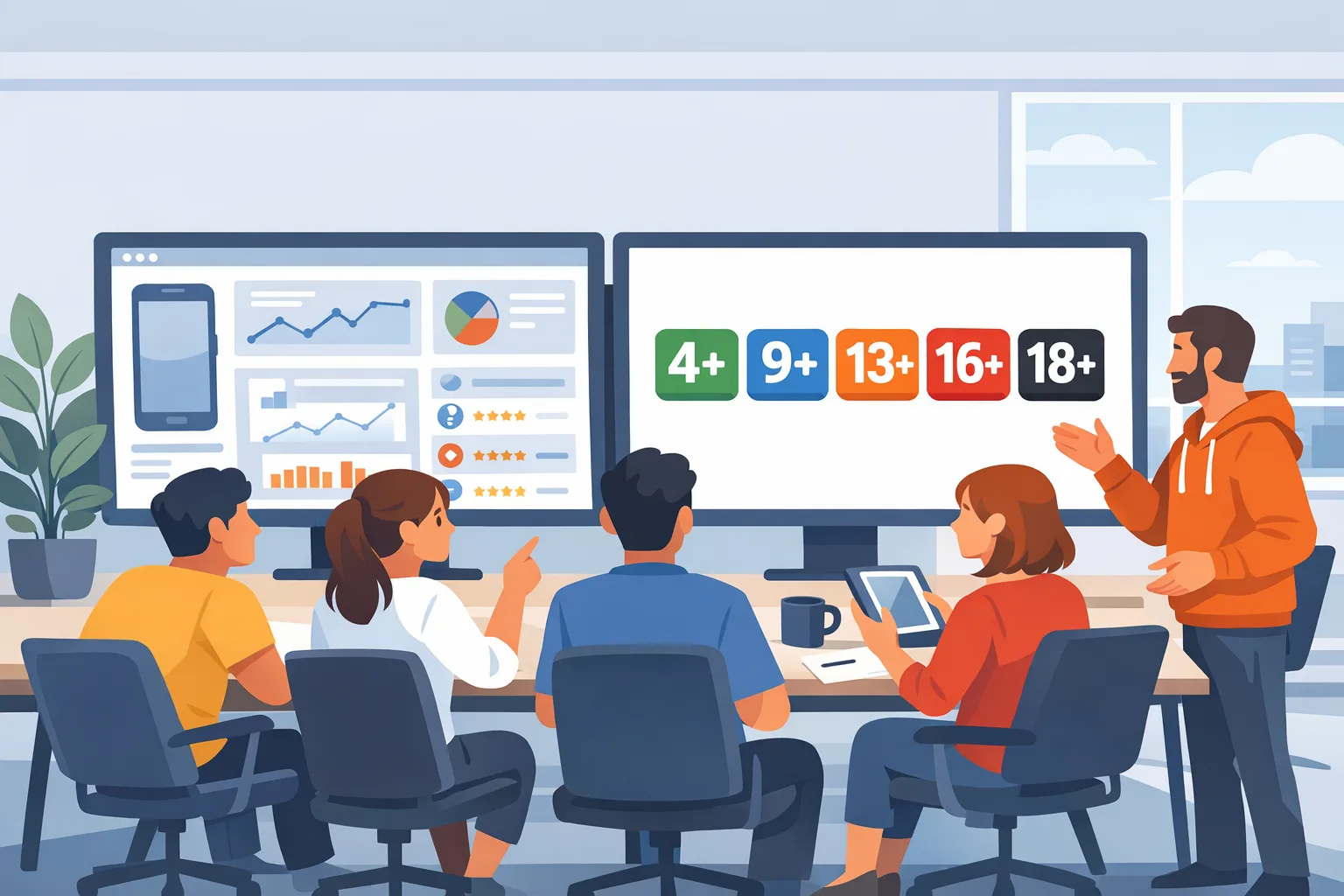
The App Store age rating update is no longer a memo—it’s a blocker. By January 31, 2026, Apple requires every developer to answer an expanded age-rating questionnaire in App Store Connect. If you don’t, your app updates can be held until you do. Apple also reworked the rating tiers, adding 13+, 16+, and 18+ while retiring the old 12+ and 17+. That means some apps will shift up or down based on the content you disclose—especially if you’ve added AI, UGC, wellness, or new capabilities in the last year.
What changed in the App Store age rating update?
Apple’s overhaul means three things for your team:
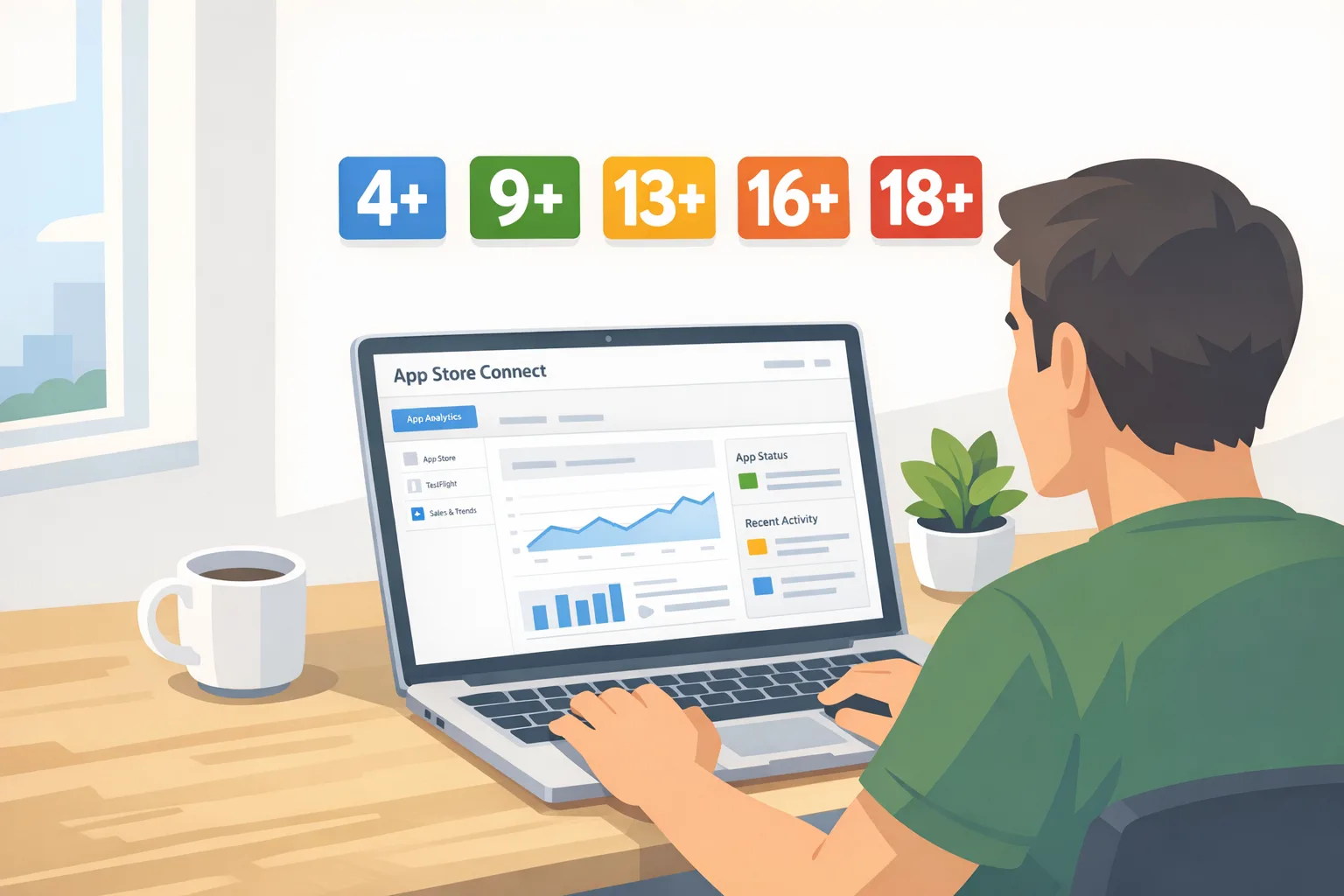
First, the tiers have shifted to 4+, 9+, 13+, 16+, and 18+. If you previously sat at 12+ or 17+, you’ll be mapped into the new system. Second, the App Store Connect questionnaire now covers four areas where teams often under-disclose: in-app controls (like parental gates), app capabilities (camera, location, payments, links), medical or wellness content (including health claims), and violent themes (frequency and realism). Third, Apple has been explicit: if the questionnaire isn’t answered by January 31, 2026, you can’t push new updates until you comply. That’s an operational risk for any release train.
You’ll also see ratings surface consistently on Apple devices running current system versions (iOS 26, iPadOS 26, macOS Tahoe 26, tvOS 26, visionOS 26, watchOS 26). If you ship across form factors, plan for uniformity in descriptions, screenshots, and safety disclosures to reduce appeals and support tickets.
Why this matters now (beyond the date)
Age ratings are not just parental guidance—they gate discovery, distribution, advertising eligibility, and your conversion rates. A bump from 9+ to 13+ can change which users see your listing, which networks will approve your creatives, and how your onboarding flows behave for minors. If you fail the questionnaire or understate content, you risk a forced rating change at review time, post-release churn, and bad PR if users feel blindsided.
Here’s the thing: the shortest path to a smooth outcome is a tight, evidence-based disclosure process. The teams that ship cleanly are the ones that gather proof (screens, toggles, moderation policies) before they ever click Submit.
The one-week sprint: a practical checklist to ship on time
Use this seven-step plan. It assumes you’re a cross-functional squad (PM, eng lead, QA, counsel/compliance, UA/ASO) with 5–7 focused hours per day. Adjust for your organization’s stage.
Day 1: Inventory the real app
List every content path a user can reach, including edge views: in-app browsers, community posts, image generation, audio rooms, livestream comments, and remote-config experiments. If you support multiple platforms, capture deltas (iPad split view, visionOS spatial capture, watchOS complications). Export feature flags and server-driven settings so you can prove what’s on and off by default.
Day 2: Classify content and controls
Map features into the four disclosure buckets: in-app controls, capabilities, wellness/medical, and violent themes. For UGC and AI, rate frequency and severity, not just intent. Example: “AI image generation can produce stylized violence” or “Livestream chat moderated in near real-time; filtered keywords; human escalation within 15 minutes.” Document parental gates, report/block UIs, and default blur settings for sensitive media.
Day 3: Draft App Store Connect answers with evidence
Write answers that are specific, consistent, and audit-ready. Avoid hedging (“rarely,” “maybe”) and avoid marketing language. Attach or retain internal evidence: screenshots of toggles, policy links, and moderation SLAs. Decide the minimum viable rating you can accept without harming growth and the maximum you’ll tolerate before you must re-scope features.
Day 4: Run the rating drill on a staging build
Spin a staging build with flags that reflect your questionnaire answers. QA should follow a “minor” persona and a “parent” persona. Confirm that controls appear when expected, links don’t lead to age-inappropriate destinations, and that any paywalls, external links, or content warnings match your disclosures.
Day 5: Update store assets and copy
Rewrite your long description and What’s New to align with the rating. Avoid glossy copy that contradicts your disclosure (e.g., “uncensored content, anything goes”). If your rating rises, preempt user confusion: explain new safety controls, what’s changed, and how to contact support. Localize these notes into your top three markets first.
Day 6: Executive review and submission
Book a 30-minute sign-off with your PM, legal, and engineering leads. Walk through your answers and the evidence. Submit the updated questionnaire in App Store Connect and record the timestamp and reviewer. If you need to raise your rating voluntarily, do it now so the store listing and UA campaigns can adjust.
Day 7: Rollout checks and analytics
Monitor conversion, age-gated flows, and customer support tags. Track changes in tap-through and installs from family devices. If you use campaign targeting that depends on age buckets, coordinate with UA to shift spend. Capture learnings for Q2 backlog (e.g., add stronger in-app controls so you can justify a lower rating later).
Edge cases that trip teams up
WebViews and external content: if you render third-party pages, ads, or embeds, they count. A “we don’t control it” defense won’t survive review. Default to conservative disclosures.
AI-generated media: even if you filter, acknowledge potential outputs and your mitigations. Document your blocklists, auto-moderation thresholds, and human review paths.
Cross-promotion: your app might be 9+, but if you deep-link to a 16+ title you publish, disclose it. Use age-aware cross-promo logic.
Push notifications: promotional pushes can surface mature themes out of context. Align your notification content policy with the rating you’re seeking.
How the new ratings affect growth and revenue
Expect discoverability shifts. A jump to 13+ can reduce impressions among family accounts and lower school-managed devices. On the flip side, an 18+ rating can increase trust for adult audiences in categories like finance, marketplaces, or fitness if your copy explains why the rating is high (e.g., “intense training visuals,” “peer-to-peer resale content”). The goal isn’t always to push down the rating—it’s to match it and message it.
Advertising: some networks restrict creative themes based on your declared store rating. If your UA partner runs a multi-network mix, share your final rating early. For SKAN reporting, prepare for cohort mix changes in February as audiences settle.
People also ask: quick answers
Will my app disappear from minors’ devices after January 31, 2026?
No, not automatically. However, parental controls and managed devices may hide or block your app based on the new rating. Communicate changes in your release notes so families understand what’s new.
Can I lower my rating later?
You can raise your rating proactively, but lowering it requires your content, controls, and disclosures to justify the change and pass review. Design with controls that enable a lower rating over time (e.g., default blur, stricter filters for logged-out users).
Do I need separate age verification?
Age ratings are not the same as age verification. If you operate in regulated categories or specific jurisdictions with age-verification mandates, you’ll still need to independently meet those requirements. Treat the Apple rating as store-facing disclosure, not a compliance silver bullet.
Implementation patterns that work under pressure
A configuration-first approach wins. Use server-driven flags for sensitive features so you can prove defaults and quickly adjust if review feedback requests a narrower scope. Create an internal “rating profile” object with fields that mirror the questionnaire—then bind it to UI controls, copy, and parental-gate logic. This keeps the product honest: if you claim you blur violent UGC by default, the flag should enforce it in code.
For moderation, combine automated filters with human review SLAs, and expose a clear Report/Block action in two taps or fewer. If you provide wellness content, reference sources or disclaimers and avoid clinical claims unless you have the approvals. Small details like these reduce the need to creep up a tier unnecessarily.
QA: a concise test plan you can copy
Run two personas: “Teen” and “Parent.” Under Teen, verify: onboarding age prompts, parental-gate presentation, blurred media defaults, restricted external links, and safe search toggles. Under Parent, verify: toggle discovery, content filters stored per profile, and off-by-default risky features. Add destructive tests: paste profane text into comments, upload borderline images, open web embeds to unvetted domains, and test notification copy. Capture artifacts for your evidence pack in case you appeal a rating decision.
Linking this sprint with your broader 2026 roadmap
January is also when many mobile teams lock release trains and hit policy deadlines. If your roadmap touches Play Store external links or other policy changes, plan one governance checkpoint that covers both Apple and Google. We’ve published hands-on guidance you can use alongside this article: see our January 2026 mobile policy ship list, our ship‑ready App Store age rating playbook, and a deadline‑focused guide on shipping by January 31. If your Android flows include external links for billing or account, pair this work with our Google Play external links builder’s guide.
Policy details you should know cold
Timeline: Apple began auto-updating app ratings to the new tiers, and developers must answer updated questions by January 31, 2026. After that date, App Store Connect will block updates until your answers are in. Minimum build chain requirements continue to apply: if you’re still compiling with older SDKs or Xcode versions, fix that in parallel to avoid last‑minute rejections.
Scope: the questionnaire asks about your content and your controls, not just intent. If your feature can reasonably lead to mature content—even if rare—disclose it. If you use third-party SDKs that surface content (ad networks, embedded browsers), include them in your assessment.
A simple framework: RATE
When you’re pressed for time, use RATE:
R — Review every user path: logged-in and logged-out, first-run and returning users, minors and adults.
A — Align disclosures to controls: if you claim safe defaults, show the toggles and code paths that enforce them.
T — Test with evidence: stage flags, capture screenshots, and save logs proving that workflows match disclosures.
E — Explain in-store: update the listing and What’s New with plain-language safety notes that preempt confusion.
What to do next
Today: Assign a single owner for the questionnaire and book a 30-minute sign-off meeting two business days from now.
Within 48 hours: Inventory features, classify content, and stage a build with flags that match your answers. Draft the store copy update.
By end of week: Submit the questionnaire, push the store copy, and run the QA personas. If your rating rises, coordinate UA and customer support messaging.
Need a partner? Our team ships this kind of compliance sprint with product and engineering leaders every month. If you want a one-week assist—evidence pack, disclosure draft, and rollout plan—reach out via our contact page.

Zooming out: design for the rating you want
Product teams often treat ratings as an afterthought, but the fastest growth comes from designing for the rating you need. If your core audience includes teens, you don’t need to sand off everything—just make safer the default. That might mean stronger blur thresholds for UGC, faster human review for flagged posts, age-aware cross-promo, and clearer wellness disclaimers. The trick is to ship controls first, then argue for the lower tier with evidence.
If you serve adults, don’t fear a higher rating. Use it to set expectations and build trust. Explain why the rating is high, what your safety controls do, and how users can tailor the experience. Transparent controls reduce churn and review friction.
FAQ for executives and counsel
What’s the operational risk if we miss the deadline?
Your next app update can be blocked, which cascades into bug-fix delays, UA waste, and potential contractual misses if you owe partners a feature by date. Treat the questionnaire like a release dependency.
Do we need to update privacy policy or ToS?
Often yes. If you’re adding or clarifying parental gates, moderation practices, or age-gated features, align your privacy policy and ToS. Keep language consistent with your App Store copy to avoid user confusion and reviews-based escalations.
How should we message this to users?
Use What’s New and in-app release notes. For family segments, add a short one-time explainer screen: “We’ve updated safety controls and our App Store rating. Here’s how to set the experience that’s right for your family.”
A note on cross-platform teams
If you ship both iOS and Android, run a parallel assessment in Play Console. While the systems differ, the exercise is nearly identical: inventory content, document controls, and align listing copy. Your internal evidence pack should cover both stores to reduce duplicated effort and keep policies synchronized.
January 31 is hard-coded. The fastest path is focus, evidence, and clear copy. Do the work once, make it portable, and keep a living “rating profile” in your repo. When the next policy update lands—as it always does—you’ll be ready to ship in hours, not weeks.





Comments
Be the first to comment.