Android Developer Verification: What to Fix by Sept 30
Android developer verification becomes real for users on September 30, 2026 in four countries. If you haven’t finished verification and package registration, some installs will stop being seamless—and you’ll spend support hours explaining why. This guide cuts to the essentials: what changes, who’s impacted, and how to wire verification checks into your build and release flows.

What is Android developer verification?
It’s a two‑part requirement: verify the developer identity (individual or organization) and register each app’s package name with the signing certificate used to ship it. Android surfaces that trust to the install experience so users can install registered apps from participating stores without extra friction. Power users can still sideload anything after a one‑time advanced flow, and developers can always install with ADB.
What’s actually changing on September 30, 2026?
Enforcement begins for users in Brazil, Indonesia, Singapore, and Thailand. Apps distributed through participating stores in those markets must be registered to a verified developer to install and update normally. Unregistered apps aren’t blocked outright, but users will need either the advanced flow or ADB to proceed—both are speed bumps you don’t want in production.
Will Google Play apps break?
Unlikely. Play developers who’ve completed identity checks are largely auto‑registered. Still, check your Play Console for stragglers—legacy listings, country‑specific variants, or packages with old keys can escape automation. If you distribute the same app outside Play, you also need to register those packages under your verified account so off‑Play installs remain smooth.
Which installs are most at risk?
Three patterns regularly bite teams:
- Off‑Play distribution where installers rely on a browser download or a partner store.
- White‑label derivatives signed with different keys than your flagship app.
- In‑app updaters or device‑to‑device transfer features that fetch APKs outside a managed store.
In all three, you need to prove the package and signing key belong to a verified developer, or users see extra steps.
How installs will work after the switch
For registered apps from participating stores, nothing special happens—users tap Install and they’re done. If an app isn’t registered, two pathways remain:
- Advanced flow: a one‑time, deliberate setup that inserts friction (cool‑off and re‑auth) before enabling installs from unverified developers. Power users keep their freedom; scams lose the time pressure they rely on.
- ADB: developer installs for build, test, and internal workflows continue to work without verification.
Because the check ships via Android’s system components, you should assume coverage across modern Android versions, not just the newest release. That’s why treating this like a pure OS‑version migration is a mistake—it’s a distribution compliance change.
The Sept‑30 Readiness Checklist (7 steps you can run this week)
- Confirm account identity status. In Play Console or the Android Developer Console, verify the legal entity. Organizations typically need a website and a D‑U‑N‑S number; individuals may need government ID. If you ship under both an org and an individual, verify both.
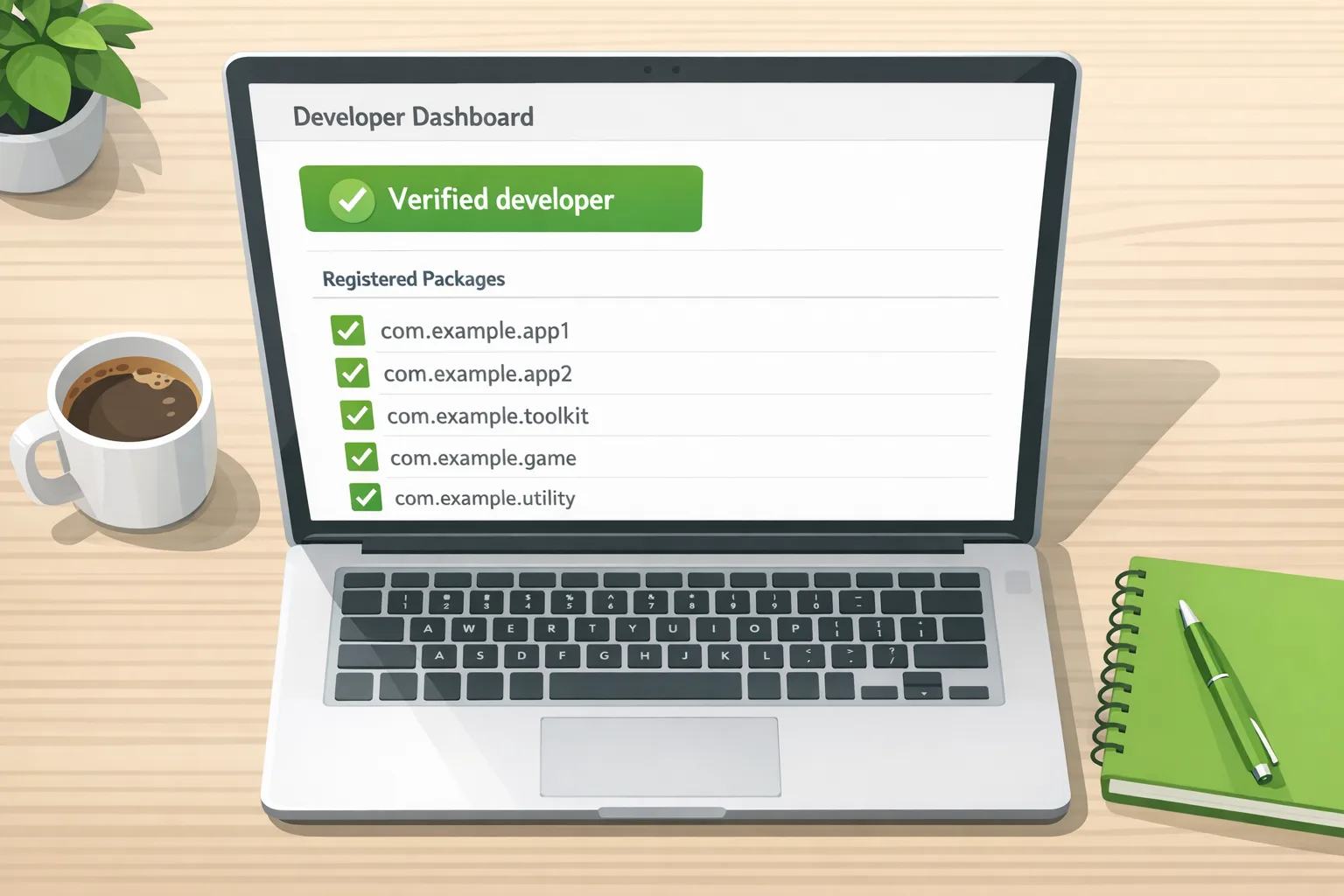
- Inventory every package you distribute. Include Play listings, partner‑store SKUs, country forks, white‑labels, and any APK your site hosts. Don’t forget old package names still live in the wild.
- Register packages to the verified account with the correct key. The system ties a package name to a signing certificate’s SHA‑256. If your white‑label client uses a different key, it needs its own registration or a transfer workflow. No key, no registration.
- Stabilize key management. Lock down your keystores in HSMs or a managed signing service. Rotate only with a documented plan. Builds that accidentally switch keys will suddenly look unregistered to users.
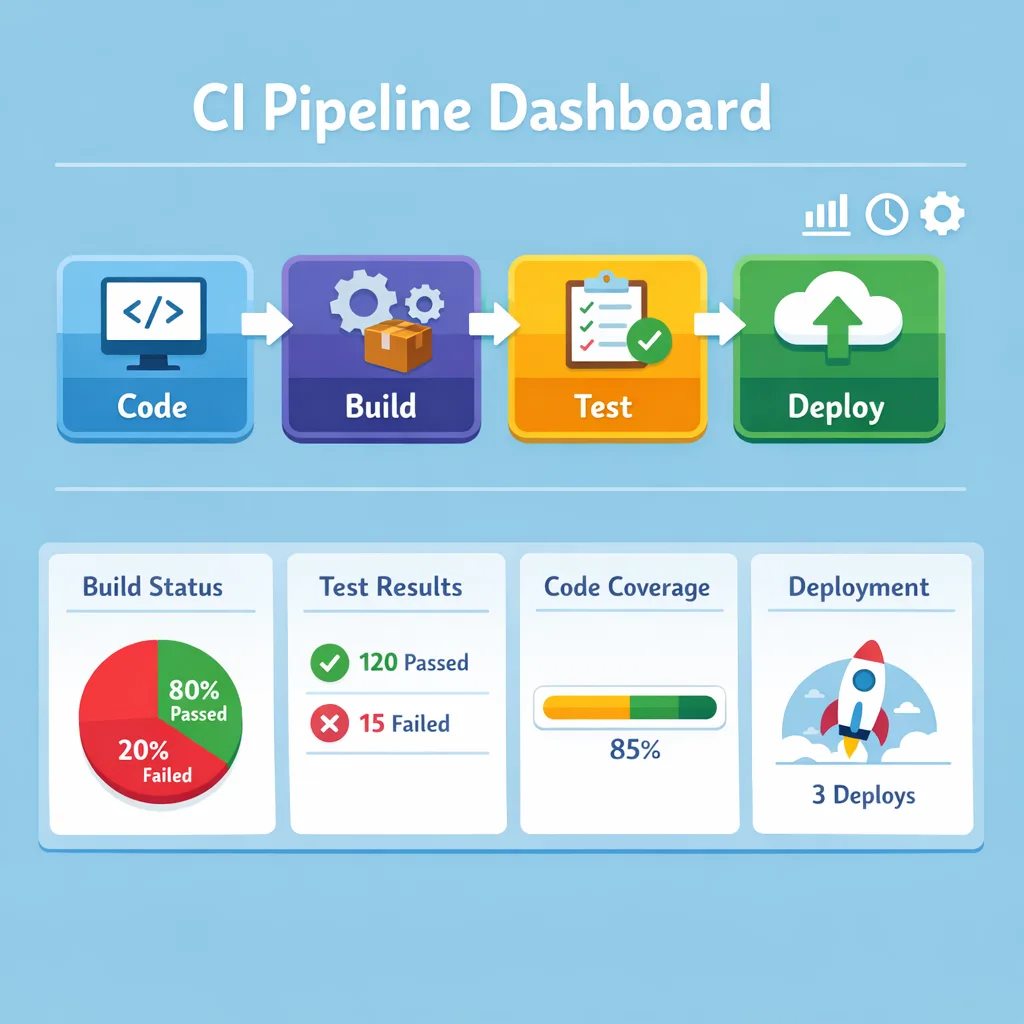
- Wire preflight checks into CI/CD. Before publishing, query the status API with the package name and optional certificate fingerprint. If the response says not registered or mismatched, fail the pipeline with an actionable message.
- Harden any off‑Play installer. If your app triggers a download+install flow, call install‑constraint checks before prompting users. Show clear UI if the app isn’t registered and offer a safe path (for example, route to a store page) instead of teaching users to bypass protections.
- Dry‑run the September scenario. Use a staging build signed with a non‑registered test key and walk through installs on devices set to the target regions. Confirm the UX you want actually appears. Have support macros ready.
Automating Android developer verification in CI
Two server‑side APIs matter to release engineers and tooling vendors:
- Android Developer ID Status API. Use it to check whether a package is registered to a verified developer and whether a package+certificate pair matches what the program has on file. Perfect for pre‑release gates.
- Android Developer Console API. Use it to programmatically register packages and prove key ownership from your release pipeline or store tooling. That eliminates last‑minute console clicks.
Sample preflight pattern
At build step N‑1:
- Compute the signing certificate’s SHA‑256 for the release keystore you will actually use.
- Call the status API for the package and, when appropriate, include the certificate fingerprint.
- If not registered or the certificate doesn’t match, halt and open a ticket to register via the console API (or guide the owner to do it in the UI).
This is the same discipline we recommend for other auth‑sensitive workflows. If you haven’t already, see our guide to keeping 2FA‑gated automation stable in CI; the practices carry over: short‑lived credentials, auditable keys, and deterministic gates.
Minimal example: status check
In a release gate, you might run a tiny server that exposes “is this shippable?” and calls the status API under the hood. Pseudocode:
// GET /can-ship?pkg=com.example.app&sha256=<fingerprint>
const ok = await checkPackageStatus(pkg, sha256)
if (!ok.registered || ok.mismatch) {
  throw new Error(`Package ${pkg} not registered with expected key`)
}
Keep the API key isolated in the server tier, not in CI job logs. Log every decision with the package, fingerprint, and response ID for audit.
Edge cases teams miss
Enterprise distribution
If you only install through a managed store on corporate devices, installs should continue to work. Still register the packages to avoid surprises when employees sideload the same app on personal devices or when you switch EMMs.
White‑labels and client keys
Consulting shops often let clients hold keys. Good practice, painful policy. Create a lightweight SOP: maintain a manifest of package names and fingerprints, and require client‑side registration before go‑live. If a client rotates keys, require a new registration before your pipeline accepts artifacts.
Multiple form factors
If you’re on Play, plan to register across phone, tablet, TV, Auto, and Wear so your catalog stays consistent. For strictly off‑Play distribution, the initial enforcement focus is phones and tablets in the first four countries, but registering everything now reduces future fire drills.
Old Android versions
Because the verification logic arrives via system components, enforcement isn’t tied to the very latest Android. Expect broad coverage on certified devices. Test on a range of OS versions in your target markets, not just your flagship device.
Let’s get practical: implementation blueprint
Here’s a compact framework we’ve used with product teams that ship across Play and partner stores.
Week 1: Prove ownership
- Confirm who’s the legal owner for each package name (your org, a client, or a partner).
- Export SHA‑256 fingerprints for every signing key you use in prod.
- Verify the account identity and start registering packages with the correct fingerprints.
Week 2: Automate and test
- Integrate the status API into your release pipeline. Fail fast on mismatches.
- For off‑Play installs, add an install‑constraints precheck and a friendly UI if unregistered.
- Stage non‑registered builds to rehearse the new user path and train support.
Week 3: Close gaps
- Audit white‑labels and regional forks; register anything missing.
- Validate partner stores’ timelines and documentation for your target countries.
- Freeze signing changes until after October 7 to avoid accidental mismatches during rollout.
People often ask…
Do I need Android developer verification for internal apps?
If installs happen only through your organization’s managed store, they should be fine. But people sideload. Register anyway so the same package installs cleanly on unmanaged devices.
What if I lost an old signing key?
Treat this like a sev‑one. Without a valid key you can’t register the existing package name. Either recover it, migrate through your store’s signing program where supported, or coordinate a rename and user migration with clear comms.
Will users outside the four countries see changes on September 30?
No. The wider rollout happens later. But finishing registration now means you won’t revisit this under pressure next year.
What to do next
- Open Play Console and the Android Developer Console today; clear any identity or registration tasks.
- Wire a status API check into CI and block releases that aren’t fully registered.
- Register every package your org distributes—including white‑labels and off‑Play variants.
- Run a rehearsal with an unregistered staging build so support can see the user path.
- Need help? Our team can implement the APIs, harden key management, and set up preflight gates. See our software delivery services or get in touch.
If you prefer a steady drumbeat of upgrades to avoid last‑minute scrambles, our engineering playbooks cover exactly that. Browse the latest posts on the Bybowu blog for pragmatic, version‑anchored checklists you can copy into your backlog.

Here’s the thing: this isn’t about making Android closed. It’s about tying a public name to the keys behind your APKs so ordinary users get safer defaults. Do the paperwork, close the gaps in your catalog, and add the tiny bit of automation that makes this a non‑event for your team.
If you’re juggling multiple deadlines this month, we’ve helped teams productize similar compliance shifts under tight windows—CI gates, key hygiene, and developer education. Tell us your distribution map, and we’ll design a minimal path that preserves velocity without risky shortcuts.







Comments
Be the first to comment.