
Google Play Catalog Access: Your July 22 Plan
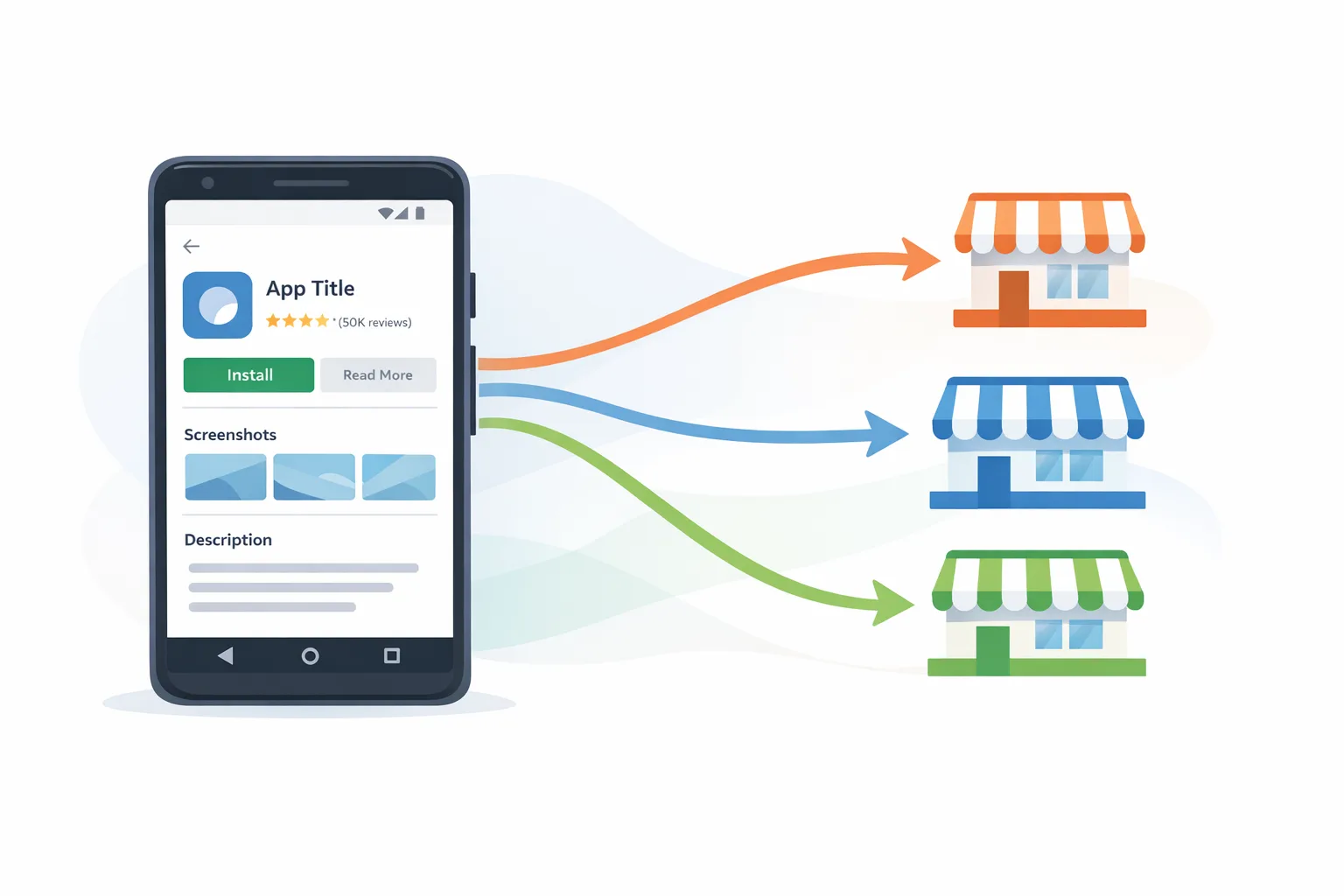
Google Play Catalog Access goes live in the United States on July 22, 2026. In short, third‑party US Android app stores can surface your Play store listing—name, icon, description, screenshots, and videos—unless you opt out. Users start the install from that third‑party store, but the download still completes through Google Play on the same terms as a normal Play install, and Google Play’s service fee still applies. That’s not a small tweak; it reshapes how discovery works and who controls the first impression of your app.
What just changed—and what the date means
Beginning July 22, 2026, your US Play listing may appear inside participating third‑party US Android app stores. If you take no action, you’re effectively opted in by default. You can change this in Play Console under Settings → Catalog Settings, where you’ll see three choices: publish on all third‑party app stores, manage stores individually, or don’t publish to any third‑party stores. If you want full control over where your listing appears, choose the per‑store option and curate.
Two clarifications matter for business and finance teams. First, installs initiated from a third‑party store still flow through the Play install pipeline. Second, Google Play’s service fee applies to those installs. Net revenue modeling shouldn’t assume lower fees just because the journey starts outside Play; build your forecasts with the same fee structure you use for standard Play installs.
How Google Play Catalog Access works (and who can use it)
Only enrolled third‑party US Android app stores can use Play Catalog Access. Enrollment isn’t a checkbox—it’s a formal program with requirements. A store must be US‑facing, registered as an organization, operate as an open marketplace with clear, non‑discriminatory policies, publish trust and safety rules, provide user support and parental controls, and keep malware distribution under 1% of install attempts across a rolling 30‑day window. There’s also an annual security and policy review fee of $5,000.
Technically, enrolled stores fetch a daily snapshot of the Play catalog via Google Cloud Storage and are expected to refresh at least weekly (daily is the norm). They can’t use the catalog outside the US, and they can’t add extra fees to installs sourced from the Play catalog. You may also see a forthcoming Inline Install API—a streamlined handoff to Play’s installer so the user flow is consistent and auditable.
For developers, the key is simple: your store listing has become portable metadata. Think of it like a headless content feed of your ASO assets, distributed under Play’s rules, and rendered by someone else’s storefront UI. That portability is new leverage—and new risk.
Should you opt in, opt out, or go store‑by‑store?
Not every app should make the same call. Here’s a straightforward decision framework I’m using with clients:
1) Map your dependency on Google Play services
If your app depends heavily on Play services (billing, Play Games sign‑in, SafetyNet/Play Integrity), third‑party store discovery that still installs through Play is relatively low friction for users. If you’ve already invested in non‑Play billing for specific regions or enterprise channels, you’ll need to confirm the user journey remains coherent when discovery starts elsewhere.
2) Quantify brand control and compliance sensitivity
Heavily regulated verticals (fintech, health, edtech, kids) typically want tighter control over where listings appear. The per‑store setting gives you control without cutting off potential discovery. If your brand requires pristine environments, consider opting out initially, then enabling specific stores after due diligence.
3) Evaluate the likely incremental reach
Some third‑party stores focus on gaming communities, budget devices, or specific OEM ecosystems. If those audiences overlap with your ICP, inclusion can boost installs at low engineering cost. If not, the upside might be limited compared to the governance work, so choose conservatively.
4) Assess support load and fraud exposure
More storefronts mean more places where users can see your listing, ask for help, and request refunds. Even though installs complete through Play, users may start support conversations in the third‑party store. Decide whether your support tooling can route and track these contacts. Also, confirm the store’s policies on impersonation and IP disputes.
5) Revisit your ASO pipeline
When your store listing becomes portable, stale screenshots or inaccurate pricing propagate farther. Ship a process to keep assets clean: batch‑update visuals, verify short/long descriptions, and align feature bullets with what’s actually in the build.
Google Play Catalog Access: what it includes and what it doesn’t
Here’s what third‑party US Android app stores get when you allow access: your app’s name, icon, developer name, descriptions, screenshots, promo videos, and other listing metadata. They can show that content inside their store UI, and when a user taps to install, the flow hands off to Play for the actual download.
What they don’t get: the right to distribute your app outside the US under this program; the right to monetize the installation of catalog‑sourced apps; or the right to repurpose your catalog data elsewhere. Stores must refresh from Play regularly and avoid misleading uses of catalog data. If a store fails on safety, IP, or user protections, it risks losing access.
People also ask: common questions teams have this week
Will we still pay the Play service fee if installs start in another store?
Yes. Because the download and install complete through Play, the same service fee applies as if the user had started on the Play Store page.
Can we opt out entirely—or only for some stores?
You can do both. In Play Console’s Catalog Settings you can choose “publish on all,” “manage individually,” or “don’t publish to any.” If you want to test with a single reputable store, start there and expand cautiously.
Does this change our billing setup or payout timeline?
No changes to billing or payouts are implied by catalog access. Your financials follow the same Play processes because the install still runs through Play. Keep your tax and finance settings in Play up to date.
Will third‑party stores edit our descriptions or screenshots?
They use your Play listing assets. You own the content and the obligation to keep it accurate. If you see misrepresentation, use the store’s dispute and support channels and consider toggling them off while the issue is investigated.
How this interacts with Android developer verification
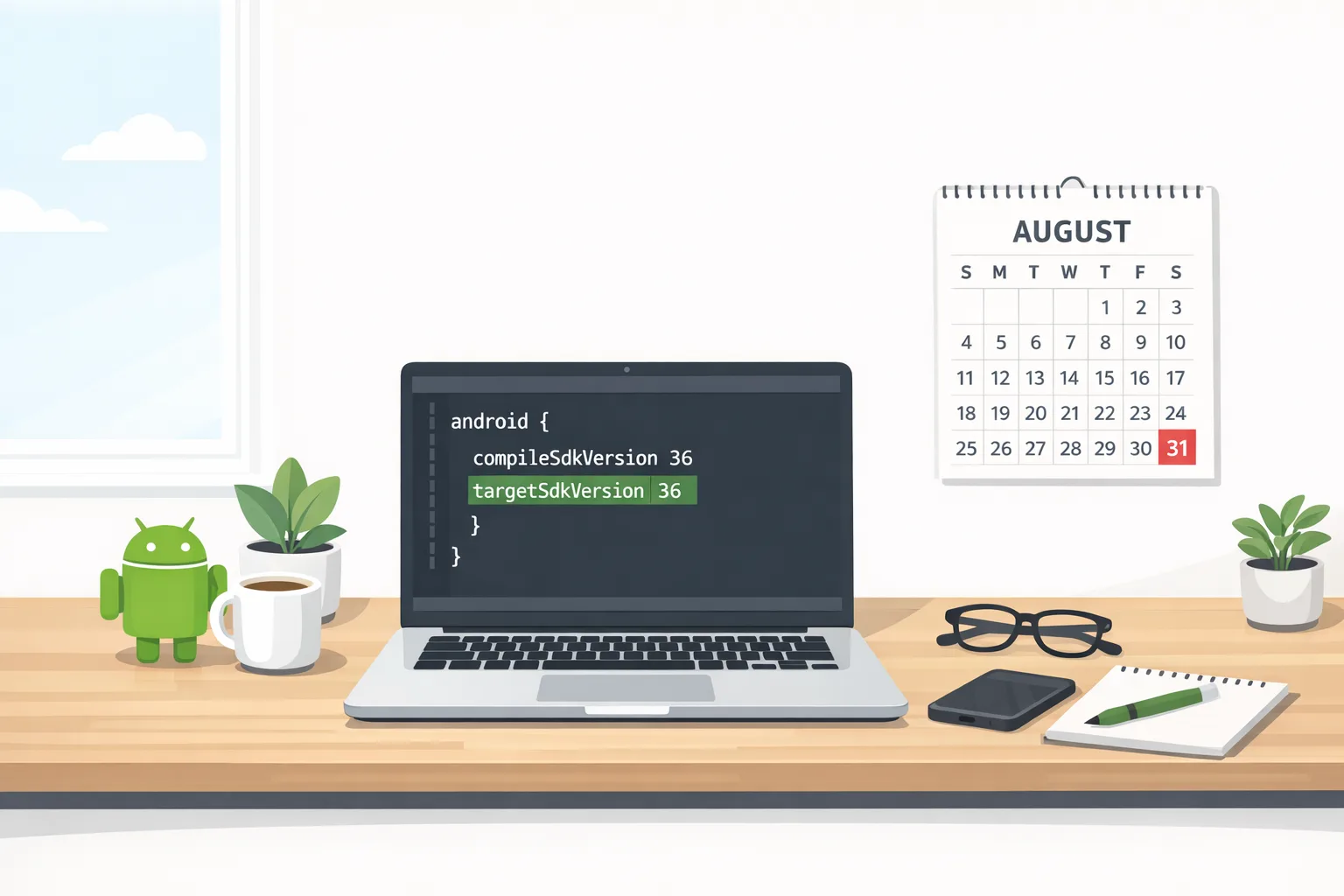
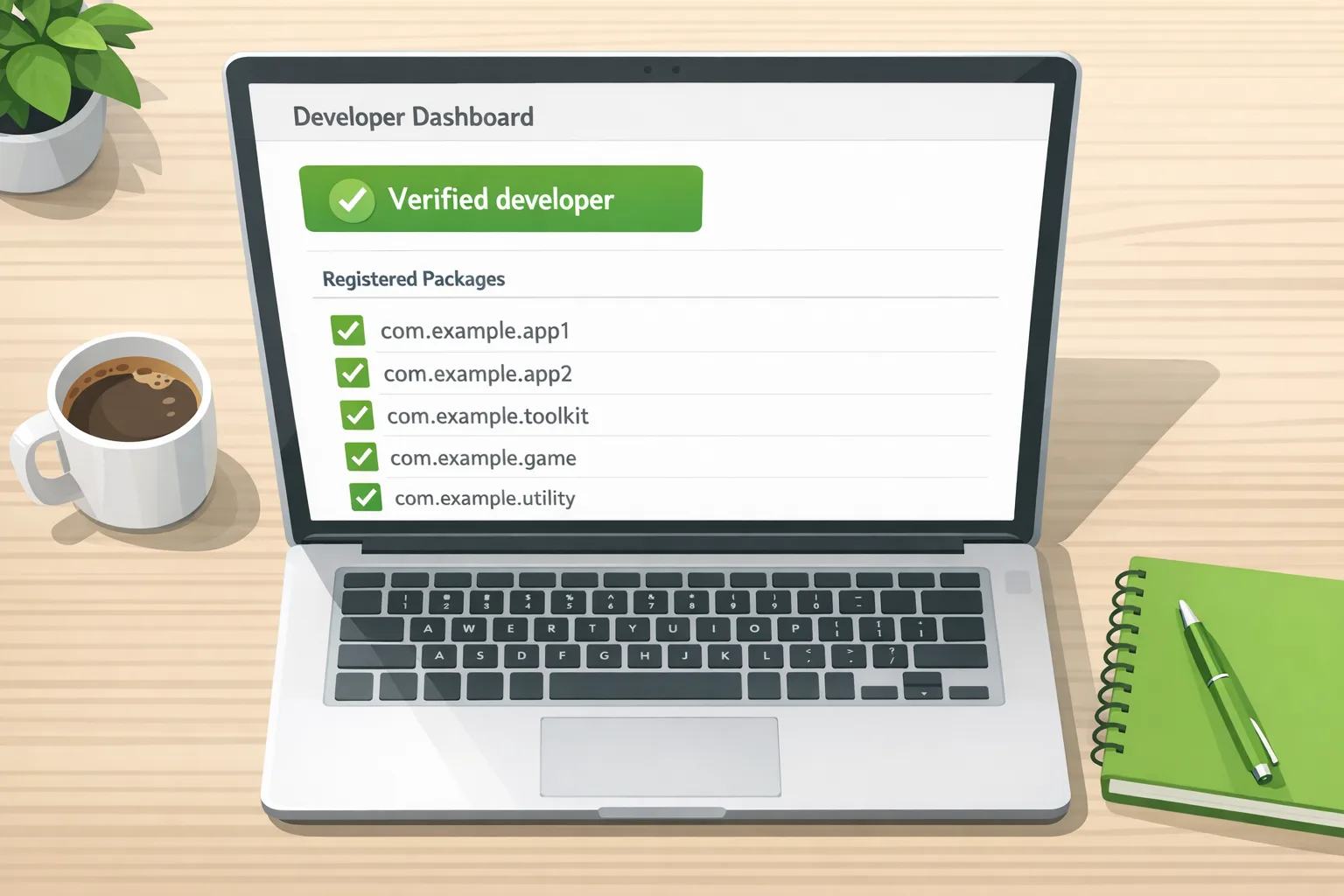
Google’s parallel Android developer verification work ramps through July and beyond. The Android Developer ID Status API is rolling out globally, and Google is preparing an Android Developer Console for developers who distribute outside Play. In certain countries, verification enforcement begins September 30, 2026, with a broader rollout in 2027 and beyond. Practically, this means third‑party app stores are aligning with standardized identity checks and APIs so users (and platforms) know who published what.
For your team, think of these initiatives as two sides of the same coin: catalog interoperability for discovery and standardized identity for trust. If you’re lax about verification artifacts—legal entity info, contacts, and documentation—fix that now. It will matter for store partnerships, catalog eligibility, and incident response.
ASO, growth, and brand: the practical upside and the catch
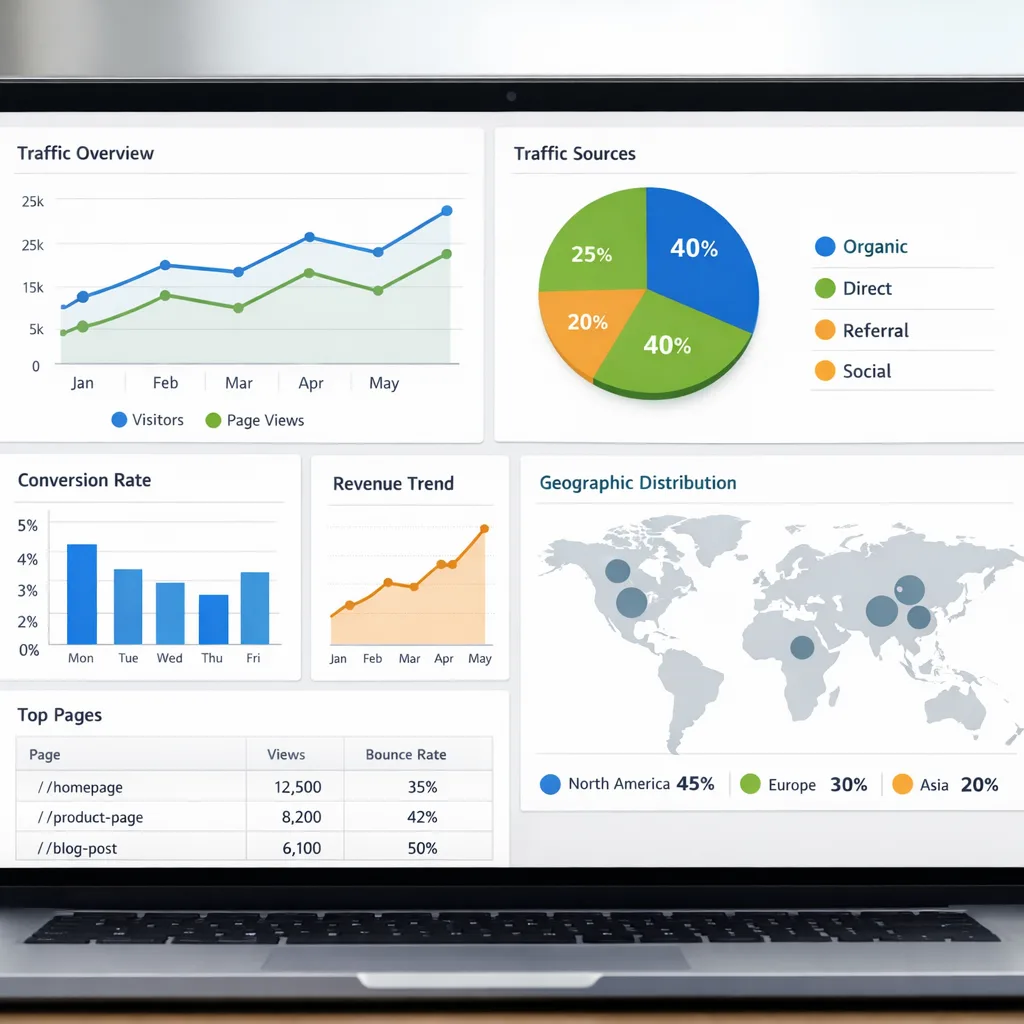
There’s upside. You may reach users you weren’t winning in Play’s default rankings, especially in niche gaming or OEM‑aligned audiences. Because the install still completes via Play, your existing post‑install analytics and billing setup will look familiar. That means low engineering lift to test new channels.
But here’s the catch: control and context. Your carefully crafted store listing will be surfaced in UIs you didn’t design. If a third‑party store stacks competing recommendations or overlays aggressive promotions, your conversion rate may dip. And if outdated pricing or promotional copy lingers due to a delayed refresh, you’ll get support tickets you didn’t anticipate. Own your metadata cadence and audit the storefront presentation.

A fast framework to ship this week
Give this exact checklist to a PM or release lead today:
1) Decide your default posture. In Play Console → Settings → Catalog Settings, choose one: all stores, per‑store, or none. If you’re risk‑averse, start with per‑store. Set a calendar reminder for July 22 in case you need to freeze changes.
2) Identify candidate stores. Create a minimum due‑diligence rubric: US audience fit, published trust and safety policy, IP dispute process, parental controls, and customer support presence. If any item is unclear, don’t enable them yet.
3) Refresh ASO assets. Update screenshots (current UI), short and full descriptions, and promo video captions. Confirm pricing and key feature bullets reflect the latest shipped version. Treat this as a brand‑safety exercise, not just ASO.
4) Validate analytics and support. Confirm your install attribution still ties back to Play. Brief support on how to recognize tickets that originate from third‑party store discovery and create macros for “Installation completed via Play” cases.
5) Rehearse an off‑switch. Write the internal SOP to toggle a store off within minutes if you see impersonation, policy drift, or misleading placement. Document who has the Play Console permission and the exact steps.
6) Lock fraud and IP monitoring. Register your app and brand terms with your monitoring vendor and set alerts for clone listings. If you self‑monitor, schedule weekly spot checks across enabled stores.
7) Communicate with marketing. If you run paid UA, flag that some users may discover your listing elsewhere. Align creative so ad promises match the shared listing copy. Consistency matters when your assets travel.
Security, legal, and IP considerations you can’t ignore
Even though installs route through Play, governance shifts when new storefronts are involved. Require stores to publish IP and impersonation takedown processes, and confirm they honor developer authorization. Maintain proof that you own or license all assets in your listing (icons, screenshots, fonts). Remember: third‑party stores must uphold low malware rates and can lose access if they don’t, but you’re the one whose brand takes the first reputational hit.
Operationally, keep a short incident playbook: who triages store‑specific fraud reports, how to snapshot evidence, how to contact the store, how to toggle off catalog access for that store, and how to communicate with affected users. If you’re in a regulated category, add a compliance checkpoint to verify that the storefront’s age‑assurance and parental controls are adequate for your app’s audience.
Engineering notes: what changes in your stack
Very little code. Your distribution remains the Play pipeline. That said, you’ll want to validate:
• Play Integrity and Play Games sign‑in flows continue to behave as expected when the user journey begins elsewhere.
• Deep links, dynamic links, and campaign parameters are resilient to an external storefront jump.
• Analytics dashboards can segment installs originating from third‑party store discovery (create a simple experiment tag or use campaign parameters if available).
• Your CI/CD process remembers that changing store assets now affects more than one storefront—treat metadata merges like code merges with reviews and checklists.
Governance: who owns the switch
Don’t bury this in “someone’s” to‑do list. Assign explicit ownership:
• Product owns enablement decisions per store, with security sign‑off.
• Marketing owns assets and refresh cadence.
• Support owns macros, SLAs, and storefront issue routing.
• Legal owns IP takedowns and impersonation playbooks.
• Engineering owns install flow validation and analytics correctness.
• Leadership reviews performance monthly and can halt expansion with one click.
Play Catalog Access and ASO: five moves to protect conversion
1) Make the first screenshot tell the whole story. If another store frames or crops differently, your primary image must still land the value prop.
2) Front‑load the differentiator in the short description. Don’t waste the first 80 characters on fluff.
3) Audit your icon at small sizes. Third‑party stores may render it slightly differently.
4) Avoid time‑sensitive promos in screenshots; daily refresh helps, but stale holiday offers create support debt.
5) Localize intentionally. If you only serve US English, ensure no old locale assets leak into your listing.
Zooming out: why Google is doing this
Catalog interoperability in the US is part of a broader push toward choice and openness in Android distribution, alongside standardizing developer identity and APIs. The near‑term effect is limited—US‑only, enrolled stores, installs still through Play—but the strategic signal is clear: the Android ecosystem is formalizing multiple storefronts while preserving a consistent install and billing spine. Expect more APIs and program rules to land in the second half of 2026.
What to do next
• Set your Catalog Settings by July 22, 2026.
• Pick one reputable third‑party store to pilot (or opt out entirely for now).
• Refresh store assets and write the off‑switch SOP.
• Validate analytics and support routing for third‑party discovery.
• Schedule a 30‑day review to evaluate conversion, support load, and brand impact.
Need a hand standing this up without creating new risk? Our team ships mobile growth and compliance programs for high‑stakes apps. Explore our mobile growth and compliance services, browse our recent mobile work, and read our Android developer verification guide to get your identity workflows current. When you’re ready, talk to our team—we’ll help you make the right call before July 22.
Final take
Play Catalog Access doesn’t blow up Android distribution; it multiplies the places your listing can be seen while keeping the core install flow familiar. Handle it with the same rigor you apply to any new growth channel: tight governance, good data, and quick exits when something feels off. If you can operationalize that discipline, you’ll treat July 22 not as a scramble, but as an extra lever for acquisition—on your terms.





Comments
Be the first to comment.