
App Store Subscription Bundles: Your 90‑Day Plan
Apple’s App Store subscription bundles are here, announced during WWDC week (June 8–12, 2026) with companion sessions on StoreKit 2, server APIs, and monetization. If you sell subscriptions on iOS, this isn’t a side quest. Bundles concentrate demand, cut choice friction, and reshape how indies and larger studios partner. This article distills what changed, why it matters, and exactly how to move from idea to shipped bundle in 90 days.
What Apple actually shipped (and when)
Let’s anchor dates so roadmaps don’t drift. WWDC ran June 8–12, 2026. Xcode 27 beta landed the week of WWDC and includes SDKs for the OS 27 cycle plus StoreKit 2 updates developers can test right now. Apple also highlighted new subscription capabilities, including monthly billing with a 12‑month commitment (configurable in App Store Connect) and tooling to monitor and merchandise subscriptions more precisely. Group/organization subscriptions are available with StoreKit 2 so one buyer can purchase seats and invite others directly from your app.
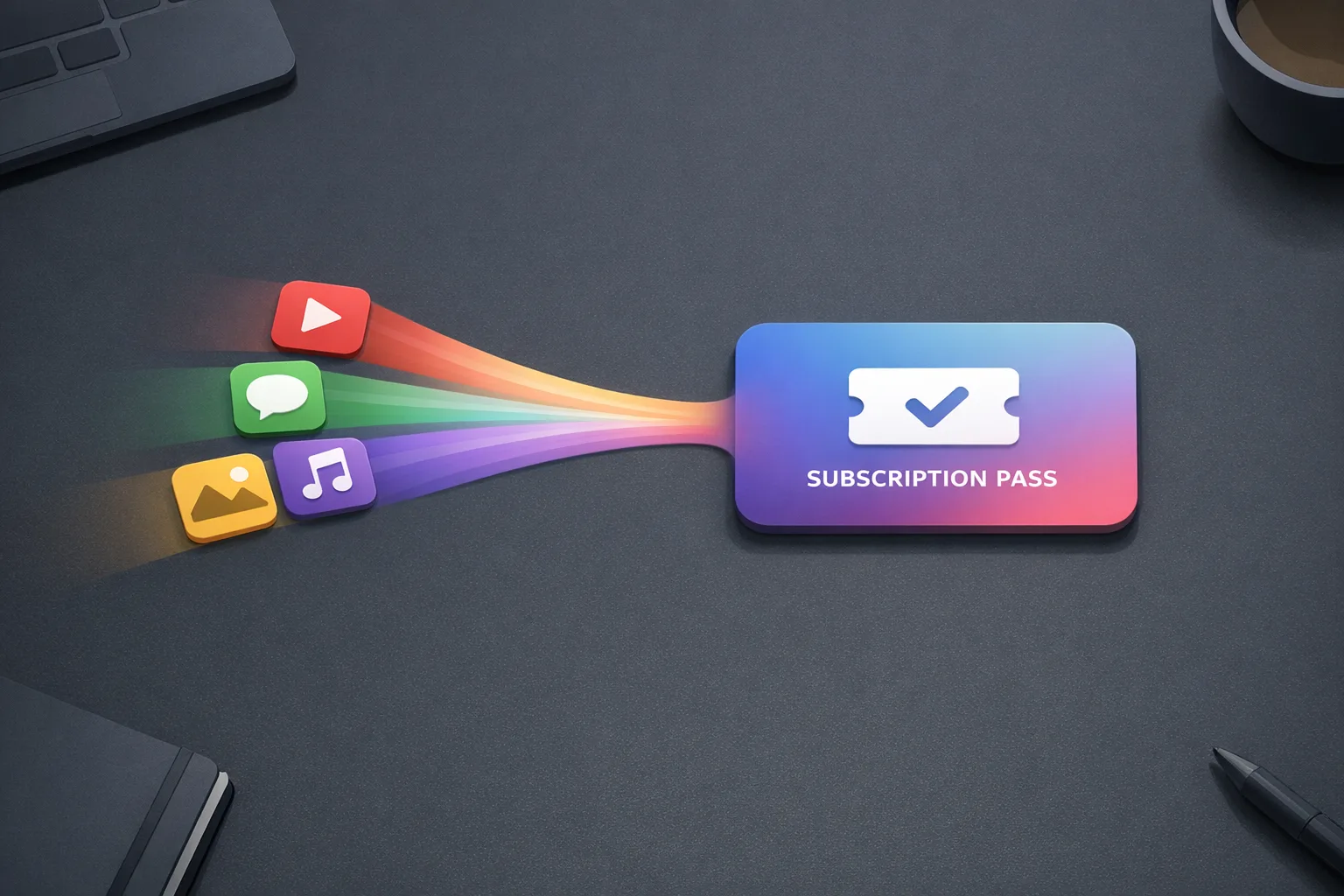
Most importantly for growth teams: Apple confirmed subscription bundles as a new way to package multiple apps into one paid relationship. Historically, you could share a subscription across your own apps and you could list up to 10 apps in a traditional App Bundle. Now the commercial center of gravity shifts from single‑app SKUs toward multi‑app value propositions, including collaborations.
Why App Store subscription bundles matter for product and revenue
Bundles aren’t just packaging. They directly improve three numbers: conversion, retention, and effective ARPU. On the funnel side, fewer decisions mean faster purchases. On retention, customers stick around when the bundle stays useful even if one app falls out of their weekly routine. On ARPU, the perceived value of “several apps, one price” supports pricing headroom you often can’t justify per‑app.
There’s a strategic angle too. If your category is crowded, bundling lets you differentiate on completeness instead of yet another marginal feature. And if you already run multiple apps with overlapping audiences, a bundle reduces internal cannibalization and unifies lifecycle messaging (win‑backs, upsells, seasonal promos) across properties.
Can different developers bundle together?
Yes—Apple announced cross‑developer subscription bundles, enabling teams from separate companies to partner on a single subscription offer. Expect Apple to enforce quality and entitlement discipline (more on that below), but the headline is clear: you can design cross‑brand bundles where purchasers get access to multiple apps under one plan. Practically, that means contracts, shared messaging, and clear rules for entitlement checks between partners.
Pricing realities: discounts, revenue share, and the commitment option
Three pragmatic pricing rules should guide you:
First, bundles must feel like a deal. Whether you price 15–30% below the sum of individual plans or anchor to a single hero app’s price, articulate the savings in‑app and at checkout. Customers shouldn’t have to do math.
Second, model revenue share before launch. If you’re bundling with other devs, define a transparent split based on consumption or agreed weights (for example, 50/30/20) and revisit quarterly. Tie share to data you can actually measure (active days, sessions, or feature unlocks) rather than vanity events.
Third, use Apple’s monthly‑for‑annual option strategically. Monthly billing with a 12‑month commitment reduces sticker shock while securing longer LTV. It’s perfect for bundles where value reveals over time (education, fitness, pro tools). Pair it with grace periods and win‑back offers so lapses don’t immediately churn out.
Architecture: entitlements that “just work” across apps
Here’s the thing—bundles live or die on entitlement reliability. If a buyer taps into App B and gets a paywall after paying in App A, you’ve lost trust.
The working pattern I recommend:
- Single source of truth: Design a shared subscription record on your backend keyed by the Apple transaction ID and the customer’s stable identity in each app.
- Real‑time updates: Subscribe to App Store Server Notifications to capture renewals, expirations, and refunds. Store normalized events (active, inGracePeriod, expired, refunded) in your customer model.
- On‑device checks: At app launch and paywall entry, validate the latest receipt and reconcile with your backend state. Cache entitlements for offline access but expire caches aggressively (e.g., 15 minutes) near renewal boundaries.
- Ownership awareness: Use transaction metadata to detect whether access flows from the purchaser or a family/organization share and tailor UI (managing seats vs. consuming access).
- Cross‑app propagation: After a purchase in one app, deep‑link users into partner apps with a signed token so they skip re‑authentication and see benefits immediately.
The Bundle Readiness Scorecard
Before you write a line of integration code, run this checklist. If you can’t tick at least 8/10, you’re not ready to ship in 90 days.
- Audience overlap ≥35%: At least a third of users would plausibly use each app monthly.
- Complement, don’t clone: Each app adds a distinct job‑to‑be‑done (e.g., capture + edit + share).
- Clear headline value: One‑sentence promise that survives a lock screen notification preview.
- Shared identity: Email‑based, Sign in with Apple, or verified account linking across apps.
- Server notifications wired: You already process renewal and refund events without manual ops.
- Paywall and A/B infra: You can test copy, price points, and placements without a new binary each time.
- Support workflows: Agents can verify entitlements and grant courtesy access in under 60 seconds.
- Refund/restore UX: Users can self‑serve restores; refund policy is plain‑English in the paywall.
- Content parity plan: A cadence that ensures value each month (drops, templates, workouts, lessons).
- Partner contract template: If cross‑developer, you have a lightweight MOU for rev share, data, and brand use.
How to design the offer: three bundle archetypes
Not every bundle should be “everything we own.” Pick a shape:
1) The Suite. Multiple apps from one developer account covering a workflow (e.g., shoot → edit → publish). Pros: simple ops, one brand. Cons: less cross‑audience reach.
2) The Stack. Cross‑developer partnership where each app addresses a stage of the same problem (e.g., habit tracking + workouts + meal plans). Pros: high perceived value. Cons: legal/ops complexity.
3) The Club. One hero app plus rotating partner perks (seasonal access to premium packs). Pros: freshness, marketing angles. Cons: entitlement churn if rotations are too frequent.
Copy that converts: what goes on the paywall
Bundles sell when the story is obvious. Use this skeleton:
- Lead: “One subscription. Three pro‑grade apps.”
- Proof: Logos or descriptor badges for each app’s specialty (no trademark risks, keep it generic if needed).
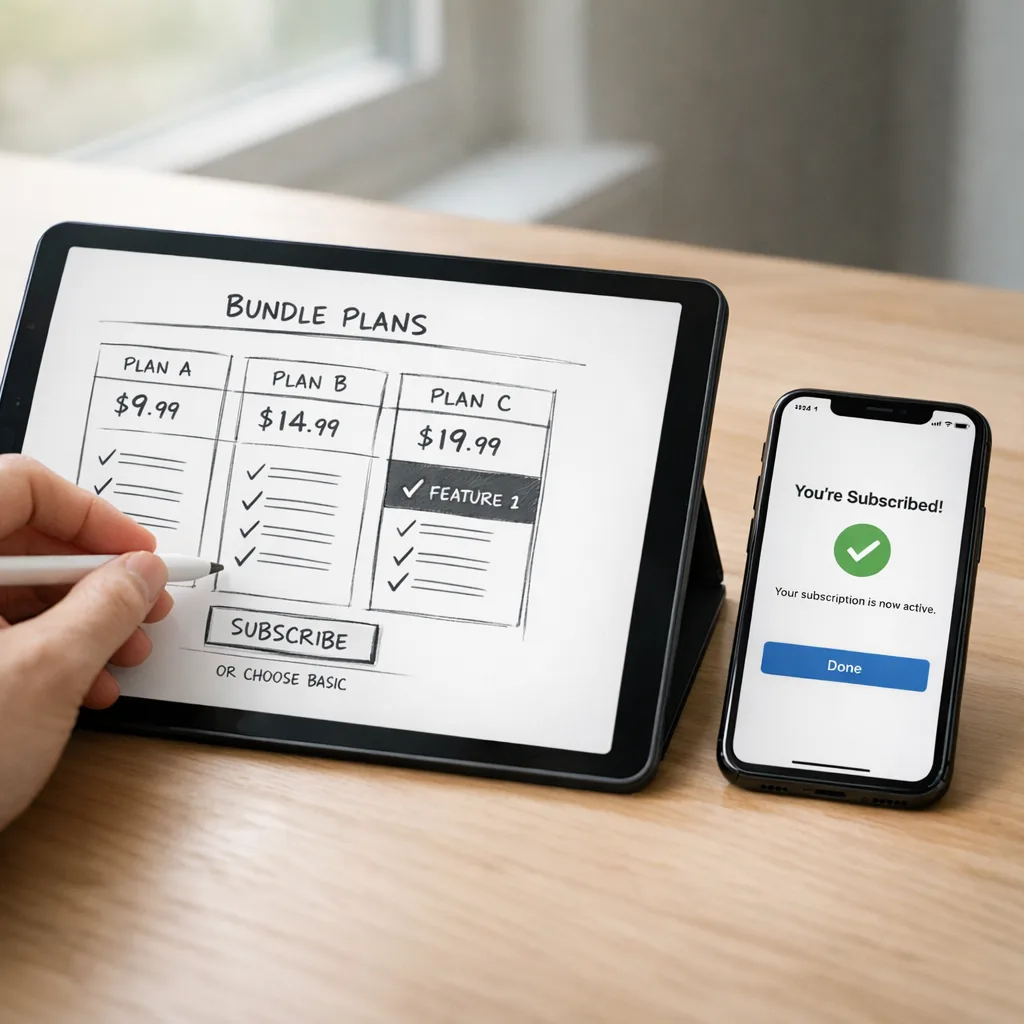
- Value math: “$23.97 → $14.99/mo” (or show annual savings with the monthly‑commitment option).
- Instant access: “Use your plan across all apps—no extra logins.”
- Trust: “Cancel anytime. Keep your data.”
Shipping bundles with StoreKit 2: the gotchas
I’ve led multiple subscription integrations on iOS. These are the traps that blow up timelines:
- SKU sprawl: Keep a single subscription group for the bundle. Don’t mirror every partner’s tiers inside your app—map them to one clean “Bundle” product for purchase and recognition.
- Silent entitlement failures: Treat network errors as “grace but gated”—show basic features, and queue a background restore. Log aggressively with user‑consented identifiers so support can trace.
- Win‑back spam: Save‑offers should appear once per cancel intent and decay for 30 days. Anything more feels like dark patterns and will backfire.
- Trial chaos: If partners offer trials in their standalone apps, bundle should own the trial narrative. Otherwise you’ll train users to app‑hop for serial freebies.
Data you’ll need on Day 1
Decisions without data are vibes. Instrument these fields before launch:
- Acquisition source: bundle vs individual SKU.
- First feature used post‑purchase (by app).
- Days active in each app in first 30/60/90 days.
- Renewal outcome plus whether a save‑offer was displayed.
- Refunds by reason code.
On economics: once a subscriber hits a full year of paid service in the same group, Apple increases your net revenue share on renewals. For bundles designed to be “forever subscriptions,” it’s worth steering users into an annual or monthly‑with‑commitment path to reach that milestone reliably.
30/60/90: a pragmatic shipping plan
Days 0–30: Prove the shape
Decide archetype (Suite, Stack, or Club). Draft the contract (if cross‑developer). Pick one plan: monthly with 12‑month commitment or annual prepaid. Build the entitlement model and server notification pipeline. Prototype the unified paywall and set up a closed TestFlight with 50–100 users from each app’s audience.
Days 31–60: Wire it up
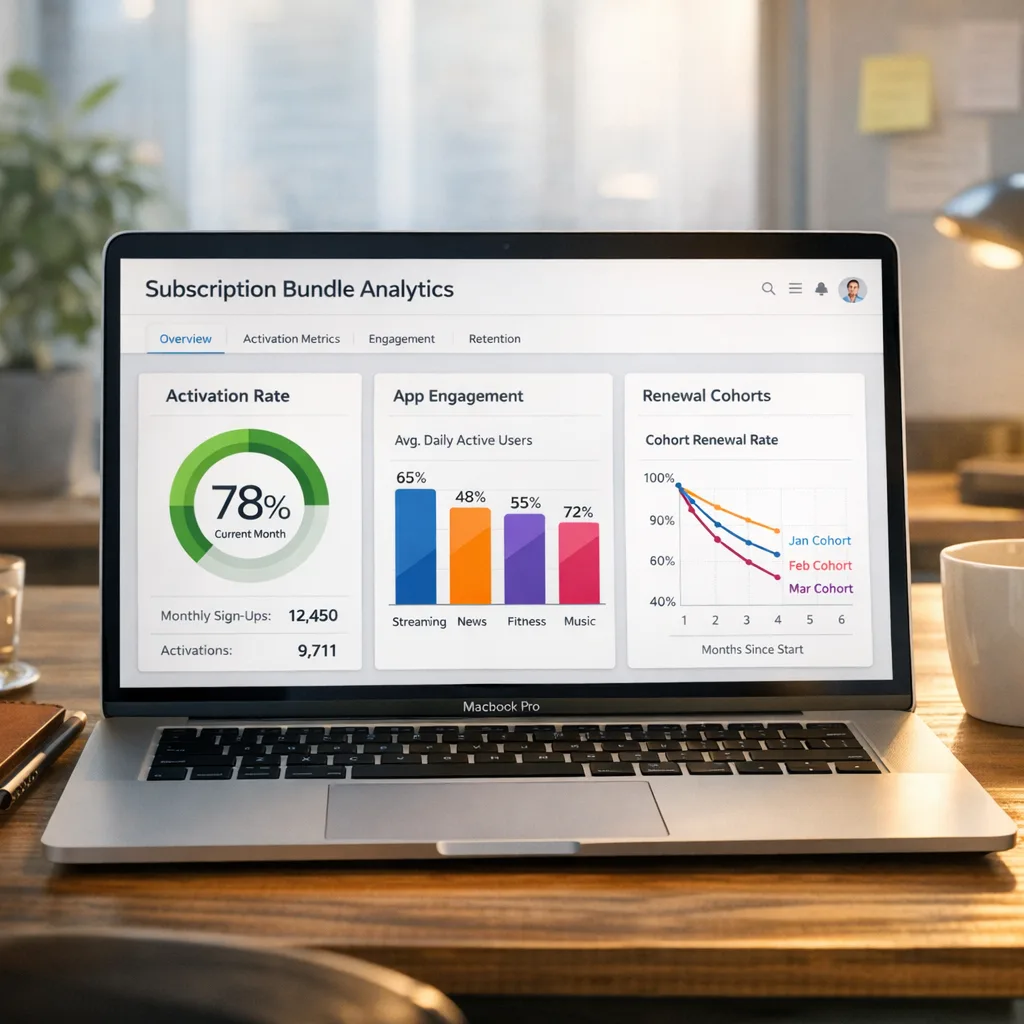
Implement the StoreKit 2 flow and entitlement propagation between apps. Add save‑offers for cancel intents. Localize the paywall and benefit list in top languages. Create analytics dashboards for cohort retention and engagement by app. Dry‑run support macros and “verify access” tooling.
Days 61–90: Launch and learn
Ship the bundle to a limited set of storefronts. Run two concurrent price tests (e.g., −20% vs −30% relative to sum‑of‑parts). Watch entitlement error rates and trial conversion. If cross‑developer, reconcile revenue share weekly for the first month and adjust weights only after 30 days of real data.
“People also ask” quick answers
Do bundles replace individual subscriptions?
No. Keep individual SKUs for users who only need one app or want a lower entry price. Use the bundle as your flagship value option and make the upgrade path obvious.
How do refunds and proration work?
Keep refund and restore flows consistent across apps and ensure your backend deactivates access everywhere on refund events. For mid‑cycle upgrades (individual → bundle), consider issuing store credit or extending access rather than complex proration math users can’t verify.
What’s the best way to prevent double‑charging?
Guard every purchase screen with a real‑time entitlement check. If the user already has the bundle, collapse to a “You’re covered” state and show partner app quick‑links instead of prices.
Will Apple allow aggressive cancel‑saves?
Use save‑offers responsibly. A single, clearly worded offer is fine; repeated pop‑ups or confusing downgrade paths risk review friction and reputational damage.
Team ops: marketing, support, and finance on the same page
Marketing needs a single campaign calendar and bundle story. Support needs entitlement tooling and macros for cross‑app issues. Finance needs a weekly ledger that splits bundle revenue according to your partnership agreement. If you can’t produce those three artifacts, you’re not launch‑ready.
Compliance and UX guardrails
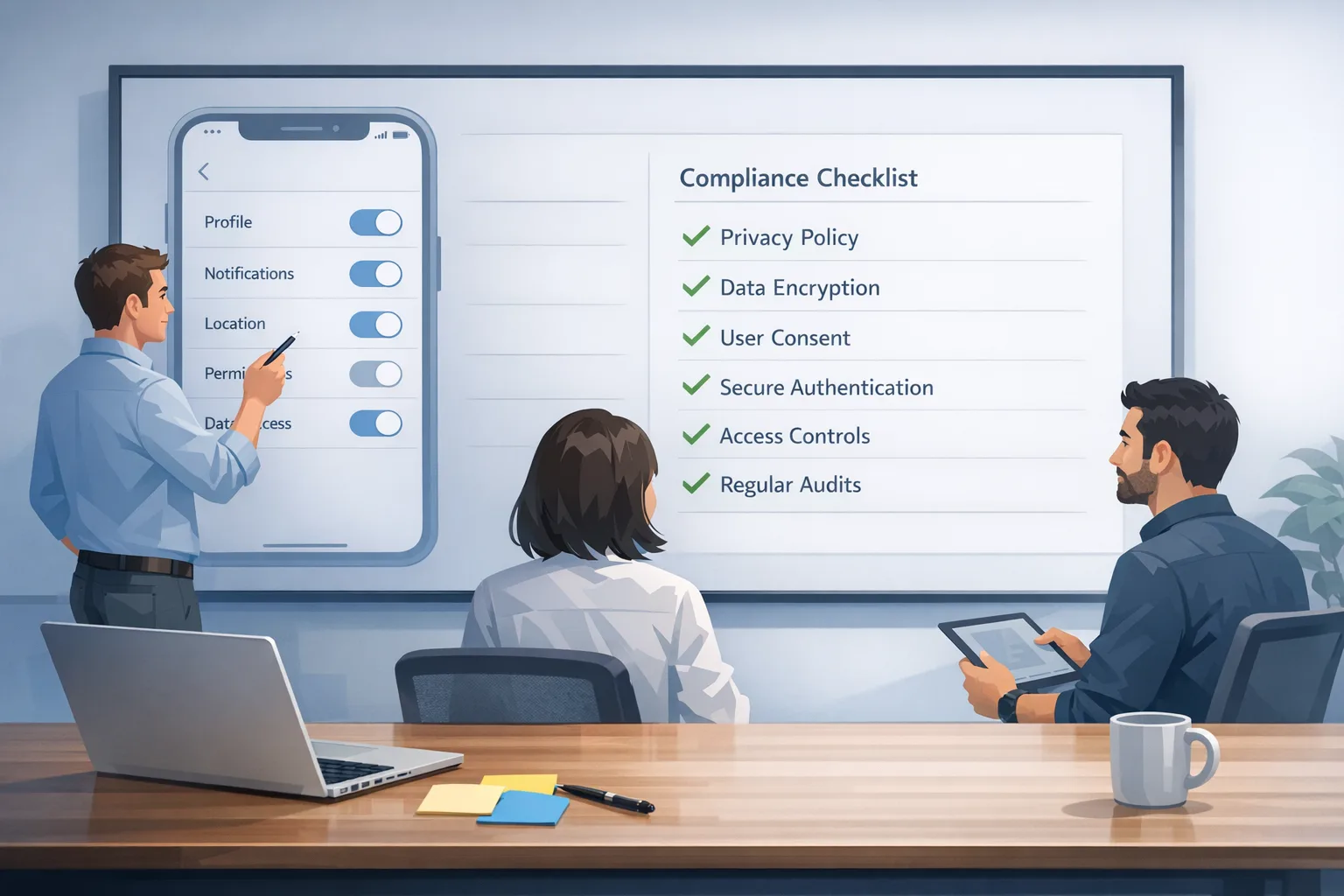
Spell out what happens if the bundle changes (partners rotate, features sunset). Offer a no‑surprises cancellation experience and make restores trivial. In kids or education contexts, align copy with parental controls and age ratings. If you’re operating a suite across platforms, keep eligibility rules consistent.
Tooling you can use today
Even as Apple rolls out more bundle‑specific features, you can start with building blocks already in production: multi‑app subscriptions within one developer account, App Bundles for discoverability, App Store Server Notifications for entitlement truth, and the monthly‑with‑annual‑commitment plan for smoother pricing. Xcode 27 beta and App Store Connect updates provide a good sandbox to validate flows before you go wide.
Where this goes next
Zooming out, bundles are Apple’s answer to subscription fatigue. By letting high‑quality apps collaborate, Apple keeps spending inside the ecosystem and gives customers one predictable bill. For developers, the winners will be teams that balance clear value, ruthless reliability, and respectful lifecycle messaging.
What to do next
- Run the Readiness Scorecard and pick your bundle archetype this week.
- Stand up your entitlement backend with server notifications and cross‑app tokens.
- Draft a partner MOU (if cross‑developer) covering rev share, data, brand, and roadmap cadences.
- Ship a TestFlight with the unified paywall and entitlement propagation in the next 30 days.
- Set conversion targets (bundle vs individual) and review after 2 billing cycles.
If you want a second set of eyes on your plan, we help teams price, package, and ship subscription products that users keep paying for. See what we do for mobile growth, browse relevant iOS case studies, or scope a project on our subscription optimization services page. If you’re ready to move, drop us a line via contacts and we’ll map a 90‑day launch with you.




Comments
Be the first to comment.