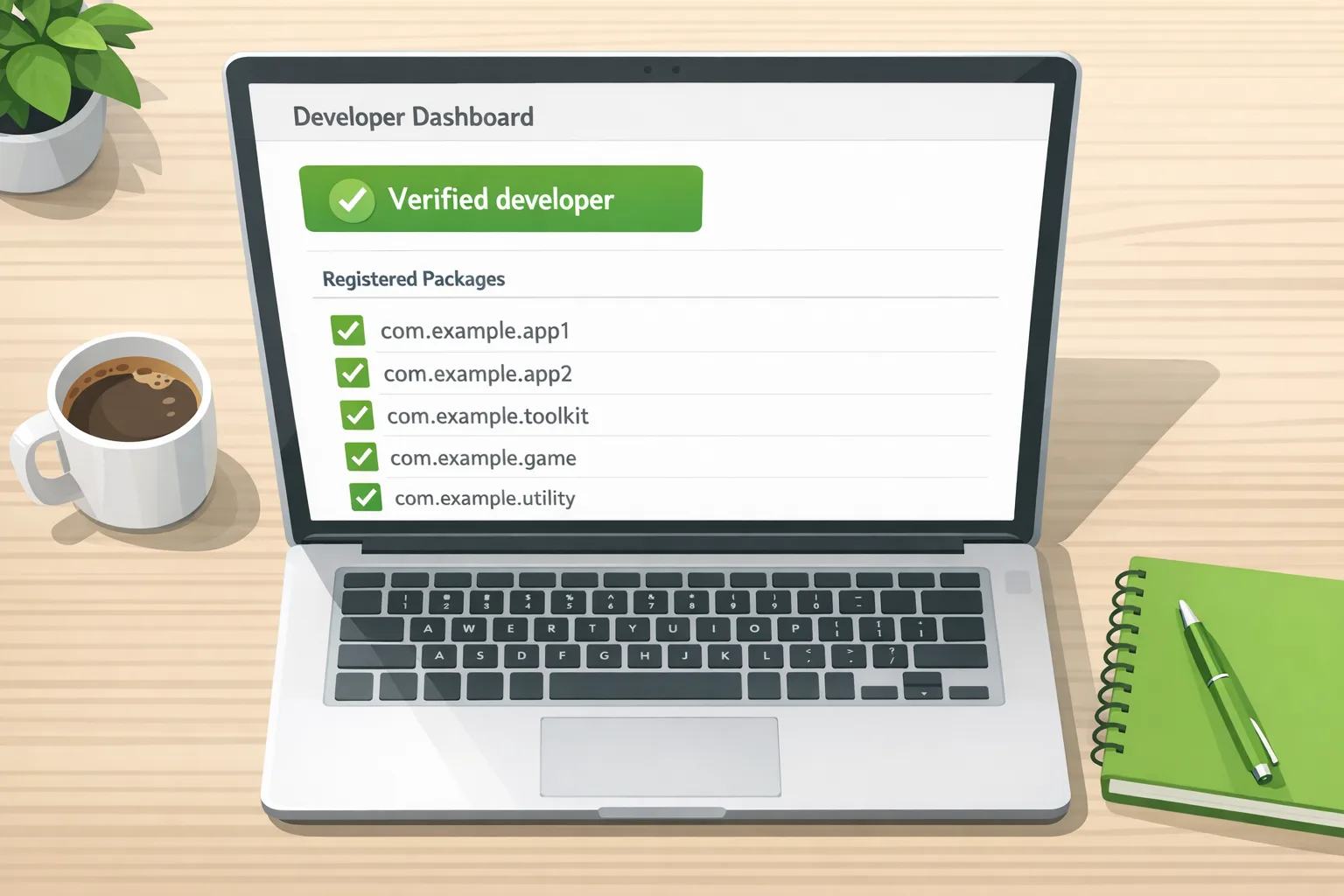
Android Developer Verification: August 2026 Playbook
Android developer verification isn’t a rumor anymore—it’s a deadline. Starting September 30, 2026, users in Brazil, Indonesia, Singapore, and Thailand will only be able to install apps on certified Android devices if those apps are registered to a verified developer. If you distribute on Google Play or outside of Play, this affects you. Here’s a crisp plan to get compliant in August without breaking release cadence.
What’s actually changing—and when?
You’re juggling a lot, so let’s anchor the dates that matter for mobile leaders right now. These are the platform-level changes that drive your risk model and sprint plan.
- August 26, 2026: Several Google Play policy updates land. Two that routinely trip teams: geofencing is removed as an approved foreground service use case (migrate to the Geofence API), and age restrictions tighten around anonymous/random chat apps. If you rely on a foreground service for geofencing, expect review friction unless you switch APIs.
- September 30, 2026: Android developer verification enforcement begins for participating stores in Brazil, Indonesia, Singapore, and Thailand. Apps on certified devices in those markets must be registered to a verified developer to install or update normally.
- October 28, 2026: More Play policy changes arrive, including contacts and location permission tightening and expanded child safety standards. Plan your runtime permission prompts and data minimization messaging now.
- January 27, 2027: SMS/Call Log permission changes cut off account verification via phone call for many use cases. Move to Digital Credentials or the SMS Retriever API.
Two additional signals to keep in mind as you triage work: Google says the vast majority of Play-distributed apps have already been auto-registered, and a Status API is available to automate checks in CI. Both reduce toil, but neither helps if you ship off‑Play or hold unusual signing histories.
Android developer verification, explained in plain English
There are two core ideas that get conflated:
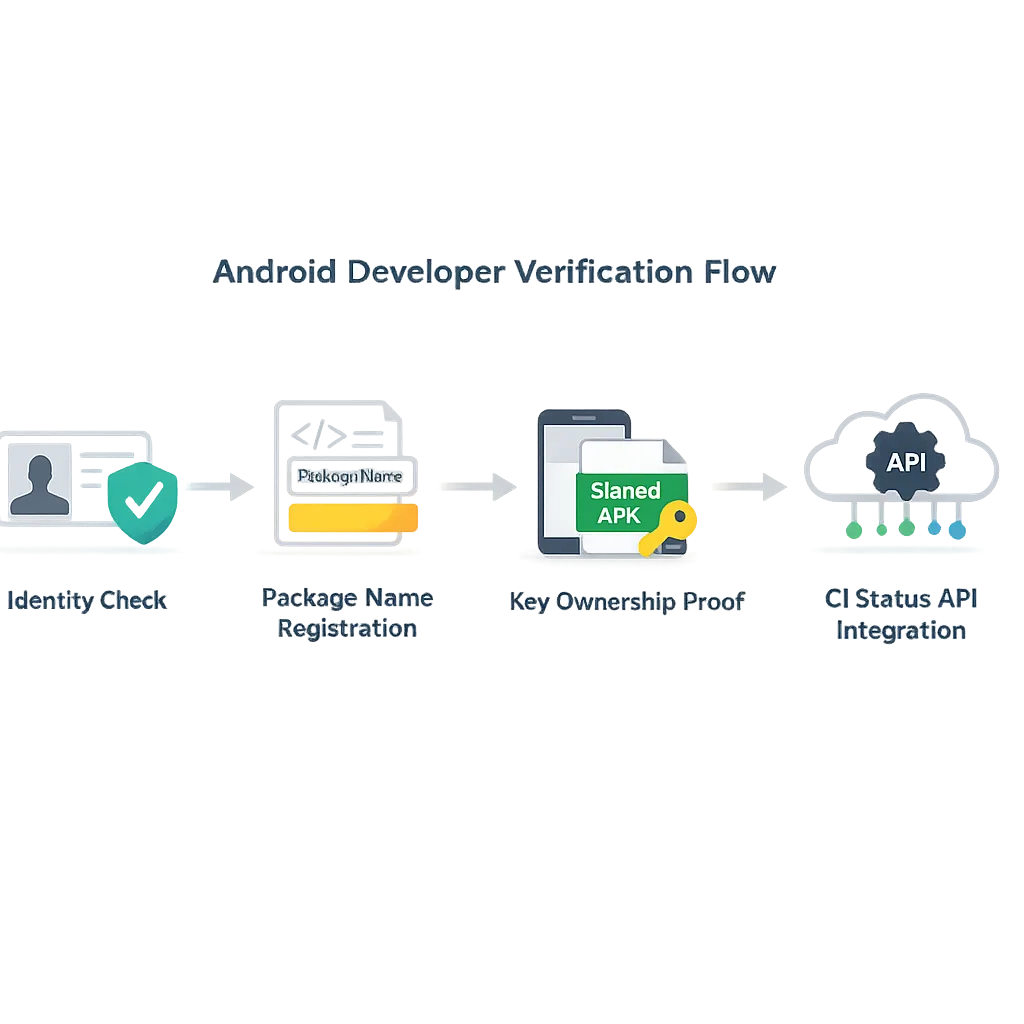
1) Verified developer identity. Google verifies who you are (person or organization). This is distinct from content review or malware scanning. Think of it as an ID check, not a code audit.
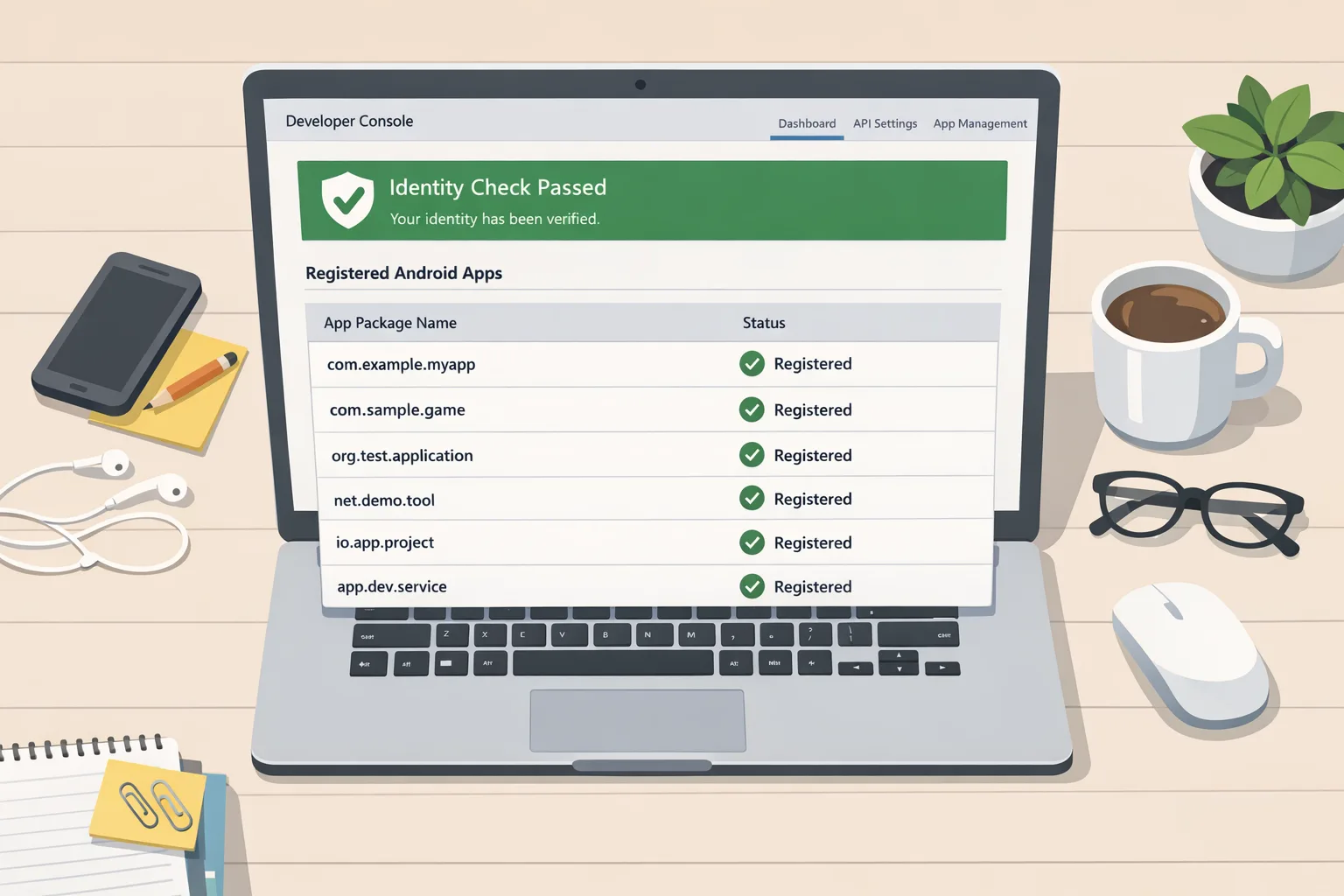
2) Registered apps (package name registration). Each Android app package name must be associated with a verified developer’s identity. Play can auto‑register most Play apps using existing signing information. If automatic registration fails, you’ll prove ownership by signing a small verification APK with your private key and uploading it through the console flow.
What counts as a “certified” device? Any device that ships with Google services and Play Protect. If your app runs there—regardless of whether users install from Play, an OEM store, or via sideloading—you’re in scope as enforcement rolls out regionally.
Does this affect teams that don’t ship on Google Play?
Yes. If you distribute only outside of Play (enterprise portals, OEM stores, a website), you still need a verified developer identity and must register your package names. Google has introduced a dedicated console for developers who don’t use Play. If your install base includes certified devices, plan to register now so installs keep working smoothly as enforcement widens.
How verification actually works (and where teams stumble)
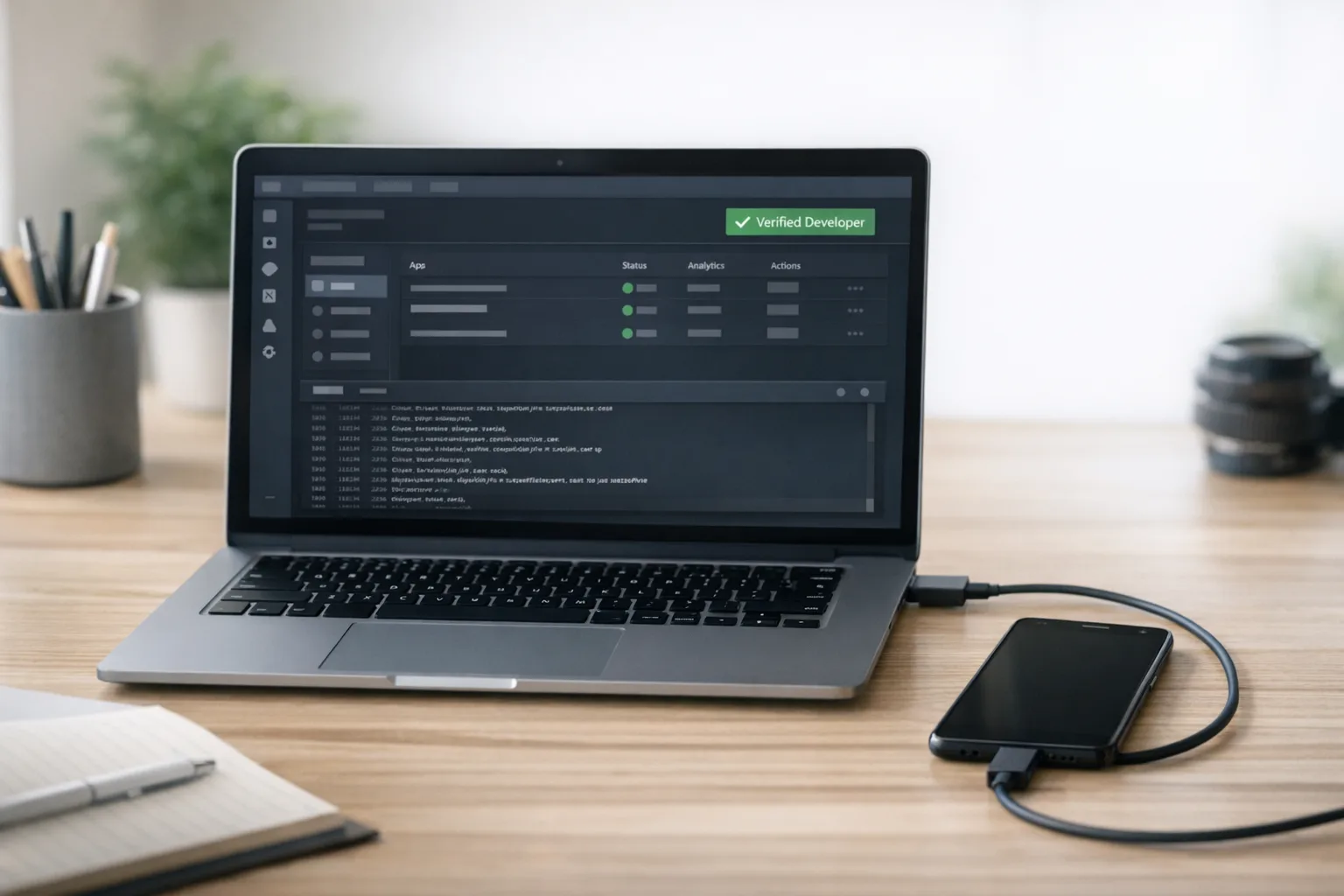
From March 2026 onward, Play Console shows registration status per app. In July, Google shipped a Developer ID Status API so your CI pipeline can fail builds or flag releases if registration drifts. The intent is to make registration checks as routine as lint.
Where do teams hit snags? Three places:
- Key provenance is messy. Multi-year apps accumulate keys—debug, legacy upload, Play App Signing, and off‑Play variants. If Play can’t auto‑match, you’ll need to upload a verification APK signed by the right private key.
- Forks and shared package names. In corner cases (custom OEM builds, internal forks), package names collide. Registration priority goes to the majority key holder by observed installs. If you’re not the majority, expect to file a request or adopt a new package name.
- Outside-of-Play apps with >50 installs on a different key. Those may require manual registration and proof of ownership. Budget time for this—don’t leave it to week four of the quarter.
The August checklist: 10 steps to stay installable
Use this sequence with your release manager and security lead. It assumes a two-week sprint to land core changes, with a buffer for manual registration.
- Inventory apps and variants. Export every Android package name you ship or support—Play, OEM channels, enterprise, and website downloads. Include signing key fingerprints and who controls each key.
- Confirm developer identity status. Ensure your organization (and any subsidiaries that publish) has completed identity verification. If not, finish this before touching package registration.
- Check Play auto-registration. In Play Console, verify which apps were auto‑registered. Google reports most Play apps are handled automatically, but treat every edge case as manual until proven otherwise.
- Register off‑Play package names. For apps outside Play, pre‑register every active package name. Have the correct public certificate handy and be ready to sign the verification APK.
- Resolve key conflicts early. If multiple keys exist, identify the majority key holder by install share. Where you’re not the majority, open a request path or plan a rename—waiting invites production fire drills.
- Wire the Status API into CI. Add a pre‑release job that queries registration state for each package and fails the pipeline if registration is missing or mismatched. Surface this in release notes your PMs read.
- Audit geofencing and foreground services. If you use a foreground service purely for geofencing, migrate to the platform Geofence API ahead of August 26 to avoid policy review churn.
- Revisit sideload flows. Expect an “advanced sideloading” path for unregistered apps as enforcement grows. Update your download pages and support docs to set the right expectations—or, better, register and avoid the detour.
- Update internal runbooks. Add steps for new apps: reserve the package name, verify ownership if previously used, and check registration in CI before cutting a production build.
- Communicate timelines to stakeholders. Tell customer success, enterprise IT admins, and OEM partners what changes and when. Publish a short FAQ for external customers in affected markets.
How to prove key ownership (the quick version)
In the console flow, you’ll add the public certificate fingerprint, then download or copy a text snippet into an APK asset. Sign the APK with the private key you claim controls the package, upload it, and wait for confirmation. Pro tip: stash that tiny verification project in your organization’s Git and CI so future re-verification is one click.
What if our app has been forked?
If another key accounts for the majority of installs for a given package name, they have priority to register. If there’s no majority holder, keys above a minimum install threshold (e.g., 50) are eligible, first-come first-served. That’s a strong reason to avoid package name reuse across forks; if you inherited one, plan a clean rename.
People also ask
Will users still be able to sideload?
Yes—but the experience changes. As verification expands, unregistered apps on certified devices will push users through a more advanced sideloading path or require ADB. If you distribute to consumers, registration is the path of least resistance.
What happens if we miss the September 30 deadline in an affected country?
New installs and some updates from participating stores on certified devices will fail or detour into friction-heavy paths until the app is registered to a verified developer. That means support tickets, revenue risk, and avoidable churn. Don’t leave this to the last sprint.
Is this the same as Play Integrity or malware scanning?
No. Developer verification confirms who the developer is and ties apps to that identity. Play Integrity and malware scanning are separate layers that assess the device and the build. You need all three to keep installs smooth and reviews clean.
Can we change a package name to dodge a conflict?
You can, but it’s effectively a new app with a new listing and zero rating history. If you’re mid‑scale or above, that’s usually more expensive than proving ownership or resolving the conflict via the official path.
Designing for compliance without slowing delivery
Here’s the thing: compliance work competes with features. The trick is to turn verification into a background check that runs automatically, not a special project that hijacks sprints.
- Automate checks. Add a CI step that queries the registration status for the package being built. Fail fast with a helpful link to the console if anything’s off.
- Put keys under real stewardship. Treat upload and signing keys as production secrets with owner rotation, recovery plans, and multi‑party approvals. Most “we can’t verify” escalations boil down to key sprawl.
- Document the off‑Play path. If you ship APKs for enterprise or OEM partners, document exactly how those packages are registered, who holds the private keys, and how you verify after a key rollover.
A two‑week sprint template you can adopt tomorrow
Assume a team of one release lead, one Android lead, one DevOps engineer, and one PM.
Week 1
- Day 1–2: Inventory every package name, signing key fingerprint, and distribution channel; create a single spreadsheet in your repo.
- Day 3: Verify organization identity; confirm Play auto‑registration coverage; open tickets for any apps not auto‑registered.
- Day 4–5: Register off‑Play packages; stand up the verification APK project and run one full proof of ownership end‑to‑end.
- Day 5: Add Status API call to CI; make the build fail with a human‑readable error if a package isn’t registered.
Week 2
- Day 6–7: Resolve key conflicts; if you’re not the majority key holder for a forked package, decide whether to request access or rename.
- Day 8: Review geofencing usage; if needed, migrate to the Geofence API ahead of the August 26 policy change.
- Day 9: Update support docs and release notes about what users in affected countries can expect after September 30.
- Day 10: Table‑top exercise: rotate a signing key and re‑verify; document the steps so on‑call can follow them under pressure.
Risk radar: who should be most worried?
Enterprise teams that sideload internally. If your fleet runs certified devices, an unregistered internal app will fail to install in the first four countries as enforcement starts. Register early and brief IT admins.
Vendors with OEM partnerships. If you distribute via manufacturer app stores, treat this as in‑scope. Coordinate with your partner’s store team and confirm timelines.
Open‑source maintainers. If you publish signed builds on GitHub or your site, get a verified developer identity and register your packages. Post the status in your README so users know installs will keep working.
Tooling tips (small wins that compound)
- Expose registration status in the app. Add a hidden debug screen that surfaces package name, signing cert SHA‑256, and a link to internal docs. Your support team will thank you.
- Alert on drift. If registration lapses (e.g., someone clones a package name on a test key), post a Slack alert. Treat it like a failing unit test.
- Centralize keys. Use your existing secrets manager instead of a folder on one engineer’s laptop. Back up hardware tokens and recovery keys. Rotate on schedule.
What to do next
- Run the 10‑step checklist with your release lead this week.
- Register all off‑Play packages; resolve any key conflicts now.
- Wire the Status API into CI; make non‑registration a build‑blocking error.
- Audit geofencing and fix foreground service usage before August 26.
- Brief stakeholders in the four initial markets on the September 30 change.
Need a second set of eyes?
If you’d like help pressure‑testing your plan, our team has shipped and supported consumer and enterprise Android apps across complex release trains. Start with a lightweight mobile compliance audit, skim how we structure delivery on what we do, or ping us directly via contact us. For broader Play policy planning patterns, our earlier guidance on organizing Google Play policy change work covers stakeholder comms and risk roll‑ups you can reuse here.
Zooming out, developer verification is a nudge toward stronger identity hygiene without closing the ecosystem. The fastest path through it is boring: centralize keys, register everything you ship, and teach your CI to nag you before users ever feel the pain. Do that in August and the September 30 date becomes just another Tuesday.







Comments
Be the first to comment.