Google Play Target API 2026: The Last‑Minute Guide
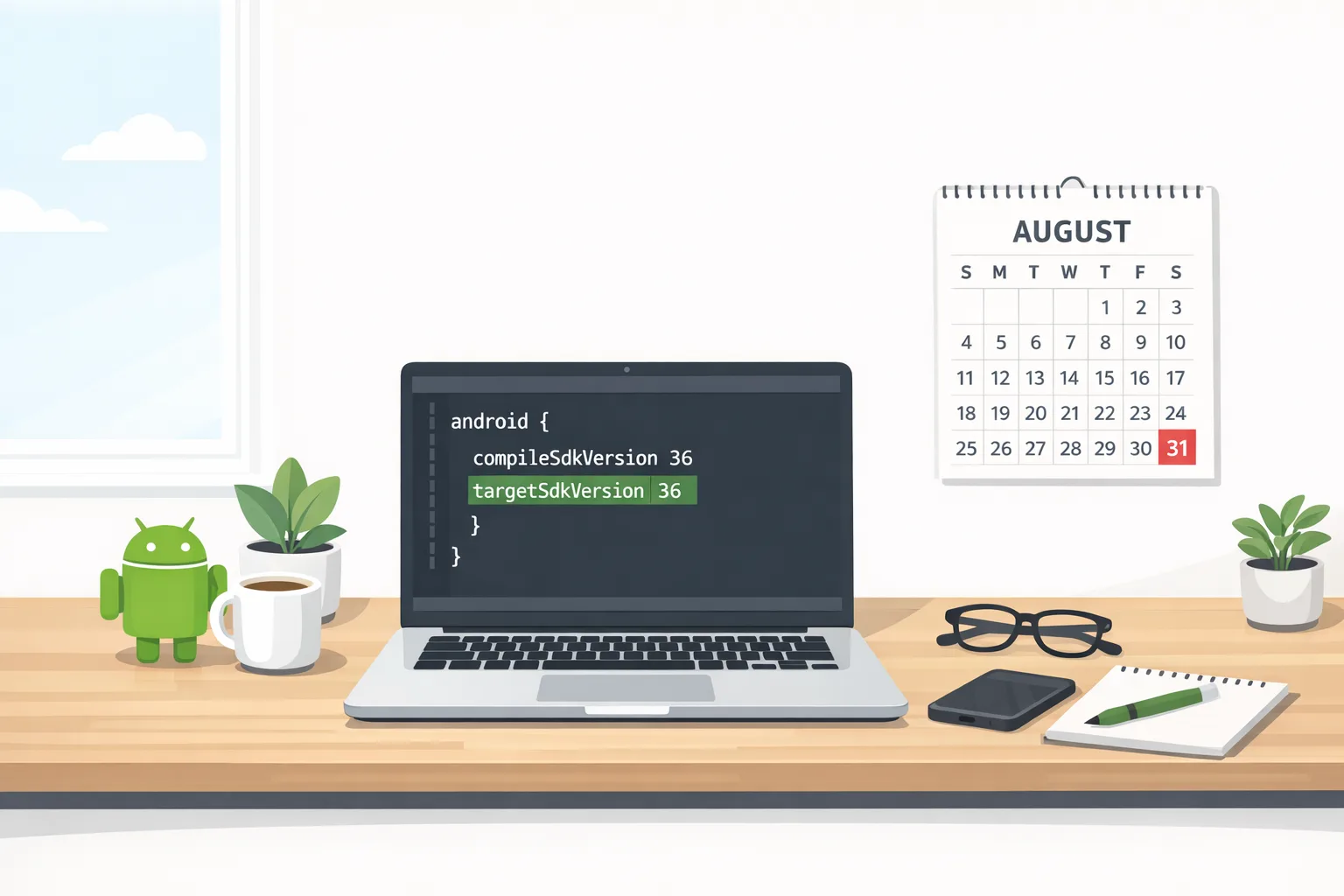
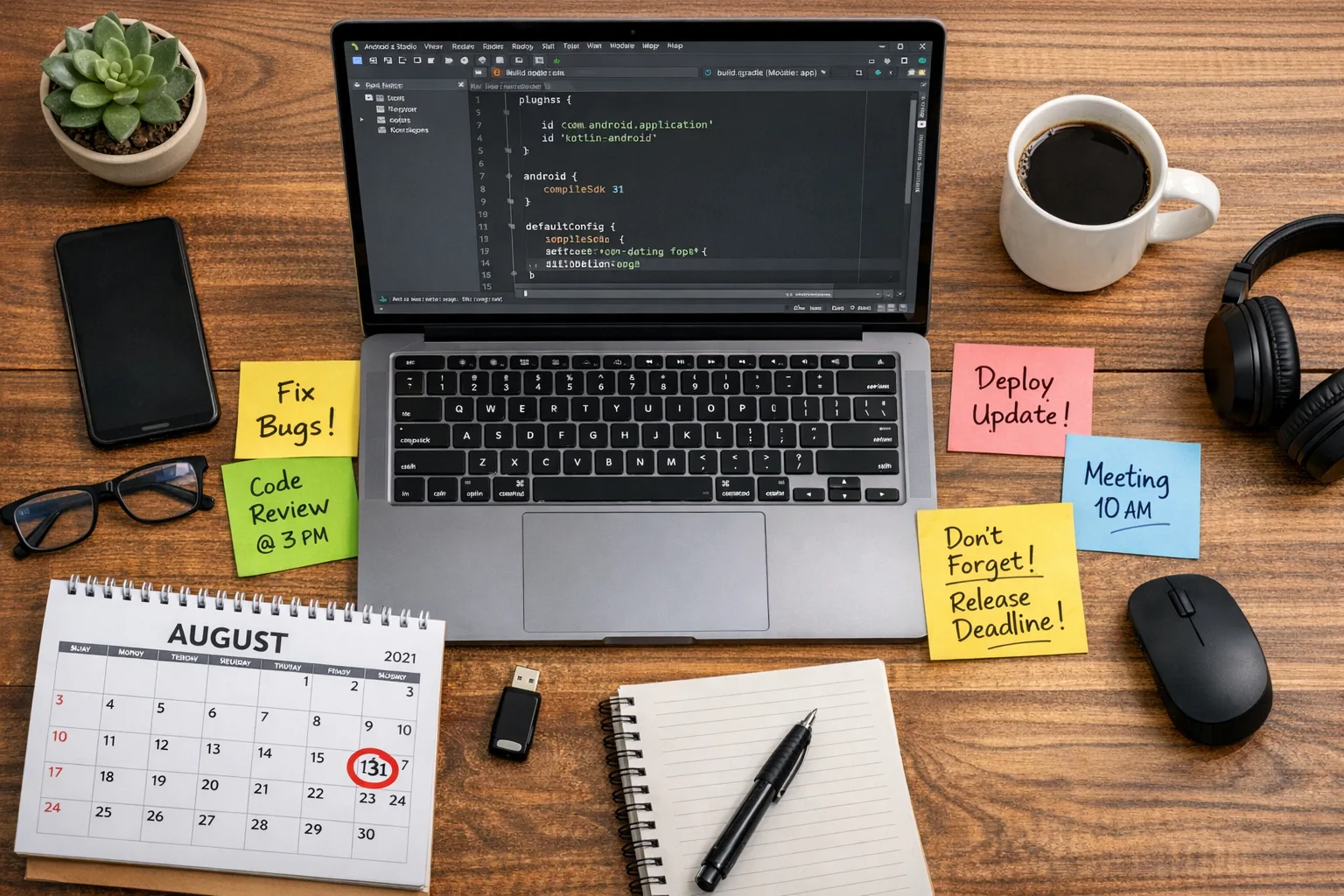
It’s crunch time for the Google Play target API 2026 requirements. As of August 31, 2026, new apps and app updates must target Android 16 (API level 36), and existing apps need to target at least Android 15 (API 35) to remain discoverable to new users on newer devices. If you’ve got a warning in Play Console, this guide gives you the fastest path to green, plus the edge cases for Wear OS, Android TV, XR, and Automotive.
Teams ask the same thing every August: “What breaks if we just bump targetsdk?” Sometimes nothing; often plenty. Here’s the thing—this isn’t just a checkbox. Targeting newer APIs turns on behavior changes that your production users will hit immediately. The right move is a tight upgrade plan, proving stability on real devices, and shipping before the deadline—not after.
What exactly changes on August 31, 2026?
For phones and tablets (and Android Auto distribution tied to the mobile app): existing apps must target API 35 or they’ll stop being discoverable to new users on devices running Android versions higher than your app’s target. Existing users keep access, but growth takes a hit because the store page won’t install on newer devices. New apps and updates must target API 36.
Form‑factor specifics matter. For Wear OS, new apps and updates must target API 35. For Android TV, API 34 is the bar. For Android XR, you’re also looking at API 34. Automotive OS has its own track: API 35 for new submissions and updates, with a lower threshold for existing visibility. Translation: you can’t assume “phone rules” cover your watch, TV, headset, or car builds. Align each module and track accordingly.
There is an escape hatch: Play Console offers an extension request to keep distribution to all users until November 1, 2026. It’s not automatic, and it’s not a strategy; it’s a contingency for teams already in motion.
Use this 7‑step upgrade checklist (no drama)
If you’re under the gun, this is the shortest path I’ve used across dozens of apps, from indie utilities to enterprise flagships.
1) Lock the scope and branch
Create a short‑lived release branch just for the target bump, dependency refresh, and policy‑driven fixes. No feature work. If you’re mid‑feature, put it behind a remote kill switch or keep it out of scope. The only goal: pass review and protect installability.
2) Update build fundamentals
In Android Studio, set compileSdkVersion and targetSdkVersion to 36 (or 35 if you’re stabilizing an existing app first). Match your AGP and Kotlin versions to what your CI can reliably build. Clean the Gradle cache, run a full sync, and generate release builds early to catch ABI or R8 issues.
3) Refresh SDKs and permissions
Upgrade critical AndroidX and Play Services libraries. Scan for deprecated permissions and background behaviors: notifications (runtime permission on newer Android), media visibility, alarms, and foreground service types. Pay special attention to storage, background location, exact alarms, and photo picker paths. If you rely on legacy storage or implicit intents, expect behavior shifts.
4) Run a policy‑focused test matrix
Spin a fast matrix: at least one Android 16 beta or preview device image, a stable Android 15 flagship, a mid‑tier device, and an older device that matches your minSdk. Add a Wear emulator if you ship a watch experience, a TV emulator for leanback, and XR/Automotive test tracks if applicable. Capture first‑run prompts, sign‑in, notifications, media pick, camera/mic, in‑app purchases, and deep links.
5) Fix crashes and ANRs before polish
Don’t chase UI nits yet. Prioritize any crash surfaced by the new targetSdk behaviors. Turn on StrictMode in debug, run baseline profile generation, and check Play Pre‑launch Report. Only once stability is green should you tune permission copy or dark‑mode corner cases.
6) Ship a staged rollout
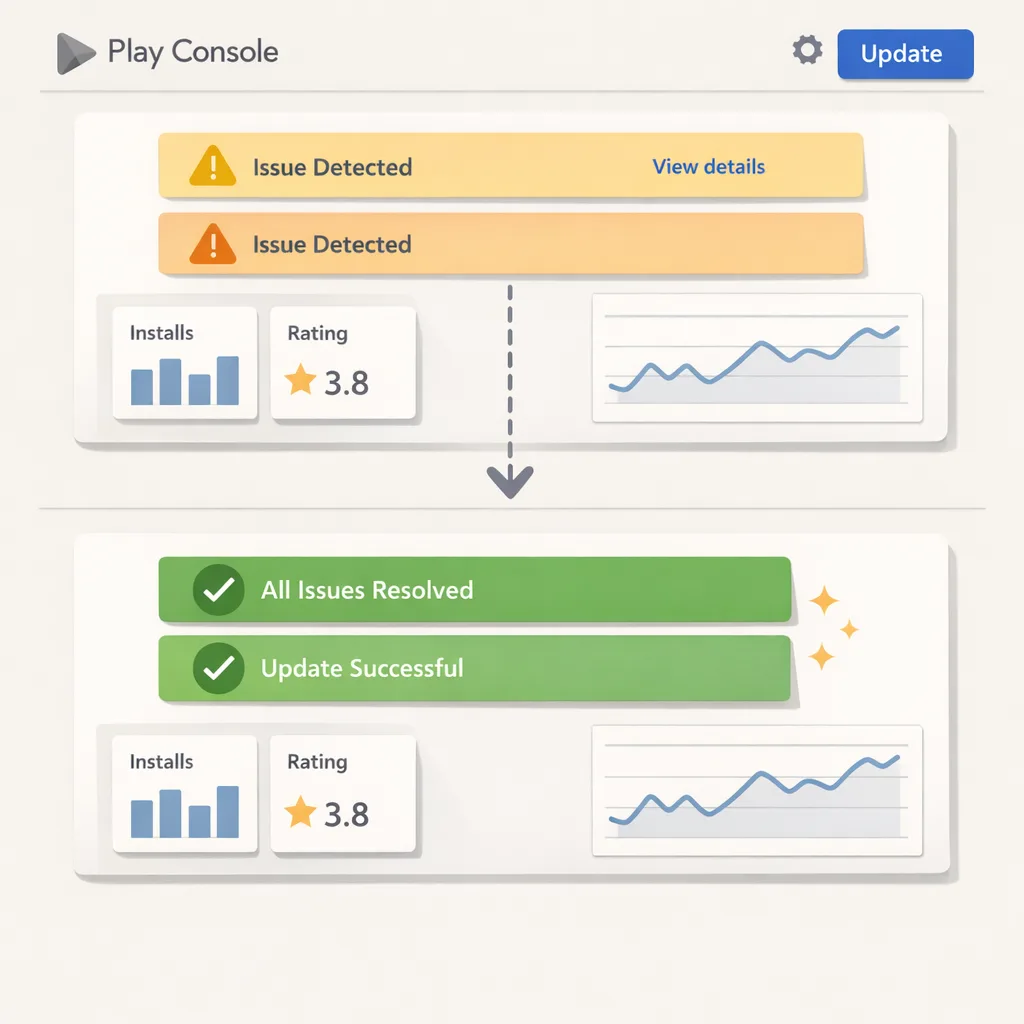
Prepare release notes that call out the target API change. Use a small staged rollout (5–10%) with crash monitoring turned up. Watch cold‑start times, ANRs, battery impact, and top navigation flows. If you see device‑specific regressions (some OEMs still surprise), pause the rollout, hotfix, continue.
7) Submit your form‑factor tracks
If you publish Wear, TV, XR, or Automotive builds, push those tracks in the same window. Many teams fix phone first and forget the companion APK. Play’s checks are independent; an outdated Wear module can still block full compliance or fragment the experience for users.
“People also ask” for the 2026 rush
What happens if I miss August 31, 2026?
Your store listing will stop offering installs to users on newer Android versions than your app targets. Existing users can still find, reinstall, and use the app on supported OS versions, but growth flattens because fresh installs on new devices are blocked. If you’re close, request the extension to keep distribution through November 1, 2026 while you finish your upgrade.
Do I have to raise minSdk to raise target API?
No. Target API controls how your app is evaluated on newer Android versions; minSdk defines the oldest OS you support. You can keep minSdk the same while raising target. Just be sure your libraries still support that minSdk and test on at least one real device near your minimum.
Will this break my background work and notifications?
Maybe. Newer Android versions tighten background and foreground service rules. Expect stricter limits on what can run in the background and when notifications appear. If your app depends on location, sensors, or media while backgrounded, test those flows carefully with the new target.
Can I ship only the phone build and fix Wear/TV later?
Not safely. If you publish companion experiences, handle them together. Each form factor has its own target thresholds and review. A lagging Wear, TV, XR, or Automotive module can fail or fragment your overall distribution.
Is raising target SDK enough to pass review?
Usually not. Review checks app behavior, permissions, data safety, and content alongside technical targets. If your manifest or runtime requests don’t match your declared use, or your flows degrade on newer Android versions, your submission can be rejected even if the target is correct.
Form factor gotchas (read this before you ship)
Wear OS (target API 35)
Complications, sensors, and background updates are sensitive to tighter battery policies. Verify that tiles and complications update within allowed windows and that any health or location data requests align with user‑visible permissions. Test the pairing flow from mobile to watch after the target bump.
Android TV (target API 34)
Focus navigation and media playback are the usual failure points. If you embed a web view for sign‑in, ensure remote navigation works throughout. Validate wide‑gamut video paths and subtitle rendering on at least one 4K device, plus an older 1080p box.
Android XR (target API 34)
If you ship immersive or passthrough experiences, retest all camera and sensor permissions. Latency budgets can change subtly across OS versions; keep frame pacing and thermal behavior within limits. Verify controller mappings against the latest SDK.
Automotive OS (target API 35)
Expect stricter intent filters and background restrictions. If your Automotive build depends on the phone companion app for auth or content, test disconnection flows and degraded network modes thoroughly.
The business reality: why this date matters
For many apps, 20–40% of weekly installs come from users on the newest Android releases in the first quarter after a major OS ship. If your app stops being discoverable to those users after August 31, 2026, your top‑of‑funnel vanishes on the devices most likely to monetize. Even if your existing base keeps working, you’re trading short‑term engineering relief for a long‑term growth penalty. That’s not a good trade.
There’s also team focus. Fire‑drill upgrades force risky merges and weekend deploys. A crisp plan now—branch, bump, test, stage—gets you past compliance with less stress and fewer production surprises.
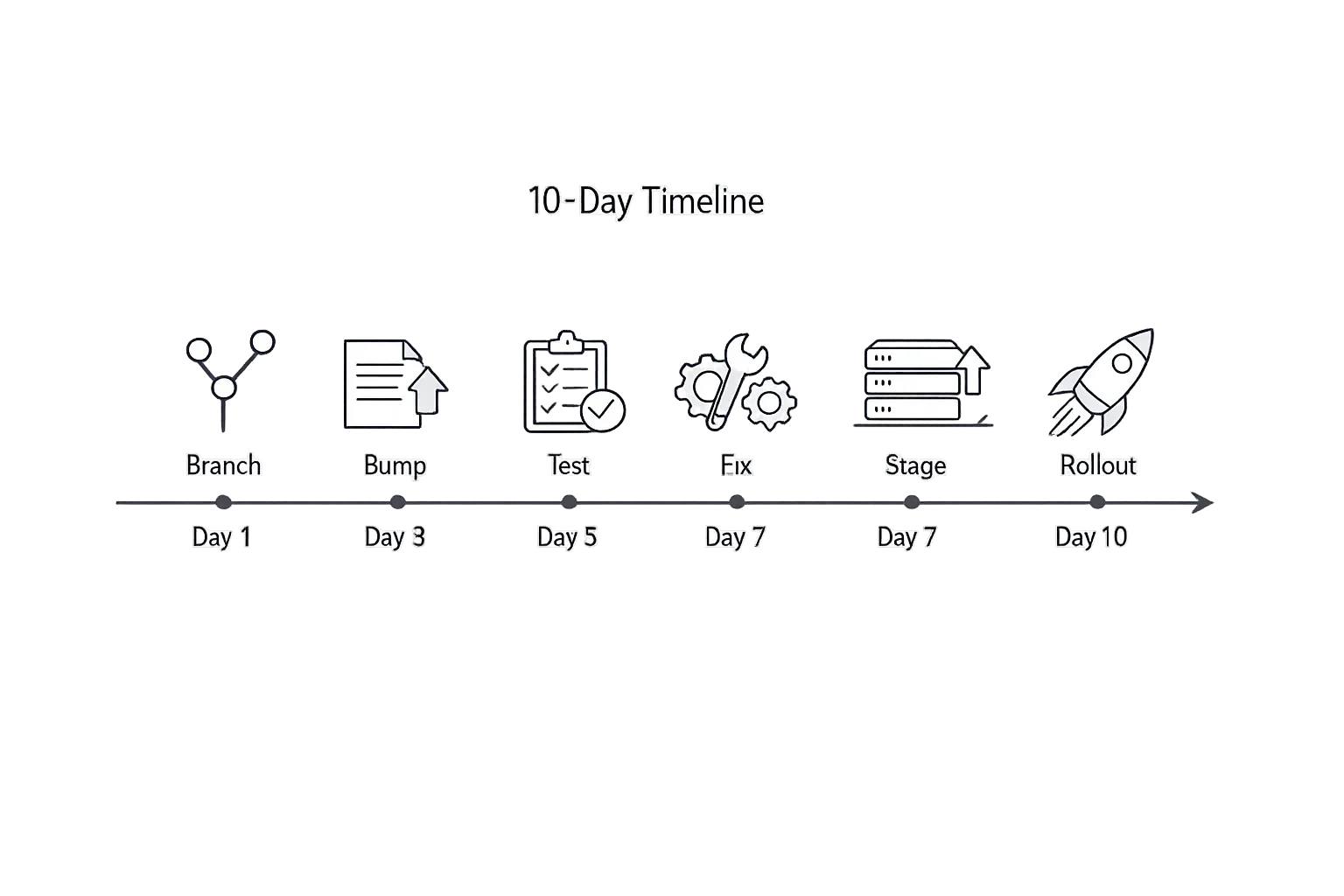
A 10‑day plan if you’re starting today
Day 1: cut the release branch, bump compile/target to 36 (or 35 if you’re stabilizing an existing app first), refresh AGP/Kotlin, and pin versions in your Gradle catalogs. Kick off a clean CI build.
Day 2–3: resolve build and R8/proguard issues. Replace deprecated permissions. Update AndroidX and Play libraries that block the target bump. Stand up emulators for Android 16 and 15, and grab one recent physical device.
Day 4: run the policy matrix: onboarding, sign‑in, notifications, camera/mic, photo picker, media store, deep links, foreground services.
Day 5: triage crashes and ANRs. Fix high‑severity regressions first. Enable StrictMode for debug and catch main‑thread violations exposed by new behaviors.
Day 6: prepare store assets and data safety checks. Verify that declared permissions match runtime usage. If you have paid features or subscriptions, run a test purchase and refund cycle.
Day 7: submit internal testing and closed track. Collect real‑world logs. If you’re behind, prepare the distribution extension request in Play Console as a backstop.
Day 8: ship 5–10% staged rollout. Monitor crash‑free sessions and ANR rate hour by hour. Pause if needed; otherwise, keep rolling.
Day 9–10: address edge‑case bugs, push companion form‑factor builds, and ramp the rollout. Keep feature flags ready to disable risky modules without a full resubmit.
Compliance is broader than the target: don’t skip this
Play reviews behavior, not just versions. Audit your SDKs for policy compliance (ads, analytics, tracking, children’s content). If you operate in the Families category or ship chat features, review content filters and account flows against current policy. The target bump is your forcing function—use it to clean up manifest sprawl, remove dead SDKs, and align your data safety declarations with reality.
Where bybowu.com can help
If you’re juggling verification and policy reviews alongside this bump, our Android developer verification checklist for August 2026 pairs well with this guide. If you need hands‑on help, our What We Do page outlines how we audit Android pipelines, stabilize CI/CD, and ship fast, safe releases. For longer‑term modernization work (modularization, Compose migration, performance), explore our mobile services and reach out via Contacts—we’re happy to jump in on short notice.
How to avoid this headache next year
Set a recurring “target API” spike in Q2. Keep compileSdk and targetSdk on the latest stable throughout the year in a dedicated tech‑debt track. When the annual Play deadline arrives, you’re just shipping a well‑tested baseline—not scrambling through last‑minute permission changes and SDK upgrades.
Also, budget for a rolling device lab: at least one recent flagship, one mid‑tier, and one older device near your minSdk, plus a wearable and a TV stick if you support them. Emulators are faster to spin, but they won’t flush all the OEM quirks you’ll hit in the wild.
What to do next (developers and product owners)
• Open your Play Console policy page and confirm exactly which tracks and form factors are out of compliance.
• Cut a release branch, bump target/compile to 36 (or 35 to recover existing visibility today), and update critical libraries.
• Run the policy matrix: permissions, notifications, storage, deep links, purchases, background work, and sign‑in across Android 16/15 devices.
• Ship a staged rollout this week, monitor stability, and escalate fixes quickly.
• If you’re behind, file the distribution extension to carry you through to November 1, 2026 while you finish the upgrade.
Zooming out
This annual ritual isn’t going away. The platform wants newer APIs so users get better security, privacy, and performance by default. Accept that constraint and turn it into a routine: keep targets fresh, push small upgrades all year, and treat policy as part of product quality—not a one‑time hurdle. Do that, and the Google Play target API 2026 deadline becomes a non‑event—and your team gets August back.





Comments
Be the first to comment.