App Store Age Rating Changes: Ship-Ready Plan
The App Store age rating changes landing in September 2026 are not administrative trivia — they’re a release gate. Apple now requires updated answers to its expanded age rating questionnaire for every new app, update, and even notarized alternative distribution. If your submission metadata isn’t in line with the new requirements, your build won’t move. Here’s what changed, why it matters, and a 30‑day plan to ship without surprises.
What exactly changed in September 2026?
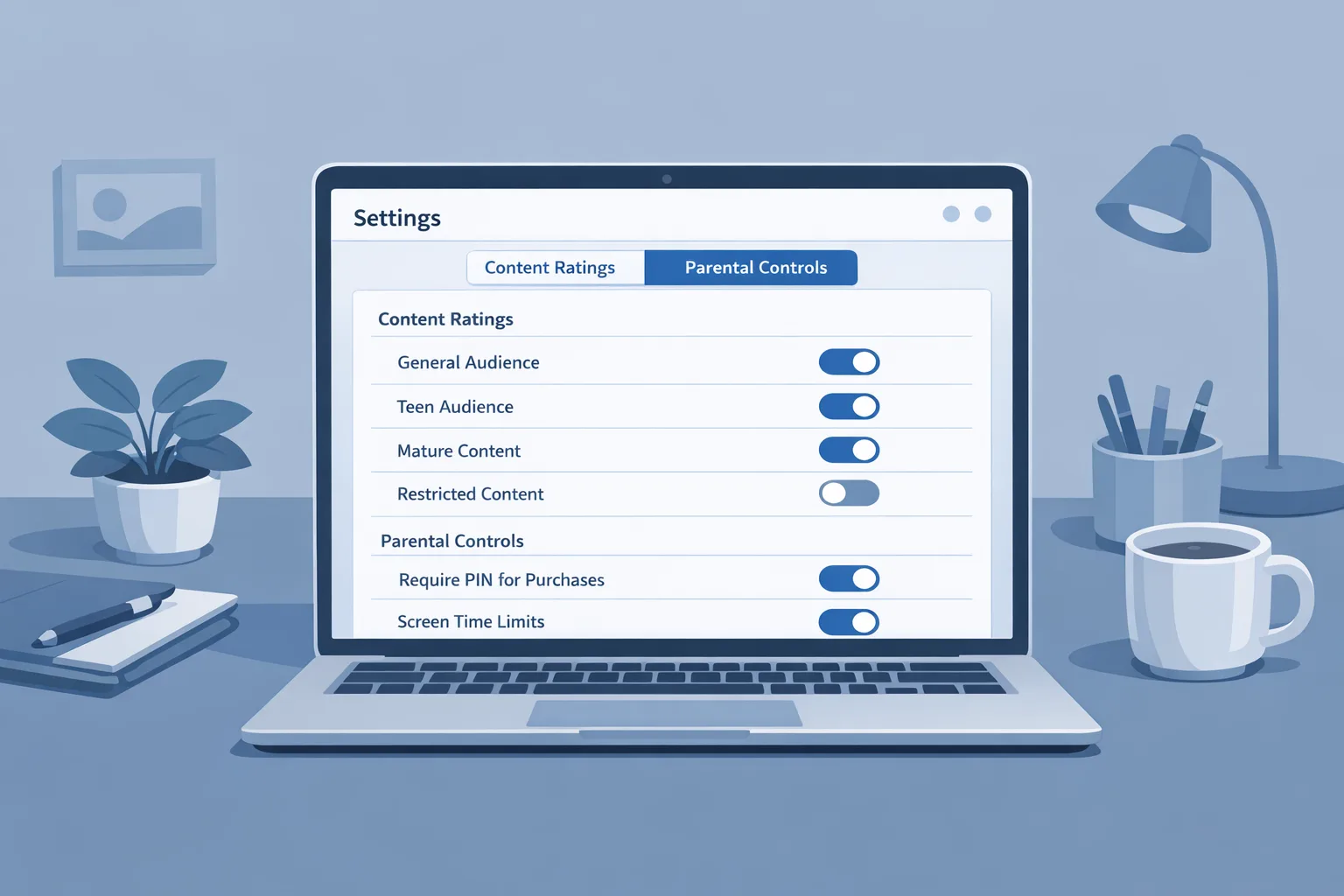
Apple expanded the age rating system and made the related questionnaire answers mandatory on submission. That includes new required questions covering in‑app controls, capabilities, medical/wellness topics, and violent themes. Apple also introduced a Social Media content descriptor and additional rating bands (13+, 16+, 18+) applied per country or region. These answers must be provided for new versions and for notarized alternative distribution flows, effective this month. (developer.apple.com)
There’s also a new social media capability section. If your app redistributes or amplifies user‑generated content via a feed or similar mechanism, you’ll be flagged with the Social Media descriptor on your product page. If those features are disabled for users under 13, Apple excludes your app from the Social Media Time Allowance category for those users. You can answer these questions now; answers are required for submissions beginning September 2026. (developer.apple.com)
Why this matters for real teams
Two reasons. First, release friction: if your App Store Connect metadata doesn’t meet the new questionnaire requirements, submissions can stall days you don’t have. Second, growth and trust: the Social Media descriptor, medical content flags, and regional ratings are now part of how parents and regulators assess your product’s suitability. Ignoring them risks lower conversion, more refund requests, and even store removals.
How to comply with the App Store age rating changes
Let’s get practical. You’ll need to do four things well: inventory your app’s content and capabilities, update your answers in App Store Connect, align your in‑app parental controls and UX with those answers, and plan for regional differences where they apply.
1) Build a truthful content inventory
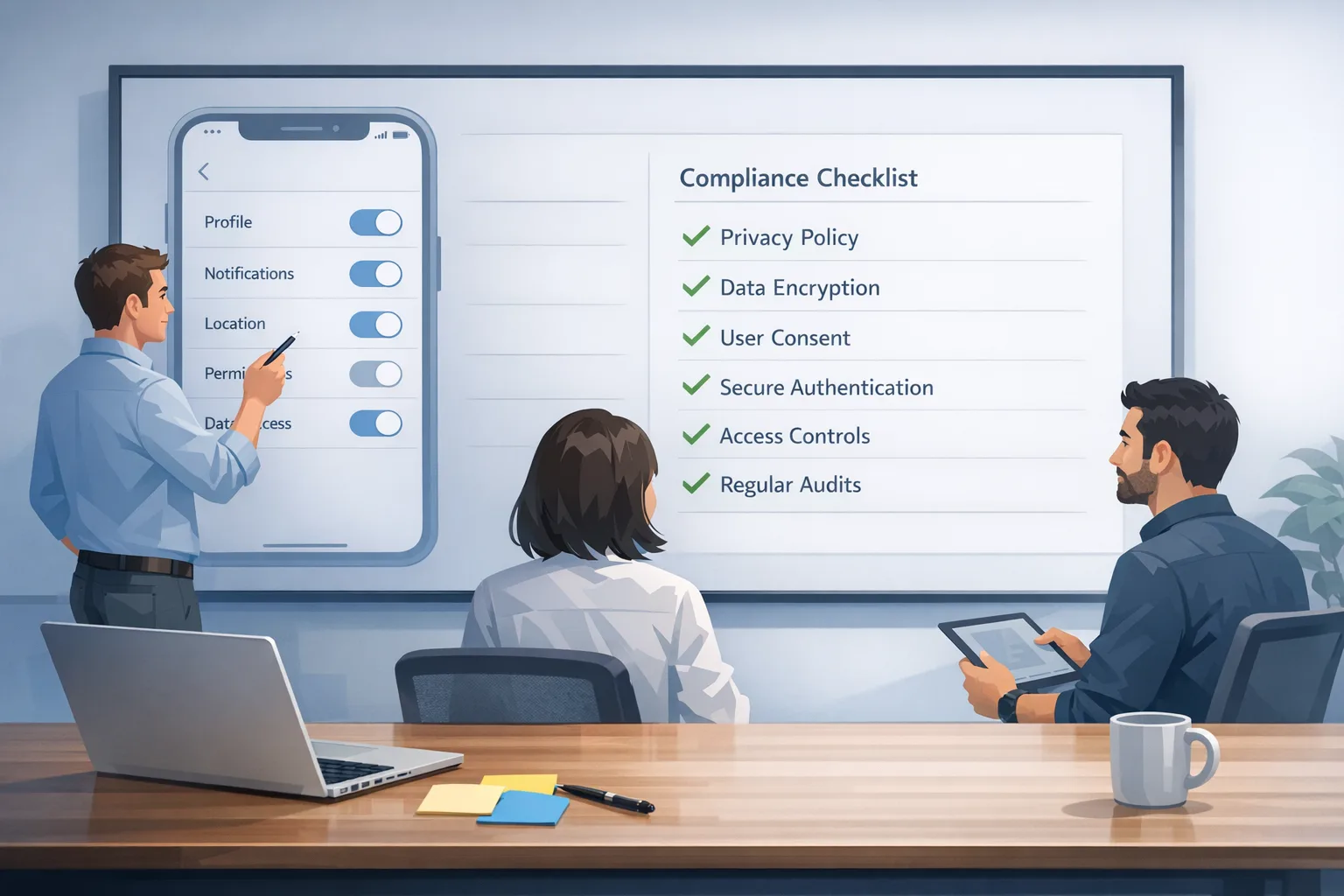
Schedule a 60–90 minute working session with product, legal, and a senior engineer. Map every feature that touches user‑generated content, social feeds, chat, external web access, payments, health or wellness claims, and any simulated or stylized violence. If you support user‑to‑user messaging, explain what you moderate, how quickly, and with what controls users have.
2) Translate the inventory into App Store Connect answers
In App Store Connect, the age rating section expects consistent, evidence‑based answers. Use the inventory to answer the expanded questionnaire precisely. If your app has a stricter internal age policy than the rating Apple calculates, you can set a higher minimum age after answering the questions. Apple’s help docs walk through the flow if you need a refresher. (developer.apple.com)
3) Match your in‑app controls to your claims
If you say you restrict social features for under‑13 users, implement and test the gates. If you mark medical or wellness content, ensure disclaimers and evidence links are present and localized. If you report that violent themes are stylized vs. realistic, check your art direction and trailers; marketing assets count.
4) Plan for regional rating differences
Age bands and descriptors can vary by region. Recent changes include: Australia removing the 15+ band for certain descriptors (now 16+), Vietnam adopting 00+/12+/16+/18+ regional ratings, and policy updates in Korea including GRAC-based overrides and new 12+ thresholds for certain content descriptors coming in October 2026. If you operate in these markets, align your answers and storefront previews accordingly. (developer.apple.com)
“People also ask” — quick, honest answers
Do I need to update existing apps if nothing changed in my product?
Yes, if you ship an update or notarize for alternative distribution. Apple requires the questionnaire to be answered at submission time now, regardless of whether your product’s functionality changed. Treat it like privacy nutrition labels: part of the submission baseline. (developer.apple.com)
Will my app’s displayed age rating change automatically?
It can. Apple calculates the rating from your answers and applies regional rules. Your displayed rating or content descriptor may update the moment your metadata is approved. If you need a stricter presentation for policy or brand reasons, set a higher minimum after answering. (developer.apple.com)
What if we have social features but disable them for kids?
Say so in your answers and implement the gating. Apps that disable social media capabilities for users under 13 won’t be included in the Social Media Time Allowance category for those users — which can reduce parental friction. (developer.apple.com)
The ripple effect in the EU: alternative distribution
Beginning with iOS 18.6 and iPadOS 18.6, the EU user experience for installing alternative marketplaces or apps from a developer website is updated, and Apple plans an API later this year to initiate downloads of your alternatively distributed apps from within your app. Those same age rating answers are required when submitting apps for notarization for alternative distribution, so treat them as a single source of truth across channels. (developer.apple.com)
If you’re already exploring EU link‑outs or alternative marketplaces, align your disclosures, parental gates, and store assets with the age rating metadata you provide. Inconsistent claims between the App Store and web distribution can create trust problems and draw regulatory attention faster than you think.

A lightweight 30‑day rollout plan
You don’t need a full replatform. You need a focused sprint to update metadata, harden controls, and ship. Here’s a plan we’ve run with cross‑functional teams that still have features to deliver this month.
Week 1: Inventory and decisions
• Run the content inventory workshop. • Decide under‑13 behavior for social features. • Confirm medical/wellness claims and disclaimers. • Identify any storefronts with regional changes (AU, VN, KR). • Open a single source of truth document mapping features → questionnaire answers → in‑app controls. Timebox to two days.
Week 2: Implement and localize
• Implement feature gates and default states for under‑13 users. • Add or update disclaimers (medical/wellness) and links to supporting content. • Localize any new strings for disclaimers and parental controls. • Update marketing assets that might conflict with your claims (e.g., trailers showing realistic violence you’ve categorized as stylized).
Week 3: App Store Connect + test
• Update the age rating questionnaire in App Store Connect. • Generate product page previews per region to spot rating/descriptor changes. • Build and run a test submission to catch validation issues early. • For EU: ensure notarization metadata mirrors App Store Connect answers; prepare for alternative distribution UX if relevant. (developer.apple.com)
Week 4: Ship and watch
• Ship the update. • Monitor conversion and parental feedback by region. • If your rating shifts, update ASO copy to reduce confusion. • Capture learnings in your release template.
Engineering details teams overlook
• Feature flags and rollbacks: If you’re gating social features under 13, put that logic behind a server‑controlled flag with safe defaults. Feature toggles let you correct false positives without waiting for App Review.
• Age source of truth: If you rely on platform‑level age categories, document precedence. What happens when device family sharing conflicts with an in‑app profile? Pick a single authority and log the resolution path.
• Analytics segmentation: Tag events with age cohort and capability state (e.g., social_feed_enabled=false). When conversion dips in a region after a rating change, you’ll know whether it’s the rating, the descriptor, or the gate.
• Marketing asset audits: Trailers, screenshots, and in‑app events need to reflect the declared rating. I’ve seen otherwise great submissions delayed because a single screenshot implied unrestricted web access.
Compliance framework: Rate → Gate → Communicate
Here’s the simple loop I coach teams to use:
• Rate: Maintain an internal matrix mapping your features to Apple’s questionnaire domains. Re‑evaluate when you ship chat, UGC discovery, payment flows, or wellness features.
• Gate: Implement technical controls (feature on/off, default muted states, reporting tools) that match your answers. Test them in CI with simulated under‑13 profiles.
• Communicate: Update product copy, help center articles, and parental education screens to set expectations. If you change behavior regionally (e.g., AU now at 16+ for certain descriptors), explain why in‑app.
Regional specifics you should note
• Australia: 15+ removed for certain descriptors (including unrestricted web access, frequent medical/treatment info, loot boxes); affected titles move to 16+. • Vietnam: region‑specific ratings 00+, 12+, 16+, 18+. • Korea: if you have a GRAC rating, you can override to the specific regional band; some descriptors shift to 12+ in October 2026. All three require accurate questionnaire answers to render correctly on product pages. (developer.apple.com)
Gotchas and edge cases
• “We’re not a social app” — but you have a content feed. If users can follow, react, or repost UGC, you likely qualify for the Social Media descriptor. Document your call before you answer.
• Medical breathing exercises labeled as wellness. If you imply outcomes, treat it like medical adjacent content. Your disclaimers and evidence links should match what you declare.
• User‑generated links: If you allow links in profiles or posts, that can count as unrestricted web access in some regions. If you claim restricted access, enforce allowlists.
• Parental controls under 13: If you declare disabled capabilities, default them off server‑side for any device or account flagged under 13. QA with device time and region permutations.
How this intersects with your broader release process
Your release checklist just got a new row. Fold this work into your two‑week release rhythm so metadata drift doesn’t creep in. If your team runs a shared calendar for critical vendor changes, add this one next to browser cadence and Android policy deadlines. For process inspiration, see our take on planning for two‑week browser releases to keep velocity without breaking quality bars.
Shipping on both stores? You likely have an Android compliance task this month too. We wrote a practical guide for Google’s developer verification deadline — the scenarios and evidence patterns are similar. Start here: what to fix before Sept 30.
If you need a short, focused engagement, our team runs compliance sprints for mobile orgs that want to ship while updating store metadata, controls, and QA. See what we do or reach out on our contact page.
Field notes from recent submissions
• Answering early helps: filling in the questionnaire mid‑sprint caught a mismatch between a new promo video and our declared violence descriptor. We re‑cut the video and avoided a three‑day delay.
• Disclaimers matter: Apple reviewers do look at medical or wellness claims and hunt for clear, user‑visible context. We keep a “compliance component” library so every app uses the same tested copy and links.
• Regional screenshots: If ratings or descriptors differ by region, we attach region‑specific captions to avoid parent confusion. It’s a small ASO lift that reduces support tickets by week two.
What to do next (today through Friday)
• Today: Book a 60‑minute content inventory. Create the single source of truth doc. • Tomorrow: Draft App Store Connect answers. Flag gaps that demand UX changes. • Wednesday: Implement under‑13 gates and disclaimers behind flags. • Thursday: Update assets that contradict your answers. • Friday: Perform a dry‑run submission in App Store Connect, then finalize and ship early next week. If you’ll use alternative distribution in the EU, mirror the same answers in your notarization workflow. (developer.apple.com)
Reference links for your team
Share these internally: Apple’s App Store Connect help article on setting an age rating and the values/definitions reference. They’re concise, reviewer‑aligned, and useful when a PM and counsel are debating a descriptor. (developer.apple.com)
Here’s the thing: compliance work feels like drag until the day you slip your slot. Treat the new questionnaire as a product surface — because parents, regulators, and storefronts will. Make it accurate, make it defensible, and then automate the boring parts so you can get back to shipping.






Comments
Be the first to comment.