
Android 17 Platform Stability: What Teams Must Ship Now
Android 17 platform stability is here, with APIs locked since March 26, 2026, and Google already seeding Android 17 QPR1 Beta 1 on April 22. That combination tells a clear story: it’s time to wrap compatibility testing, fix any behavior changes, and start publishing builds that target API level 37. Below I’ll break down what actually changed, the traps we’ve seen in the wild, and a 30‑day migration plan you can hand to your team today.
Why Android 17 platform stability matters now
Platform stability means the SDK surface, system behaviors, and non‑SDK interface lists are locked for this cycle. Your compatibility work won’t be invalidated by last‑minute API churn. Beta 4 shipped on April 16 with final polish, and the QPR1 branch (the first quarterly update for 17) is already open. That’s unusual pace—and it benefits teams that move early. OEMs will pick up the stable bits on their own timelines, but Play will expect apps not to crash, stutter, or break on day one. Shipping now buys you runway before peak install windows later this year.
What actually changed in Android 17 (API 37)
Let’s get concrete. Android 17 brings a mix of user‑visible features and under‑the‑hood policy tweaks that affect real apps:
1) Mandatory large‑screen adaptivity
If your app targets API 37 and runs on devices with a smallest width of 600dp or greater, Android ignores several legacy constraints. Orientation, resizability, and min/max aspect ratio flags no longer wall off tablet and foldable experiences. In practice that means pillarboxing and fixed orientations are gone; your activities will fill the space. If your layout logic assumes phone‑first widths, expect clipped carousels, broken grids, and confusing navigation on tablets unless you add proper responsive breakpoints.
2) Background audio hardening
Android 17 tightens background audio behaviors. Volume changes, audio focus requests, and playback from background contexts face new constraints. Apps that once “nudged” audio focus during background services may see inconsistent results. If you provide alarms, nav instructions, or accessibility cues, verify the new guidance and consider foreground service types and exemptions where appropriate.
3) App memory limits and kill reasons
Beta 4 introduced conservative app memory limits aimed at system stability. When the OS enforces these limits, the process exit reason includes a “MemoryLimiter” description. Treat this as a gift: hook your crash pipeline to surface ApplicationExitInfo and correlate spikes with specific screens and media workloads. We’ve already used this to catch image caching regressions during on‑device ML in a client’s feed.
4) Connectivity and local network protection
There’s a new ACCESS_LOCAL_NETWORK permission under the Nearby Devices umbrella. If your app discovers printers, speakers, hubs, or PCs on Wi‑Fi/Ethernet, you’ll need a permission request flow that explains why. Blanket “network” justifications won’t cut it. Bake this into your onboarding and settings screens.
5) Media and camera updates for prosumer apps
Android 17 adds richer camera/media capabilities, including support for a RAW14 image format and a more flexible photo picker (you can request a non‑square grid). If you target creators, scanners, or pro cameras, test your pipeline for RAW14 ingestion and ensure your gallery surfaces don’t assume 1:1 thumbnails.
6) Better device and profile awareness
Developers can now more easily distinguish companion profiles (like hearing aids via LE Audio) and direct users to system‑managed app‑exclusion settings for VPN split tunnels. For comms and enterprise apps, that improves UX while reducing support tickets. Document these paths in your in‑app help.
Android 16 still bites: behavior changes you can’t ignore
Plenty of teams are just moving to API 36. If that’s you, there are two changes that routinely surface in our audits:
1) Predictive back is the default
On Android 16 and above, targeting 36 or higher enables predictive back animations by default. Legacy back interception paths no longer fire the same way. If you rely on onBackPressed hacks, migrate to the OnBackInvokedCallback APIs and verify your single‑activity/navigation‑component flows. The symptom we still see: accidental app exits from nested screens, or broken in‑modal back transitions.
2) Edge‑to‑edge is no longer optional
Android 15 made edge‑to‑edge the default, but you could opt out. Target API 36 and that opt‑out is gone. Full‑bleed content means status/navigation bars overlay UI. Audit top and bottom insets in your base theme, component paddings, and immersive modes. Pay special attention to gesture nav plus translucent toolbars.
3) Large‑screen restrictions are ignored
On displays ≥600dp, Android 16 started ignoring several resizability and aspect‑ratio restrictions for apps targeting 36. Apps that depended on those flags now need real adaptive layouts. Test fold posture changes and multi‑window split ratios; it’s the best fire drill for 17’s stricter stance.
4) Health permissions and MediaStore privacy
Health data permissions moved into more granular Health Connect scopes, replacing broad BODY_SENSORS asks. Meanwhile, MediaStore#getVersion() is now app‑unique to reduce fingerprinting. Stop using it to infer device or OS traits; you’ll get misleading results and brittle branches.
5) GPU syscall filtering on Mali Pixels
On Pixel 6–9, Android 16 blocks deprecated Mali IOCTLs in production builds. Game and graphics toolchains that called low‑level paths may see denials unless the app is debuggable. If performance tests show anomalies only on those devices, check SELinux logs before rewriting your renderer.
The 30‑day migration plan we’re handing to clients
Here’s the pragmatic sequence that’s worked for us across consumer, fintech, and marketplace apps. It assumes you already build against the latest Android Gradle Plugin and Kotlin versions in CI.
Week 1 — Baseline and breakpoints
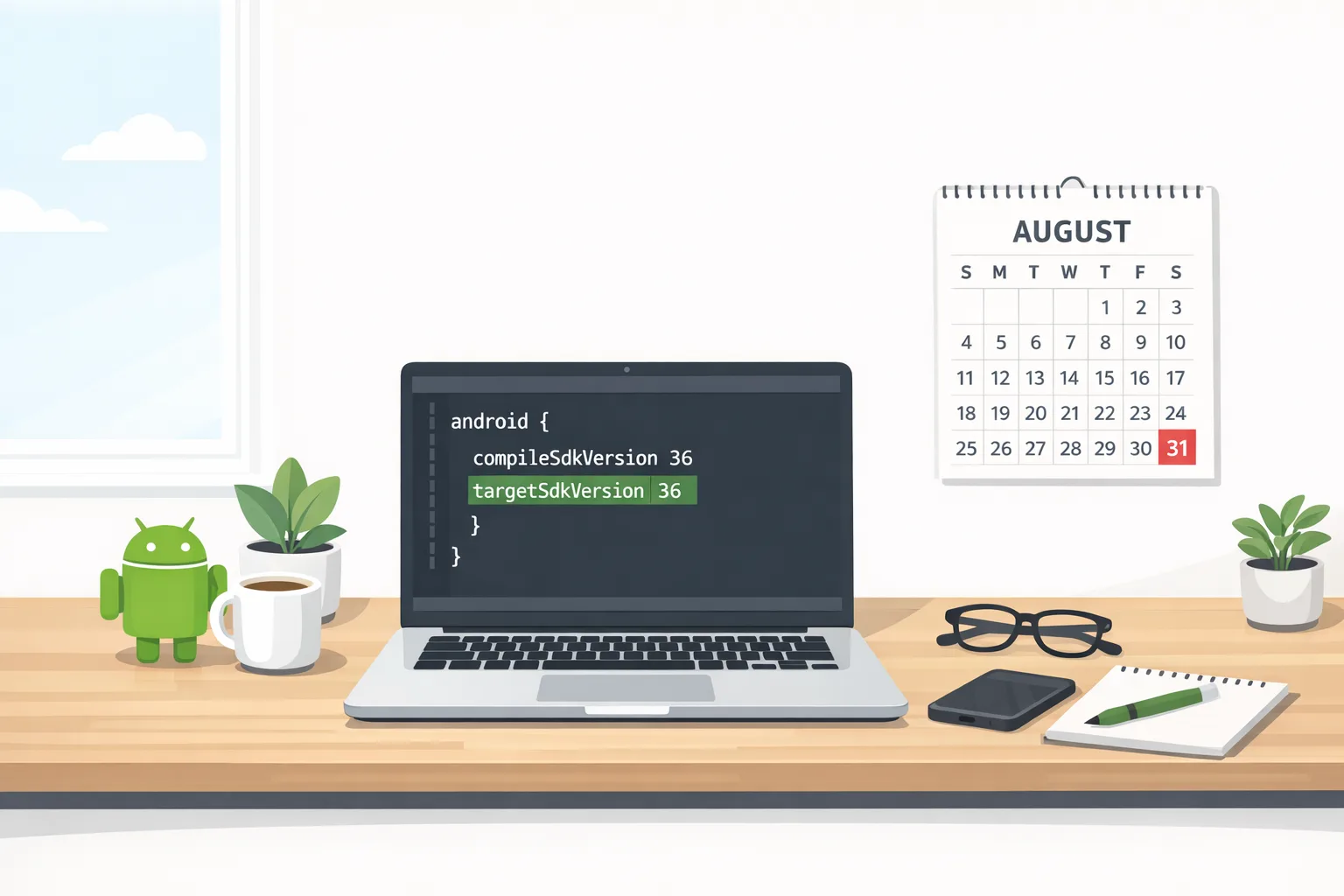
• Bump your compileSdk to 37 and enable the 17 preview SDK if you haven’t.
• Turn on strict logging for background audio interactions in debug builds; route exit reasons to your crash/ANR dashboard.
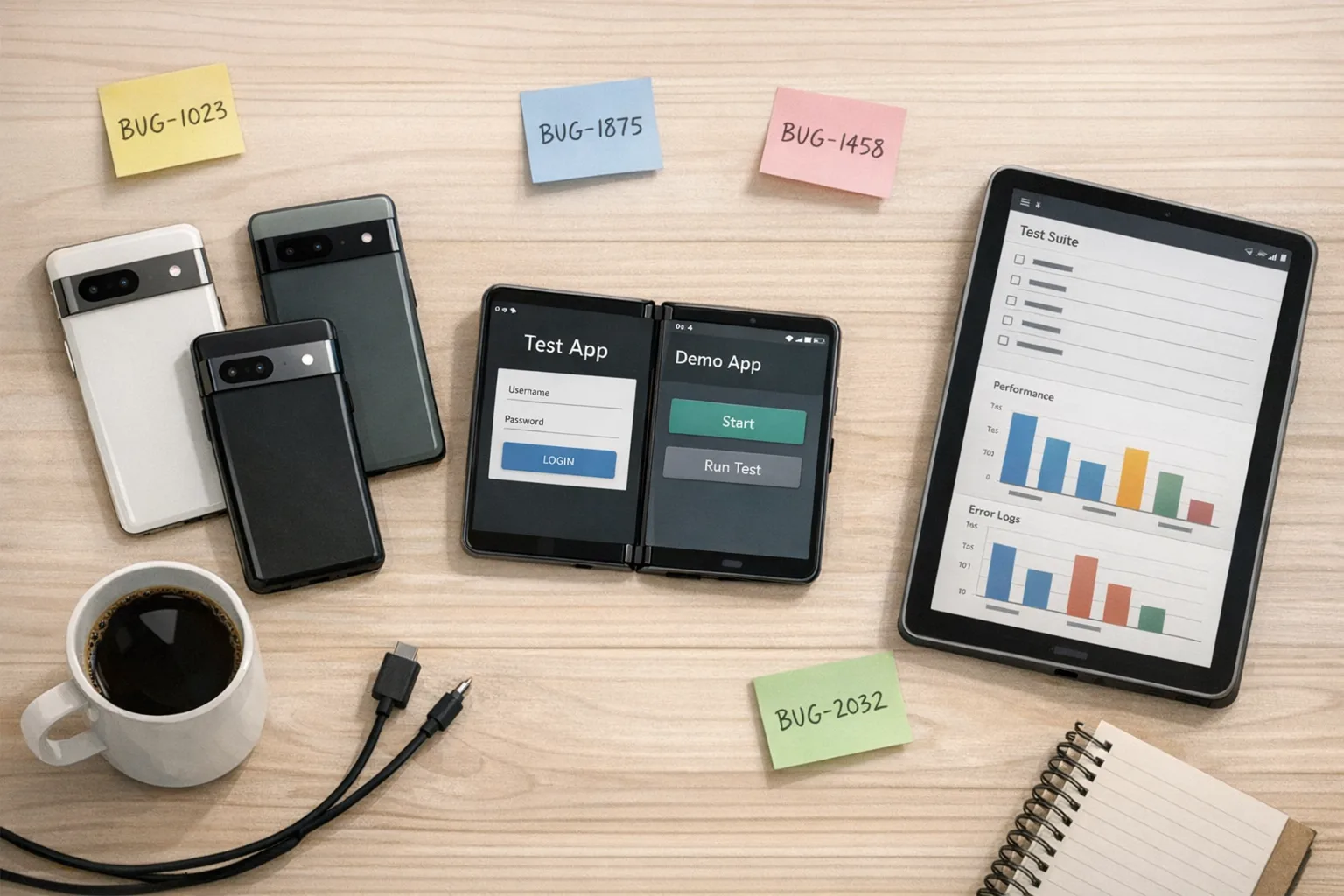
• Add large‑screen emulators (8" tablet, foldable inner/outer displays) and two Pixels to your device matrix.
• Run a layout crawl: primary flows in portrait, landscape, split‑screen, and fold posture changes. Capture screenshots for diffs.
Week 2 — Navigation, edge‑to‑edge, and local network
• Migrate any remaining back‑press code to OnBackInvokedCallback. Verify cross‑task transitions in multi‑activity stacks.
• Fix status/nav bar overlays with a one‑time theme pass (insets, window decor fits, scrolling containers).
• If you touch LAN devices, implement an ACCESS_LOCAL_NETWORK education screen and a graceful fallback when denied.
Week 3 — Media, camera, and memory
• If you control capture, evaluate RAW14 on a Pixel and confirm pipeline compatibility (EXIF, previews, export).
• Remove any assumptions about 1:1 photo picker grids; update cropping and masonry UIs.
• Stress test high‑memory screens (feeds, maps, ML inference) and watch for “MemoryLimiter” exits. Add runtime heap sampling to suspect flows.
Week 4 — Polishing for QPRs and OEMs
• Validate VPN app‑exclusion deep links and companion device profiles where your app integrates with wearables or audio gear.
• Re‑run your full suite on the QPR1 Beta and the latest monthly patch to catch regressions that aren’t API‑level changes.
• Flip targetSdk to 37 in a beta build and stage a phased Play rollout with crash guardrails.
High‑risk areas (and how we test them)
Background audio: If your app announces routes, plays prompts, or provides timers, simulate background playback after task switching, entering picture‑in‑picture, and reconnecting to Bluetooth LE Audio. Expect stricter focus changes and interrupted sessions unless you’ve declared the right foreground service types and lifecycles.
Large screens and posture changes: Open two instances side‑by‑side, then rotate. Many apps still mis‑cache fragment managers and end up with ghost views or controllers. Use your QA matrix to cover 0.5x, 0.67x, and 0.8x splits.
Local network flows: Users don’t grant permissions they don’t understand. A two‑screen explanation with inline device discovery previews and a “Try again” action lifts opt‑in dramatically. Also add a diagnostics screen: local IP, SSID, discovery status, last error.
Photo picker and RAW: If you depend on precise cropping, test non‑square pickers. For RAW14, measure memory spikes when generating thumbnails; throttle decoding on scroll.
People also ask
Do we have to target API level 37 before Android 17 ships?
No—but you should have a verified build that compiles against 37 and runs clean on the latest betas and monthly patches. Targeting early speeds up crash triage and reduces surprise denials when OEMs roll out 17 on flagships.
Will Android 17 QPR1 break my app if I pass 17 beta tests?
QPRs focus on fixes and polish rather than app‑impacting API changes. Still, always run a brief smoke test on the current QPR beta; it catches system regressions (audio, printing, VPN settings) before your users do.
Is predictive back optional?
If you target 36+ on Android 16+, predictive back is the default. You can temporarily opt out while you migrate, but that’s a stopgap. Treat full migration as required work.
Let’s get practical: a quick audit checklist
Use this to run a 90‑minute internal audit before you file tickets:
- Navigation: No crashes on rapid back swipes across nested flows; no accidental app exits.
- Edge‑to‑edge: Toolbars and FABs don’t clash with system bars; insets handled on scrollable containers.
- Large screens: Primary screens render at ≥600dp without clipped content; supports split‑screen and fold postures.
- Background audio: Correct focus handling; alarms and notifications behave when app is backgrounded.
- Local network: Clear permission rationale; retry paths when denied; diagnostics view available.
- Media: Photo picker non‑square layouts render correctly; RAW14 capture/import doesn’t OOM.
- Stability: No “MemoryLimiter” exits on feed scroll, camera capture, or ML inference.
What this means for budgets and roadmaps
Teams that wait for OEM rollout windows end up paying more in triage time than in planned engineering. A clean Android 17 story now turns into fewer hotfixes later and better Play Store ratings when your competitors stumble. If you need help sequencing this work against business goals, our product‑minded engineers can review your backlog and give you a realistic ship plan. See how we approach delivery in our end‑to‑end process, and browse a mobile case study like how we built Roome for a high‑stakes student‑housing rollout.
Common edge cases we’ve already hit
• Custom camera stacks that assume 10‑bit RAW and choke on 14‑bit buffers. Fix by probing supported formats at runtime and down‑converting frames during previews.
• Back‑press interceptors inside modal bottom sheets that don’t propagate callbacks correctly, leading to frozen dim layers. Centralize back handling in your nav host.
• LAN device discovery that times out behind captive portals. Add a connectivity diagnostic step and defer permission prompts until you detect a routable SSID.
Release timeline recap (with real dates)
• March 26, 2026 — Android 17 reached Platform Stability (Beta 3).
• April 16, 2026 — Beta 4 landed with memory limiter enforcement hints and final polish.
• April 22, 2026 — Android 17 QPR1 Beta 1 opened for testing.
Those dates give you a safe window to finish, publish, and iterate before OEMs roll their stable builds more broadly in the coming months.
What to do next
For developers:
- Bump compileSdk to 37, run instrumentation tests on a tablet emulator and a foldable, and fix layout regressions first.
- Wire ApplicationExitInfo to your crash pipeline; catch “MemoryLimiter” exits by screen and heap profile.
- Migrate back handling and edge‑to‑edge now; don’t ship another stopgap.
- Add ACCESS_LOCAL_NETWORK onboarding if you discover devices on LAN.
- Smoke test on QPR1 Beta 1 to spot non‑API regressions early.
For product owners:
- Schedule a two‑sprint push for Android 17 readiness, with demos on large screens and background audio scenarios.
- Protect time for design QA on tablets and foldables. “It works on phone” isn’t sufficient anymore.
- Stage a phased Play rollout targeting 10–20% of users, tied to ANR/crash guardrails.
- Ask your team for a permission‑copy review. Vague prompts cost conversions.
If you’d like a second set of eyes, our team can run a focused readiness audit. Start the conversation on our services page, explore what we do, or just reach out.
Final thought
Here’s the thing: Android 17 platform stability isn’t just a date on a roadmap—it’s your signal to stop waiting. The big screen rules are no longer optional, back handling must be modern, and background work has clearer boundaries. Finish this work now and you’ll feel it in your ratings, support load, and release cadence all year.





Comments
Be the first to comment.