
Your 72‑Hour Node.js Security Release Playbook
January’s Node.js security release cadence was a wake‑up call: two drops less than a week apart, covering all active lines (20.x, 22.x, 24.x, 25.x). If you maintain APIs, workers, or desktop tools on Node, you need a repeatable, low‑drama response you can run in your sleep. This guide is exactly that—built from shipping production fixes, mentoring teams through ugly weeks, and learning where outages hide.
What actually shipped in January 2026—and why it matters
Two security releases landed five days apart in early January 2026. Together they addressed multiple high and medium severity issues across HTTP/2 handling, TLS behavior, core memory safety, and the permission model. The practical takeaway isn’t the alphabet soup of CVEs; it’s that the blast radius touched common server paths (HTTP/2), ubiquitous libraries (client/server TLS), and guardrails some teams rely on (the permission model). Translation: the chance that your stack was in scope is non‑trivial.
Here’s the thing: many orgs updated app code but forgot base images and platform runtimes. If Docker images, serverless runtimes, or CI agents still pin older Node layers, you didn’t really patch. You just moved risk around.
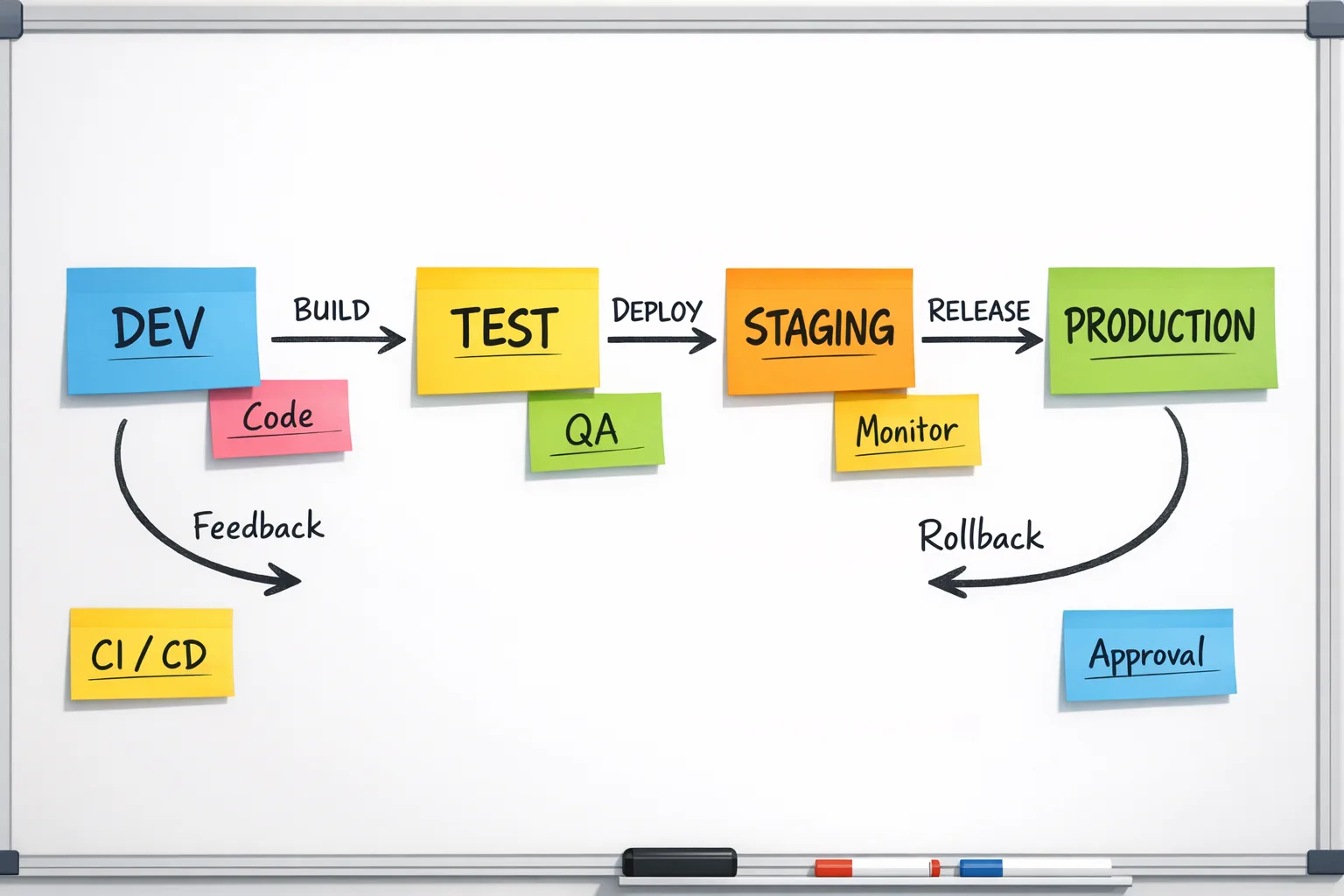
The 72‑hour playbook (from first advisory to stable rollout)
Assume you’ve just seen the advisory or your SRE channel is pinging you to patch. Print this, or better yet, embed the steps into a runbook in your repo.
Hour 0–2: Broadcast, inventory, and freeze the blast radius
Start with communication and a quick containment pass.
- Post a brief in your engineering channel: what changed, which Node lines are affected, and who owns what. Name the incident commander (even for a planned patch).
- Inventory where Node runs: services, workers, CLIs, schedulers, CI steps, and ephemeral tasks. Include serverless functions and edge runtimes that might bundle their own Node.
- Freeze non‑critical deploys for 24–48 hours. Fewer moving parts = cleaner rollback.
- Pull SBOMs or dependency manifests for each service to confirm Node base images and versions actually in use.
Hour 2–6: Triage exposure and sort targets
Prioritize by exploitability, not just severity labels.
- Front‑door servers using HTTP/2 or TLS client certs jump to the top; they’re exposed to untrusted input at scale.
- Workloads using the permission model (file system or network constraints) are next. Don’t assume your flags behave exactly as you tested six months ago.
- Internal tooling or batch jobs that never touch the public internet are last, but still in the 72‑hour window.
- For each service, log the current runtime (e.g., Node 20.12.2) and base image digest. Capture it in the incident doc for audit and rollback.
Hour 6–18: Patch fast in a throwaway branch and rebuild images
This is where most teams lose time. They update semver, but they don’t rebuild the base layer or they rebuild without cache busting.
- Create a patch branch per service. Bump Node to the patched minor/patch within the same major. Avoid opportunistic upgrades across majors during an incident.
- Rebuild containers with explicit cache busting: pass
--no-cacheor change theFROM node:XXtag or digest to the patched one. For distroless or Alpine images, verify the downstream layer has the patched Node artifact, not just OS packages. - Reinstall dependencies cleanly (
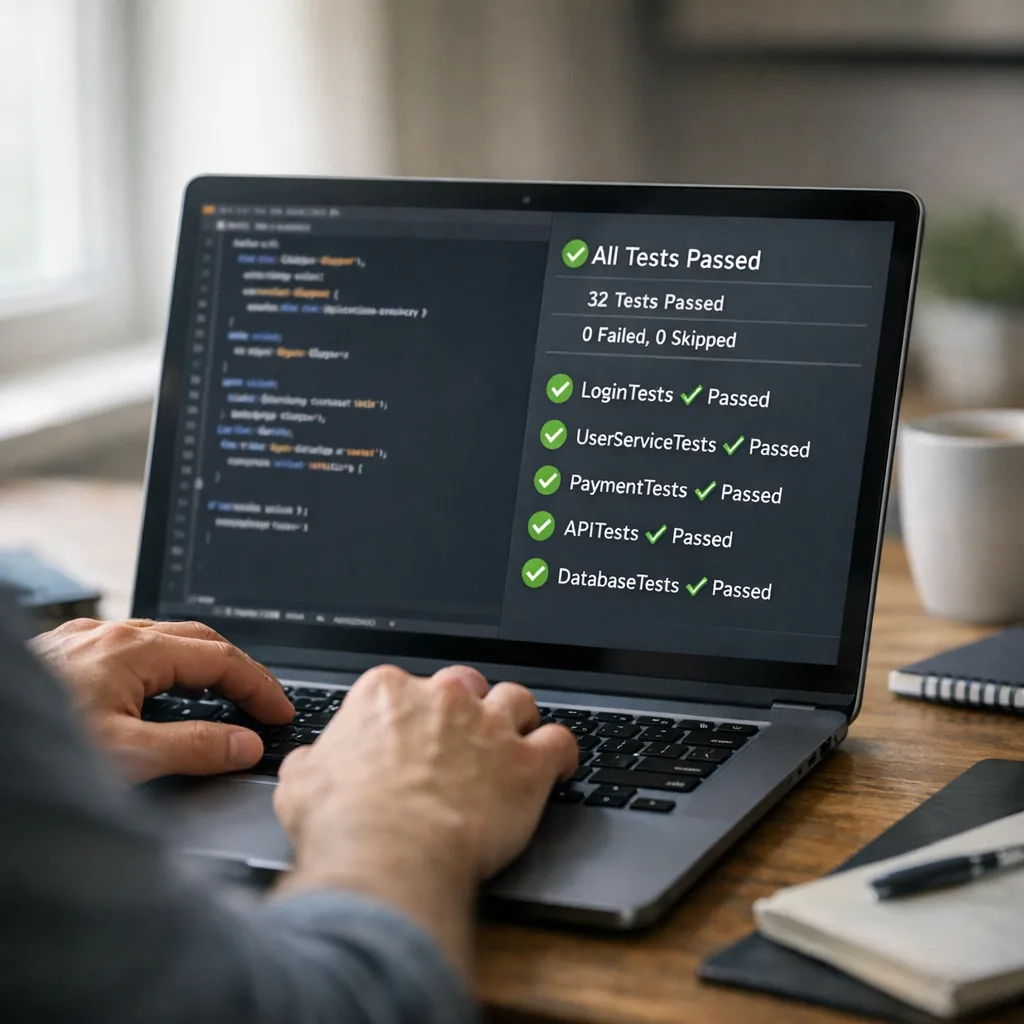
npm ciorpnpm install --frozen-lockfile) to pick up ecosystem fixes if the security release revised bundled components likeundici. - Run smoke tests: start/stop, basic auth flows, TLS cert negotiation, HTTP/2 request/response, and the top five real user journeys.
Hour 18–36: Canary and watch the right signals
Ship the patch to 5–20% of production traffic—enough volume to surface regressions quickly.
- Observe memory, CPU, open file descriptors, TLS handshake errors, HPACK decode errors, and upstream latency to your data stores.
- Enable extra logging around TLS callbacks and ALPN selection if your service customizes them. Fail fast, don’t hang.
- If you use the permission model, run one canary instance with the model disabled for comparison; differences in file or socket behavior will surface quickly.
- Keep a one‑click rollback. Document what qualifies as rollback (e.g., >1% error rate for two consecutive minutes or any crash loop).
Hour 36–72: Full rollout and post‑incident hardening
Assuming green metrics in canary for at least one traffic cycle (peak and off‑peak), complete the rollout.
- Tag the release with an audit‑friendly name (e.g.,
security-node-2026-01). - Close with a 30‑minute blameless debrief: what slowed us down, which tests caught real issues, and where to automate next time.
- Update your golden images and base layers so new services inherit the patched runtime by default.
Quick risk worksheet: score your services in five minutes
Use this lightweight rubric to decide who gets patched first. Score each item 0 (no), 1 (maybe), 2 (yes). Tackle the highest totals first.
- Publicly reachable over HTTP/2 or TLS with client interaction at scale (2 points).
- Custom TLS or ALPN callbacks, PSK, or mTLS inspection (2 points).
- Uses the Node permission model flags in production (2 points).
- Processes files from untrusted sources, especially archives or PKCS#12 bundles (1–2 points).
- Runs on long‑lived hosts where memory growth can snowball (1 point).
- Handles secrets or personally identifiable data (2 points).
Anything 6+ is a day‑one patch. Lower scores still patch within the 72‑hour window, but you can schedule them behind canaries for the riskiest services.
People also ask: do I have to update if I’m two majors behind?
Yes—just not across majors during the incident. If you’re on an out‑of‑support major, the fastest safe move is to bump to the nearest supported major that your app already passes tests on, apply the patched minor, and ship. Plan the bigger major upgrade as a separate project with functional test coverage and performance baselining. Mixing incident response with multi‑major upgrades is how teams create self‑inflicted outages.
Does this affect AWS Lambda, Cloud Run, or edge runtimes?
It can. Managed platforms usually lag hours or days before their Node runtimes roll forward. If your provider lets you bring your own container image, ship a patched base yourself. If you must use a managed runtime, bundle a patched Node binary inside your deployment artifact or temporarily switch to a containerized runtime. The key is to verify—don’t assume the platform is patched just because you redeployed.
CI/CD hardening you can add this week
Let’s get practical. A few pipeline tweaks convert panic into muscle memory.
- Runtime drift check: Add a step that prints
node -vand the base image digest to build logs. Fail if they don’t match the expected patched values. - HTTP/2 and TLS smokes: Include a tiny suite that opens a TLS connection, negotiates ALPN, and sends an HTTP/2 request. You’ll catch protocol regressions before prod.
- Permission model probes: If you use
--allow-fs-read/--allow-net, run a negative test that proves access is blocked when it should be. Treat unexpected success as a build failure. - Dependency dual track: Keep a parallel job that tests against the latest Node LTS and Current lines nightly. You’ll spot deprecations early and shorten future incident paths.
- Observability budget: During a security rollout, temporarily raise sampling for TLS and HTTP/2 error logs. Turn it back down after rollout to control costs.
Gotchas we’ve seen in real rollouts
Undici and fetch behavior shifts. Minor updates can adjust defaults around redirects, decompression, or header casing. If downstream services are strict, snapshot a few real API calls and compare headers before and after.
OpenSSL nuance. When Node pulls in OpenSSL updates, some environments see handshake failures because of cipher or certificate parsing differences. Keep a fallback cipher list ready and test mTLS handshakes in staging with real cert chains.
Permission model surprises. It’s easy to think a flag protects an entire subtree when a symlink or socket side path slips by. Add explicit tests for symlink traversal and Unix domain sockets if you rely on isolation.
Base image cache traps. CI may reuse a base layer even after you bump a tag. Prefer digest‑pinned FROM lines and rebuild with --pull --no-cache during incidents.
A simple decision tree: roll forward vs. wait
If the vulnerability touches request parsing, TLS, or anything reachable from the public internet, roll forward immediately on services with customer traffic. If the fix targets a peripheral feature you don’t use in production, push it into the next sprint but still update within the week so your base images don’t drift.
How we ship these patches for clients
Our default approach is a slight variation on the playbook above: a single incident commander, one owner per service, and a small “red team” trying to break things in staging. If you want a deeper blueprint, we wrote a short guide on triage, canaries, and test strategy in Node.js Security Release: Patch Now, Test Smarter. For the January 2026 drops specifically, see our rapid‑response notes in Node.js January 2026 Security Release: Patch Fast and the companion ops checklist in Ship Fast: January 2026 Node.js Security Release Playbook.
FAQ: What about performance regressions after a patch?
They happen, especially around TLS and HTTP/2. Treat performance as a first‑class signal in your canary. Track P95 handshake time, header compression/decompression CPU, and connection churn. If a regression shows up, prefer minimal configuration adjustments (cipher suite, ALPN order) before rolling back a security fix. And document the change; someone will rediscover it six months from now.
FAQ: Can I skip if my service is private?
No. “Private” tends to mean “reachable by people with laptops and scripts.” If you’re truly air‑gapped, you still want deterministic builds so future rollouts aren’t a surprise. Patching keeps your base image ecosystem consistent, which pays off the next time a critical issue lands on a Friday.
Reference checklist you can paste into your repo
Copy this into docs/security-release-checklist.md and adapt to your stack.
- [ ] Assign IC, owners, and comms channel.
- [ ] Inventory Node versions and base image digests per service.
- [ ] Freeze non‑critical deploys for 48 hours.
- [ ] Patch Node to latest compatible minor/patch; rebuild with
--no-cache. - [ ] Clean install deps; run smokes for TLS, HTTP/2, and permission model.
- [ ] Canary 10–20%; watch error rates, memory, TLS/HTTP/2 metrics.
- [ ] Full rollout; tag release with incident name.
- [ ] Debrief; update golden images and CI checks.
Zooming out: reduce the next incident by half
Two structural improvements pay off quickly:
- Golden base images updated weekly. Don’t let your fleet drift. If your golden images are recent, incident rebuilds are trivial.
- Nightly dual‑runtime tests. Run a smoke suite on current LTS and Current. Document any warnings. You’ll shave days off major upgrades and spot behavior changes early.
What to do next
If your team just patched, take 30 minutes now while it’s fresh:
- Embed the 72‑hour playbook in your repo and link it from your on‑call runbook.
- Automate the runtime drift check in CI and add a permission‑model negative test.
- Schedule a weekly job to rebuild and publish golden images.
- Stand up a tiny HTTP/2 + TLS smoke test service and point your canary at it.
- If you want help turning the playbook into practice across multiple teams, our what we do page covers security readiness and rapid‑response engagements, and you can reach us via contact.
Security releases aren’t going to slow down. With a clear plan, they don’t have to slow you down either.




Comments
Be the first to comment.