
Node.js Security Release 2026: A 48‑Hour Playbook
The January 2026 Node.js security release landed on January 13 with updates for 20.x, 22.x, 24.x, and 25.x—followed two weeks later by a January 27 OpenSSL advisory that patched 12 issues. If you run Node servers behind TLS, use ALPN, or manage PKCS#12 files, you need a tight response plan. Below I’ll cut through the noise, show what changed, and give you a practical 48‑hour rollout sequence we use with client teams shipping at scale.
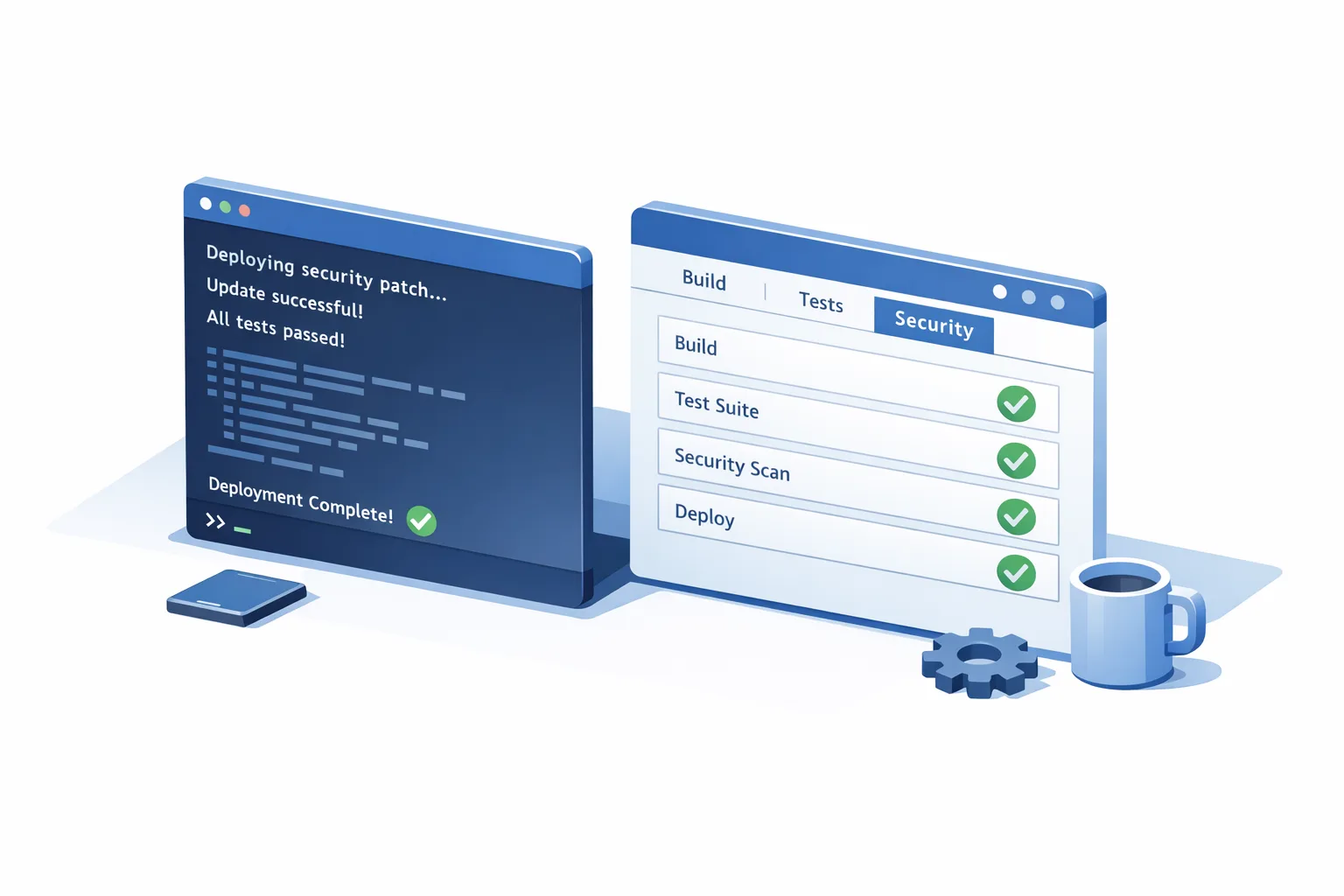
What changed in the January 2026 Node.js security release?
Four release lines received fixes and dependency bumps: 20.x, 22.x, 24.x, and 25.x. The noteworthy changes for operators and platform teams:
First, a high‑severity memory safety bug in buffer allocation (referenced publicly as CVE‑2025‑55131) closes a timing window where zero‑filled buffers could surface uninitialized data under specific interruption scenarios. If your code allocates with Buffer.alloc() or Uint8Array and then emits raw bytes over HTTP, WebSocket, RPC, or logging sinks, you needed this patch yesterday—especially if you rely on the vm module with timeout or do heavy concurrent allocations.
Second, a TLS fix (CVE‑2026‑21637) hardens error handling in PSK and ALPN callbacks. Prior to the fix, synchronous exceptions thrown inside those callbacks could bypass standard TLS error paths. In the wild, that translated to two operational risks: abrupt process termination or quiet file descriptor leaks culminating in denial‑of‑service if an attacker forced repeated handshakes. If you terminate TLS in Node and use ALPN for HTTP/2 selection—or you’ve experimented with PSK on internal services—treat this as priority.
Finally, a lower‑severity permission‑model quirk allowed fs.futimes() to alter timestamps in situations intended to be read‑only, undermining assumptions some teams make when using the permission model to sandbox file access. It’s not a data‑exfiltration bug, but it does affect forensic integrity when you rely on timestamps in audit workflows.
Alongside the core patches, the release updated dependencies like c‑ares and undici across supported lines. If you run long‑lived Node servers and care about resolver behavior or HTTP client hardening, those bumps are an extra reason to upgrade promptly.
Does the January 27 OpenSSL advisory affect Node.js apps?
Short answer: it might, but not for the reasons Twitter threads imply. The OpenSSL advisory shipped fixes for 12 CVEs spanning versions 3.0, 3.3, 3.4, 3.5, and 3.6 (with premium maintenance for 1.1.1/1.0.2). The headline issue—CVE‑2025‑15467—is a stack buffer overflow in CMS AuthEnvelopedData parsing with AEAD ciphers like AES‑GCM. Exploitable scenarios involve parsing untrusted CMS or PKCS#7 content (think S/MIME payloads or custom protocols that feed raw CMS into OpenSSL).
Most Node servers don’t parse arbitrary CMS messages. However, certificate handling still matters. The Node.js maintainers assessed the OpenSSL set and indicated only a subset meaningfully touches Node’s typical surfaces, largely around PKCS#12 (PFX) processing. The takeaway: you should still keep your system OpenSSL up to date—especially in containers and distros where libssl is shared—but you don’t need to panic‑rebuild your entire fleet solely because of CMS parsing unless you know you process that data path.
What about versions? Distros are already shipping patched OpenSSL builds (for example, 3.6.1, 3.5.5, and 3.0.19). If you base images on Debian/Ubuntu/Alpine or run managed Linux, expect updates via your package manager. For Node specifically, keep an eye on regular releases that incorporate relevant OpenSSL updates; you’ll likely see them folded into routine point releases rather than an emergency Node‑only advisory.
Who should move first?
If you’re answering customer traffic over TLS in Node, or exposing buffer contents externally under load, you’re on the hook. Teams proxying TLS at a separate edge (Nginx, Envoy, Cloudflare) but running Node as an internal service still need the buffer fix. Teams that use PSK/ALPN callbacks—or that maintain bespoke TLS stacks—should patch immediately and add targeted tests around handshake failures.
If your Node processes don’t terminate TLS and never expose freshly allocated buffers to clients, you have more room to stage and test—but don’t skip the upgrade. The operational cost of being a release behind is real when the next incident lands.
The 48‑hour patch‑and‑prove plan
Here’s a pragmatic rollout we use on distributed teams shipping dozens of services. It’s built to minimize production blast radius while giving security, SRE, and product owners verifiable evidence that the fix is live and safe.
Hour 0–6: Inventory and isolate
- Map every running service to its Node major/minor. Pull from SBOMs, container labels, or
process.versiontelemetry. - Identify TLS terminators. Mark which services use Node for TLS and which rely on an external proxy. Flag any use of ALPN/PSK or client certs.
- Snapshot baseline metrics: heap usage, open file descriptors, TLS handshake error rates, and p99 latency. You’ll compare against these later.
Hour 6–18: Stage and test
- Upgrade Node in a pre‑prod environment to the patched point releases (e.g., 20.20.x, 22.22.x, 24.13.x, or 25.3.x at the time of writing). Rebuild from scratch to avoid stale layers.
- Pull updated base images and
libsslfrom your distro. For Debian/Ubuntu,apt-get update && apt-get dist-upgrade; for Alpine,apk upgrade --no-cache. Freeze image digests. - Targeted tests: deliberately throw inside your ALPN or PSK callbacks and confirm clean error propagation without process termination or FD leaks. Add a soak test that opens/closes TLS connections in a tight loop while watching FD counts.
- Fuzz buffer allocation paths that serialize data to clients. For example, allocate, write, and assert zero‑fill before echoing bytes to a test client, under CPU contention and timeouts.
Hour 18–30: Canary and observe
- Roll the patched build to 5–10% of production behind a canary weight or shard. Keep traffic sticky to the canary to build signal faster.
- Watch for: increased TLS handshake failures, unexpected
ECONNRESET, memory growth, or unusual GC timings. Compare to your baselines. - Exercise edge cases: client cert auth, HTTP/2 upgrade via ALPN, and any custom TLS options.
Hour 30–48: Ramp and close the loop
- Gradually ramp to 100% while SLOs hold. If you see regressions, you can bisect between Node point releases and distro OpenSSL updates using identical app builds.
- Document the rollout: versions, image digests, test evidence, and dashboards. Share with security and relevant stakeholders.
- Create a regression test that intentionally triggers the pre‑fix failure modes (e.g., exceptions in TLS callbacks) to keep the guardrails in CI.
How do I know if our stack parses CMS or PKCS#7?
Most web apps won’t touch CMS unless you’re doing S/MIME mail, time‑stamping, or cryptographic packaging. Grep your code and dependencies for PKCS7, CMS, S/MIME, or libraries that expose those features. Review inbound content types at the edge. If you use PKCS#12 (.pfx/.p12) for TLS credentials, treat files as trusted materials from your own PKI; the January OpenSSL set is more concerning when untrusted parties can supply those artifacts.
People also ask: Do we need to patch if we don’t use TLS client auth?
Yes. The buffer initialization fix isn’t tied to client certs. Even internal services can leak residual memory if they serialize newly allocated buffers without sanitizing content first. Upgrade, then keep your CI tests that assert zero‑fill on Buffer.alloc behavior across Node majors.
People also ask: Could this bring our server down during handshakes?
Before the fix, exceptions thrown inside PSK/ALPN callbacks could crash or leak descriptors in edge conditions. After the patch, exceptions are routed through standard TLS error paths and connection teardown is cleaner. Still, you should add synthetic tests that trigger failures inside those callbacks so future refactors don’t re‑introduce foot‑guns.
A test plan that won’t torpedo your sprint
Security and speed are compatible when the test suite targets risks rather than trying to replay the entire internet. Three quick wins:
- TLS callback chaos: Wrap your PSK/ALPN callbacks in a toggle that can throw based on an environment flag. Run integration tests with the flag enabled to ensure the server degrades gracefully.
- Descriptor leak detection: Export open FD counts on a debug endpoint in non‑prod. Run a hammer test that cycles 50k TLS connections and assert FD counts stabilize.
- Memory residency: Use a test that allocates and echoes buffers under CPU pressure. Compare heap profiles before/after the upgrade to catch unexpected churn.
Don’t forget the distro: OpenSSL in your containers
Node bundles its own V8 and libraries, but most teams still rely on the base image’s libssl for companion processes and tooling. Keep these in lockstep. If your container builds include openssl CLI for certificate tasks or CMS handling, the January 27 patches apply directly.
Immutable images help here. Promote by digest, not tag. Keep a single source of truth for base image versions and annotate them in your deployment manifests so you can answer, “Which images still have OpenSSL 3.5.4?” without spelunking through layers.
A quick checklist for the January 2026 cycle
- Upgrade Node to the patched point release on your line: 20.20.x, 22.22.x, 24.13.x, or 25.3.x.
- Rebuild containers on updated base images; ensure OpenSSL is at 3.6.1, 3.5.5, or 3.0.19 (as applicable for your distro).
- Add tests that simulate exceptions in PSK/ALPN callbacks and assert no crashes or leaks.
- Run a connection churn test to validate descriptor hygiene and steady‑state memory.
- Flag services that ever parse CMS/PKCS#7 or consume untrusted PFX; patch and add explicit input validation.
- Record the rollout: versions, image digests, test artifacts, dashboards. Store somewhere searchable.
Common blind spots that bite during upgrades
Shadow TLS: Teams often forget that internal gRPC or HTTP/2 paths do ALPN even when traffic is “internal.” Inventory those code paths and test them.
One service, many majors: Monorepos ship multiple functions across different Node runtimes without noticing. Your inventory should come from the runtime, not what’s declared in package.json.
Image drift: Partial rebuilds against cached layers keep outdated libssl. Force a full rebuild and pin digests in manifests.
Observability gaps: If you can’t see FD counts, TLS handshake error buckets, or memory growth, you’re flying blind. Add the minimal telemetry you need to decide in minutes, not hours.
Where this leaves teams in February
Expect a follow‑on Node point release that folds the relevant OpenSSL updates into the runtime. Don’t wait for that to address the Node‑specific bugs you already know about. The teams that win security incidents aren’t the ones with the fanciest scanners; they’re the ones with muscle memory around small, safe, boring rollouts—on a weekday.
Let’s get practical: templates you can steal
Need a starting point? We’ve published step‑by‑step guidance on fast Node upgrades and risk triage before. If you want a crisp brief to hand your team, read our take on the January 2026 Node.js security release—why to patch fast. For a shipping checklist tuned to CI and canaries, grab the ship‑fast playbook for the January 2026 release. And when you need to go deeper on testing discipline under a security clock, use our guidance in Patch Now, Test Smarter.
If your roadmap is crowded and you need a partner to run the upgrade and prove it safe under load, our team does this routinely for startups and enterprises. See our services overview or reach out via contact and we’ll get you unblocked within a sprint.
What to do next
- Book two workdays for a focused upgrade window this week. Don’t stretch it across weeks—risk compounds.
- Patch Node to the current point release on your line and rebuild against updated base images.
- Run the three targeted tests (TLS callback chaos, descriptor churn, memory residency) and keep the fixtures for the next cycle.
- Write down what broke, what didn’t, and how you’d shave an hour next time. That’s how teams get faster.
Here’s the thing: security work is never “done,” but it doesn’t need to be dramatic. Make the upgrade small, observable, and reversible—and move on. Your customers won’t notice, and that’s the point.





Comments
Be the first to comment.