React Server Components Security: January 2026 Playbook
Another month, another patch sprint—this time squarely focused on React Server Components security. On January 26, 2026, the React team updated its advisory to include additional high‑severity DoS fixes (CVE‑2026‑23864) across the RSC packages, with backports in React 19.0.4, 19.1.5, and 19.2.4. If you build on Next.js with the App Router, you’re in the blast zone and should upgrade now. (react.dev)
Here’s the thing: these RSC advisories layer on top of December’s critical RCE (aka React2Shell, CVE‑2025‑55182) and subsequent DoS/source exposure issues. If you only patched in December, you may still be exposed to the fresh DoS vectors disclosed and fixed in late January. Don’t guess—verify installed versions and ship the right patch set. (react.dev)
What changed in January—and why it matters
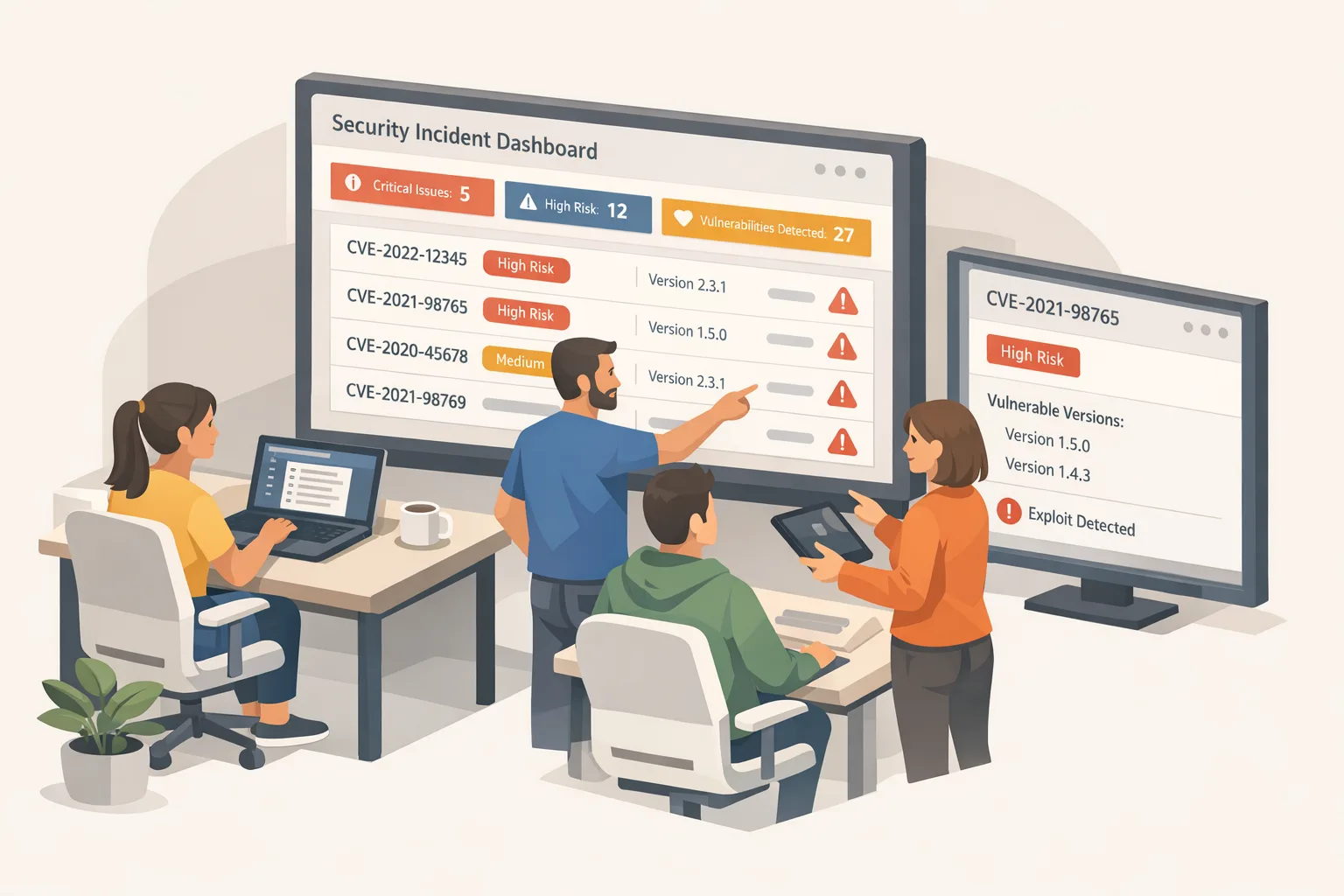
On January 26, 2026, React added CVE‑2026‑23864 (DoS) to its RSC advisory and reiterated that previous patches were incomplete for some payload types. The fix set closes additional DoS avenues that could hang processes or exhaust memory/CPU via crafted requests hitting Server Function endpoints. If you upgraded to 19.0.3/19.1.4/19.2.3, you still need to move to 19.0.4, 19.1.5, or 19.2.4. (react.dev)
Framework maintainers moved quickly. Vercel published updated guidance and WAF mitigations to reduce risk for hosted projects, but they’re explicit: WAF rules aren’t a substitute for upgrading your app. Netlify likewise flagged RSC DoS exposure and listed fixed Next.js versions, including 16.1.5 and backports across the 15.x line. Treat provider mitigations as guardrails, not a permanent fix. (vercel.com)
Am I affected if I don’t “use” Server Components?
Maybe. If your Next.js app uses the App Router (13.3+), you’re often transitively using RSC infrastructure even if you aren’t writing Server Functions by hand. The safest assumption is to check your dependency graph and running versions, not your intentions. Next.js has shipped patches across multiple minor lines—use the table in their advisory to land on the right tag for your branch. (nextjs.org)
React Server Components security: a 72‑hour patch playbook
Hour 0–6: get your bearings
- Freeze deploys except for security updates. Communicate impact to stakeholders with a plain, time‑boxed message: what you’ll patch, how you’ll test, and when you’ll ship.
- Inventory exposure. In your monorepo or service folder, run:
npm ls react-server-dom-webpack react-server-dom-parcel react-server-dom-turbopack next react | cat
Capture versions from CI images as well—containers and serverless bundles drift.
Hour 6–18: pick the right version target
- React: move to 19.0.4, 19.1.5, or 19.2.4, depending on your line. If you’re already on 19.2.x, 19.2.4 is the fast path. (react.dev)
- Next.js: upgrade to the patched tag in your series (for example, 16.1.5 or the latest 15.x fix listed by your host and the Next.js blog). If in doubt, land on the most recent patch in your minor line. (netlify.com)
- Lock your package manager. Commit an updated lockfile and consider pinning indirect RSC packages via overrides to avoid partial upgrades that miss the fixed versions.
Hour 18–36: validate under real load
- Run integration tests with concurrency. The RSC vulnerabilities tend to emerge over specific payloads and timing; a naive smoke test can miss them.
- Probe SSR and Server Actions explicitly. Send intentionally malformed RSC payloads or use security scanners that understand the Flight protocol to confirm your server responds gracefully.
- Reproduce known breakpoints. If you use APM, Auth, or feature flags wired through AsyncLocalStorage, ensure trace context and request scoping behave after the upgrade.
Hour 36–54: reduce blast radius
- Tighten timeouts and memory ceilings on your Node.js processes and platform functions. A “fixed” app can still be DoS’ed if one request monopolizes CPU or memory.
- Add a cheap circuit breaker for Server Function endpoints. For example, 503 with retry hints when latency spikes or heap usage exceeds thresholds.
- If you’re on Vercel or Netlify, enable their WAF rules. Then verify your app remains functional behind any new filters. (vercel.com)
Hour 54–72: ship and watch
- Roll out behind a flag or canary percentage. Monitor error rates, heap usage, and cold starts.
- Keep dashboards open for 48 hours. Attackers typically test patches within days of disclosures; you want rapid detection if they pivot to new payloads.
Version map you can trust (and how to prove it)
- React fixed versions for the latest DoS bundle: 19.0.4, 19.1.5, 19.2.4. Check your react and any react-server-dom-* packages. (react.dev)
- Next.js fixed versions for recent RSC issues span multiple minors; host bulletins and the Next.js blog list precise tags per line. If you’re on 16.1.x, target 16.1.5; if you’re on 15.x, use the latest patched point for your minor (for example, 15.3.9 or 15.4.11 per host advisories). Validate against your provider’s table. (netlify.com)
Verification commands you can drop into CI:
node -e "const p=require('./package.json');console.log(p.dependencies.react,p.dependencies.next)"
npm ls react-server-dom-webpack react-server-dom-turbopack | grep -E "19\.(0\.4|1\.5|2\.4)"
Don’t forget build images: if your Dockerfile pins a base with Node.js and caches node_modules, rebuild to pull patched artifacts.
The Node.js angle: fewer surprises during incidents
On January 13, 2026, Node.js shipped security releases for 20.x, 22.x, 24.x, and 25.x addressing several issues, including fixes that improve error propagation around TLS and a mitigation for an uncatchable stack overflow path when async_hooks is in play. If you run RSC frameworks, this matters—AsyncLocalStorage and hooks are everywhere in tracing and framework internals. Upgrade Node.js to your line’s patched version (20.20.0, 22.22.0, 24.13.0, or 25.3.0 at the time of release). (nodejs.org)
If you need a refresher on shipping Node updates quickly, we’ve covered practical patch strategies and test triage in our recent write‑ups: patch fast when Node.js drops security fixes and test smarter under fire.
Real‑world gotchas you’ll want to check
“We don’t expose Server Actions publicly—are we safe?”
Not necessarily. Internal endpoints reachable from the public site via crafted requests can still be abused. Add authentication and input validation at the framework/router layer, not just “trusted UI” assumptions. (react.dev)
“We’re on static export.”
Pure static sites without a server are outside the RSC blast radius. But many apps thought they were static while quietly invoking SSR or Server Functions for previews, revalidation, or A/B tests. Validate your deployment mode end‑to‑end. (react.dev)
“Edge runtime means no risk, right?”
Edge runtimes change the process model and sometimes the API surface, but if your framework path still parses RSC payloads, you must patch. Always check your framework’s fixed version list for Edge applicability. (github.com)
APM and logging context
Libraries that rely on AsyncLocalStorage can behave differently under stress. After upgrading React/Next.js and Node.js, run a load test to ensure request context remains intact across async boundaries and errors unwind predictably. Node’s January fix improves one crash path but doesn’t guarantee recovery from stack exhaustion—don’t treat it as a silver bullet. (nodejs.org)
Hardening moves that pay off fast
- Request budgets and timeouts: cap body size, parse time, and handler duration at the platform and runtime layers.
- Apply WAF rules: enable your host’s RSC rules and keep them on after you patch to cut noise from opportunistic scans. (vercel.com)
- Rate limiting and token buckets: focus on Server Function routes first.
- Observability: set SLOs for SSR latency and heap usage; add alerts for error spikes tagged by route.
- Canary deploys: shift 5–10% of traffic to patched builds and watch error deltas before full rollout.
Step‑by‑step: zero‑downtime upgrade for Next.js
1) Create a hotfix branch and bump React + Next.js to the patched versions for your line. Include explicit overrides for react-server-dom-*.
2) Run unit and integration tests locally, then in CI, then in a staging environment with production data shape. If you’re on Alpine images, note allocator differences that showed up in recent Next.js notes—watch memory. (releasebot.io)
3) Run synthetic checks that hit your Server Actions with malformed payloads to confirm graceful failure.
4) Deploy canary, enable host WAF, and set autoscaling limits appropriate for peak traffic. Keep error budget burn monitors visible for 48 hours. (vercel.com)
People also ask
How do I know which Next.js version I must install?
Match your current minor version to the patched tag in the official Next.js advisory. If you’re not locked to a minor, jump to the newest patched minor to reduce future churn. (nextjs.org)
Does updating React alone fix it?
No. You should update React and your framework. Next.js ships its own patches and may adjust serialization/validation logic beyond the upstream React packages. (github.com)
Is there active exploitation?
Yes—RCE from December saw rapid exploitation in the wild. Treat all RSC advisories as time‑sensitive and patch quickly. (techradar.com)
What to do next
- Today: lock deploys, audit versions, and open a hotfix PR with the correct React and Next.js patches.
- This week: upgrade Node.js to your line’s January 13, 2026 security release and re‑run load tests with tracing enabled. (nodejs.org)
- This month: add WAF + rate limiting to Server Function endpoints and set automated dependency drift checks in CI.
- Need a second set of hands? Our team ships these incident‑grade upgrades routinely. See our services, then book a quick consult. For deeper reading on fast Node.js security response, start with our January 2026 Node.js playbook.






Comments
Be the first to comment.