Android’s AOSP Cadence Goes Biannual: What to Do
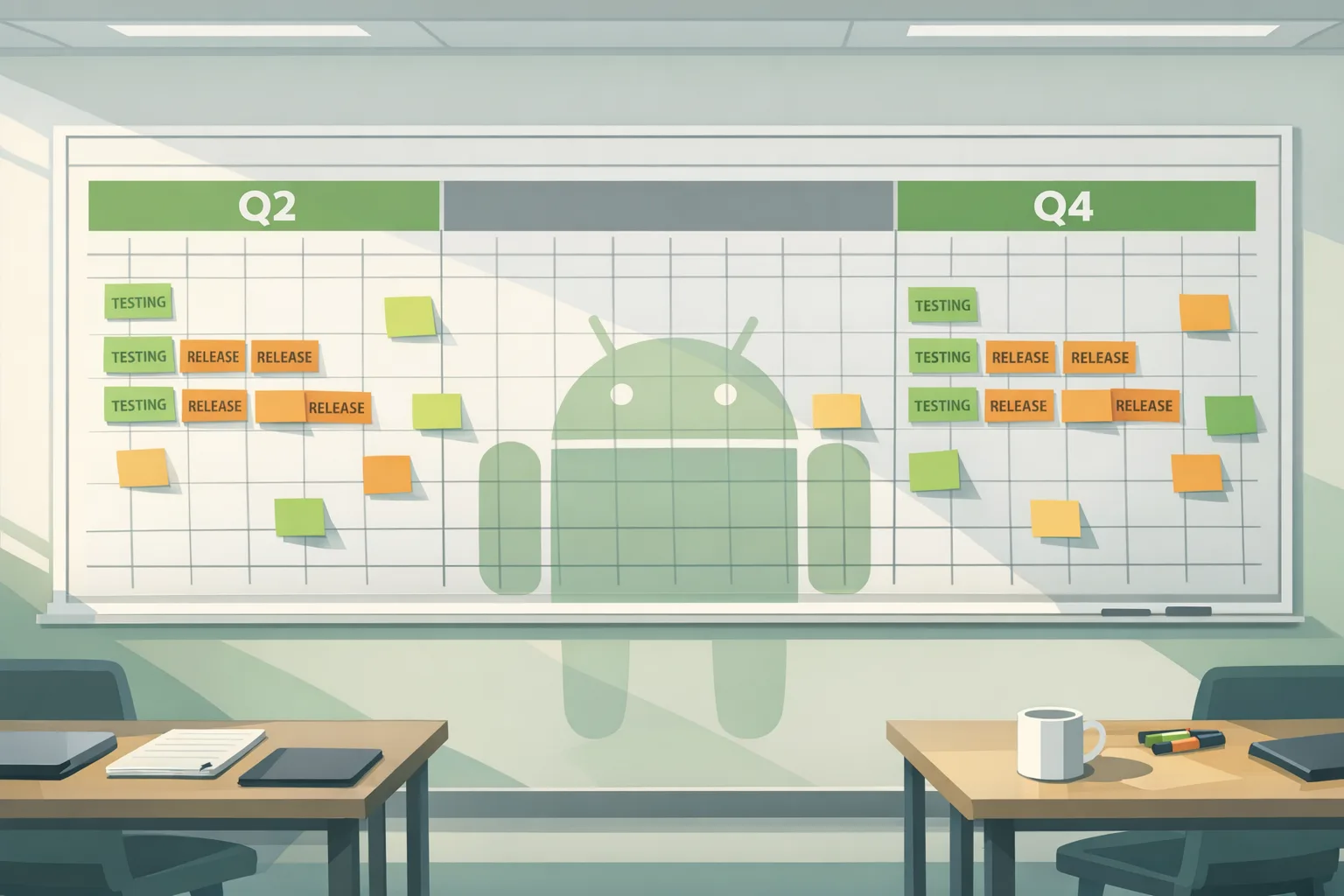
Google is shifting to Android AOSP biannual releases, publishing source drops in Q2 and Q4 instead of every quarter. Monthly security patches continue, but the public code sync points now consolidate into two larger waves. If you ship Android apps, custom device builds, or security-sensitive workloads, your release planning and QA windows just changed. Let’s translate the announcement into a practical operating model you can run starting this month.
What exactly changed in 2026?
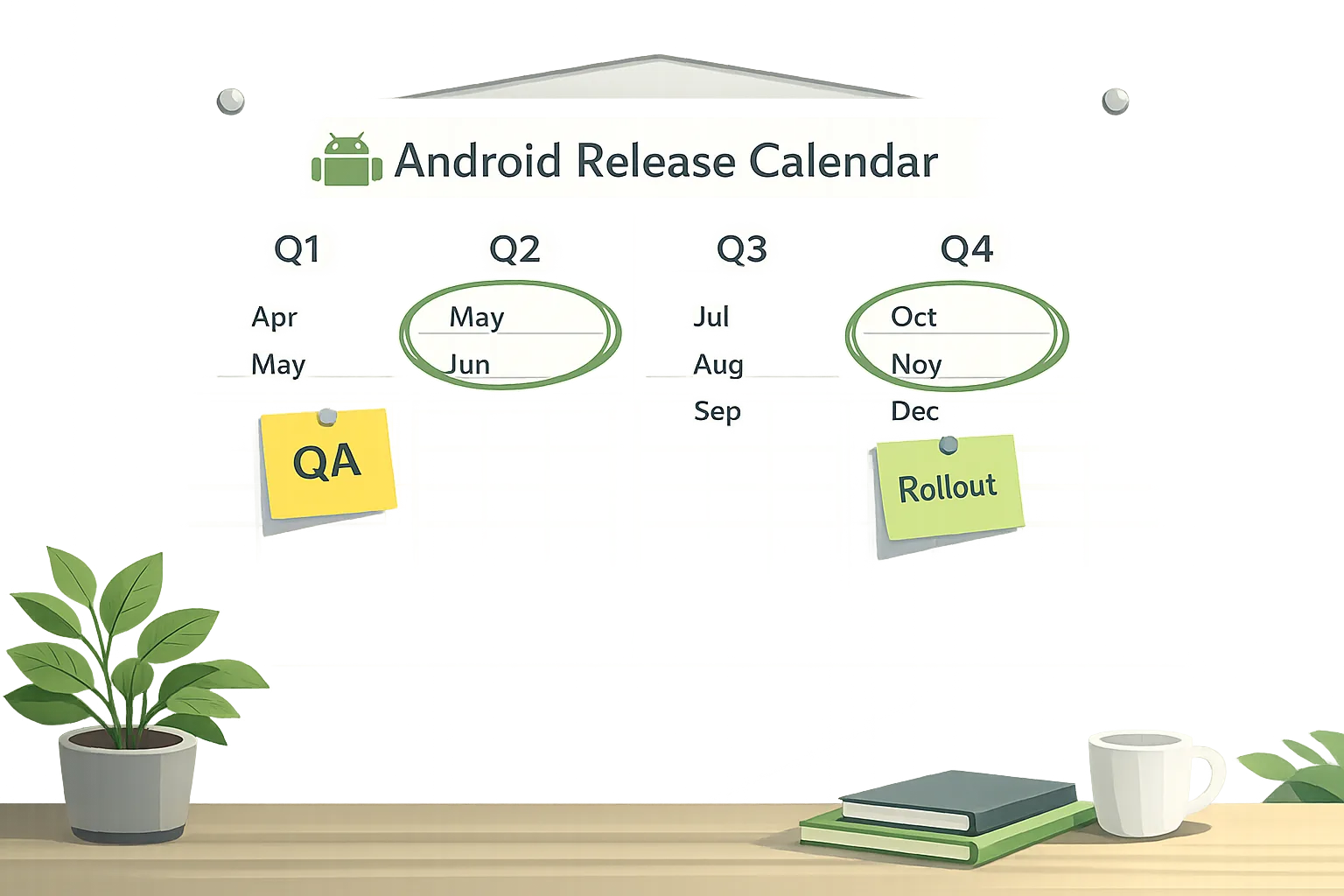
Historically, AOSP source code was posted for each quarterly platform release (the QPRs). Beginning in 2026, Google will publish Android source code twice per year—once in Q2 (the big platform update) and once in Q4 (a smaller, developer-facing consolidation). Between those drops, development continues internally; the public branch catches up only at those biannual points.
Two corollaries matter for planning: first, the code that would have landed in QPR1 and QPR3 is now deferred into the subsequent Q4 and next Q2 drops. Second, monthly security patches are still released—on a dedicated security-only branch—so the vulnerability remediation pipeline remains intact. In other words, security cadence stays monthly, while feature/platform code drops move to twice a year.
Why the shift? Fewer branches, steadier trunk
Google’s rationale centers on a trunk-stable model. Maintaining multiple long-lived public branches, each with its own merge and testing overhead, taxed partners and slowed stabilization. Consolidating to two public drops reduces “branch thrash,” shortens integration paths for OEMs, and—if you work in platform code—raises the bar for what gets published at each checkpoint. For app teams, the effect is simpler: fewer big platform syncs to absorb, but each one will be denser. Expect more API surfacing, behavior changes, and CTS/VTS ripple effects in those windows.
Who feels the impact most?
• OEMs and ODMs: Fewer drops means more concentrated integration and validation work twice a year. Your BSP, HAL updates, and vendor kernel alignment want earlier prework and better test coverage across media, camera, and telephony stacks.
• Custom ROM and security-focused distributions: Access to platform changes is now bursty. If you maintain hardened builds, plan stronger backport strategies for mitigations that won’t show up in public source until the next drop.
• App developers at scale: CI pipelines that track AOSP and early betas need to pivot toward emulators, SDK previews, and device previews rather than relying on frequent public source churn. Your compatibility testing will bunch around Q2/Q4.
• Enterprise security teams: Don’t confuse platform drop cadence with patch posture. Keep your monthly patch SLAs—as you would when you work through the January 2026 Android security update playbook—and treat Q2/Q4 as separate hardening windows for behavior changes.
Android AOSP biannual releases: a simple 30/60/90-day playbook
Here’s the cadence we recommend anchoring to each Q2 or Q4 source drop. Adjust dates to your sprint length and risk tolerance.
Day 0–30: Stabilize, map, and gate
• Read the platform highlights, review breaking behavior changes, and map them to your app surface (file access, background limits, media codecs, permissions, WebView changes, Bluetooth stack quirks).
• Pin build inputs: Use the android-latest-release manifest, lock Gradle, NDK/NDK sidecars, and emulator images. Freeze your CI Docker images for repeatability.
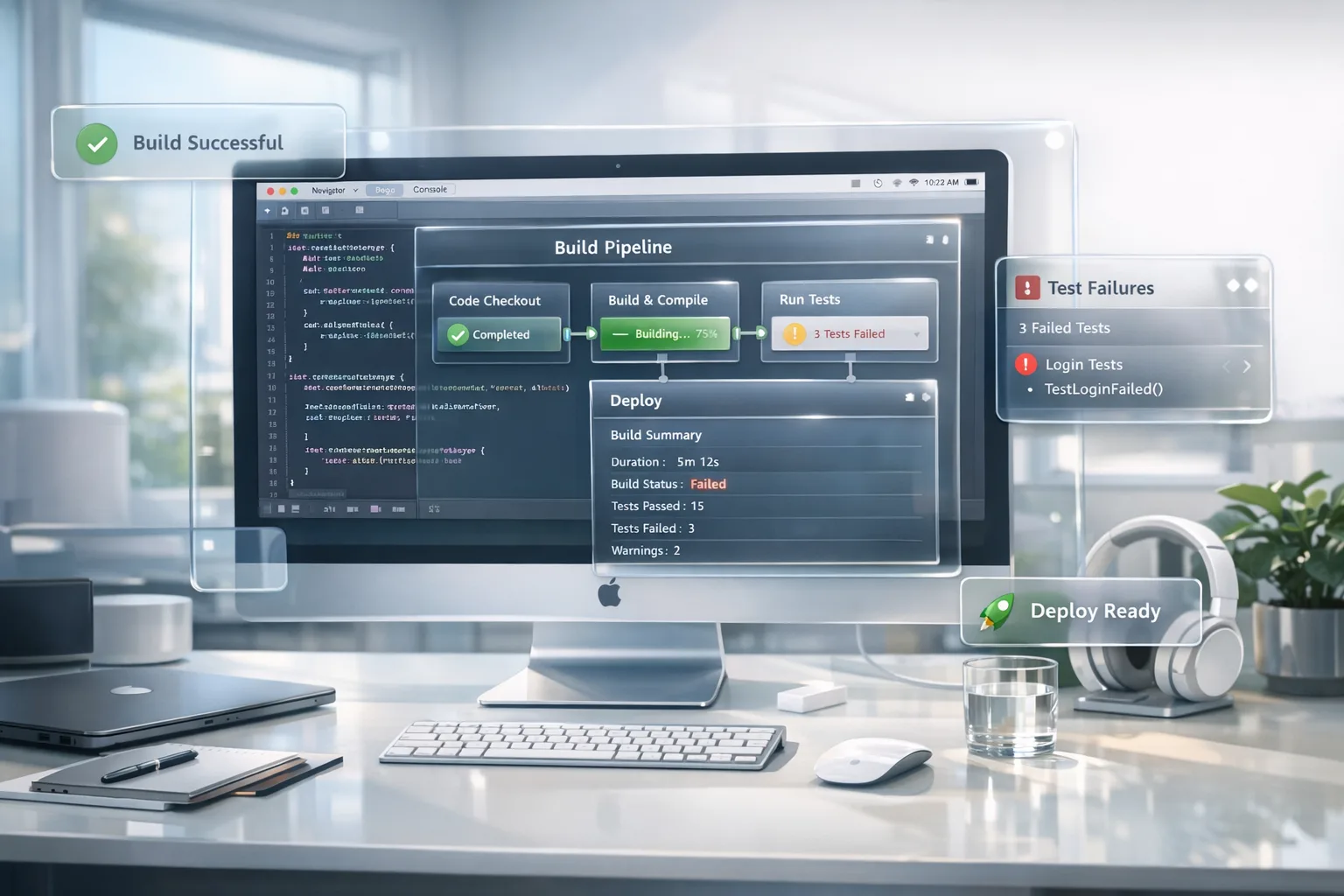
• Spin up a “compat” test lane: Launch nightly runs on the new SDK/API level against both emulators and two real devices (one Pixel, one leading OEM). Track crash rates, ANRs, cold-start deltas, and power regressions.
• Gate feature flags: Any surface that relies on undocumented behavior or reflection gets a kill switch. Don’t ship a feature you can’t turn off if the platform shifts under you.
Day 31–60: Fix fallout, upgrade dependencies, expand testing
• Upgrade support libraries and SDKs (Play Billing, Play Services, analytics, ads, sign-in, maps, in-app updates). Verify min/max version contracts and check the Google Play SDK Index for deprecations.
• Re-run your privacy and permissions audit: New platform versions often tweak sensors, foreground services, and background tasks. Revalidate camera/mic disclosures, exact alarm usage, and data safety labels.
• Device diversity push: Add at least three more OEM models covering differing chipsets (Qualcomm, Exynos/AMD if applicable, and MediaTek) to catch vendor-specific behavior.
• Update test oracles: If animations, haptics, or threading behavior changed, update snapshot tests and acceptance criteria so you’re not chasing false positives.
Day 61–90: Performance budget and rollout
• Performance pass: Benchmark app cold start, frame time p95, and input latency on the new platform. If regressions exceed 5–7%, prioritize rework or guardrails.
• Security hardening: Validate SafetyNet/Play Integrity responses, key attestation flows, and biometric prompts. Rotate signing keys only if your policy dictates a periodic rotation; otherwise ensure keystore compatibility is green.
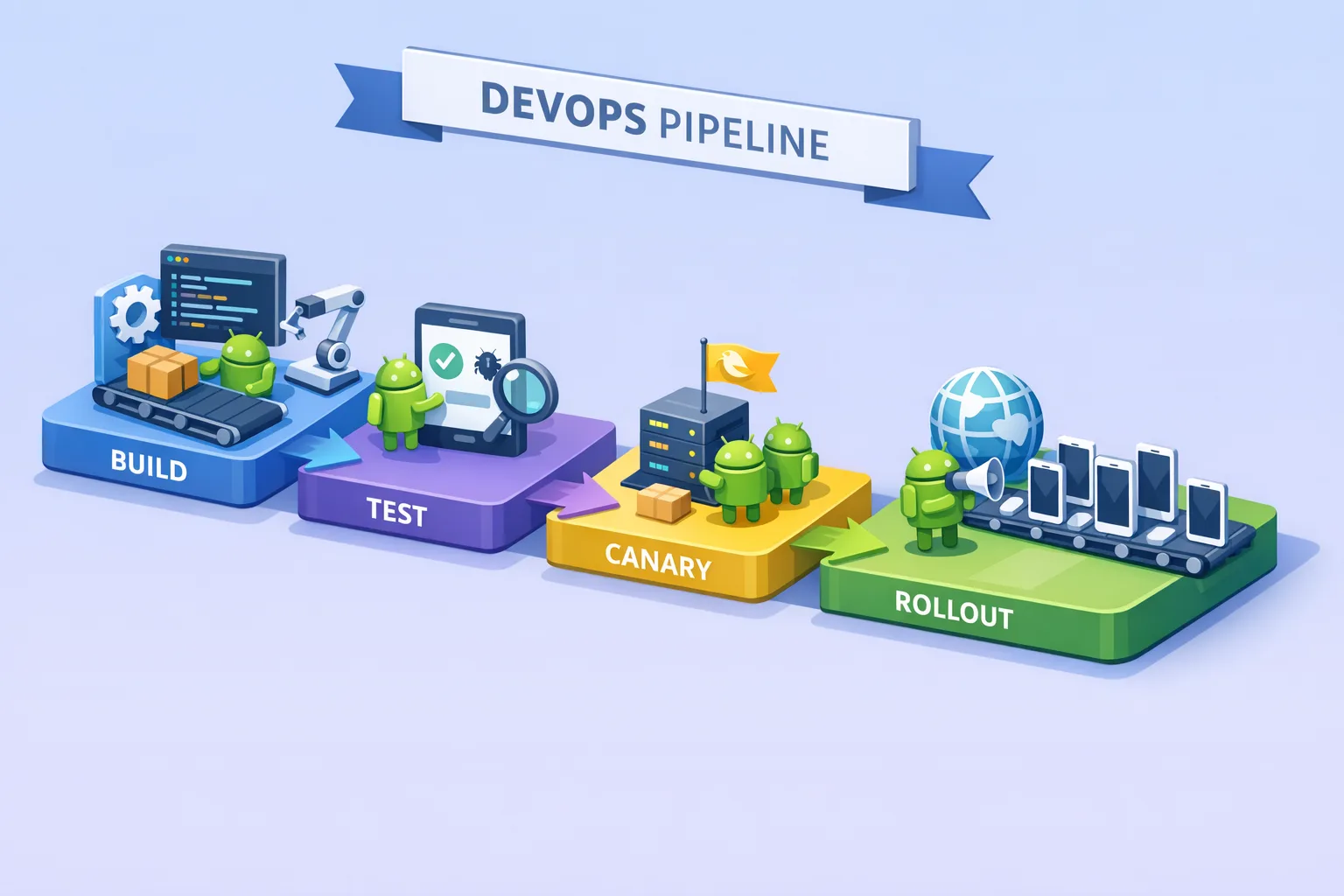
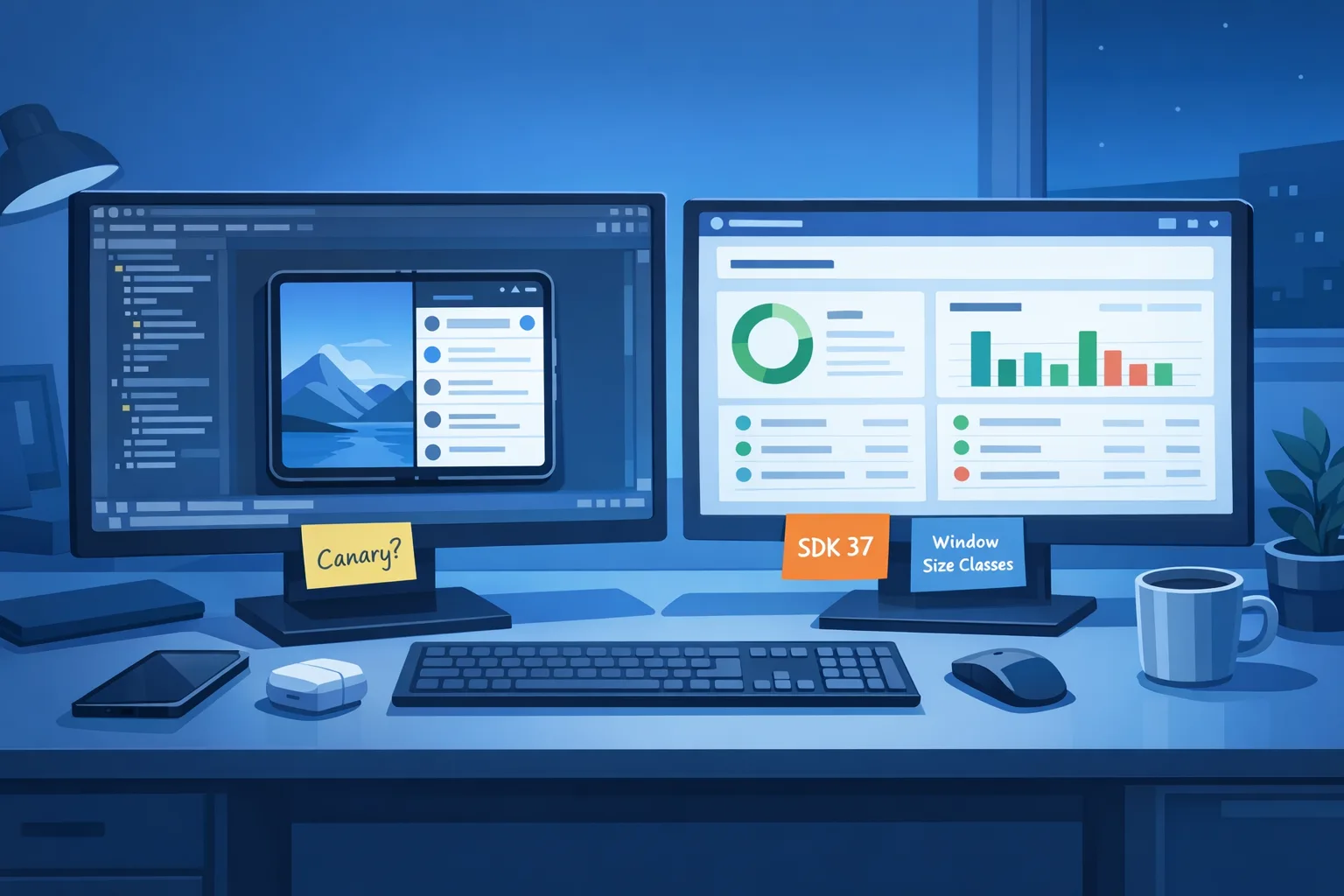
• Staged rollout: Ship a canary at 5%, then 25%, with crash-free sessions above your baseline. Keep feature flags off until your SLA targets are stable for 48–72 hours.
Security posture: monthly never stopped
The move to two public source drops doesn’t touch the monthly patch train. Keep your patch playbooks alive: track every Android Security Bulletin, scan CVEs for components your app or device profile uses (media, GPU drivers, Bluetooth, kernel), and remediate quickly. If you own a fleet, enforce monthly patch SLAs with your EMM and monitor patch levels via device inventory reports. For developers, confirm your core user base is receiving the latest manufacturer patch—especially when media pipeline or Bluetooth issues hit widespread devices.
If your organization needs a template for monthly work, our developer-focused rundown of the January 2026 security update shows a step-by-step approach that generalizes well.
Branch strategy that won’t bite you later
• Treat android-latest-release as your source-of-truth for AOSP-derived builds. The public aosp-main won’t reflect ongoing internal development, so chasing it for “what’s next” wastes cycles.
• Keep two long-lived branches for app code: “stable” (current production SDK level) and “next” (tracking the new platform drop). Merge weekly from stable to next, never the other way around.
• Pin and audit transitive dependencies quarterly. Many regressions in new platform drops come from libraries assuming old lifecycle or threading semantics. Use dependency locking and reproducible builds.
• Expand your build matrix sparingly. Don’t explode into every emulator + device combo; choose four hardware anchors plus one popular emulator image and keep them healthy.
How app teams should adjust roadmaps
Think in two big platform seasons: Q2 and Q4. That’s when you pay the compatibility tax and unlock platform features. In between, ship user-facing value, but avoid deep platform-specific bets that would require unlanded framework changes.
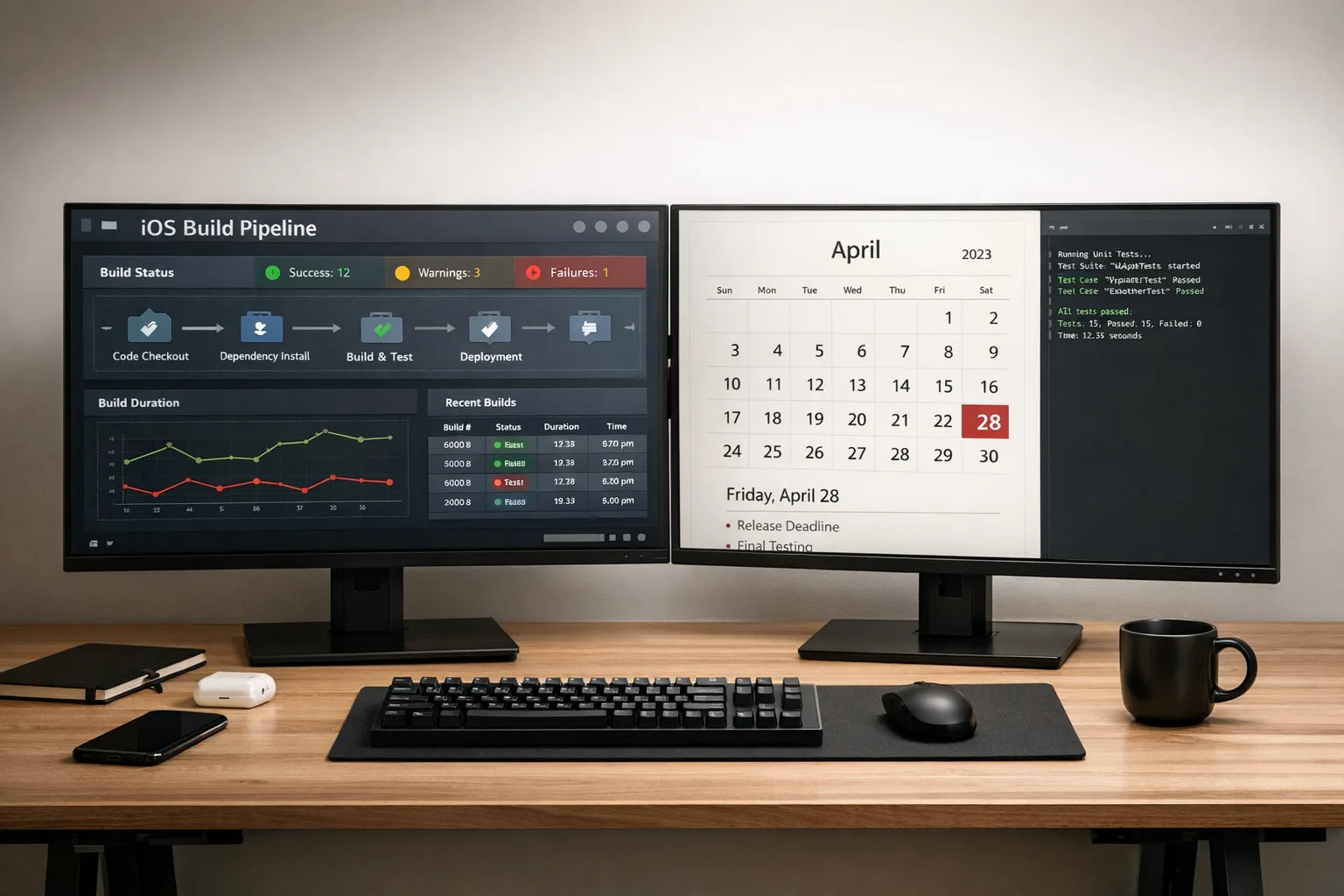
Concretely: line up a compatibility sprint two weeks before Google I/O season and another ahead of the winter holidays. Keep your canary track ready, and align your marketing beats to the safer mid-cycles rather than the first 10 days after each big drop. If your app touches camera, audio, or Bluetooth, front-load validation; those subsystems are where OEM variance tends to bite.
People also ask: key questions answered
Will fewer AOSP drops slow security patches?
No. Security patches maintain their monthly cadence on a security-only branch. You still need monthly patch hygiene whether you build AOSP-based images or just maintain an enterprise fleet. The change is about public platform source availability, not patch frequency.
Does this change Pixel update cadence?
Pixel monthly updates continue. Users should keep installing monthly security updates, and developers should keep testing on the latest Pixel firmware each month. Your device lab should always include the most recent Pixel to catch behavior changes early.
What happens to QPR1 and QPR3?
Their changes roll into the next public drop (Q4 for QPR1, the following Q2 for QPR3). Expect bigger diffs at each biannual checkpoint. Treat them less like patches and more like mini-upgrades with API and behavior surfacing.
Cross-platform reality check: iOS policies are moving too
While you tune your Android plan, watch iOS policy and review timelines. Apple’s age rating overhaul requires updated responses by January 31, 2026, or you’ll be blocked from submitting updates until you comply. If you manage both platforms, coordinate store-readiness alongside Android platform windows. We published pragmatic guidance here: Ship iOS age rating updates by January 31.
A six-part QA map for the new cadence
1) Fresh install vs. update: Run both on the new platform level; look for permission and notification regressions.
2) Media pipeline: Validate playback, recording, transcoding, and headset switching. This is a common source of OEM-specific bugs.
3) Background work: Check jobs, alarms, and foreground service rules. Confirm work manager backoff behavior and power exemptions.
4) WebView: Freeze the WebView channel you support, test sign-in, payments, and graphics acceleration paths.
5) Sensors and BLE: Scan/advertise cycles, reconnection stability, and permissions prompts for Bluetooth, location, and UWB if used.
6) Startup and jank: Measure cold/warm starts, jank p95/p99, and memory on launch; normalize results by device class.
For OEMs and platform teams: avoid the boom-bust
Two public drops don’t have to mean two panic months. Spread the work: keep your bring-up environment close to trunk-stable via partner channels, automate CTS/VTS runs nightly, and bank passing results. When the public drop lands, you’re verifying deltas rather than starting from zero. Bake in vendor driver and kernel validation early; most “why is camera broken?” tickets root in driver/API drift or late vendor blobs.
Risk management: what could still go sideways?
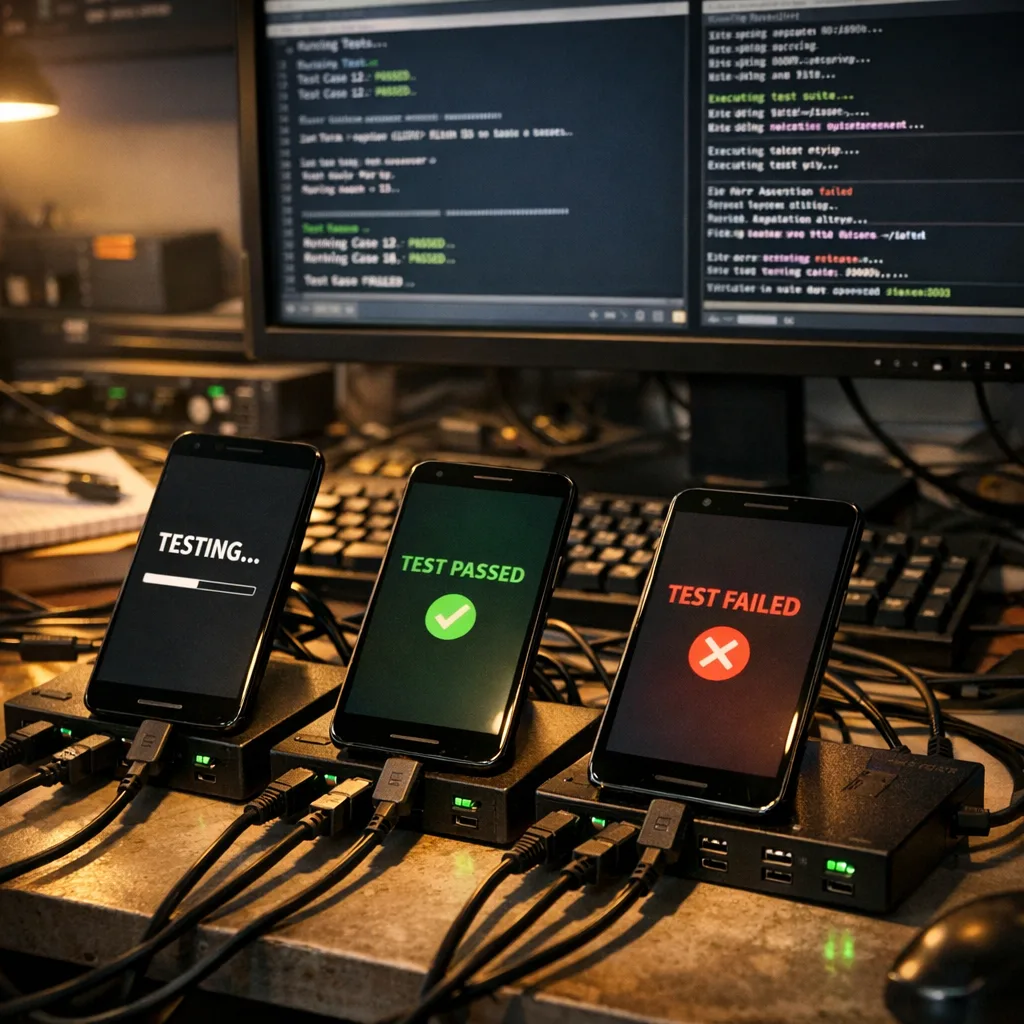
• Feature exposure drift: Fewer public checkpoints can tempt teams to rely on undocumented APIs or behaviors seen in previews. Resist it. Keep feature flags and fallbacks ready.
• Library lag: If a critical library lags the new platform drop, you may need to pin one version behind and ship with targeted workarounds. Track maintainers’ roadmaps and have a plan B.
• OEM fragmentation: A big Q2/Q4 drop may surface different bugs on different vendor stacks. Prioritize test coverage where your users live; don’t let the edge devices dictate your schedule.
Tooling that earns its keep
• CI/CD: Prebuild emulator system images and Gradle caches per platform level; cache warming alone can save hours on the first week after a drop.
• Observability: Instrument startup, crashes, and power metrics behind build-time flags so you can compare pre- and post-drop behavior quickly.
• Rollout control: Use staged rollouts, country gates, and server-side switches to limit blast radius. If you operate at scale, canary internal builds to employees for 48 hours before external phasing.
• Documentation: Keep a living “compat ledger” per platform level—what changed, where you patched, and which experiments are enabled. It’s gold the next time you revisit the same area.
Budgeting and ROI: what to tell the business
Expect two heavier engineering windows per year. Each will require 2–4 sprints for compatibility, fixes, and regression testing, depending on app complexity and device breadth. The trade is fewer context switches across the year and better predictability. Use this to negotiate a realistic roadmap: lock platform adaptation sprints around Q2/Q4 and protect feature velocity in the months between.
Where we can help
If you need a partner to set up this operating rhythm—CI design, device lab selection, rollout strategy, or privacy and store-readiness—we do this work daily for consumer and enterprise teams. See a sampling of our approach in what we do and how we price engagements on our transparent pricing page. You can also browse case studies on our portfolio, or just reach out via contact and we’ll get practical fast.
What to do next
• Put two “platform adaptation” sprints on the 2026 calendar: one in late Q2, one in late Q4.
• Add a Pixel running the latest monthly patch to your device lab and at least three OEM devices that mirror your user base.
• Stand up a nightly compat lane on the newest SDK with crash/ANR/perf alerts.
• Inventory permissions, foreground services, media, and WebView surfaces; add feature flags where you lack a kill switch.
• Keep monthly patch SLAs and treat Q2/Q4 as separate behavior change windows.
• If you also ship on iOS, book time before January 31, 2026 to submit the updated age rating questionnaire so App Store submissions stay unblocked. Our short guide is here: ship by Jan 31.
Here’s the thing: the biannual cadence isn’t a slowdown—it’s a rebalance. If you plan your windows, pin your dependencies, and keep your monthly patch discipline, you can ship faster between the big waves and absorb the platform changes without drama.





Comments
Be the first to comment.