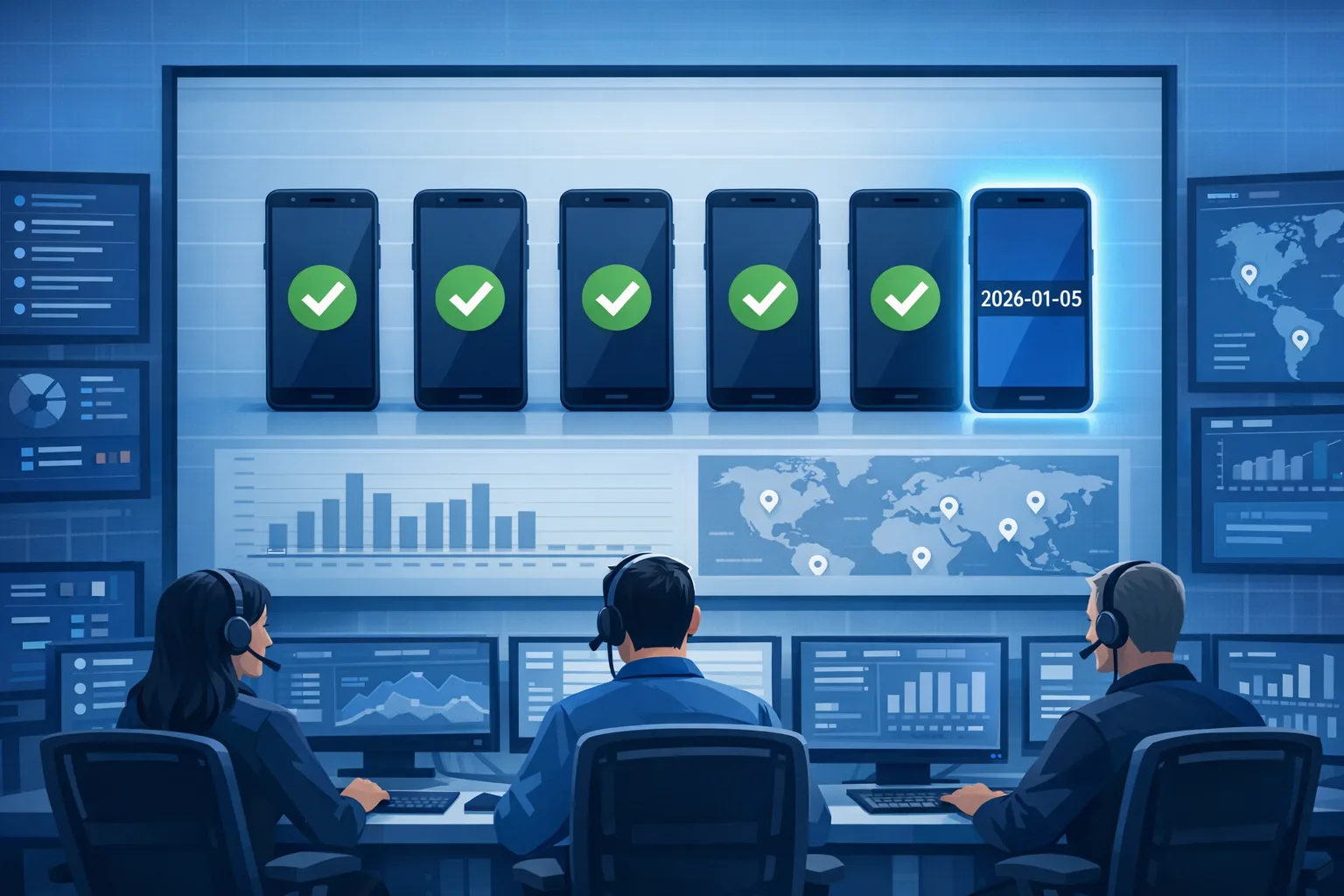
Android January 2026 Security Update: Ship Now
The Android January 2026 security update matters more than most. It includes a critical fix for a Dolby Digital Plus (DD+) decoder vulnerability that enables true 0‑click compromise via crafted audio attachments. Patch level 2026‑01‑05 is the line in the sand. If you manage an Android fleet or ship an app that ingests audio, treat this as a must‑ship this week.
Here’s the thing: this isn’t a theoretical codec bug. Researchers demonstrated a working 0‑click chain on a current device, starting from automatic decoding of an incoming audio file. Vendors have shipped fixes; now it’s on us—engineering, security, and IT—to push coverage and harden our app behavior so we don’t depend solely on OEM rollout speed.
What changed on January 5, 2026—and why it matters
On January 5, 2026, Google’s monthly Android bulletin assigned critical severity to a Dolby DD+ decoder issue (CVE‑2025‑54957). The flaw sits in the decoder’s handling of Extensible Metadata Delivery Format (EMDF) inside DD+ frames, where an integer overflow can lead to a controllable out‑of‑bounds write. In practical terms: an attacker can send a malicious audio file that triggers code execution during automatic decoding—no tap required. That’s the textbook definition of 0‑click.
The bulletin’s patch level for ecosystem coverage is 2026‑01‑05. Google’s Pixel update bulletin shipped at this level and added device‑specific fixes in mid‑January. Samsung’s January Security Maintenance Release (SMR) noted the same Dolby CVE as critical and began rolling out updates the week of January 6. Other OEMs follow with their own cadence, but the bar for “protected” remains the same: devices must show a security patch level of 2026‑01‑05 or newer.
Why the urgency? Audio decoders increasingly run as part of “smart inbox” features—voice transcriptions, previews, and spam detection—so decoding can happen before a user ever opens the message. If your product processes audio server‑side, you’re safer; if the client auto‑decodes, you’re exposed until the OS is patched or the app flow changes.
Android January 2026 security update: what’s actually fixed
This month’s marquee change is the Dolby decoder patch that blocks the integer overflow path in the DD+ pipeline. Pixel devices at the 2026‑01‑05 level receive the fix; Samsung’s SMR‑JAN‑2026 includes Google’s patches plus Samsung‑specific items. Expect similar advisories from other OEMs referencing the same CVE.
Two more details matter for planners:
- Patch level string is your contract. Compliance policies and MDM rules should look for 2026‑01‑05 or newer. Don’t key off build numbers; OEMs and carriers vary.
- AOSP cadence has shifted. Google is publishing code drops to AOSP in Q2 and Q4 to align with trunk‑stable. Monthly bulletins continue, but source landing patterns have changed. Plan your vendor‑merge and testing windows accordingly.
Use this 3×3 triage framework to move fast
When real 0‑click surface is in play, you need speed without chaos. Here’s a simple 3×3 that we use with clients during urgent mobile patch cycles.
People
- Send a plain‑English advisory to customer support, ops, and marketing: “Android devices need the January 2026 security update (patch level 2026‑01‑05). Until updated, don’t open suspicious audio attachments.” Give them exact copy and a single internal point of contact.
- Brief leadership on impact and plan. Show share of devices already at 2026‑01‑05 and your coverage ETA per OEM.
- Prep status updates at 24h, 72h, and 7 days with coverage dashboards and any app mitigations you’ve enabled.
Devices
- Enforce minimum patch level. In your MDM or EMM, set a compliance rule that flags devices below 2026‑01‑05. For BYOD, at least warn; for COPE/COBO, consider conditional access enforcement for sensitive apps.
- Push updates in waves. Prioritize high‑risk personas (execs, support agents handling external media, engineers with elevated access). Monitor crash and battery deltas in each wave.
- Track OEM rollout specifics. Pixels should be first across the line; Samsung’s SMR is close behind; others vary. Map OEM → model → carrier to forecast laggards.
Apps
- Disable auto‑decode of untrusted audio on client devices below the patch level. Gate transcriptions, previews, and waveform rendering behind an explicit user tap until the device reports 2026‑01‑05 or newer.
- Prefer server‑side transcode. If you must accept user‑supplied audio, transcode on the server to a modern, well‑hardened codec like Opus before clients touch the payload. Enforce strict MIME/type sniffing and size limits.
- Sandbox media work. Run decoding in a separate process with minimal permissions and strict SELinux/App Sandbox boundaries. Treat decode success/failure as untrusted until the outer process validates the result.
Developer checklist: make 0‑click audio safer
You can reduce risk materially with a few code‑level changes that don’t alter product behavior for most users.
1) Defer decode until intent is clear
If your app renders waveforms, transcribes, or peeks at attachments in the inbox, move that work behind an explicit user intent. Examples: require a tap to preview; lazy‑load waveforms only when the detail screen is visible; disable “auto‑download and auto‑render” on metered or roaming networks by default.
2) Tighten type handling and limits
Accept only the media types you truly support. Reject “audio/*” wildcards; whitelist specific codecs/containers. Bound everything: maximum container size, number of audio blocks per container, and time‑to‑decode. Abort decode and quarantine on violations.
3) Prefer hardened paths
Most Android apps rely on platform decoders via MediaCodec, which is correct in the general case. For high‑risk ingest flows, consider server‑side normalization to Opus in WebM or Ogg, then deliver that normalized stream to clients. Avoid ad‑hoc client‑side libraries just to bypass a platform codec—swapping in FFmpeg without a rigorous update plan can trade one risk for another, and licensing for AC‑3/E‑AC‑3 is non‑trivial.
4) Isolate and observe
Decode in a dedicated process or service with a narrow SELinux domain if feasible. Pipe only the minimal decoded data back to the app process. Add guards for CPU time and memory; treat timeouts as suspicious, not just slow.
5) Instrument for early signal
Add metrics for “decode error by MIME,” “decode aborted for limit breach,” and “attachment quarantined.” Alert on spikes by app version, device model, and OS patch level. This helps you catch regressions and suspicious traffic quickly.
How to verify coverage fast
You don’t need a lab full of devices to know where you stand by Friday. Use this short plan.
- Inventory by patch string. From your device management or analytics SDK, pull the distribution of Android security patch levels. Your success metric: percentage of active devices at 2026‑01‑05 or newer.
- Correlation checks. Slice by OEM and model to identify laggards. Cross‑reference with your high‑risk user cohorts.
- Path test on one device per OEM. On an updated device, confirm no regressions in your core audio flows. On a not‑yet‑updated device, verify your app respects the “no auto‑decode” gate you added above.
Do apps need updates or is OS patching enough?
If your app never processes audio until after a user tap, the OS patch is your main line of defense. If your app auto‑decodes anything from untrusted sources, ship the gating and limiters now. Don’t wait for 100% OEM coverage.
Is this exploitable via messaging apps?
Yes, if the app or the system decodes audio on receipt to power features like transcription or preview, and the device isn’t patched. Your mitigations are: OS update to 2026‑01‑05+, no auto‑decode on older patch levels, server‑side normalization, and process isolation.
How do I know if a device is protected?
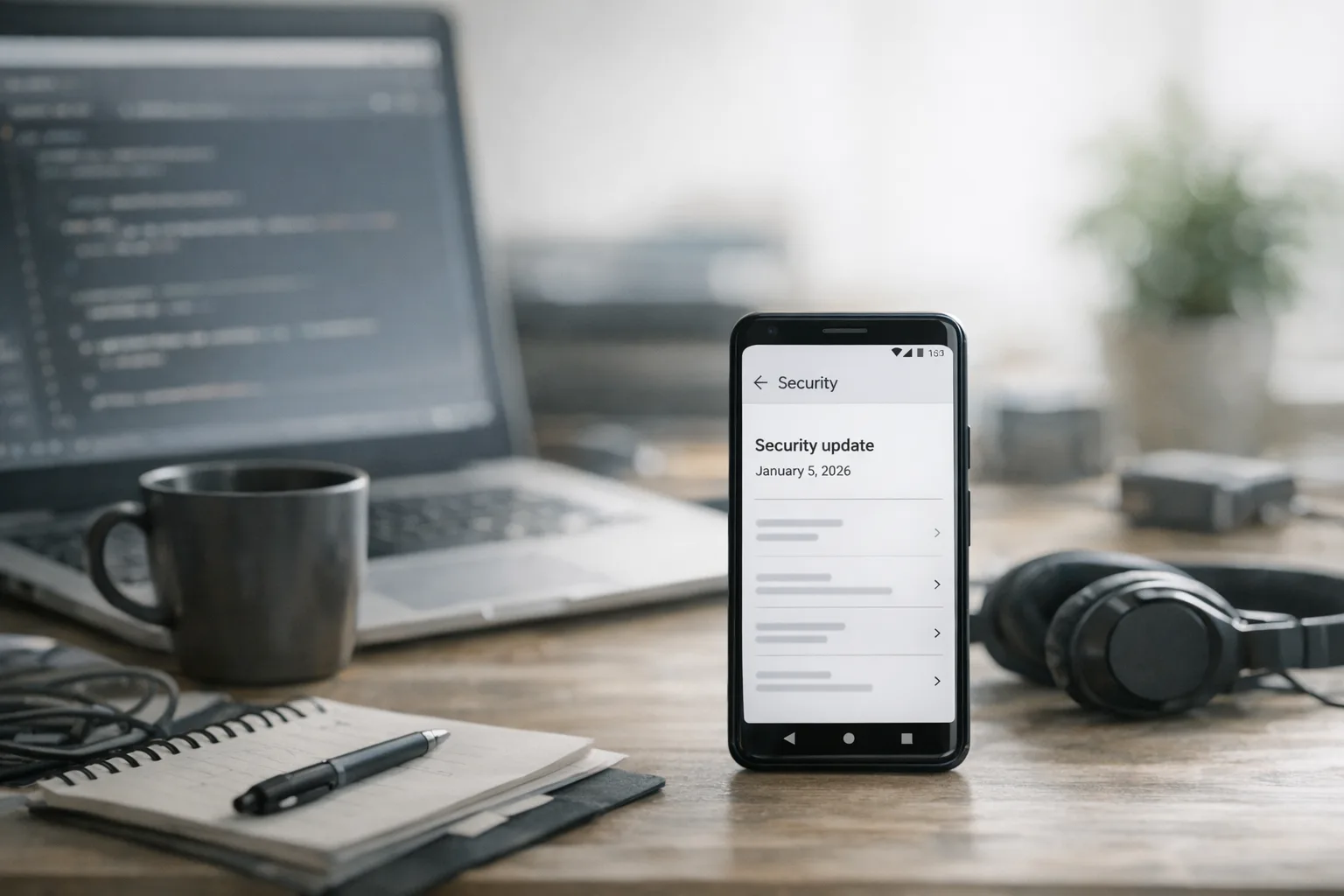
Settings → About phone → Android version → Android security update. Look for 2026‑01‑05 or newer. In enterprise, enforce that string in your compliance policy and route non‑compliant devices to a limited access group.
What about iOS, Windows, and others?
The Dolby component is cross‑platform, and vendors outside Android have issued or will issue their own updates. For MDMs that manage mixed fleets, set parallel tasks for iOS and desktop patch baselines. But your highest near‑term risk is where decoders automatically process untrusted attachments, which is most common on Android messaging stacks.
People also ask: quick answers
Why does the CVE say 2025 if the fix landed in January 2026?
Discovery and disclosure often precede patch release by months. The vulnerability was reported and assigned in 2025; Android’s coordinated patch landed on January 5, 2026. That’s normal for complex, multi‑vendor codecs.
Could rate limiting or antivirus stop this?
Network rate limits don’t prevent a single malicious file, and “antivirus for mobile” rarely understands codec internals. Your strongest control is the platform patch combined with app flow changes that avoid pre‑tap decoding.
Zooming out: 2026 mobile roadmaps and AOSP cadence
Two strategic shifts to bake into your 2026 plan. First, codec attack surface is here to stay because user experience keeps moving analysis earlier in the flow. Budget engineering time each quarter for media parser fuzzing, attachment handling reviews, and telemetry improvements. Second, Android is publishing AOSP source on a twice‑yearly cadence (Q2 and Q4) while continuing monthly security bulletins. That means your internal platform forks and OEM integrations should align testing windows to those drops without losing the monthly habit of pushing patch‑level coverage.
If you’re new to structuring this work, our January 2026 Patch Tuesday playbook shows how to sequence multi‑platform patch weeks without blowing up your release calendar. For teams building custom Android stacks or integrating with vendor trees, our AOSP biannual releases shipping playbook maps testing waves and source drop timing. And if you want help hardening mobile ingest flows or standing up compliance gating by patch level, our mobile security and platform services are built for that. If your culture thrives on shipping the fix same‑day, you’ll also appreciate the pragmatic muscle memory in our Node.js security release guide—it’s the same mindset, different stack.
Android January 2026 security update: the quick checklist
Use this to close your tab with a plan.
- Baseline: enforce Android security patch level 2026‑01‑05 (or newer) in your MDM/EMM compliance policies; route non‑compliant devices to restricted access until updated.
- Waves: patch high‑risk users first; monitor stability; then expand to the rest of the fleet.
- App gates: on devices below the patch level, disable auto‑decode of untrusted audio; require explicit user action to render or transcribe.
- Server‑side normalization: transcode inbound audio to a safer codec like Opus; reject exotic or malformed formats; cap sizes and decode times.
- Isolation: run decoding in a separate, least‑privileged process; treat results as untrusted until validated.
- Observability: log and alert on decode anomalies, including limit breaches and quarantines; correlate by device model and patch level.
- Communication: publish a customer‑facing note pointing users to Settings → About phone to verify “Android security update: 2026‑01‑05.”
- Forecast: track OEM rollout; set follow‑up checks at 72 hours and 7 days; escalate laggards with targeted nudges.
- Governance: schedule a quarterly review of attachment handling and media parser limits; align Android platform testing with the Q2/Q4 AOSP drops while staying current on monthly bulletins.
What to do next
For developers: add the decode gate on untrusted audio, wire in limiters, and push a hotfix behind a feature flag tied to the device patch level string. For security/IT: enforce 2026‑01‑05 in compliance, patch high‑risk users first, and publish a one‑pager your help desk can use. For product and leadership: accept a brief feature freeze on risky media flows until coverage crosses your threshold. That’s how you keep users safe and roadmaps intact.
If you need tailored help—fleet coverage dashboards, decoder isolation patterns, or policy guardrails for BYOD—reach out. This is exactly the kind of week where a calm, battle‑tested plan beats heroics.



Comments
Be the first to comment.