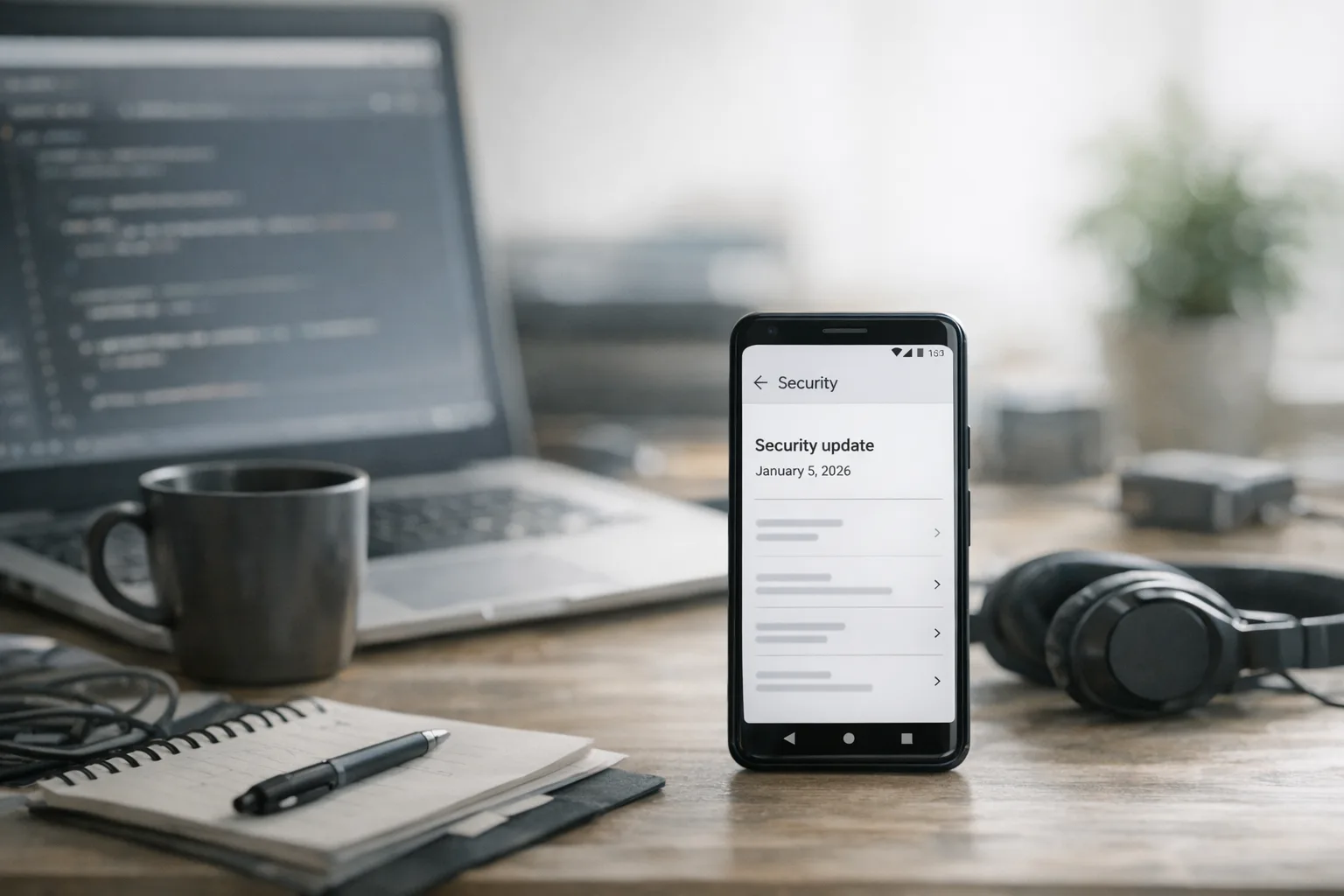
Android January 2026 Security Update: What to Ship Now
The Android January 2026 security update landed on January 5 with a new 2026‑01‑05 patch level and platform fixes that touch media decoding paths. If your app handles audio, previews attachments, or renders anything in WebView, treat this as a ship‑week. Below is the plan I use with product teams to move from awareness to action without thrash.
What changed on January 5, 2026
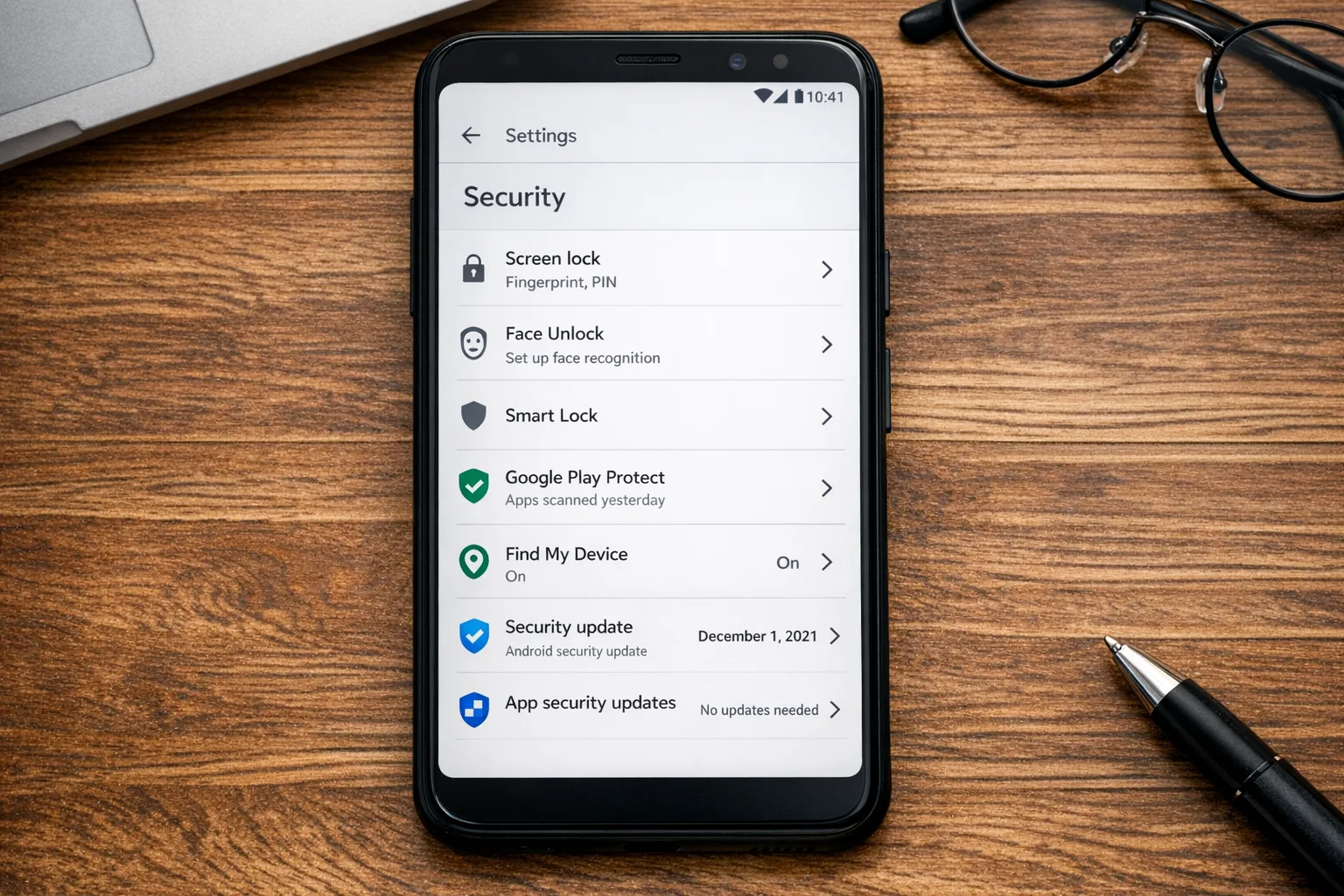
Google published the January bulletin on January 5, 2026 with two familiar patch strings: 2026‑01‑01 (subset) and 2026‑01‑05 (complete). Devices reporting 2026‑01‑05 include all fixes listed in the bulletin plus all earlier patch levels. Partners typically push OTAs in waves; Pixel OTAs usually complete within roughly a week and a half from bulletin day. The headline this month: a critical issue in the Dolby Digital Plus codec referenced as CVE‑2025‑54957, addressed at the platform level.
One new operational note matters if you mirror AOSP: beginning in 2026, Google says source drops to AOSP align with their trunk‑stable cadence in Q2 and Q4. For builders and vendors, track the android‑latest‑release manifest versus aosp‑main for stability. For app teams, the practical takeaway is timing—expect partners to pick up fixes quickly, but not all devices get patched at once. Your job is to code defensively and verify behavior on both patched and unpatched devices.
Where your apps are exposed
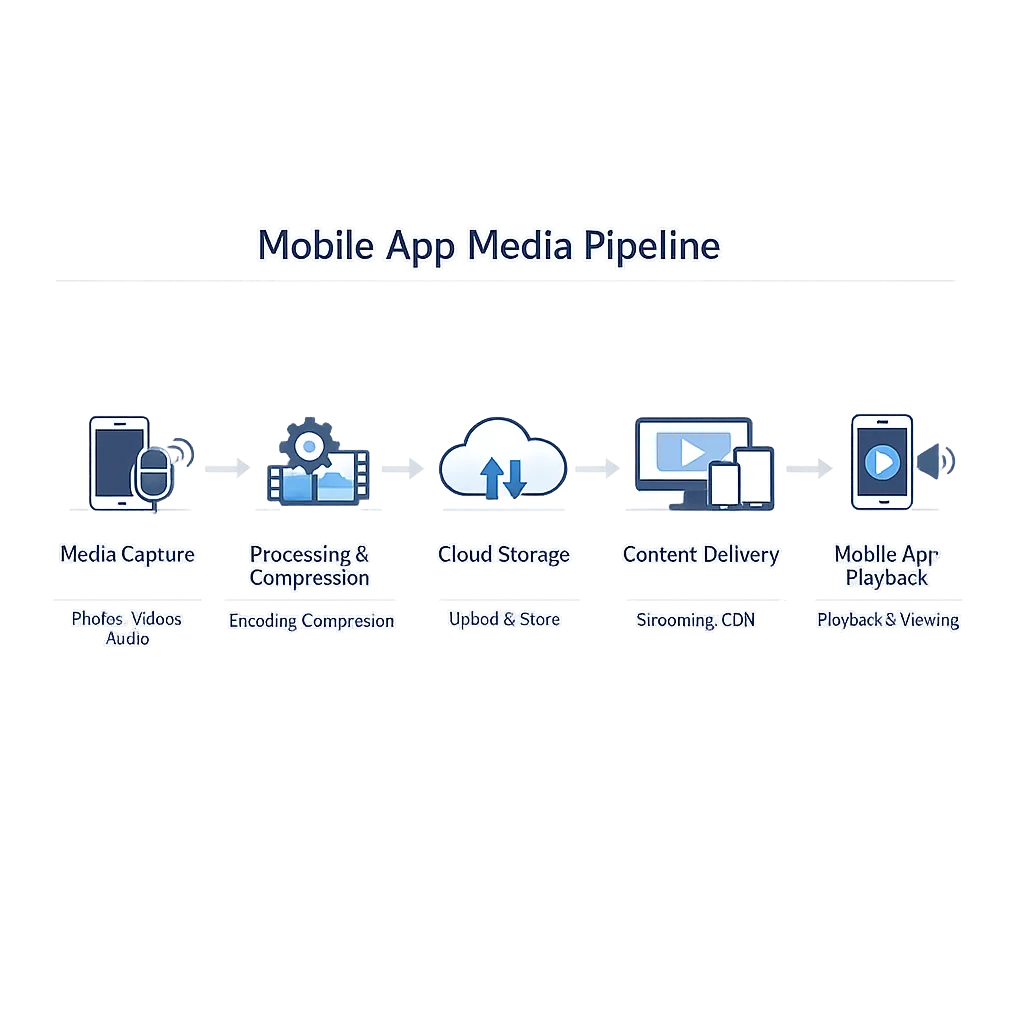
Most consumer apps touch the media pipeline more than you think. A few realistic paths where a media decoder bug can become your problem:
• Messaging or social apps that preview audio or video thumbnails inline.
• Enterprise apps that open user‑provided files (field recordings, call logs, training snippets).
• WebView surfaces (news feeds, ads, embeddable players) that can trigger playback via HTML5 audio.
• NDK or third‑party codec bundles you ship (e.g., custom FFmpeg builds) that bypass platform patches.
Here’s the thing: even if the platform is patched, app‑packaged native libraries or permissive file handling can re‑expand risk. If your app auto‑plays attachments, sniffs MIME types, or proxies media through your backend, you’ll want to re‑test those flows with malformed input.
The 72‑hour ship checklist
Move through these steps with a single owner per step. If you’re constrained, start with 1–5 and 10.
1) Update test rigs. Ensure you have at least one flagship on 2026‑01‑05 and one popular device still on last month’s patch. Verify via Settings → Security or programmatically by reading ro.build.version.security_patch.
2) Run codec regression suites. Feed decoders with edge‑case WAV/MP3/AAC/EAC‑3 streams: corrupted headers, oversized frames, odd channel maps, and long silence runs. Confirm no ANRs, watchdog resets, or decoder exceptions.
3) Nuke unsafe fallbacks. If you bundle native audio decoders, audit versions and remove old, unmaintained copies. Prefer platform decoders via MediaCodec/ExoPlayer over vendored forks unless you absolutely need them.
4) Harden attachment handling. Never auto‑play media from untrusted senders. Require an explicit user action, constrain preview durations, and cap input size before passing to decoders.
5) WebView guardrails. Set MediaPlaybackRequiresUserGesture, disable autoplay in embeds, and review your ad SDKs for autoplay policy compliance. Reject unknown audio MIME types server‑side.
6) Refresh crash triage rules. Add signatures for MediaCodec.CodecException, SIGSEGV in media threads, and AudioTrack underruns so your on‑call sees issues fast.
7) Defense‑in‑depth toggles. Keep Google Play Protect on by default in QA devices and verify SafetyNet/Play Integrity checks still pass. Don’t let store hardening break your SSO or device trust flow.
8) App startup smoke. Cold and warm starts across patched/unpatched devices with a mocked inbox containing mixed attachments. Measure ANRs and jank deltas; regressions are common when decoders change.
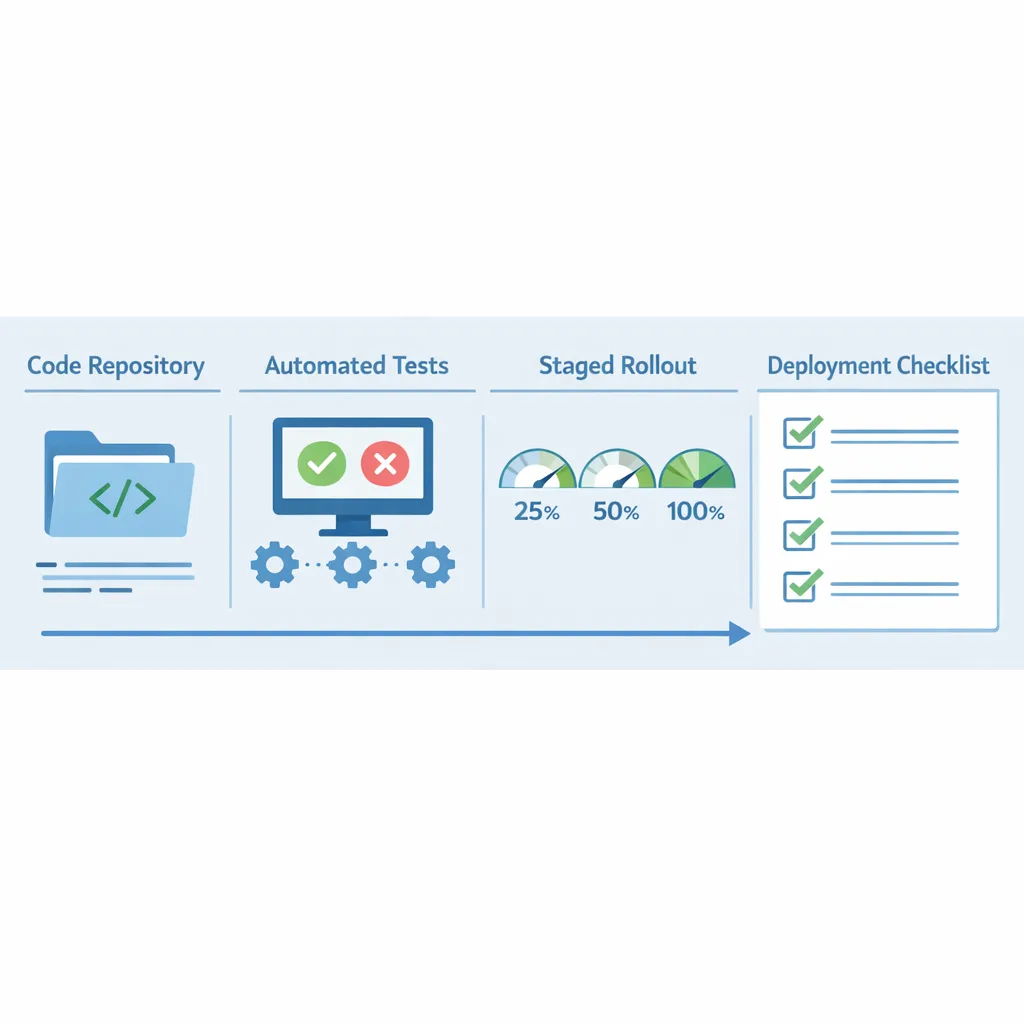
9) Stage rollout. Ship to 5–10% first, watch stability for 12–24 hours, then ramp. If you operate in regions with slow OEM updates, hold back experimental codecs there.
10) Communicate upstream. If your SDK decodes media for customers, publish a bulletin with supported patch levels and a test plan. Ship a minor SDK version that disables risky code paths by default.
“Do I need to push an app update if the OS is patched?”
Usually, yes—at least a stability hardening release. Platform patches lower the blast radius, but apps still control autoplay, decoder selection, error handling, and WebView policy. If your app ingests media from unknown sources, you own those guardrails. I’ve seen teams fix more crashes from input sanitation than from OS patches.
“What if my users don’t get the patch quickly?”
Plan for staggered reality. Pixels tend to update quickly, while carrier variants and budget devices can take weeks. Feature‑flag risky functionality (e.g., auto‑preview voice notes) until a device reports 2026‑01‑05. If you support enterprise fleets, give admins a policy they can flip to disable previews until devices meet the new patch level.
Executive brief you can paste into Slack
• Android January 2026 bulletin is live with patch level 2026‑01‑05 and critical media fixes.
• Risk area: audio decoding and any auto‑preview surfaces (messaging, WebView, file viewers).
• Actions: ship a hardening release in 72 hours; disable autoplay for unknown senders; remove bundled legacy decoders; run malformed‑media tests; monitor crash signatures.
• Success metric: no new decoder exceptions or ANRs on patched devices; crash‑free users ≥ last week by +0.1–0.3% after rollout.
Testing matrix that catches the real bugs
If you don’t have time for perfect coverage, hit this matrix:
• Devices: latest Pixel on 2026‑01‑05; a recent Samsung on December’s patch; one mid‑tier device two patches behind.
• OS: Android 14, 15, and 16 where your MAU clusters are.
• Inputs: valid/invalid EAC‑3, MP3 with broken VBR headers, oversized ID3 tags, and mislabeled MIME types (audio disguised as image).
• Surfaces: message thread preview, full‑screen player, file viewer, and an in‑feed WebView card.
• Networks: flaky 3G/Edge profiles to simulate half‑downloaded streams.
How this intersects with January policy deadlines
Security patching isn’t the only January work. Two policy changes can derail releases if you ignore them:
• Google Play Age Signals API usage (effective January 1, 2026). Google’s policy clarifies you may only use Age Signals data to deliver age‑appropriate experiences inside the app that receives the signal. If you pipe it to other systems, fix that now. Our engineering guide to compliant flows and data boundaries on Google Play includes patterns you can reuse for age‑gating as well.
• App Store age rating update responses due by January 31, 2026. Apple’s new rating system (with 13+, 16+, 18+ tiers) is live, and developers must answer updated questions in App Store Connect to keep shipping. If your app’s user‑generated content or wellness content changed, update your answers. For step‑by‑step help, see our App Store age rating update shipping guide and the more detailed ship‑ready playbook.
Engineering details worth knowing
• Google will continue posting AOSP source patches within about 48 hours of each monthly bulletin, but the platform’s broader trunk‑stable releases now align to Q2/Q4 cadences. For app teams, this mostly affects ROM‑dependent QA labs; you don’t need to change your CI unless you build against AOSP directly.
• If you use ExoPlayer, validate your extension modules (FFmpeg, Media3) against the patched system image. Keep the extension on the same major as the OS decoders and pin versions in Gradle to avoid picking up breaking transitive updates during this week’s emergency release.
• Don’t swallow decoder exceptions. Log them with enough context (file magic bytes, MIME, decoder name) and redact payloads. Attach a simple retry policy: one retry with a fresh instance, then fail closed.
“Can I defer this work until my next feature release?”
You can, but you’ll ship risk. Users forward audio and video inside your app every hour of every day. Even if exploitation is rare, stability regressions from decoder changes are common right after monthly patches. The safe play is a small, isolated hardening release you can roll back independently.
Realistic rollout plan for small teams
• Day 0–1: run the matrix, toggle autoplay off for unknown senders, cut a release branch, remove old codec bundles.
• Day 2: internal dogfood + 10% staged rollout to regions with faster OTA cadence; baseline crash rate and ANR.
• Day 3: ramp to 50–100% if stable; publish a short release note calling out “improved attachment safety and stability.”
What about Pixels, Samsung, and everyone else?
Pixel devices typically complete OTAs within roughly 1.5 weeks of the bulletin. Samsung, OnePlus, and others ship on their own cadence; some models pick up the subset patch level first and the full patch later. If your analytics SDK exposes Build.VERSION.SECURITY_PATCH or a proxy for it, use a feature flag to let risky flows ride the patch wave region by region. Don’t tie the flag to OEM brand alone; check the actual patch level string.
Ship once, cover more: related January work
January tends to bundle deadlines. If you’re planning an operational “security and compliance” sprint, layer in these tasks so you aren’t context‑switching all month:
• Refresh your Play listing and external payment/links flows against our engineering plan for Google Play external links—especially if your checkout or account pages open in a WebView.
• Align your iOS release train with the age rating updates; our January App Store policy ship list calls out the forms and common misclassifications that block review.
• Looking to Q2: Node.js 20 reaches EOL on April 30, 2026. If your API or worker fleet still runs 20.x, start the 22/24 migration now.
Security posture wins you can keep
Monthly patch sprints don’t have to be chaotic. Bake in these durable practices:
• Contract tests for untrusted media. Keep malformed assets in your repo and run them on every CI build.
• A small “security hotfix” release track with a reserved version code range and fast QA template.
• Observability guards: dashboards for MediaCodec errors, ANR in media threads, and WebView autoplay violations.
• Playbooks for support: canned responses that tell users how to update their OS and why you disabled some previews temporarily.
What to do next (today)
• Turn off autoplay for unknown senders until you complete testing.
• Remove any obsolete, app‑bundled decoders.
• Run the malformed‑media test pack and ship a hardening release within 72 hours.
• Add a feature flag keyed off 2026‑01‑05 so you can re‑enable risky flows regionally as devices patch.
• Brief your stakeholders with the executive short note above and log the work in your trust & safety register.
Want a deeper cut and templates?
If you want a ready‑to‑run checklist, QA playbook, and sample feature flag code, we’ve published a focused companion: Android January 2026 Security Update: Dev Playbook. Or, if you prefer a partner to triage your app’s specific risk, our services team can stand up a patch sprint with you this week.
Ship the small hardening release. You’ll sleep better—and your Crashlytics charts will, too.



Comments
Be the first to comment.