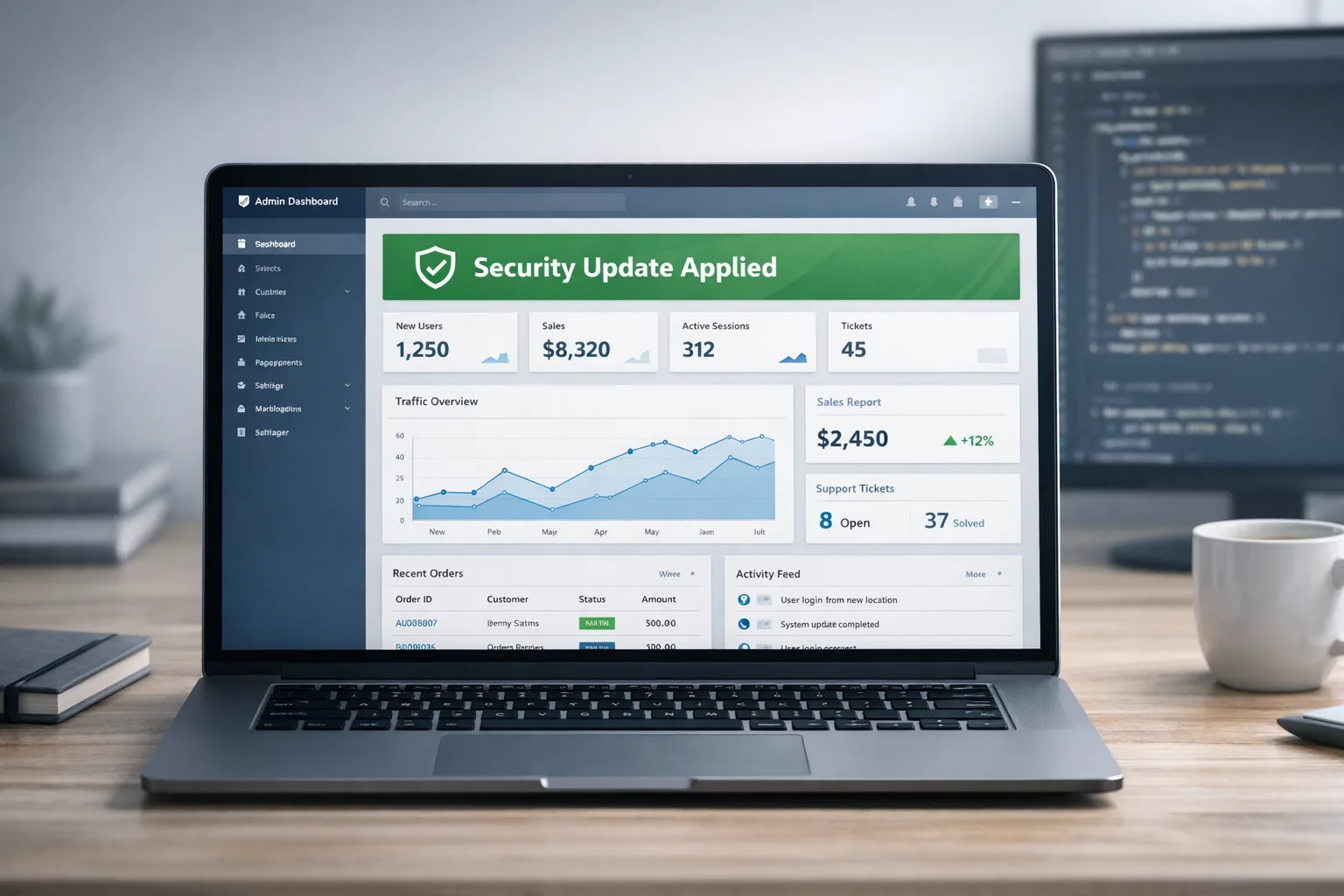
WordPress 7.0.2 Security: Patch Path and RCE Checks
The WordPress 7.0.2 security release arrived on July 17, 2026 to shut down a serious pre‑auth attack chain many are calling “wp2shell.” If you manage WordPress for your company or clients, treat this as a production incident: verify you’re on a patched build, check for indicators of compromise, and harden for the next wave. This guide explains what changed, who’s affected, and gives you a practical, low‑risk plan to ship the fix and confirm you’re truly safe.
What changed on July 17 (and why it matters)
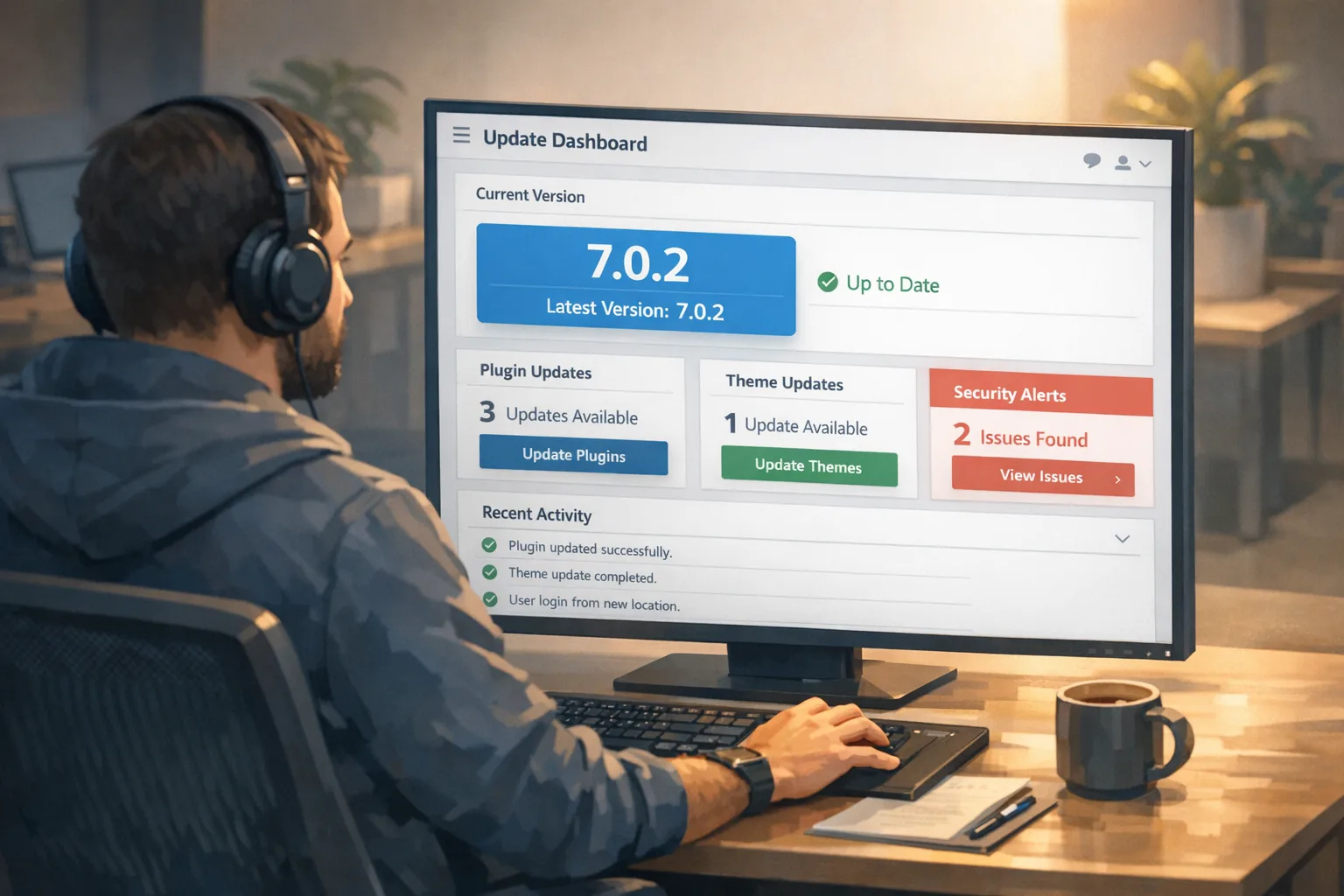
WordPress shipped 7.0.2 as a security release addressing two linked vulnerabilities: a REST API batch‑route confusion bug and an SQL injection in core. Chained together, they allow unauthenticated remote code execution (RCE) on default installs. Backports went out the same day for 6.9.5 and 6.8.6, and forced auto‑updates were enabled for affected versions to reduce exposure. In other words, the platform owners treated this as an emergency—and so should you.
Affected versions at a glance:
- 7.0.x before 7.0.2: affected by both issues.
- 6.9.x before 6.9.5: affected by both issues.
- 6.8.x before 6.8.6: affected by the SQL injection only.
- 7.1 beta got fixes in beta2.
Two CVE identifiers are tied to this release and will show up in scanners and WAF dashboards: CVE‑2026‑60137 (SQL injection) and CVE‑2026‑63030 (REST API batch‑route confusion). If your executive team asks whether this is a “real” risk, the short answer is yes—this is exactly the kind of pre‑auth chain that gets automated into mass‑exploitation.
Fast triage: are you already safe?
Here’s the thing—many sites auto‑updated, but you shouldn’t assume that’s you. Confirm it.
Check from the dashboard
Log in and open Dashboard → Updates. You should see “You have the latest version” and the version number (7.0.2, 6.9.5, or 6.8.6). Also check Tools → Site Health → Info to confirm the same version is reported.
Check with WP‑CLI (faster for fleets)
If you have shell access, run:
wp core version
If the output isn’t 7.0.2 (or the relevant backport), update now:
wp core update --version=7.0.2
For multisite networks, append --network. On hosts that manage core updates, use their control panel to trigger a manual update and clear caches.
Why the WordPress 7.0.2 security release matters
Developers often ask, “What’s the practical exploit path?” In plain English: the batch endpoint in the REST API could be abused to route a crafted request past expected checks, reaching a code path where untrusted input flowed into a database query. That’s the SQL injection piece. With data access in hand—like user hashes—attackers can escalate to full control, usually by creating or hijacking an admin and then writing a backdoor via the theme/plugin editor or an upload path. It’s the kind of chain that works at scale against stock configurations.
A safe, zero‑downtime patch plan (you can run today)
I use this flow with production WordPress fleets. It’s fast, boring, and safe—exactly what you want in a security window.
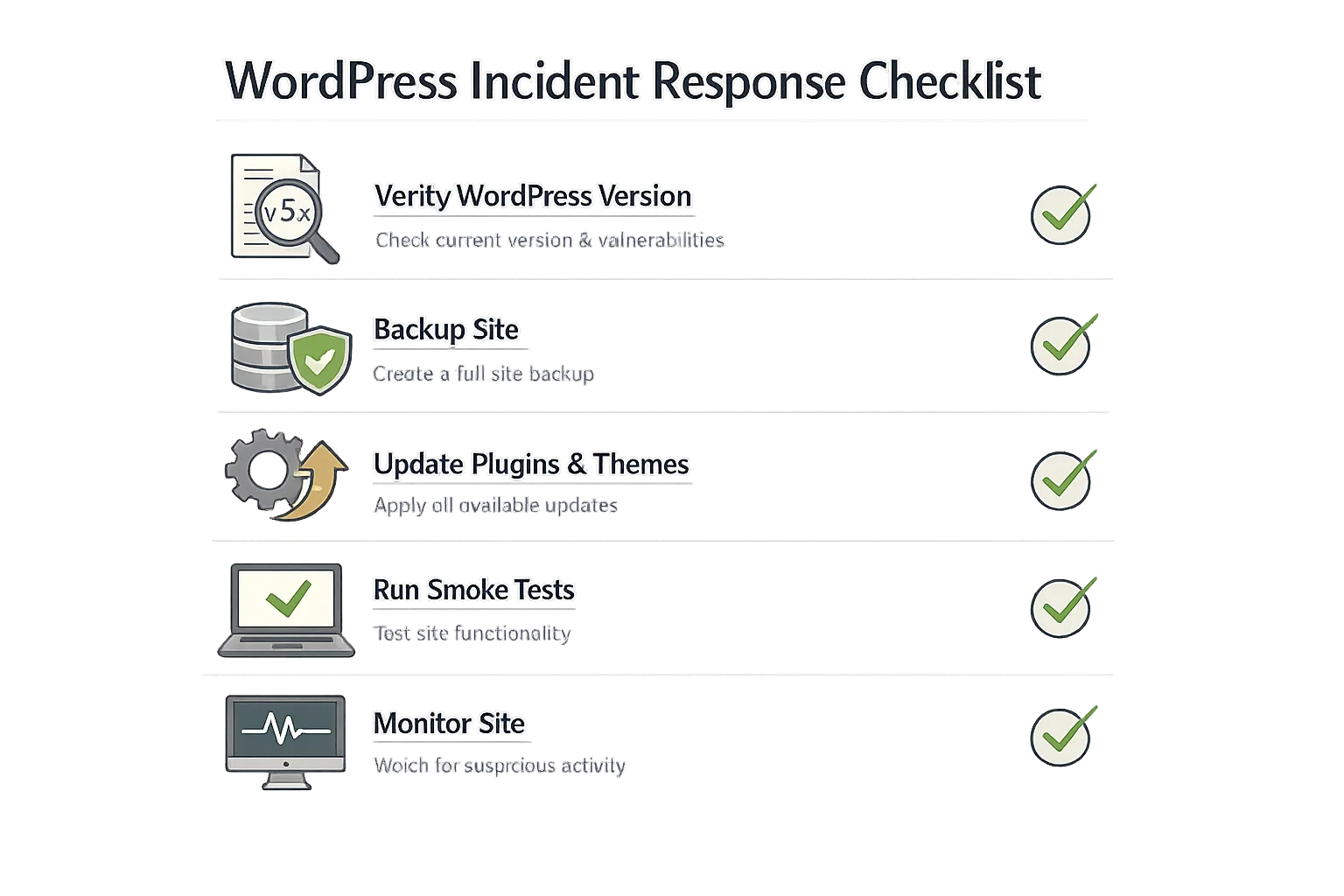
- Snapshot first. Take a database backup and a quick file backup of
wp-contentandwp-config.php. Most hosts offer one‑click snapshots. If you use a CI/CD pipeline, snapshot the volume or runwp db export. - Update core only. Move to 7.0.2 (or 6.9.5/6.8.6). Don’t bundle plugin/theme updates in the same deploy unless your host requires it. Smaller changes equal lower risk.
- Warm the cache. If you front with page caching or a CDN, purge and warm your top pages. That prevents a thundering herd right after the update.
- Smoke test. Validate: login, checkout (if WooCommerce), forms, search, and any custom API endpoints. For Woo stores, test cart/checkout, taxes, shipping, and payment flows.
- Turn on tighter monitoring for 48 hours. Enable access logs, app error logs, and a lightweight integrity scan of
wp-content. Review 403s and spikes in POSTs to REST endpoints.
If you oversee multiple brands, script steps 2–5 with WP‑CLI over SSH or your orchestration layer. Keep the blast radius small by updating in waves and pausing between cohorts for checks.
People also ask
Is WordPress 7.0.2 a security update?
Yes. It’s a security‑only release that fixes a critical chain in 7.0.x and 6.9.x, plus a high‑severity SQL injection that also affects 6.8.x. Backports shipped the same day.
Which versions are safe?
Safe versions are 7.0.2, 6.9.5, and 6.8.6. If you’re on anything older in those branches, update. Versions prior to 6.8 aren’t affected by this chain, but running an old major is asking for trouble—plan a major upgrade cycle.
Did forced auto‑updates cover me?
Maybe. Forced auto‑updates were enabled for affected versions, but they can fail due to file permissions, custom deploys, or disabled background updates. Always verify the running version.
Do WAF rules make patching optional?
No. A web application firewall can buy time and cut noise, but it’s not a permanent fix. Patch anyway, then keep the WAF tuned for defense‑in‑depth.
Post‑update RCE checks (10 minutes that could save a weekend)
Even if you think you beat the window, do a quick sweep. Attackers often leave backdoors that survive core updates.
- New admins: Audit Users → Administrators. Remove unknown accounts and rotate passwords for real admins. Enforce 2FA.
- Suspicious plugins: Look for unfamiliar plugins or ones named like patches (e.g., “security‑fix” or “cache‑optimizer‑pro”). Deactivate and delete anything sketchy.
- File integrity: Compare
wp-contentandwp-includesagainst known‑good backups. Focus on recently changed PHP files and uploads with PHP in the name. - Writable paths: Confirm the theme/plugin editor is disabled (
define('DISALLOW_FILE_EDIT', true);). Tighten permissions so the web user can’t write outside uploads and cache directories. - Cron and scheduled tasks: Check for unknown scheduled events with
wp cron event list. Remove anything malicious.
If you need help triaging or want an extra set of eyes, our team offers managed response and ongoing hardening. See our WordPress maintenance and security services to get a plan sized to your stack.

Deep dive: how the “wp2shell” chain works
At a high level, the REST API batch endpoint made it possible to confuse routing in a way that bypassed normal protections and reached a vulnerable code path. The SQL injection then allowed reading or manipulating data without authentication. Once an attacker can query sensitive tables—users, options, or transients—turning that into RCE on a default site isn’t hard. Typical escalations include creating a new admin, swapping a theme’s functions.php, or dropping a web shell into wp-content/uploads via a misconfigured route.
If you’re evaluating compensating controls, a WAF with up‑to‑date managed rules helps, especially if it inspects REST payloads and blocks suspicious batch semantics. But don’t rely on signatures alone. Keep rulesets current, log matches, and set a short SLA to patch core the moment a security release lands.
Agency‑grade upgrade playbook (repeatable and boring on purpose)
Roll this into your normal operating rhythm so security releases become routine rather than fire drills.
- Standardize staging. Maintain a lightweight staging environment per site, synced nightly. Security releases go to staging for 30–60 minutes of smoke tests, then production.
- Automate version checks. A cron + WP‑CLI job (
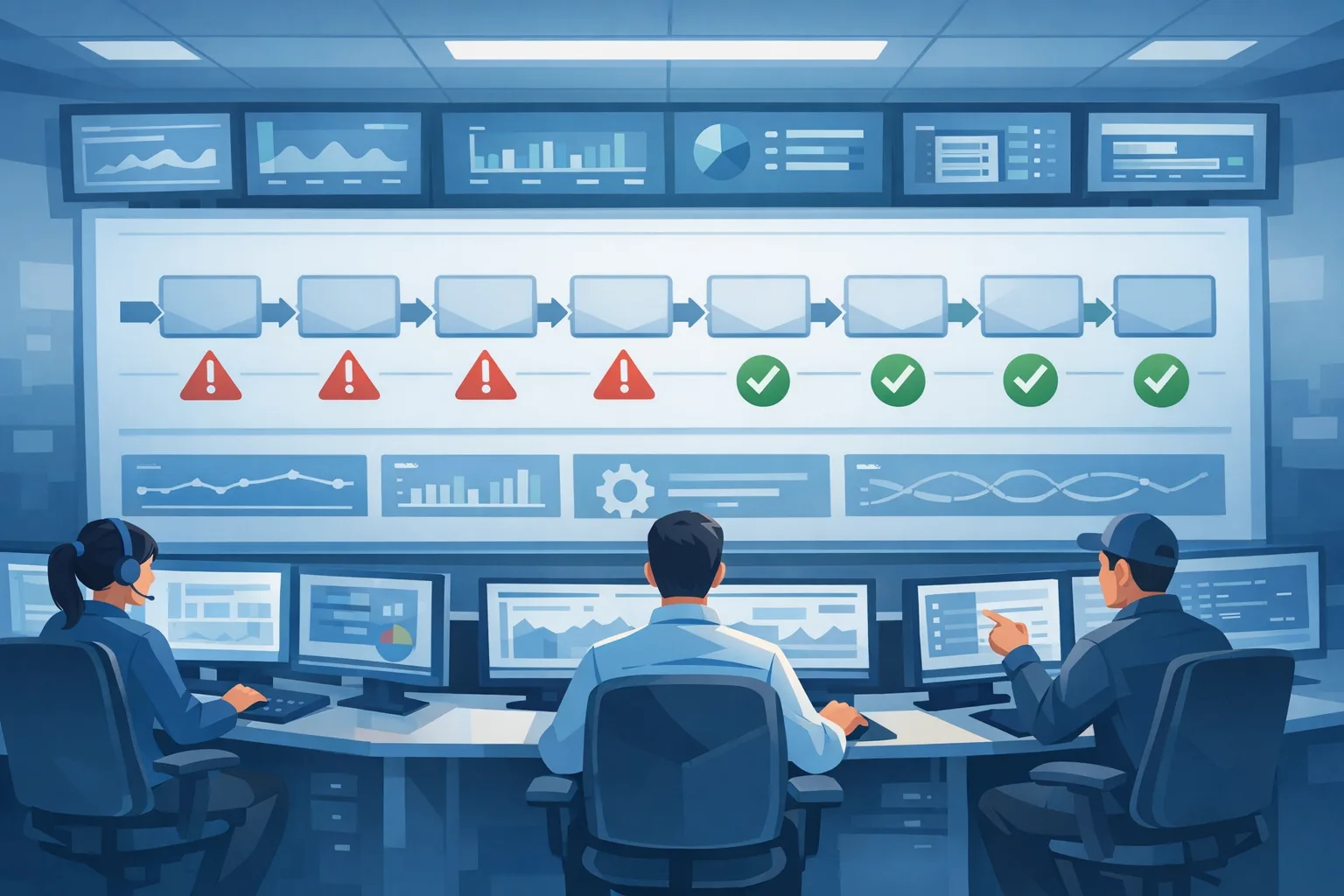
wp core version) across your fleet writes to a dashboard. Red = below minimum. Orange = on a vulnerable branch at latest minor. Green = patched. - Separate changes. Ship core security updates alone. Batch plugins/themes later the same day if nothing breaks.
- Instrument everything. Turn on access logs and PHP error logs, and ship them to a central place. Alert on spikes to
/wp-json/,/wp-admin/admin-ajax.php, and suspicious POST rates. - Pre‑approved rollback. Keep a one‑click host snapshot or an immutable backup to roll back within minutes if a checkout or key flow breaks.
For broader engineering process improvements (browsers, runtimes, supply chain), our July 2026 browser security fixes article shows how we time‑box risk and ship quickly when vendors drop critical patches. If your WordPress build pipeline leans on Node, see our npm v12 security playbook to harden CI/CD and keep third‑party code in check.
Hardening that actually pays off
Let’s get practical. These are low‑cost moves that raise the bar meaningfully:
- Enforce 2FA for all admins. Use a vetted 2FA plugin or your SSO provider. No exceptions.
- Disable file editors. Add
define('DISALLOW_FILE_EDIT', true);towp-config.phpso an admin session can’t become instant code execution. - Restrict
/wp-adminand logins. Rate limit POSTs to/wp-login.php. If you use a CDN/WAF, require a managed challenge after repeated failures. Geo‑allow if your team is fixed in one region. - Cut XML‑RPC unless required. Block
xmlrpc.phpat the edge unless you know you need it (e.g., Jetpack). It removes a common attack surface. - Harden file permissions. The web user shouldn’t be able to write to core directories. Keep write access to
wp-content/uploadsand cache only. - Backups you can actually restore. Take daily database backups and a weekly full snapshot. Test restores quarterly.
- Inventory and minimize plugins. Fewer moving parts = fewer surprises during security releases. Replace abandoned plugins.
Signs you may have been hit (and what to do)
Watch for these flags:
- Unknown admin accounts or password reset spam.
- New plugins or themes you didn’t install.
- Unusual outbound traffic or 500 errors after a spike to REST endpoints.
- Files in
wp-content/uploadswith a.phpextension.
If any ring true, lock logins, rotate credentials, restore from a clean backup, and schedule a forensic sweep. If you need structured help, contact our team—we’ll get you a 24–72 hour recovery plan.
What to do next (today and this week)
Here’s a clear, time‑boxed action list you can paste into Slack:
- Today (30–90 minutes): Verify running version; update to 7.0.2/6.9.5/6.8.6; disable file editors; check admins and recent plugins; turn on short‑term heightened logging.
- Within 48 hours: Review logs for spikes to REST endpoints; confirm no unexpected scheduled tasks; purge and warm caches; validate checkouts/forms again.
- Within 7 days: Tune WAF rules; enforce 2FA; tighten permissions; audit and remove unused plugins; document a repeatable patch playbook for your team.
Zooming out
Security releases aren’t rare one‑offs anymore—they’re part of the cost of running a successful web stack. The goal isn’t to avoid them; it’s to be so good at shipping them that they barely register. WordPress 7.0.2 is a great moment to raise your bar: standardize staging, automate version checks, and agree on a patch SLA. Do that, and the next “drop everything and patch” day looks a lot like a normal Tuesday.
If you want help implementing the playbook above across multiple brands or environments, we’ve done this at scale. Browse our approach on what we do for clients, or reach out and we’ll tailor a plan to your fleet’s realities.





Comments
Be the first to comment.